 Andrew Adams · Co-Founder & Operations at Wireflow ·
 AI Background Changer
Upload a photo, describe the scene you want, and a GPT Image 2.5 Flare node regenerates the background on a visual canvas.
Swap the model, cut to a transparent PNG, or chain an upscaler in the same graph. Building it is free, and each run spends credits.
Free to build · no credit card
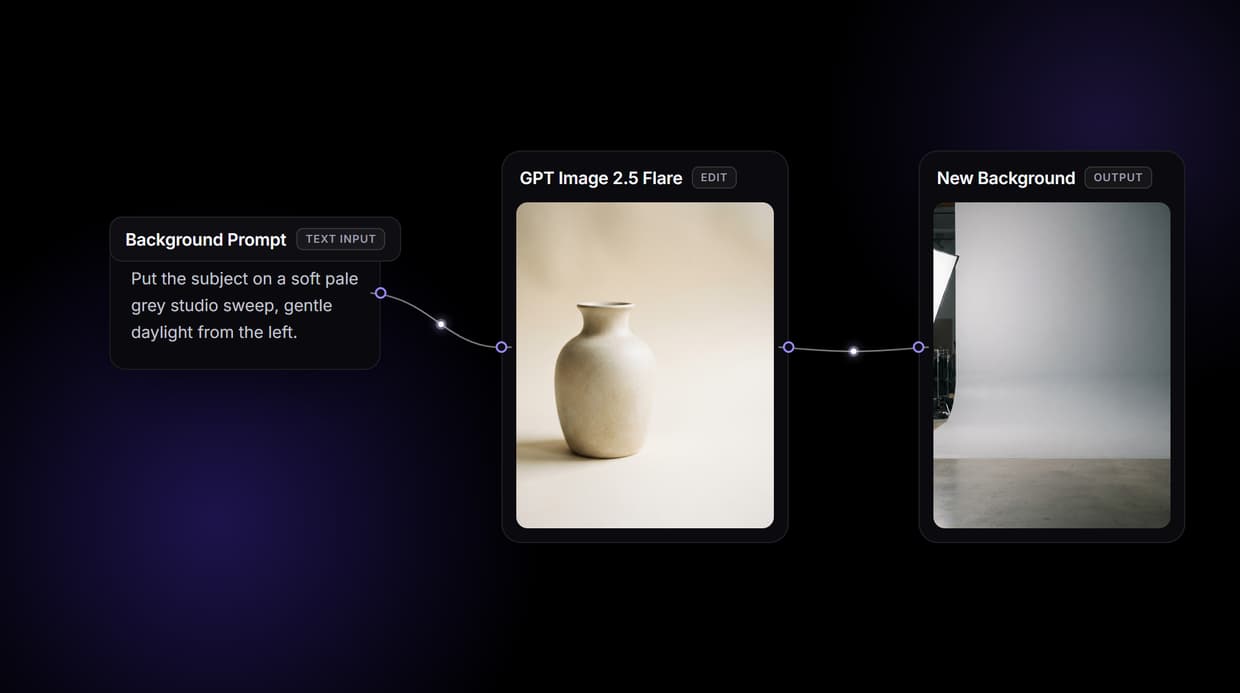
Replace a background without masking it by hand
Changing a background the manual way means selecting the subject, feathering the edge, and matching the light of a new scene, work that eats fifteen to thirty minutes an image and still leaves a halo. An AI background changer skips the selection step. You give it the photo and a description of the scene you want, and the model rebuilds the image with the subject in place and a new background behind it.
On Wireflow that changer is a node on a visual canvas. A photo node and a text prompt both feed a GPT Image 2.5 Flare node, and it returns a new version of the image with the background replaced. Change the prompt and rerun, swap the model, or wire the result into an upscaler or a background remover in the same graph.
What the background graph gives you
Photo plus prompt in
Upload a photo and type the scene; the node reads both together.
One-node model swap
Swap GPT Image 2.5 Flare for Nano Banana Pro, Flux 2, or Seedream V4.
Cut to a transparent PNG
Add a background-removal node when you need a clean alpha cutout.
Batch with an iterator
An Image Iterator loops one graph over a folder of photos.
REST and MCP access
Every published graph is a REST endpoint and an MCP tool.
Reusable templates
Save the pipeline so your team reruns it with one click.
How this background workflow is wired
The workflow on this page is a short chain on one canvas. A photo node holds your uploaded image, a text node holds the background description, and both feed a GPT Image 2.5 Flare node that regenerates the picture with the new scene. One photo and one prompt in, one edited image out. The model reads the photo and the words together, so it can match the new background to the subject rather than pasting a flat cutout onto a stock plate.
Because it is a graph, you can rearrange it. Swap Nano Banana 2 for Nano Banana Pro, Flux 2, or Seedream V4 on the same wire, add a Crystal Upscaler downstream for higher resolution, or add a background-removal node when you want a transparent PNG instead of a filled scene. Publish the graph once and it reruns from a click, a REST call, or an agent.
What it does, and what it does not
This is generative replacement, not manual masking. GPT Image 2.5 Flare re-renders the image guided by your photo and prompt, so the subject stays recognizable but is not pixel-identical, and there is no brush, no layers, and no hand-drawn selection. For a clean transparent cutout, add a background-removal node; for exact pixel preservation, remove the background and composite in a photo editor you export to.
Wireflow runs in the browser on hosted compute, so there is no GPU, CUDA, or local model to install, and it exports raster PNG or JPG rather than editable PSD or vector files. Each model carries its own license, so check it before commercial use. Building and wiring the graph is free. Each generation run spends credits, and paid plans start at 24 dollars per month.
More Than Just AI Background Changer
Replace the scene, not just cut it out
GPT Image 2.5 Flare regenerates the whole scene behind your subject, not just a bare cutout. For a transparent PNG instead, use the AI background remover.
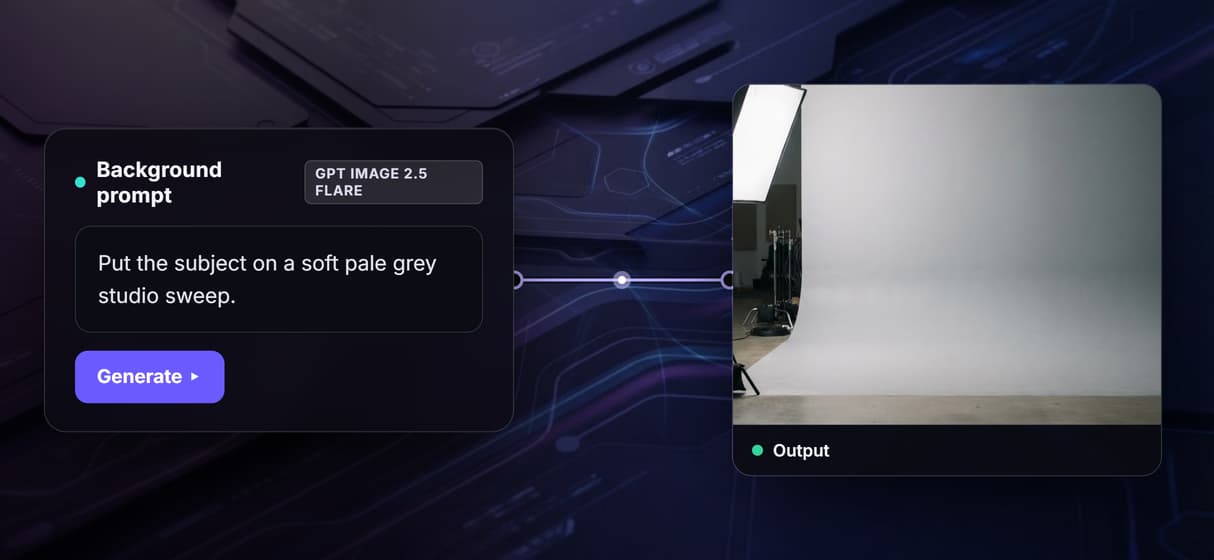
Describe any background in words
Type the scene you want, a studio sweep, an office, a sunny street, and the model renders it behind the subject. Refine it on the AI image editor.
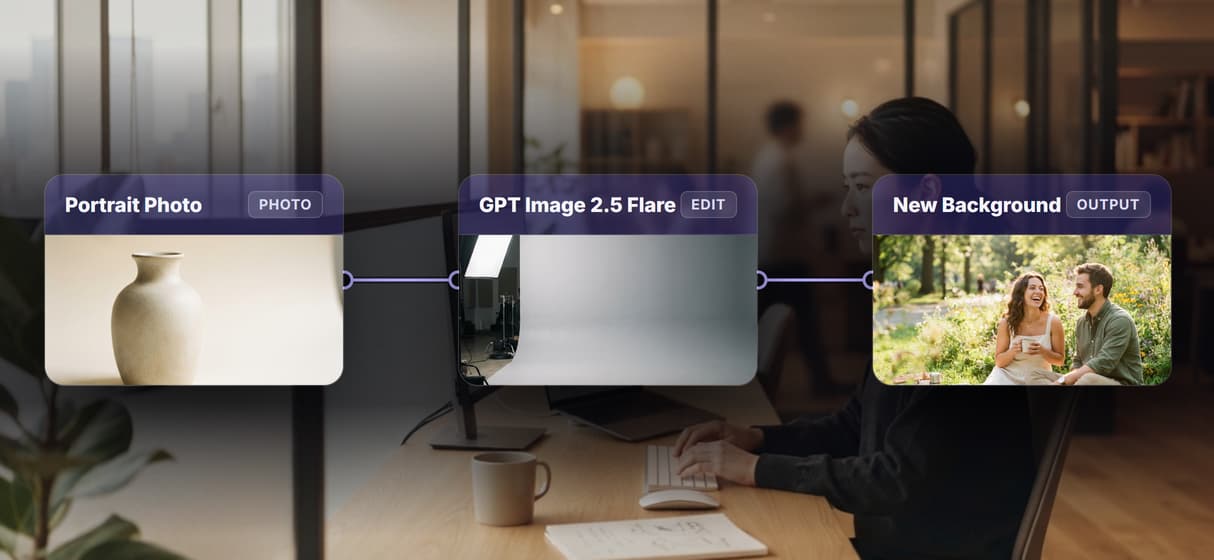
Swap the model in one click
Switch GPT Image 2.5 Flare for Nano Banana Pro, Flux 2, or Seedream V4 as a single node change, no rewiring. Compare passes like any AI image generator.
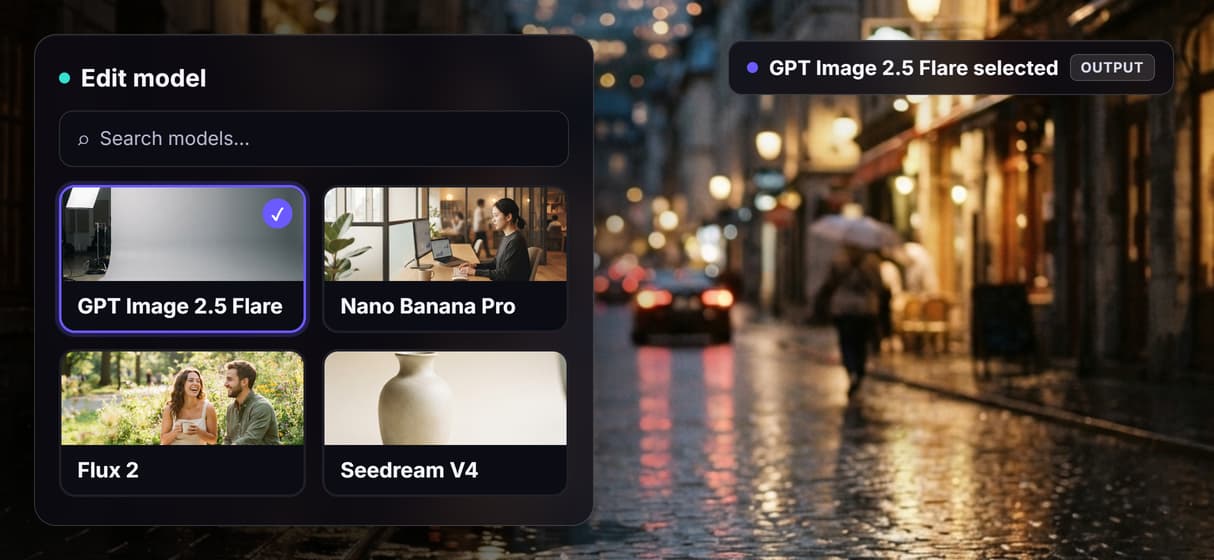
Keep the subject, change the setting
Restage a headshot into a studio, office, or outdoor scene while the person stays put. Pair it with the AI headshot generator for full portraits.
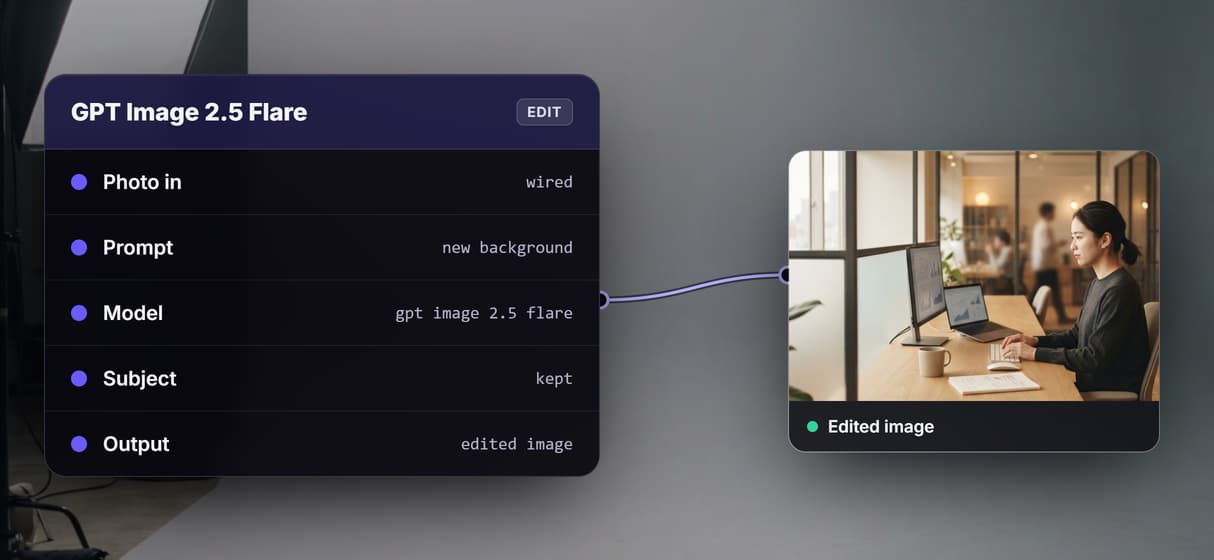
Sharpen it or run a whole batch
Wire the result into an upscaler for print resolution, or loop the graph over a folder with an Image Iterator. Rebuild detail on the AI image upscaler.
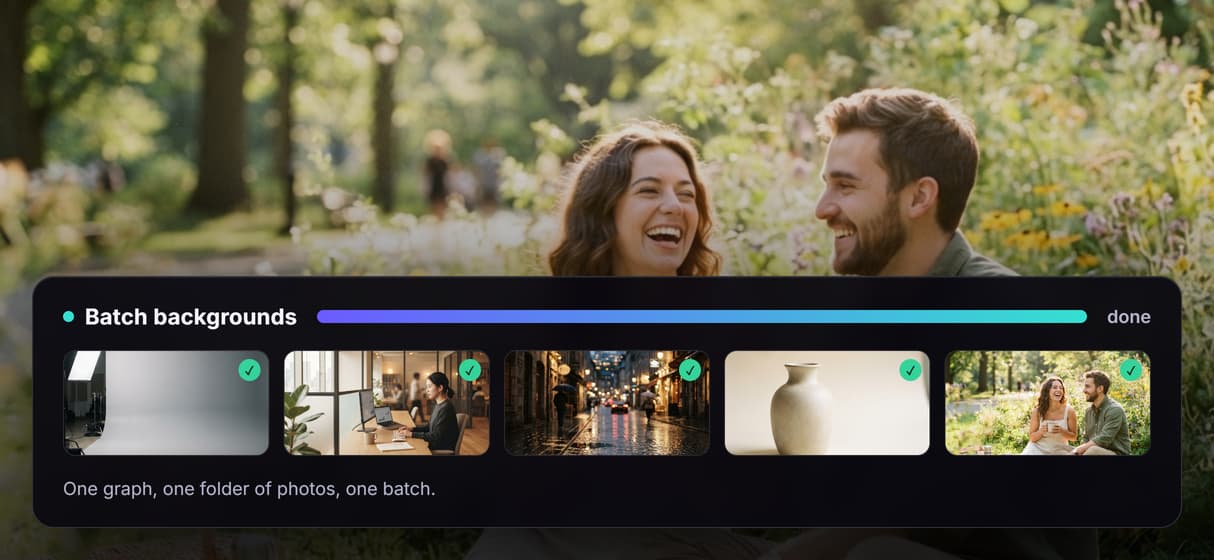
Background changer Workflows
No Code Required
API & Batch Processing
FAQs
You upload a photo and describe the background you want. An image editing model reads the photo and the prompt together, then regenerates the picture with your subject kept in place and the scene behind it replaced by the one you described.
More From Wireflow
Written by
Andrew Adams · Co-Founder & Operations at Wireflow
Runs client operations and content strategy at Wireflow. Works directly with creative teams and agencies to build production AI workflows.
Change any background with AI
Upload a photo, describe the scene you want, and render a new background on a visual canvas. Swap the model, cut to a transparent PNG, or chain an upscaler in the same graph. Build it free and run it when you are ready.