Wireflow MCP
Connect Claude or any MCP agent and let it build and run AI workflows, generating images, video and audio across 100+ models. Paste one URL, sign in, done.
https://www.wireflow.ai/api/mcpOAuth sign-in and a consent screen. No API keys, no client setup.
Open Customize, then Connectors
Go to claude.ai/customize/connectors, hit the plus button and pick Add custom connector. On Team and Enterprise an owner adds it under Organization settings first, then you hit Connect here.
Paste the Wireflow URL
Give it the Streamable HTTP endpoint below. Leave the Advanced OAuth fields empty, Wireflow registers the client for you.
https://www.wireflow.ai/api/mcpSign in and approve
Claude sends you to Wireflow to sign in and shows a consent screen listing exactly what the connector asked for. Reading and running are granted by default. Tick Create, edit and delete workflows on that screen if you want the agent to build and edit, not just run, because that permission is withheld unless you ask for it. It also lets the agent bin a workflow, which this connector cannot undo.
Same URL everywhere. No plugin to install, no key to paste.
Ready to paste
Things to ask it
Paste one into your agent once it is connected. Only a run spends credits, and the card that needs the opt-in permission says so.
Find a Wireflow template for product videos and tell me what inputs it needs.
Which video models can you reach through Wireflow, and what does each one cost?
List my Wireflow workflows and tell me what the most recent one takes as input.
Check my credits, then run my product ad workflow on this photo and send me the result when it is done: [paste a link]
Read me the cut in my video workflow scene by scene, then show me a few still frames before I pay for a render.
Build me a workflow that turns a product photo into a short vertical video ad with a voiceover. Save it as a draft and do not run it yet.
Needs the opt-in workflows:write permission. Tick it on the consent screen when you connect.
How it goes
Four jobs, one connection
Ask in English, get a real workflow. Your agent works the product, not a wrapper around it, and what it runs shows up on your canvas where you can open it.

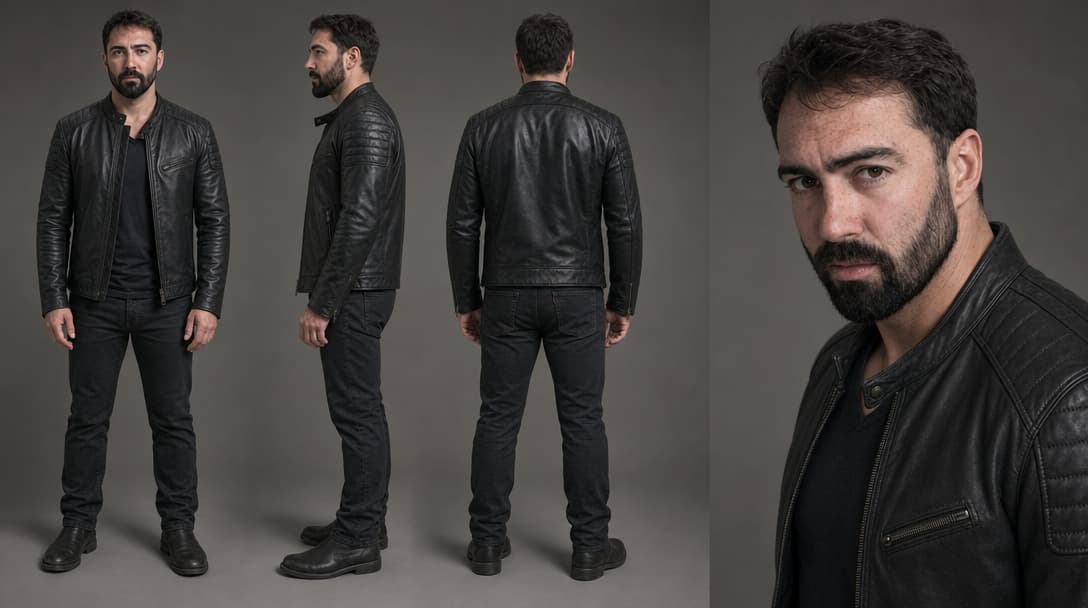
Run my product ad workflow on the car shot at this link, widescreen. Tell me when the cut is back.
Found the board and read its shape. Your link goes straight into its one image input, so the workflow itself does not move.
Balance checked first, then I started the run.
Run the product ad board with the linked car shot on its image input, widescreen 16:9, hold the one take intact, and hand back the finished mp4 as soon as the render lands.
list_workflows your boards, newest firstget_workflow takes one image input, keyed productget_credit_balance balance and plan, before spendingrun_workflow started, returns an executionIdget_execution finished, one mp4 URL
The cut is back and it is on your canvas. I passed your link straight into the image input, so the workflow itself is unchanged and still runs on whatever you point it at next.
Run my product ad workflow on the car shot at this link, widescreen. Tell me when the cut is back.
Recreate in ClaudeSeedance 2.5 output from the Ride Swap v3 workflow on our own account, node v2_s_car.
RecreatePhotos, clips and audio go in as links, so anything already on the web works and there is no upload step. Wireflow hands your agent back links the same way.
Every call on these tabs works on the permissions you get by default, running included. Having the agent put a NEW workflow together, or change one you already have, needs the opt-in workflows:write permission. Tick Create, edit and delete workflows on the consent screen when you connect.
Capabilities
What your agent can do
Grouped from the tools the connector actually registers. Reads and runs are granted by default, writes and schedules are opt-in.
Build a workflow
Your agent starts from a template, builds a graph from a description, or prepares a voice clone from your uploaded recording. From a chat app, it sends you a link to upload the recording from your phone. Each starts as a private draft. Nothing runs or spends credits until you say so.
Needs the opt-in workflows:write permission. Tick it on the consent screen when you connect.
list_templatesclone_templatecreate_workflow_from_promptupdate_workflow_configprepare_voice_clonecreate_upload_linkRun it and watch it
Kick off a run, poll it to completion, and read the output URLs back. run_workflow is the only tool that spends credits, and the agent can check the balance before it commits.
run_workflowget_executionget_credit_balancelist_workflowsget_workflowGenerate across 100+ models
Image, video and audio models sit behind the same run. The agent lists what is available and picks per node instead of being locked to one vendor.
list_modelslist_voicesrun_workflowSee the cut before you pay for it
Read a video node scene by scene, replace the cut through the version-checked writer, and render still frames on Lambda to look at the result. The frames cost no credits, so an agent can iterate on a video without paying for a full render each pass.
Needs the opt-in workflows:write permission. Tick it on the consent screen when you connect.
get_video_timelineedit_video_timelinepreview_video_framesPut it on a schedule
Turn a workflow into a repeating run and manage it later. Scheduling needs the opt-in automations:write permission, because every fire spends credits with nobody watching.
Needs the opt-in automations:write permission. Tick it on the consent screen when you connect.
list_automationscreate_automationupdate_automationdelete_automationClear the drafts it leaves behind
A generator makes attempts, and most of them are not the one you keep. The agent can bin a workflow you own, which also stops anything scheduled against it, or delete an ElevenLabs voice you cloned so its place frees up. Past runs and the files they produced are kept, and nothing here can undo a delete, so the agent has to name the workflow or voice back to you before it calls this.
Needs the opt-in workflows:write permission. Tick it on the consent screen when you connect.
delete_workflowdelete_voiceKnow who it is acting as
The connection is tied to one Wireflow account and says so. If a tool refuses something that should have worked, the agent can report it without leaving the session.
whoamilist_teamsset_active_teamsend_feedbackFull tool and permission tables live on the developer reference.
Models
Every model, inside your agent
Over 100 image, video and audio models behind one connection. Pick per node, switch without rewiring anything else.
Seedance 2.5
Up to 30s with native audio, from a prompt or up to 5 reference clips and stills.
Seedance 2.5, Period Accurate workflow, node s_7g.
Veo 3.1
Google video generation. Switches variant automatically based on what you wire in.
Kling O3
Kling image-to-video: wire a start frame, the prompt directs the motion.
MiniMax Hailuo 03
2K video from text, a first frame, or reference assets.
FLUX 3
Black Forest Labs, direct. Native audio, up to 20s, HD or Full HD, plus a cheap draft mode.
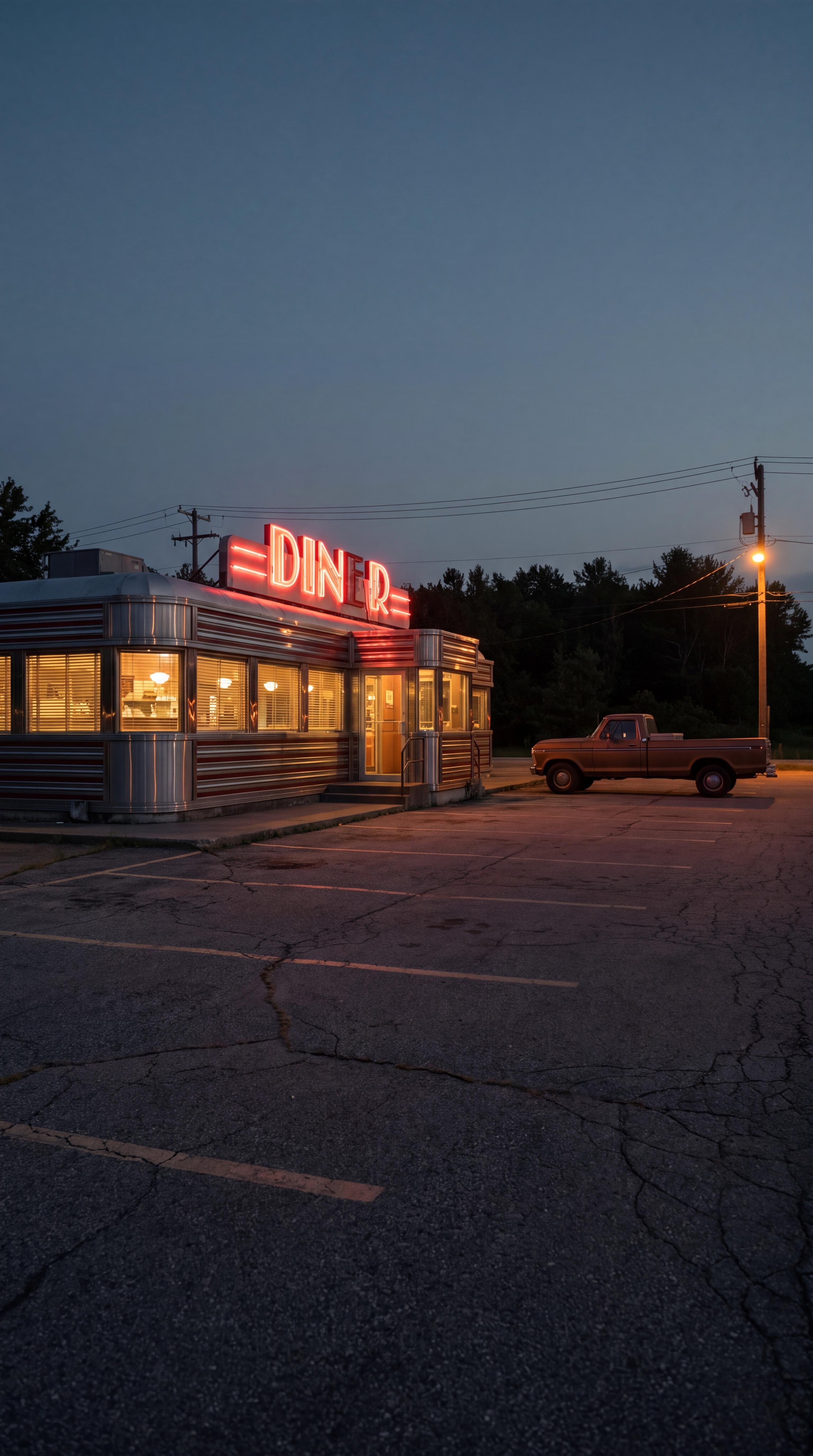
Nano Banana Pro
Generates and edits in one node, switching variant based on the inputs you wire.
Nano Banana Pro, Period Accurate workflow, node a_diner_ext.

GPT Image 2
Extreme prompt adherence and text rendering, up to 4K with custom dimensions.
GPT Image 2, Marble demo workflow, node gpt_keyframe_1.
ElevenLabs TTS
Expressive speech with inline tags like [laughs] and [whispers]. 70+ languages.
Music
ElevenLabs Music. A structured, continuous instrumental bed, not one-shot effects.
Sound Effects
ElevenLabs v2. Whooshes, impacts, UI clicks and ambience from a short description.
Sync Lipsync v3
Sync.so sync-3. High quality lip sync from a video plus an audio track.
Sync Lipsync v3, Ride Swap v4 workflow, node lip1.
HeyGen Avatar (Digital Twin)
A talking-avatar video from a script or an audio track.
Questions about the connector
If something here is wrong, your agent can tell us with send_feedback.
The Model Context Protocol is an open standard that lets an AI agent call tools on an outside service. Wireflow runs an MCP server, so once you connect it your agent can build, inspect and run your workflows the same way it reads a file or searches the web.
Anything that speaks MCP over Streamable HTTP. We have steps above for Claude, Claude Code, Cursor, ChatGPT and Grok. Other clients work too, they just need the same URL.
No. Connecting is OAuth 2.1 with PKCE, and clients self-register through Dynamic Client Registration, so there are no pre-shared credentials to paste. You approve a consent screen listing exactly the permissions the client asked for, and you can revoke it from settings at any time.
Browse and clone templates, build a workflow from a description, edit node config, run it, poll the run, and read the results. It can also read and rewrite a video node cut and render still frames to check it. Full tool list is on the developer reference.
Only if you let it. The read and run permissions are granted by default. Creating and editing workflows, managing schedules and inviting teammates are opt-in, withheld unless the client names them or you tick them on the Wireflow consent screen. Nothing is pre-ticked and no tick is remembered across authorizations.
Credits, the same as the app. Connecting is free and so is everything the agent reads. Running a workflow spends credits based on the models the run touches, and rendering preview frames of a video spends none. Building a workflow costs nothing until you ask for a run.
Yes, on every fire, with nobody watching. That is why scheduling sits behind its own opt-in permission rather than the default grant.
Yes. It is a standard MCP server at one URL with OAuth discovery, so any client or custom agent that implements the protocol can connect. The developer reference has the scope table and the full tool list.
Give your agent a canvas
Connect Wireflow in about a minute and let your agent build the workflow while you watch it land.