 Andrew Adams · Co-Founder & Operations at Wireflow ·
 AI Content Generation API
Build a content pipeline once on the canvas, then call it as a REST endpoint.
One authenticated POST runs a Claude Sonnet 4.5 writer into a GPT Image 2.5 Flare render, and you poll for the text and image outputs. No SDK, no servers to manage.
Free to build · no credit card
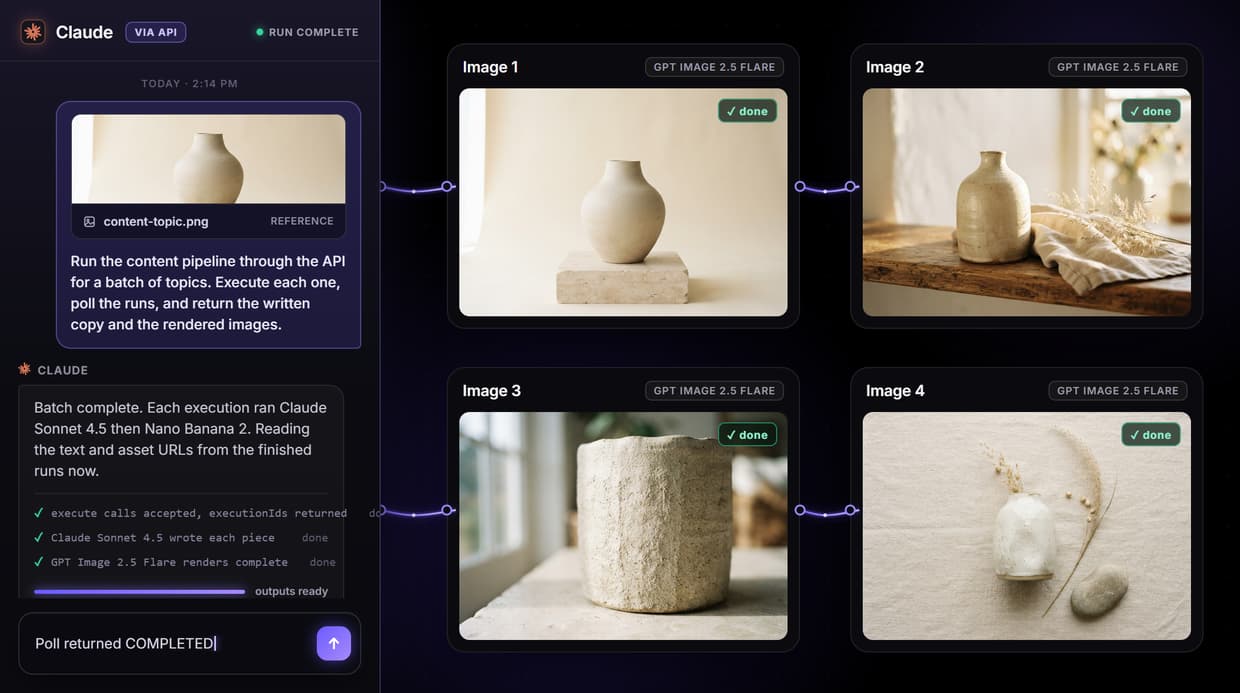
One endpoint runs the whole content pipeline
Wiring your own content stack usually means a separate API call per model, custom glue code between them, and error handling for each provider. Wireflow collapses that into one request. You POST to a workflow's execute URL with a Bearer token, get an executionId back immediately, and poll the execution endpoint until the state moves from RUNNING to COMPLETED. Each node passes its output downstream automatically, so the graph runs itself.
The flow published on this page is real, not a mockup. Inside it, a Content Topic input feeds a Claude Sonnet 4.5 step that writes the content, then a GPT Image 2.5 Flare node renders an accompanying image. You design that graph in the visual AI creative workflows canvas and call it as an endpoint without changing a line.
API capabilities
One POST executes
Run the whole content workflow with a single authenticated POST and get an executionId back at once.
Poll for results
Poll the execution endpoint with backoff until the run reports COMPLETED, then read the text and image outputs.
Bearer token auth
Generate an sk- key and authenticate every request with one Authorization header, no OAuth.
Webhook triggers
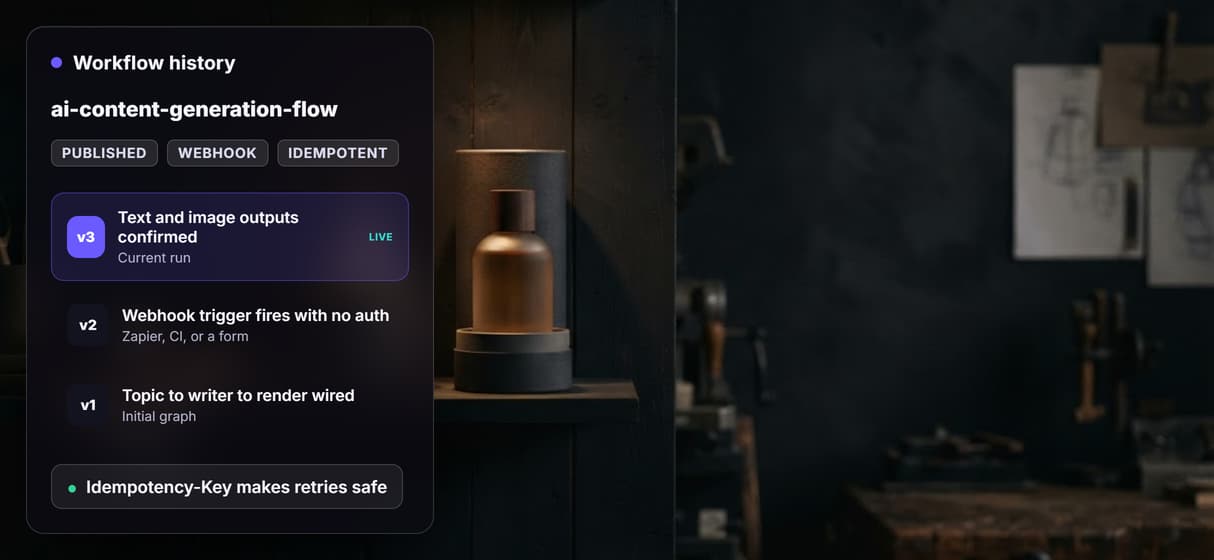
Expose a per-workflow webhook URL so Zapier, CI, or a form can fire a content run with no API key.
Idempotent retries
Send an Idempotency-Key so a repeated POST replays the first response instead of generating twice.
Node-level logs
Each execution returns per-node timing and credit cost so you can trace exactly what ran.
Callable by code and by agents
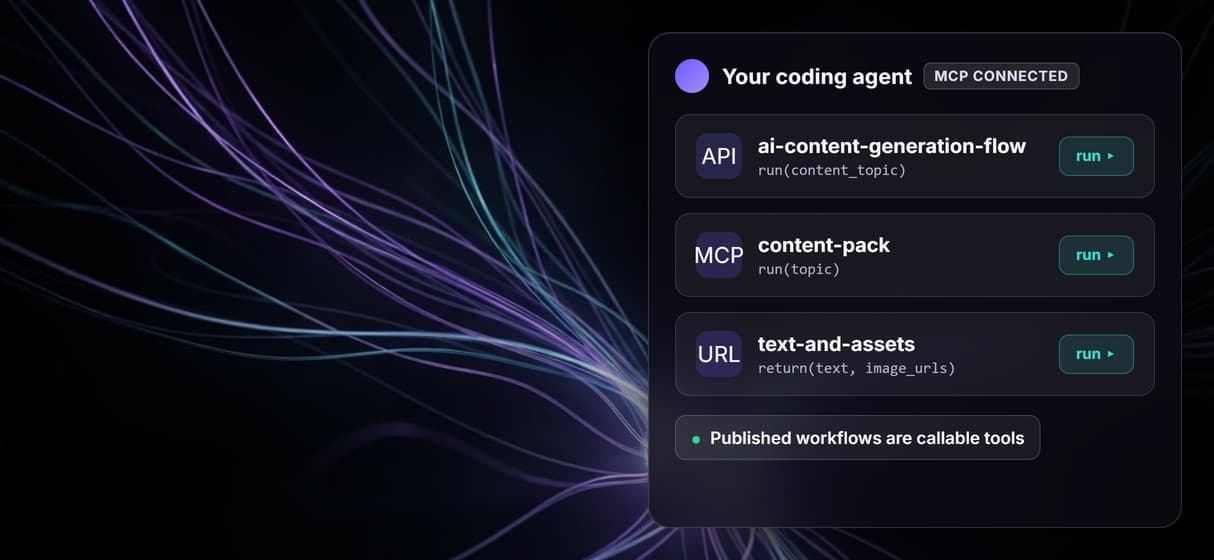
Because a workflow is defined as a graph, the same published flow is exposed two ways: as a REST endpoint for your code and as a hosted MCP tool for agents. An agent can list the workflow, read its typed inputs, run it, and receive the text and asset URLs back, which is the pattern behind Wireflow's MCP server. Your scripts hit the same endpoint with plain HTTP.
The async execute-and-poll shape is what makes multi-model content runs safe. The call returns straight away with an executionId, so nothing holds a connection open while Claude Sonnet 4.5 writes and GPT Image 2.5 Flare renders. Combine that with the no-auth webhook trigger and an Idempotency-Key header, and you have a reliable AI asset pipeline that survives network retries.
What the API is not
Wireflow is the execution layer, not a strategy brain. The API runs the content graph you designed and returns the assets, but the topic, the model choices, and the final edit stay with you or the agent you bring. It is a hosted platform, so there is no offline mode and nothing to self-host. The current graph writes text and renders an image; if you want a clip in the same pipeline you add a video node, it is not wired in by default.
It is also not a magic scaler. Every node costs credits, and a run that exceeds your balance returns a clear error showing which nodes cost what, rather than failing halfway. For high daily volume and higher rate limits, the enterprise plan lifts the ceilings.
More Than Just AI Content Generation API
One call runs the chain
One authenticated POST runs the whole graph in order. This flow chains a Claude Sonnet 4.5 writer into a GPT Image 2.5 Flare render, real AI model chaining.
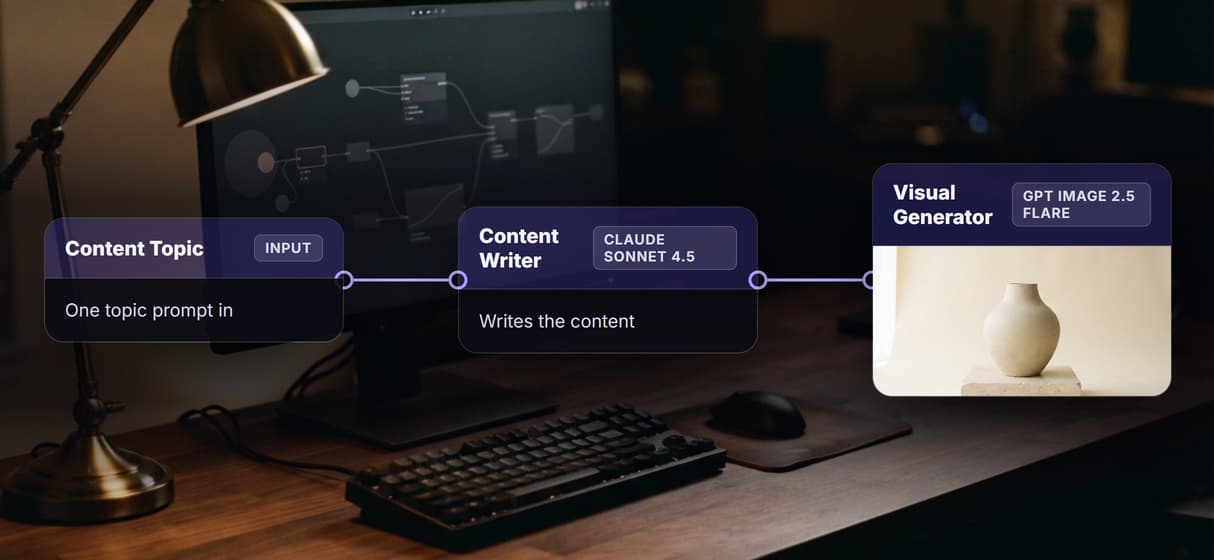
No SDK, just REST
The API is plain REST and JSON, so curl or fetch is enough. Design the pipeline first in AI creative workflows, then call it.
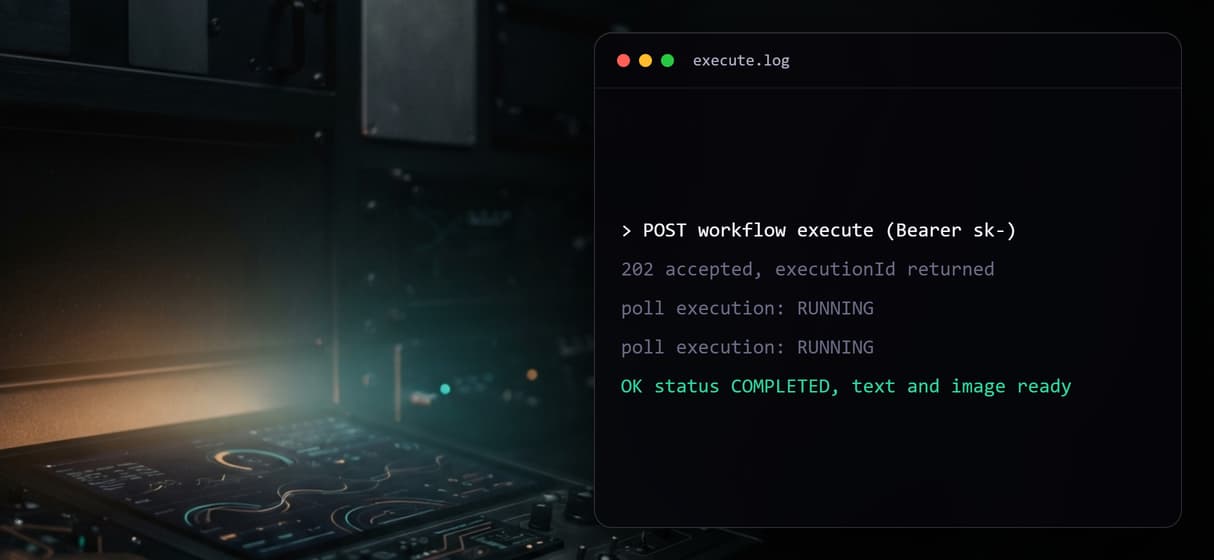
Async, no waiting
Execute returns an executionId at once and you poll for results, so long content runs never hold a connection open on your AI asset pipeline.
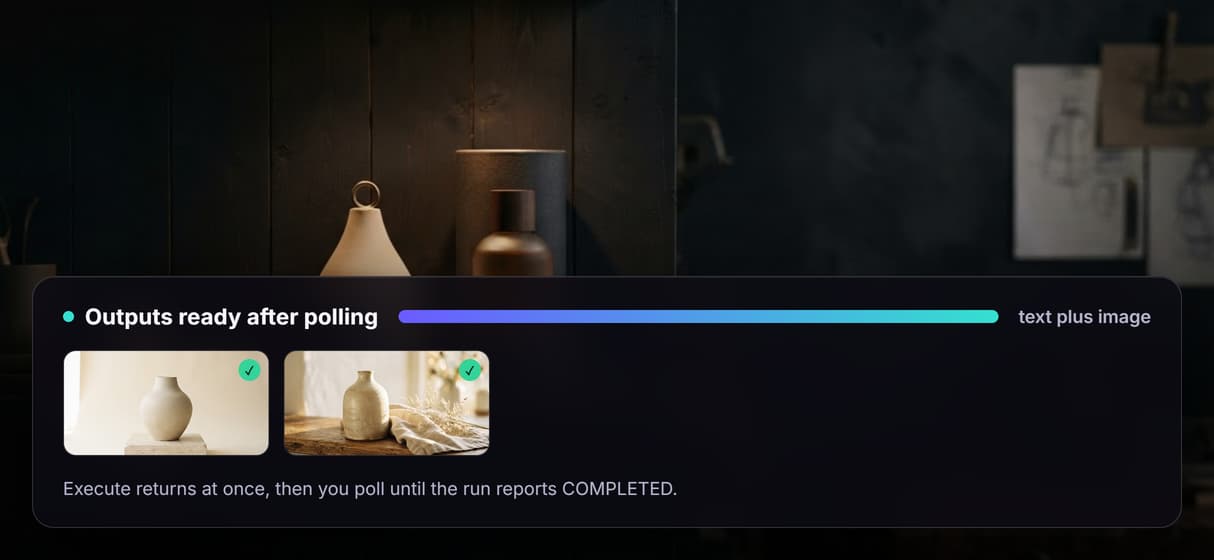
Webhooks trigger runs
Each workflow exposes a no-auth webhook, so Zapier, CI, or a form can fire it. Feed the render into an AI image generator step.
Agents can call it too
The same endpoint is exposed as an MCP tool, so an agent can list the workflow, run it, and read the returned text and image URLs.
Content generation api Workflows
No Code Required
API & Batch Processing
FAQs
It is a REST endpoint that runs a multi-step content pipeline. You POST once to a workflow's execute URL, get an executionId back, and poll the execution endpoint until every node finishes and returns its outputs.
More From Wireflow
Written by
Andrew Adams · Co-Founder & Operations at Wireflow
Runs client operations and content strategy at Wireflow. Works directly with creative teams and agencies to build production AI workflows.
Read the API docs and call your first content workflow
Every workflow on Wireflow ships as a REST endpoint and an MCP tool. Read the API overview to see how to authenticate, execute a flow, and poll for outputs, then open the live flow on this page.