
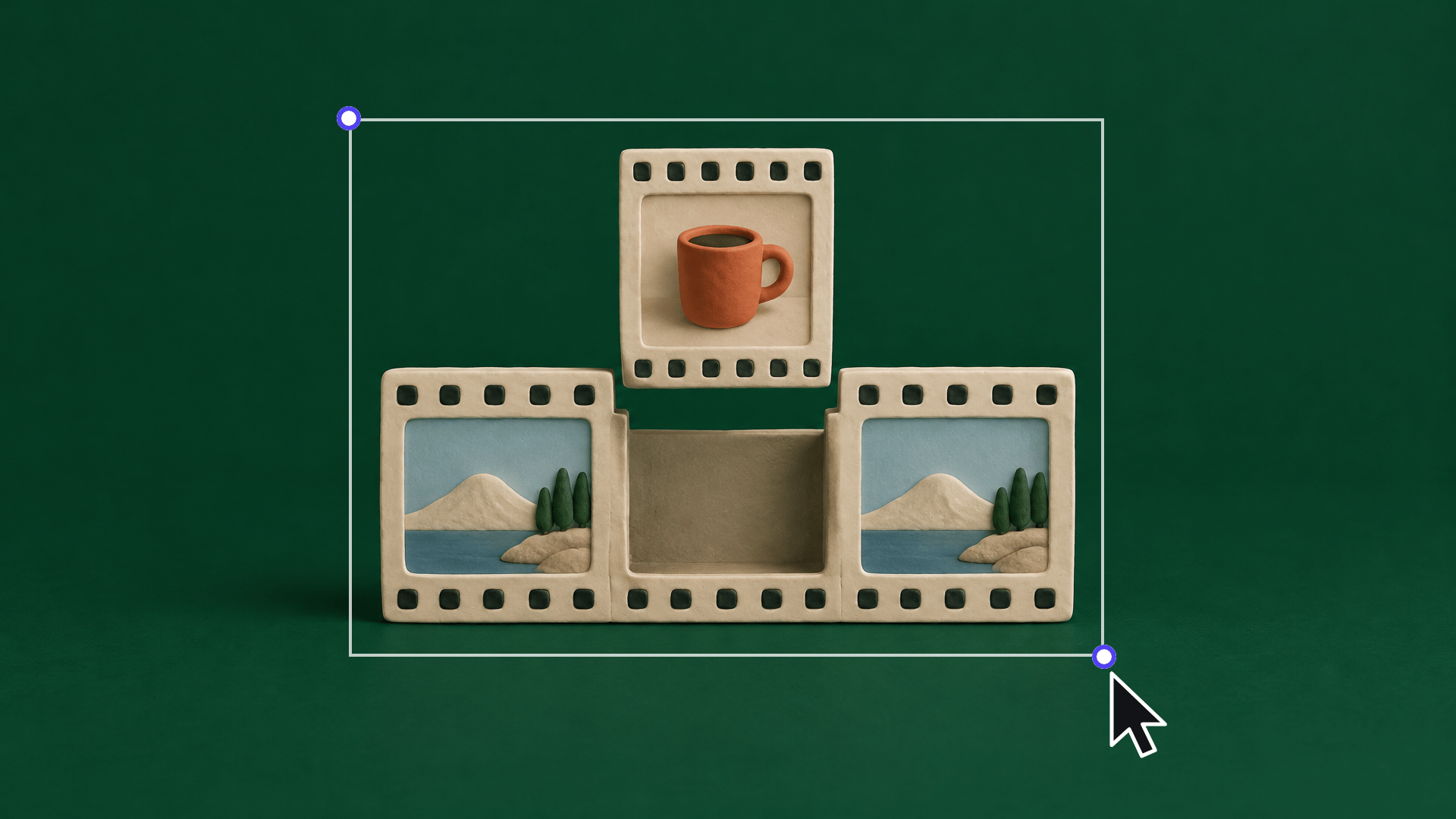
/edit-rebuild in your agent.Remake a short edit shot for shot, with your product in every shot.
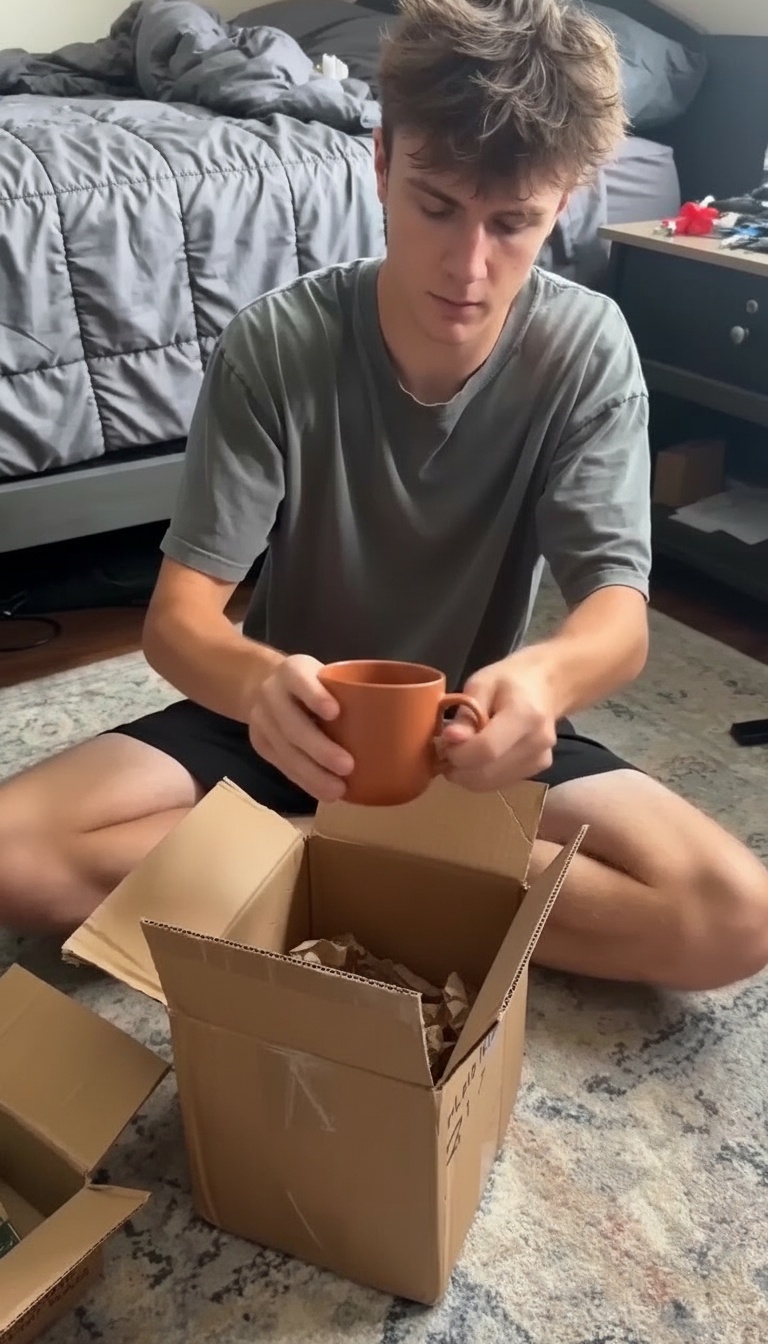
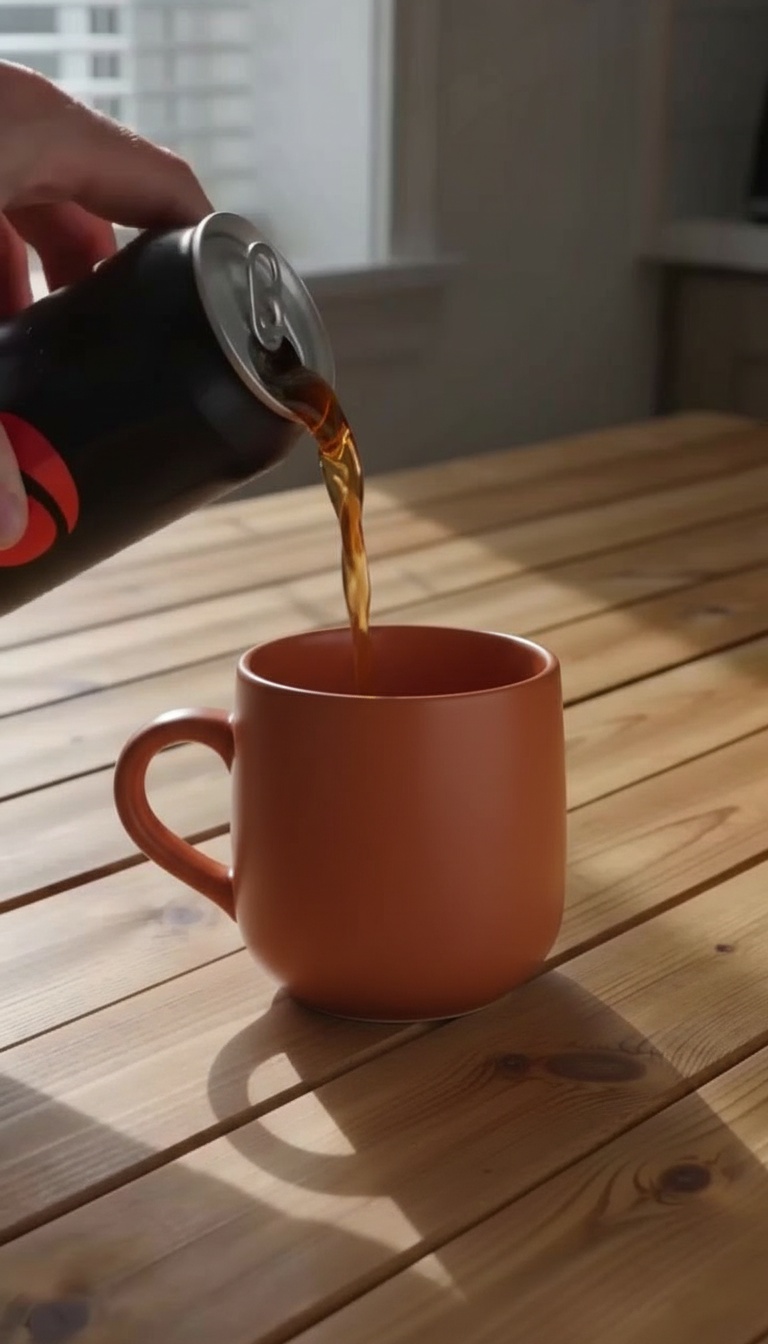
A free alternative to Higgsfield Katana. Give it a short reference edit, your product photo and one line of instruction, and it rebuilds the edit shot for shot: the same shot order, the same cut points, your product in every shot. A free Cut Finder reads the cuts, a shot list and a planner write each shot's prompts, Nano Banana places your product into each shot's first frame, Wan 3.0 animates it with the shot's camera move, and Video Concat joins the shots in the original order. A Video Editor plays the reference next to the rebuild. Free to copy; running it uses your own Wireflow credits. Our 7 s, 3-shot demo (a drink ad rebuilt with a terracotta mug) cost 127 credits, about $1.27: https://cdn.wireflow.ai/videos/remotion/3/jqp2ccdkav.mp4
Instructions
# How Edit Rebuild works

Rebuild an edit you like with your own product. The reference sets the shot order, the length of each shot and where the cuts fall; your photo sets what is in frame. It is a free, open alternative to Higgsfield Katana.

1. **Drop the reference edit in the Import node.** A short multi-shot clip (about 3 shots, 2 to 3 s each, 9:16) that you own or have permission to use. The demo is our own 7 s, 3-cut drink ad.
2. **Drop your product photo.** One clear, front-on photo, on a plain background if you can.
3. **Write your instruction in one or two lines.** Say what your product replaces in each shot and anything that must stay.
4. **Find the cuts (Cut Finder, free).** It returns one frame at the start of each shot with its exact time in seconds. Our demo: 0, 2.05 and 5.07 s.
5. **Shot list (Content Analyzer).** It describes each shot: the framing, the camera move, what happens and where the product is. Its own times can be off (it called our 7 s demo 12 s long), so take the times from the Cut Finder.
6. **Set the three shot windows.** Each Shot Trim cuts one shot out of the reference (demo: 0 to 2.05 s, 2.05 to 5.07 s, 5.07 s to the end). Set each Wan 3.0 Duration to that shot's length rounded up (2 s minimum) and each Fit Trim end just under it.
7. **Shot planner (Run any LLM).** It sees the first frame of every shot, your photo, the shot list and your instruction, and writes two prompts per shot: where your product goes in that frame, and how the camera and the action move.
8. **Per shot: place, then animate.** Nano Banana puts your product into the shot's first frame. Wan 3.0 animates that still with the shot's camera move.
9. **Join and compare.** Video Concat joins the shots in the original order and timing. One Video Editor plays the reference next to the rebuild; the other gives you the rebuilt edit on its own with the reference's sound.

**What our demo cost** (7 s, 3 shots): 127 credits, about $1.27. Shot list 7, planner 3, three Nano Banana stills 36, three Wan 3.0 clips 81 (23 + 35 + 23). Everything else is free.

**More than 3 shots?** Copy a shot row (Shot Trim, First Frame, Place prompt, Move prompt, Place, Animate, Fit Trim), give the planner one more frame, change the paths to shots.3.place and shots.3.move, and wire it into Video Concat (6 inputs, or an array for up to 12).

**Tips**

- Short shots work best. Wan 3.0 makes 2 to 30 s per shot, so a shot under 2 s is generated at 2 s and trimmed back.
- If a label or printed text on your product must be exact, swap Nano Banana for GPT Image 2.5 Sunburst Edit in the Place nodes.
- Check the three Place stills before the Animate nodes run: rerunning a still is cheap, rerunning a clip is not.
See it run
Real outputs from this skill's nodes.

More skills


Ask Claude for your next ad.
Connect once. Ask any time.
- No credit card
- You keep the rights to what you make
- Cancel anytime