 Andrew Adams · Co-Founder & Operations at Wireflow ·
 Freepik AI Image Generation API
Searching the Freepik AI image generation API usually means you want images your code can order on demand.
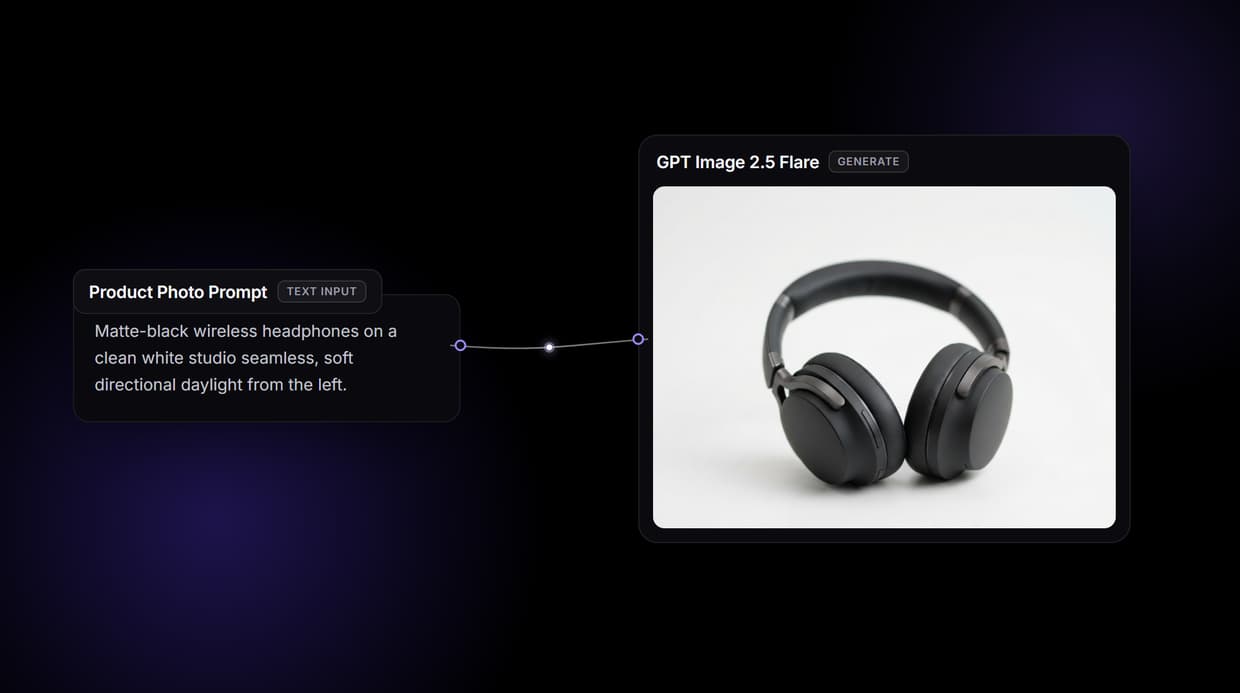
That is what this page's workflow does: a text prompt wired into a GPT Image 2.5 Flare node, published as a REST endpoint you call.
Free to build · no credit card
An honest answer to the Freepik AI image generation API search
Freepik runs its own API for its own image models. If you specifically need Freepik, that API is the right tool, and Wireflow will not pretend otherwise: it does not host or resell Freepik's models, and the two platforms are not affiliated.
What most teams typing this search actually need is programmatic image generation they control: a strong model, callable from code, swappable when a better one ships. That is what the workflow above is. A text prompt wired into GPT Image 2.5 Flare makes a working AI image generator, and publishing it turns the graph into the API your product calls. You iterate on the canvas; your codebase keeps one URL.
What the image workflow API can do
90+ hosted models
Flux 2 Pro, Recraft V4, Nano Banana 2, Seedream V4.5, GPT Image 2, and Ideogram V4 all run as canvas nodes.
Reference image port
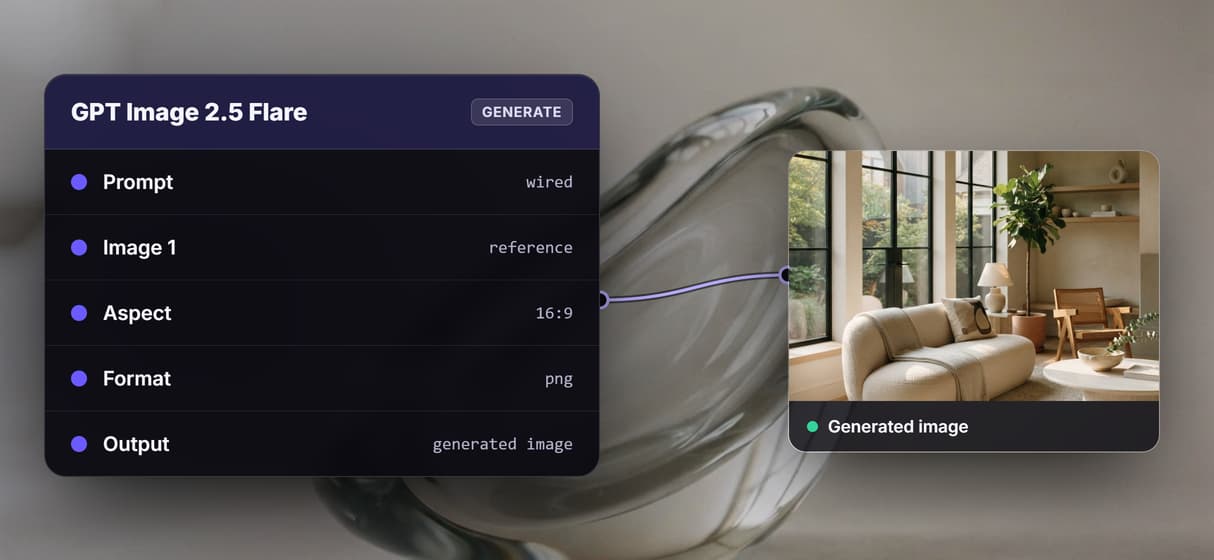
The GPT Image 2.5 Flare node takes an optional image beside the prompt, so products and characters stay consistent.
Chained post-processing
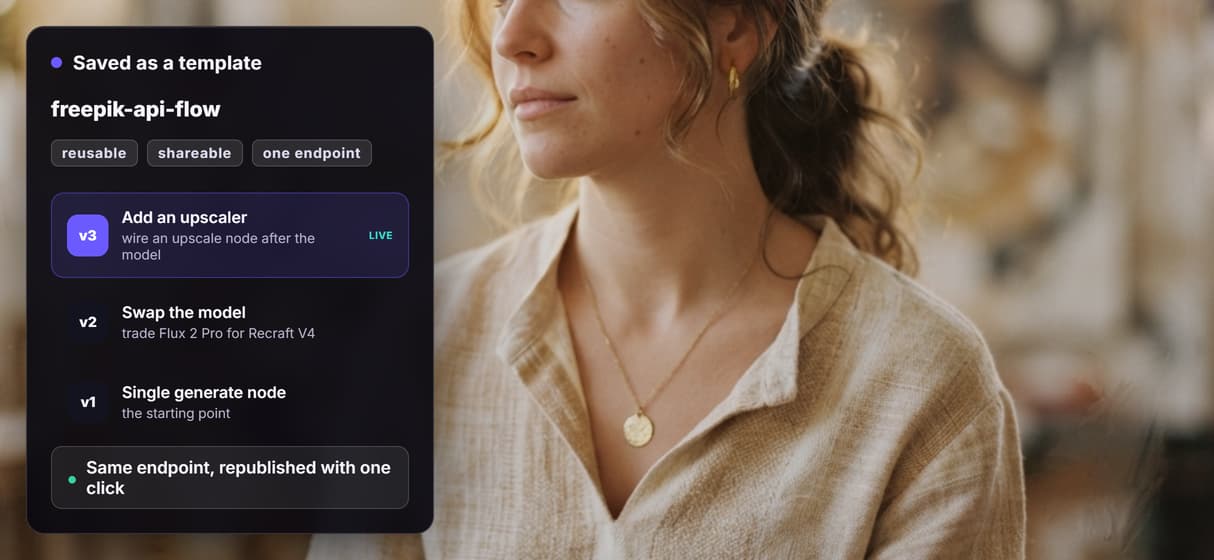
Wire an upscale or a background remover after the model; the whole chain answers one API call.
Batch over a feed
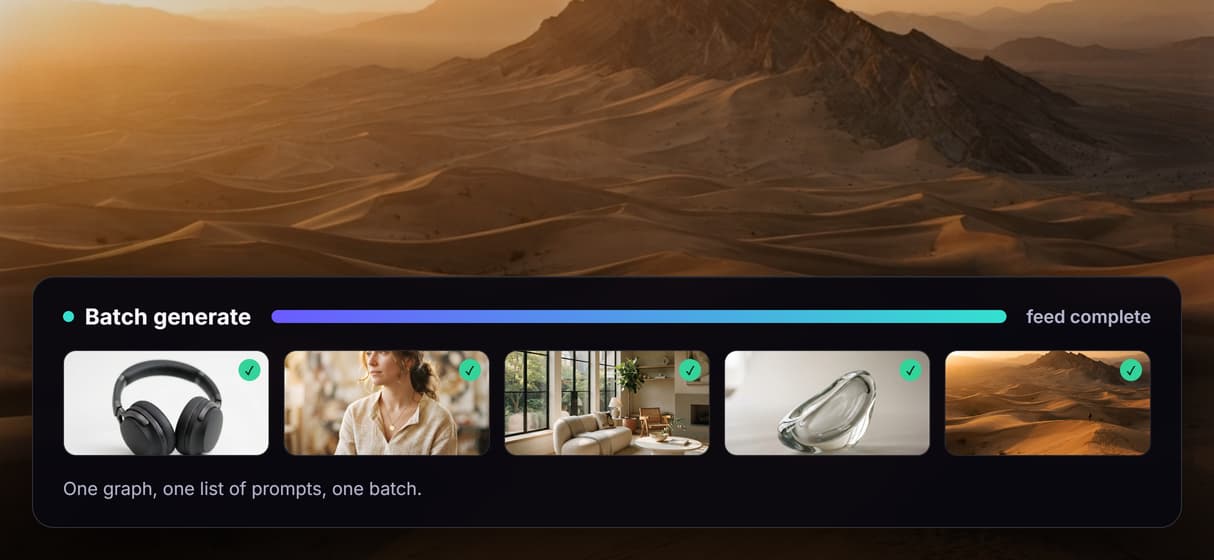
Loop one workflow across a CSV or product feed and render every row through the same graph.
Canvas-first testing
Dial in prompts and settings visually, then publish; the endpoint serves exactly the graph you tested.
REST and MCP built in
Every published workflow is an endpoint and an MCP tool with typed inputs and asset URLs back.
Why the model node matters more than the model
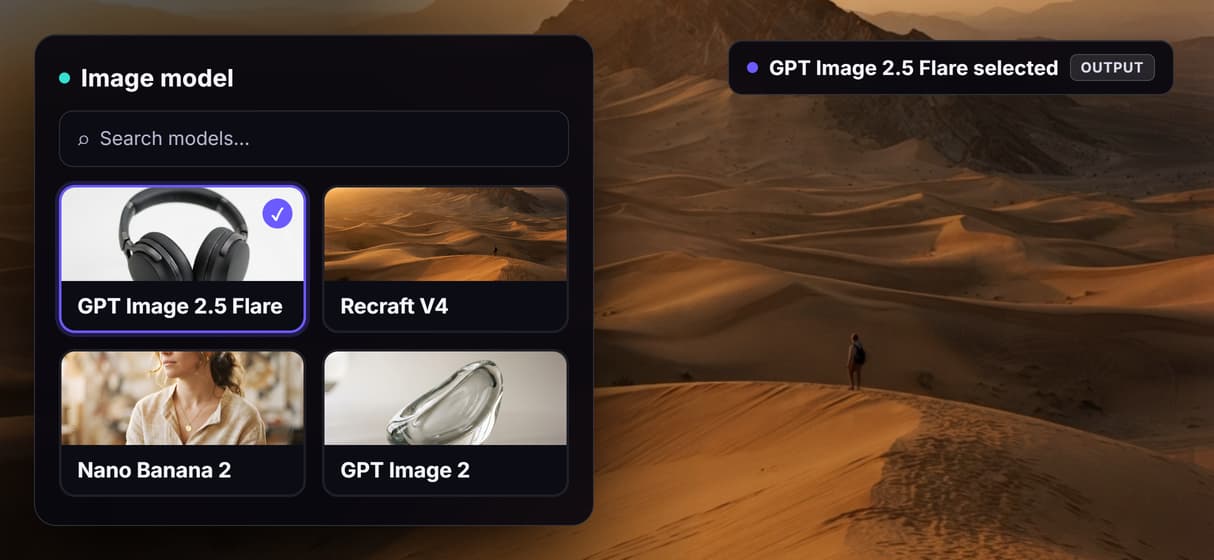
Image models age in months. The model that wins on photorealism today loses to a release that ships next quarter, and an integration welded to one vendor's API inherits that decay. On a canvas the model is one node in a graph: unplug GPT Image 2.5 Flare, drop in Flux 2 or GPT Image 2, run the same prompt, and keep whichever wins.
Reproducibility is what makes the swap safe. Workflows are versioned server-side, so the five hundredth render walks the same graph as the first, and a model change is a deliberate new version instead of silent drift. The honest tradeoff: every generation spends credits, so a batch over a large feed is a budgeting decision, and building the graph itself costs nothing.
When Freepik's own API is the better pick
If your product depends on Freepik's specific models or the asset library built around them, use Freepik's API; those live only there, and no canvas layer changes that. Wireflow also is not a wrapper that proxies other vendors' private APIs, and it does not run offline or support custom Python nodes.
Wireflow earns its place when the job is bigger than one fixed model: when you want to test prompts visually before they hit production, chain generation into upscaling or background removal, keep one endpoint while models rotate underneath it, or hand the whole workflow to an agent as an MCP tool. If that is the shape of your problem, the two-node flow above is the smallest honest start.
More Than Just Freepik AI Image Generation API
A prompt in, an image out
One text prompt wired into a GPT Image 2.5 Flare node at 16:9, the smallest useful image API. Publish it and you have a working AI image generator your code calls.
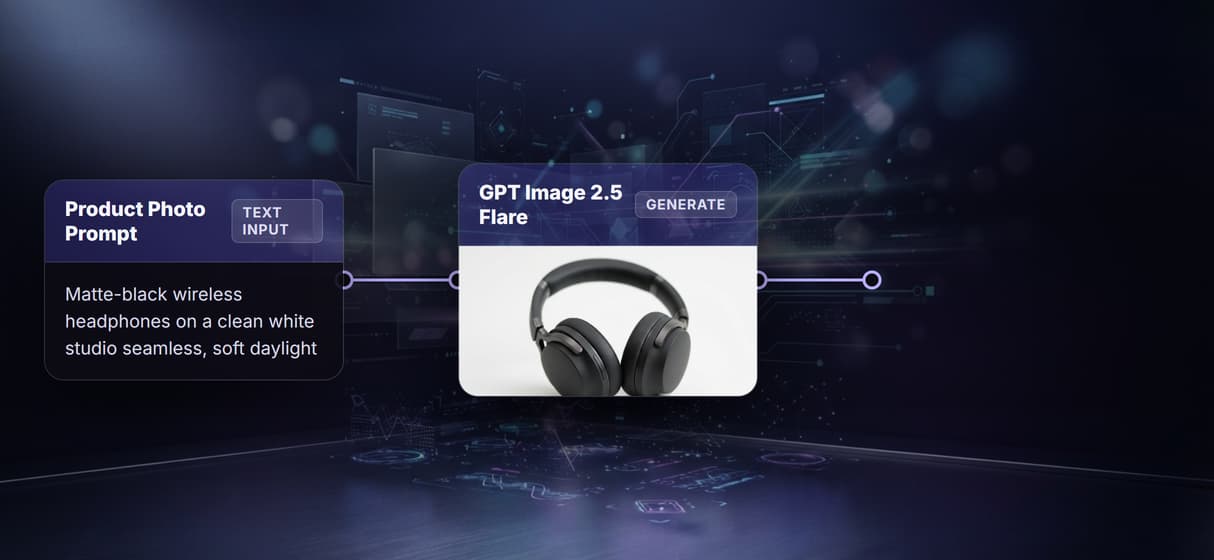
Swap the model, keep the endpoint
The model is a node, not a vendor contract. Swap Flux 2 Pro for Recraft V4 or GPT Image 2 through the Flux 2 API and your URL never changes.
Reference images are input ports
The GPT Image 2.5 Flare node has an optional image port beside its prompt. Feed a product shot through it to hold the object, the shape of image editing over an API.
One flow, a whole catalog
Call the published endpoint once per feed row and each render walks the same graph. That is batch image generation via API when runs repeat.
Grow the graph, not your code
Need more than raw renders? Add an upscale or background-removal node and republish, the point of a programmatic image platform.
Freepik image generation api Workflows
No Code Required
API & Batch Processing
FAQs
Freepik offers its own image generation API for its hosted models. If you need those specific models, use Freepik directly. Wireflow is a separate platform and does not host or resell them.
More From Wireflow
Written by
Andrew Adams · Co-Founder & Operations at Wireflow
Runs client operations and content strategy at Wireflow. Works directly with creative teams and agencies to build production AI workflows.
Open the GPT Image 2.5 Flare flow behind this page
It is live on the canvas: a text prompt wired into GPT Image 2.5 Flare at 16:9. Run a prompt, watch the render land on the node, then publish your own copy as the endpoint your code calls. Building is free; generations are pay per run.