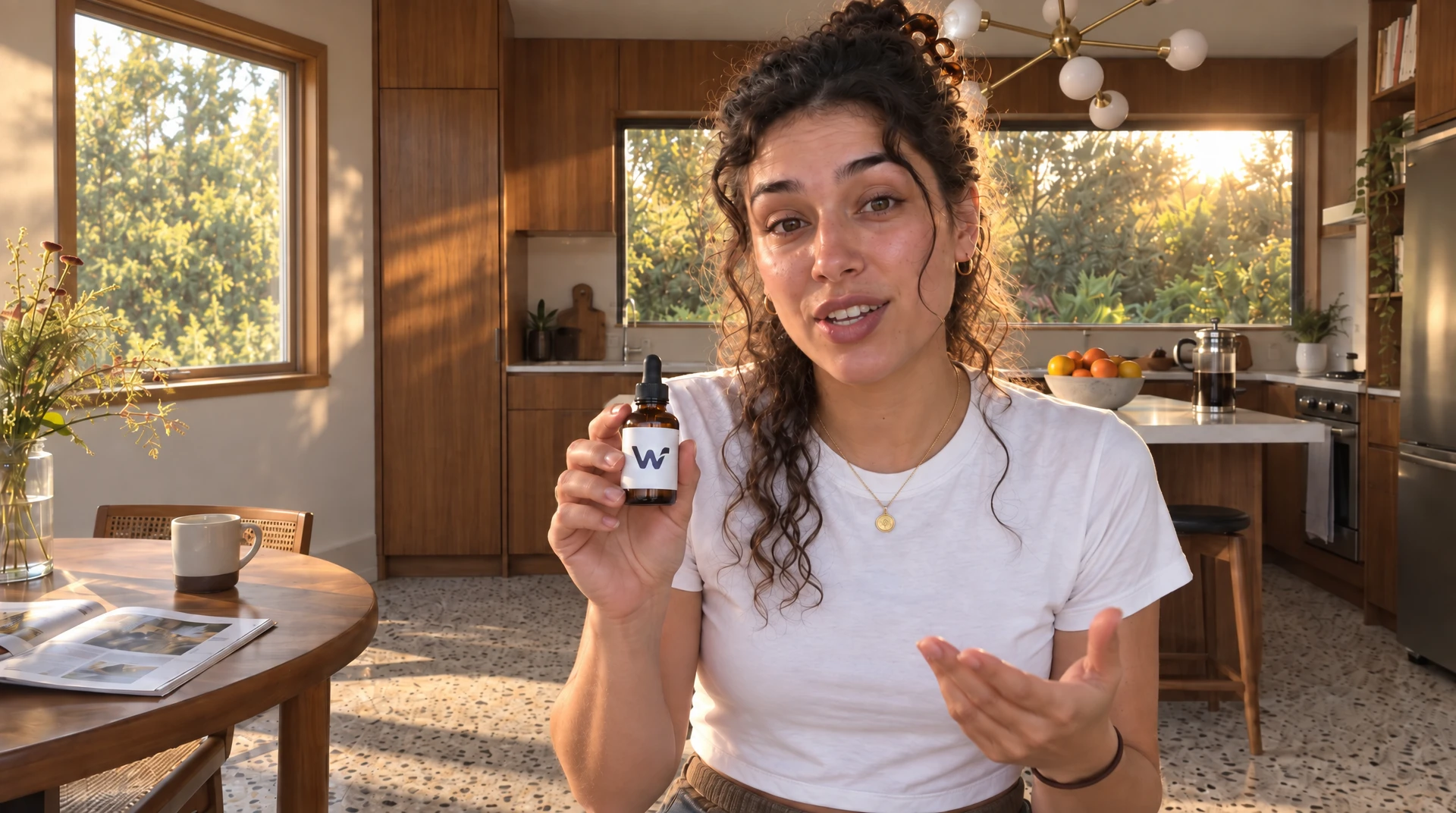
Build with Nano Banana 2.1.
Google's Nano Banana 2.1: image generation and editing with better visual quality, text rendering and multi-turn character consistency than Nano Banana 2.
Best for
Google's Nano Banana 2.1: image generation and editing with better visual quality, text rendering and multi-turn character consistency than Nano Banana 2. Use the playground to set up a single step, then open a workflow when you want to connect more tools.
Inputs explained
- Prompt (required)
- Set the prompt used by this model. Type: text.
- Aspect Ratio (optional)
- Set the aspect ratio used by this model. Type: text. Options: auto, 21:9, 16:9, 3:2, 4:3, 5:4, 1:1, 4:5, 3:4, 2:3, 9:16, 4:1, 1:4, 8:1, 1:8. Default: "auto".
- Enable Web Search (optional)
- Set the enable web search used by this model. Type: boolean. Default: false.
- Image 1 (optional)
- Set the image 1 used by this model. Type: image.
- Limit Generations (optional)
- Set the limit generations used by this model. Type: boolean. Default: true.
- Number of Images (optional)
- Set the number of images used by this model. Type: number. Minimum: 1. Maximum: 4. Default: 1.
- Output Format (optional)
- Set the output format used by this model. Type: text. Options: jpeg, png, webp. Default: "png".
- Resolution (optional)
- Set the resolution used by this model. Type: text. Options: 1K, 2K, 4K. Default: "1K".
- Safety Tolerance (optional)
- Set the safety tolerance used by this model. Type: text. Options: 1, 2, 3, 4, 5, 6. Default: "4".
- Sync Mode (optional)
- Set the sync mode used by this model. Type: boolean. Default: false.
- Reference Images (optional)
- Set the reference images used by this model. Type: list of image.
Tips before you run
Start with the default settings and change one input at a time. Keep the result you like on your board so the next step can use it.
If you add a reference file, use a link the workflow can read. Check the inputs and credit estimate on the board before starting a run.
Working with this model
Nano Banana 2.1 against Nano Banana 2
Google ships 2.1 as an update to Nano Banana 2 at the same speed. Google lists better visual quality, prompt adherence, text rendering and character consistency across turns, and it fixed the tiling artifacts Nano Banana 2 showed on the wide ratios (1:4, 4:1, 1:8, 8:1) at 2K and 4K. There is no 0.5K size.
Existing Nano Banana 2 nodes keep running Nano Banana 2. To use 2.1, add a Nano Banana 2.1 node and wire it the same way: the ports match.
What a run costs
Per run with one image: 1K (the default) 20 credits, 2K 24, 4K 32. More images per run cost more, and the card shows the exact price before you run. Wiring images in does not change the price.
Reference images
Same rules as Nano Banana 2. Image 1 and the numbered Image 2..Image 10 slots go first, in slot order, then everything on Reference Images (a list port, so several wires into it all survive), in wire order. Whatever ends up first is the image the model EDITS, so wire the subject to Image 1. The first 10 images reach the model and anything past 10 is dropped, with the numbered slots winning.
Skip node passes Image 1 through while Image 1 is the only numbered slot wired. With a second numbered slot wired, or Image 1 empty, Skip passes nothing and the run record says so.
Common questions
How do I use Nano Banana 2.1 on Wireflow?
Set the inputs above and choose Open in a workflow. Sign in to save your board, then check its credit estimate before you run.
Can I use Nano Banana 2.1 through an API?
Yes. Save a workflow with this model, then call the Wireflow run API with its workflow ID. The API tab has examples you can copy.
What changes the credit price?
The price shown uses the model defaults. Your inputs and model settings can change the total. The workflow shows an estimate before you run.
Can I connect this to another model?
Yes. Open it in a workflow and connect its output to another node with a matching input type.