Let Claude make your TikTok and Instagram slideshows
Recreate any slideshow style for your own topic. Paste a link, say your topic, and get new slides in that style.
Free API key. Works with any AI app.Use posts you own or have permission to use as a reference.














- 1
Open Connectors
Go to claude.ai/customize/connectors. Tap the plus button, then Add custom connector.
- 2
Paste this link
Name it Wireflow and paste this link. Leave the extra fields blank.
https://www.wireflow.ai/api/mcp - 3
Sign in
Sign in to Wireflow and say yes on the screen that asks.
Recreate this slideshow style for my topic: [paste link]. Topic: [your topic]Works with a public Instagram post or TikTok photo post.
Free prompt pack
Get the free prompt pack
Five prompts we use to make slideshows in a style we like. Leave your email and they show up right here.
We will email you about Wireflow now and then. Unsubscribe any time.
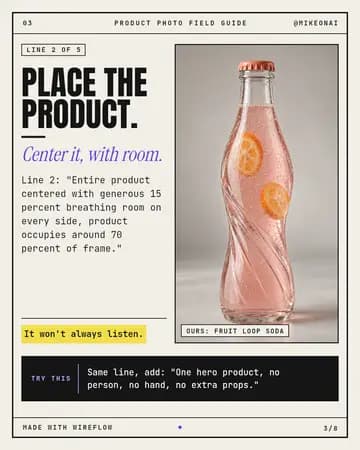
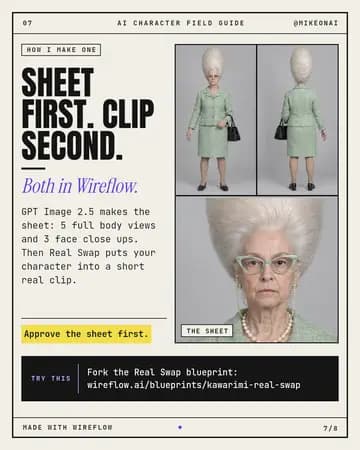
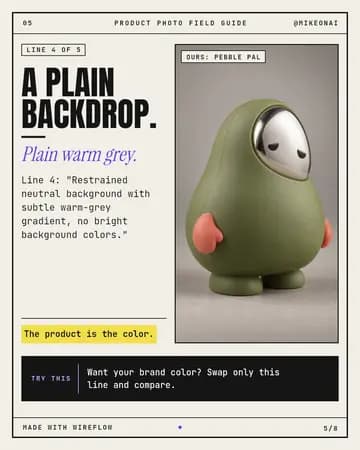
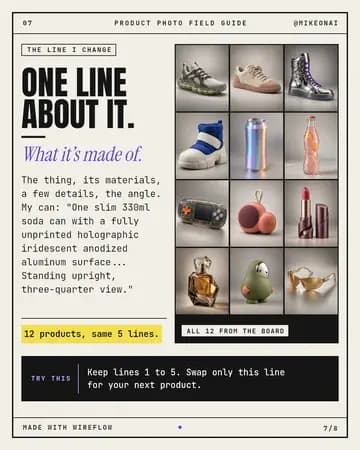
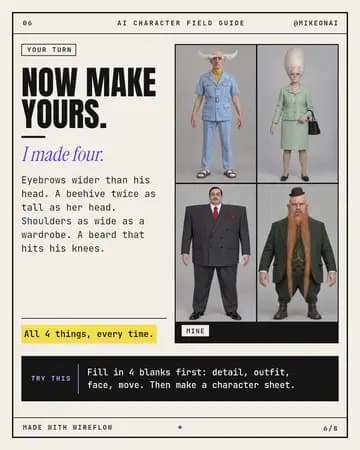
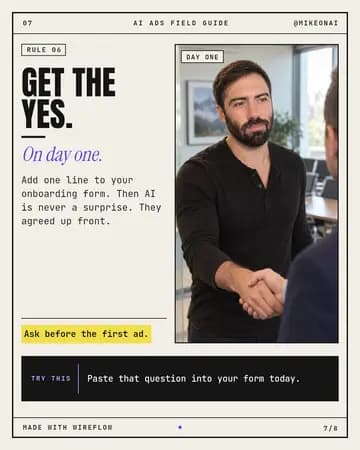
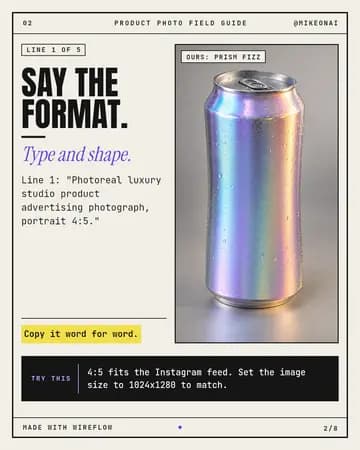
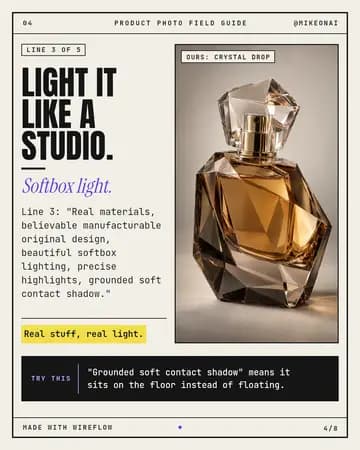
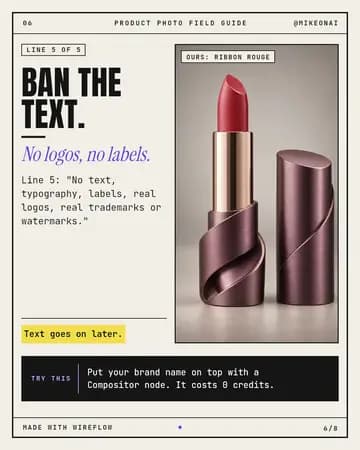
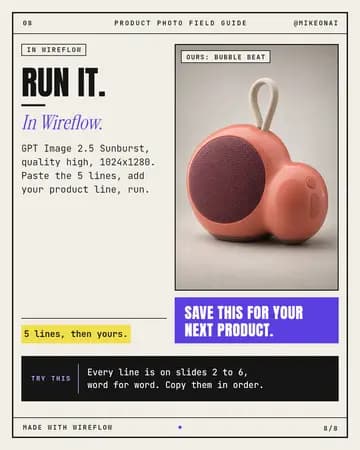
Slides like these, from one prompt
Real slideshows our own accounts post, made on Wireflow boards.
Three steps to a new slideshow
- 1
Connect Wireflow
Add Wireflow to your AI app with the steps up top. You sign in once.
- 2
Paste the prompt and a link
Drop in a slideshow whose style you like and tell it your topic.
- 3
Get your slideshow
It reads the style, makes new slides on your topic in that style, and writes the caption.
Signing up is free. Making slides uses credits, like any run on Wireflow.
Your next slideshow is one prompt away
Connect Wireflow, paste a link, and post today.
Free prompt pack
Get the free prompt pack
Five prompts we use to make slideshows in a style we like. Leave your email and they show up right here.
We will email you about Wireflow now and then. Unsubscribe any time.