

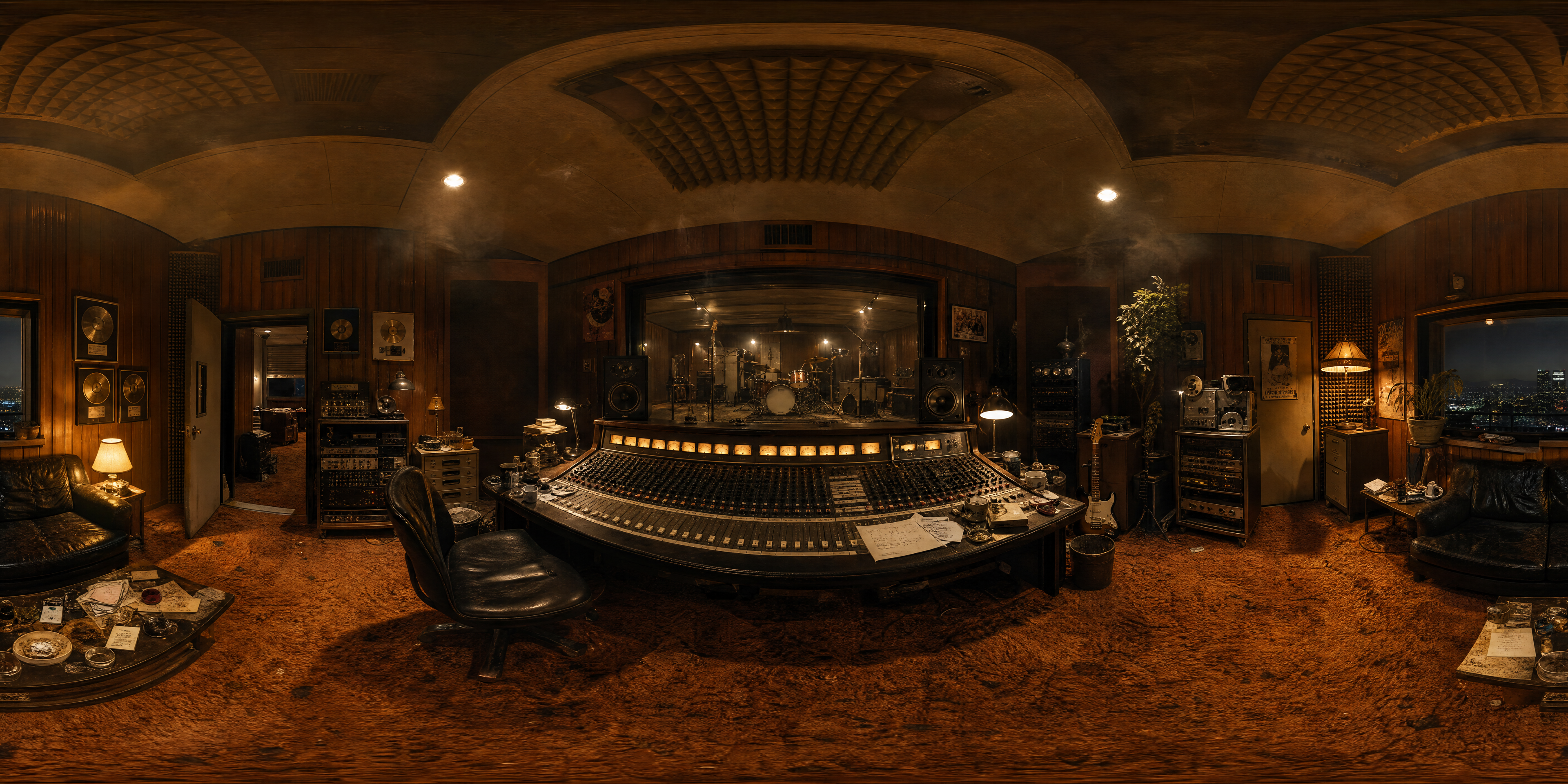
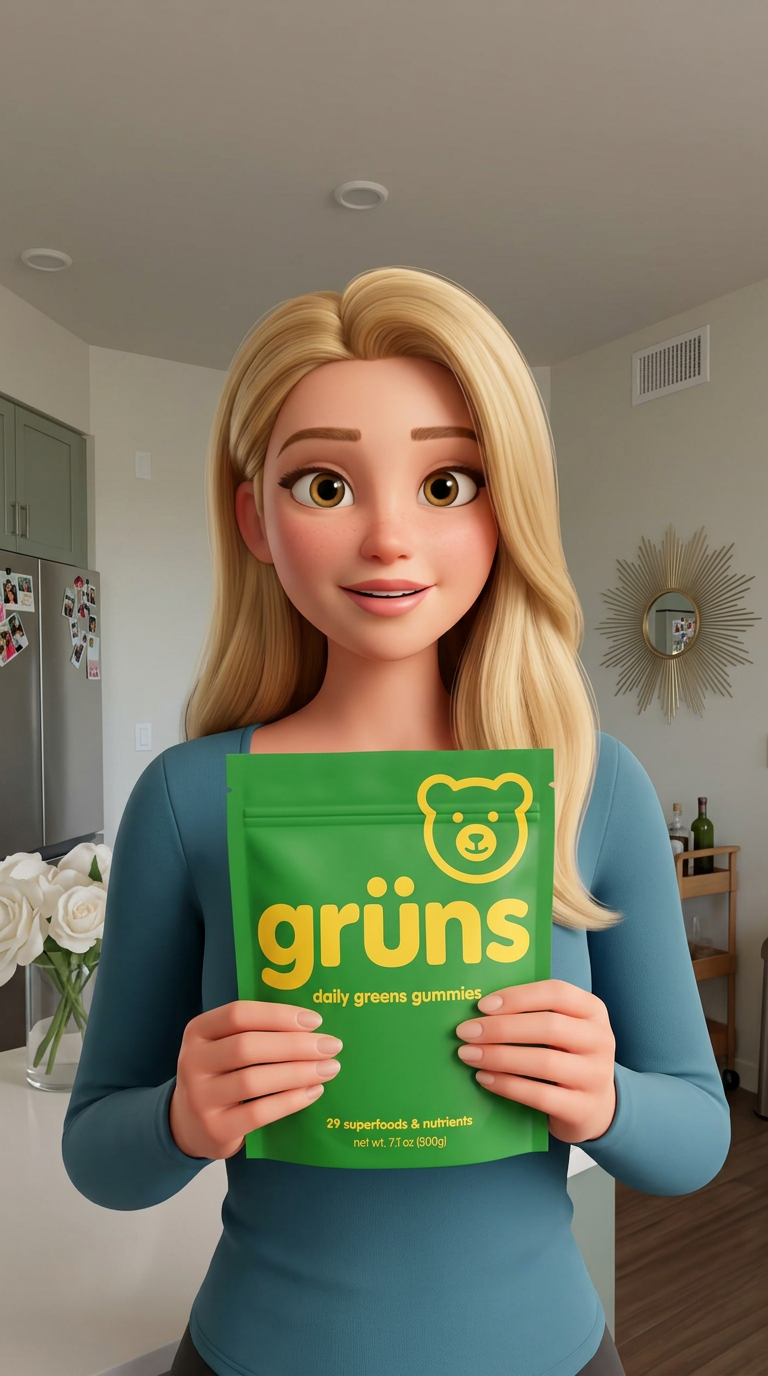
AI creative pipeline: a brief becomes a scene with GPT Image 2.5 Flare, Gemini Omni Flash 1.1 animates it, and Compose Video assembles the cut. Published as a REST endpoint and MCP tool.
This workflow chains 5 nodes: Gemini Omni Flash 1.1, GPT Image 2.5 Flare, HOW TO USE: 1. Click the Text Input and describe the scene you want. 2. Press Run to generate the scene with GPT Image 2.5 Flare. 3. Gemini Omni Flash 1.1 animates it and the Video Editor assembles the cut. Swap any model node for another and run again., Text Input, and Video Editor. Duplicate it into your account, swap in your own inputs, and run the whole pipeline in one click.
Built by Andrew Adams. Explore the full workflow library.
Workflow preview
Drag to pan, scroll to zoom. 5 nodes.
More like this
UGC Ad Generator
by Andrew Adams
0455



Comments
0 comments
Loading comments...