Back to Blog

Best AI Design Agent Tools in 2026

Andrew Adams

Andrew Adams

·9 min read
Best AI Design Agent Tools in 2026

AI design agents are reshaping how teams produce creative assets at scale. Instead of prompting one image at a time, these tools understand briefs, maintain brand consistency across batches, and automate multi-step production pipelines. Wireflow takes this further by letting you chain multiple AI models on a visual canvas, so a single workflow can generate, edit, upscale, and format assets without manual handoffs. Below are the seven best AI design agent tools worth evaluating this year.

Quick Summary

  1. Wireflow - Best overall for multi-model design workflows
  2. Lovart AI - Best for end-to-end brand design automation
  3. Figma AI - Best for UI/UX teams already in Figma
  4. Canva AI - Best for non-designers and marketing teams
  5. Adobe Firefly - Best for enterprise creative suites
  6. Midjourney - Best for high-fidelity concept art and imagery
  7. Runway - Best for motion design and video generation

1. Wireflow

Wireflow visual node editor for AI design workflows

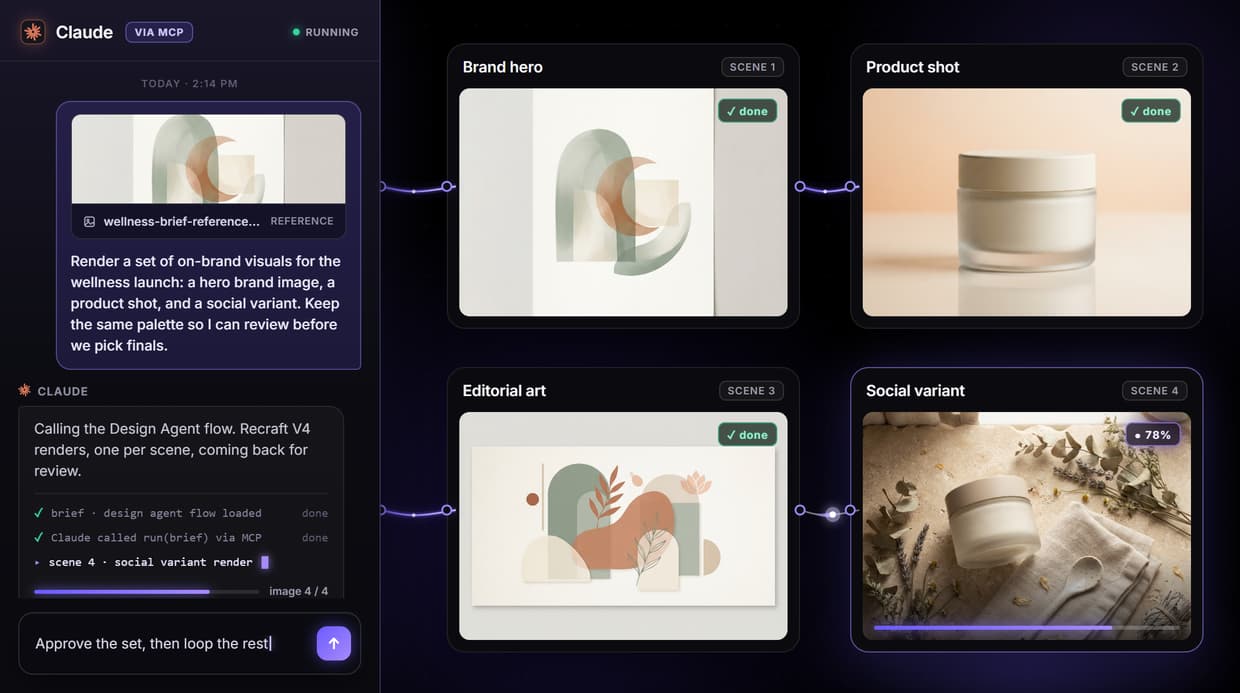
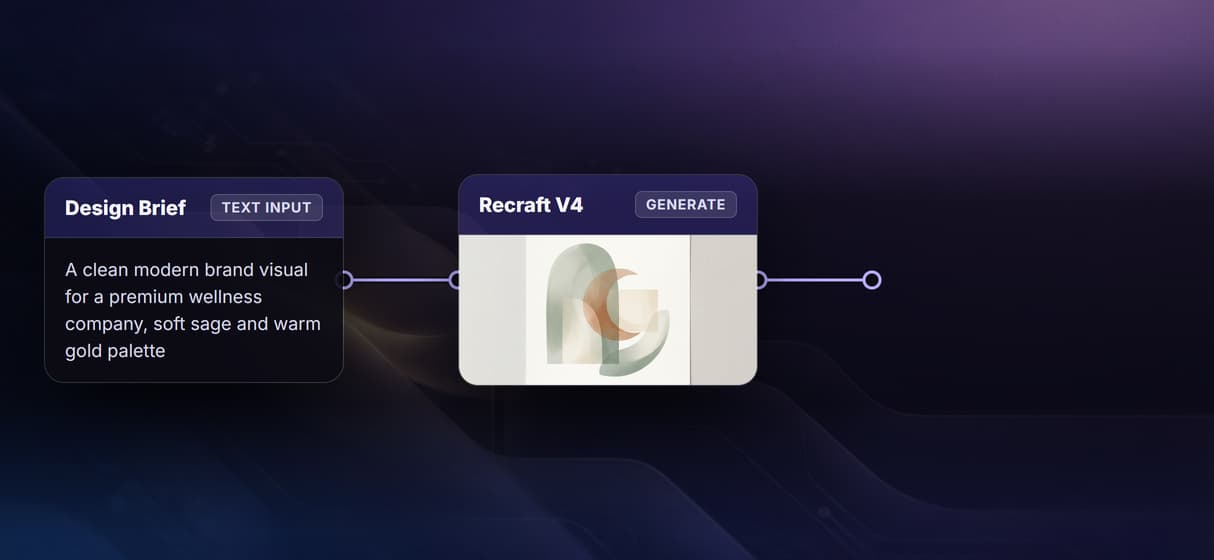
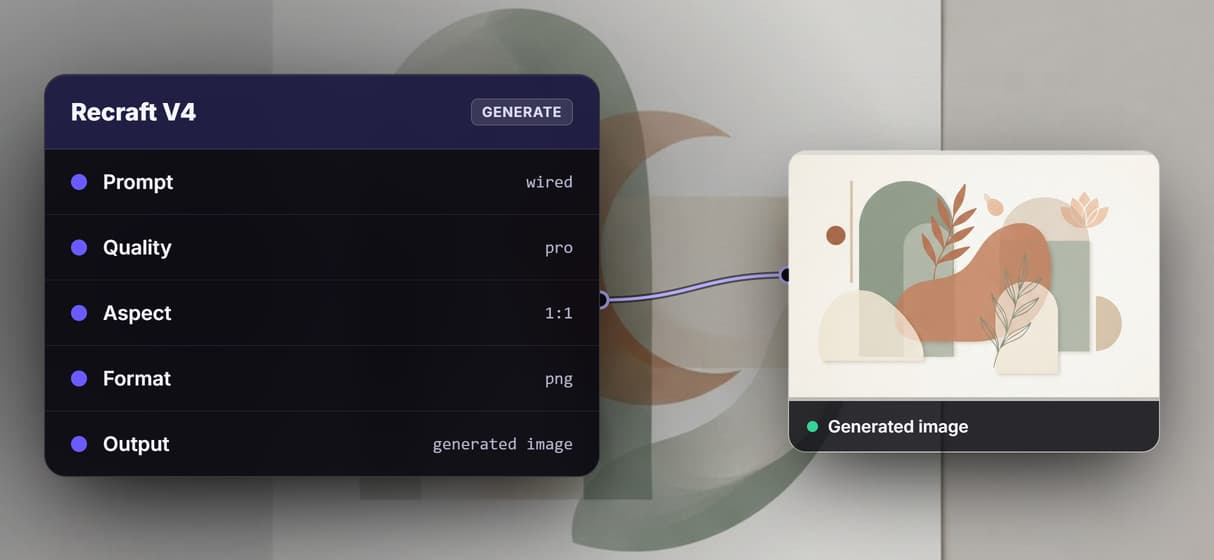
Wireflow is a visual no-code AI canvas where you connect AI models as nodes in a workflow. For design agent use cases, that means you can build a pipeline that takes a text brief, generates multiple image variations with different models, runs background removal, applies upscaling, and outputs final assets, all in one automated flow.

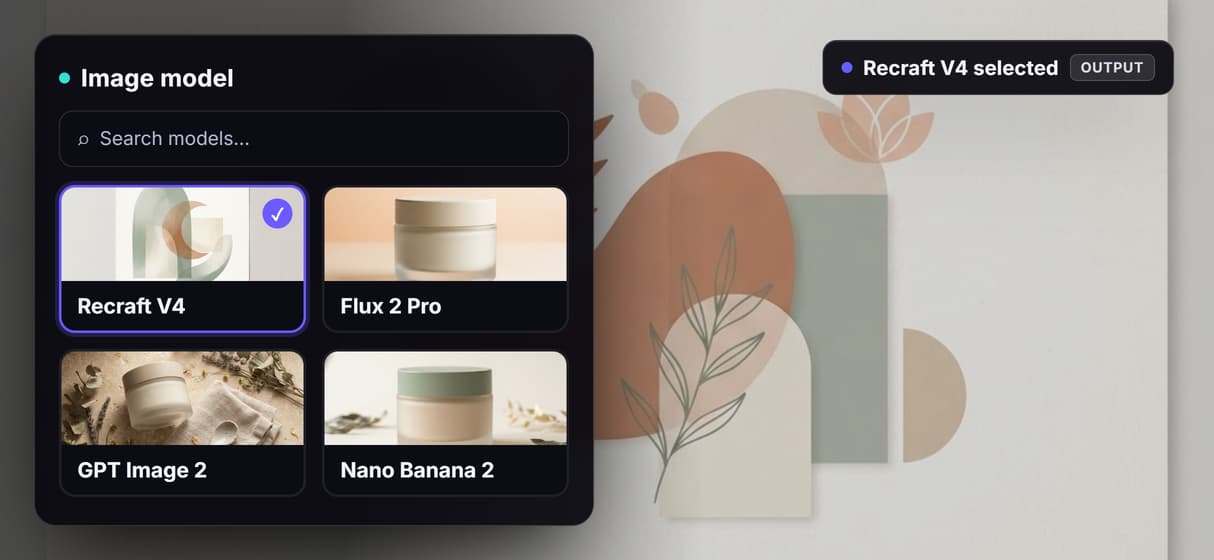
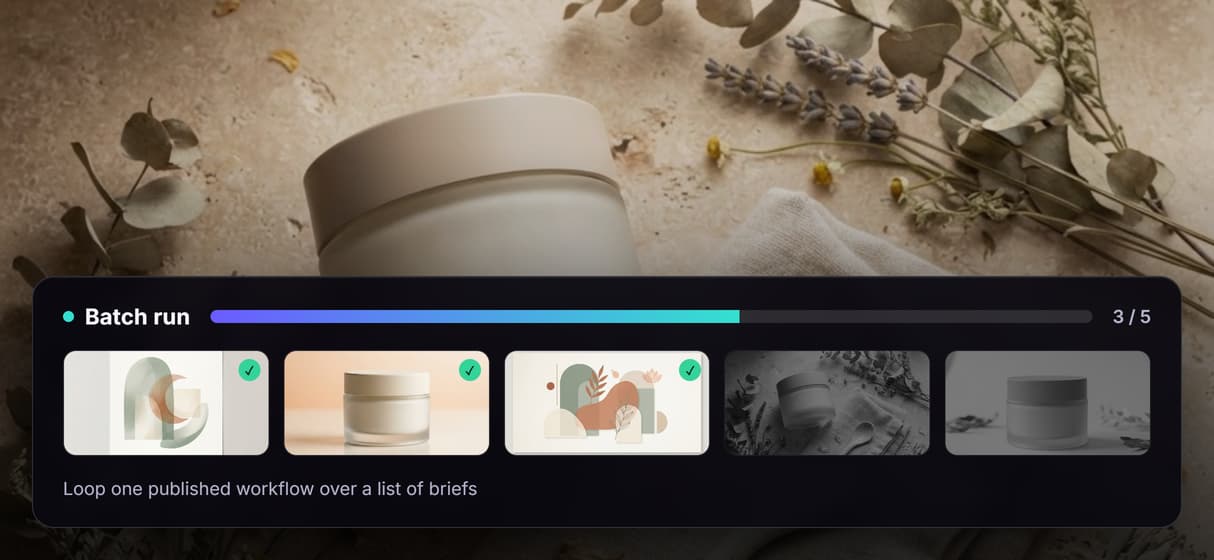
The platform supports dozens of models including Flux, Recraft v4, DALL-E, Nano Banana, and Stable Diffusion. You can mix image generation with video generation, audio, and text models in the same workflow. For teams producing design assets at volume, the batch generation feature processes hundreds of prompts in parallel.

For a hands-on look at this in action, check out the AI design agent tools feature page.

Key strengths

  • Visual node editor with drag-and-drop model chaining
  • 50+ AI models available on one canvas
  • Batch processing for high-volume asset production
  • API access for integrating workflows into existing tools

2. Lovart AI

Lovart AI design platform

Lovart AI positions itself as a full-stack AI design agent that handles everything from initial concept to final deliverable. The platform accepts natural language briefs and produces complete design outputs including social media graphics, presentations, and marketing collateral. Its strength is in automating brand content creation, keeping fonts, colors, and layouts consistent across asset types.

Where Lovart stands apart is its understanding of design systems. You can feed it your brand guidelines, and subsequent generations respect those constraints. The tradeoff is less granular control over individual model parameters compared to node-based platforms.

Key strengths

  • Natural language brief-to-design pipeline
  • Brand guideline enforcement across outputs
  • Built-in templates for common marketing formats
  • No design skills required

3. Figma AI

Figma AI design tools

Figma has embedded AI features directly into its existing design tool, making it the natural choice for product teams already using Figma for UI/UX work. The AI capabilities focus on layout suggestions, component generation, auto-fill with realistic content, and design system maintenance. Rather than replacing the designer, Figma's approach speeds up repetitive tasks within an established workflow.

The visual AI canvas editor approach differs from Figma's in scope: Figma augments an existing design tool, while dedicated AI workflow platforms let you build entirely new generation pipelines. For teams that need both, they complement each other well.

Key strengths

  • Deep integration with existing Figma workflows
  • Smart layout and component suggestions
  • Collaborative multiplayer editing with AI assist
  • Design system-aware generation

4. Canva AI

Canva AI design platform

Canva has evolved into an AI-powered design suite accessible to anyone, regardless of design experience. Its Magic Studio features include text-to-image generation, background removal, style matching, and auto-resize across formats. For marketing teams and small businesses that produce a high volume of social media and presentation assets, Canva reduces turnaround time significantly.

The platform works best for template-driven design. If you need a more programmatic approach to image generation or want to chain multiple AI models in custom pipelines, you will hit limitations. Canva is built for speed and accessibility, not deep model control.

Key strengths

  • Massive template library with AI customization
  • Magic Studio for text-to-image, background removal, and resizing
  • Brand kit for consistent team outputs
  • Extremely low learning curve

5. Adobe Firefly

Adobe Firefly creative AI

Adobe Firefly brings generative AI into the Creative Cloud ecosystem. For designers already working in Photoshop, Illustrator, or InDesign, Firefly adds generative fill, text-to-image, and vector generation without leaving their primary tool. The commercial safety model (trained only on licensed content) makes it suitable for enterprise work where IP concerns matter.

Adobe's agent-like features are strongest in Photoshop, where generative fill and expand handle complex compositing tasks that previously required manual masking. For teams that need AI image editing via API, Firefly also offers REST endpoints for programmatic access.

Key strengths

  • Native integration across Creative Cloud apps
  • Commercially safe training data
  • Generative fill and expand in Photoshop
  • Vector and pattern generation in Illustrator

6. Midjourney

Midjourney AI image generation

Midjourney produces some of the most visually striking AI-generated images available. For concept art, mood boards, marketing imagery, and illustration, the output quality consistently surpasses what most other generators deliver at default settings. The v7 model released in 2026 improved coherence, text rendering, and photorealism.

Midjourney works primarily through a web editor (and historically Discord). It is not a workflow automation tool, so you cannot chain it into multi-step pipelines natively. Teams that want Midjourney-quality generation inside automated workflows often pair it with a pipeline platform that can call models via API.

Key strengths

  • Top-tier image quality and aesthetic control
  • Strong photorealism and artistic style range
  • Active community and prompt sharing
  • Web editor with in-painting and variation tools

7. Runway

Runway AI creative suite

Runway has evolved from a video generation tool into a broader creative AI platform. Its Gen-3 and Gen-4 models handle text-to-video, image-to-video, and motion brush controls that make it the go-to for teams producing motion content. For design agents focused on video and animation, Runway is the current leader.

Beyond video, Runway offers image generation, background removal, and inpainting. The platform is strongest for teams where motion design and animated content are primary deliverables rather than static graphics.

Key strengths

  • Industry-leading video generation (Gen-3/Gen-4)
  • Motion brush for precise animation control
  • Image-to-video with reference frames
  • Professional-grade output resolution

Comparison Table

Tool Best For AI Models Workflow Automation API Access Pricing
Wireflow Multi-model pipelines 50+ models Visual node editor Yes Usage-based
Lovart AI Brand design automation Proprietary Brief-to-design Limited Subscription
Figma AI UI/UX design teams Built-in Within Figma Yes Per-seat
Canva AI Non-designers Magic Studio Template-based Limited Freemium
Adobe Firefly Enterprise creative Firefly models Within Creative Cloud Yes Subscription
Midjourney Concept art, imagery v7 None native Limited Subscription
Runway Video, motion design Gen-3/Gen-4 Basic Yes Usage-based

How to Choose the Right AI Design Agent

Picking the right tool depends on your team's primary output type and technical comfort level. If you produce static marketing assets at volume and want full control over which models run in what order, a node-based AI platform gives you that flexibility. If your team lives in Figma or Creative Cloud, the embedded AI features in those tools add speed without changing your existing process.

For teams that need both image and video generation in the same pipeline, platforms with multi-model support cover more ground than single-purpose tools. Consider whether you need API access for integrating generation into your own apps, as that narrows the field quickly.

Try it yourself: Build this design agent workflow in Wireflow. The nodes are pre-configured with a text prompt feeding into GPT Image 2 for banner generation and an upscaler for enhanced resolution.

FAQ

What is an AI design agent?

An AI design agent is a tool that goes beyond single-prompt image generation. It understands multi-step creative briefs, maintains brand consistency, and automates production workflows, handling tasks like generating variations, applying edits, formatting for different channels, and batch processing.

Can AI design agents replace human designers?

Not in 2026. These tools accelerate production and handle repetitive tasks, but creative direction, brand strategy, and nuanced visual judgment still require human oversight. The best results come from designers using AI agents to multiply their output, not from fully autonomous generation.

Which AI design agent is best for beginners?

Canva AI has the lowest learning curve. Its template-driven approach and Magic Studio features let non-designers produce professional-looking assets quickly. For more control without coding, Wireflow's visual canvas is intuitive once you understand the node-connection concept.

Do AI design agents work with existing brand guidelines?

Several do. Lovart AI accepts brand guideline documents directly. Canva has Brand Kit. Adobe Firefly integrates with Creative Cloud Libraries. Wireflow lets you set fixed parameters across workflow nodes so every output matches your specifications.

What's the difference between an AI design tool and an AI design agent?

A design tool generates one output per prompt. A design agent orchestrates multiple steps: generating, editing, formatting, and distributing assets based on higher-level instructions. The agent approach treats the full production pipeline as a single automated process.

Are AI design agents suitable for enterprise use?

Yes. Adobe Firefly is designed for enterprise with IP-safe training data. Wireflow offers usage-based pricing and API access for integration into existing tech stacks. The key enterprise considerations are data privacy, commercial licensing of outputs, and scalability of the generation infrastructure.

How much do AI design agent tools cost?

Pricing varies widely. Canva offers a free tier with limited AI features. Midjourney starts at $10/month. Adobe Firefly is included in Creative Cloud subscriptions ($55/month). Wireflow and Runway use usage-based pricing where you pay per generation. Most tools offer free trials.

Can I use multiple AI design agents together?

Yes, and many teams do. A common setup is using Midjourney or Firefly for initial concept generation, then running outputs through a workflow platform like Wireflow for batch editing, upscaling, and formatting across multiple channels.

Try this workflow

AI Design Agent — Marketing BannerOpen workflow