 Andrew Adams · Co-Founder & Operations at Wireflow ·
 AI Concept Art Generator
Turn a written scene into concept art on a node canvas: a Scene Prompt node feeds GPT Image 2.5 Flare, which renders your fantasy landscape, character, or environment in seconds.
Change the words and run again. Free to build, pay per generation.
Free to build · no credit card
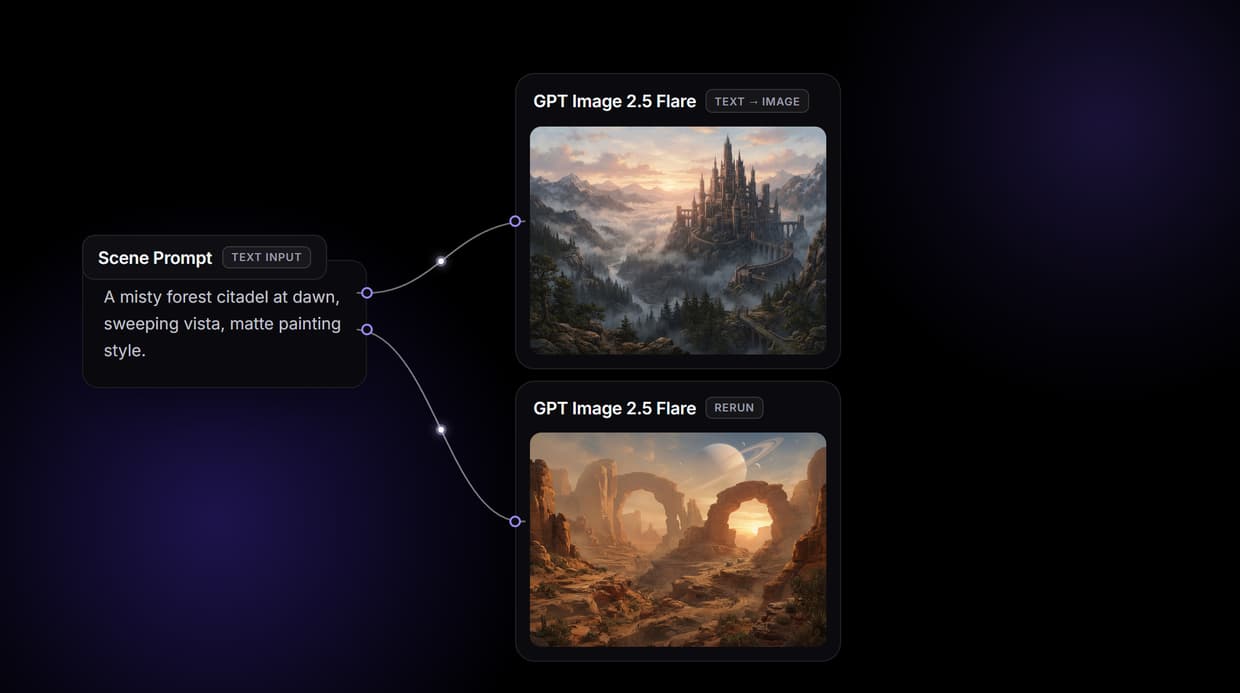
Concept art from a text prompt, on a canvas you own
Concept art sets the visual direction for games, films, and design projects, and the early ideation phase lives on volume: dozens of directions explored before anyone commits to a final. That exploration is exactly what this workflow is for. Describe a misty forest citadel or a cyberpunk street market and the generator returns artwork you can iterate on immediately, no export or re-upload between tools.
The flow behind this page is deliberately small: a Scene Prompt node wired to GPT Image 2.5 Flare, Google's efficiency-focused image model, running on hosted compute in the browser with nothing to install. Type a description, run the graph, and the concept lands in the last node in seconds. The same canvas drives every other AI image generator job your team has, from character sheets to environment plates.
What the concept art workflow gives you
Scene prompt intake
A Scene Prompt node holds the description. Change the words and rerun; the graph never moves.
GPT Image 2.5 Flare render
The image node returns concept art in seconds, with 14 aspect ratios for wide plates or portraits.
Swappable image models
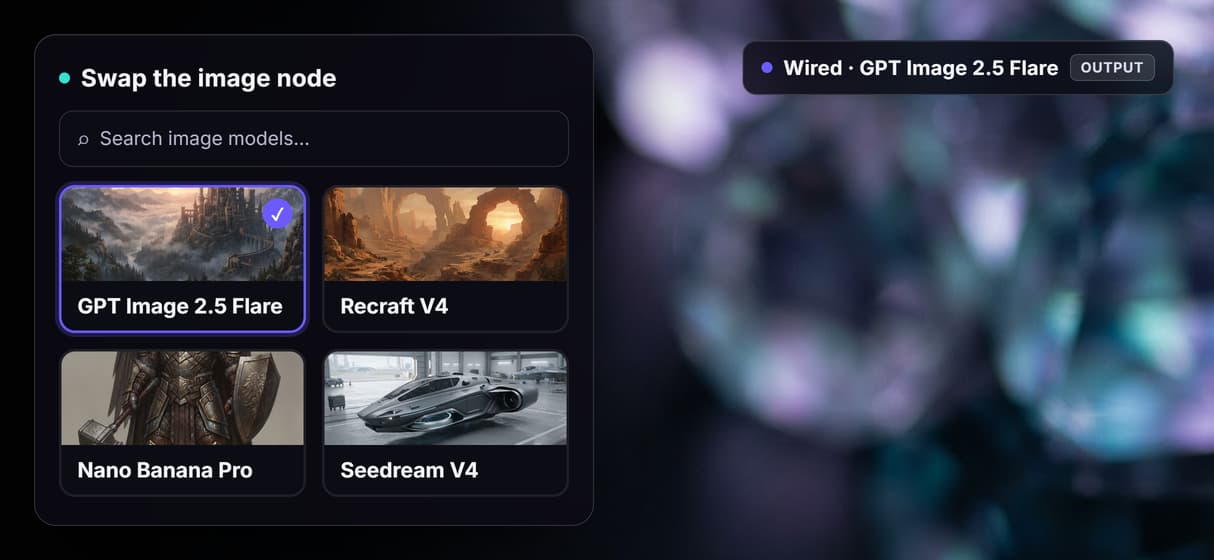
Repoint the node to Recraft V4, Nano Banana Pro, Seedream V4, or Imagen 4 without rewiring.
Rapid variation
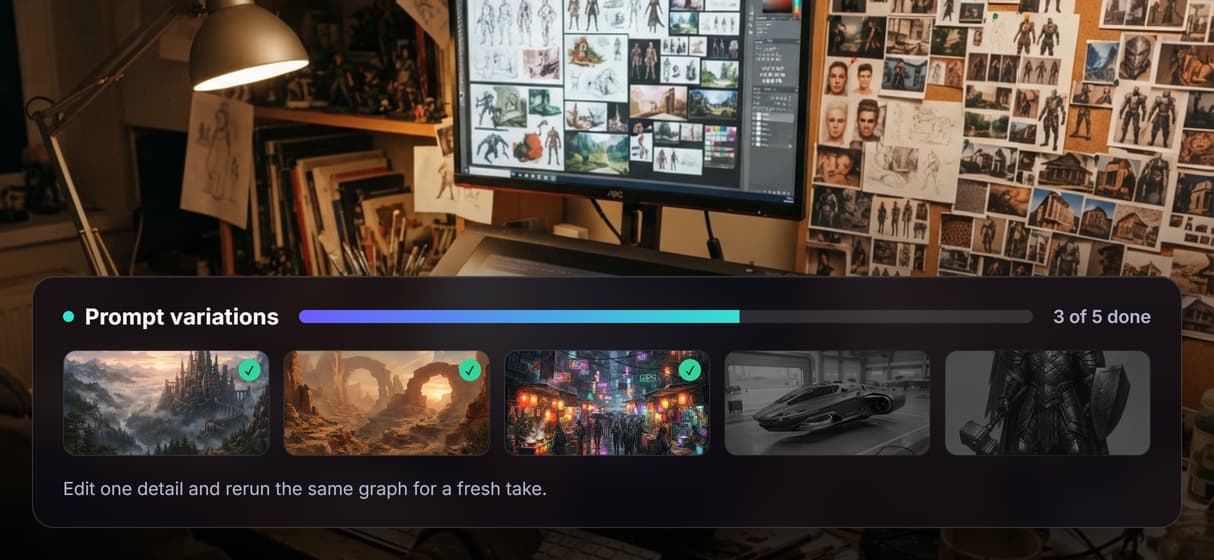
Rerun the same prompt for alternate takes, or edit one detail to steer a new direction.
Style in the prompt
Name matte painting, cel shaded, oil, or photoreal in the text and the model follows it.
API and MCP ready
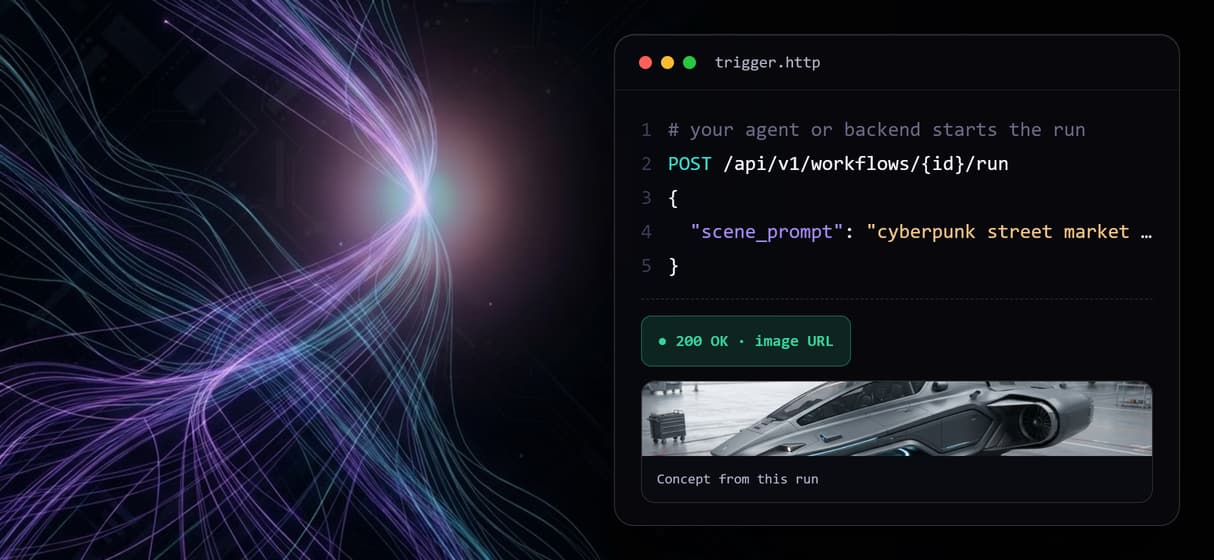
Publish the flow and it runs as a REST endpoint and an MCP tool an agent can call.
How the two node graph actually runs
The workflow behind this page's button is two nodes and one wire, plus a sticky note that walks a first run through it.
- Scene Prompt holds the description. One sentence naming the subject, setting, lighting, and art style is enough; more specific prompts give the model clearer direction on composition.
- GPT Image 2.5 Flare renders the frame. The image node reads the prompt and returns the concept art in a couple of seconds, at any of 14 aspect ratios for wide establishing plates or portrait character sheets.
Because the image model is a node, not a fixed engine, you swap it without touching the wire: Recraft V4 leans into illustration and clean line work, Nano Banana Pro pushes finer detail on a hero frame, and Seedream V4 or Imagen 4 are one repoint away. And because the graph lives among the hosted model catalog, a finished plate can roll straight into a longer digital art creator pipeline without leaving the browser.
When a dedicated concept art suite is the better call
If your work is a layered production painting refined over days, with hand-adjusted values, custom brushes, and a paint-over pass on generated plates, a full illustration suite like Photoshop or Procreate is built for that, and this page will not pretend otherwise. This workflow returns finished frames from a prompt; it does not give you a layered canvas to paint into, and it will not write your art brief or make the creative call for you.
Wireflow is the generation layer, the fast exploration half most studios run alongside their artists: volume ideation from the model, refinement by a human. What it offers is a workflow you own, a catalog of image models to swap between, and per generation pricing. If concept exploration feeds a bigger visual pipeline, build here, and pair the flow with a AI character creator when you need consistent character designs across a set.
More Than Just AI Concept Art Generator
Prompt to concept art on a canvas
A Scene Prompt node feeds GPT Image 2.5 Flare and the concept art lands in the last node. Rewire it like any node based image generation graph.
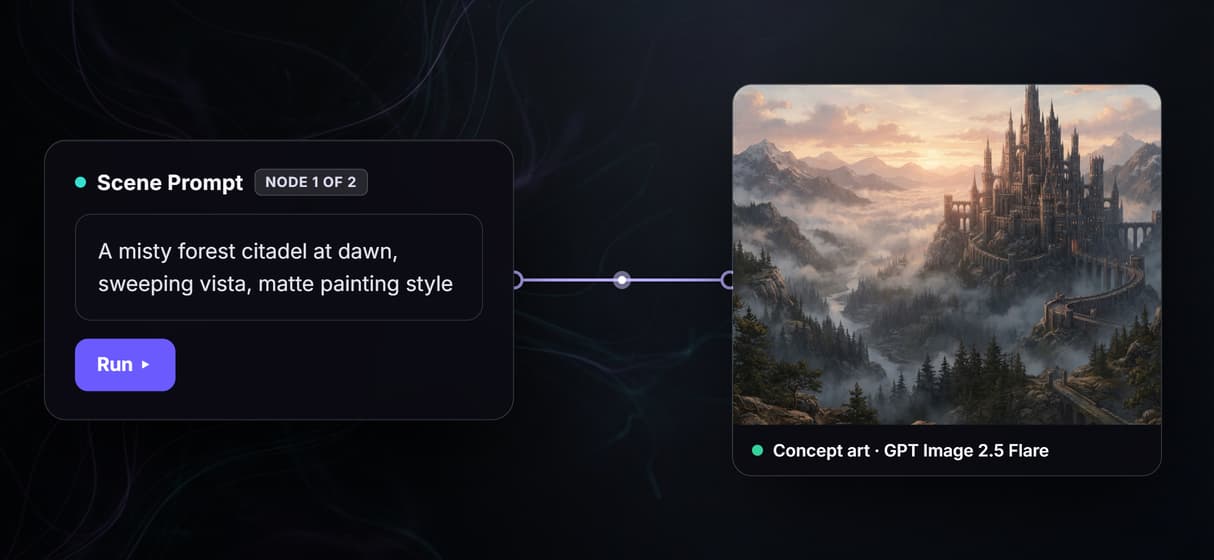
Swap the model, keep the graph
The image node is one you can repoint: trade GPT Image 2.5 Flare for Recraft V4 or Nano Banana Pro when a frame needs finer line work and detail.
Rerun for endless variations
Change one detail in the prompt and run again for a fresh take, the rapid iteration a fixed AI photo generator gives you before any hand painting starts.
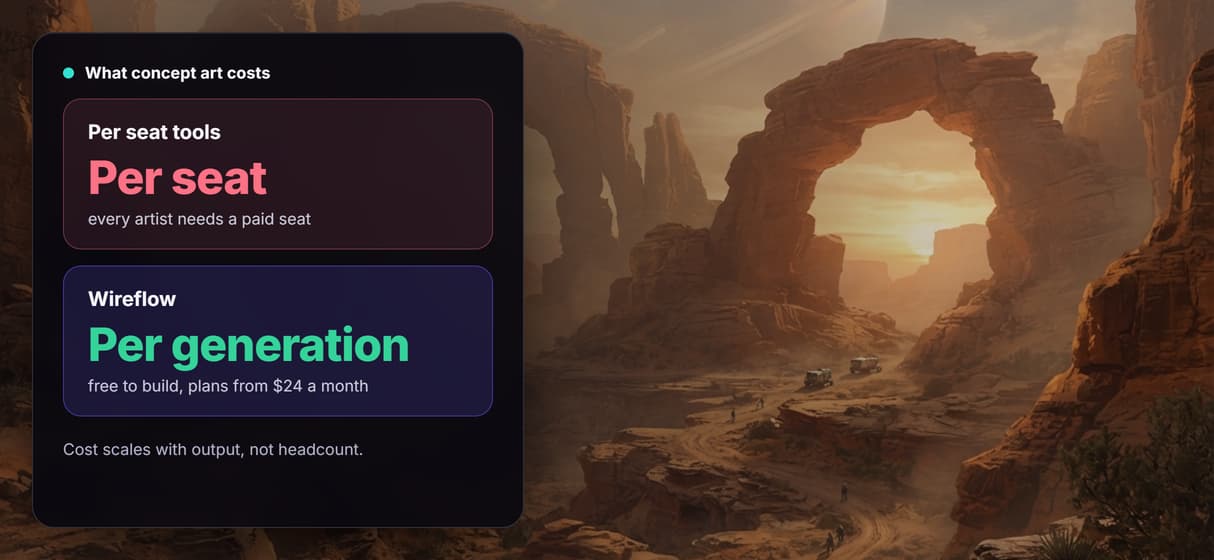
Per generation pricing, not per seat
Building on the canvas is free and generations are metered, so a whole team on this flow costs no more than one artist. Try the free AI image generator side.
Every workflow is an API and MCP tool
Publish the graph and it answers REST calls and shows up as an MCP tool, so an agent or a batch of prompts can drive the same AI image generator chain.
Concept art Workflows
No Code Required
API & Batch Processing
FAQs
It generates environment art, character designs, prop concepts, vehicle designs, architectural visualizations, and scene compositions. Any visual concept you can describe in a text prompt works as input to the graph.
More From Wireflow
Written by
Andrew Adams · Co-Founder & Operations at Wireflow
Runs client operations and content strategy at Wireflow. Works directly with creative teams and agencies to build production AI workflows.
Generate your first concept
Open the flow, describe your scene, character, or environment, and run the graph for finished concept art. Building is free; you pay per generation, not per seat.