 Andrew Adams · Co-Founder & Operations at Wireflow ·
 AI Face Swap Online: Photos and Video in Your Browser
Put a source face into a target photo with a ready-made, editable workflow.
Upload your two images, tune the instruction, and review the swap. Free to build; ongoing generation uses paid credits.
Free to build · no credit card
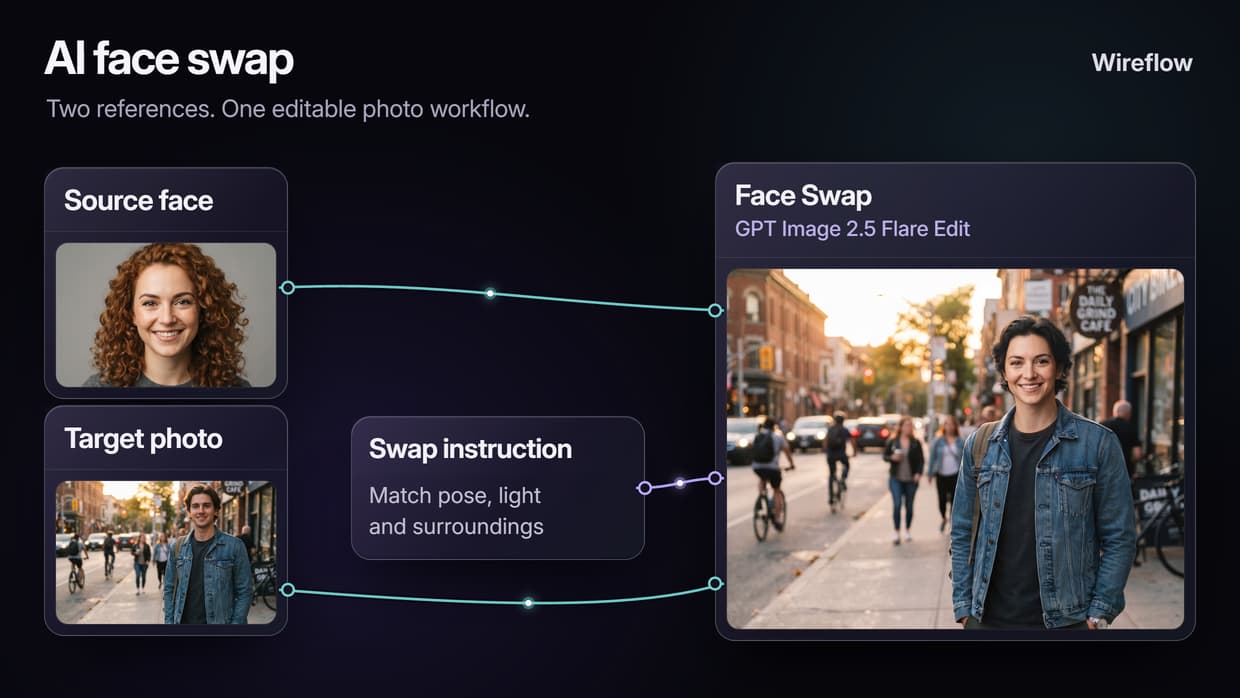
What AI face swap actually is on Wireflow
A face-swap workflow keeps your references and editing instruction together. One input holds the source face, another holds the target photo, and a Text Input describes the change. GPT Image 2.5 Flare reads those inputs to generate an edited still on hosted compute, with nothing to install locally.
Open the connected template to start with those parts in place. Replace the sample photos, tell the editor what to preserve, and review the result. The instruction asks it to keep the target's pose, hair, clothing and surroundings while changing the face. Clear reference images give you a better starting point, and the visible inputs make revisions easier to manage alongside your other AI image editor work.
What the face swap graph is made of
Source and target imports
Replace the source face or target photo independently without rebuilding the editing step.
Instruction text
Keep the edit direction visible, including the pose, lighting and surroundings you want to preserve.
GPT Image 2.5 Flare edit
Connect both photo references and the instruction to one hosted image-editing stage.
Swappable model slot
Try another supported editor by matching its image inputs and settings to your workflow.
Animate the still
Add image-to-video after the edited photo to create a new clip from that still.
Batch and rerun
Reuse the graph with a new target, then add a batching setup for multiple inputs.
How the swap graph runs
The linked template contains two image imports, one text instruction and one editing node, plus a note explaining how to use it.
- Source Face and Target Photo are Import nodes. Replace the sample images with the face you want to use and the photo you want to change.
- Swap Instruction is a Text Input. Set the direction for the edit, including the pose, clothing and surroundings you want to preserve.
- Face Swap runs GPT Image 2.5 Flare. The two images and the instruction feed the same editing node. Review its generated still before deciding whether to refine the prompt or continue.
You can build on that still without starting a separate project. Add compatible editing or image-to-video nodes, or explore an AI avatar generator workflow. If you change the editor, match its reference-image ports and settings to the graph; different models do not always accept the same inputs.
What this face swap will not do
This template edits a face in a still image. To create motion, you can add an image-to-video node after the swap. That creates a new clip from the edited photo; it is different from tracking and replacing a face throughout footage you already filmed.
Sharp, well-lit references with visible faces are a useful starting point. Large angle differences, low light and obstructions can make the blend harder. Check the face and surrounding details after a run, and refine the instruction when needed. Use faces and images you have permission to edit, and get consent before publishing an identifiable person's likeness.
Build the AI headshot generator style graph free, then choose a paid plan for ongoing generation. Model choice and output settings determine the credits used by each run.
More Than Just AI Face Swap Online: Photos and Video in Your Browser
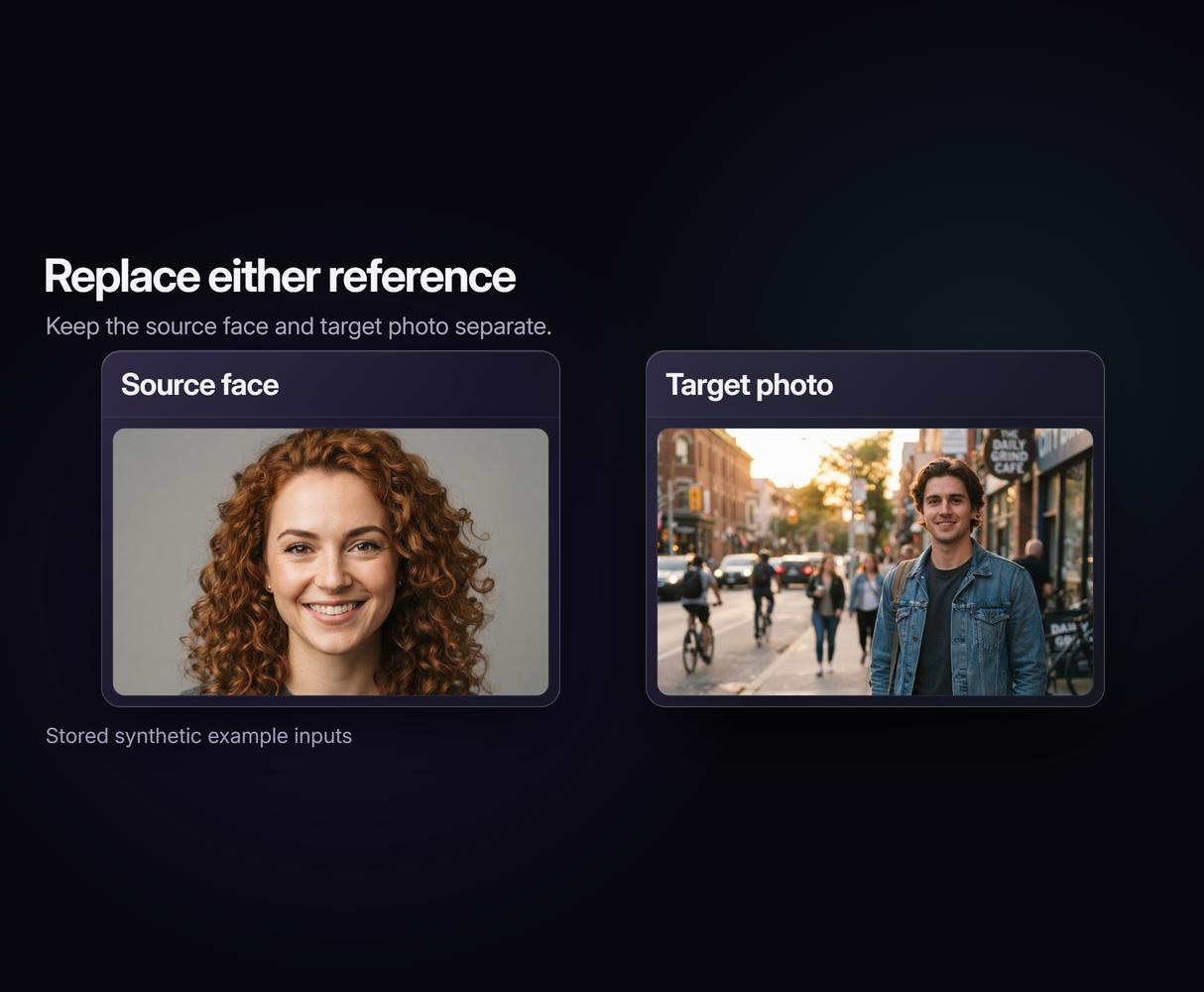
Two references, one clean swap
Keep the source face and target photo separate, so each is easy to replace. Refine the instruction in your AI image editor workflow.
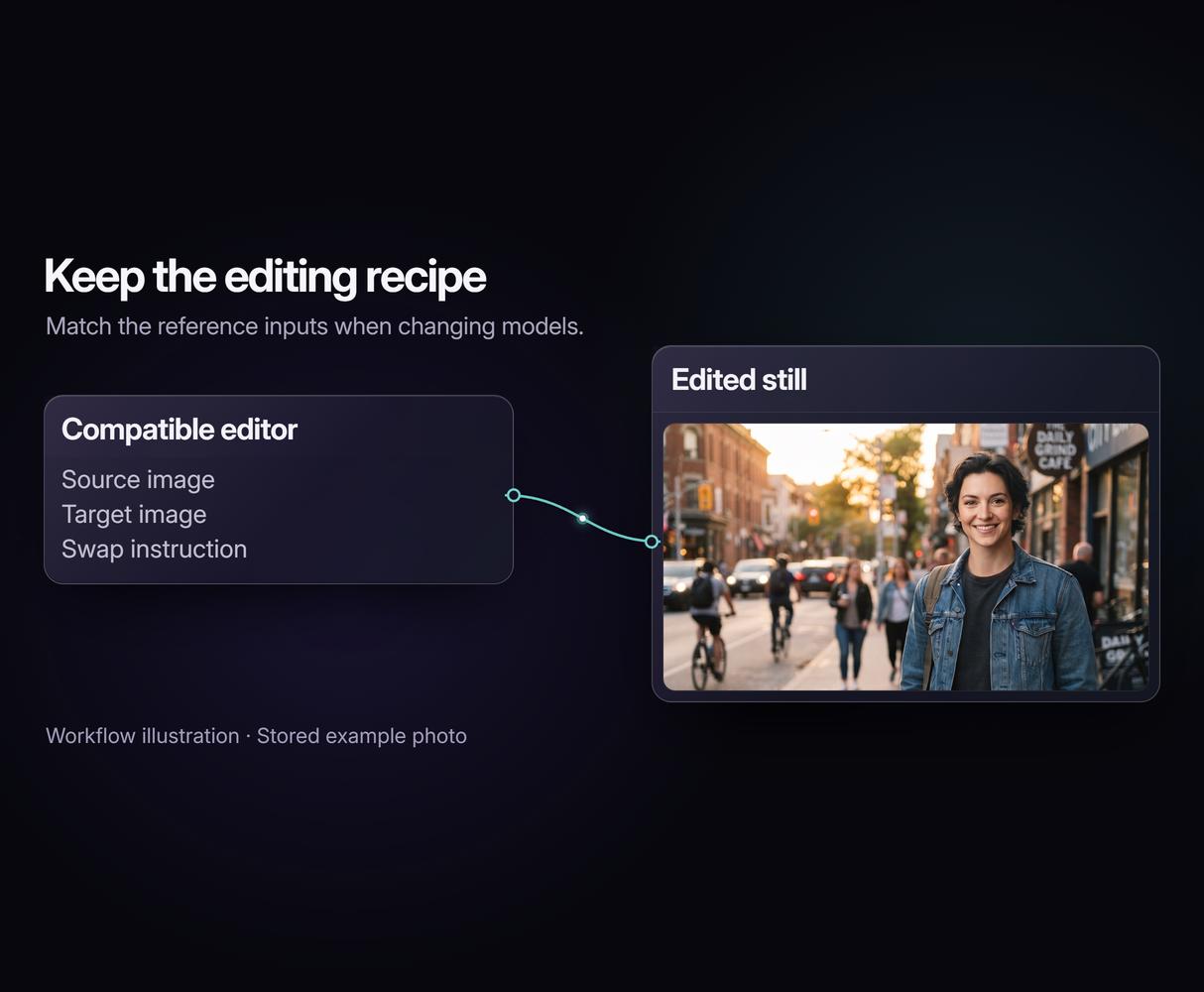
Pick the model, keep the graph
Keep the surrounding steps when trying a compatible image editor. Match its reference inputs with AI model chaining.
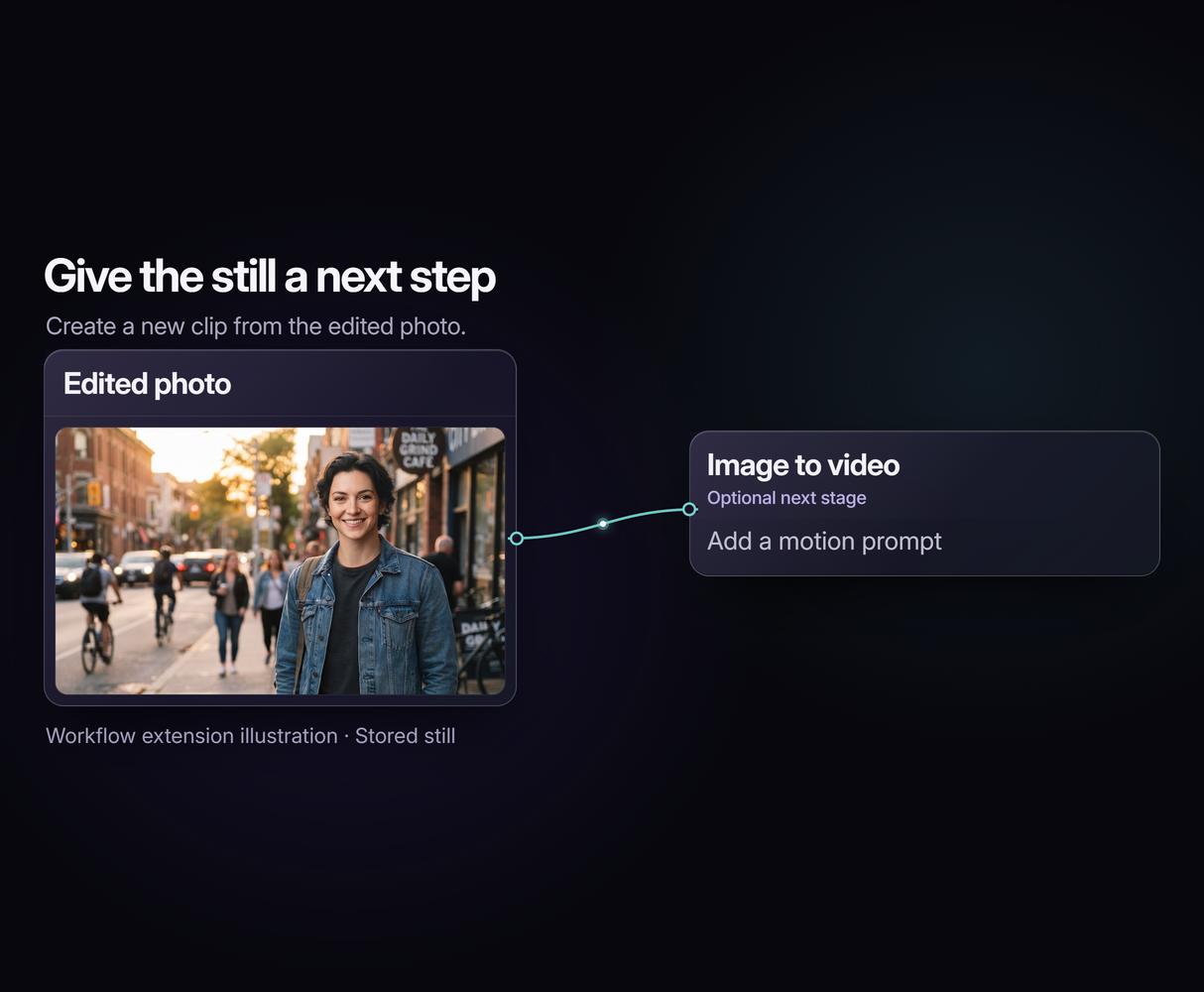
From swapped photo to clip
Give the edited still a next step: connect an image-to-video model. Build photo editing and motion into one AI video pipeline.
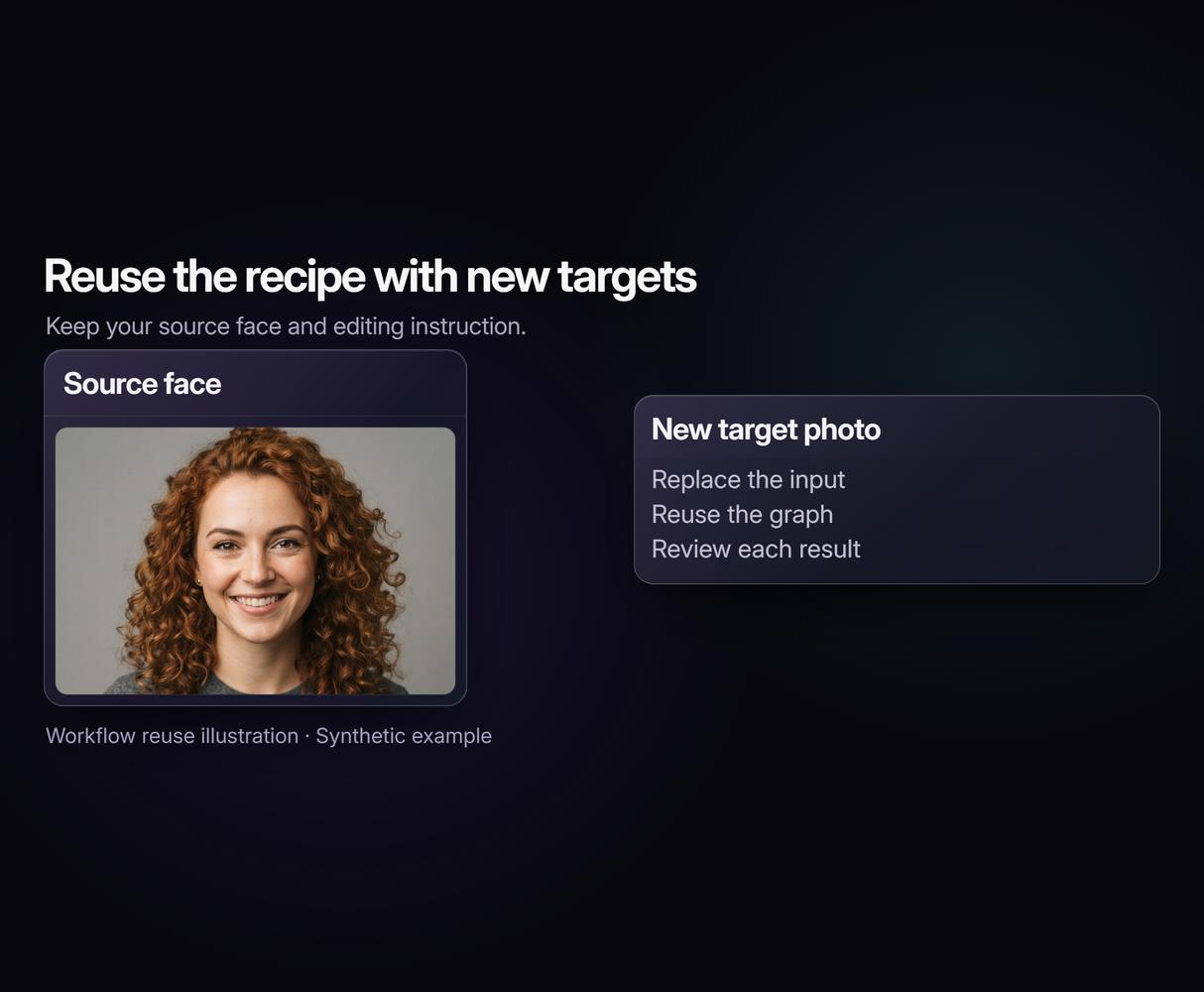
Swap once, swap a thousand
Reuse the same face-swap recipe with new target photos. Set up batch AI generation when you are ready to process multiple inputs.
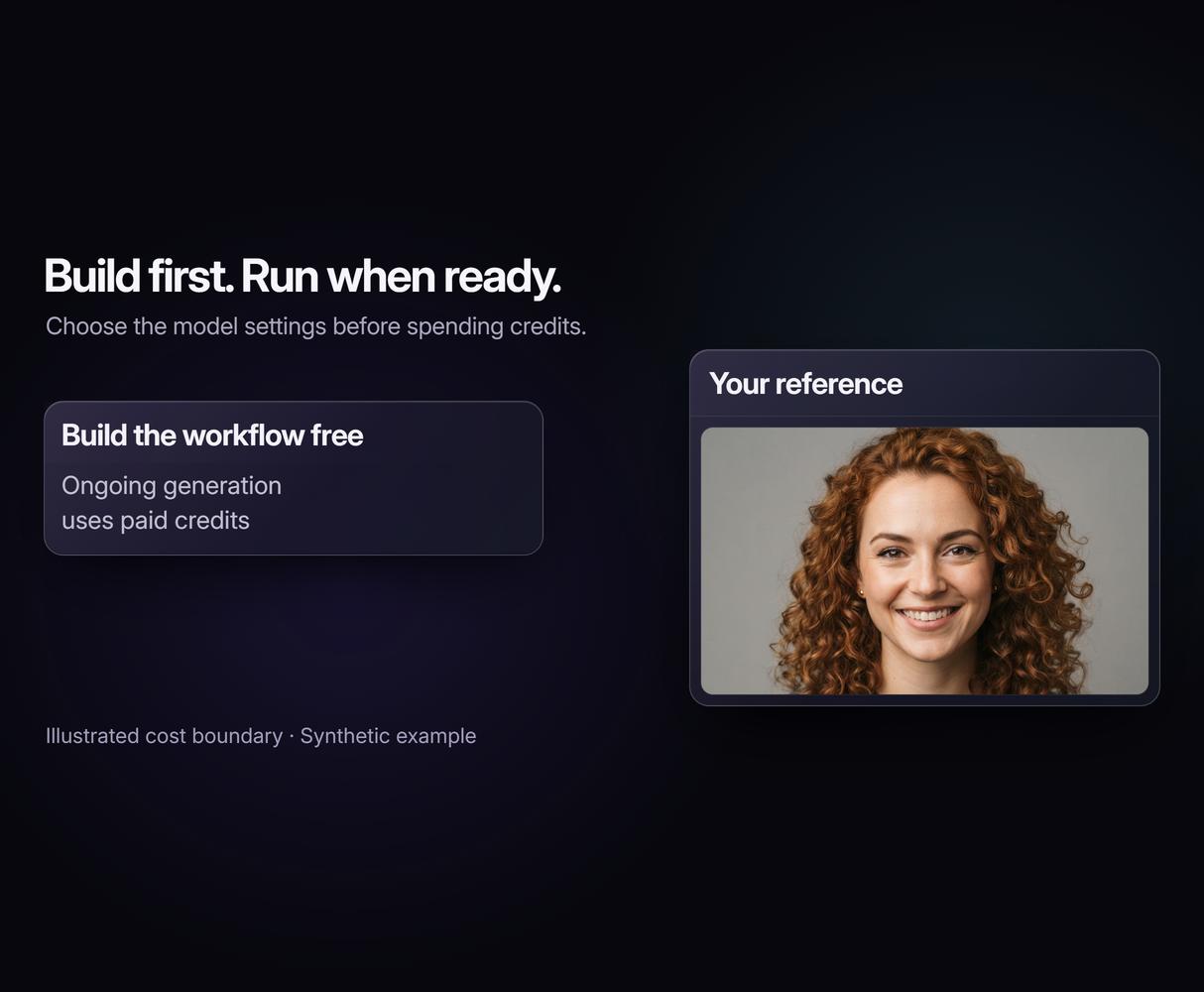
Free to build, pay per run
Build and adjust the flow free before choosing a paid run. Model costs are shown up front, as on the AI image generator canvas.
Build Any AI Workflow
AI Models Integrated
Full Commercial License
FAQs
The template connects a source-face image, a target photo and a text instruction to GPT Image 2.5 Flare. Replace the sample images, adapt the instruction and run the editing node. Review the generated still and refine the prompt if needed.
Written by
Andrew Adams · Co-Founder & Operations at Wireflow
Runs client operations and content strategy at Wireflow. Works directly with creative teams and agencies to build production AI workflows.
Swap a face in your browser
Start with the connected face-swap template. Replace the source and target photos, adjust the instruction, and review the generated image. Building is free; ongoing generation uses credits on a paid plan.