 Andrew Adams · Co-Founder & Operations at Wireflow ·
 AI Photo Generator
Generate photorealistic images from text descriptions using AI models in visual workflows
Free to build · no credit card
Generate Photorealistic Photos with AI
AI photo generation turns text descriptions into photorealistic images that match specific styles, compositions, and subjects. Wireflow connects multiple AI models in a visual workflow canvas so you can generate, refine, upscale, and export photos without writing code or switching between tools.
Different models excel at different photo types. Portrait photography, product shots, architectural visualization, and nature scenes each benefit from specialized model configurations. Build dedicated pipelines that chain the right generation model with post-processing steps like AI image upscaling, color correction, and background replacement for consistent, print-ready output.
Photo Generation Capabilities
Photorealistic Output
Generate photos indistinguishable from camera shots with fine detail in skin, fabric, and lighting
Text-to-Photo Prompting
Describe your photo in natural language and the AI generates matching images in seconds
Style Control
Specify lighting conditions, camera angles, lens types, and artistic styles for precise results
Image-to-Image Refinement
Use reference photos to guide generation and maintain consistent style across outputs
Batch Generation
Produce hundreds of photo variations from a single prompt template automatically
Multi-Model Pipelines
Chain generation with upscaling, face restoration, and format conversion in one workflow
More Than Just AI Photo Generator
Photorealistic Quality from Text
Generate photos with accurate skin tones, natural lighting, and fine texture detail using models like Recraft V4 that specialize in photorealism.
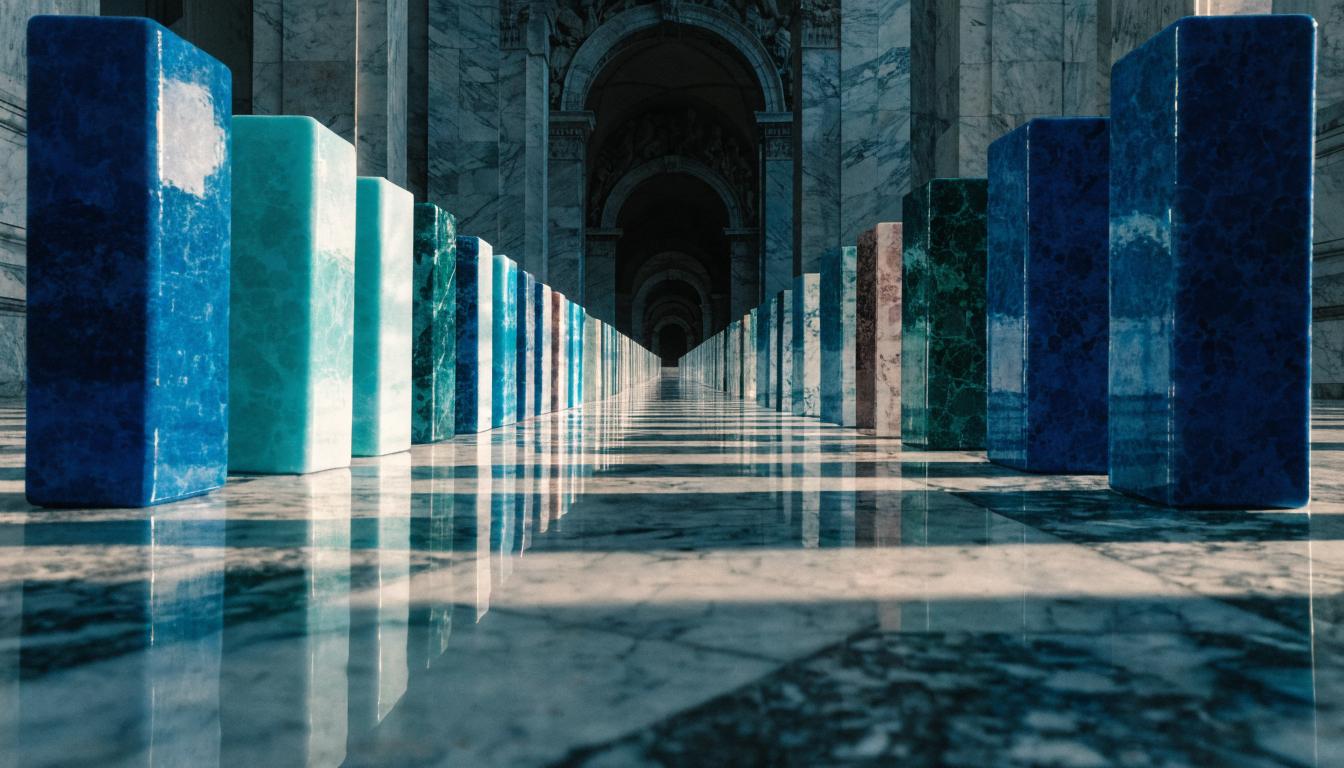
Produce Photos at Scale
Create hundreds of product shots, social media images, or marketing photos in minutes through batch AI generation workflows that process prompt variations automatically. Selling on Amazon? The Amazon listing image workflow turns one product photo into a full image set.
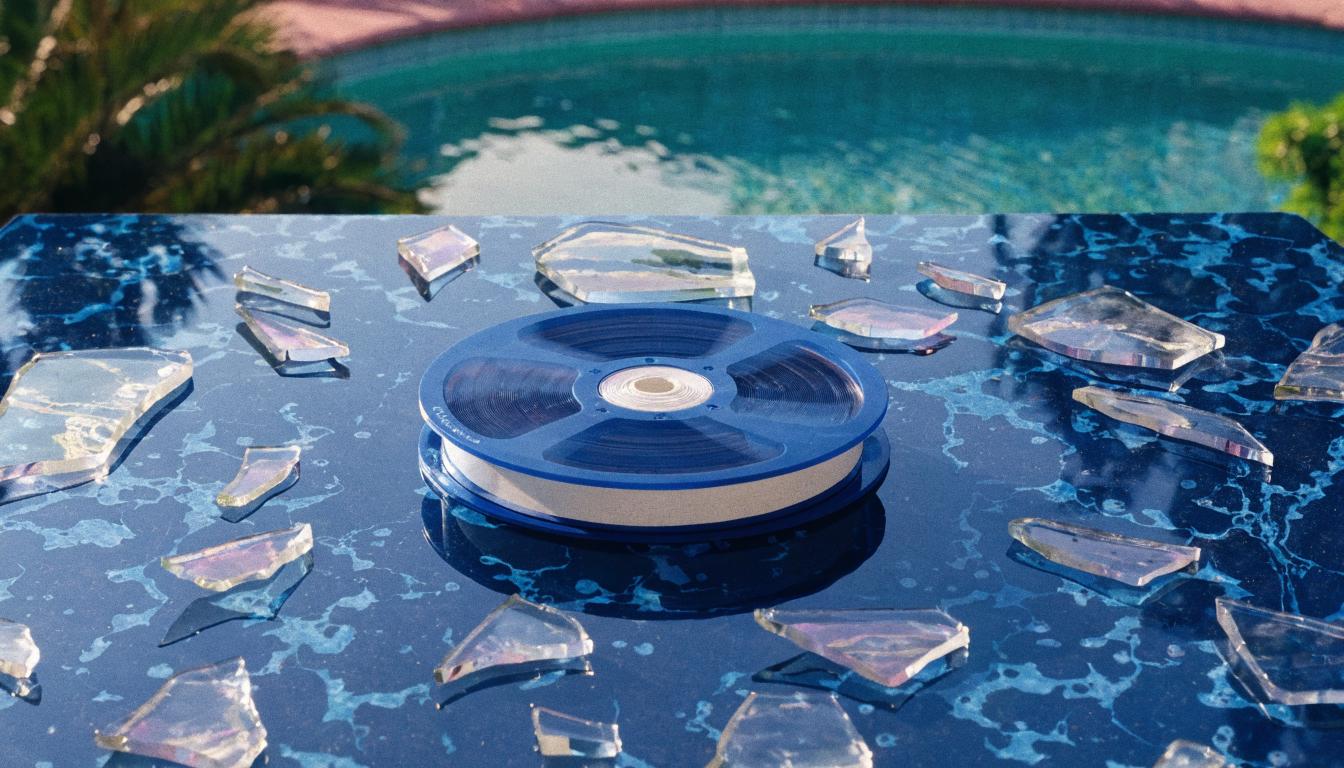
Chain Models for Better Results
Connect generation to upscaling, face restoration, and color correction through AI model chaining pipelines that refine output in a single pass.
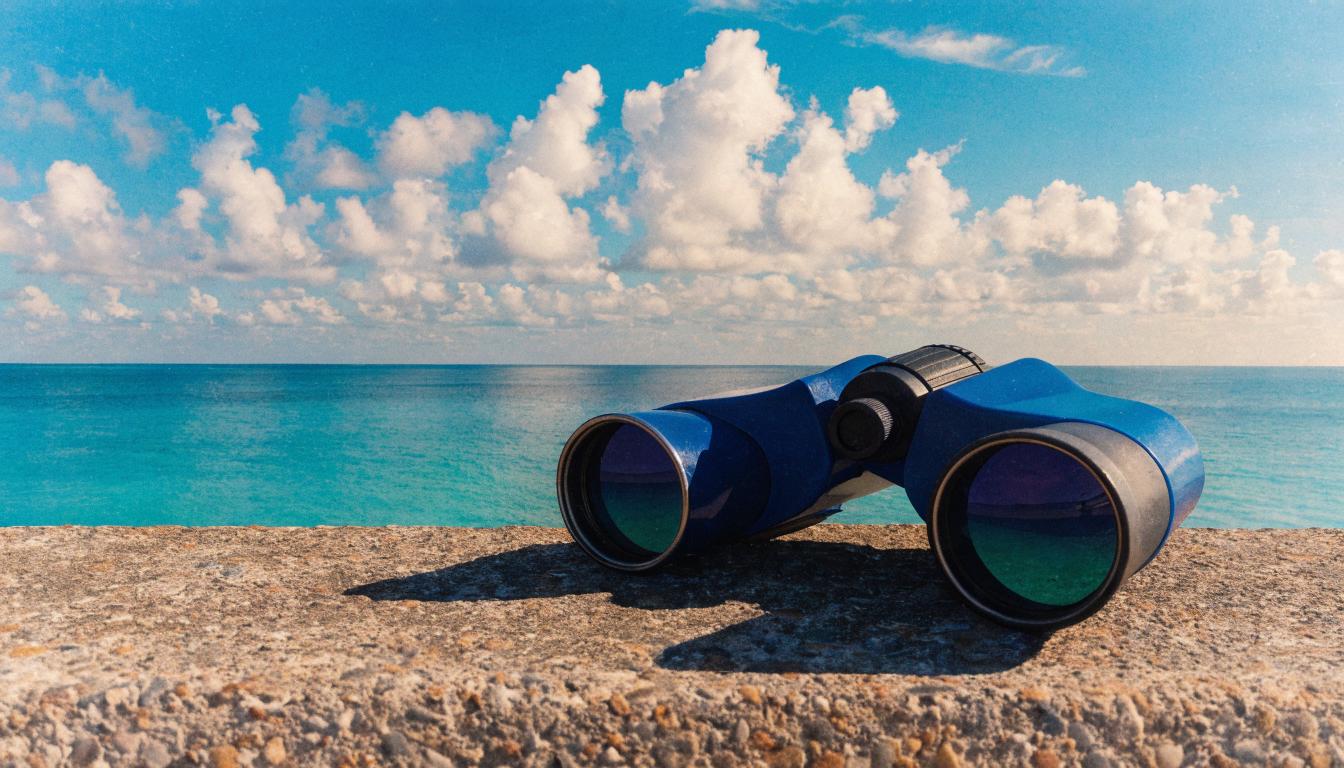
Build Workflows Visually
Design photo generation pipelines by dragging and connecting nodes on a no-code AI canvas instead of writing scripts or API calls.
Save and Share Pipelines
Package your photo generation workflow as a reusable template that your team can run with one click to maintain consistent output across projects.
Build Any AI Workflow
AI Models Integrated
Full Commercial License
FAQs
An AI photo generator uses neural networks trained on millions of images to create new photorealistic images from text descriptions. You write a prompt describing the photo you want and the model generates matching visuals.
Written by
Andrew Adams · Co-Founder & Operations at Wireflow
Runs client operations and content strategy at Wireflow. Works directly with creative teams and agencies to build production AI workflows.
Generate AI Photos in Minutes
Connect AI photo generation models with upscaling, face restoration, and batch processing nodes in a visual canvas. Create photorealistic images without code.