 Andrew Adams · Co-Founder & Operations at Wireflow ·
 AI Thumbnail Generator
Generate click-ready thumbnails for YouTube, blogs, and social posts from a single text prompt.
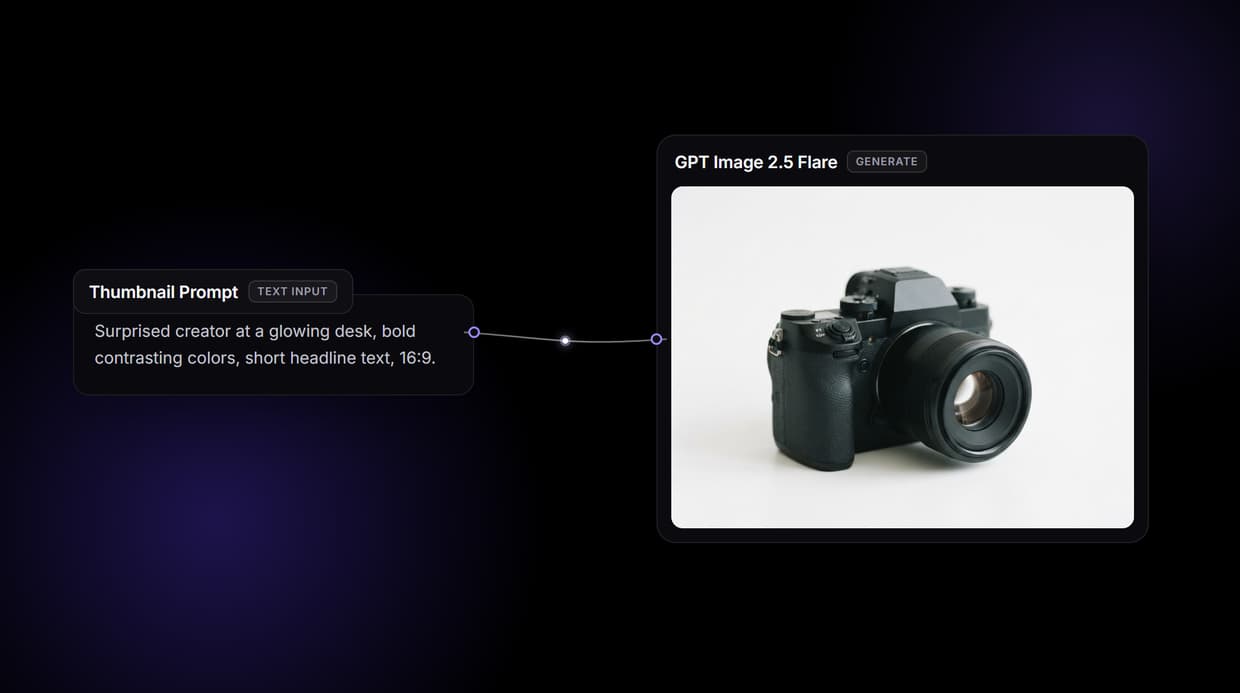
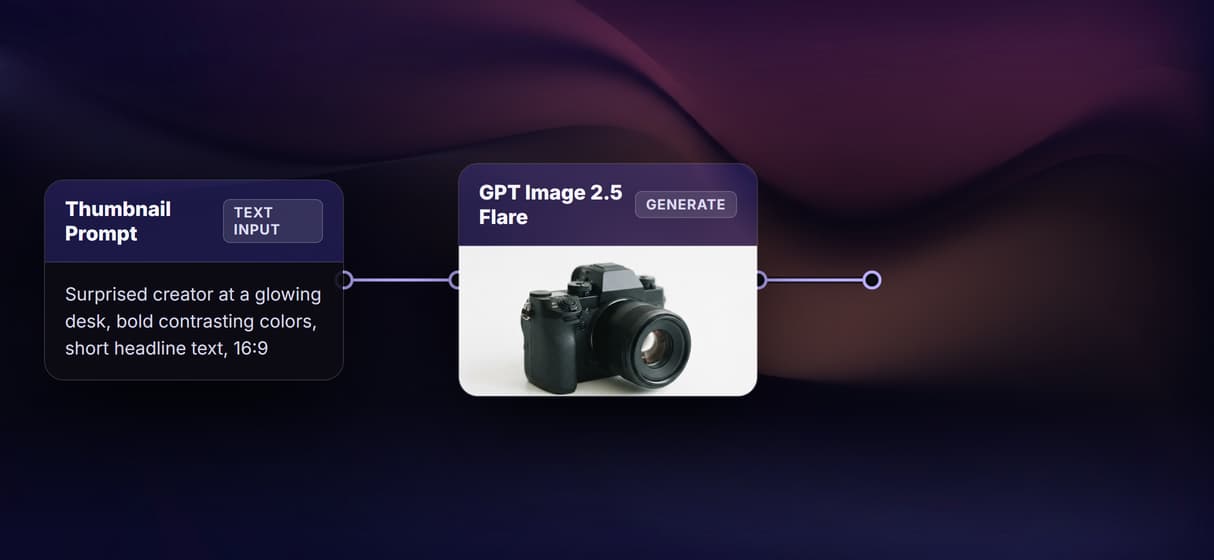
This page's live flow wires a Thumbnail Prompt into a GPT Image 2.5 Flare image node on the canvas, so a brief goes in and a 16:9 thumbnail comes out.
Free to build · no credit card · See how it works ↓
How to Use AI Thumbnail Generator
Steps to get you started in Wireflow.
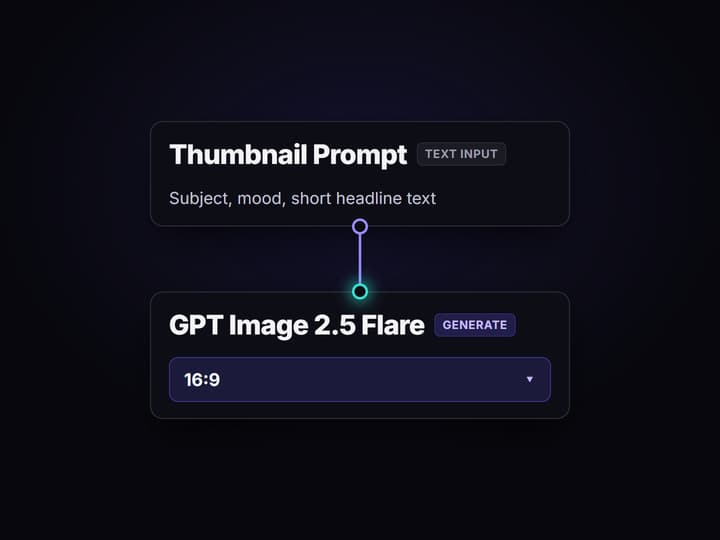
Write the thumbnail prompt
The Thumbnail Prompt text node holds your brief: the subject, the mood, and any short headline text you want on the image. Its output wires into the prompt port of the GPT Image 2.5 Flare node.
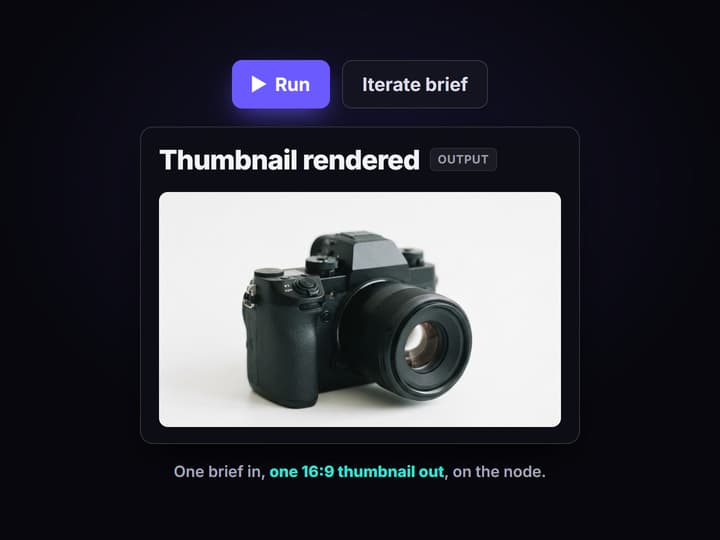
Run it on the canvas
Press Run and GPT Image 2.5 Flare renders one 16:9 thumbnail onto the node. Iterate on the wording here, where a weak brief costs one run instead of a wasted design pass.
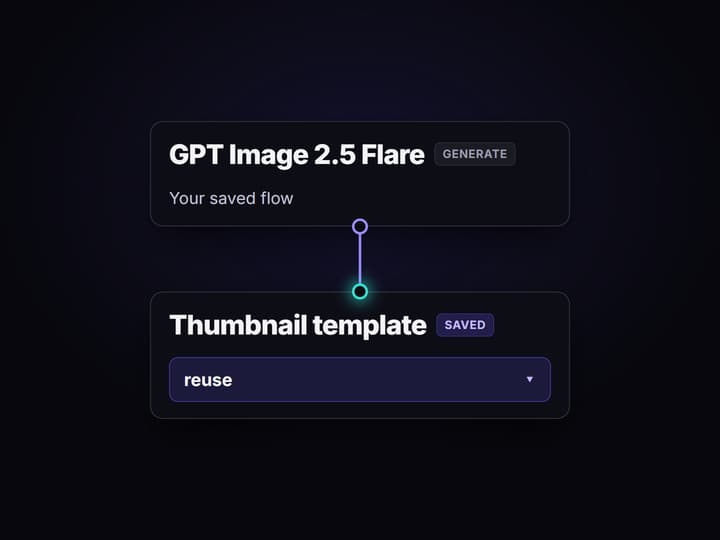
Save it as a template
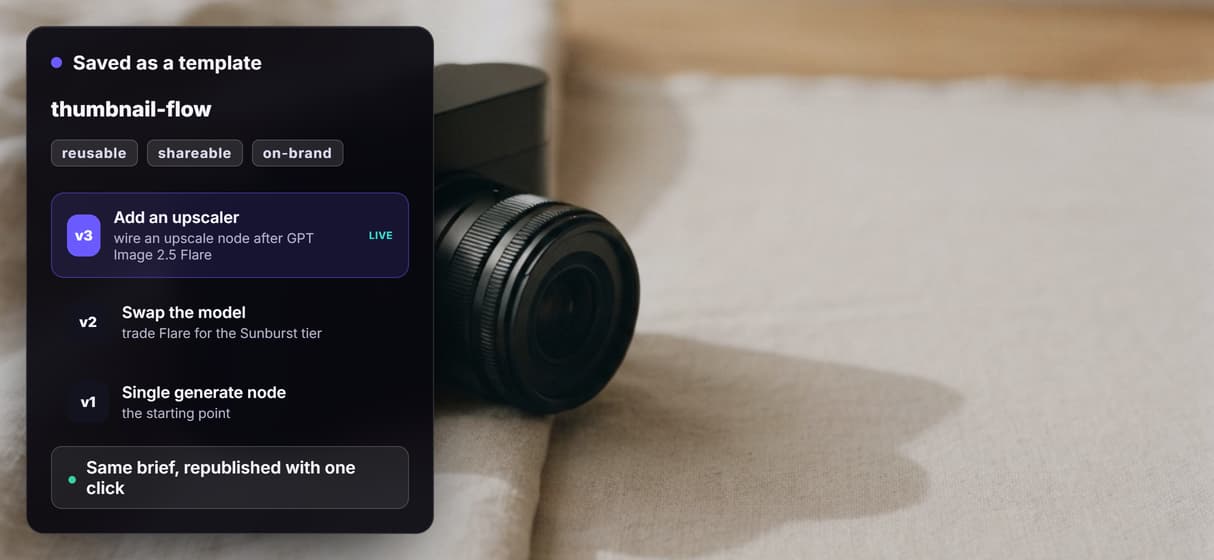
Save the flow and reuse it for every video. The same brief renders the same look each run, and you can swap the model or wire in a reference photo without rewriting the brief.
What the thumbnail flow actually does
Creators burn real time per video in Photoshop or a design tool, cutting out a subject, laying out text, and exporting sizes. An AI thumbnail generator compresses that into a single run: describe the subject, mood, and headline, and a click-ready image comes back.
On Wireflow that generator is a workflow you can see and edit. The flow behind this page is two nodes: a Thumbnail Prompt text node wired into a GPT Image 2.5 Flare image node set to a 16:9 aspect. Flare is the fast tier of GPT Image 2.5 and renders short headline text legibly, so the words in your brief come out readable on the image. You iterate on the brief on the canvas; the model does the rendering.
What you can generate from a prompt
YouTube thumbnails
Scroll-stopping 16:9 images with a clear subject and a short headline, rendered from one brief per video.
Blog headers
Article and post banners that match your editorial style, generated from a short description of the topic.
Podcast cover art
Episode artwork built from a repeatable brief, so a series shares one consistent visual identity.
Social post graphics
Visuals for Instagram, LinkedIn, and X, generated per post and resized by changing the aspect setting.
Course and lesson cards
Module and lesson thumbnails for a whole curriculum, rendered from the same brief with the title swapped.
Thumbnail variants
Several takes on one video by running the brief again, so you can test which framing earns more clicks.
A consistent look comes from the brief, not a trained model
Wireflow does not learn or store your channel style as a model. Consistency comes from discipline you control: write a brief that names your subject framing, color accents, and text placement, save the flow as a template, and every run repeats that look. Change it on purpose by editing the brief, and the change is a deliberate new version instead of silent drift, because workflows are versioned server-side.
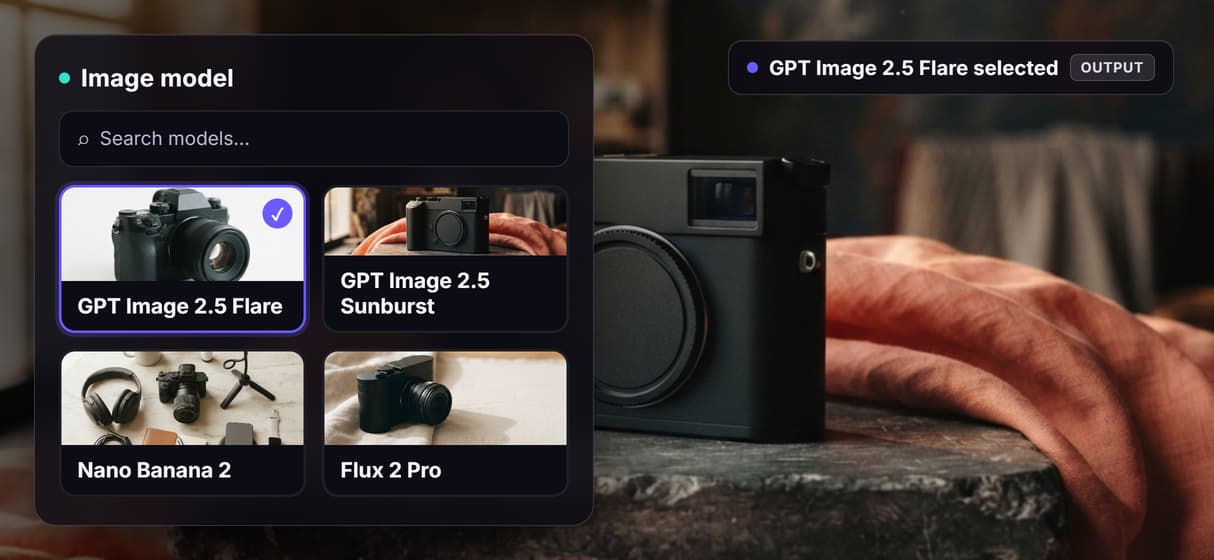
The model itself is one node. Unplug GPT Image 2.5 Flare, drop in another image model like the Sunburst tier or Nano Banana 2, run the same brief, and keep whichever render fits the video. The honest tradeoff is that every generation spends credits, so a large batch is a real budgeting decision, while building and wiring the flow is free.
When Wireflow is not the right tool
Wireflow is the generation layer, not the strategist. It renders what the brief describes; it does not decide what makes a click-worthy thumbnail for your audience, and it does not guarantee a higher click-through rate. It is also not a freehand editor: there is no brush, no layers, and no masking, and it exports raster PNG or JPG. It does not publish to YouTube for you either, so you download the image or call the workflow as an endpoint from your own tool.
It earns its place when the job is repeatable: when you want to lock a brief and reuse it across videos, swap models without rebuilding, or wire a downstream step like an background remover into the same canvas. If you need a single one-off image you will never repeat, one prompt in any image tool is enough. The two-node flow above is the smallest honest start for creators who make thumbnails again and again.
More Than Just AI Thumbnail Generator
A prompt in, a thumbnail out
A Thumbnail Prompt node feeds GPT Image 2.5 Flare and one 16:9 thumbnail lands on the visual node editor. A brief in, a ready image out.
GPT Image 2.5 Flare, tuned for text
The flow runs on GPT Image 2.5 Flare, which renders short headline text legibly, so the words in your brief come out readable on the finished AI image.
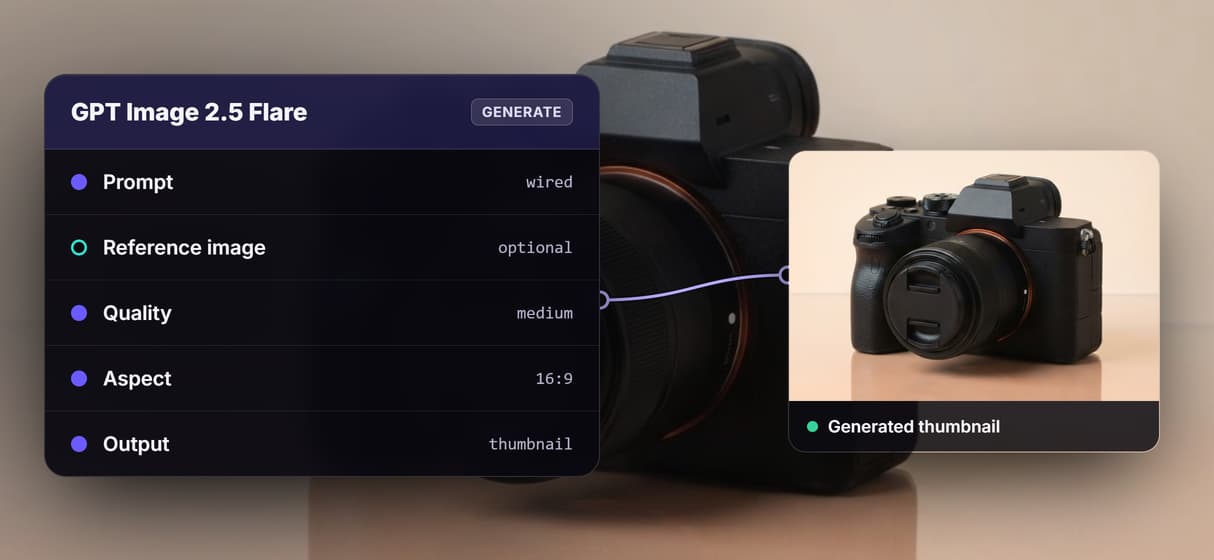
Swap the model, keep the flow
The model is a node, not a lock-in. Chain or swap models like the Sunburst tier, Nano Banana 2, or Flux 2 Pro on the same prompt wire.
Lock one look, reuse it
Save the flow as a reusable template and every run repeats the same style, so a consistent channel look comes from a reused brief.
One flow, a whole series
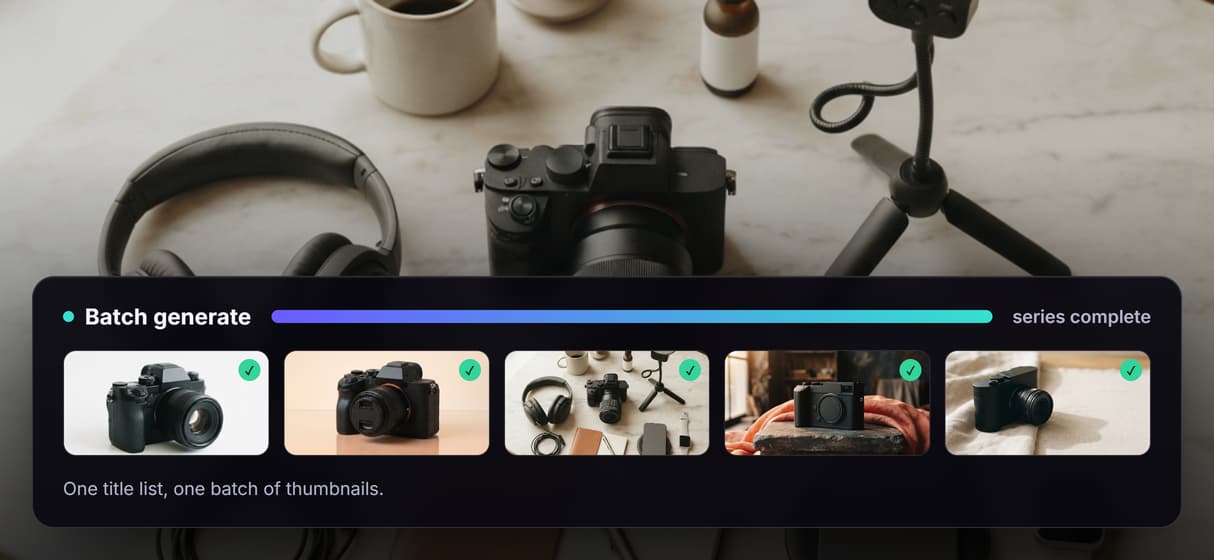
Loop the published workflow over a list of video titles and each render walks the same graph, turning one flow into a batch of thumbnails.
Thumbnail Workflows
No Code Required
API & Batch Processing
FAQs
It creates a click-ready image for a video, post, or article from a written brief instead of manual design. On Wireflow it is a visible workflow: a Thumbnail Prompt text node wired into a GPT Image 2.5 Flare image node that renders one 16:9 thumbnail per run.
Discover related AI tools
- AI Image Upscaler: Upscale to 4K in a Visual Workflow
- AI Background Remover
- AI Image Generator: Flow-Based Canvas, 31 Models
- ComfyUI Alternative
- AI Face Swap Online: Photos and Video in Your Browser
- Virtual Try On
- AI Photo Generator
- AI Image Editor
- AI Art Generator
- Midjourney Alternative
- AI Headshot Generator
- Background Remover Free
More From Wireflow
Written by
Andrew Adams · Co-Founder & Operations at Wireflow
Runs client operations and content strategy at Wireflow. Works directly with creative teams and agencies to build production AI workflows.
Open the thumbnail flow behind this page
It is live on the canvas: a Thumbnail Prompt text node wired into a GPT Image 2.5 Flare image node at 16:9. Run a brief, watch the thumbnail land on the node, then save your own copy as a reusable template. Building is free; generations are pay per run.