 Andrew Adams · Co-Founder & Operations at Wireflow ·
 Batch AI Generation: Many Assets, One Run
Wire several prompt nodes into their own model nodes on a canvas, run the graph once, and every asset comes back together.
Publish the batch and call it from an API or an agent.
Free to build · no credit card · See how it works ↓
How to Use Batch AI Generation: Many Assets, One Run
Steps to get you started in Wireflow.
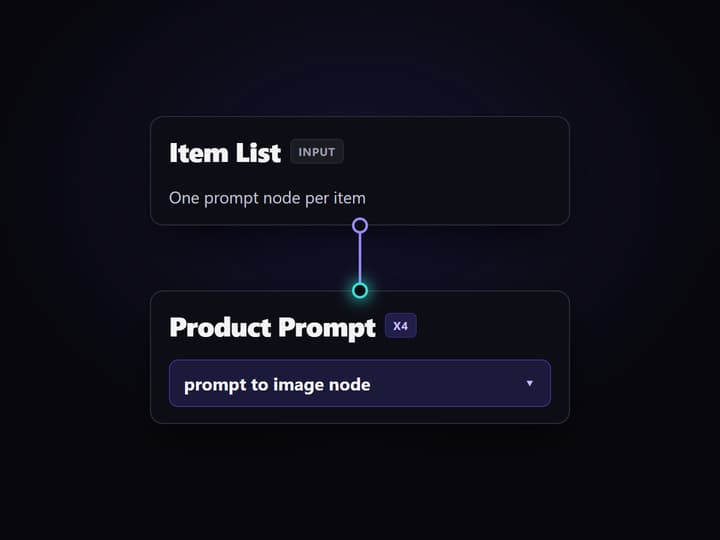
List each item as a prompt node
Open the template and give every asset its own prompt node. Each node holds the prompt for one output, so you can see and edit any item without disturbing the rest of the batch.
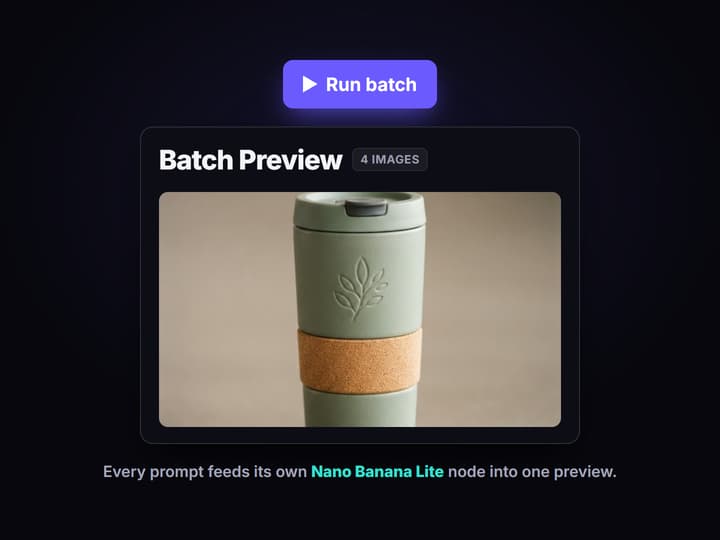
Wire each prompt to a model node
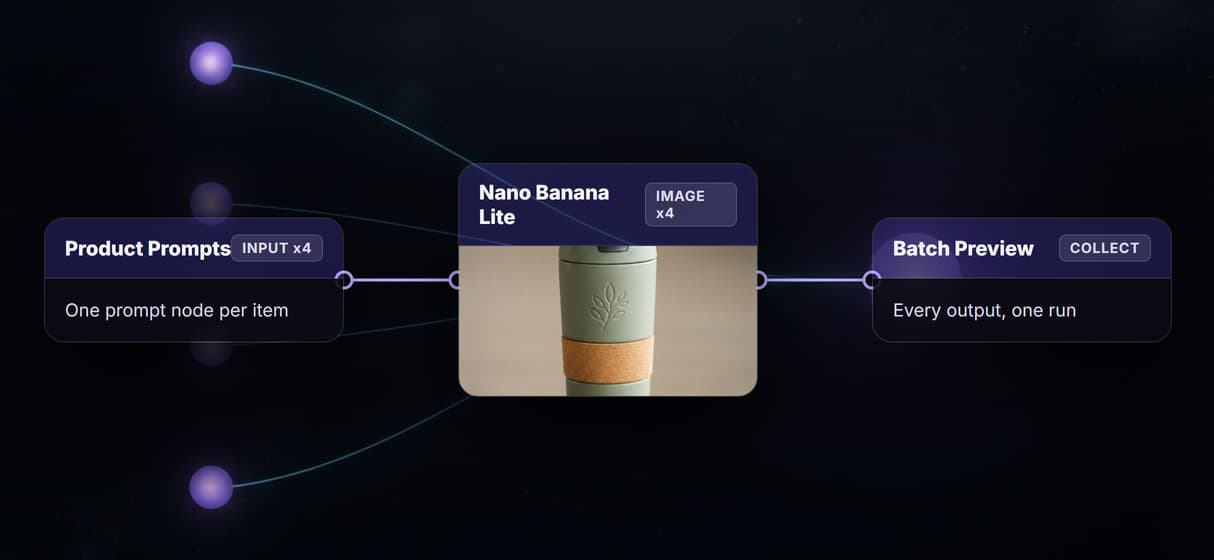
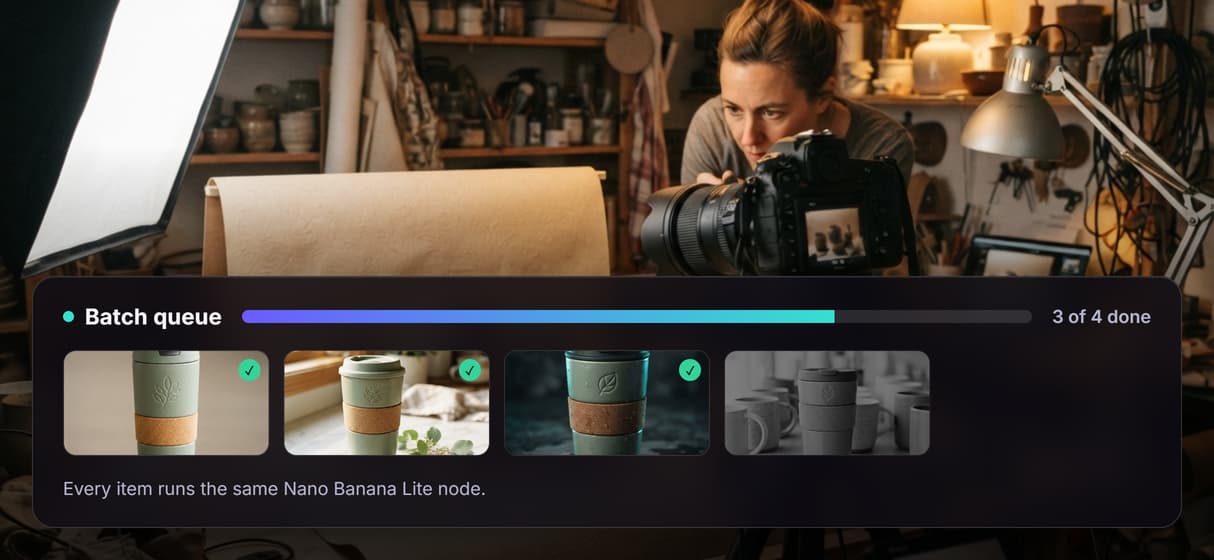
Connect every prompt node to its own Nano Banana Lite image node and point them all at one Batch Preview. Using the same model on each item keeps the whole set consistent.
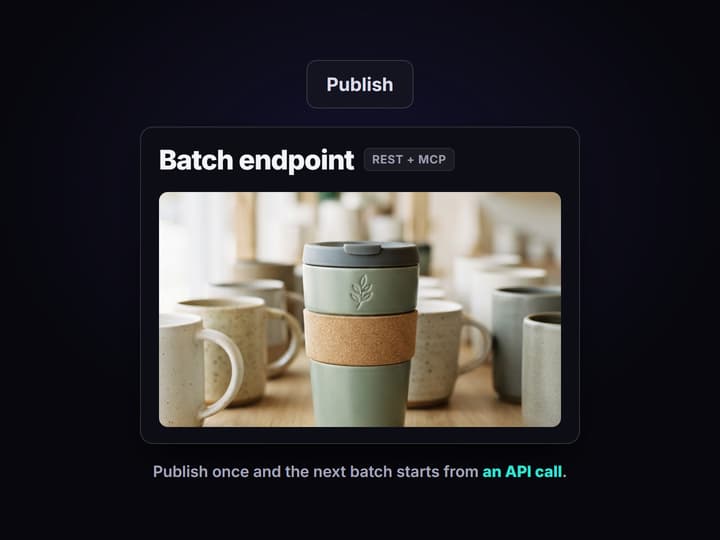
Run once, then publish the batch
Press run and the graph renders all items together into the Batch Preview. Publish the workflow so your next batch starts from a REST call or an agent instead of the canvas.
Inside the batch workflow on this page
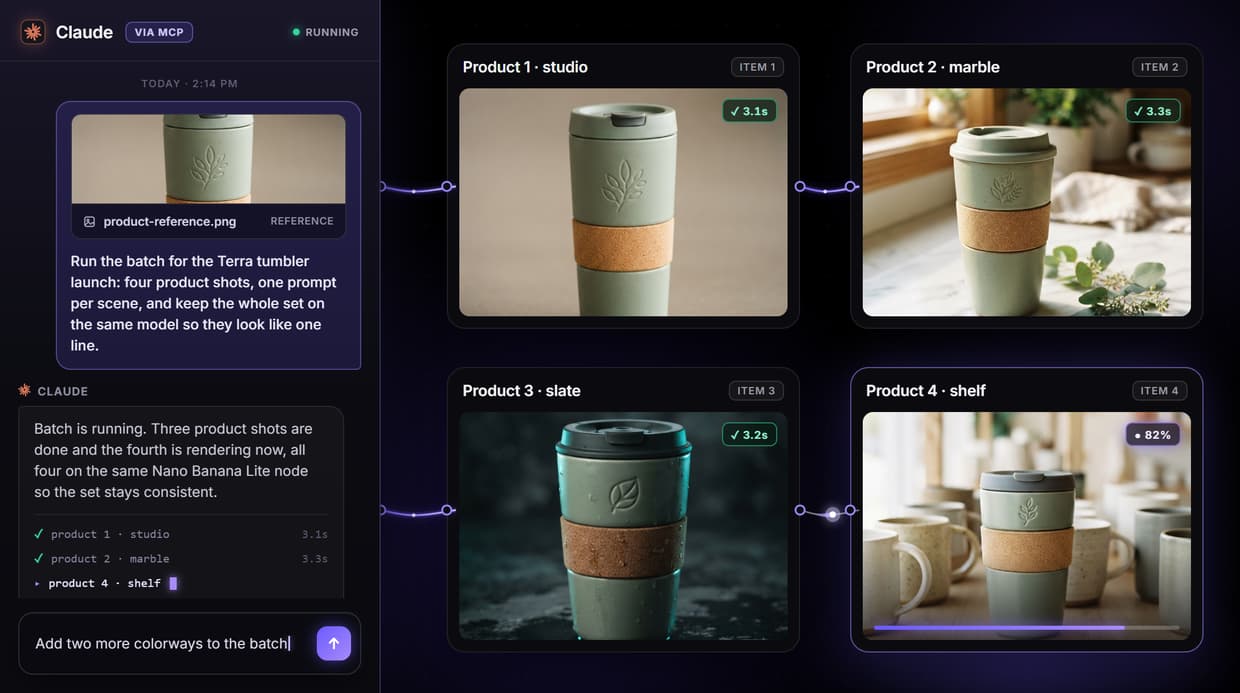
The workflow preview above is not a diagram, it is a live batch you can open. Four prompt nodes sit on the left, one per product, and each feeds its own Nano Banana Lite image node. All four image nodes collect into a single Batch Preview node, so one run produces the whole set instead of four separate sessions.
Because every prompt has its own node, the inputs stay legible: you can see exactly which prompt made which image and edit one without touching the rest. Add another prompt and image pair and the batch grows; the graph is the record of what ran. This is the same canvas behind our bulk image generation page, pointed at a product set.
Nothing here reads a spreadsheet with per-row seeds or temperature. You wire prompt nodes on the canvas, or send the inputs through the published API. The graph handles the fan-out and gathers every result in the preview.
What the canvas gives you
Many items, one run
Several prompt nodes fan into their own model nodes, so one run returns the whole set at once.
One shared model
Every item runs the same model node, so the batch stays consistent without per-item tuning.
A visual canvas
Drag nodes, connect them, rearrange the graph. The batch is the diagram.
Every workflow is an API
Publish the graph and call it as a REST endpoint from any backend or script.
Agents run it via MCP
Claude and other agents trigger the batch as a typed MCP tool.
No watermarks, full license
Outputs carry no watermark and ship with a full commercial license.
Scale the batch without a rebuild
A batch grows by copying a pattern, not by rewriting logic. Each item on this graph is a prompt node wired to a model node, so a bigger run is just more of those pairs pointed at the same Batch Preview. Ten products, fifty products, the shape does not change, and neither does the way you read the results.
When the input list lives outside the canvas, publish the graph and send the items through its API instead of adding nodes by hand. That is the point where a batch stops being a canvas exercise and becomes a repeatable job, much like an AI pipeline automation step you call whenever the list changes. The graph is built once; the inputs are all that move.
Run the batch from an API or an agent
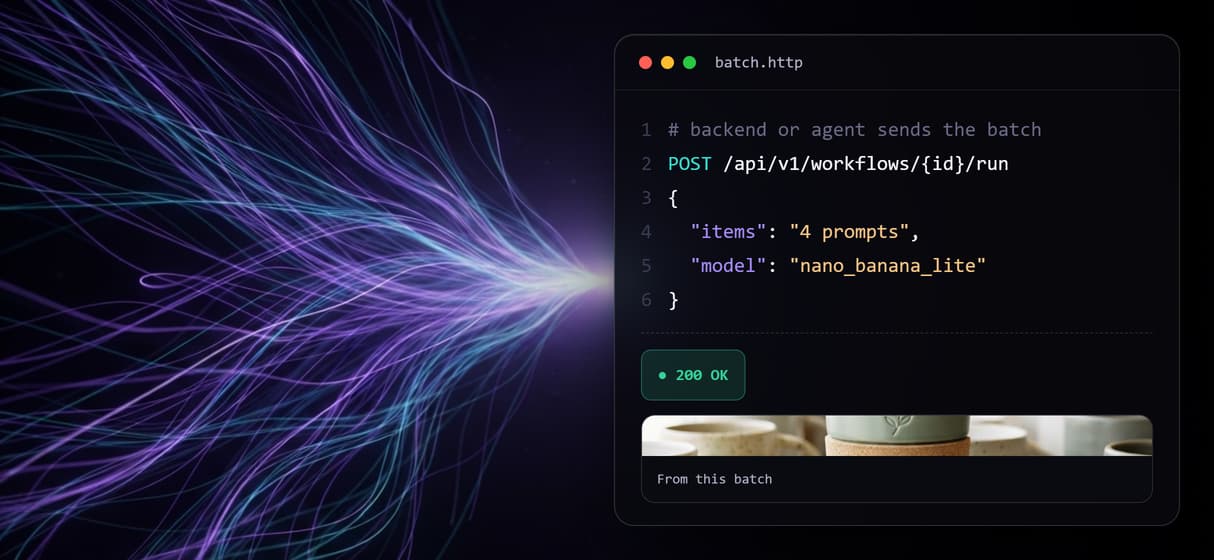
Every published workflow is both a REST endpoint and an MCP tool. Your backend can POST a set of inputs and get every asset URL back in the response, with webhook delivery for longer runs. Connect Wireflow through the Claude connector and the same batch shows up as a typed tool the agent can call, so it sends the list and receives the finished set in the conversation.
Be clear about the boundary: Wireflow is the generation layer, not the reasoning brain. It does not write your prompts, decide your product strategy, or parse CSV columns into per-row settings. It runs the graph you built across the inputs you send and returns organized outputs, the same way our AI workflow templates turn a proven graph into a job you rerun.
One model node, every item
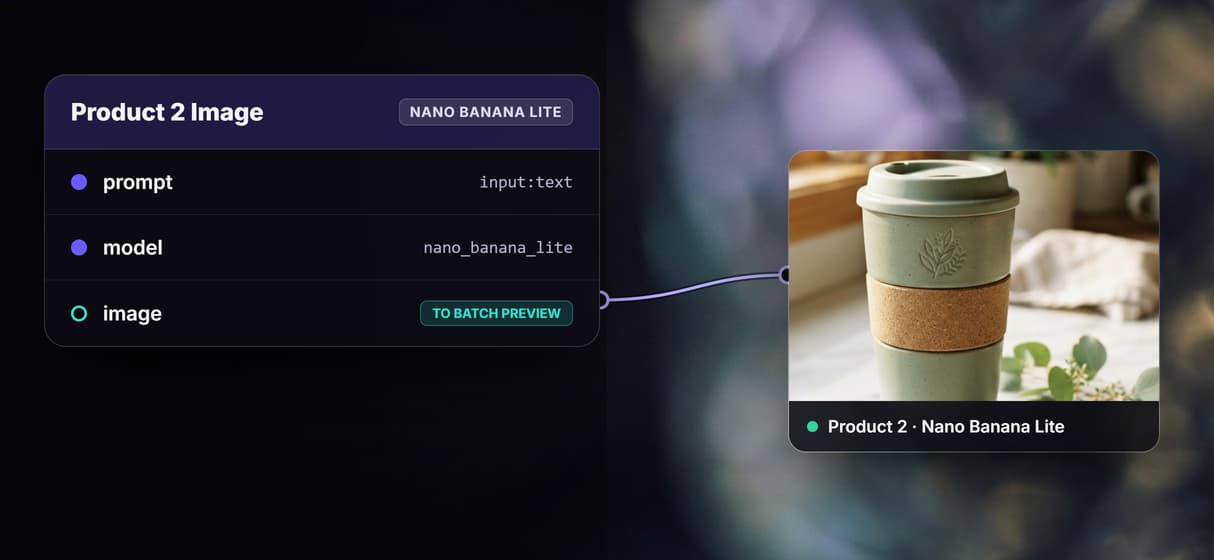
The batch on this page runs Nano Banana Lite on every image node because it is fast and cheap for volume, and running one model across the set is what keeps a batch looking like a set. Consistency here is not a setting you tune per item; it is a consequence of every node calling the same model with the same node config.
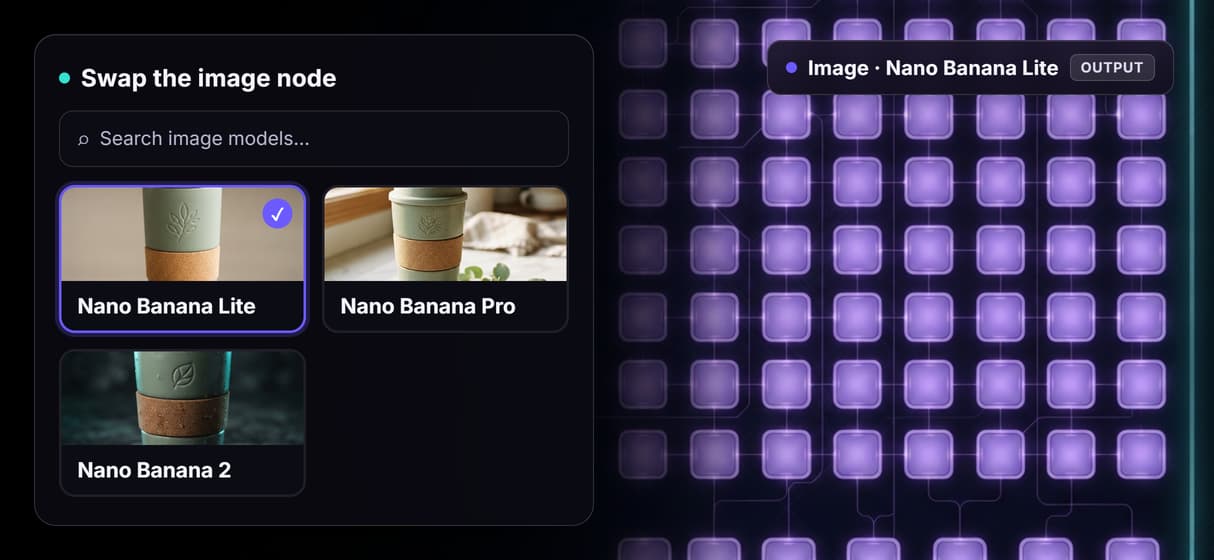
Change your mind and you change one thing. Repoint the image nodes to Nano Banana Pro when a run needs finer detail, and the whole batch upgrades together, no per-item edits. Because each stage is a node you can swap, the same pattern extends to video or audio nodes when a batch needs more than images, chained the way our AI model chaining pages describe.
More Than Just Batch AI Generation: Many Assets, One Run
Every item, one run
Fan several prompt nodes into their own model nodes and run once. Every output from the AI image generator nodes lands together.
One model, one look
Every item runs the same model node, so the set stays on brand. No per-item tuning like a ComfyUI alternative graph would need.
Swap the model once
Repoint one node and every item switches model together. Turn a batch into an AI product photo generator run without rewiring.
Run it in bulk from code
Publish the graph and it becomes a REST endpoint and MCP tool. Drive the AI workflow builder in bulk from your backend or an agent.
Scale without a rebuild
Add more prompt and image pairs to grow the batch. Reuse the graph like an n8n alternative whenever the input list changes.
Build Any AI Workflow
AI Models Integrated
Full Commercial License
FAQs
Batch AI generation produces many assets from one workflow run instead of one prompt at a time. On Wireflow you wire several prompt nodes into their own model nodes, run the graph once, and every output collects together in a single preview.
Discover related AI tools
More From Wireflow
Written by
Andrew Adams · Co-Founder & Operations at Wireflow
Runs client operations and content strategy at Wireflow. Works directly with creative teams and agencies to build production AI workflows.
Run your first batch
Every node of this batch template is public and ready to copy. Open it, drop your own prompts into the item nodes, and run the graph once for the whole set. Publish it, and your next batch can start from an API call or an agent.