 Andrew Adams · Co-Founder & Operations at Wireflow ·
 Bulk Image Generation
Most tools generate one image at a time.
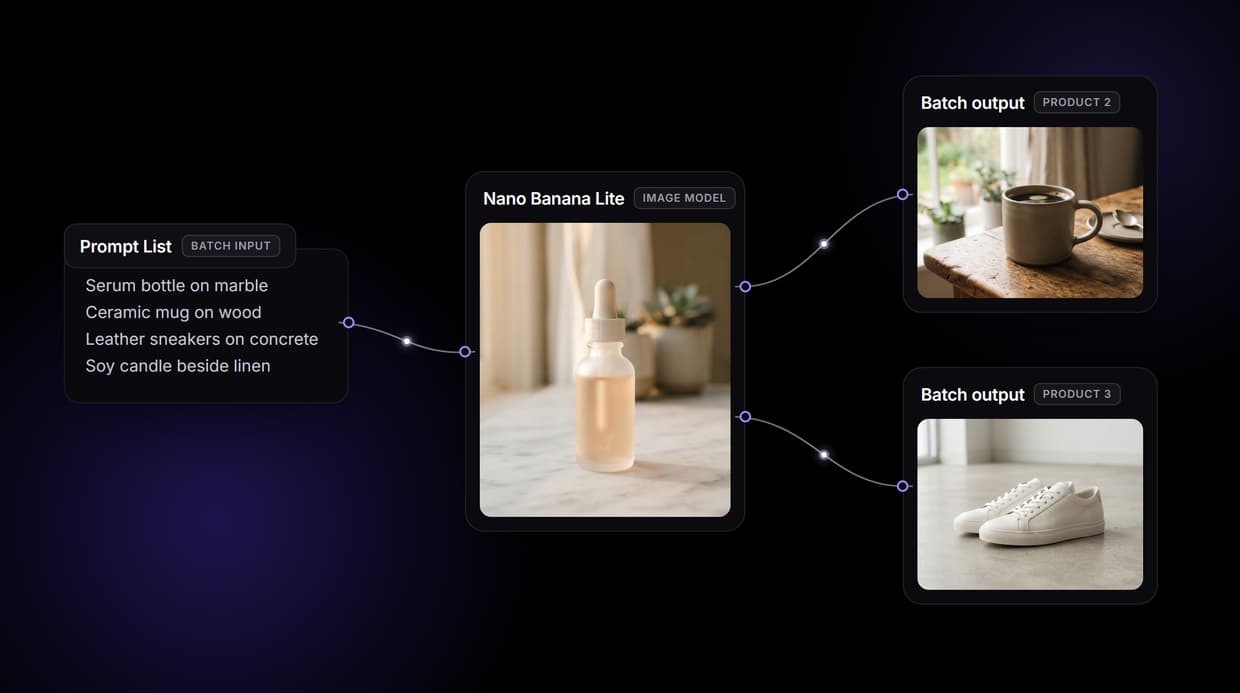
Wireflow hands you the pipeline: build an image workflow once on a node canvas, then run it across a whole prompt list or product feed. Nano Banana Lite renders every row, and the same graph loops from a CSV or its REST endpoint. Free to build, pay per generation.
Free to build · no credit card · See how it works ↓
How to Use Bulk Image Generation
Steps to get you started in Wireflow.
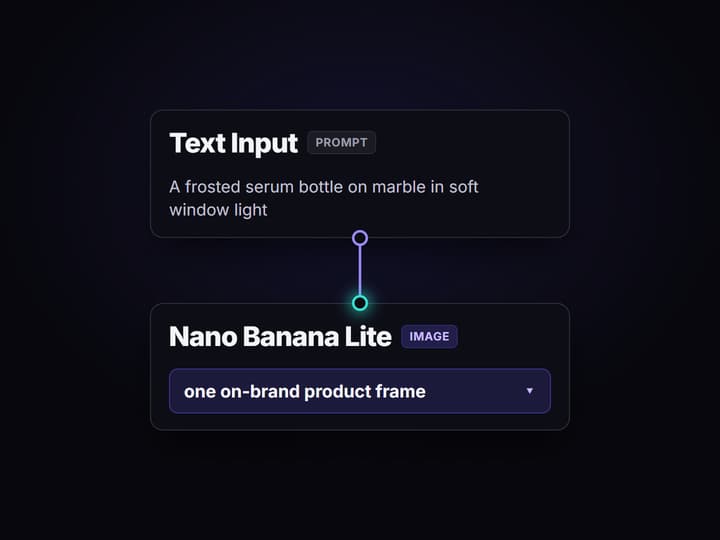
Write your prompt list
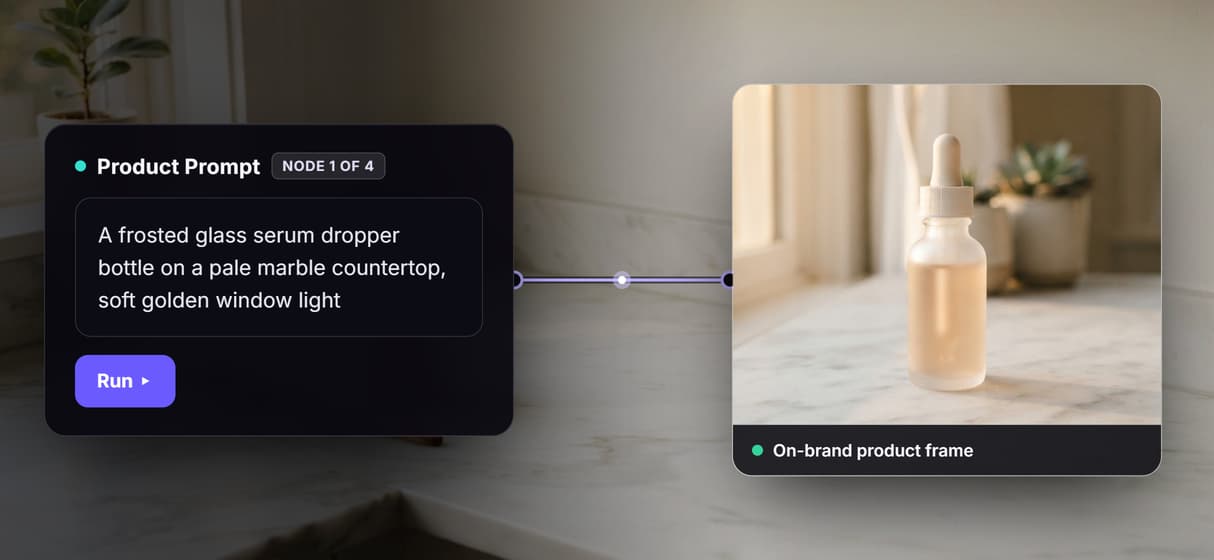
Open the flow and click a Text Input node. Give each product one plain line: the item, the setting, and the light, for example a serum bottle on marble in soft window light.
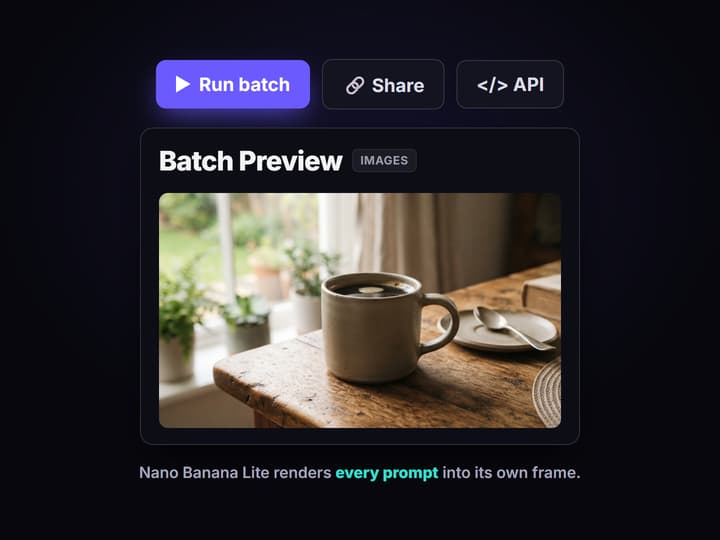
Run the batch once
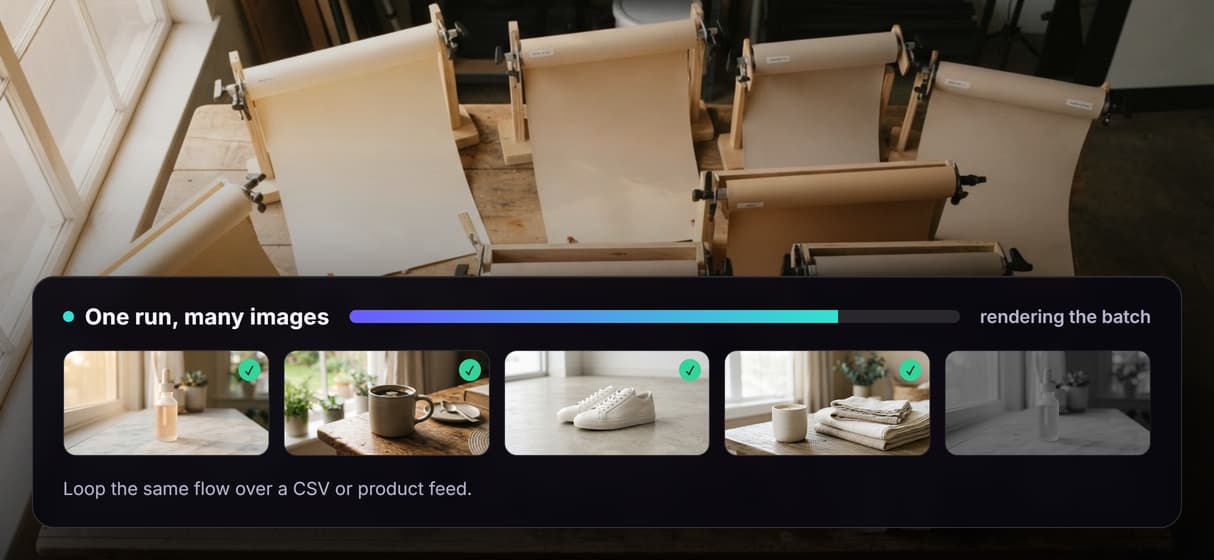
Run the graph and Nano Banana Lite renders every prompt into its own frame, collecting them in the Batch Preview node so you can check the whole set at a glance.
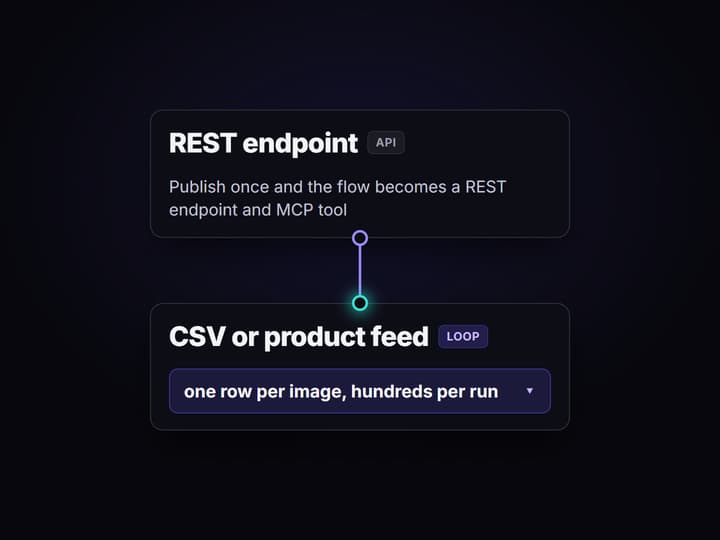
Scale it over your catalog
Publish the flow to get a REST endpoint and MCP tool, then loop it over a CSV or product feed to bulk generate hundreds of images from the same graph.
Why one at a time stalls at scale
Most image tools are built for a single generation: type a prompt, wait, download, repeat. That loop is fine for one hero shot and painful for a hundred product frames, a seasonal refresh, or a catalog that changes every week. The work is not the creativity, it is the repetition.
Wireflow answers with a different shape. Instead of a one-off generator, bulk image generation is a small workflow you own on a node canvas: a Text Input holds each prompt, an AI image generator node renders it, and a Preview node collects the batch. Build it once, then run the same graph across your whole list. The canvas runs on hosted compute in the browser, so there is nothing to install and no GPU to rent.
What the bulk flow is made of
Prompt list
A Text Input node holds one plain line per product. Edit the list and rerun; the graph never moves.
Nano Banana Lite
The default image node renders every prompt into a clean, on-brand frame.
Batch preview
A Preview node gathers all the outputs so you check the whole set at once.
Loop over a feed
Publish the flow and loop it over a CSV or product feed to scale from a handful to hundreds.
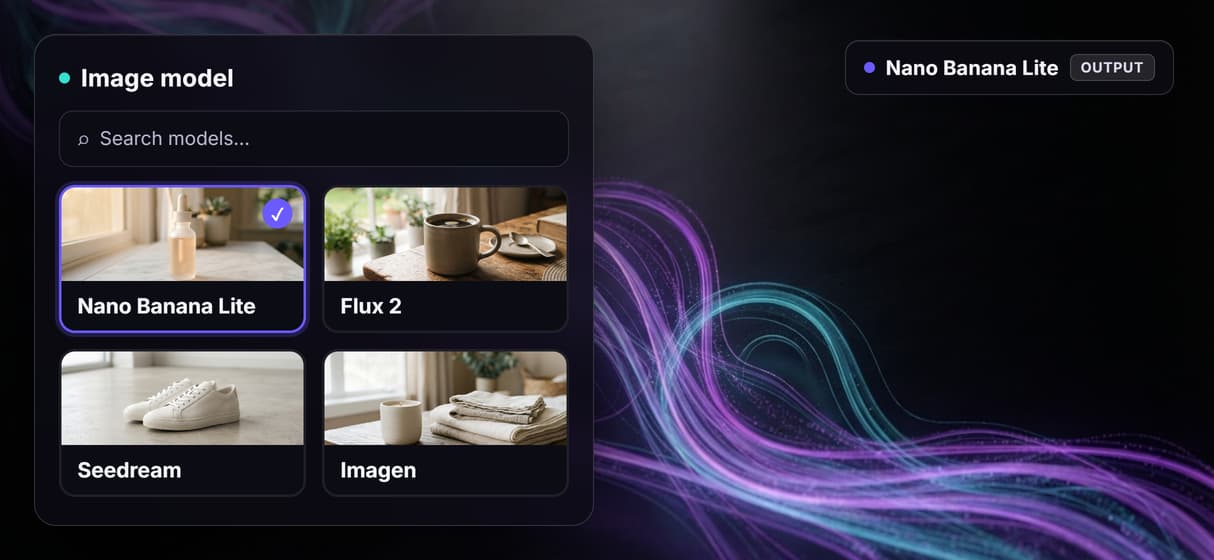
Swap models
Drop in Flux 2, Seedream, or Imagen as one node when a job needs a different look.
Add upscale or cleanup
Chain a Topaz upscaler or Bria background removal onto the same batch when you need it.
How the batch graph actually runs
The workflow behind this page's button is deliberately small: four prompts, four image nodes, one preview.
- Each Text Input holds one product. One line about the item, the setting, and the light is enough.
- Nano Banana Lite renders each one. Every prompt gets its own node, so the four run together and land in the preview as a set.
- The Preview node collects the batch. You approve the whole grid at a glance instead of opening four separate jobs.
The detail worth copying is that the flow is the reusable unit. Publish it and every workflow becomes a REST endpoint and an MCP tool, so a script or an agent can loop the same graph over a CSV or product feed and return finished asset URLs. That is how four demo images become a full programmatic image generation platform run, and the output can roll straight into an AI image upscaler without leaving the browser.
When a single generator is enough
If you need one image once, a plain AI image editor or a single prompt box is faster than building a graph, and this page will not pretend otherwise. The batch flow earns its keep when the same job repeats: many products, recurring refreshes, or a feed that keeps changing.
Wireflow is the generation layer, not the strategist. It will not write your prompts, choose your products, or decide your catalog plan, and it does not run offline or on local checkpoints. What it gives you instead is a reproducible pipeline, 70+ hosted models to swap between, and per generation pricing. If bulk product images are a standing need, build the flow here and pair it with AI product photography presets for the look.
More Than Just Bulk Image Generation
Build the flow once, run the whole list
Wire a prompt to Nano Banana Lite and preview once, then run that same graph across every row in your list. It is bulk AI image generation without rebuilding a thing.
One prompt in, one on-brand shot out
Each row is a plain text prompt that Nano Banana Lite turns into a clean product frame. Approve the look on one, and that AI product photography holds across the batch.
Swap the image model, keep the batch
Nano Banana Lite is the default, and Flux 2, Seedream, or Imagen drop in as one node. The rest of your node based image generation graph never moves.
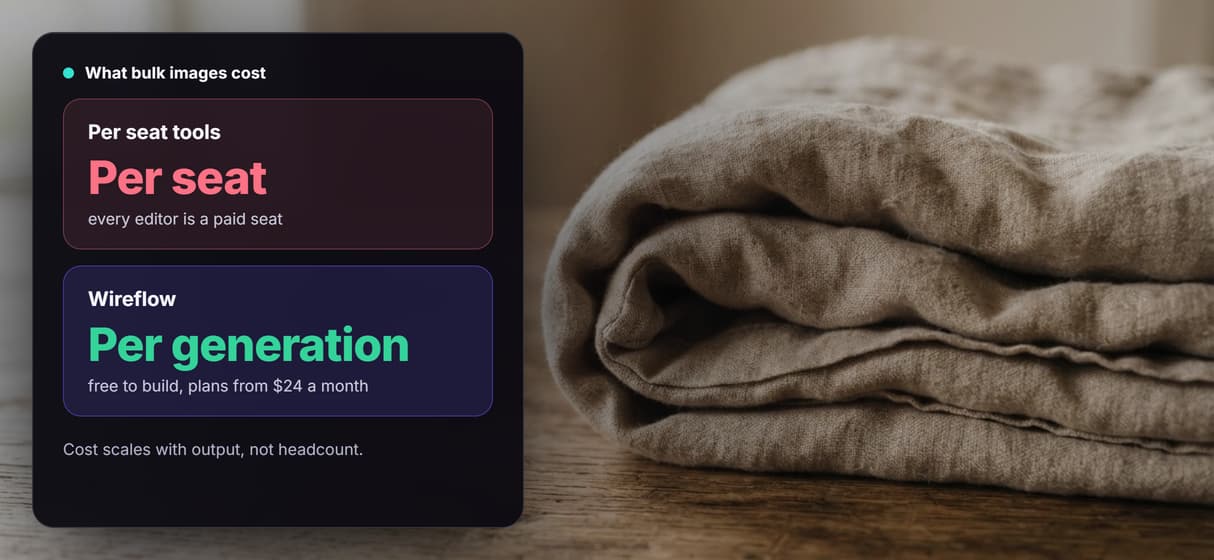
Pay per image, not per seat
Building the flow on the canvas is free, and you pay per generation once it runs. Ten teammates staging AI ecommerce images cost the same as one.
The 500th image matches the first
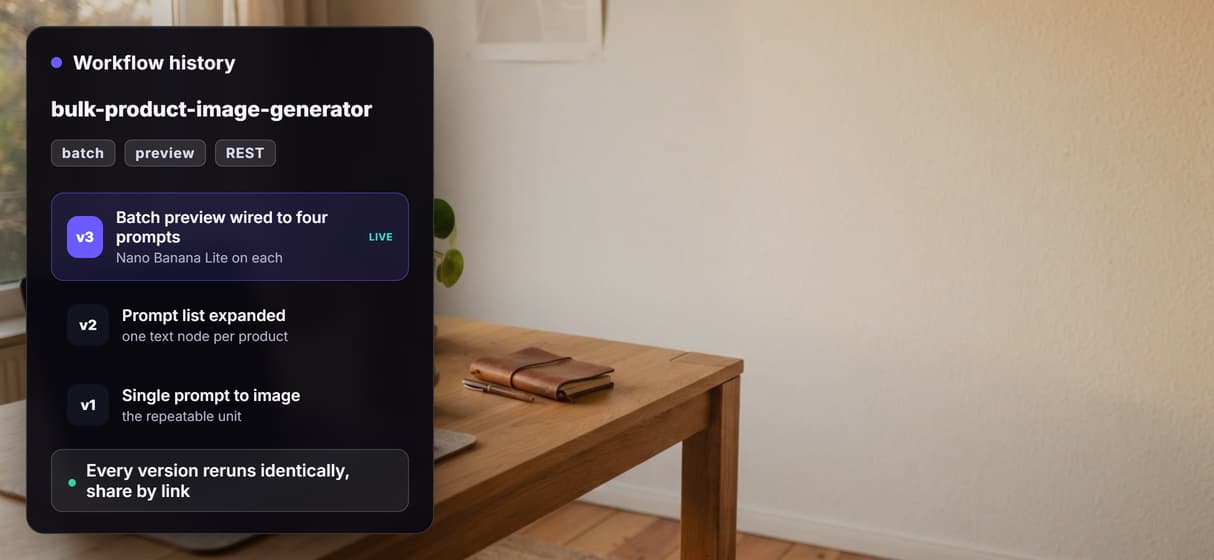
The workflow is versioned server side and shareable by link, so a run in week six matches week one. Scale it through the batch AI generation endpoint.
Build Any AI Workflow
AI Models Integrated
Full Commercial License
FAQs
Bulk image generation means creating many images from one repeatable process instead of prompting one at a time. On Wireflow you build an image workflow on a node canvas, then run that same graph across a whole list of prompts, a CSV, or a product feed.
Discover related AI tools
- AI Image Upscaler: Upscale to 4K in a Visual Workflow
- AI Background Remover
- AI Image Generator: Flow-Based Canvas, 31 Models
- ComfyUI Alternative
- AI Face Swap Online: Photos and Video in Your Browser
- Virtual Try On
- AI Thumbnail Generator
- AI Photo Generator
- AI Image Editor
- AI Art Generator
- Midjourney Alternative
- AI Headshot Generator
More From Wireflow
Written by
Andrew Adams · Co-Founder & Operations at Wireflow
Runs client operations and content strategy at Wireflow. Works directly with creative teams and agencies to build production AI workflows.
Generate the whole batch from one flow
Open the flow, drop in your prompt list, and run it. Nano Banana Lite renders every product frame, and the same graph loops over your feed. Building is free, you pay per generation.