 Andrew Adams · Co-Founder & Operations at Wireflow ·
 Node Based Image Generation
Turn a prompt into an image workflow you can reuse.
Start with a connected GPT Image 2.5 Flare template, then add editing stages as you need them. Free to build; ongoing generation uses paid credits.
Free to build · no credit card
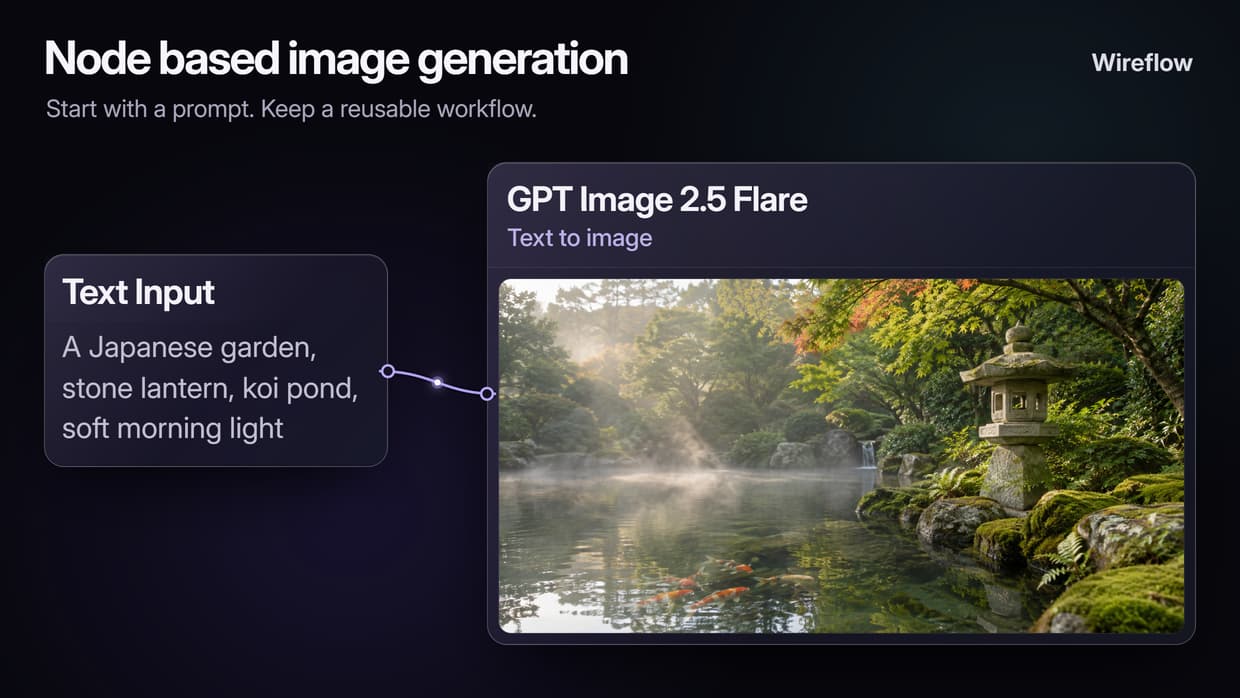
How Node Based Image Generation Works
A node-based image workflow keeps the steps behind an image visible. A Text Input holds the prompt, a model node generates the image, and optional processing nodes can upscale it or remove the background. Connections pass each output to the next stage, so you do not have to move files between separate tools.
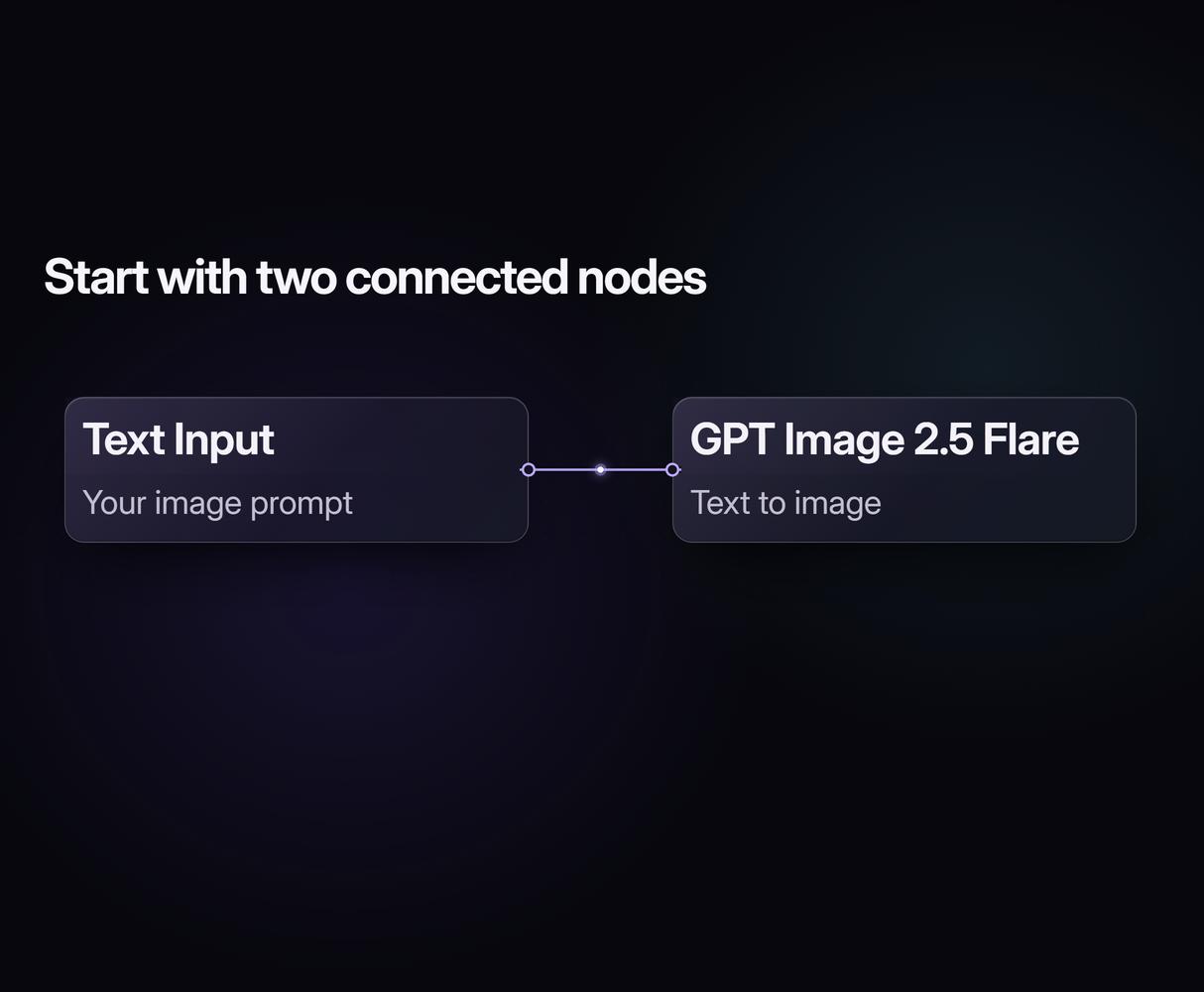
The starter workflow linked on this page contains just two connected nodes: Text Input and GPT Image 2.5 Flare. Replace the sample garden prompt with your own subject and direction, choose the model settings, and run. You can inspect the image before adding further processing.
Once the basic flow suits the job, keep it for the next brief. Change a prompt, connect a compatible image editor, or branch an image into separate processing paths. You are reusing the production steps and settings; generated images can still vary between runs.
Core Capabilities
Drag and Drop Node Wiring
Connect an output to a compatible input to build a visible image pipeline without writing code.
Multiple AI Model Support
Use supported models such as Recraft V4, Nano Banana 2 and Flux 2 Pro, with settings for each stage.
Built-In Upscaling Nodes
Connect a supported upscaler after generation and choose the available scale and quality settings.
Background Removal Integration
Pass a generated image to a background-removal node when the job needs a cutout.
Reusable Pipeline Templates
Keep a useful graph and replace its prompts or inputs for the next project.
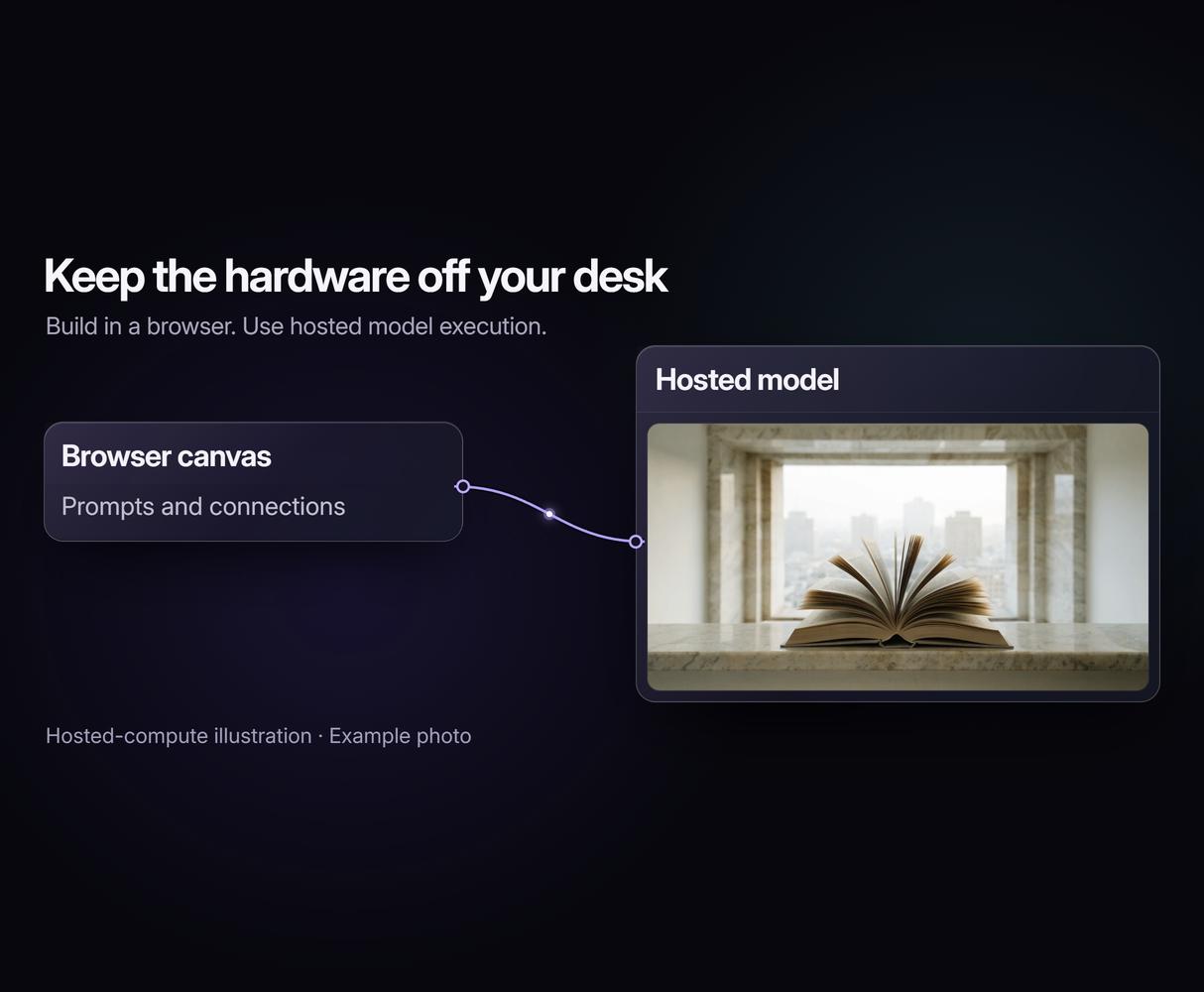
Cloud Execution Without GPUs
Use hosted model execution from your browser, with model limits and credit costs still applying.
More Than Just Node Based Image Generation
Visual Pipeline Control
Keep the steps visible in the node editor, so edits are easier to follow. Explore another reusable approach in our complete guide to Weavy templates. Beyond images, Wireflow's node-based AI workflows chain video and audio stages the same way.
Swap Models Instantly
Keep your prompt while trying a compatible image model. Compare Recraft V4 with Nano Banana 2, adjusting the inputs and settings as needed.
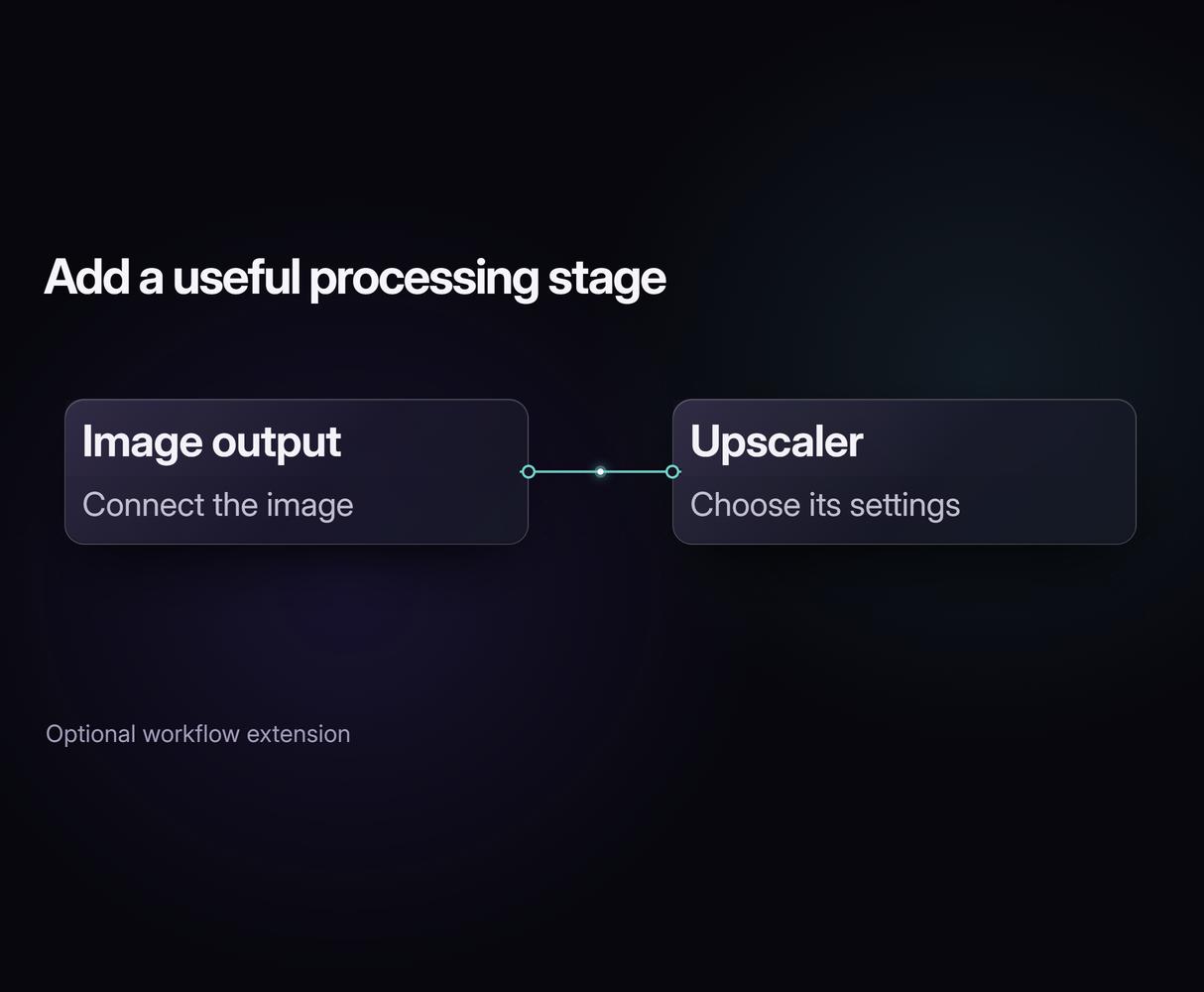
Post-Processing in One Flow
Carry an image into upscaling or background removal without a manual handoff. Add the stages you need to your image production pipeline.
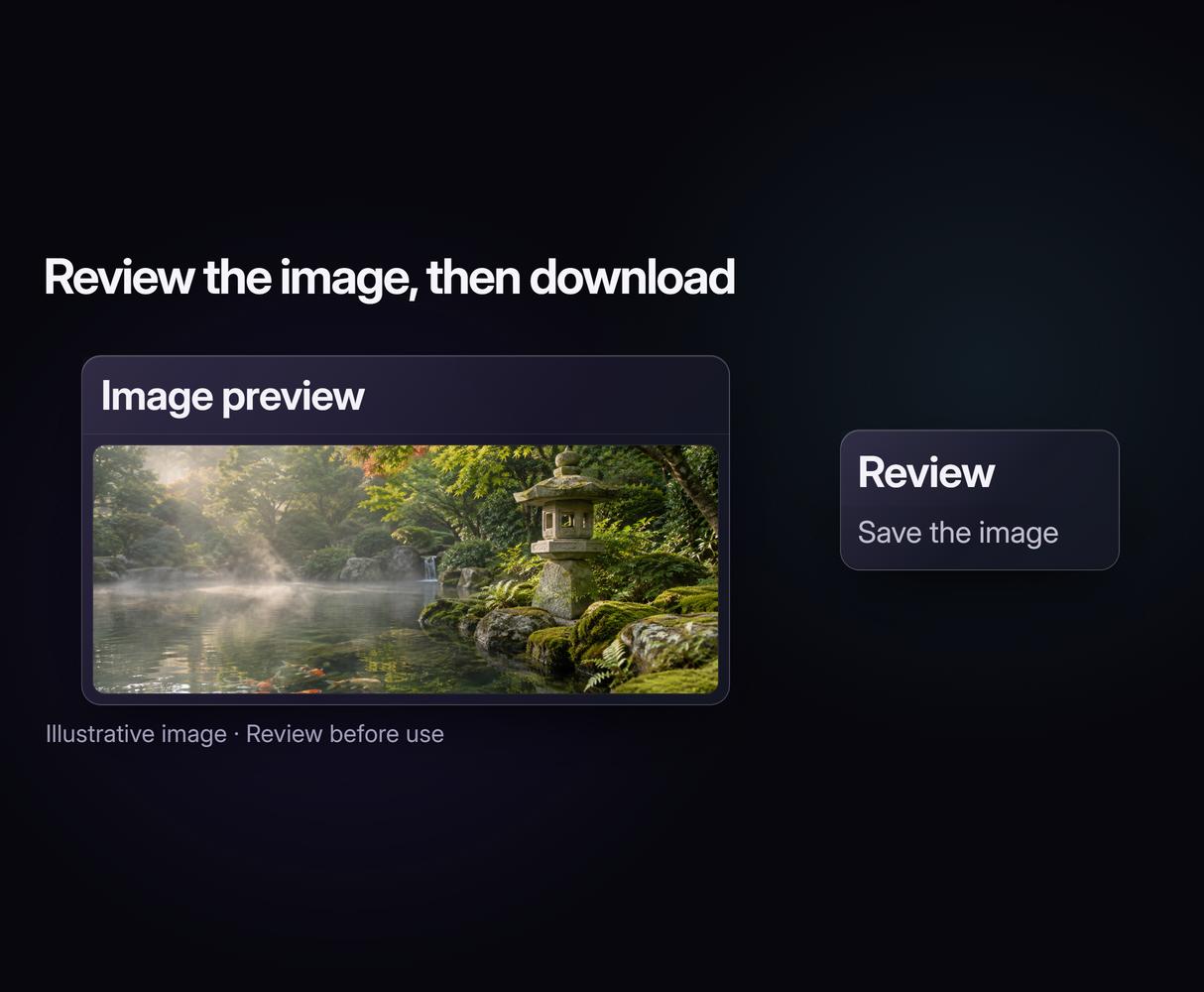
No GPU Required
Skip a local GPU install and run hosted models in your browser. Compare that setup with what tools like ComfyUI require for local use.
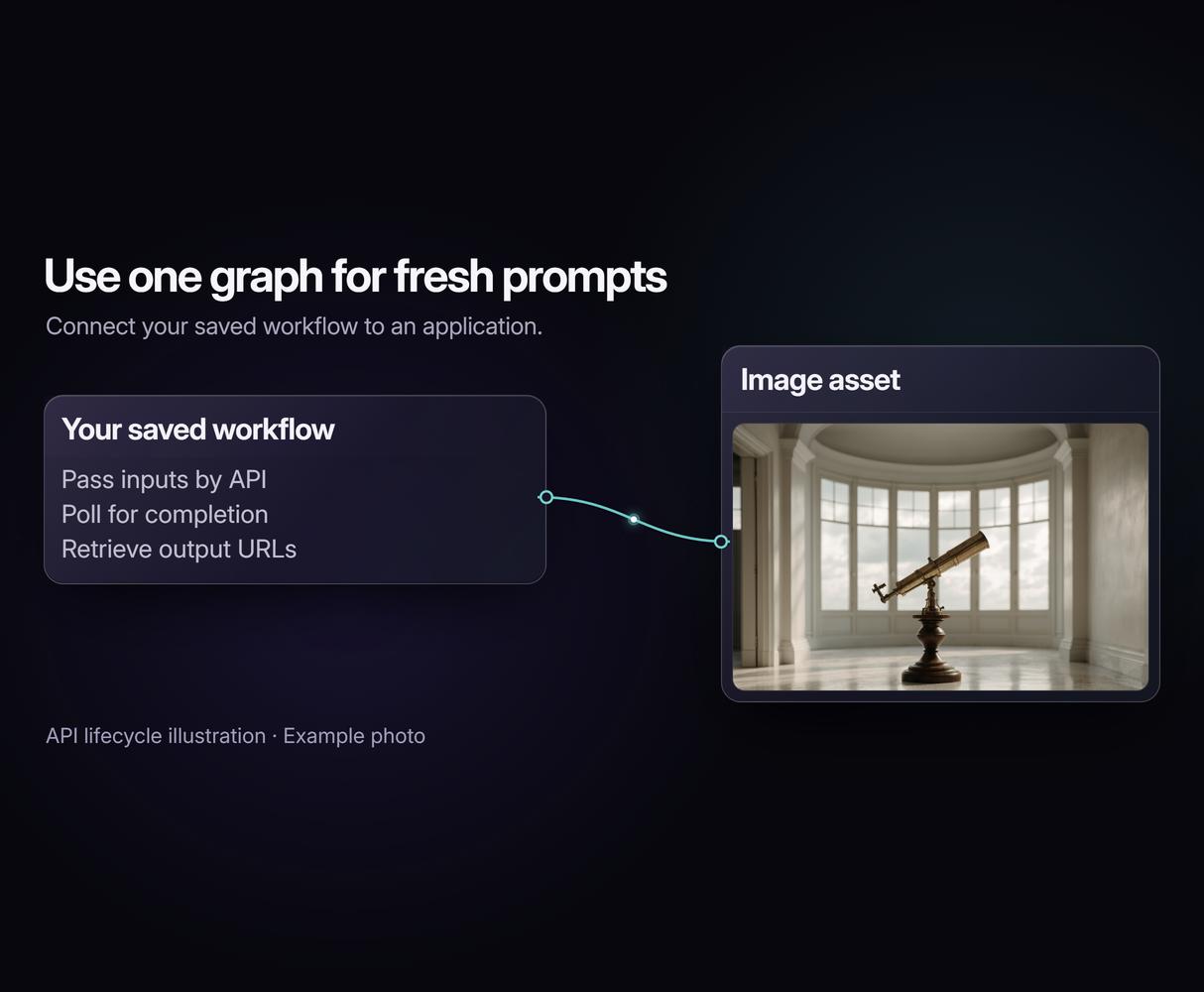
API Access for Automation
Send fresh prompts to your saved graph from code. Use the REST API for batch image generation and retrieve each run's output when it finishes.
Node based image generation Workflows
No Code Required
API & Batch Processing
FAQs
It is a way to make AI images by connecting visual steps on a canvas. A prompt feeds a model; the image can then feed an upscaler, editor or background remover. You can save the graph and reuse the structure with new inputs.
More From Wireflow
Written by
Andrew Adams · Co-Founder & Operations at Wireflow
Runs client operations and content strategy at Wireflow. Works directly with creative teams and agencies to build production AI workflows.
Build Your First Image Pipeline
Open the two-node GPT Image 2.5 Flare template, replace the sample prompt, and make it your starting point. Building is free; ongoing generation uses credits on a paid plan. Add processing stages when the image needs them.