 Andrew Adams · Co-Founder & Operations at Wireflow ·
 Best Node Based AI Workflow Platform
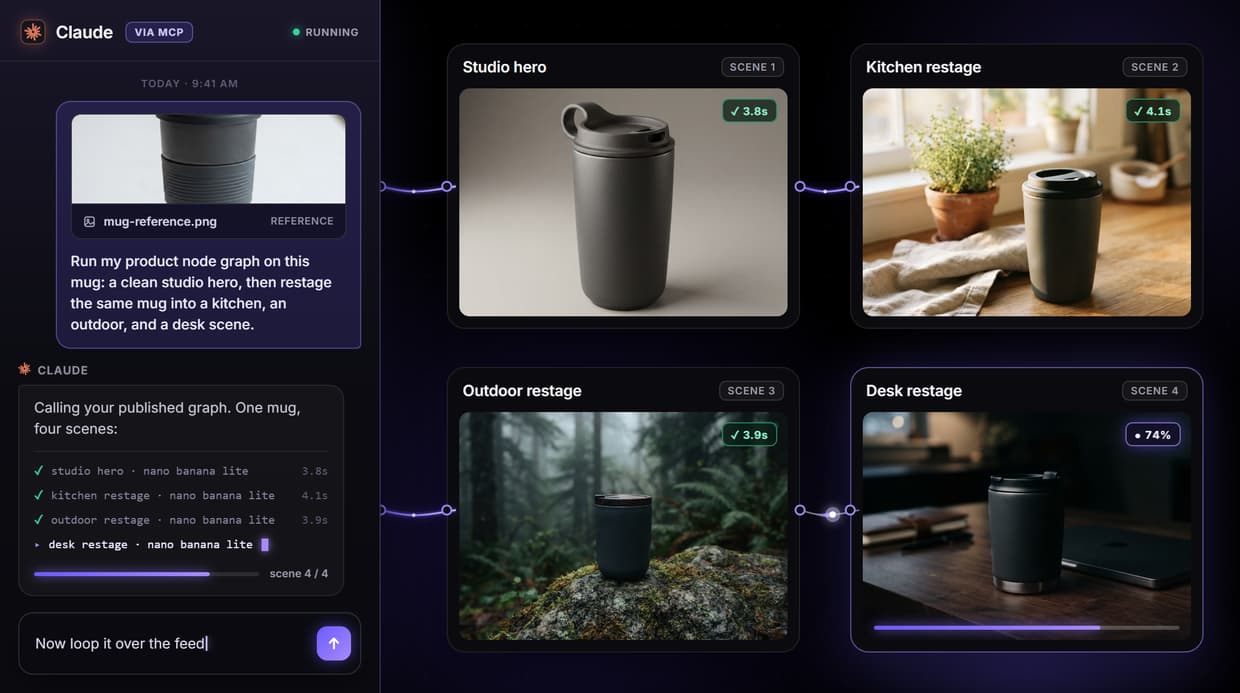
Wireflow is a node based AI workflow platform where you wire image, video, and audio models into one graph on a hosted canvas, then publish that graph as a REST endpoint and an MCP tool so an app or an agent can call it.
Free to build · no credit card · See how it works ↓
How to Use Best Node Based AI Workflow Platform
Steps to get you started in Wireflow.
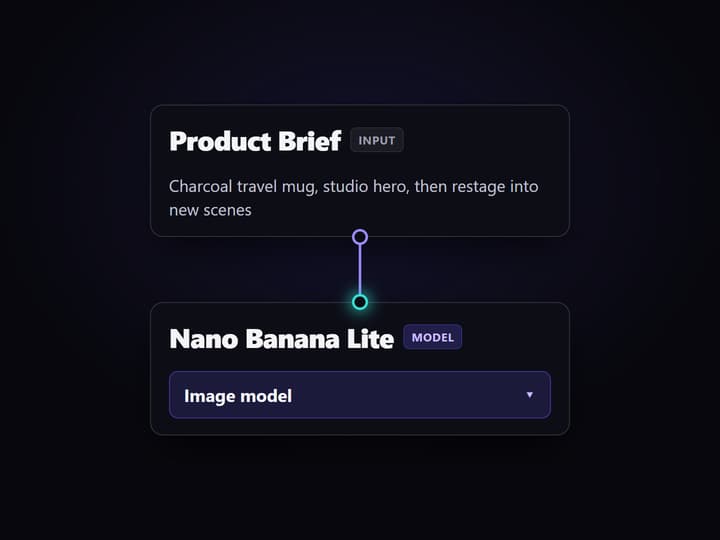
Wire the graph on the canvas
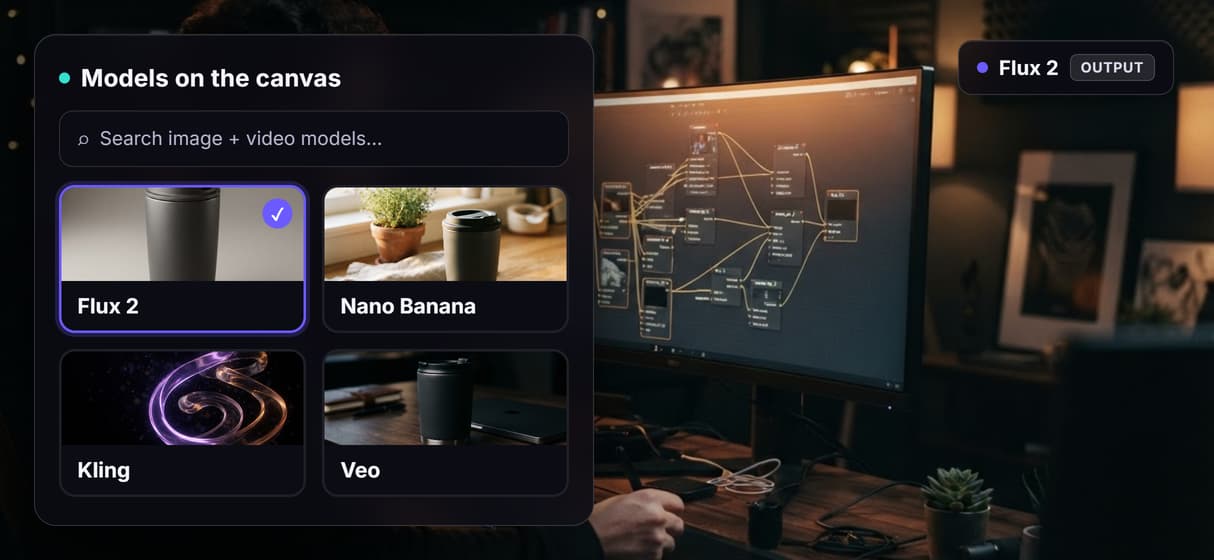
Drop model nodes on the canvas and connect them: prompt to image, image to restage, or script to image to video. Pick from Flux, Nano Banana, Kling, Veo and 70+ more.
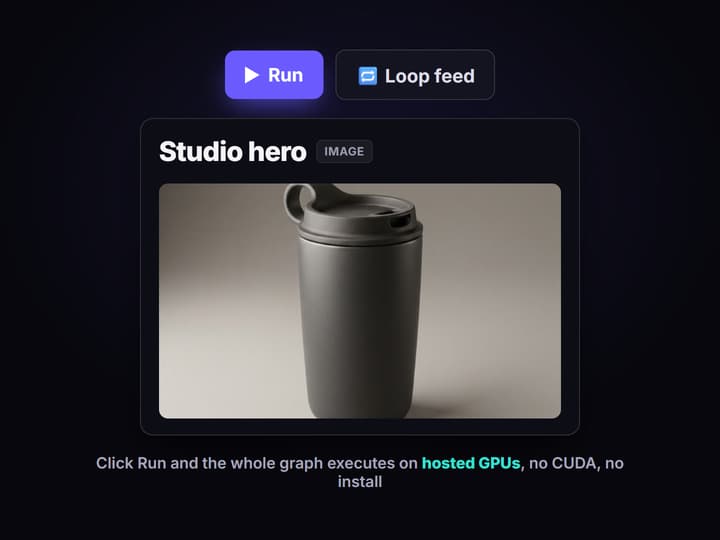
Run it on hosted compute
Click Run and Wireflow executes the whole graph on hosted GPUs. No CUDA, no VRAM ceiling, no downloads. You pay per generation instead of provisioning hardware.
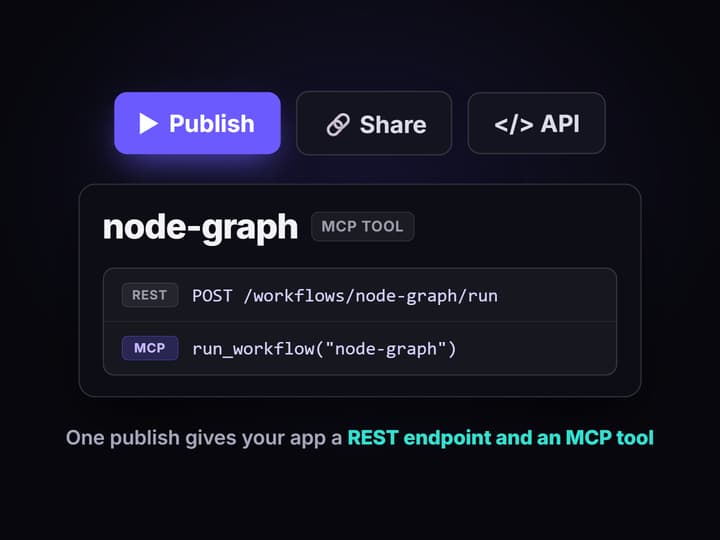
Publish it as an endpoint
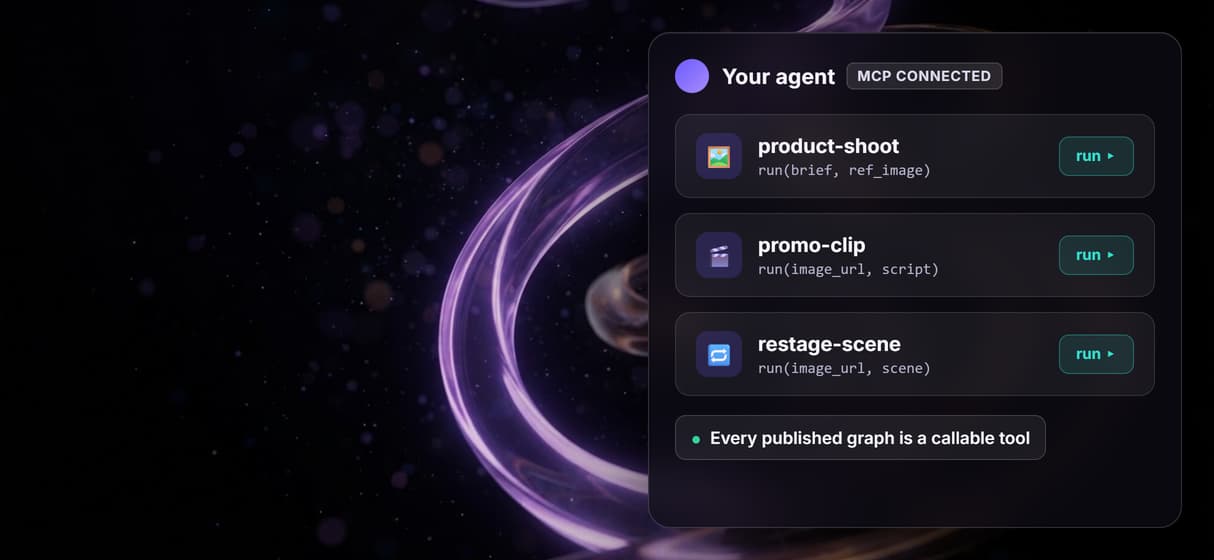
Publish the graph to get a REST endpoint and an MCP tool. A backend calls it over HTTP, or an agent lists it over the hosted MCP server and runs it with typed inputs.
The node graph does not have to die in the canvas
Node based AI tools made model chaining visual. Instead of stitching API calls together in code, you drag a model onto a canvas, wire its output into the next node, and watch data flow through the graph. It is a genuinely better way to design a multi model pipeline.
The catch with most of them is that the graph is where the work stops. You build a beautiful pipeline, and it stays trapped in the canvas as a thing you sit in and click. Wireflow keeps the visual canvas but adds the missing half: every graph you publish is simultaneously a REST endpoint and an MCP tool, so the pipeline you designed becomes infrastructure an app or an agent can actually call.
What the graph can hold
Image nodes
Generate with Flux, Flux 2, Nano Banana, Recraft, Ideogram, or Seedream from one prompt node.
Video nodes
Turn an image or a script into motion with Kling, Veo, Seedance, or Luma in the same graph.
Audio nodes
Add ElevenLabs voice, music, or a lipsync pass so a graph produces finished media, not just stills.
Post nodes
Chain a 4x upscaler, a background remover, or a Topaz pass onto any output before it ships.
Multi step chaining
Feed one model into the next, so a base image becomes a refined frame becomes a finished clip.
MCP and REST
Every published graph is both an MCP tool and a REST endpoint, with no extra wiring.
How the canvas becomes an endpoint
The graph you build is not a drawing. It is a versioned object that runs on hosted compute, and publishing it opens two doors onto the exact same pipeline.
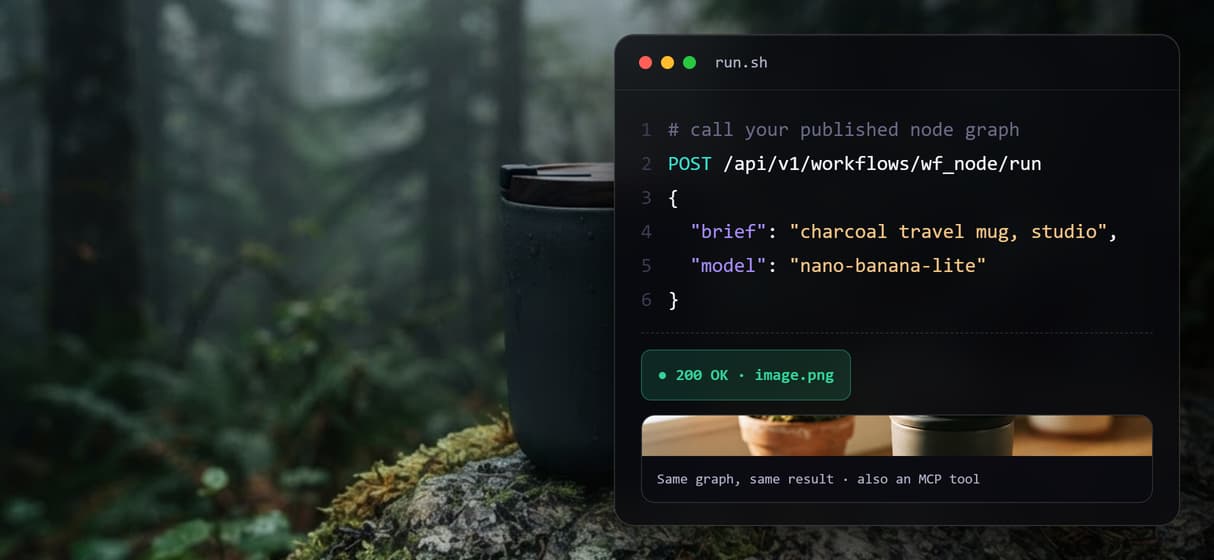
- REST. Every published workflow answers a plain HTTP call with typed inputs, so a backend, a cron job, or an app runs the graph and gets asset URLs back, no SDK required.
- MCP. Over the hosted MCP server, an agent lists your published workflows, reads each one's typed inputs, and runs it like any other tool, then uses the returned URLs in its next step.
- Reproducibility. Because the graph is versioned server side, the same call runs the same pipeline every time, which is what makes it safe to hand to an agent instead of a one off lucky render.
Build the graph once, then call it from wherever the work lives. The pattern is the same one behind the AI canvas API and chaining AI models with an API.
What it is, and what it is not
Wireflow is the generation layer, not the reasoning brain. It runs the image, video, and audio pipeline; it does not write your copy or decide your strategy. If your work is pure text, you do not need a node canvas.
It is also hosted by design, so there is no offline mode, no custom Python nodes, no local checkpoints or Civitai imports, and no real time co editing. That is the honest trade for never touching CUDA. If you need a local, air gapped ComfyUI rig with custom nodes, keep it. If you want the visual graph without the GPU and you want that graph to become a callable endpoint, this is the platform built for it.
More Than Just Best Node Based AI Workflow Platform
Build the pipeline as a graph
Wire each model and step as a node and let data flow along the connections, so a multi model pipeline is something you can see and edit, not a wall of glue code. Start in Wireflow's visual AI workflow builder.
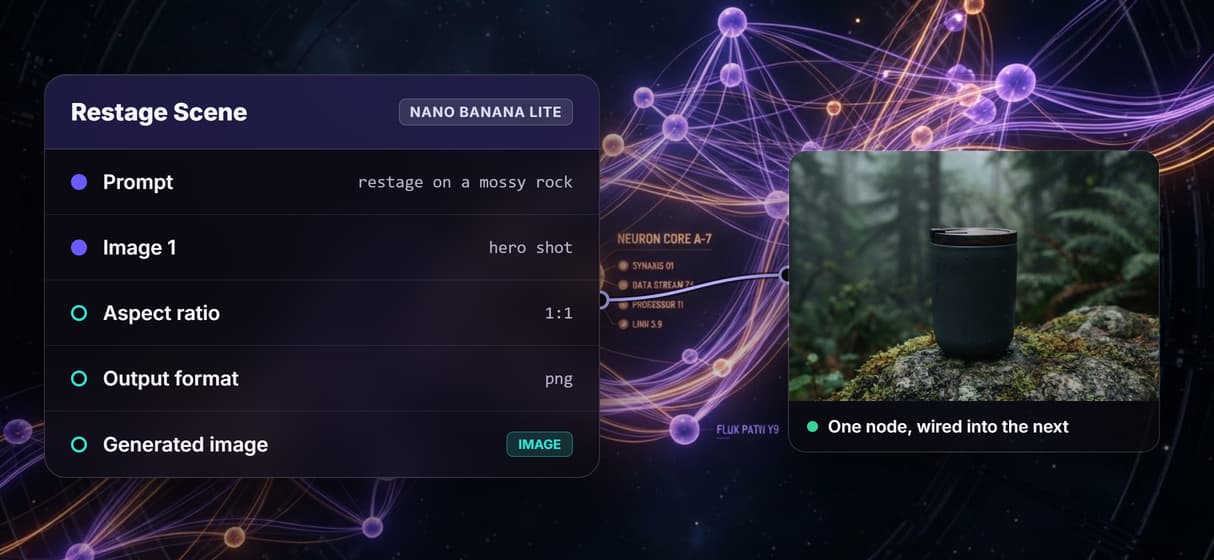
70+ models on one canvas
Chain image, video, and audio models in a single graph: generate on Flux or Nano Banana, restage, then push into Kling or Veo without leaving the canvas or touching a GPU. For stills only, generate images on a node canvas with Wireflow.
Every graph is an MCP tool
Publishing a workflow exposes it over the hosted MCP server, so an agent lists it and runs it like any other tool, with typed inputs and asset URLs handed straight back.
And a REST endpoint too
Prefer code over an agent framework? The same published graph answers a plain REST call, so a cron job, a backend, or an app drives it exactly like the agent would.
Loop one graph over a feed
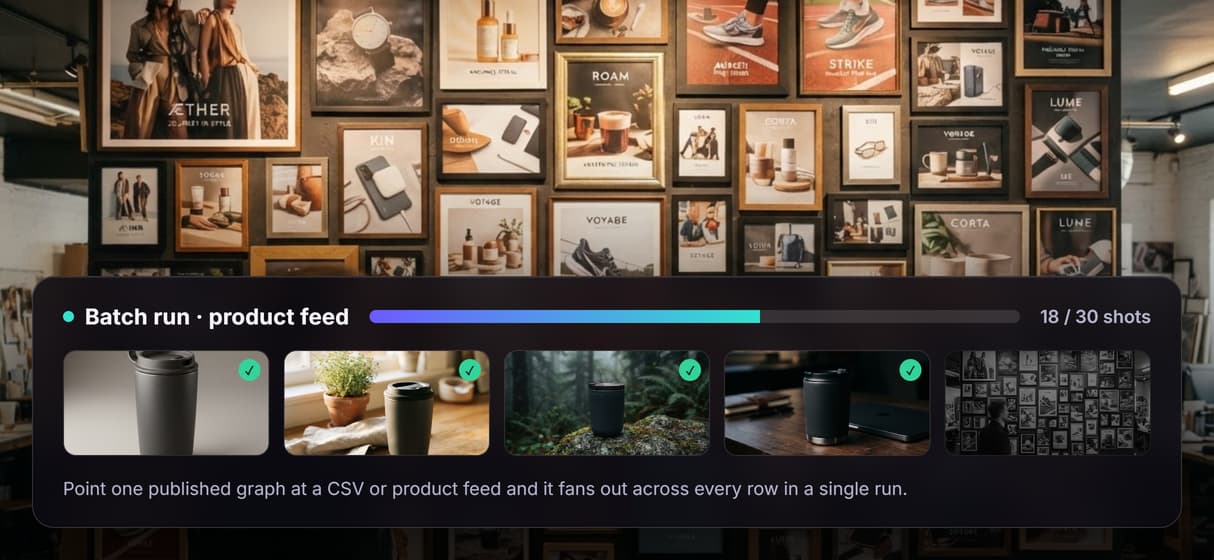
Point a single published workflow at a CSV or a product feed and it fans out across every row, turning one graph into a whole batch of on brand assets in one run.
AI Models Available
Automate Any Workflow
Included in Every Plan
FAQs
It is a tool where you build an AI pipeline as a graph of connected nodes: each node is a model or a step and wires carry data between them. Wireflow runs this on a hosted canvas and turns every published graph into a REST endpoint and an MCP tool.
Discover related AI tools
- AI Pipeline Automation
- AI Workflow Templates
- AI Video Pipeline: Build One on a Node Canvas
- Batch AI Generation: Many Assets, One Run
- AI Model Chaining
- AI Asset Pipeline
- AI Workflow Builder
- AI Content Generation API
- AI Workflow API
- AI Orchestration API
- Headless AI Workflow Platform
- Krea AI API Alternative: Image and Video From One REST Endpoint
More From Wireflow
Written by
Andrew Adams · Co-Founder & Operations at Wireflow
Runs client operations and content strategy at Wireflow. Works directly with creative teams and agencies to build production AI workflows.
Build the graph once, then call it
Wire your image and video models into one node graph on a hosted canvas, publish it, and the whole pipeline becomes a REST endpoint and an MCP tool your app or agent can call. No GPU, reproducible every run.