 Andrew Adams · Co-Founder & Operations at Wireflow ·
 AI Pipeline Automation
Most automation tools hide the pipeline behind a settings page.
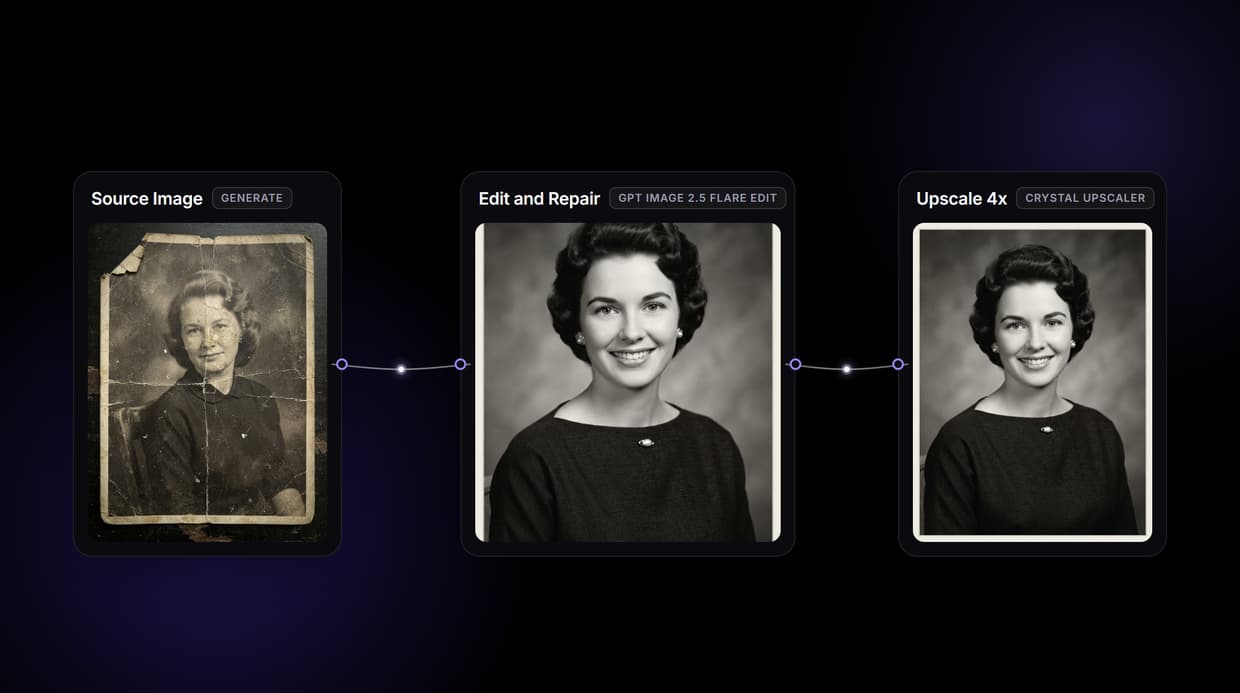
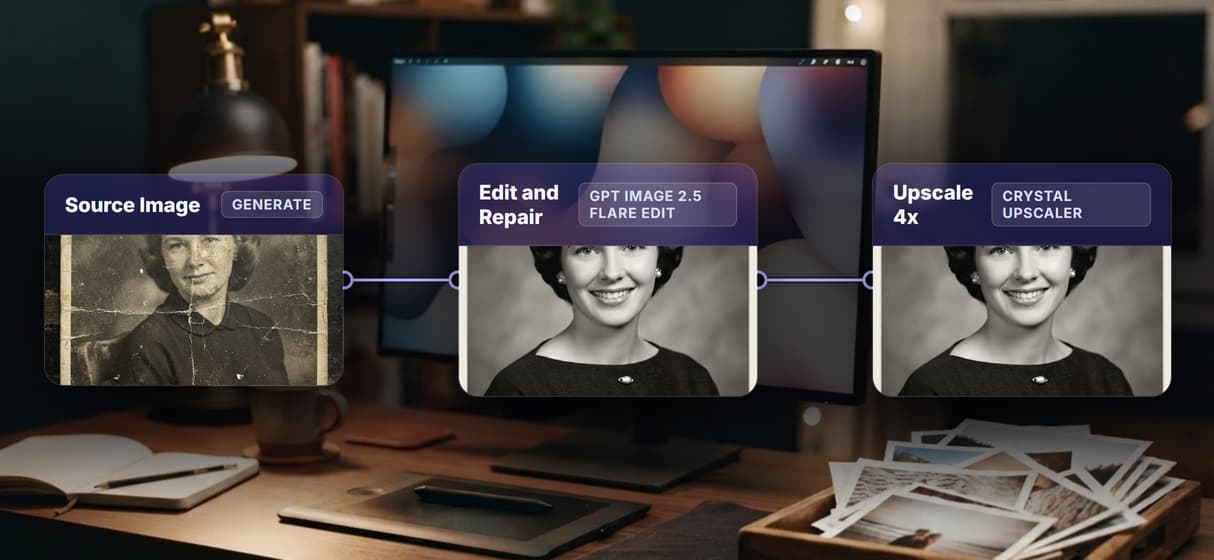
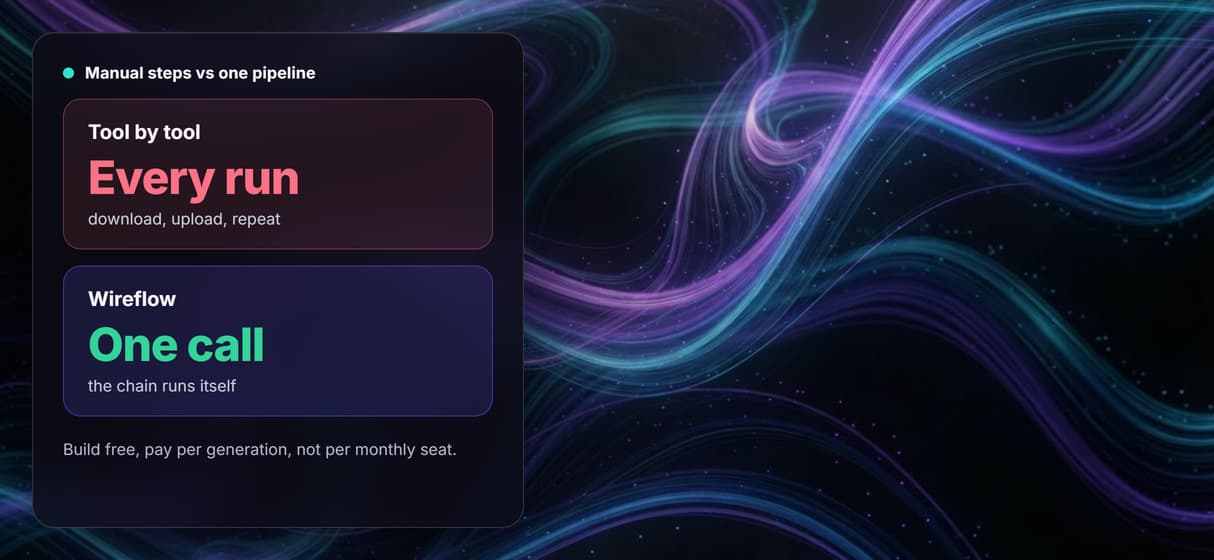
Wireflow lays it out as a graph: a prompt generates an image, a second node edits it, and a Crystal Upscaler raises the resolution, each step passing its output straight to the next with no manual file transfers. Build the chain once and rerun it, or call it from code to run in batch. Free to build, pay per generation.
Free to build · no credit card · See how it works ↓
How to Use AI Pipeline Automation
Steps to get you started in Wireflow.
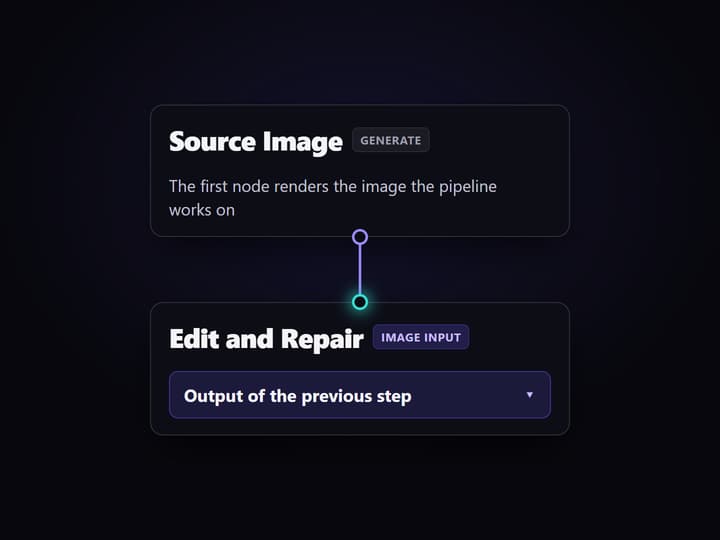
Open the chained flow
Open the workflow. The nodes are already wired in order: a source image node feeds a Restore and Repair node, which feeds a Crystal Upscaler, so you can watch a full pipeline run end to end.
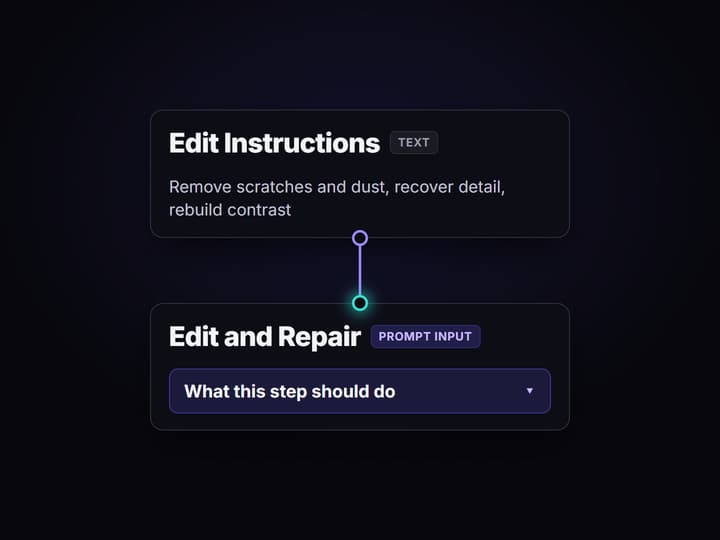
Set each step in plain words
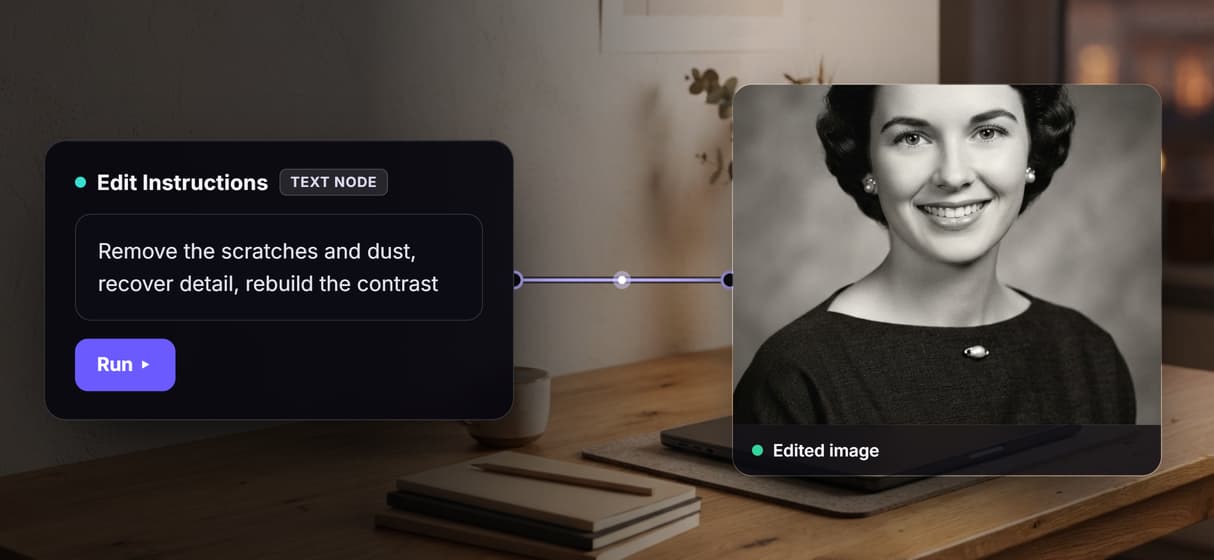
Click any text node and type what that step should do, for example generate the source, then remove scratches and rebuild contrast. Rewire a hop or drop in a different model node to change the pipeline.
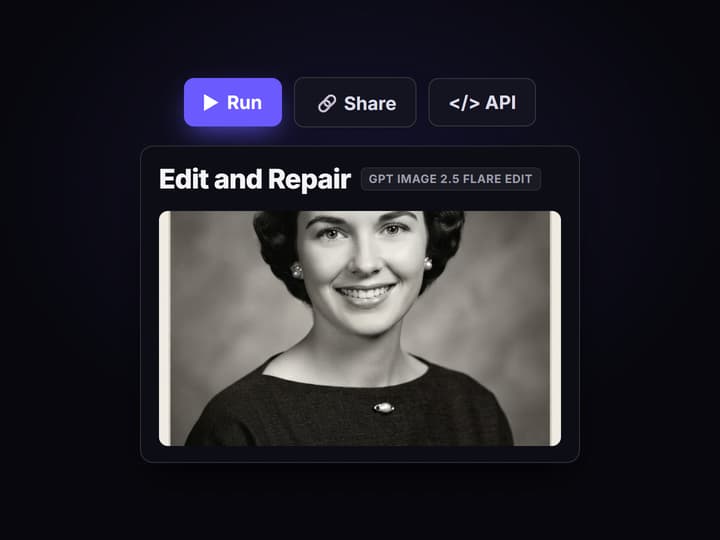
Run it, then scale it
Run the graph and each node passes its output to the next automatically. Edit a node and rerun, or call the same published flow from code and MCP to run the pipeline over a batch of inputs.
Why run an AI pipeline on a canvas
Most creative automation lives inside a settings page: you pick a few options, press start, and the actual chain of models is hidden from you. When one step goes wrong there is nowhere to look, no way to see how output moved from one model to the next, and no way to reuse the recipe on the next batch. The steps are locked, and swapping a model usually means rebuilding the whole thing.
Wireflow takes the opposite shape. A pipeline is a small graph you own on a node canvas: a source node feeds an edit node, the edit node feeds a Crystal Upscaler, and each wire is the automatic handoff between one model and the next. It runs on hosted compute in the browser with nothing to install, and the same canvas drives the rest of your work, from a ComfyUI alternative render to a full video flow.
What the pipeline gives you
Automatic handoffs
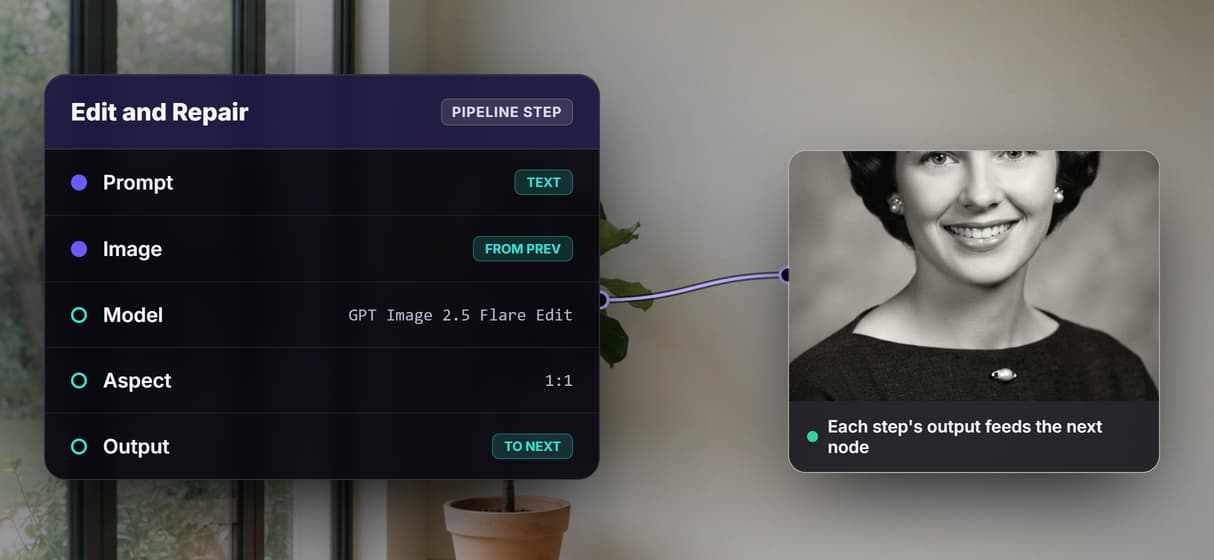
Each node's output wires straight into the next node's input, so the chain runs without exporting and re-importing files.
Plain-words steps
A text node sets what each step does in one line, so the pipeline logic stays readable instead of buried in a config panel.
Real model nodes
This flow runs GPT Image 2.5 Flare to generate and edit, then a Crystal Upscaler to raise resolution, on hosted compute.
Swappable models
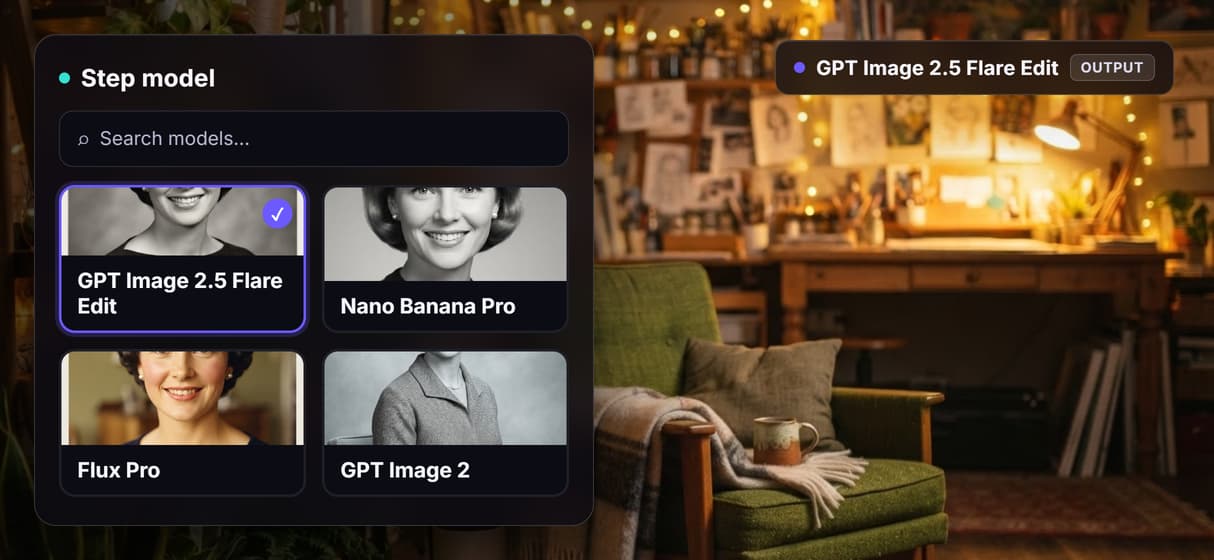
Drop Nano Banana Pro, Flux Pro, or GPT Image 2 into any step when a stage needs a different model, without rebuilding.
Run from code
Every published flow is a REST endpoint and an MCP tool, so an agent or script reruns the whole pipeline over a batch.
Share by link
The workflow is versioned and shareable, so a teammate runs the exact same pipeline and gets a reproducible result.
How the pipeline runs
The workflow behind this page's button is deliberately small so the automation is easy to read: a source node, an edit node, an upscaler, and a sticky note that walks a first run through it. It has already been run once, so the generate, edit, and upscale nodes carry real outputs.
- A prompt generates the source. A text node describes the starting image and wires into a GPT Image 2.5 Flare node that renders it, so the pipeline has something to work on. Swap this first node for an upload to feed your own file instead.
- The edit node processes that output. A second text node holds the change to make, and the Restore and Repair node reads the generated image plus that instruction and re-renders an updated version with GPT Image 2.5 Flare.
- The upscaler finishes the chain. The edited image flows straight into a Crystal Upscaler node that raises the resolution up to 4x, the final stage of the pipeline.
Because each node passes its result to the next, the whole sequence runs from one click while every step stays visible and editable. And because the flow lives among the platform's hosted models, its output can roll straight into more work, like an AI image upscaler pass or a video stage, without leaving the browser.
When a managed orchestration platform is the better call
Wireflow is the generation layer, not a job scheduler. If you need a built-in cron UI, automatic retries with fallback branches, and a live dashboard of queue depth and per-stage timing, a dedicated orchestration or pipeline platform is built for exactly that, and this page will not pretend the canvas ships those as buttons. Here, scheduling, batching, and retry logic live in the code or agent that calls the flow, not in a settings toggle.
What Wireflow gives you instead is the pipeline itself as an editable graph that is also a REST endpoint and an MCP tool, so your own scheduler, script, or agent can run it on a timer, loop it over many inputs, and rerun a failed input after you see which node erred. The result of each generation is a rebuilt render, not a pixel-perfect transform, so treat model output as generated content rather than a guaranteed exact result. If you want the pipeline to be one part of a larger automated system, build it here and drive it from an AI pipeline API call.
More Than Just AI Pipeline Automation
Chain models in order
Each node passes its output to the next automatically, so generation, editing, and upscaling run as one hands-free pipeline. Wire it on a visual node editor.
Set each step in plain words
Every step is a text node you write in one line, then rerun. No config panel hides the logic, the way a black-box AI creative workflow tool does.
Inspect every step
Each node shows its model, ports, and output on the canvas, so you catch a bad step before it compounds downstream. It runs on a node based AI platform.
Swap any model node
Drop Nano Banana Pro, Flux Pro, or GPT Image 2 into a step without rebuilding the pipeline. The graph is the recipe for node based image generation.
Run it from code, in batch
Every published flow is a REST endpoint and MCP tool, so an agent or script reruns the whole pipeline over many inputs. Same idea as the AI pipeline API.
Build Any AI Workflow
AI Models Integrated
Full Commercial License
FAQs
It is chaining several AI models in a set order so each step's output feeds the next automatically, with no manual file transfers. On Wireflow the pipeline is a node graph you build once and rerun, and each wire is the handoff between one model and the next.
Discover related AI tools
- AI Workflow Templates
- AI Video Pipeline: Build One on a Node Canvas
- Batch AI Generation: Many Assets, One Run
- AI Model Chaining
- AI Asset Pipeline
- AI Workflow Builder
- AI Content Generation API
- AI Workflow API
- AI Orchestration API
- Headless AI Workflow Platform
- Krea AI API Alternative: Image and Video From One REST Endpoint
More From Wireflow
Written by
Andrew Adams · Co-Founder & Operations at Wireflow
Runs client operations and content strategy at Wireflow. Works directly with creative teams and agencies to build production AI workflows.
Automate a pipeline you can actually see
Open the flow, watch a source image get generated, edited, and upscaled as one chain, then rerun it or call it from code to run in batch. Building the graph is free; you pay per generation, not per month.