 Andrew Adams · Co-Founder & Operations at Wireflow ·
 ComfyUI Alternative
Keep the connected way of working and leave local model setup behind.
Build with hosted AI models in your browser; start from a template, then use credits to generate.
Free to build · no credit card
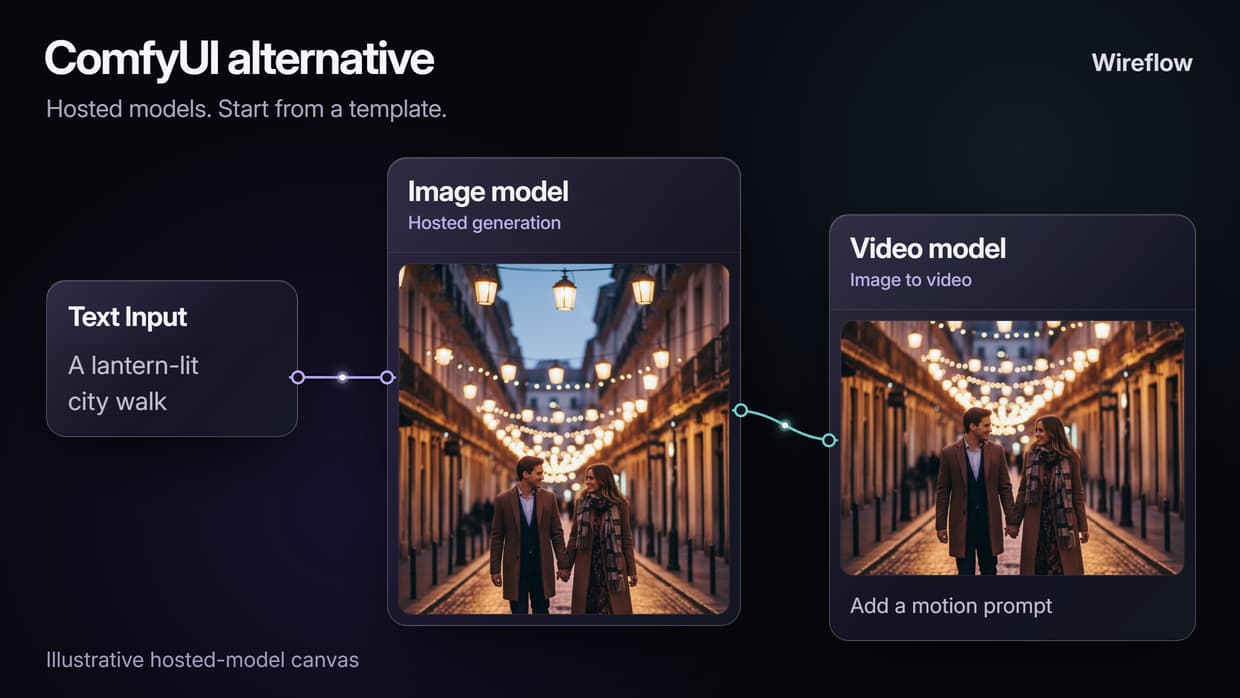
The same node canvas, without the machine
Keep the visual way of thinking: input, model, output, then the next useful step. Wireflow puts hosted AI models on a browser canvas, so you can build an image or video process without installing model files or maintaining a local Python environment.
It is a separate workflow platform, not ComfyUI running in a browser. Start with a public template that resembles your task, duplicate it and replace its sample inputs. If your priority is keeping an existing ComfyUI graph intact, compare Comfy Cloud as well as local ComfyUI before rebuilding elsewhere.
What comes over, and what does not
Your ComfyUI experience helps you think through the process. Bring over the purpose of each stage, rather than expecting a one-to-one node or settings conversion:
- Prompt and reference inputs: prepare the text and images the hosted model accepts.
- Image generation: choose an available model for the result you need.
- Model controls: use the settings exposed by that node. Sampler, CFG, checkpoint and conditioning options may differ.
- Follow-on work: connect compatible image-edit, upscale or video stages where useful.
ComfyUI JSON, custom Python nodes and local checkpoints do not automatically transfer to Wireflow. If those are essential, keep them in ComfyUI. If hosted models suit the job, a browser-based ComfyUI alternative gives you another way to build the result without managing local hardware.
Every model on one canvas
Flux 2 Pro
A hosted image-generation option for a fresh prompt-based image workflow.
SDXL
Bringing an SDXL workflow? Match the image task to available hosted nodes; exact checkpoint and conditioning settings may differ.
SD 1.5
Bringing an SD 1.5 workflow? Rebuild only the stages supported by your chosen hosted models; custom nodes do not transfer.
Seedance
Explore image-to-video options when a prepared frame needs motion.
Kling
Connect a starting image and motion direction to a compatible video node.
Veo
Explore video generation with audio on the versions and settings that support it.
One API for humans and agents
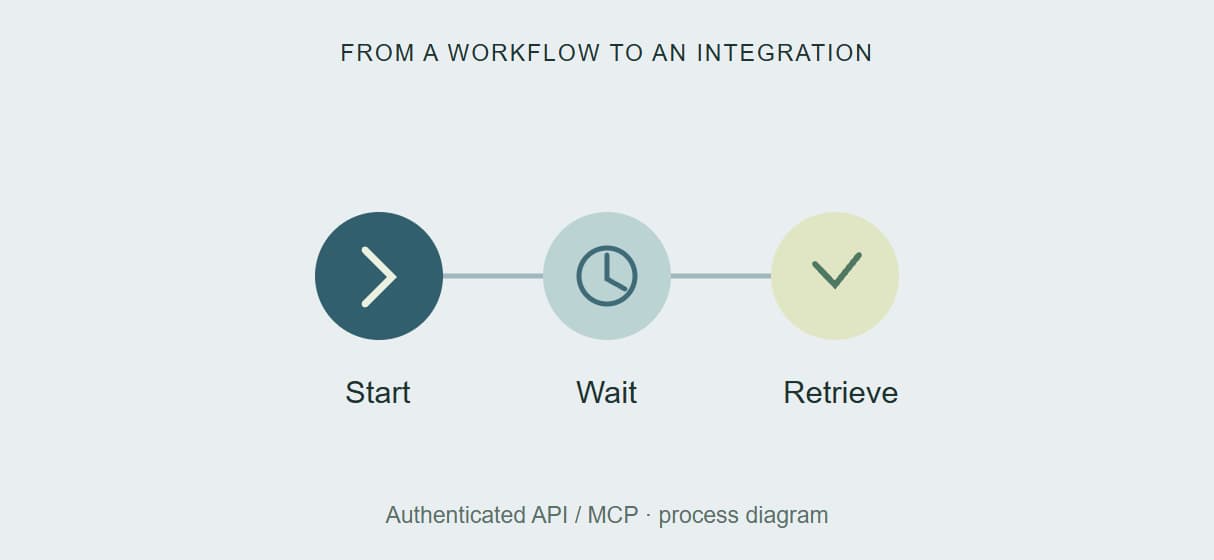
Carry a useful workflow into an app or agent with Wireflow's hosted REST API and MCP connector. API calls require authentication, start an execution and let you poll for completion before retrieving results. The same workflow structure can support a manual task and a repeatable integration.
ComfyUI also documents local server routes and a Comfy Cloud API. The choice is which workflow environment and operating setup you want to use. Explore our ComfyUI cloud API comparison when connecting a browser-built process to your application.
What it costs vs running ComfyUI yourself
Local ComfyUI is open source. Its total cost depends on hardware you already own, electricity, setup time, model requirements and how often you generate. Comfy Cloud adds a hosted option if you want to remain in the ComfyUI ecosystem.
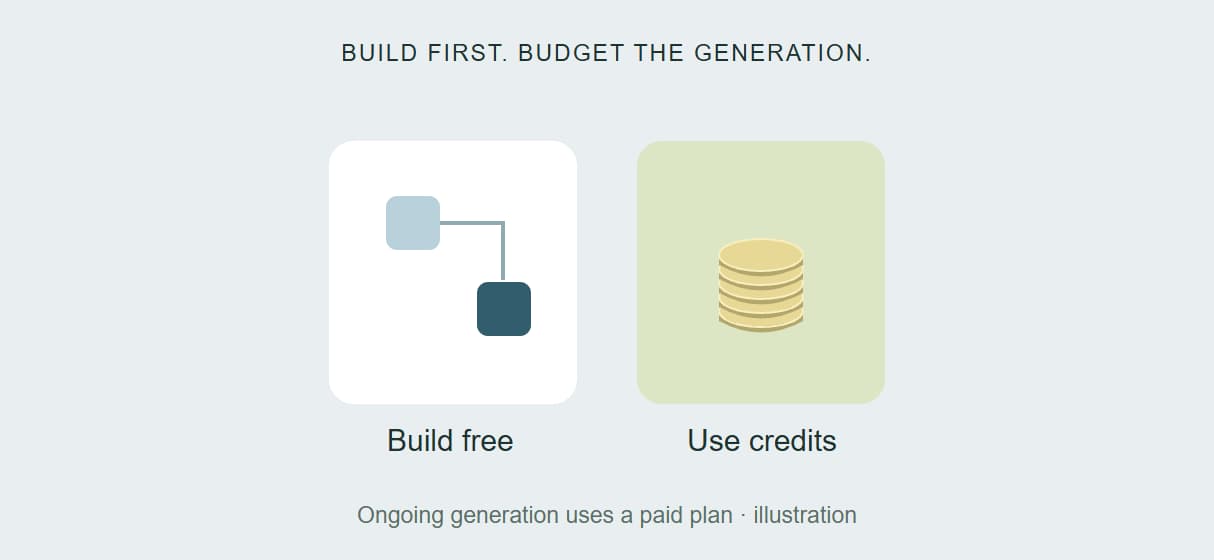
Wireflow lets you build and browse free. Ongoing generation uses a paid subscription with credits; Starter is currently listed at $24 a month for 1,600 monthly credits. Costs vary by model and settings, and top-ups are available. Compare the cost of your complete workflow, including edits and retries, against your real local or cloud usage. There is no universal cheapest option.
Wireflow vs ComfyUI at a Glance
Where Wireflow is a useful fit
- You want hosted image and video models on a connected browser canvas
- You prefer starting from a template to installing a model environment
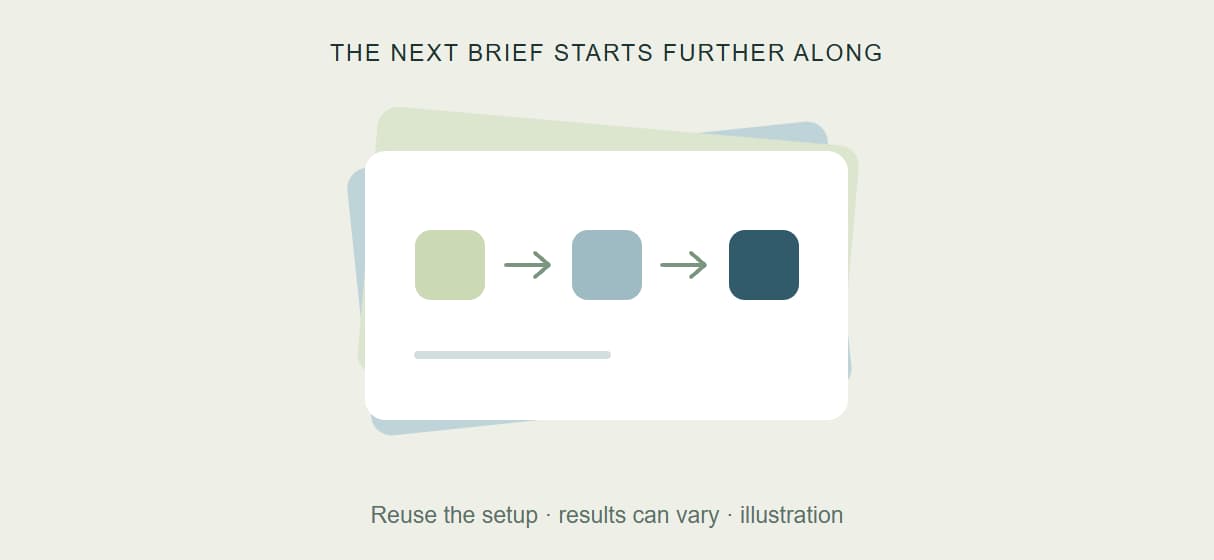
- You want to reuse inputs and stages for the next brief
- You need authenticated API or agent access to your workflow
Choose ComfyUI if
- Keeping your existing ComfyUI JSON and custom-node workflow is essential
- You need control of local model files and low-level generation settings
- You need offline generation with locally installed models
- Comfy Cloud provides the hosted environment you need without rebuilding your graph
A practical first move: browse Wireflow templates for one image or video task you repeat. Duplicate a suitable example, replace its inputs and compare the result and credit cost. Keep the setup if it makes the next brief easier.
More Than Just ComfyUI Alternative
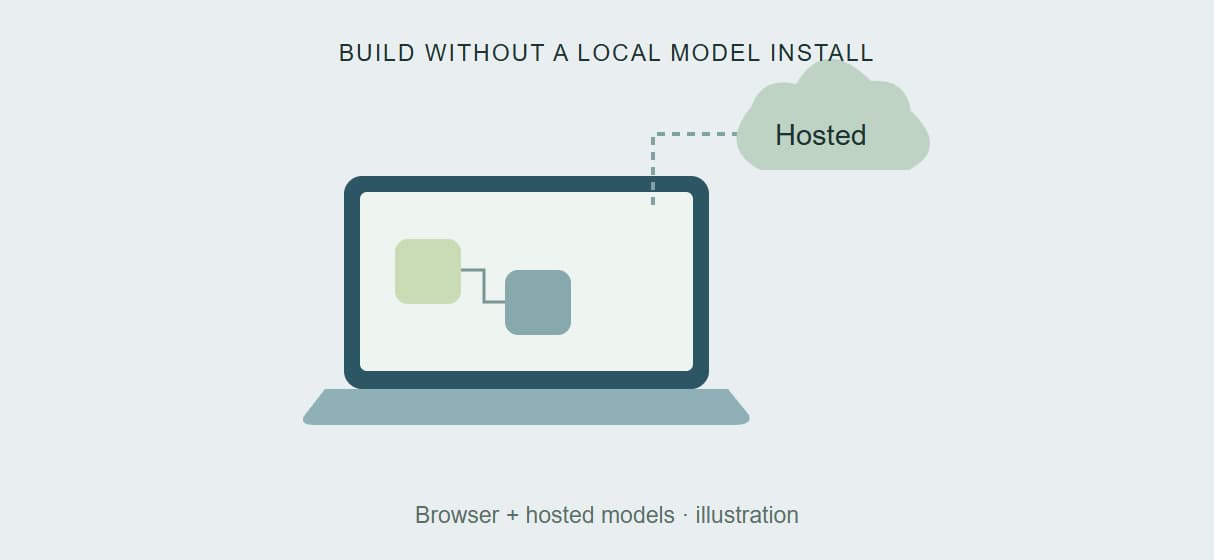
No GPU, no install
Put your time into the workflow. Hosted models run without a local Python or GPU setup, so you can begin with a template and a prompt. Explore the AI image generator.
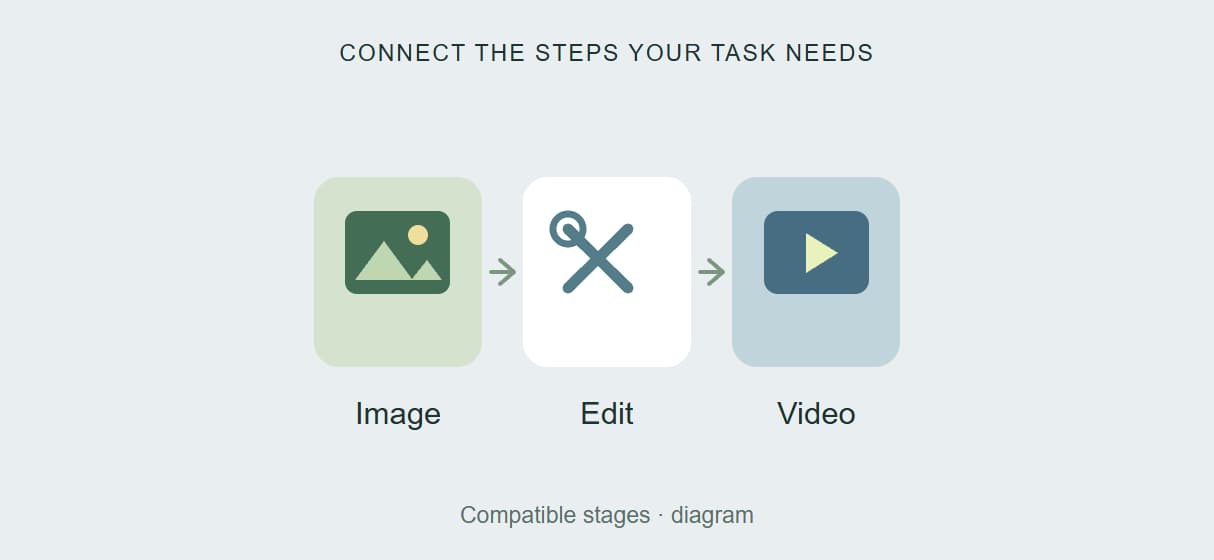
Every model, one canvas
Connect an image model, an edit or upscale step and a video model in the same graph. Choose from the current hosted catalog, including AI video generation.
Workflows as live APIs
Bring a useful workflow into your app or agent without hosting the generation server. Authenticated API calls start the work and let you retrieve completed results. Read the API docs.
Reproducible by default
Keep the steps and prompt structure for the next brief. Share or duplicate a workflow so collaborators can start from the same setup; generated results can still vary. Browse team workflows.
See the cost before you run
Build free, then choose a paid credit plan for ongoing generation. Model choice and settings determine how far the allowance goes. Compare your expected use on the pricing page.
AI Models Available
Automate Any Workflow
Included in Every Plan
FAQs
Wireflow provides its own browser canvas with hosted AI models. ComfyUI offers an open-source environment for local or cloud use, with deeper control over custom nodes and model files. Choose Wireflow for a hosted template-based process; choose ComfyUI when retaining its exact ecosystem is central to your work.
More From Wireflow
Written by
Andrew Adams · Co-Founder & Operations at Wireflow
Runs client operations and content strategy at Wireflow. Works directly with creative teams and agencies to build production AI workflows.
Build your first workflow, free
Browse community workflows for an image or video task you already do. Duplicate a suitable template, replace the sample inputs and make it your own. Building is free; review the credits before generating.