 Andrew Adams · Co-Founder & Operations at Wireflow ·
 AI Video Generator: 12 Video Models, One Canvas (2026) | Wireflow
Turn a prompt or starting image into video with Veo 3.1, Kling, Seedance, Luma or Sora 2.
Keep generation, audio and upscaling connected on one canvas, then reuse the workflow for your next clip. Free to build; video generation needs a paid plan and credits.
Free to build · no credit card
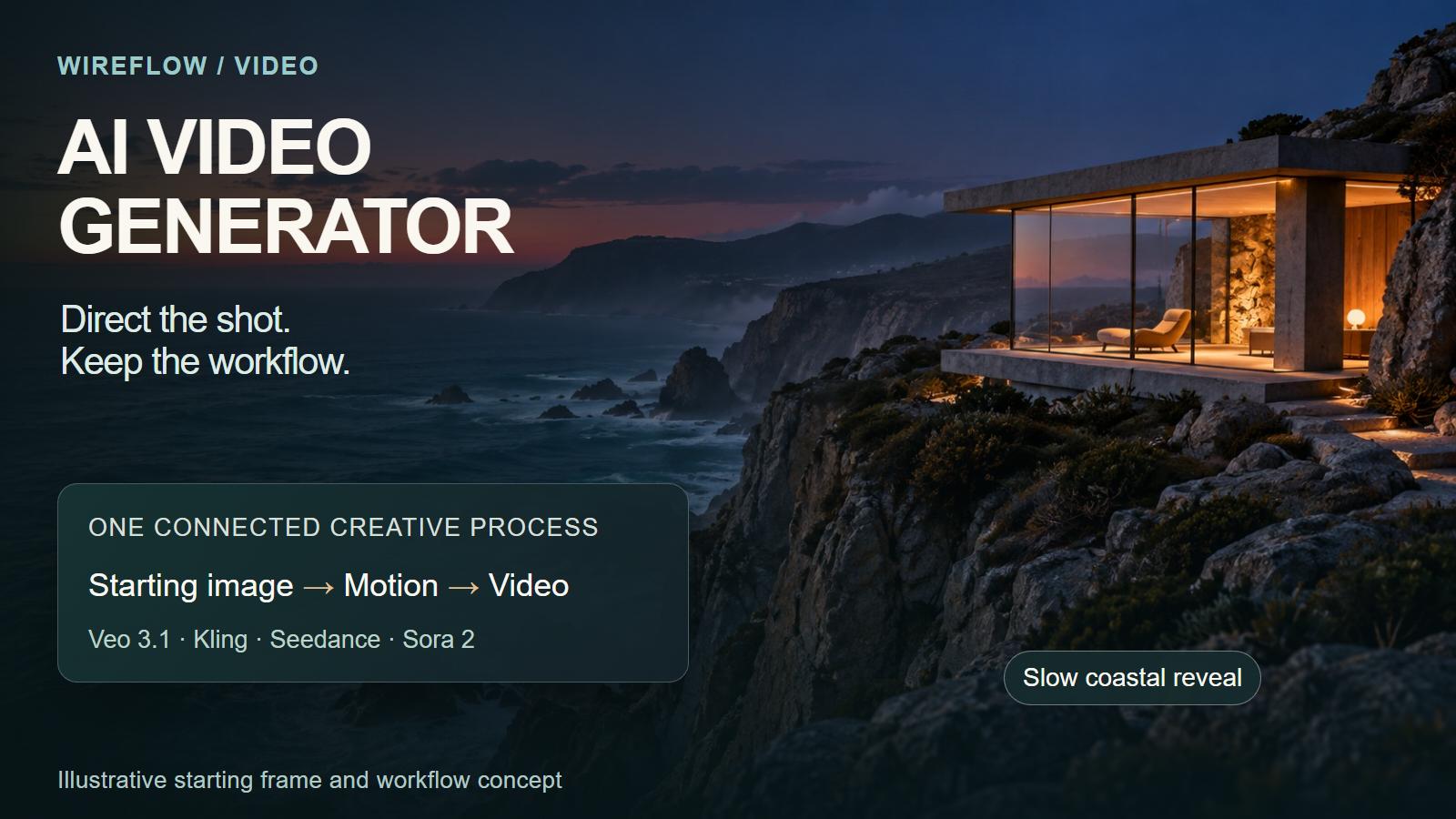
What transfers from your current tool (and what you rebuild)
Your shot-prompting experience carries over. Start from a scene description for text-to-video, or use an image when you want a defined subject, composition and colour palette. Choose the model and inputs that fit that shot.
Keep the useful parts of your process and rebuild the connections on the canvas. Do not expect a ComfyUI or another tool's template file to import directly. The hosted node catalogue includes Veo 3.1, Kling, Seedance, Luma and Sora 2, with separate options for different input types. A reusable starting chain is more useful than recreating a large graph before trying one clip.
The moat: every workflow is a REST endpoint and an MCP tool
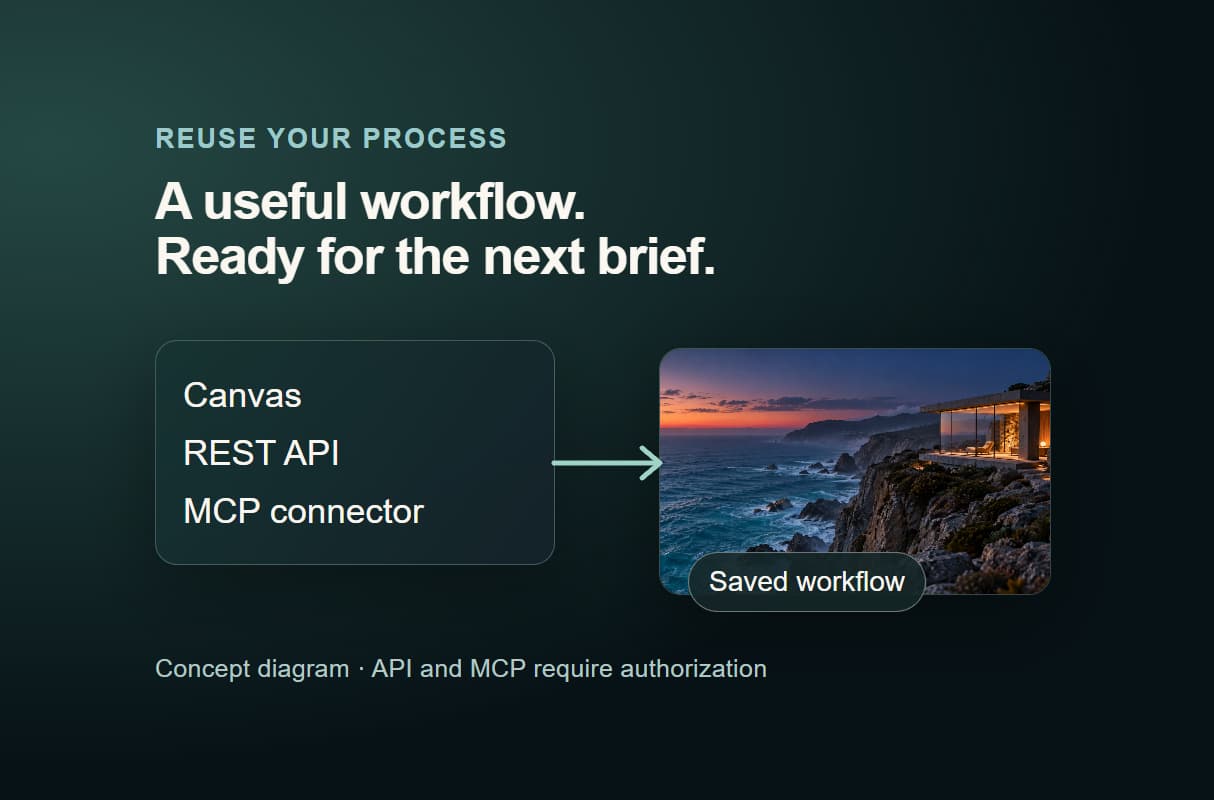
A working video setup can become a repeatable part of your production process. The authenticated workflow API and MCP connector let you reuse a saved workflow from an application or an authorized agent, with the same connected generation stages.
Pass a new brief, start a run, then retrieve its status and output URLs when it finishes. Execution is asynchronous: an accepted request starts the job rather than returning a finished video immediately. Public sharing and the permissions to run a workflow are separate settings.
You can also connect text-model nodes to help develop prompts or scripts. Your creative direction still determines the subject, pacing and final selection; the workflow keeps the chosen steps together.
Honest tradeoffs: when another tool still wins
A dedicated video editor is useful when most of the work is detailed timeline cutting, manual colour work or finishing footage you already have. Wireflow is particularly useful when the job starts with generation and needs several connected models or repeated runs.
Different models accept different inputs, durations and output sizes. Keep the working structure, then adjust the affected connections when changing a model. For team projects, the plans list real-time collaboration, with shared workspaces and a shared credit pool on Team.
Pricing: free to start, pay per generation
Prepare a workflow and browse community templates on a free account. For video generation, choose a paid plan and use credits as you run models. Starter is $24 per month, Professional is $45, and Team is $249 on the current monthly price cards.
Budget for the whole sequence: image creation, video, audio and upscaling may each consume credits. Model, resolution and duration affect the cost, and retries add to it. Begin with one short shot, refine the direction, then expand the workflow once you have a useful approach.
More Than Just AI Video Generator: 12 Video Models, One Canvas (2026) | Wireflow
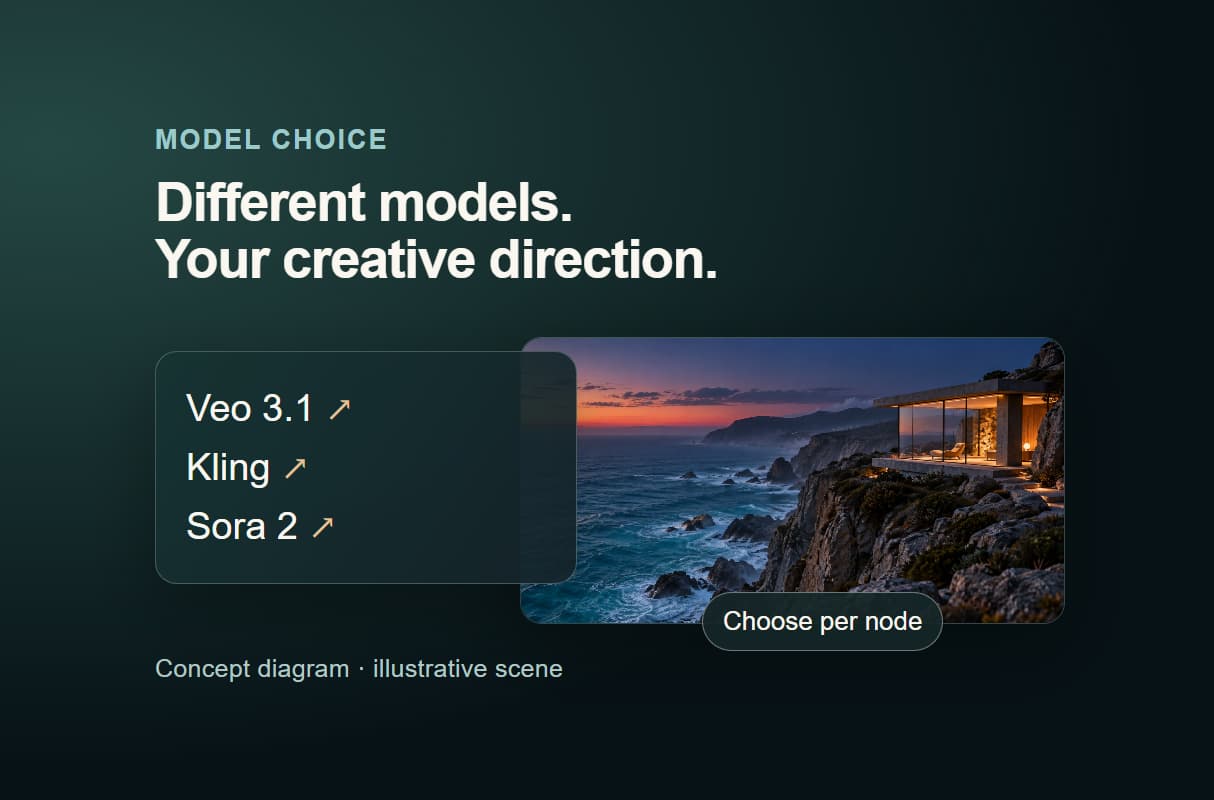
Real multi-model flexibility, per node
Choose a model for each shot on one canvas. Compare AI video generators or explore free-plan options before you start.
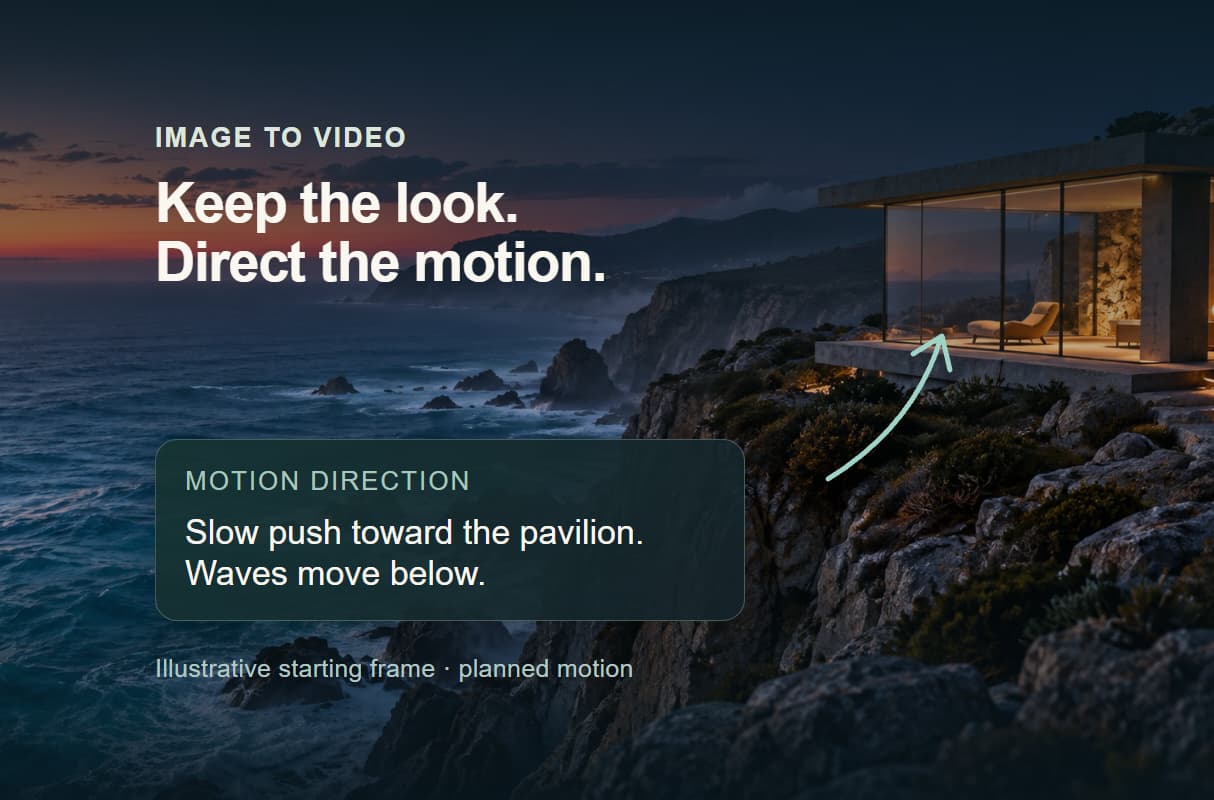
Text-to-video and image-to-video in one flow
Animate a still while keeping your visual direction. Connect your reference to image to video AI, then describe the movement.
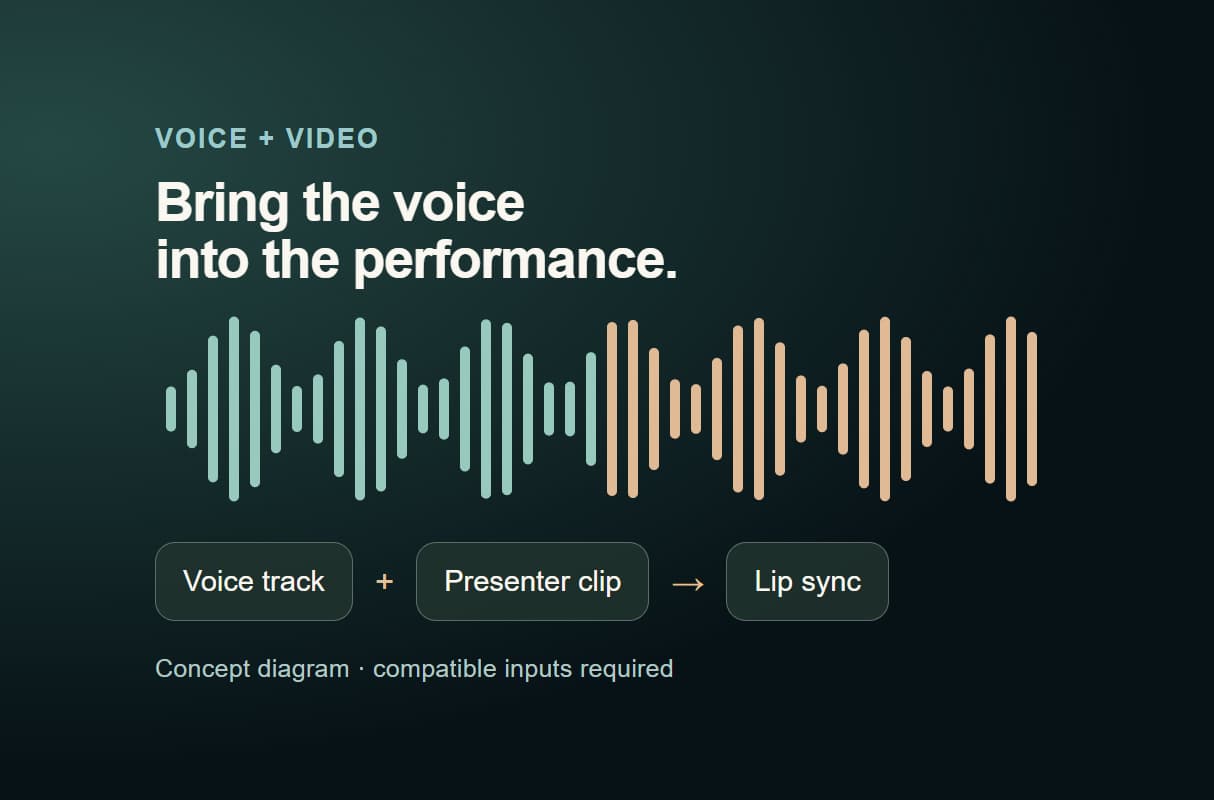
Add voice and lip sync inline
Give a presenter clip its voice in the same workflow. Connect audio and a compatible video through an AI lip sync generator.
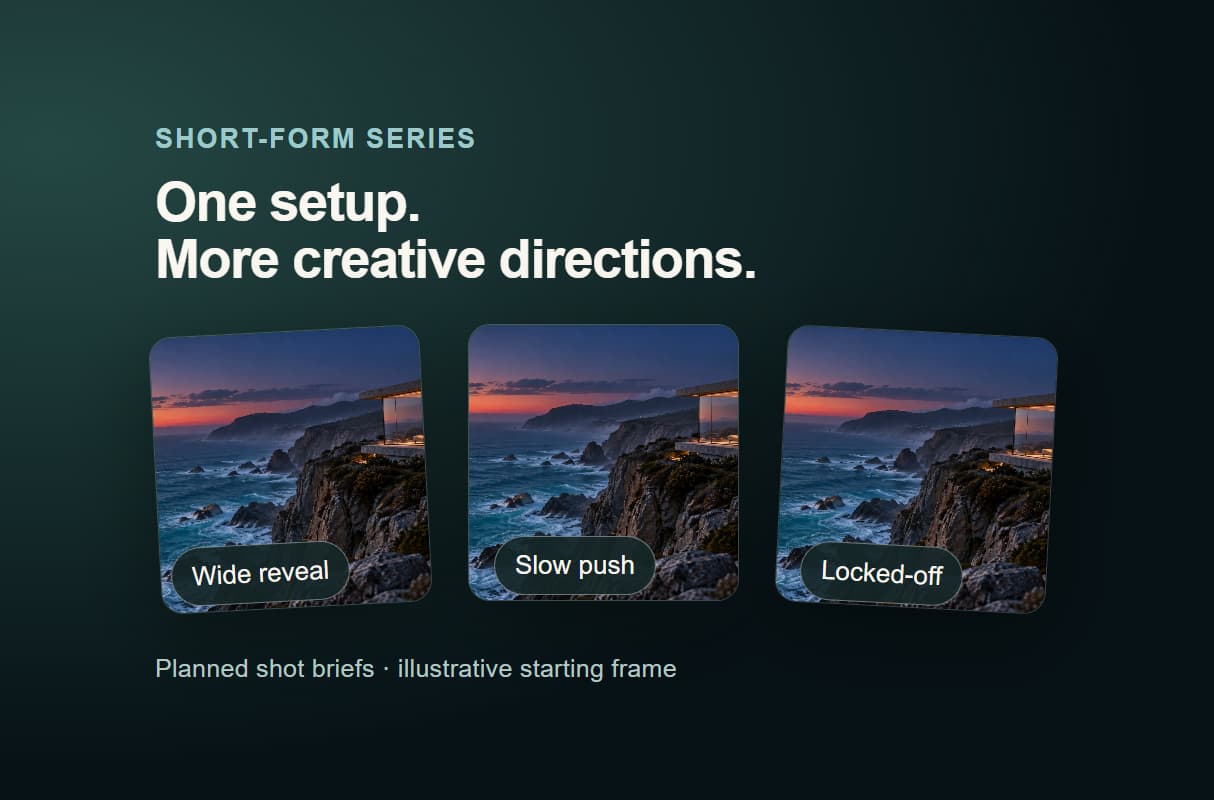
Batch short-form from one flow
Reuse the setup across a series of short clips. Build an AI TikTok video maker workflow, then change the brief for each run.
Every workflow is an API
Run a saved workflow from the canvas, API or an authorized agent. Keep your AI social media video process ready for the next brief.
AI Models Available
Automate Any Workflow
Included in Every Plan
FAQs
Veo 3.1, Kling, Seedance, Luma, Sora 2 and other hosted video models appear in the current node catalogue. Choose a compatible node for text, image or other supported inputs. Availability and settings vary by model.
More From Wireflow
Written by
Andrew Adams · Co-Founder & Operations at Wireflow
Runs client operations and content strategy at Wireflow. Works directly with creative teams and agencies to build production AI workflows.
Build your first AI video workflow free
Start with the video examples, bring a scene prompt, and make the setup your own. Keep the workflow for your next idea. Building is free; video generation requires a paid plan and credits, with cost depending on the model and settings.