Guide
Faceless AI Video Generator
Type a topic and this faceless video workflow writes the script, builds the visuals, and renders a short clip for TikTok, YouTube Shorts, and Reels.
You can open and change this workflow for free, and new accounts get a free video.
Free to build · no credit card · Read the agent docs · See how it works ↓
 Andrew Adams · Co-Founder & Operations at Wireflow ·
How to Use Faceless AI Video Generator
Steps to get you started in Wireflow.

Write or Generate Your Script
Enter a topic or paste a script. Use an LLM node to generate viral hooks, storytelling structure, and call-to-action from just a keyword or brief.

Add Voice and Visuals
Connect AI voiceover nodes for narration and image or video generation nodes for background visuals. The pipeline syncs audio timing with visual transitions automatically.

Export with Captions
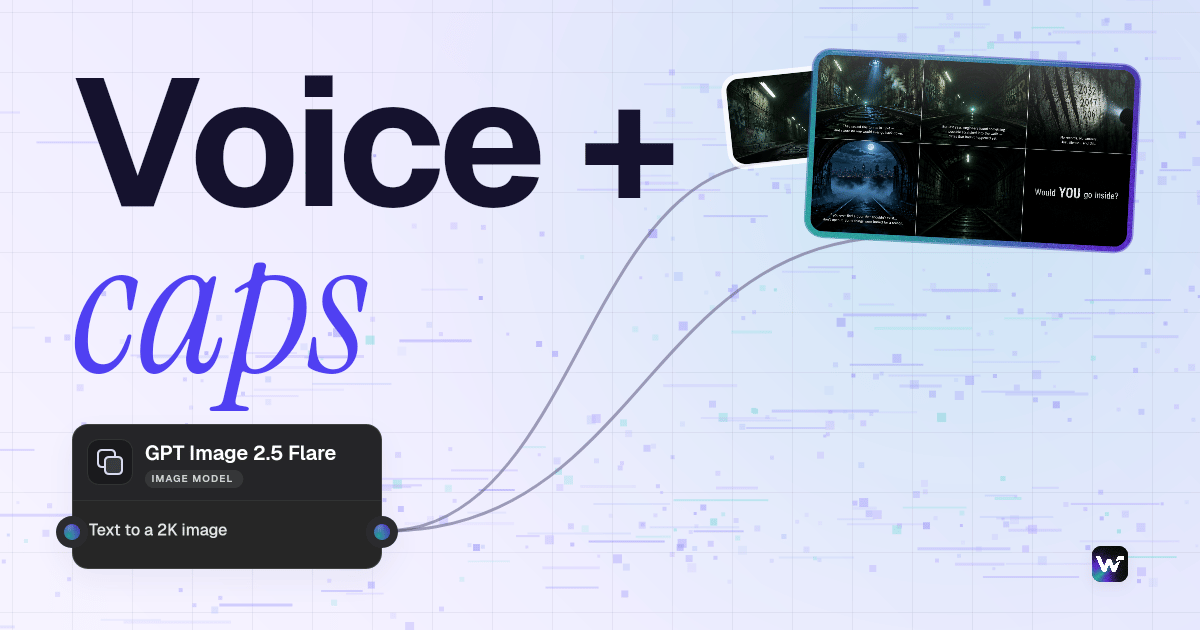
Add caption overlay nodes for animated subtitles, choose your aspect ratio, and export the final video ready for upload to TikTok, YouTube Shorts, or Reels.
More Than Just Faceless AI Video Generator
Script to Video in Minutes
Paste a script or topic and the workflow handles everything: voiceover generation, visual creation, caption rendering, and final composition. Build once with the visual node editor, run unlimited times.
No Camera, No Editing Skills
The entire production pipeline runs through AI models. No filming, no video editing software, no design skills needed. Connect nodes in the no-code canvas and the workflow does the rest.
Consistent Brand Style
Save your voice settings, visual style, caption format, and intro/outro as reusable templates. Every video matches your brand without manual adjustment.
Scale to Daily Publishing
Use batch generation to produce multiple videos from a list of topics. Schedule a week of content in one session instead of creating videos one at a time.

Chain Multiple AI Models
Connect specialized models for each step: GPT for scripts, ElevenLabs-style voices, Flux for visuals, and video composition tools through AI model chaining. Coming from Google Flow? See the Google Flow alternatives for creators that support this kind of chained pipeline.

AI Models Available
Automate Any Workflow
Included in Every Plan
Create Faceless Videos with AI Workflows
Put in a topic and the workflow writes a short script, generates the visuals, then renders a faceless video clip sized for TikTok, YouTube Shorts, and Reels.
What comes back is a finished short clip with its script and visuals already made, ready to post or drop into your editor. You can change the topic, rewrite the script instructions, and swap the image or video model for a different look.
Faceless Video Capabilities
AI Voiceover
Generate natural-sounding narration from text using AI voice models with customizable tone and pacing
Visual Generation
Create background footage, animations, and b-roll automatically from your script context
Auto Captions
Generate animated captions and subtitles synced to voiceover with customizable styles
Script Writing
Use LLM nodes to generate viral scripts from topics, hooks, or content briefs
Multi-Platform Export
Output in 9:16 for Shorts/Reels/TikTok or 16:9 for YouTube with one workflow
Batch Production
Generate multiple videos from a list of topics or scripts in one automated run
FAQs
A faceless AI video generator makes short videos without you on camera. You give it a topic, and it writes the script, creates the visuals, and renders a clip for TikTok, YouTube Shorts, and Reels.
Written by
Andrew Adams · Co-Founder & Operations at Wireflow
Runs client operations and content strategy at Wireflow. Works directly with creative teams and agencies to build production AI workflows.
Start Creating Faceless Videos
Build an automated video pipeline that turns scripts into publish-ready faceless content. Connect AI voice, visuals, and caption models in a visual canvas without code.