Guide
Free AI Video Generator Online
Make AI video with Google's Veo and Gemini in one workflow.
Open the ready-made one without an account to see the prompt and the clip it made. Wireflow is free to join with no card, and new accounts get a free video; more videos need a paid plan, from US$36 a month.
Free to build · no credit card · Read the agent docs
 Andrew Adams · Co-Founder & Operations at Wireflow ·
A video generator you build, not a black box
Start with a scene you can picture: a product turning in soft light, a slow push into a landscape, or a still image with a little movement. The template already connects a text prompt to a Gemini Omni Flash 1.1 node, so your first decision is what the clip should show.
Keep the subject, action, and camera movement clear. For example: "A red sneaker on a white plinth. The camera slowly moves around it. Soft studio light, subtle shadows." Change one detail between versions so you can see what helps. The canvas keeps the prompt and model together for your next brief.
What the video graph gives you
Text to video on a canvas
A Gemini Omni Flash 1.1 node renders a clip from your text prompt on a visual graph.
Image to video
Wire a still into the Start Frame port to animate it into motion.
Compare video models
Try another video node with the same brief, adapting its inputs and settings as needed.
Batch with iterators
A Text Iterator loops one graph over a list of prompts.
REST and MCP access
Use authenticated REST or MCP access to run an accessible workflow and retrieve its execution results.
Reusable templates
Keep your prompt, model settings, and connections ready for the next brief.
How the video workflow is wired
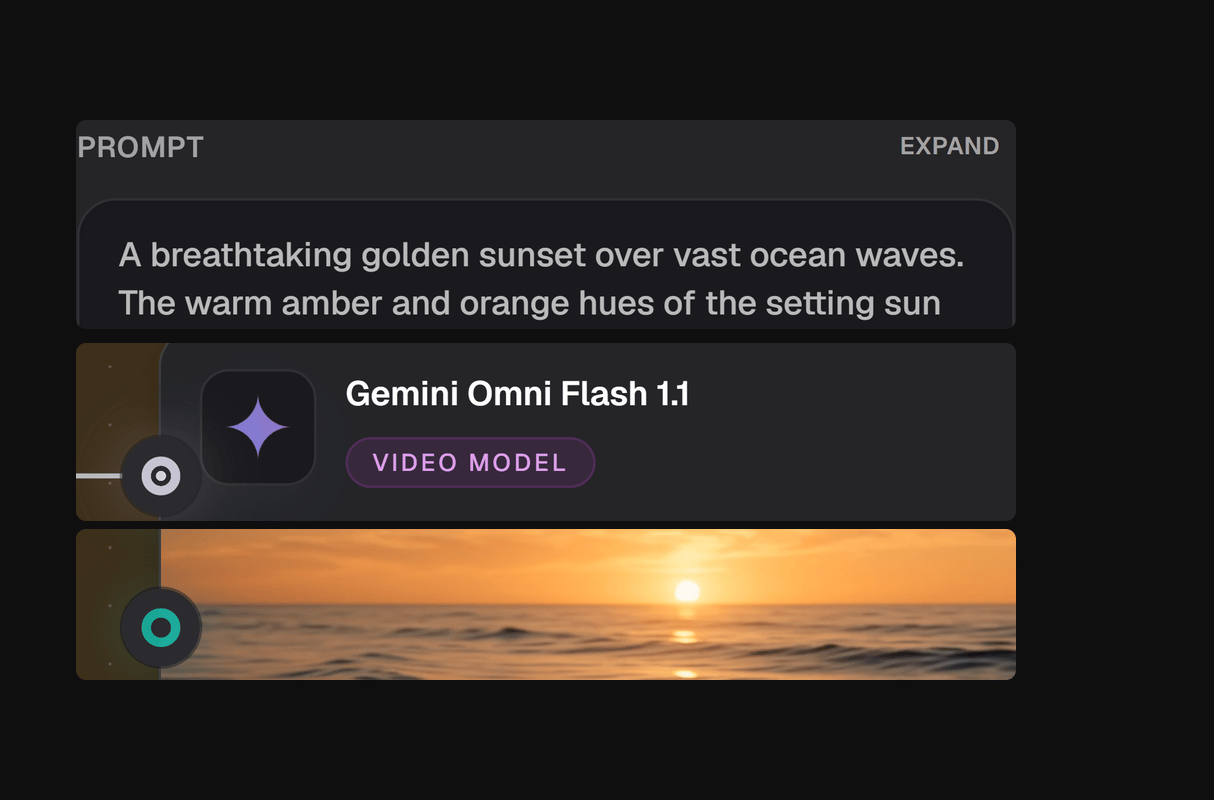
The template contains a Text Input connected to the Gemini Omni Flash 1.1 node. Replace its sunset prompt with your scene. The node also has optional Start Frame and End Frame inputs: connect a starting image when its composition or subject should guide the clip.
Begin with that short path. Once you have a useful version, you can add an upscaler, combine clips, or explore another video model. Different models have different inputs and settings, so check the new node when you change families. For app or agent use, authenticated REST and MCP access can run workflows you have permission to use; public publishing is a separate choice.
What free means here, and what it does not
You can sign up, build workflows, and browse the public gallery free. New accounts get a free video; plan for a paid subscription and credits for more videos, since the model, duration, and settings affect the cost. Start by shaping the prompt and choosing your model, then review the generation cost before running.
Wireflow runs the models on hosted compute, so you do not need a local GPU or model installation. Use the canvas to generate and connect media stages. For commercial projects, check the chosen model's terms and the rights to any images or other material you provide.
More Than Just Free AI Video Generator Online
Veo, Gemini and more models
Paid plans run Google's Veo 3.1 and Gemini Omni Flash 1.1, plus Hailuo and Pixverse. To compare tools first, read our guide to free AI video generators.
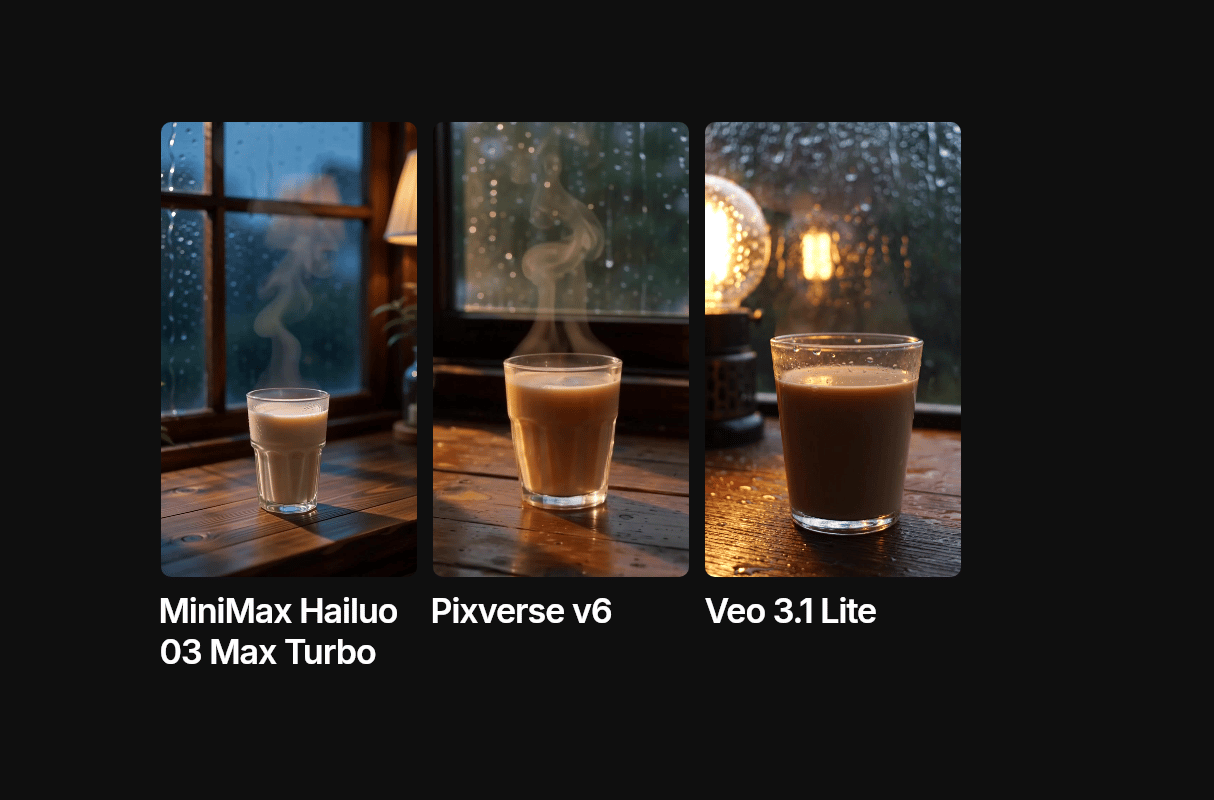
See the prompt behind the clip
Open the template without an account and you see the exact prompt next to the clip it made. That pairing is what we call an AI video workflow.
Turn a still into video
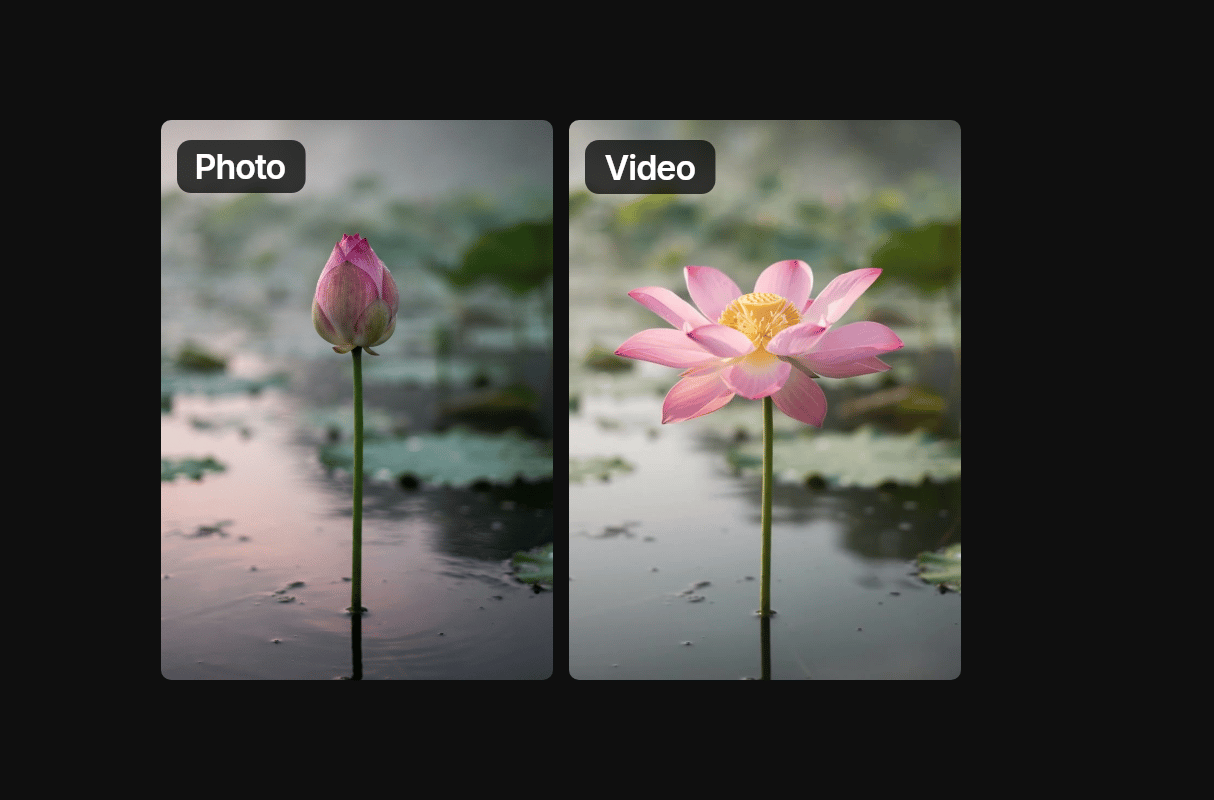
Make a still with the AI photo generator and connect it to a video model to animate it. Your first image is free when you finish setup, and new accounts get a free video.
No watermark, nothing to install
Wireflow adds no watermark to the clips you generate. It runs online in your browser on a visual canvas, with no download and no GPU.

Many clips from one setup
Save what works as a reusable template and change only the prompt next time. To make a set, run a whole list of prompts in one go.
Video Workflows
No Code Required
API & Batch Processing
FAQs
Signing up, building workflows and browsing templates are free, as is your first image when you finish setup. New accounts get a free video, and more videos need a paid plan. Starter is US$36 a month with 2,660 credits.
More From Wireflow
Written by
Andrew Adams · Co-Founder & Operations at Wireflow
Runs client operations and content strategy at Wireflow. Works directly with creative teams and agencies to build production AI workflows.
Start with the ready-made AI video workflow
It is free to open and you can look without an account. You will see the sunset prompt and the clip it made with Gemini Omni Flash 1.1. Copy it to a free account, write your own scene, and pick a paid plan when you want to generate video.