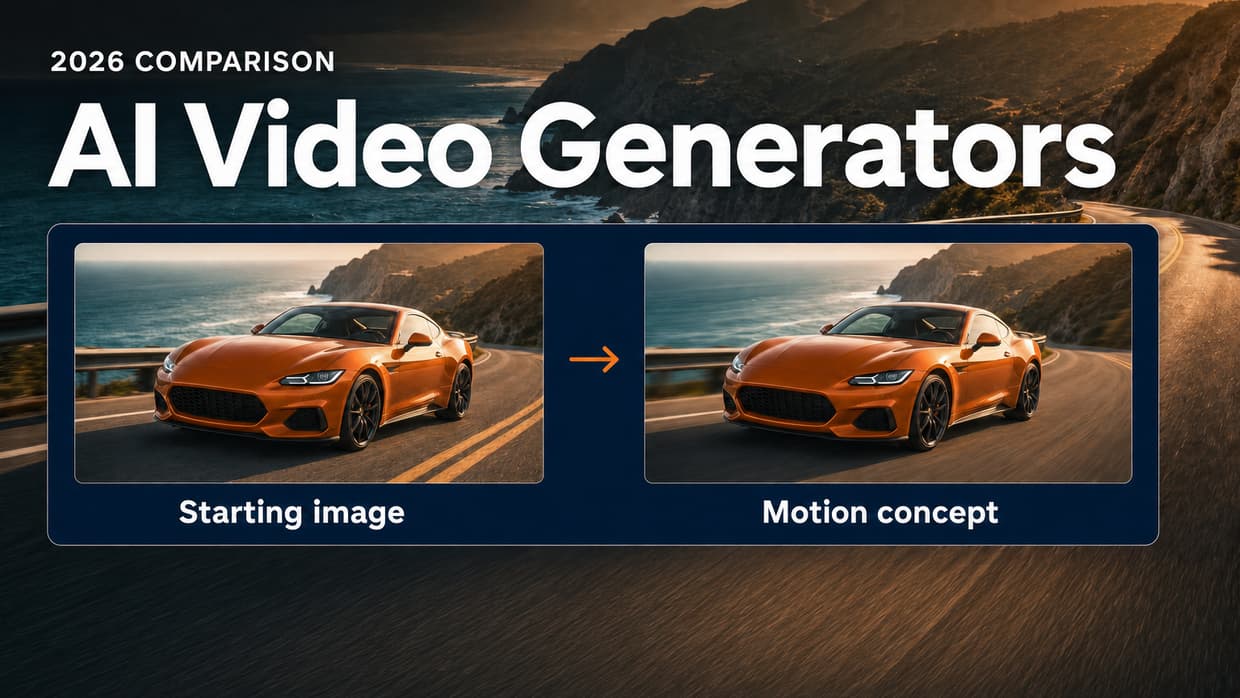
Best Free AI Video Generators in 2026: 8 Options Compared

In this article▾
- Quick comparison: what is actually free?
- 1. Wireflow: start with an image, then pay to animate it
- 2. Google Flow / Veo: try generated scenes with a daily allowance
- 3. Seedance through Dreamina: try images and video in one tool
- 4. Kling: compare motion from a starting image
- 5. Luma: explore the current trial before subscribing
- 6. Invideo AI: assemble a video with narration and editing
- 7. CapCut: edit and finish the clips you already have
- 8. HeyGen: make a short presenter video
- More free options we checked in October 2026
- When is paying for AI video worth it?
- Frequently Asked Questions
- Choose your next step
Compare the best free AI video generators in 2026: free credits, watermarks, export limits and paid plans for short clips, avatars and image-to-video projects. Wireflow includes free signup credits for images; video generation requires a paid plan.
Create your starting image with free signup credits.
Use this route when you need a starting frame for a future clip. Signup credits cover image generation. If you already have a photo and want to animate it, check the paid video plans below.
Already have an image and want a video? See paid video plans from $24/month.
Quick comparison: what is actually free?
A free account, free editing and free AI video generation are different offers. This table separates them so you can choose a tool for the job you need to finish.
- Need a generated video without paying? Look for an allowance that includes video, then check its export limits.
- Need a starting image for a later clip? Free image credits can cover that preparation step.
- Already have clips to finish? Compare editing and export features before paying for another generator.
| Tool | Free allowance or trial | Important limit | Useful for |
|---|---|---|---|
| Wireflow | Signup credits for images | All video generation requires a paid plan | Create a starting image, then build reusable video workflows |
| Google Flow / Veo | Google documents 50 daily credits without a subscription | Account, region, model and demand affect access | Trying generated scenes and short clips |
| Seedance through Dreamina | Daily free credits for images and videos | Credits do not equal a fixed number of videos | Trying text-to-video and image-to-video |
| Kling | Check the allowance shown in your account | Current free quota and export terms are not verified here | Comparing motion from a reference image |
| Luma | Free trial offered | Check current trial credits and export conditions | Exploring scene generation before subscribing |
| Invideo AI | Limited free credits reset weekly | Model access and watermark-free exports depend on plan | Assembling videos with narration and editing |
| CapCut | Free editing; AI features may spend credits | Premium effects, templates and generation can require payment | Editing and finishing existing clips |
| HeyGen | 3 videos per month, up to 1 minute each | Premium features are limited; watermark removal is paid | Presenter and avatar videos |
Provider information reviewed September 6, 2026; unverified allowances are marked in the table. On October 10, 2026, we rechecked Google Flow's 50 daily credits and added five more tools in a new section further down. This guide compares published offers, not generation speed or output quality. Wireflow publishes this guide and is included as a paid video option with free image credits.
1. Wireflow: start with an image, then pay to animate it
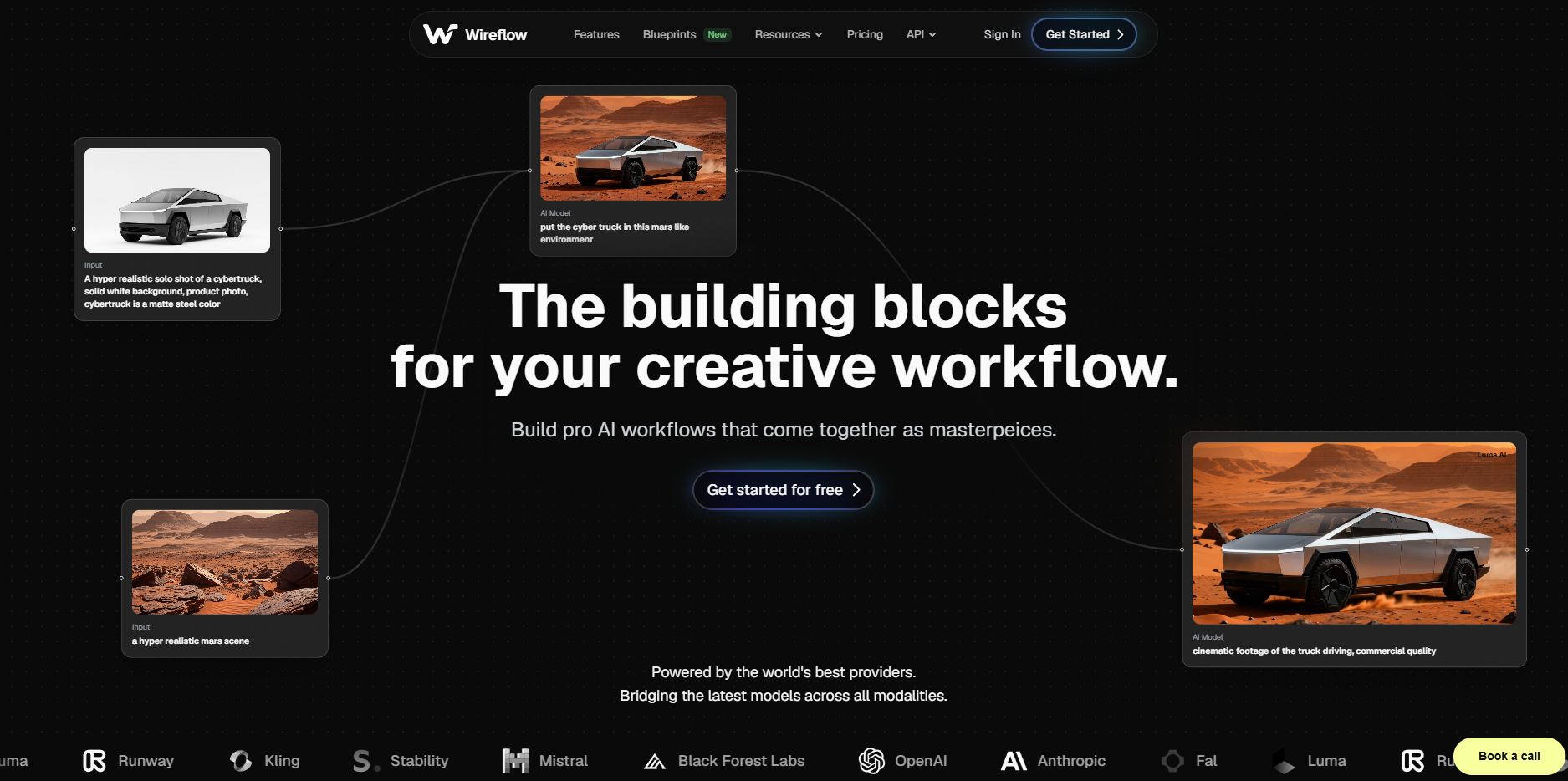
Wireflow suits creators who expect to reuse an image, prompt and generation setup across multiple clips. Start with a product scene or a social-video concept, then save the setup for the next variation. If your only goal is to generate a free video, compare the providers with video allowances in the table above.
What is free: an account with signup credits for image generation. Choose an image model and settings that fit your available balance. Video is not included.
What is paid: generating video. You can prepare a new image first or bring a photo you already own. Check the selected video model, duration and credit cost before choosing a plan.
Create the starting image before spending on video
- Create your account and choose an image model. Check its credit cost against your signup balance before running it.
- Generate a simple scene. Start with one subject and clear lighting. Check the composition before moving on to video.
- Animate when you are ready to pay. Choose a paid plan, use your image as the video input and describe one motion. Video cost depends on the model, duration and settings.
Try this image prompt for a product concept:
A matte white skincare bottle on a pale stone pedestal, soft morning light from the left, beige studio background, centered composition, vertical framing, no text.
Then use a separate motion prompt for the paid video step:
Slow camera push toward the bottle. Keep the bottle stationary. Subtle movement in the background light. One continuous shot.
For an actual product, use a photo you own as the starting image so you are working from the real packaging. The image-to-video guide explains how to supply an image to a video model.
Which paid plan makes sense for video?
| Plan | Monthly price | Included credits | Consider it when |
|---|---|---|---|
| Starter | $24 | 1,600 per month | You want to start making occasional clips |
| Professional | $45 | 4,300 per month | You generate regularly and want up to 3 months of credit rollover |
Divide the included credits by the cost of your intended generation, then leave room for revisions and any image or audio steps. The number of finished clips depends on the model, settings and attempts you need.
Compare plans for your video project.
2. Google Flow / Veo: try generated scenes with a daily allowance
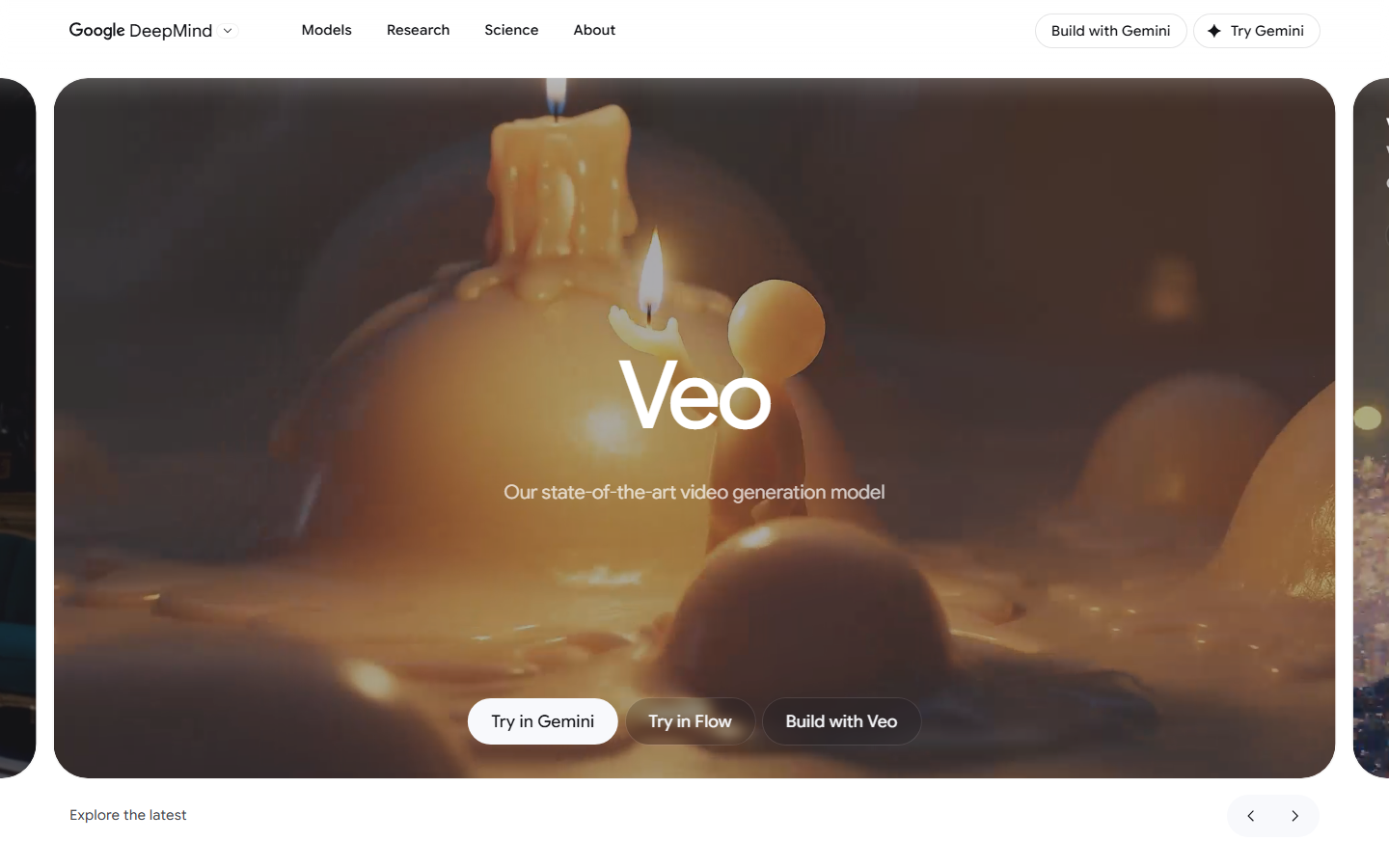
Google Flow is a way to use Veo for scene and clip creation. Google's Flow credit guidance documents 50 daily credits for users without a subscription. Unused daily credits expire, and generation costs vary by model.
Check before choosing it: account eligibility, region and demand affect access. Check the model and cost inside Flow; its allowance is separate from Gemini API billing.
Best fit: trying short generated scenes when a daily allowance suits your pace. Check export and watermark conditions in your account before planning a finished project.
3. Seedance through Dreamina: try images and video in one tool
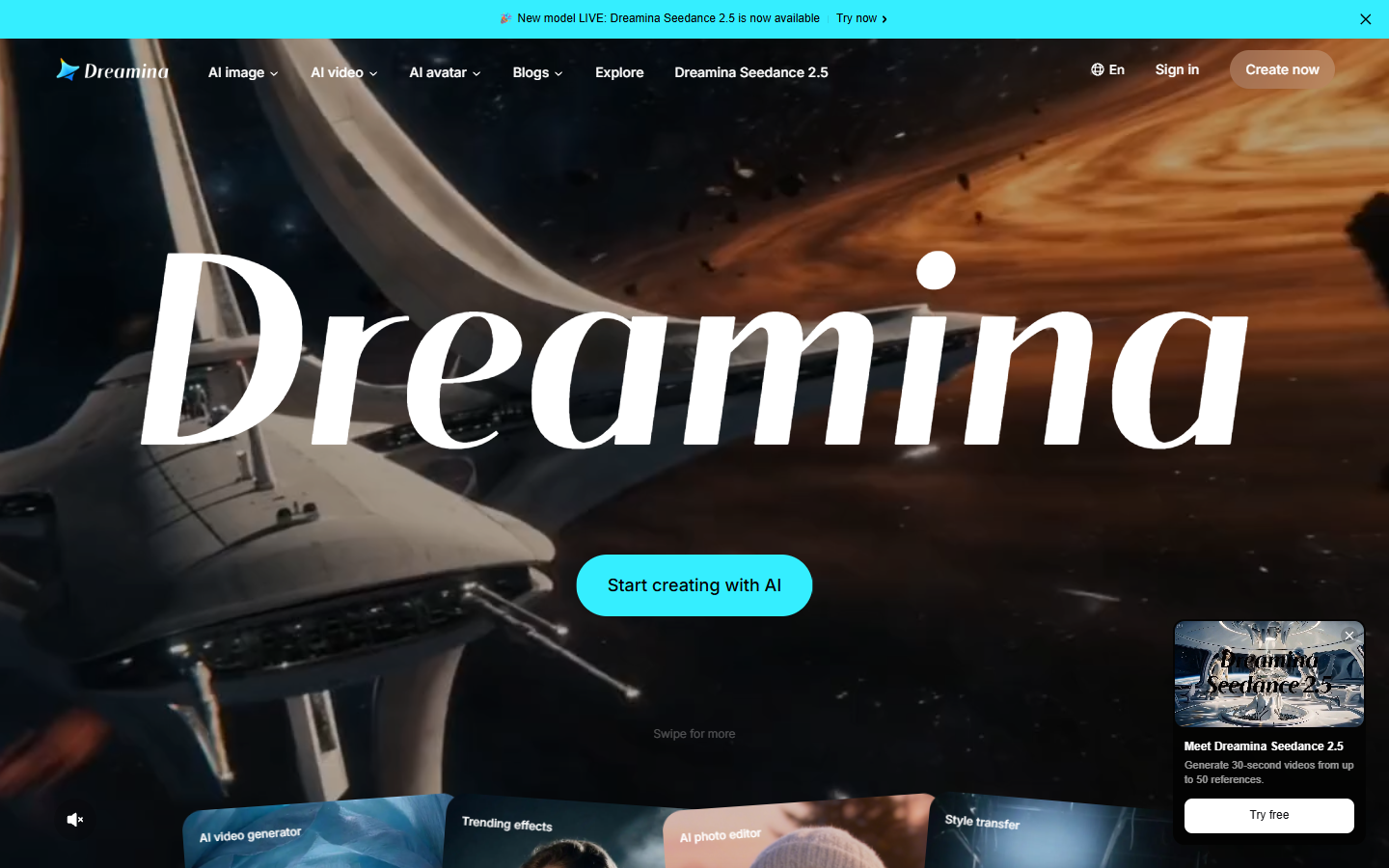
Dreamina offers daily free credits for image and video creation, including access to Seedance offerings. Seedance is a model family; the site and plan you use determine the actual allowance.
Check before choosing it: model access, settings and promotions affect how many videos the credits cover. Confirm the download and watermark conditions for your selected offer.
Best fit: experimenting with a written scene or animating an image. For a useful comparison, use the same prompt and starting image across the models you try.
4. Kling: compare motion from a starting image
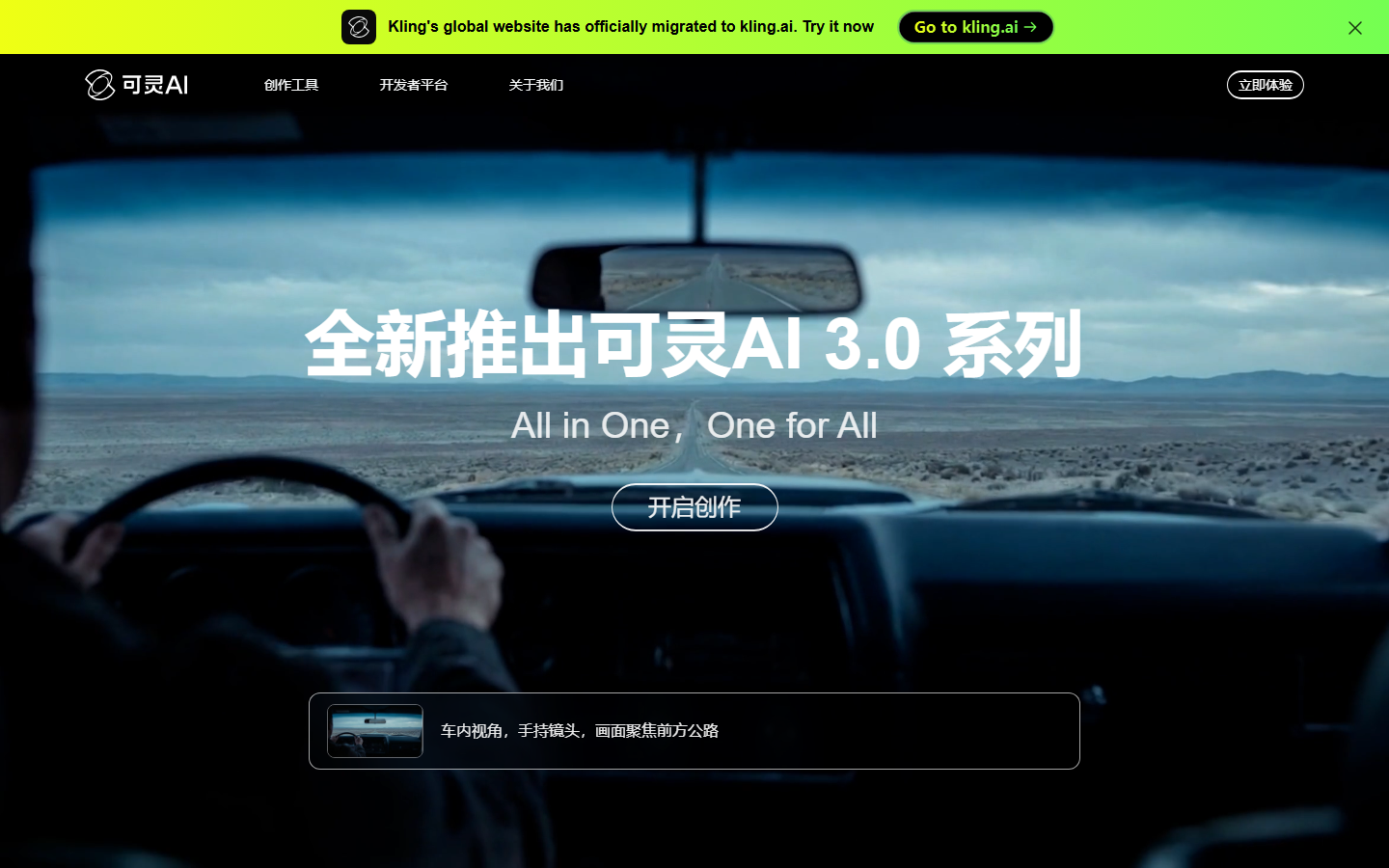
Kling is another option for text-to-video and image-to-video projects. Start with a slow camera move or a subject turning to judge whether its motion fits your scene.
Free allowance: we could not verify a current public quota for this update. Check the credits, eligible models, queue and download terms shown in your account.
Best fit: comparing how another video model handles your reference image.
5. Luma: explore the current trial before subscribing
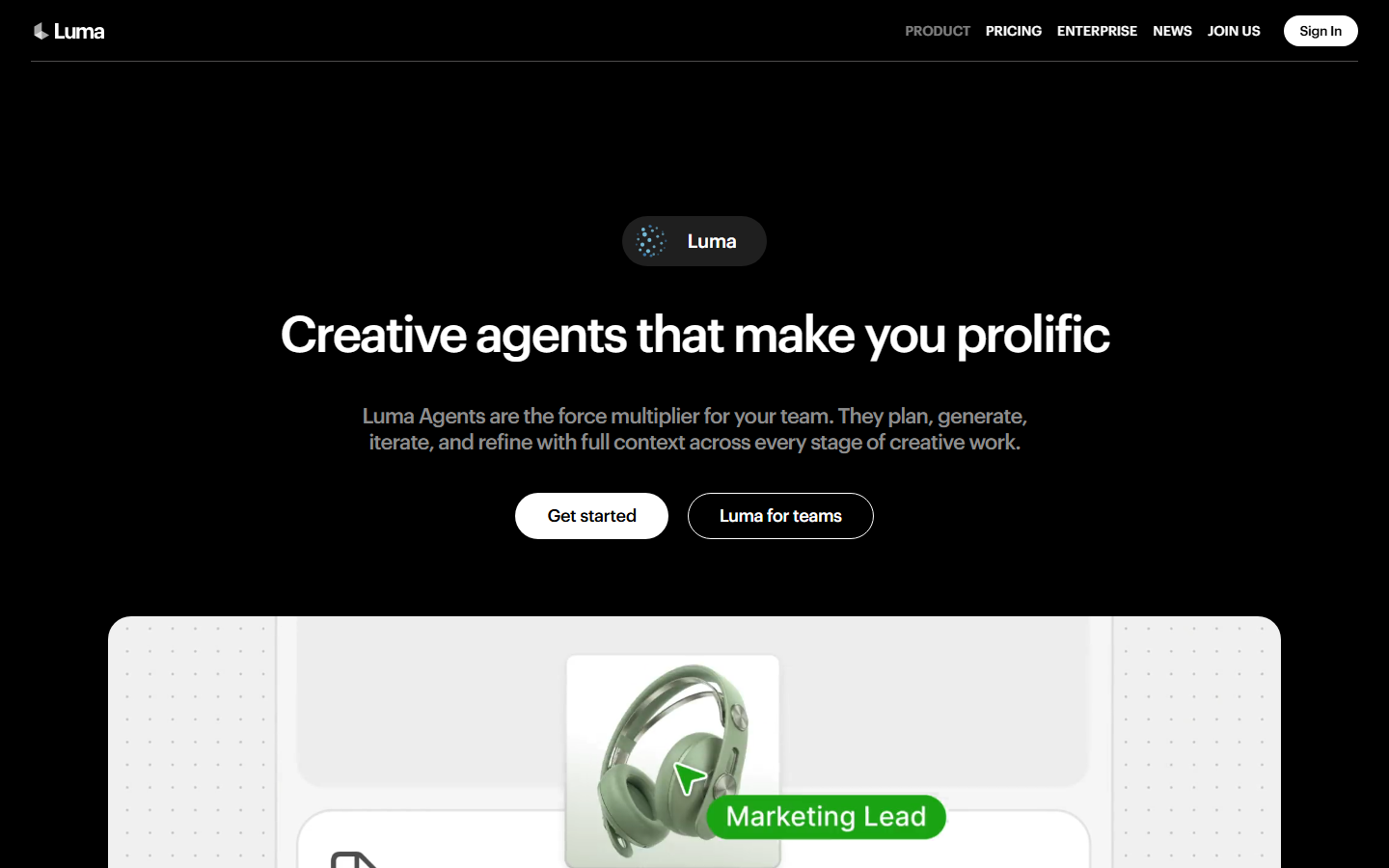
Luma's current app FAQ describes a trial before selecting a paid plan.
Check before choosing it: confirm the trial allowance, available video models, watermark conditions and usage rights in the offer you receive.
Best fit: exploring scene creation before committing to a subscription. The interface screenshot is illustrative; current products and plans can differ from older Dream Machine accounts.
6. Invideo AI: assemble a video with narration and editing
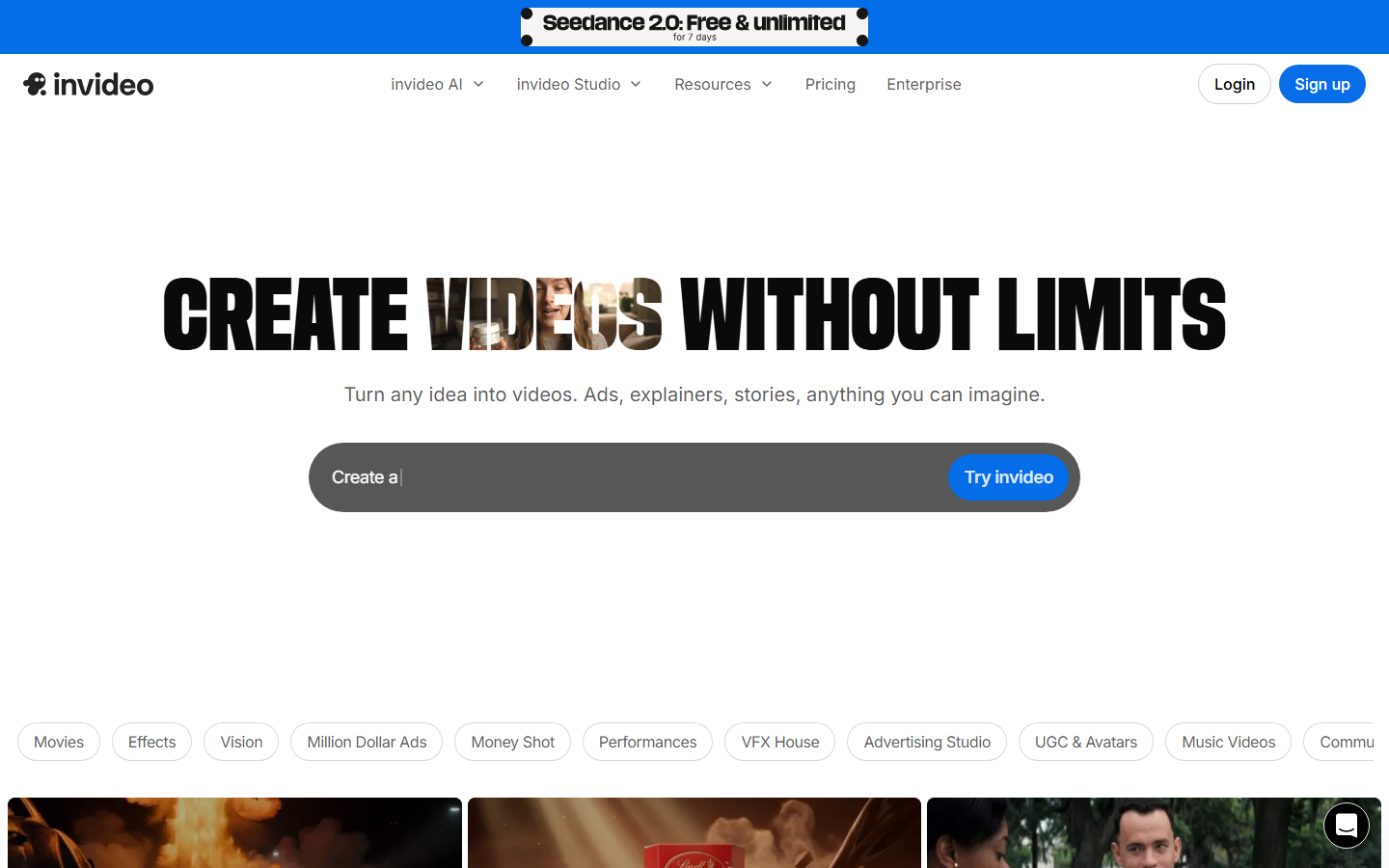
Invideo AI is useful when you need a more assembled video rather than a single generated shot. Its free-plan guidance describes limited credits that reset weekly, with no card required to try the free plan.
Check before choosing it: free assembly does not include every premium AI model. Watermark-free exports are a paid-plan benefit.
Best fit: narrated explainers and social videos that combine scenes, voice and editing. Compare the finished export you need, not just the length of the script you can enter.
7. CapCut: edit and finish the clips you already have
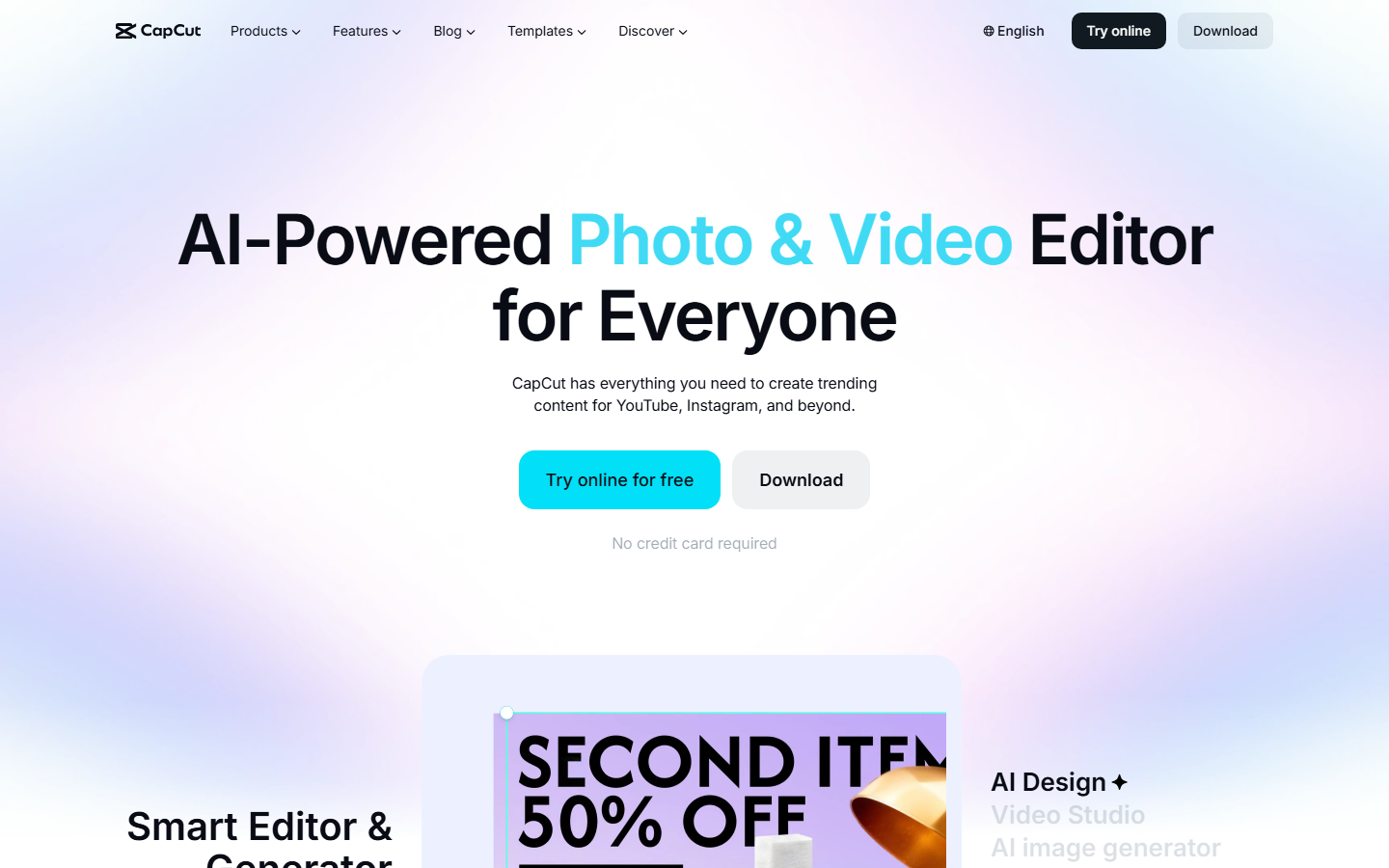
CapCut combines editing with AI features, but free editing is not the same as unlimited free generation. Its credit guidance explains that eligible AI tools spend credits and can require a purchase when the balance is insufficient.
Check before choosing it: inspect generation costs and premium elements before export. Templates, assets and export settings can affect branding and payment requirements.
Best fit: trimming, captioning and finishing a clip after generation. It can be the editing step alongside a dedicated generator instead of a replacement for one.
8. HeyGen: make a short presenter video
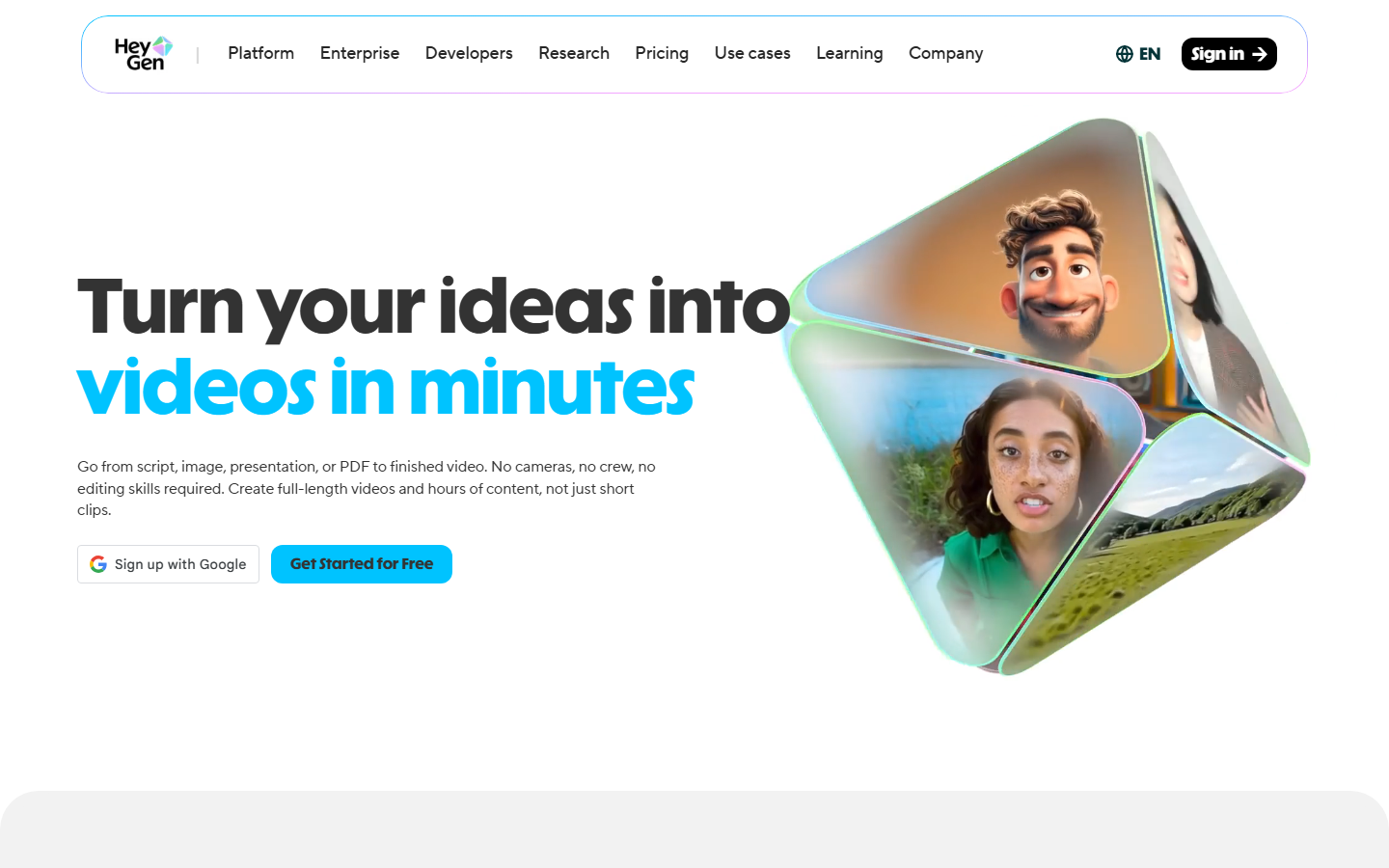
HeyGen's current pricing lists three free videos per month, up to one minute each, with no credit card required. Its focus is presenter and avatar content rather than general cinematic scenes.
Check before choosing it: premium features have limited trial access. Watermark removal is included in paid Creator plans.
Best fit: a short introduction, presenter-led explanation or avatar test. For product close-ups or cinematic motion, compare image-to-video generators instead.
More free options we checked in October 2026
These tools often appear in other lists of free AI video generators. We checked each one on the vendor's own pricing or terms page on October 10, 2026. Several are free to start but not free to keep using, so check the limit before you plan a project around one.
| Tool | What you get for free | Watch out for |
|---|---|---|
| Runway | 125 one-time credits that do not expire | The credits do not refill, and "No watermarks" is listed under the paid Standard plan |
| Hailuo | A one-time welcome package of credits for new accounts | The credits expire three days after you get them, and free video downloads include a watermark |
| Pika | A free account with access to all models | The free plan includes 0 monthly credits, so you buy a credit pack before you generate, and it has no commercial license |
| Magic Hour | No sign-up needed to start, plus free daily credits | Free video outputs may include a watermark, and free use is for personal, non-commercial work only |
| Wan 2.2 | An open-source model under the Apache 2.0 license | You run it yourself: the 5B model needs a GPU with at least 24GB of memory, such as an RTX 4090, and makes 720p video |
Which of these is actually free?
- Free to try once: Runway and Hailuo give you a starting balance that does not refill.
- Free without an account: Magic Hour lets you start without signing up, with watermark and personal-use limits on video.
- Free to download, paid in hardware: Wan 2.2 costs nothing to download, but you need a strong GPU to run it.
- Not free to generate: Pika's free plan includes no credits, so you need to buy a credit pack first.
Kling, from the main list, names 1080p video and watermark removal as premium-only features in its credits policy, so free Kling clips stay below 1080p and keep the watermark.
When is paying for AI video worth it?
Paying becomes easier to evaluate when you have a repeatable job: another product clip, a new social variation or a sequence for a client project. Before subscribing, define the number of usable shots you need, their length and the likely number of attempts. A low cost per generation helps only if enough outputs are usable.
With Wireflow, the free image stage lets you work on the composition first. The paid stage adds motion, and saving the workflow gives you a starting point for your next project. For recurring variations, explore batch AI generation once a single result works.
Ready to turn an image into a video?
Have a frame you want to keep? Check the cost of your intended video model and duration, leave room for revisions, then choose a paid plan. An account with free image credits does not include video generation.
Frequently Asked Questions
What is the best completely free AI video generator in 2026?
For limited video experiments, compare the current Google Flow and Dreamina allowances. For short presenter videos, HeyGen has a defined monthly free allowance. None of those offers means unlimited access to every model or unrestricted exports. Check the account offer before committing to a project.
Is Wireflow a free AI video generator?
No. Wireflow provides free signup credits for image generation. Video generation requires a paid plan. You can create a starting image within your signup balance and pay when you are ready to animate it.
Can I animate my own photo in Wireflow?
Yes. Use your photo as the starting image for an image-to-video model. You can skip AI image generation if you already have a suitable photo. Animating that photo still requires a paid plan and video credits.
Do free AI video generators add watermarks?
Some do, and others vary by model, template or plan. Check the actual export conditions, not just whether account creation is free. Paid watermark removal does not automatically establish commercial usage rights; check those separately.
Can I use free AI videos commercially?
It depends on the provider, model and terms attached to that generation. A free download does not by itself establish permission for advertising or client work. Check the current usage terms before choosing a tool for a business project.
How many videos can I make with Wireflow Starter?
Starter includes 1,600 monthly credits. Divide that budget by the cost of your chosen model, duration and settings, allowing for revisions and other generation steps. There is no fixed number of videos that applies to every model.
How do I avoid wasting video credits?
Start with a clear image, one subject and one motion instruction. Inspect the image before animating it. Compare short attempts before committing to a longer sequence, and check the price of each selected model and setting.
Do I need a powerful computer?
Hosted AI generators perform generation on their servers. You can use their browser interfaces without installing a local video model. Editing or assembling a long finished project may have separate device requirements.
Choose your next step
Choose the next step that matches the result you need. For a free generated video, check one of the video allowances above. For a reusable Wireflow setup, start with an image or bring a photo you own, then move to paid animation when you are ready.
Create an account for free image credits.
Already have an image to animate? Compare paid video plans.

Co-Founder & Operations at Wireflow
Runs client operations and content strategy at Wireflow. Works directly with creative teams and agencies to build production AI workflows.
- Content Strategy
- Client Operations
Get unlimited ad creatives today.
One call to see if we are a fit and scope the first ad. If it fits, your first batch lands inside week one.