 Andrew Adams · Co-Founder & Operations at Wireflow ·
 AI Video Workflow
Turn a creative brief into a repeatable video workflow.
Connect prompts, images, video and audio on one canvas, then reuse the setup for your next project.
Free to build · no credit card
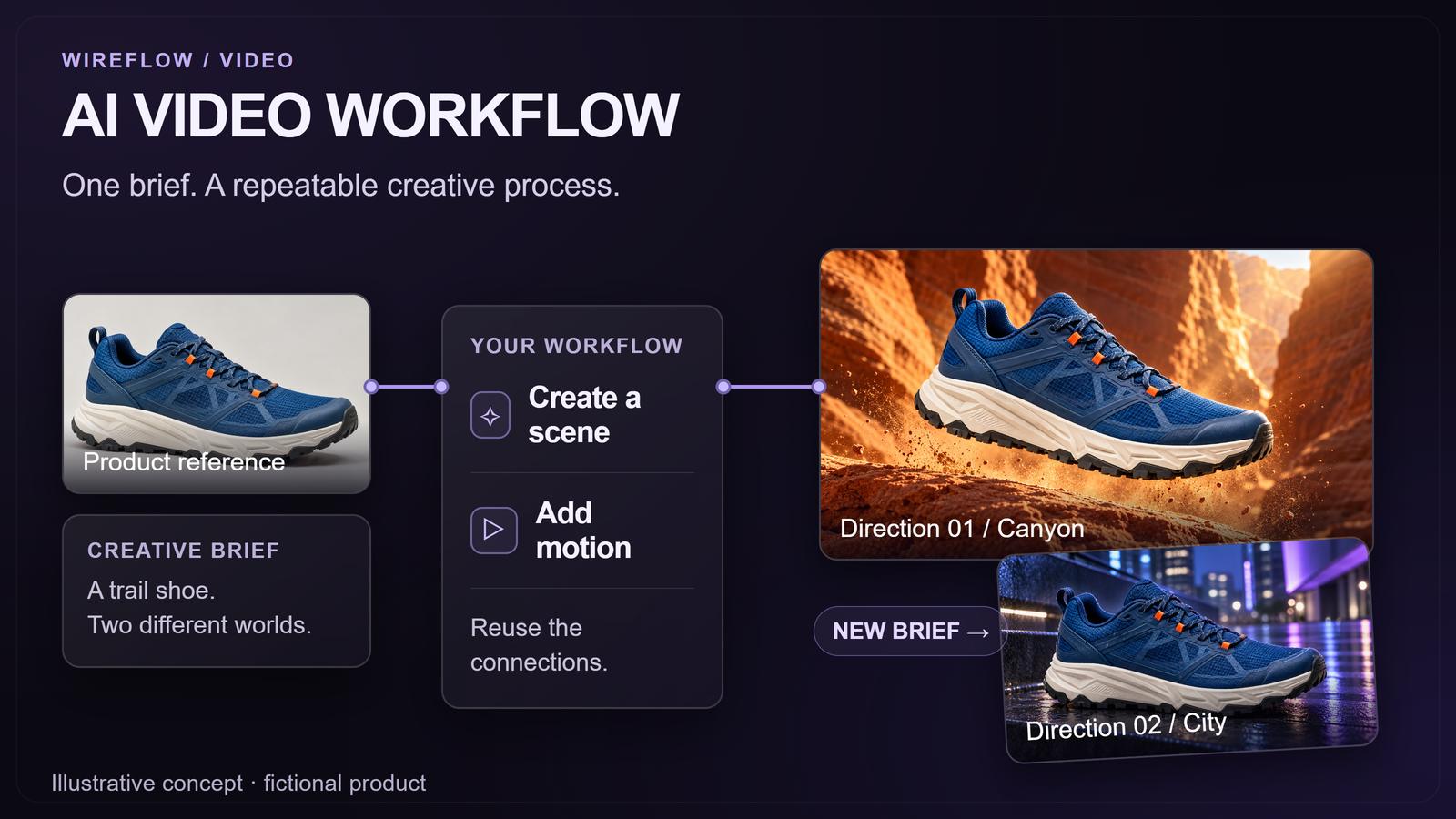
Connect Your AI Tools
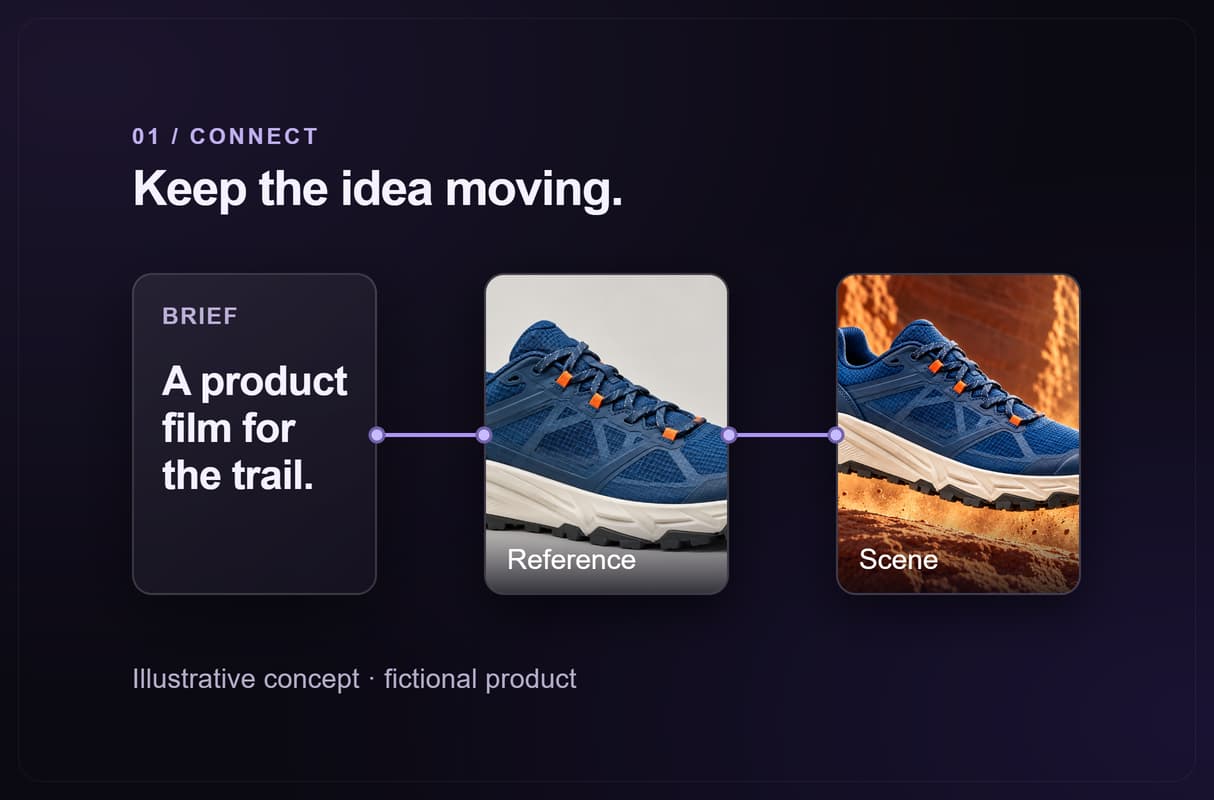
Start with the result you want: a product reveal, an explainer or a short social clip. Add your brief and reference image, then connect the models each stage needs. A no code video workflow can begin with just an image and a video model, with text and audio added when the idea calls for them.
- Bring: a clear subject, creative direction and any reference assets.
- Choose: the aspect ratio and models suited to the clip.
- Connect: outputs to compatible inputs on the canvas.
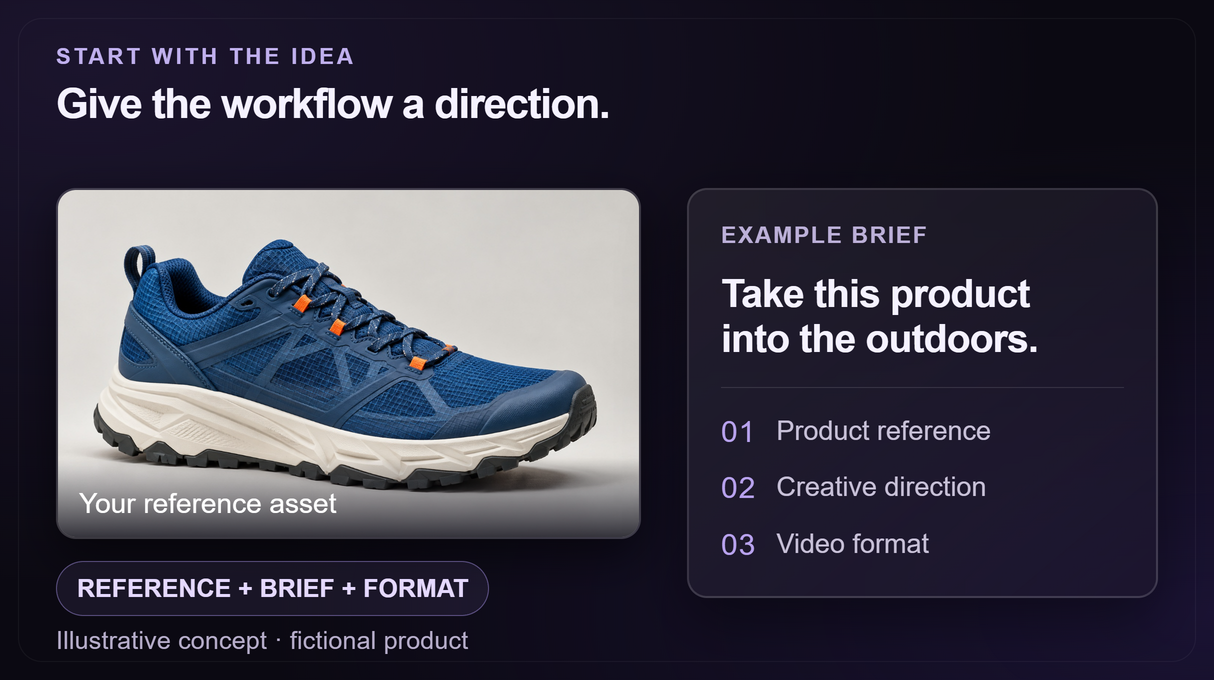
Design Your Pipeline
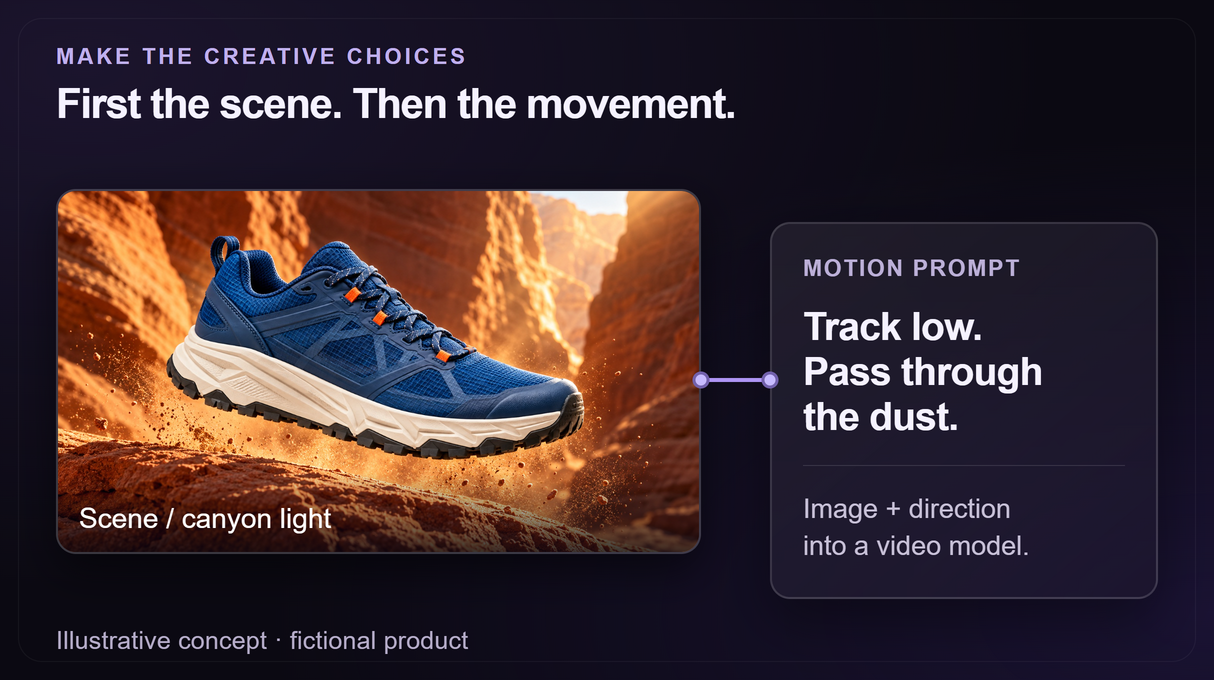
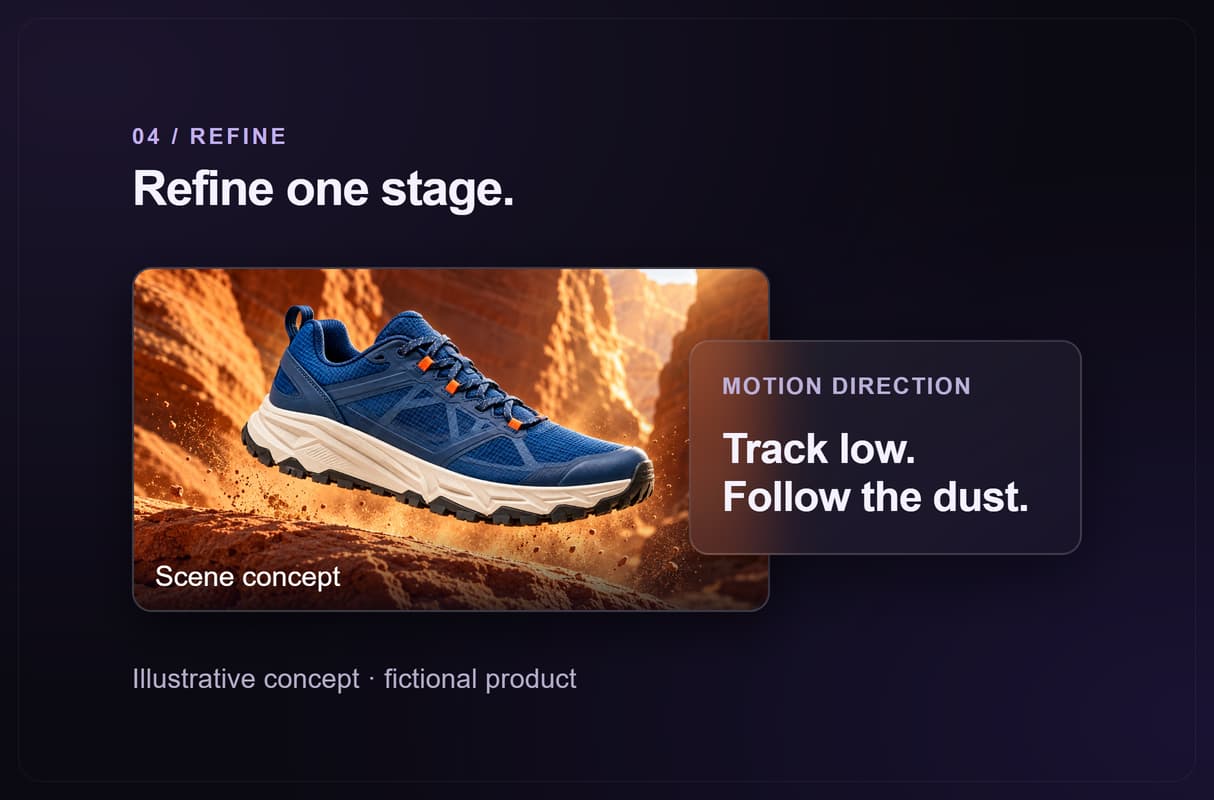
Make the creative decisions visible. For a product campaign, you might turn one reference into a canyon scene, then pass that frame to a video model with a motion prompt. Add a separate branch for another direction. With video workflow automation, the connections carry assets forward while you decide how each stage should look and sound.
- Scene: the setting, lighting and composition.
- Motion: the camera move and subject action.
- Sound: narration, music or effects when needed.
Run, Refine and Reuse
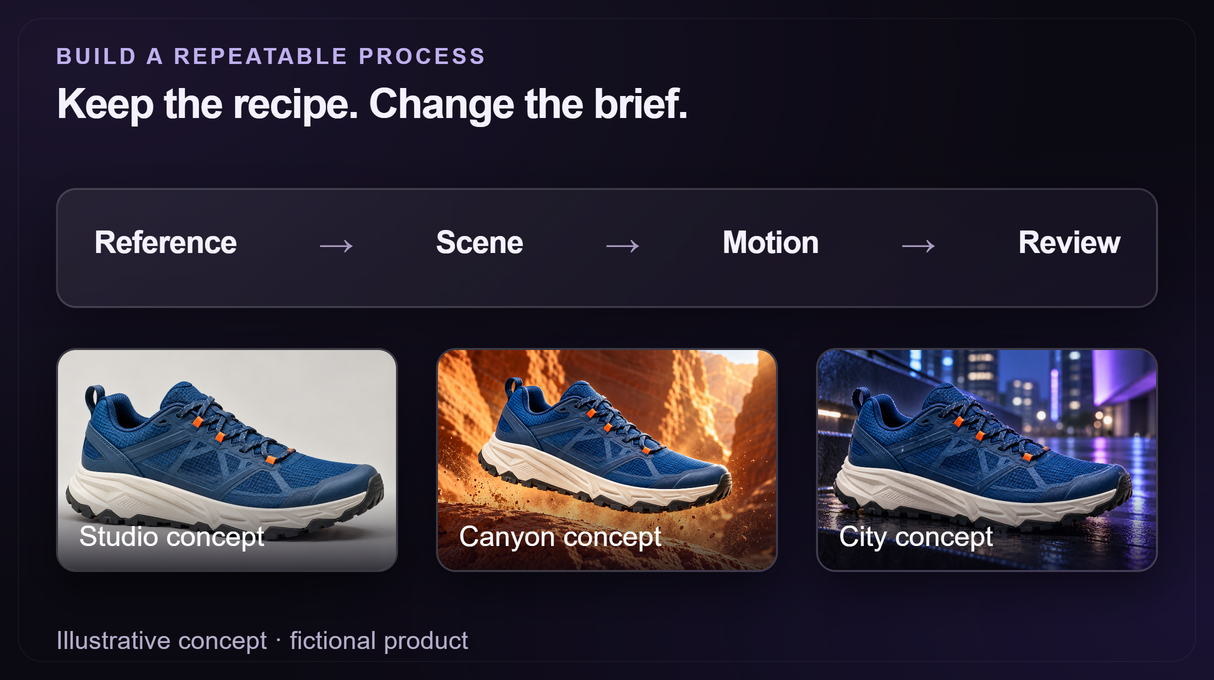
Run your AI video pipeline and review the results as each stage completes. Adjust the parts that need work, then download the assets for your edit or publishing workflow. Save the setup for the next brief, or use an editable workflow template as your starting point. Automated video creation becomes more useful when you can repeat the process and still shape the result.
- Review: the image, motion and sound before sharing.
- Reuse: the structure for a new product or creative direction.
- Budget: building is free; video generation needs a paid plan and credits.
More Than Just AI Video Workflow
Keep each handoff connected
Pass prompts and assets between stages with AI pipeline automation. Keep your creative process together from the first idea to the clip. It all runs on Wireflow's node-based AI workflow platform.
Choose the model per stage
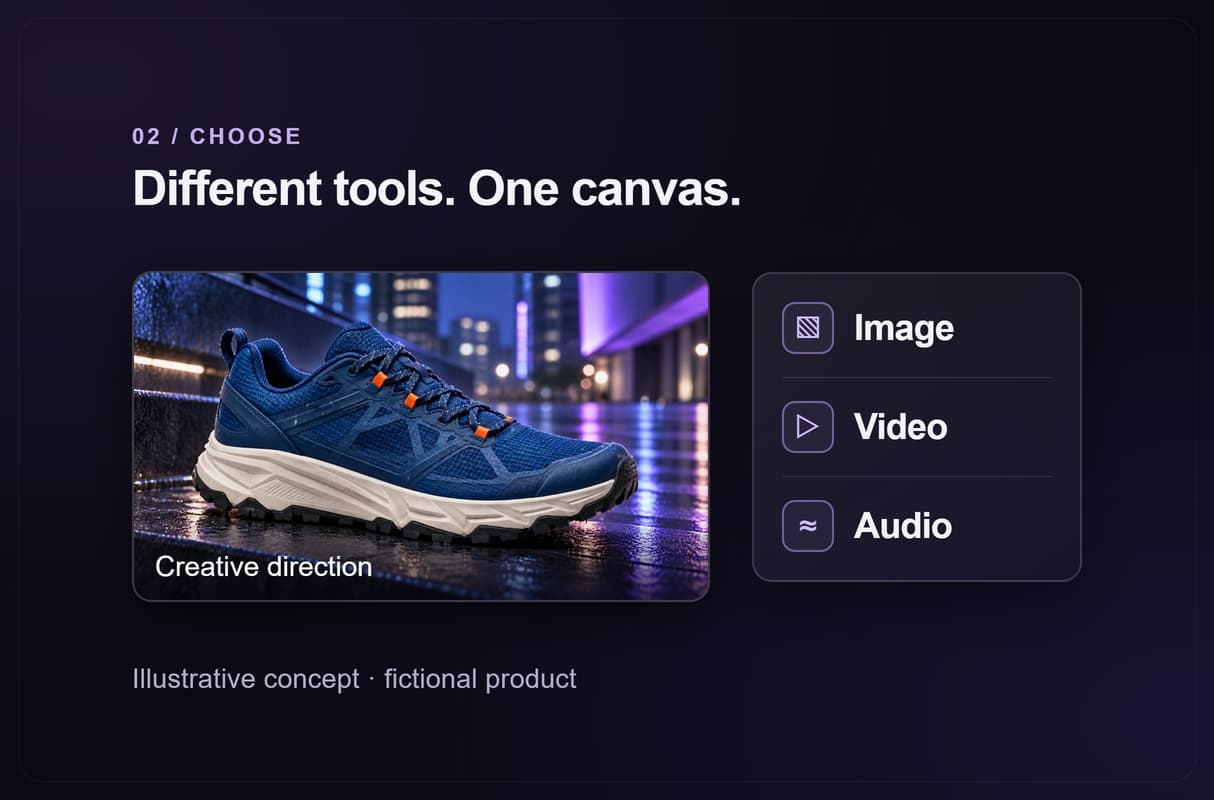
Choose image, video and audio tools in the visual node editor. Compare options with the free AI video generator tools worth trying.
Create more from one setup
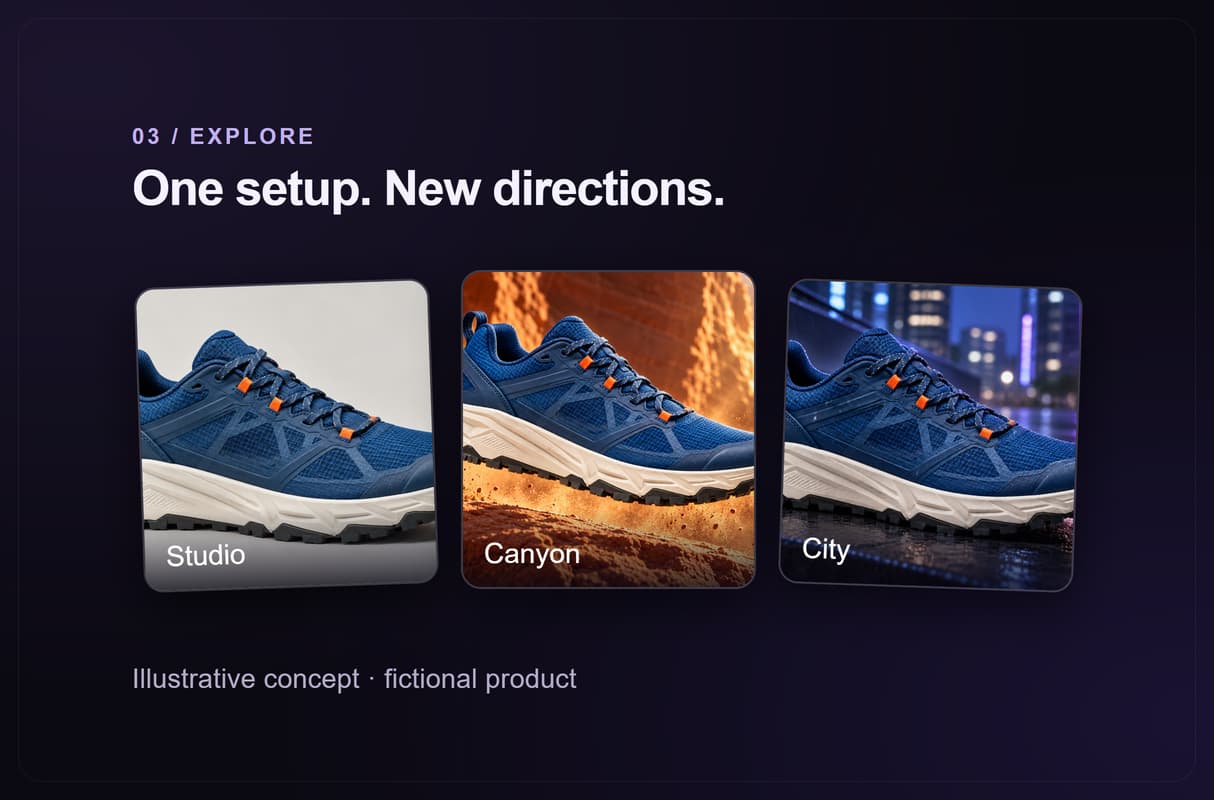
Feed new creative briefs into batch AI generation. Reuse the same connected steps for a series of product videos or social clips.
Refine the part that matters
See the result of each stage with AI model chaining. Adjust a prompt or model where the image, motion or sound needs work.
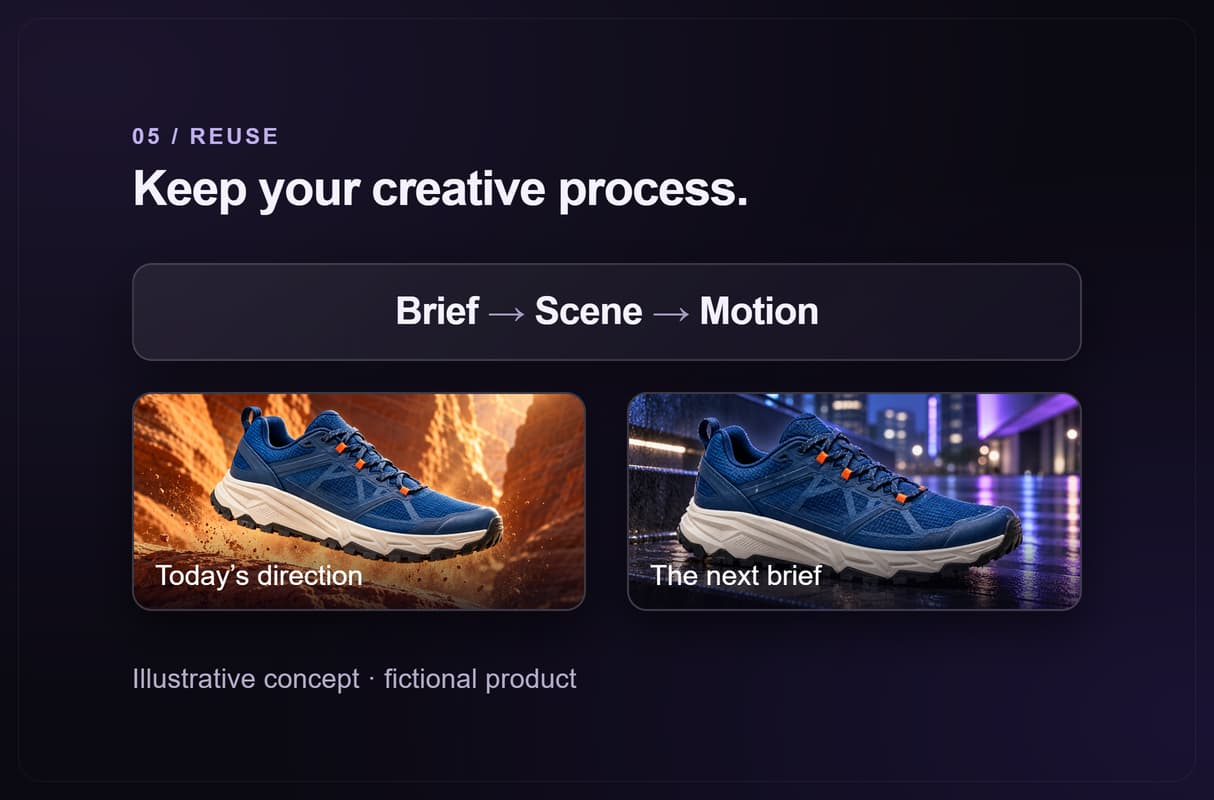
Keep your creative process
Start from editable AI workflow templates or save your own setup. Change the creative brief while keeping the connections that work.
AI Models Available
Automate Any Workflow
Included in Every Plan
FAQs
An AI video workflow connects the steps used to create a video, such as writing prompts, generating scenes, animating images and producing audio. Outputs pass between connected tools, so you can reuse the process across projects.
Discover related AI tools
Written by
Andrew Adams · Co-Founder & Operations at Wireflow
Runs client operations and content strategy at Wireflow. Works directly with creative teams and agencies to build production AI workflows.
Build once. Create your next video.
Start with one product, scene or idea. Connect the creative steps, refine the result, and keep the workflow for your next brief. Building is free; video generation requires a paid plan and uses credits.