 Andrew Adams · Co-Founder & Operations at Wireflow ·
 Reusable AI Templates
A reusable AI template is a Wireflow canvas you build once and clone for every new job.
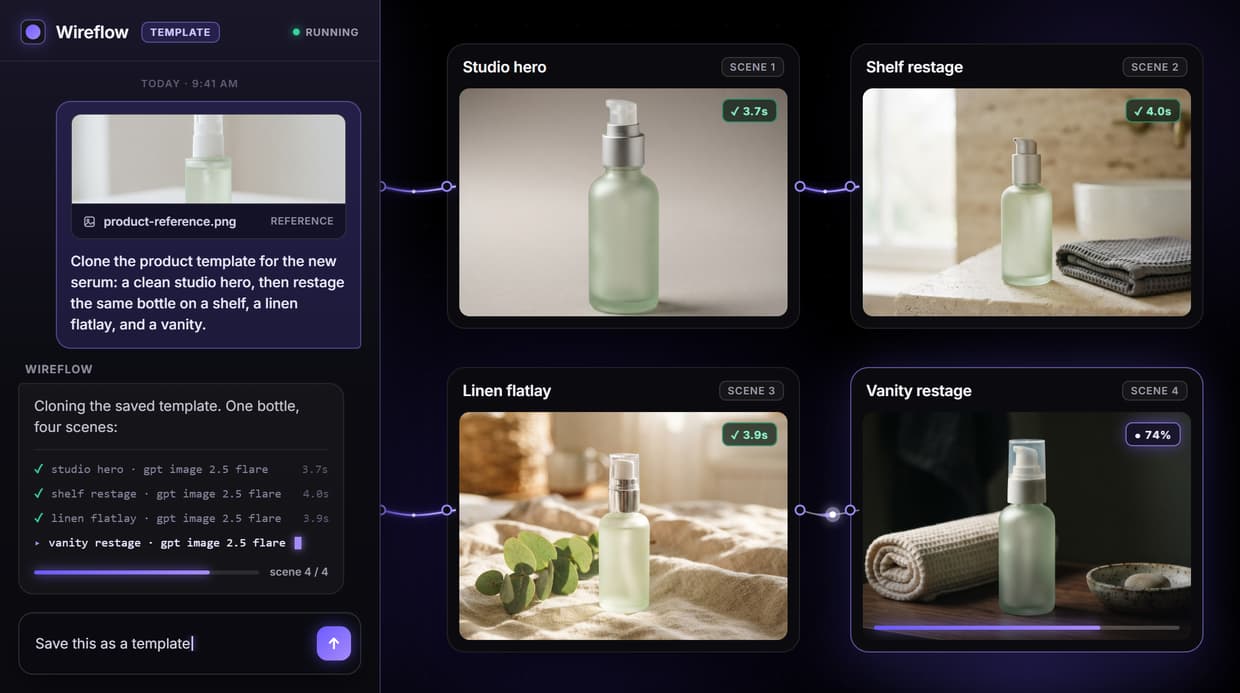
The model chain stays locked, and only the input fields change. The demo template turns a written product brief into on-brand marketing images, then clones across a whole product line.
Free to build · no credit card · See how it works ↓
How to Use Reusable AI Templates
Steps to get you started in Wireflow.
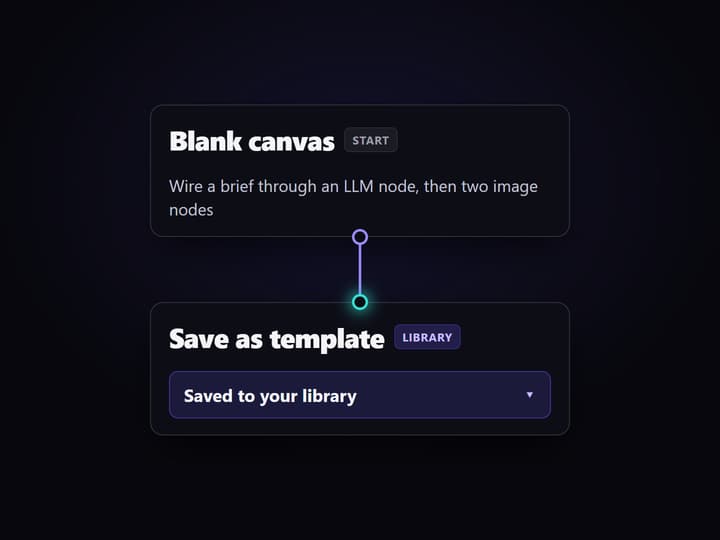
Build a workflow, save it as a template
Wire a canvas once. The demo chain feeds a product brief and a system prompt into a Claude Sonnet 4.5 node, then a GPT Image 2.5 Flare node, then an edit node. Save the finished canvas to your library.
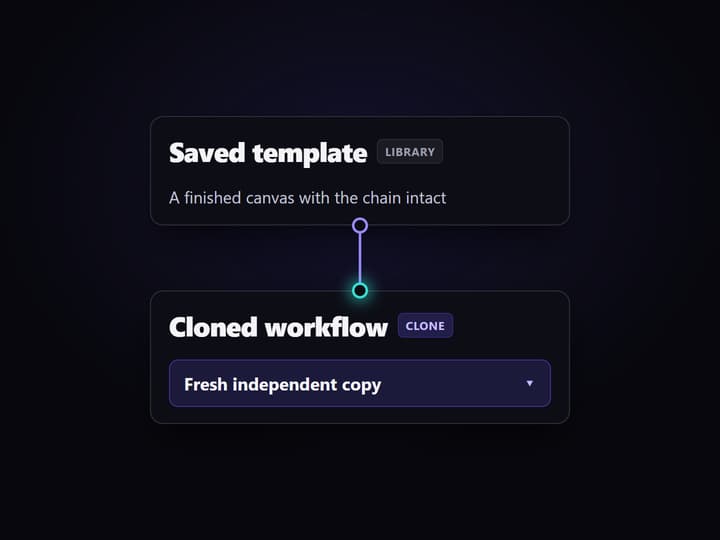
Clone the template for a new project
Duplicate the saved canvas from your library. The clone inherits every node connection and model setting, so the pipeline is identical and you never rebuild the wiring for a similar job.
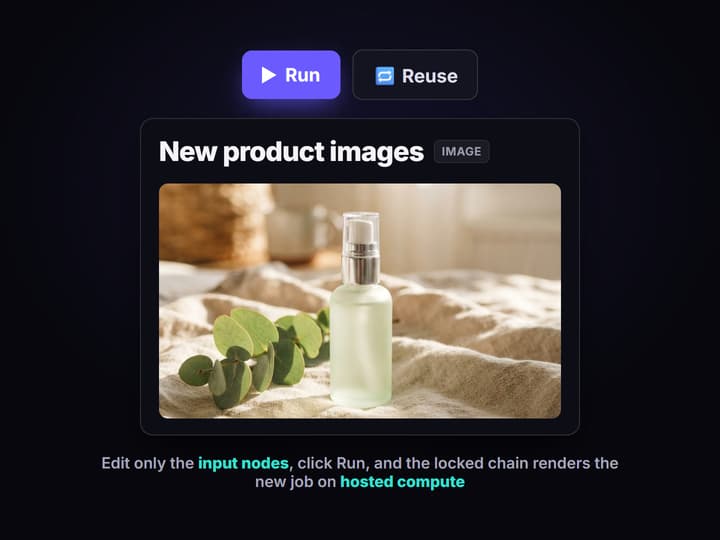
Change the inputs, keep the chain
Edit only the input nodes: a new brief, a new reference image, a new scene prompt. Click Run and the locked chain produces on-brand output for the new product, with no GPU and nothing to install.
A template is a canvas you clone, not rebuild
A reusable AI template is an ordinary Wireflow canvas that you save and reuse. Instead of wiring the same model chain again for every similar job, you build it once, save it to your library, and clone it whenever a new project needs the same pipeline. The clone carries the whole graph with it: every node, every connection, every model setting.
What changes between clones is small and deliberate. You edit the input nodes, a new brief, a new reference image, a new scene, and leave the structure alone. The result is the same proven flow producing new output, so a repeatable job stops being a rebuild and becomes a fill-in-the-fields task.
How the demo template works
The template behind this page is a real multi step flow. A product brief and a system prompt feed a Claude Sonnet 4.5 node that expands the brief into a detailed image prompt. That prompt drives a GPT Image 2.5 Flare node, which renders a clean base product shot.
A second text node describes a lifestyle scene. It joins the base image at a GPT Image 2.5 Flare edit node, which restages the product into the finished scene. Clone this template for the next product, change the brief and the scene, and the same chain produces the next set of images. Swap the final node for a video model and the same template pattern outputs a clip instead.
What lives inside a template
A locked model chain
The node order and connections that make the pipeline work, saved so every clone runs the same steps.
Editable input nodes
The fields you change per job, like the product brief, a reference image, or a target scene prompt.
Fixed model settings
Aspect ratio, output format, and the model on each node, so clones render consistently without retuning.
The real models used
Claude Sonnet 4.5 to expand the brief, then GPT Image 2.5 Flare to generate and edit the images.
A library slot
Where the saved canvas sits so you or a teammate can find it and clone it for the next project.
An optional app form
Publish the template as an input form so someone runs it by typing a brief, never opening the canvas.
What a template is, and what it is not
Wireflow is the generation layer, not the reasoning brain. A template runs the image, video, and audio pipeline you saved; it does not write your strategy or decide your brief for you. If your work is pure text, you do not need a node template.
Clones are independent copies. Editing a clone never changes the original template, and improving the original does not reach back and update clones you already made, so treat a shared template as a starting point, not a live-linked master. Wireflow is hosted by design, so there is no offline mode, no custom Python nodes, and editing is single player, not real time co-editing. That is the honest trade for a template you can clone and run without ever touching a GPU.
More Than Just Reusable AI Templates
Clone in seconds, not from scratch
Duplicate a proven canvas and change only the brief, so a new job starts in seconds instead of rewiring nodes, the reuse idea behind batch AI generation.
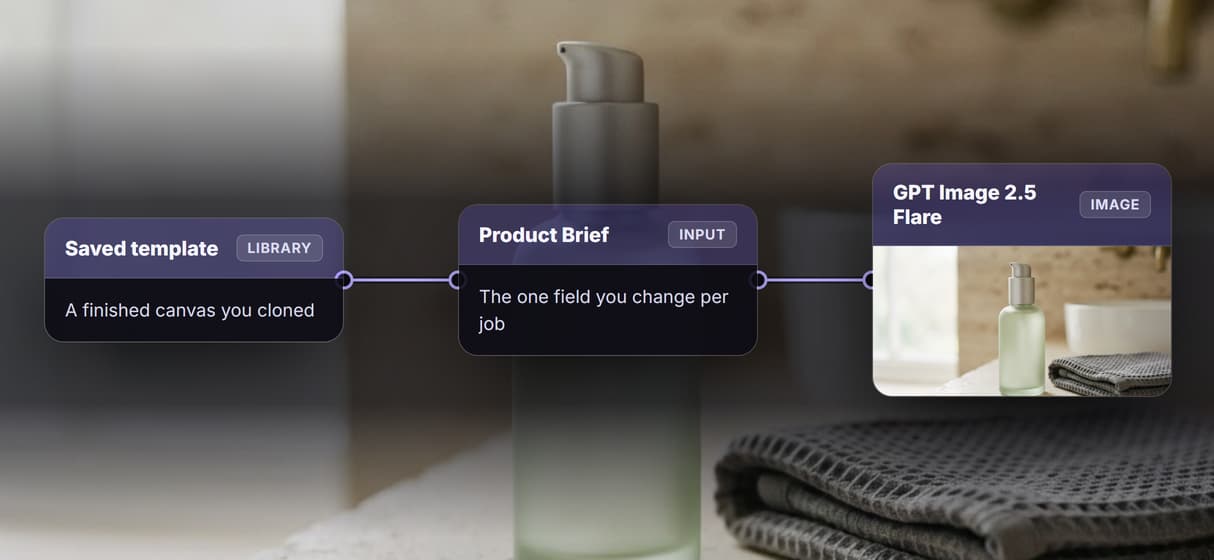
Lock the chain, expose the inputs
Freeze the node order and model settings while marking the brief and reference image as editable, so AI model chaining stays consistent on every clone.
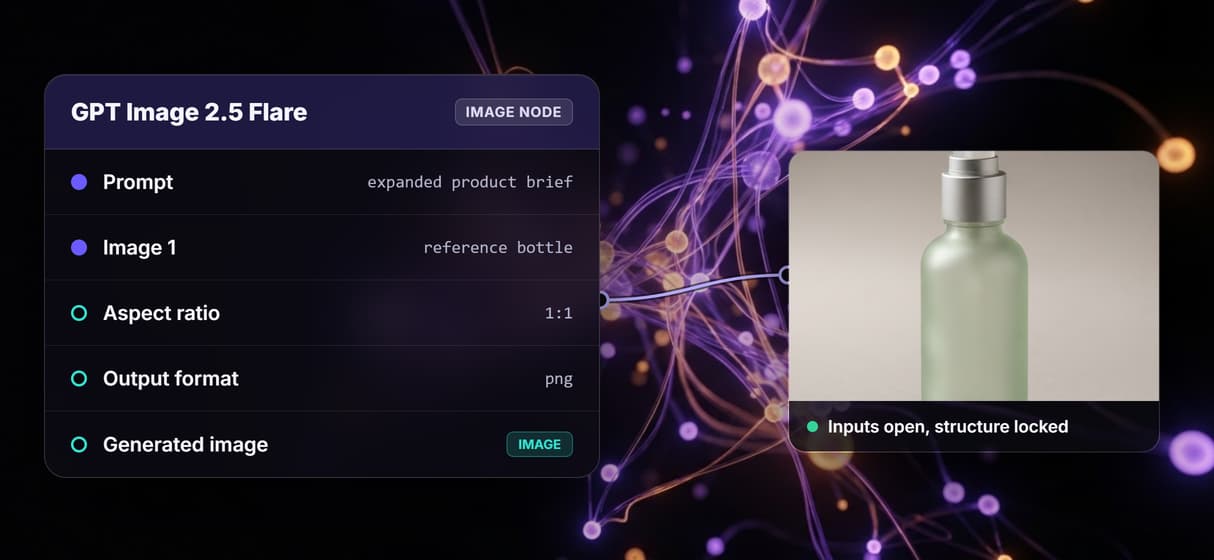
Start from a ready-made template
Open the template gallery and clone a canvas built by someone else, then swap in your inputs, the same reuse pattern as the AI workflow templates library.

Publish a template as an app
Turn a template into a simple input form, so a teammate runs your no code AI canvas by filling fields and getting finished assets back.
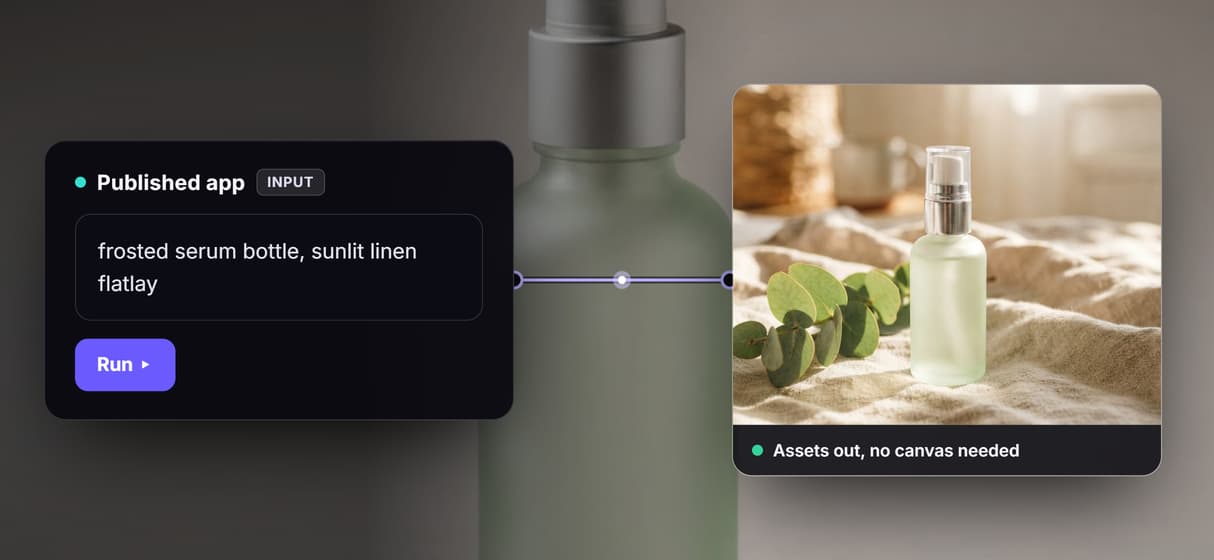
Every clone runs without a GPU
Clones run the same hosted pipeline in your browser, so creative workflow automation scales with no CUDA, no local setup, and pay per generation.
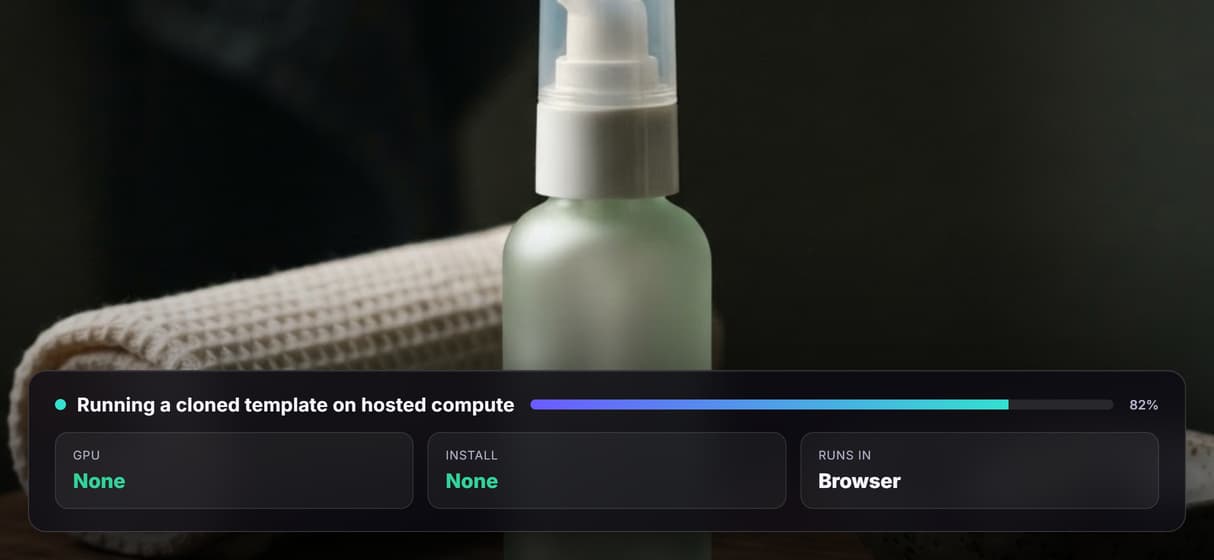
Build Any AI Workflow
AI Models Integrated
Full Commercial License
FAQs
They are Wireflow canvases you build once and save, then clone for new projects. Each clone carries the full node chain and model settings, so you change only the input fields instead of rebuilding the pipeline.
Discover related AI tools
- Weavy AI Alternative: More Models, Same Node Canvas
- Flora AI Alternative
- Freepik Spaces Alternative
- RoboNeo AI Alternative: 79 Models in Your Browser
- Sotatech AI Alternative
- Pletor AI Alternative: 79 Models, No Black Box
- Fuser Studio AI Alternative
- AI Creative Workflows
- Visual Node Editor
- No Code AI Canvas
- AI Pipeline API
More From Wireflow
Written by
Andrew Adams · Co-Founder & Operations at Wireflow
Runs client operations and content strategy at Wireflow. Works directly with creative teams and agencies to build production AI workflows.
Clone the demo template
Open the template behind this page, see how a product brief is wired through a Claude Sonnet 4.5 node into two image nodes, then change the brief and run your own clone. No code, no GPU, nothing to install.