 Andrew Adams · Co-Founder & Operations at Wireflow ·
 Fuser Studio AI Alternative
Wireflow is the Fuser Studio AI alternative built for production: chain 100+ image, video, audio, and text models in one graph, see each node's cost before you run, and call any workflow from your code or an AI agent through its API and MCP tool.
Free to build · no credit card
Wireflow vs Fuser Studio: What's Different
Fuser Studio and Wireflow are both node-based AI canvases. Fuser Studio describes itself as a node-based AI workflow builder on an infinite canvas, built for creative agencies and studio teams. You connect references, prompts, and image, video, audio, 3D, and LLM models, package flows into reusable recipes, and turn a prompt into a web app with its App node.
Wireflow is built for the moment a workflow has to work without you. Publish a graph and it becomes a REST endpoint and an MCP tool. Your backend calls it, a signed webhook tells you when the run finishes, and an agent in Claude Desktop or Cursor can trigger it as a typed tool and get asset URLs back. The canvas is where you design the pipeline. The API is where it earns its keep.
Wireflow vs Fuser Studio at a Glance
Wireflow and Fuser Studio are both strong canvases. The difference is what happens after you build.
Choose Wireflow when:
- Your workflow has to run from your own code: every published graph is a REST endpoint with signed completion webhooks and an OpenAPI description.
- You want AI agents to run your pipelines: Wireflow ships an MCP server that works with Claude Desktop, Cursor, and any MCP client.
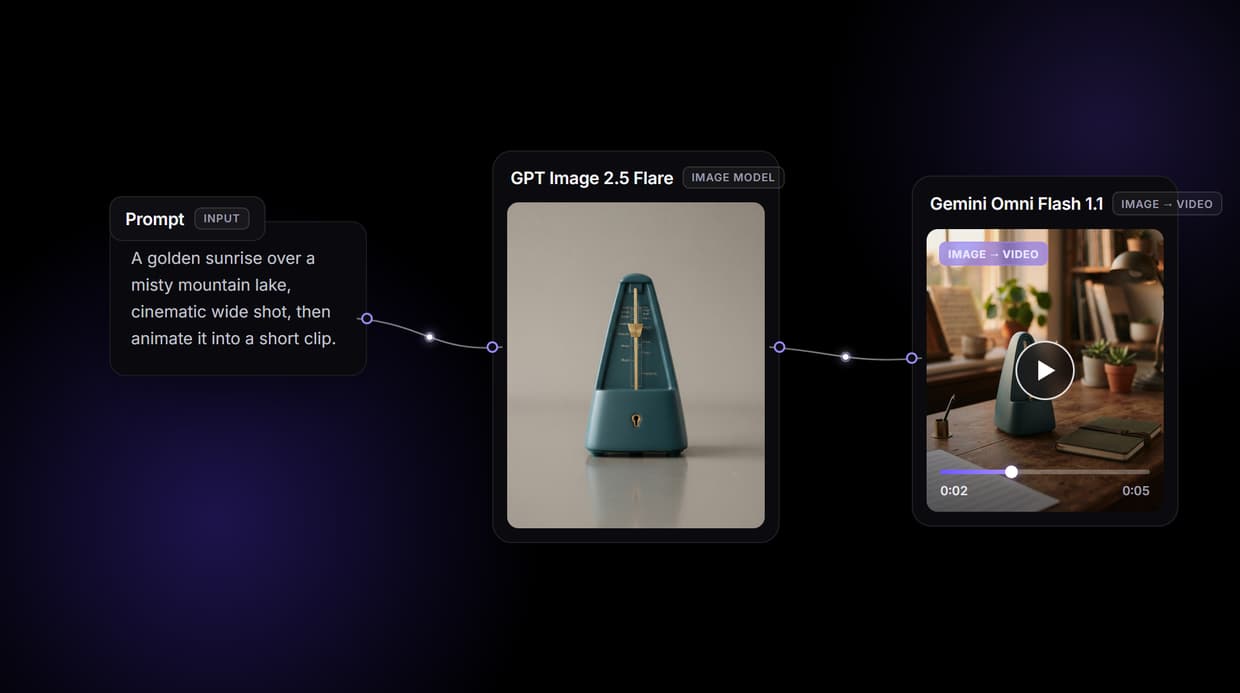
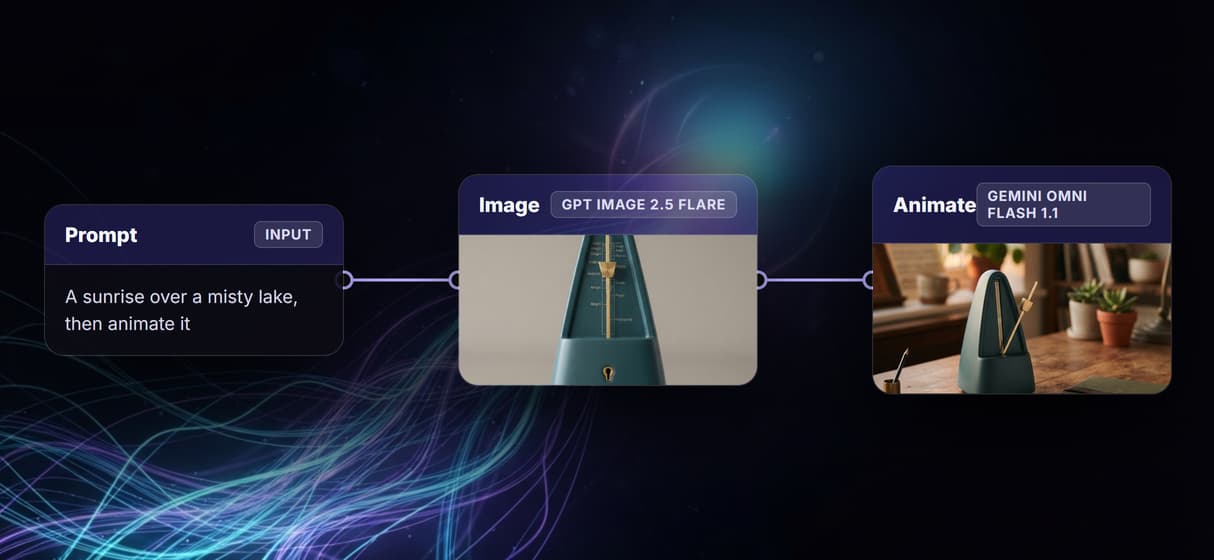
- You want to chain image, video, and audio in one graph: a prompt makes a frame, a video node animates it, an audio node scores it, and a compose node captions it.
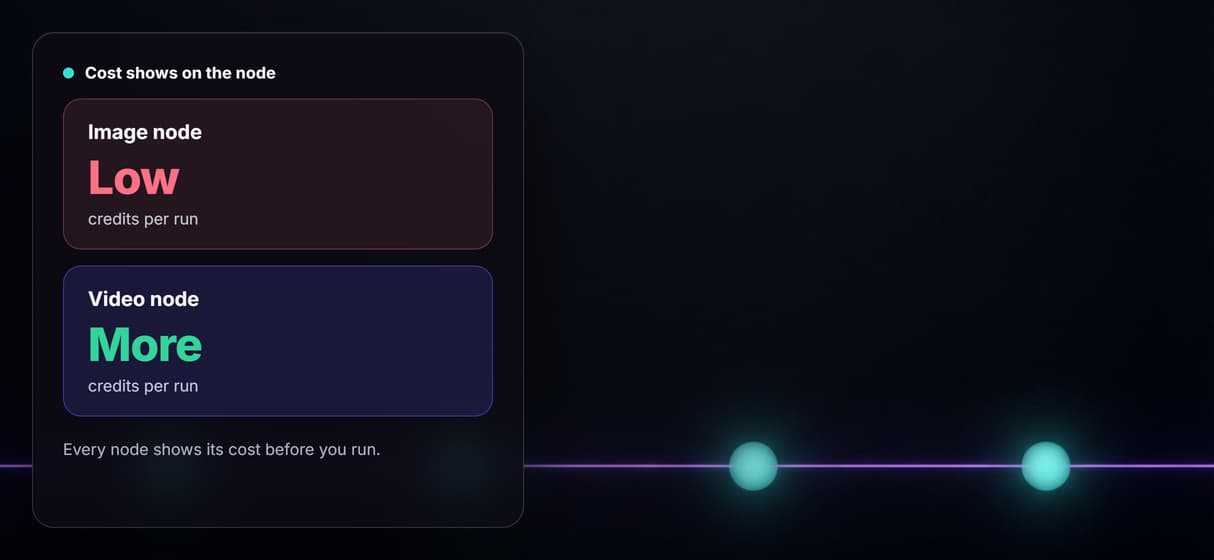
- You want each node's credit cost on the canvas before you run, billed at 1 credit for a cent.
- You want to start free: build and browse at no cost, with your first generation on us and no credit card.
Choose Fuser Studio if:
- You want the widest model menu on one canvas, including 3D models and 90+ LLMs.
- Your agency wants reusable recipes and prompt-built web apps, with team roles and SSO.
Pricing, checked October 2026: Wireflow is free to build and browse, paid plans start at $24 per month for 1,600 credits, and you pay per generation at 1 credit for a cent. Fuser Studio sells monthly credit plans; check its pricing page for the current tiers.
Where Wireflow Pulls Ahead of Fuser Studio
Fuser Studio is built around the canvas: agencies connect references, prompts, and models, then keep the working process alongside the finished assets. Wireflow is built around what happens next. Publish a graph and the same nodes you wired by hand run on demand. A product team calls it from their app, a script runs it every morning, an agent picks it up as a tool mid-task. Inputs are typed, outputs come back as asset URLs, and a signed webhook fires when the run completes.
Inside the graph, Wireflow chains image, video, and audio. Image nodes like Nano Banana Lite make the frame, video nodes like Seedance 2.0 animate it, and audio nodes add a soundtrack, a voiceover, or a foley pass. Repoint any node to a newer model and the rest of the graph keeps running, so the workflow you build today stays current as new models launch.
What the canvas gives you
One node canvas
Drag nodes, wire them, rearrange the graph. The canvas is the diagram.
Image, video, and audio
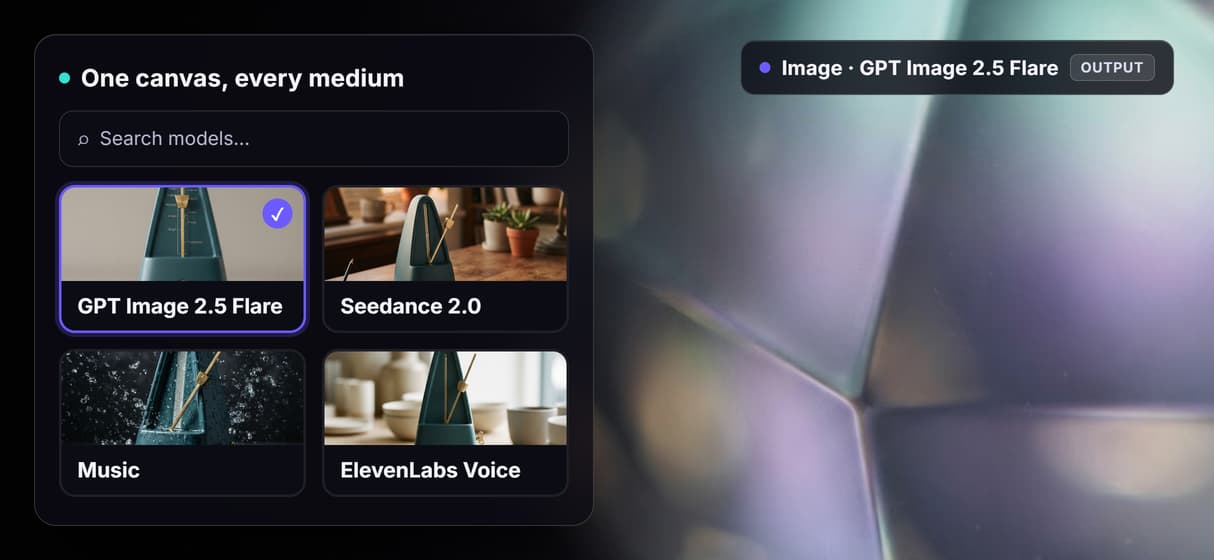
100+ models spanning image, video, audio, and text on the same board.
Per-node pricing
Each node shows its credit cost before you run, so spend is visible on the canvas.
Every workflow is an API
Publish the graph and call it as a REST endpoint from any backend or script.
Agents run it via MCP
An agent triggers the workflow as a typed MCP tool and gets asset URLs back.
Swap models freely
Repoint any node to a different model and the rest of the graph runs unchanged.
More Than Just Fuser Studio AI Alternative
Image, video, and sound in one graph
Wireflow wires image, video, and audio in one graph, so a pipeline can make a frame, animate it, and score it with music in a single run. Comparing Fuser Studio with other canvases too? See how Wireflow stacks up against Flora AI.
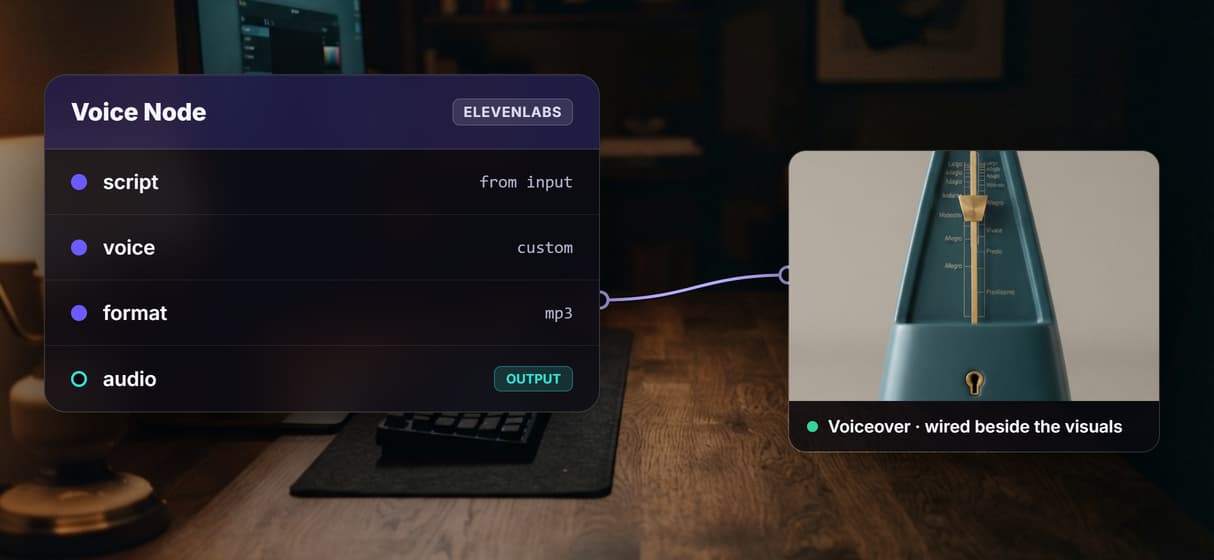
Add a voice on the canvas
Drop a voice generator node beside your visuals and the same graph narrates the clip. Audio is a node, not a separate app you export to.
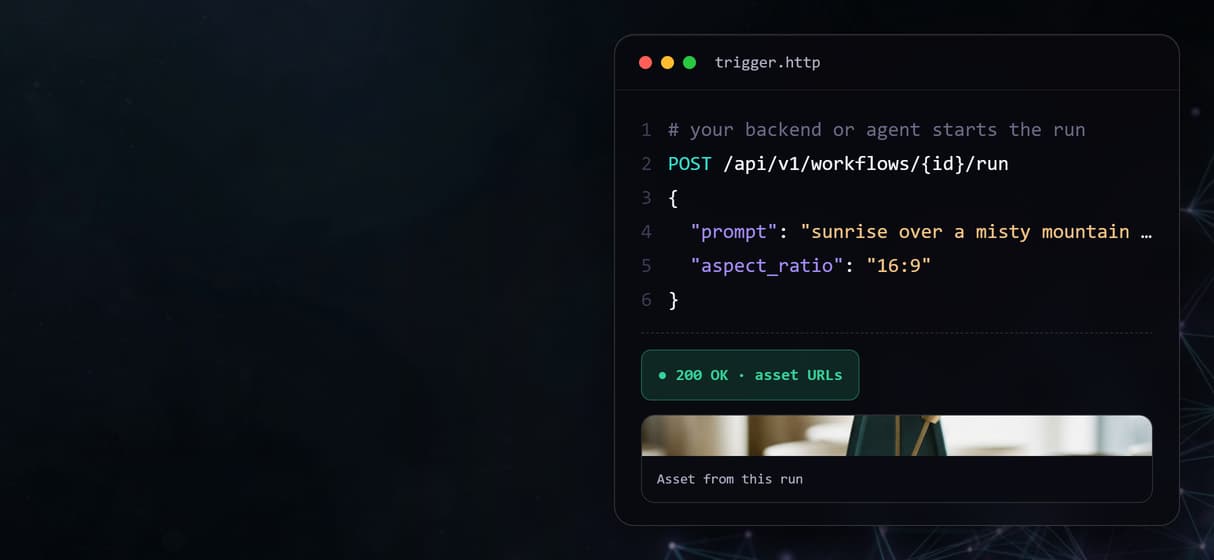
Every graph is an API
Publish any canvas and it answers a REST call or an MCP agent, with a signed webhook when the run finishes. It is an image to video AI pipeline your code can trigger on demand.
Prompt to image to video
Chain a still into motion in one graph. A prompt makes the frame, then an AI video generator node animates it, same canvas.
Cost shown per node
Every node shows its credit cost before you run. Add an AI image generator only where you need it, so spend stays visible.
Fuser studio alternative Workflows
No Code Required
API & Batch Processing
FAQs
Wireflow is the best Fuser Studio alternative when your workflows need to run outside the canvas. Both are node-based AI canvases, and Wireflow turns every published workflow into a REST endpoint and an MCP tool, so your code or an AI agent can run it and get the finished assets back.
More From Wireflow
Written by
Andrew Adams · Co-Founder & Operations at Wireflow
Runs client operations and content strategy at Wireflow. Works directly with creative teams and agencies to build production AI workflows.
Try the Fuser Studio alternative
Open a live Wireflow canvas and watch a prompt-to-image-to-video-to-MP4 graph run. Build your own multi-modal pipeline node for node, then share it or publish it as an API. Free tier, no credit card required.