 Andrew Adams · Co-Founder & Operations at Wireflow ·
 Figma Weave Alternative (formerly Weavy)
Weavy is now Figma Weave.
Wireflow keeps the node canvas and adds a wider model range, per-node cost before you run, and an API for every workflow you build.
Free to build · no credit card
Weavy Is Now Figma Weave: What Changed
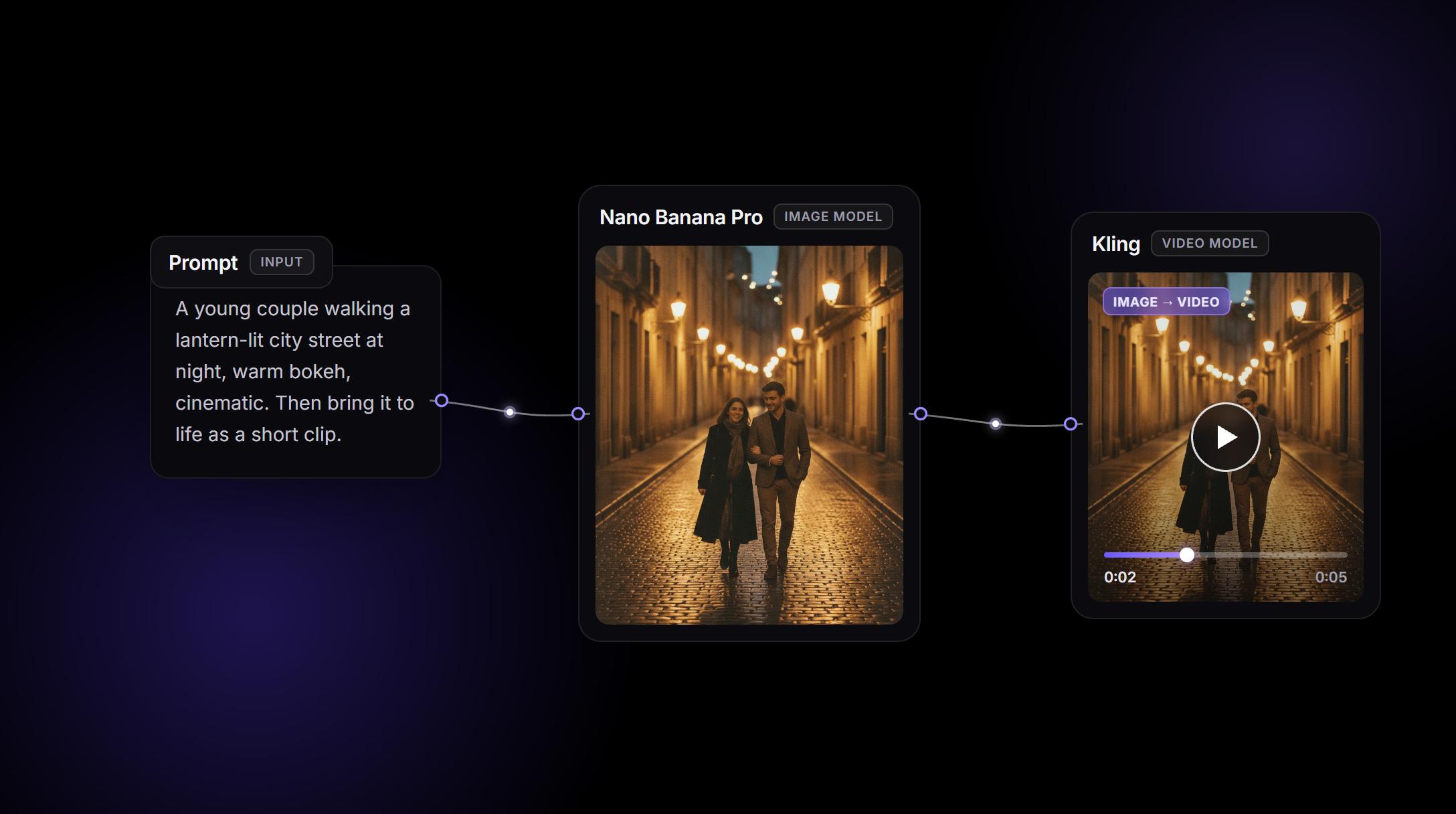
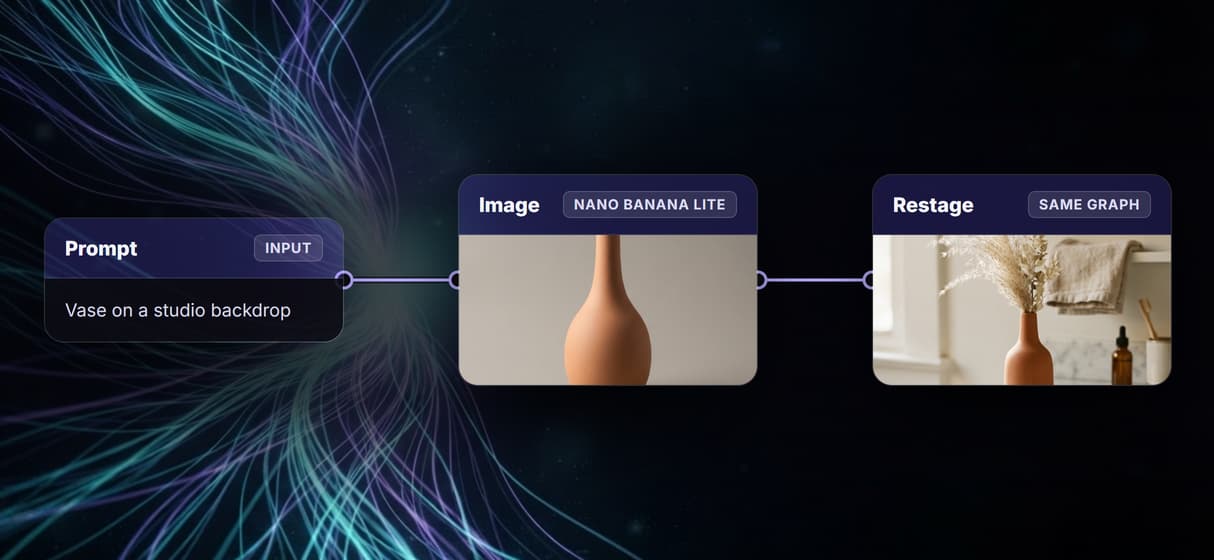
Figma acquired Weavy in October 2025 and renamed it Figma Weave. Under the new name it is the same node-based AI canvas, now part of the Figma family and increasingly tied to Figma Design. The working model is unchanged: drag nodes onto a canvas, wire a prompt into image and video models, and run the graph.
Wireflow uses that exact mental model, so a prompt-to-image-to-video workflow rebuilds one node at a time. The difference is what happens after the canvas. Since Config 2026, Figma Weave's newest tools ship inside Figma Design and need a paid Figma plan, and as of mid-2026 no Figma Weave plan includes an API, so a graph only runs while someone is in the app. Wireflow stays a standalone canvas, wires models provider-direct from OpenAI, Fal, Stability, Luma, and Black Forest Labs, and publishes every workflow as a REST endpoint and an MCP tool.
Wireflow vs Figma Weave at a Glance
An honest comparison cuts both ways. Here is where each canvas is the stronger pick.
Choose Wireflow when:
- You want the node canvas as a standalone tool with its own free tier, not a paid add-on to a design suite.
- You need a wider model range: about 90 image, video, and audio models wired provider-direct from OpenAI, Fal, Stability, Luma, and Black Forest Labs.
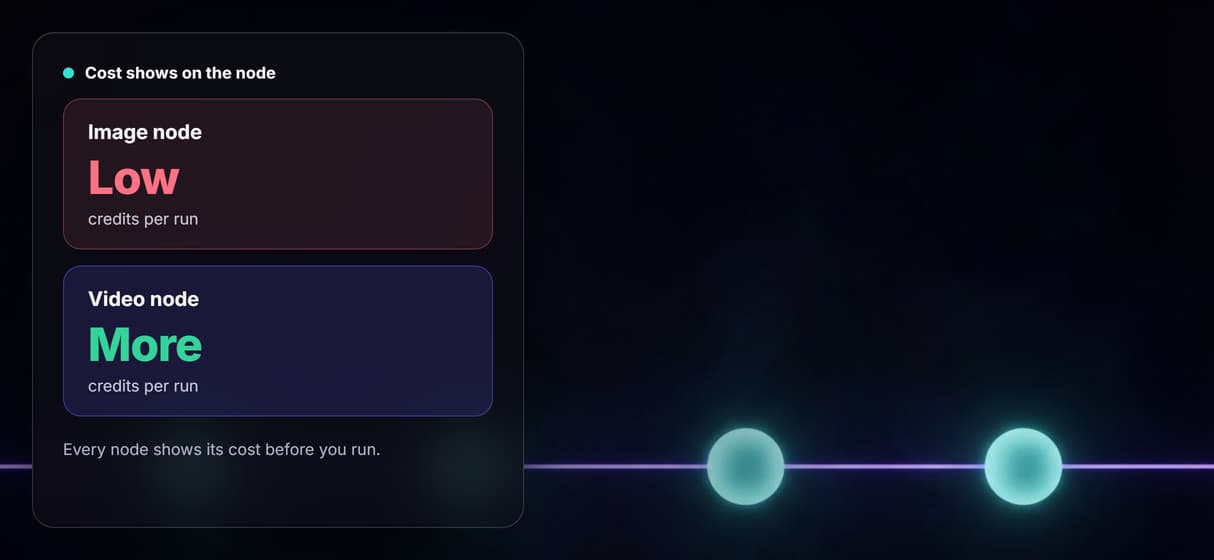
- You want each node's credit cost shown on the canvas before you run it.
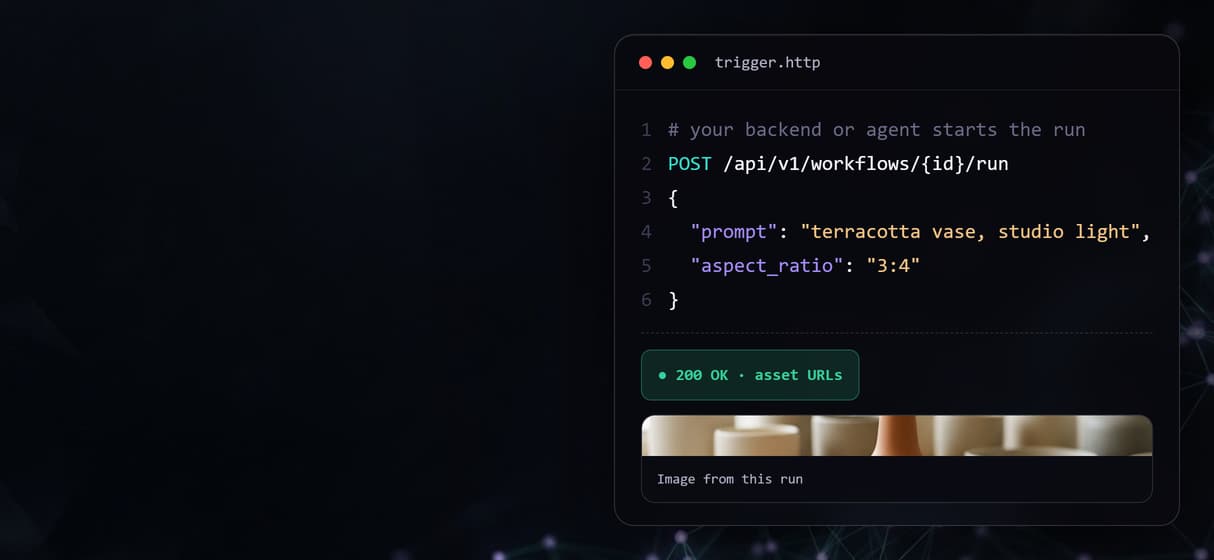
- You need to run a workflow from your own code: every published graph is a REST endpoint and an MCP tool.
- You want reproducible, versioned graphs you can re-run a month later and share as a live link.
Choose Figma Weave if:
- Your work starts and ends inside Figma Design, where its newest tools now live.
- You lean on deep in-canvas manual editing like masking, compositing, and relighting.
Pricing, checked August 2026: Wireflow is free to build and browse, with paid plans from $24 per month and pay-per-generation billing at 1 credit for a cent, so you pay for what you run. Figma Weave's published plans were a free tier of 150 credits capped at 5 workflows, a Starter plan at $24 per month, and a Team plan at $48 per user per month for 4,500 credits, billed separately from any Figma subscription, and no Figma Weave plan includes API access.
Migrating a Weave Graph to Wireflow
Migration is straightforward because both platforms think in nodes and the mapping is one-to-one. A Weave text or prompt node becomes a Wireflow prompt node. An image model node becomes a Wireflow image node on the same family, and a video node on Kling or Veo becomes a Wireflow video node. Where you would share a Weave workflow as an app, you share a live Wireflow canvas link, and where a job needs to run on a schedule you call the same workflow as an API endpoint, which has no Figma Weave equivalent today.
Rebuild the graph once and it becomes a reproducible asset from then on. The free tier needs no credit card and is enough to run your existing Figma Weave setup and a Wireflow rebuild side by side, so you can compare outputs before moving anything over.
What the canvas gives you
One node canvas
Drag nodes, wire them, rearrange the graph. The canvas is the diagram.
Dozens of models
Image, video, and audio models across the major providers, new ones added as they launch.
Per-node pricing
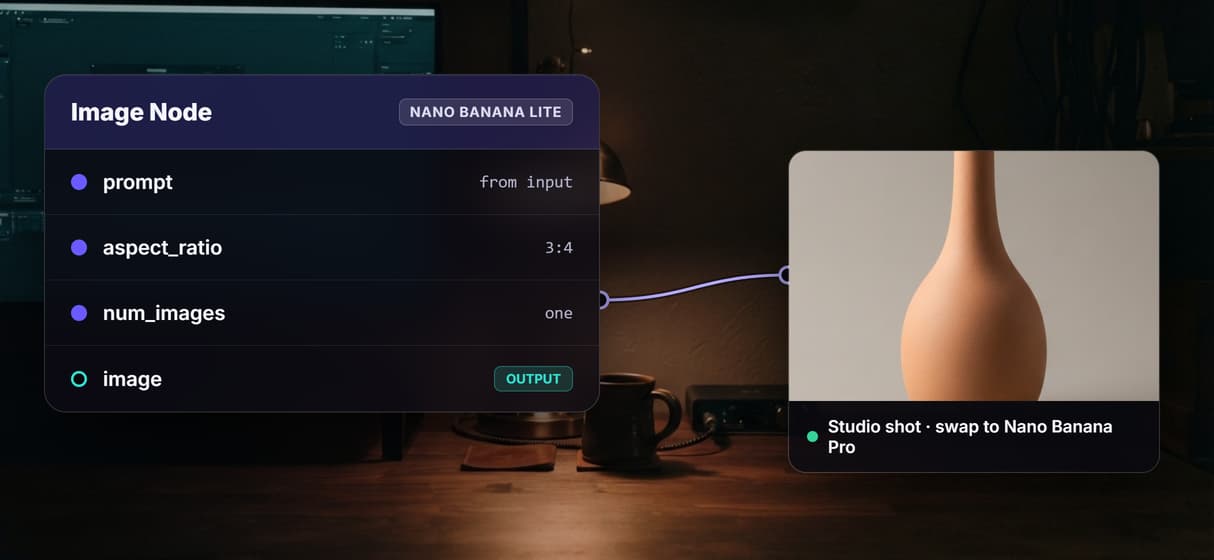
Each node shows its credit cost before you run, so spend is visible on the canvas.
Every workflow is an API
Publish the graph and call it as a REST endpoint from any backend or script.
Agents run it via MCP
An agent triggers the workflow as a typed MCP tool and gets asset URLs back.
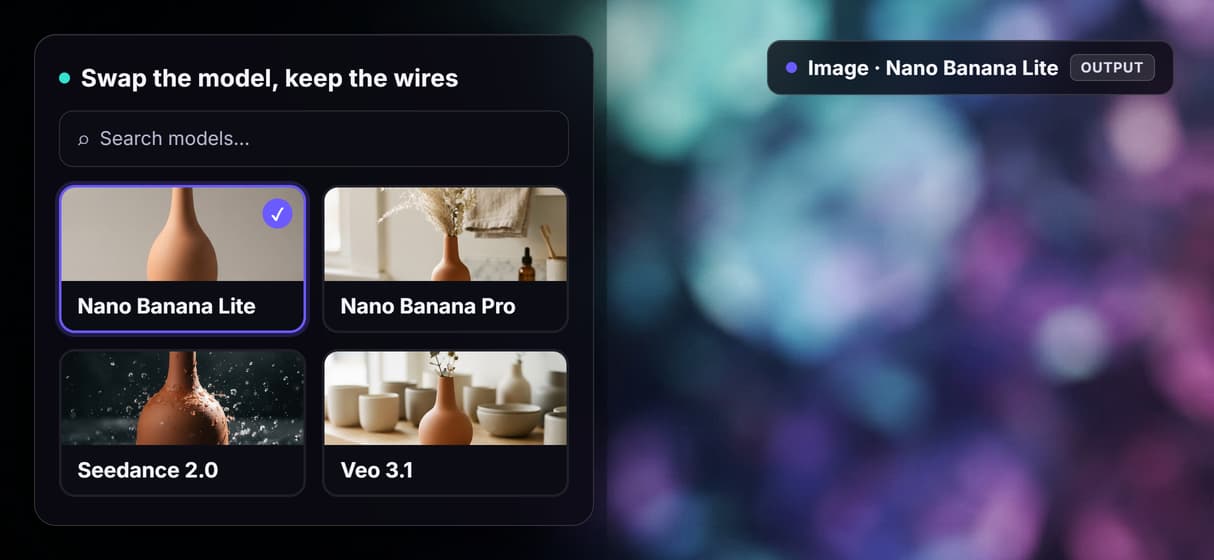
Swap models freely
Repoint any node to a different model and the rest of the graph runs unchanged.
More Than Just Figma Weave Alternative (formerly Weavy)
One canvas, more models
Wire dozens of image and video models into one node graph. Swap any node from a still to an AI video generator without rewiring the rest. Chat-first tools like RoboNeo hit the same limit, which is why Wireflow also works as a RoboNeo replacement.
Cost shown per node
Every node shows its credit cost before you run. An expensive image to video AI step never hides until the monthly bill.
An API Figma Weave lacks
Publish any canvas and it answers a REST call or an agent. That is the Weavy alternative with an API Figma Weave has no equivalent for.
Reproducible, not one-off
Re-run a versioned graph a month later for the same result. Share it as a live link, the node-based image generation you can replay.
Independent of a design suite
Wireflow stays a standalone canvas, not a paid Figma add-on. It rebuilds a Weave graph like a ComfyUI alternative without the local setup.
AI Models Available
Automate Any Workflow
Included in Every Plan
FAQs
Wireflow is the closest node-canvas alternative. It uses the same drag-and-wire model where a prompt flows into image and video nodes, adds a wider model range, shows each node's cost before you run, and turns any workflow into an API.
More From Wireflow
Written by
Andrew Adams · Co-Founder & Operations at Wireflow
Runs client operations and content strategy at Wireflow. Works directly with creative teams and agencies to build production AI workflows.
Try the Figma Weave alternative
Open a live Wireflow canvas and watch a prompt-to-image graph run. Rebuild your Weave graph node for node, then share it or publish it as an API. Free tier, no credit card required.