 Andrew Adams · Co-Founder & Operations at Wireflow ·
 AI Workflow Templates
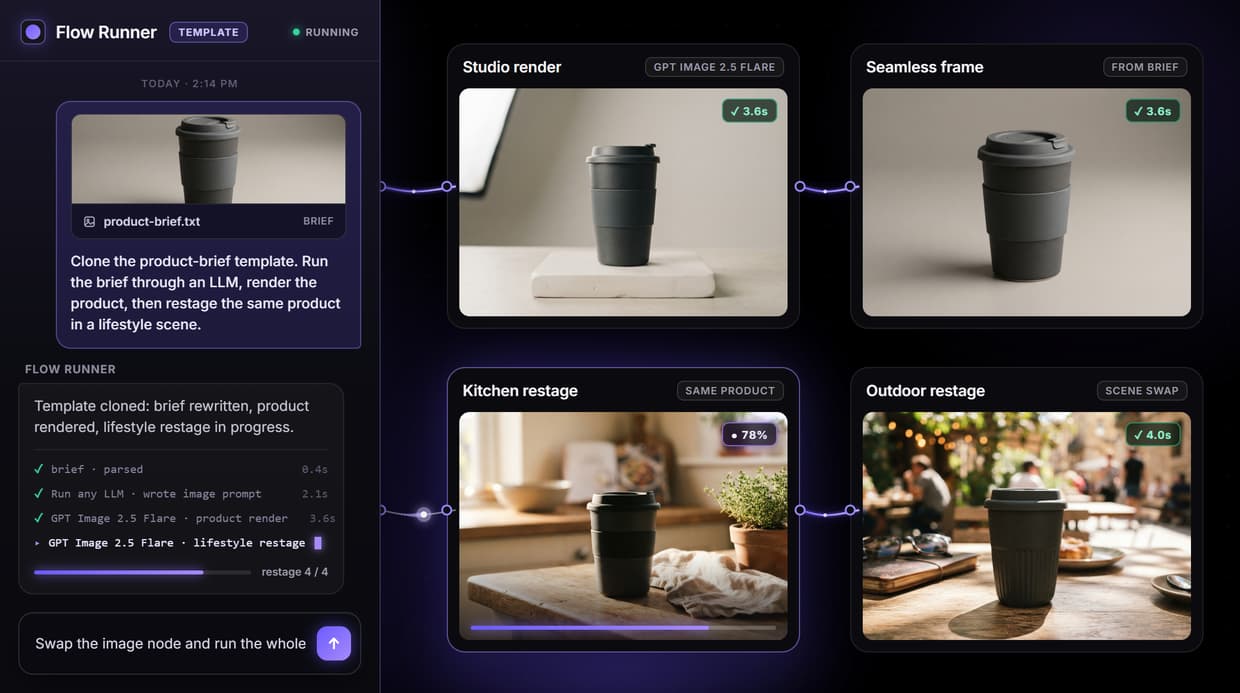
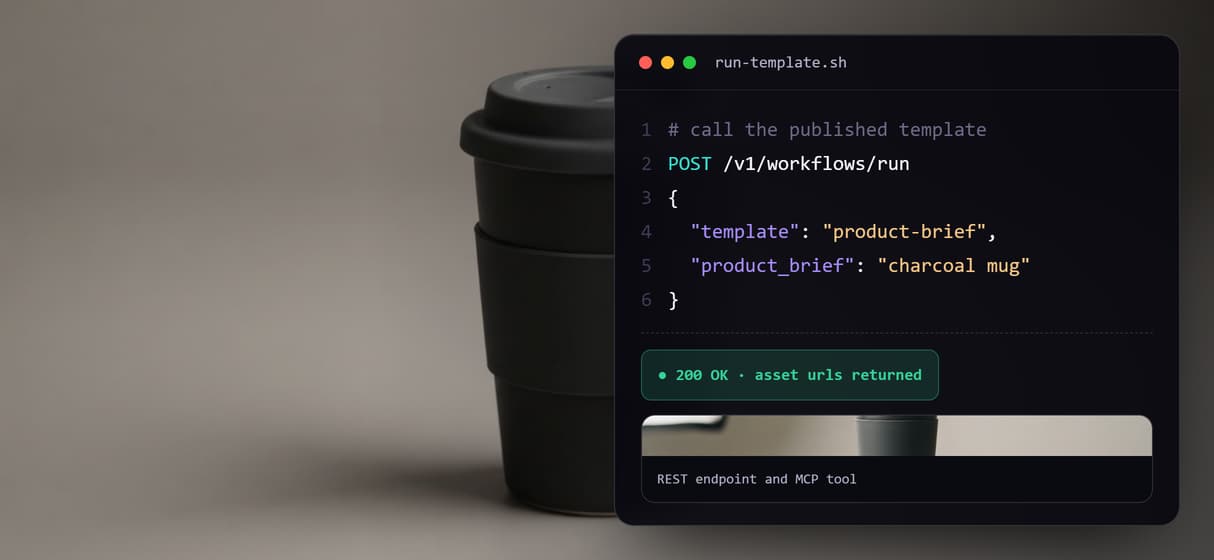
Clone a ready-made node graph instead of wiring from scratch: the live template feeds a brief through Run any LLM into two GPT Image 2.5 Flare image nodes, then publishes as a REST endpoint and MCP tool.
Free to build · no credit card · See how it works ↓
How to Use AI Workflow Templates
Steps to get you started in Wireflow.
Clone a template
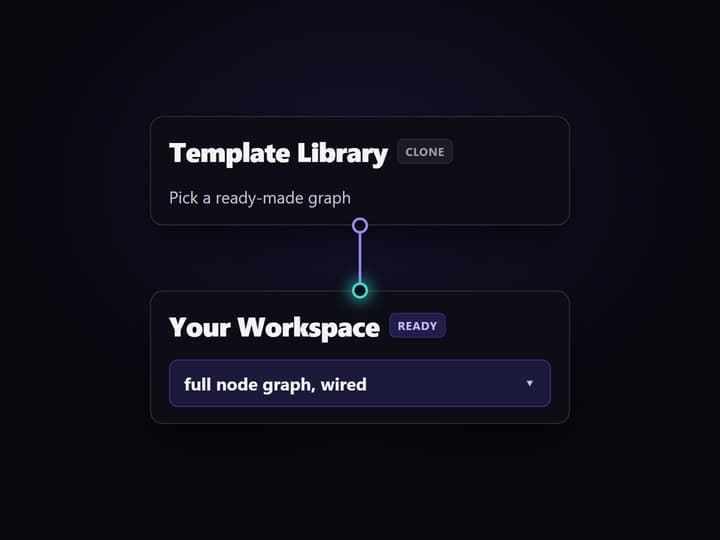
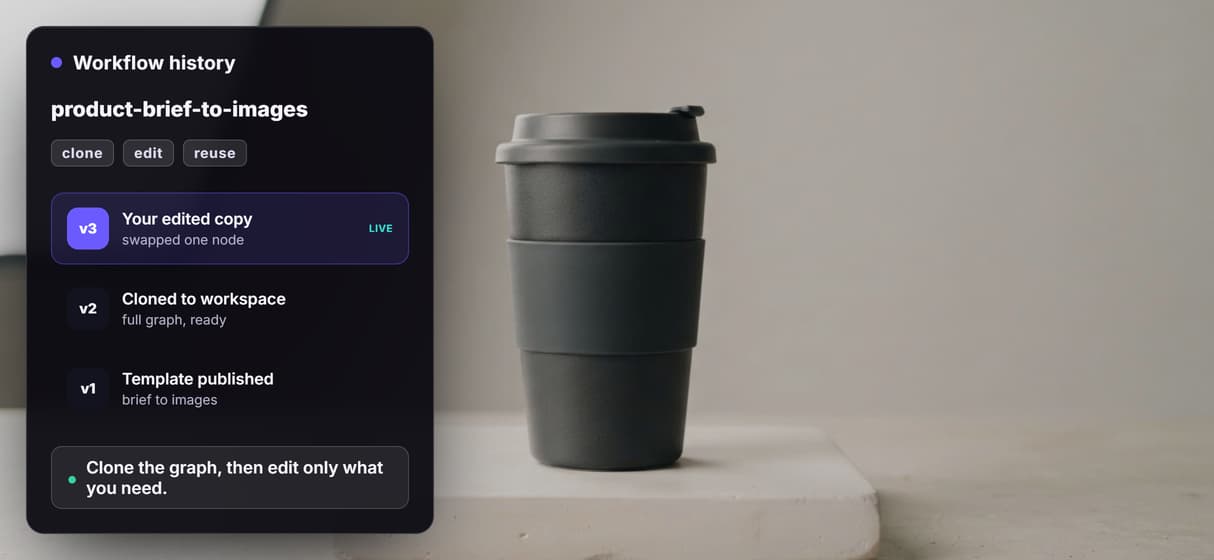
Pick a template that matches your task and clone it into your workspace. You get the full node graph, wired and ready, instead of a blank canvas.
Customize on the canvas
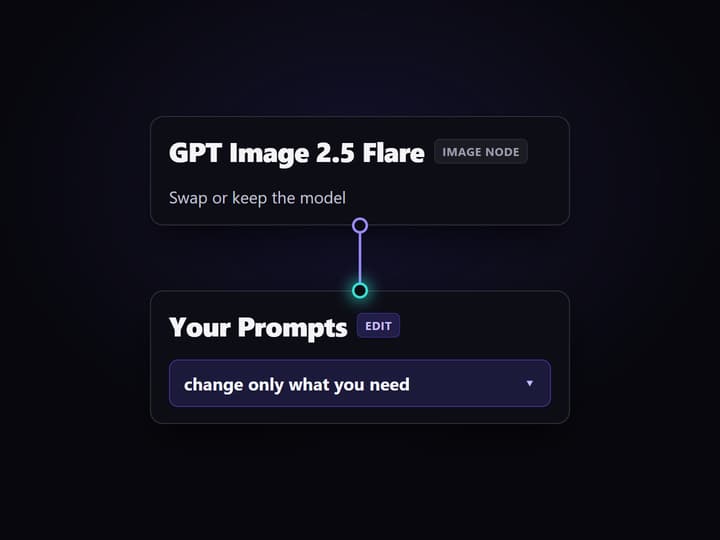
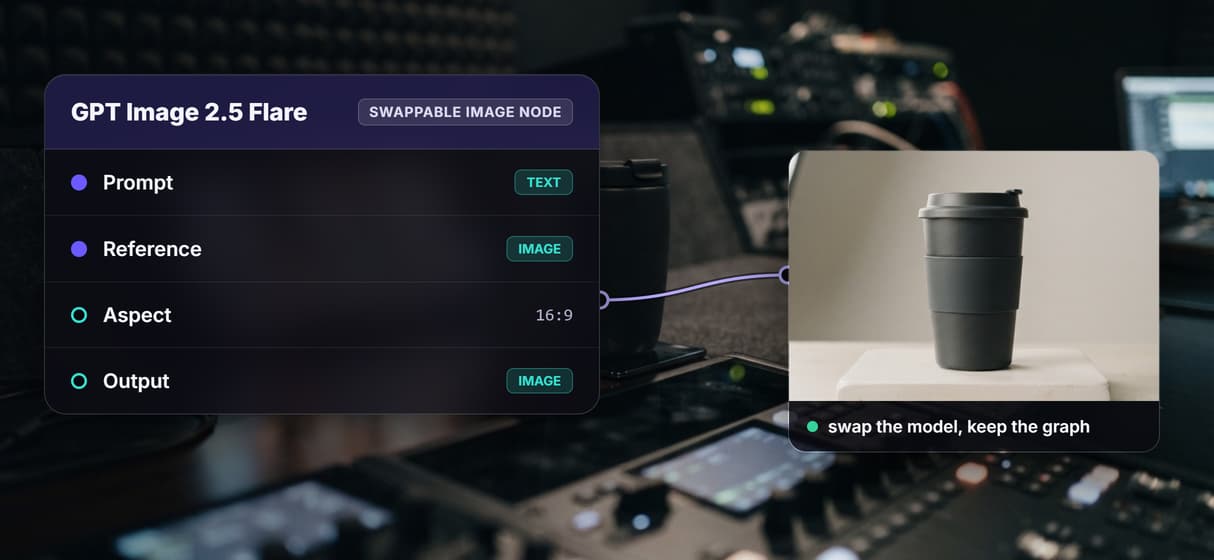
Edit the prompts, swap the image model, or add a step. Every node is editable, so you keep the proven structure and change only what your project needs.
Run, then publish
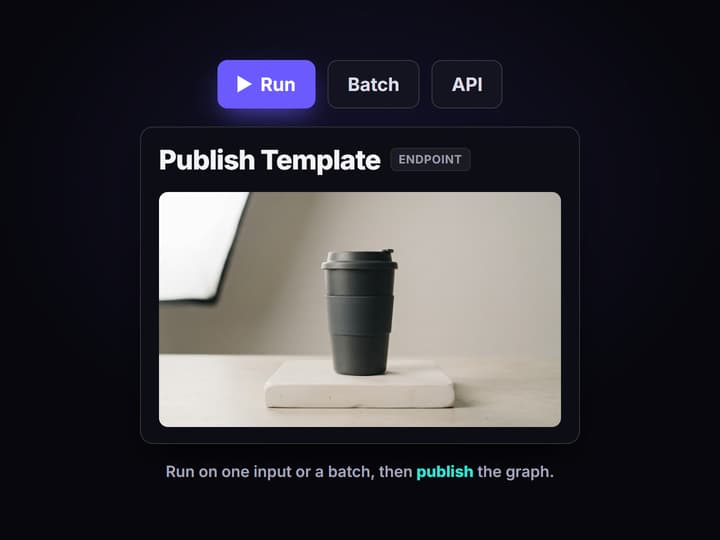
Run the template on one input or a batch, review the output, then publish the graph so code or an agent can call it as an endpoint.
How AI workflow templates work
An AI workflow template is a node graph that already connects the models and steps for a job, so you start from a working flow instead of a blank canvas. You clone it, then customize on a visual node editor: change a prompt, swap a model, or add a step. Nothing is locked, because a template is the real graph, not a fixed preset.
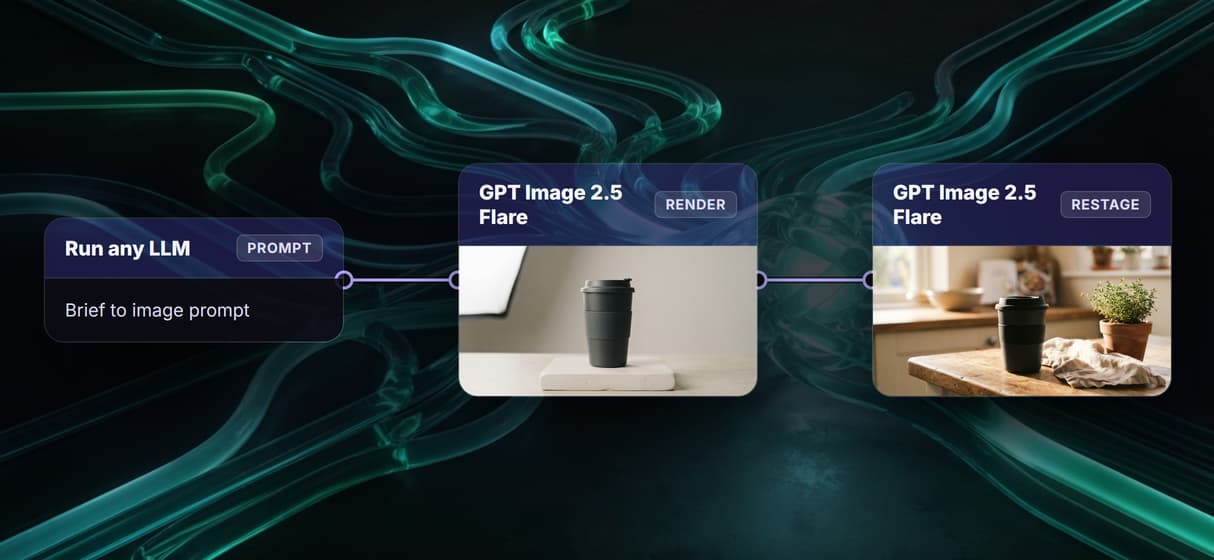
The template behind this page is deliberately small. A Product Brief and a System Prompt feed a Run any LLM node, which rewrites the brief into a clean image prompt. That prompt drives a GPT Image 2.5 Flare node that renders the product, and a second GPT Image 2.5 Flare node restages the same product into a lifestyle scene. The point is not the exact models; the point is that the structure is reusable and every node is yours to edit.
What the example template contains
Product Brief
A text input holds the brief that describes the product and the scene you want.
System Prompt
A second text input tells the LLM how to rewrite the brief into an image prompt.
Run any LLM
A router node turns the brief into a clean, detailed prompt before any image renders.
GPT Image 2.5 Flare render
The first image node renders the product from the prompt the LLM wrote.
GPT Image 2.5 Flare restage
A second image node restages the same product into a lifestyle scene.
Callable endpoint
Publishing makes the whole template a REST workflow and an MCP tool.
Why start from a template
Wiring a pipeline from scratch means connecting nodes one by one, guessing at settings, and testing every hop. A template hands you a graph that already works: the connections are drawn, the model settings are sensible, and the logic is proven. You spend your time on the parts that are specific to your project, not on plumbing.
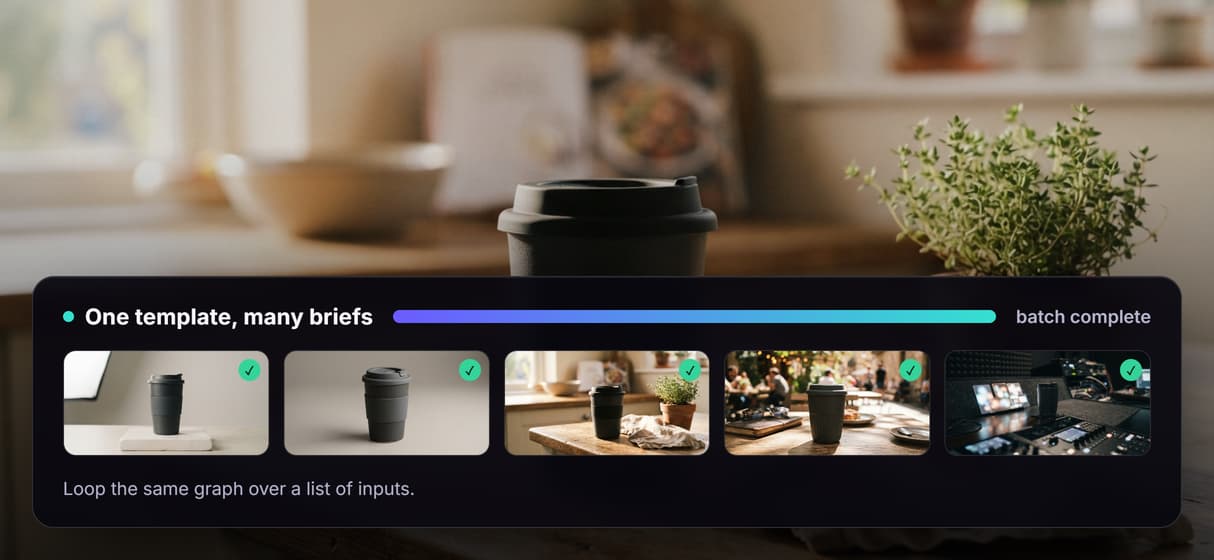
Because the template is a real graph, it stays flexible. Swap the image model for another inside a multi model AI workflow and the rest of the flow is untouched. Loop the same graph over a list of inputs for batch AI generation. Save your edits as a new template and reuse them. A model swap is one node edit, not a rewrite.
When a template is overkill
If you need one image from a model you already use, that model's own interface is faster. A template adds a canvas, and a canvas is only worth it when the work repeats or has more than one step. Cloning a graph for a single one-off render is overhead you do not need.
The template pays off when the job is a repeatable system: a brief, a model that rewrites it, one or more generation steps, and an output you can review, then the same flow called by code or an agent. That is the case for teams building an AI pipeline automation, not just trying the next model tab.
Ready-made templates by job
Because every template on Wireflow is a real, editable graph, you can start from one that already matches your job and change only what you need. A few of the ready-made templates on the canvas:
- Product listing images. One template turns a single product photo into a full set of e-commerce listing images, with the slots and layout already wired, so you edit the prompts instead of building the pipeline.
- Short video ads. Another feeds one product photo through proven hooks and returns several vertical ad clips, ready for you to swap the hook line, voice, or music.
- Room and interior restyle. A room template takes one photo and restyles it in several interior looks at once, then assembles the versions into one video you can send to a client.
- A starter canvas to learn on. A beginner template wires a handful of image, video, and text models into one chain, so you can watch each step hand off to the next before you build your own.
Each template is the full graph, not a locked preset, so a model swap or an extra step is one edit. Publish any of them and the same graph becomes a REST endpoint and an MCP tool, ready to run from code or an agent. Save your edits and you have a new template to reuse.
More Than Just AI Workflow Templates
Start from a working graph
Clone a ready-made template on the no-code AI canvas instead of wiring every node by hand, then edit only what your project needs. Coming from Weavy? Our guide to Weavy templates explains how its reusable workflows map to this canvas. Prefer to start empty? Build AI workflows visually with Wireflow's builder.
Chain models in one flow
The live template feeds a brief through Run any LLM, then two AI model chaining nodes render and restage the same product.
Swap a node, keep the graph
Trade GPT Image 2.5 Flare for another image model inside a multi model AI workflow, and the rest of the template stays wired.
Run one input or a batch
Run the template once, or loop it over a list of briefs with batch AI generation so one graph fills a whole set of assets.
Publish it as an endpoint
Publish once and the template becomes a REST endpoint plus an MCP tool, the way an AI orchestration API exposes a flow to code or an agent.
Build Any AI Workflow
AI Models Integrated
Full Commercial License
FAQs
They are ready-to-run node graphs that already connect AI models into a multi-step pipeline. You clone one into your workspace and start from a working flow instead of wiring every node from a blank canvas.
Discover related AI tools
- AI Pipeline Automation
- AI Video Pipeline: Build One on a Node Canvas
- Batch AI Generation: Many Assets, One Run
- AI Model Chaining
- AI Asset Pipeline
- AI Workflow Builder
- AI Content Generation API
- AI Workflow API
- AI Orchestration API
- Headless AI Workflow Platform
- Krea AI API Alternative: Image and Video From One REST Endpoint
More From Wireflow
Written by
Andrew Adams · Co-Founder & Operations at Wireflow
Runs client operations and content strategy at Wireflow. Works directly with creative teams and agencies to build production AI workflows.
Open the example template
Start from the live graph: a product brief feeds Run any LLM, then two GPT Image 2.5 Flare nodes render and restage the same product. Clone it, swap a model, and run it as your own.