Guide
Headless AI Workflow Platform
Design a multi-model AI pipeline on a visual canvas, then run it entirely through the API.
Every published workflow is a REST endpoint and a hosted MCP tool your own app can call.
Free to build · no credit card · Read the agent docs
 Andrew Adams · Co-Founder & Operations at Wireflow ·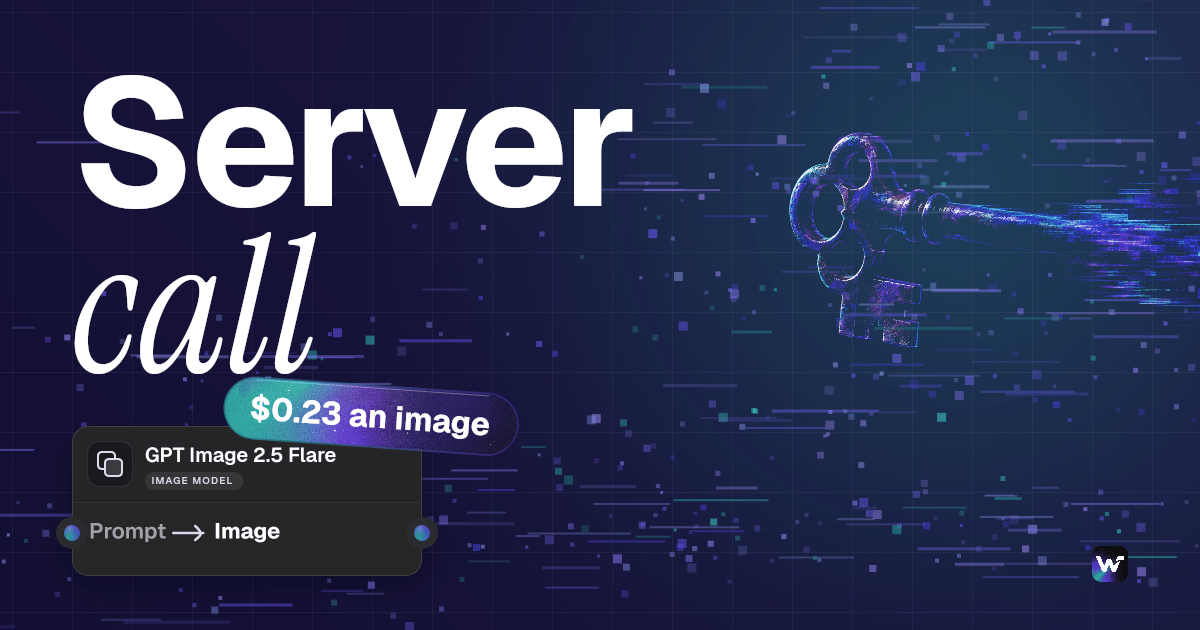
Build visually, deploy as a headless API
A headless AI workflow platform splits the visual editor from the execution layer. You design a multi-model pipeline by connecting nodes on a drag-and-drop canvas, then run each workflow as a callable REST endpoint instead of through a built-in interface. The demo flow on this page is deliberately small: a Text Prompt node feeding a GPT Image 2.5 Flare image node, published and callable exactly as it stands.
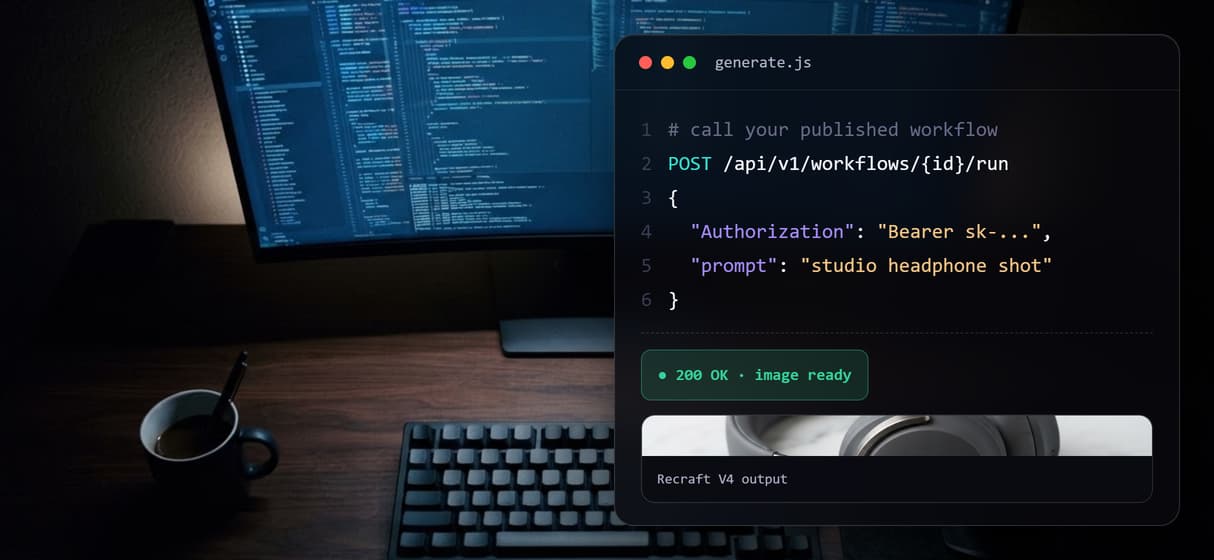
Authentication uses bearer tokens with sk- prefixed keys generated in your dashboard, and the same published workflow is also exposed as a hosted MCP tool for agents. You build on the canvas; your own frontend and backend own the user experience.
Headless platform capabilities
REST endpoint per workflow
Call any published workflow with a POST request and a bearer key.
MCP tool for agents
Agents list and run your workflows as typed MCP tools by name.
Async execution
Submit long jobs, then poll or receive a webhook on completion.
100+ model nodes
Chain image, video, audio, and language models in one graph.
Bearer-token auth
Authenticate with sk- prefixed keys you rotate in settings.
Stable contract
Edit pipeline logic without changing the endpoint or its schema.
When a headless setup is not the fit
Wireflow is the generation and execution layer, not the reasoning brain. It runs the models and orchestrates the graph, but it does not write your application logic, decide strategy, or own your interface. If you want a ready-made UI to click through, an embedded tool is a faster start than a headless endpoint.
There are no offline or local-GPU runs, no custom Python nodes, and no local checkpoints. A headless platform earns its place when your own product needs AI generation behind a stable API and you would rather not build or host model infrastructure yourself.
What one API run costs on Wireflow
Every call to a published workflow bills the credits its model nodes use. Starter is $36 a month for 2,660 credits, and Professional is $59 a month for 4,370 credits.
- One GPT Image 2.5 Flare image uses 17 credits, $0.23 on Starter or Professional. That is about 156 images a month on Starter and about 257 on Professional.
- One 5 second Seedance 2.5 clip uses 135 credits, $1.83 on Starter or $1.82 on Professional. That is about 19 clips a month on Starter and about 32 on Professional.
Shorter clips can cost a bit more per second; you're always charged for the real length.
Run your workflows from Claude
The same published workflows also run from a Claude chat, with no code. Add Wireflow as a connector once:
- In Claude, open Customize, then Connectors. Click + Add and choose Add custom connector.
- Name it Wireflow and paste
https://www.wireflow.ai/api/mcpas the server URL. - Sign in to Wireflow when Claude asks, and approve the access.
The Claude app setup guide has the full steps. Then ask in plain words, for example:
Example prompt: "Use Wireflow to list my workflows, then run my product image workflow once for each of these 10 product names and send me the image links. Tell me the credit cost and wait for my yes before you run it."
With that last line, Claude looks up the price and waits for your yes before it spends any credits. Runs use the credits on your Wireflow account.
More Than Just Headless AI Workflow Platform
Call it from your backend
Publish the flow once, then POST to it from your own server with a bearer key. Your app sends inputs over the AI workflow API and gets asset URLs back.
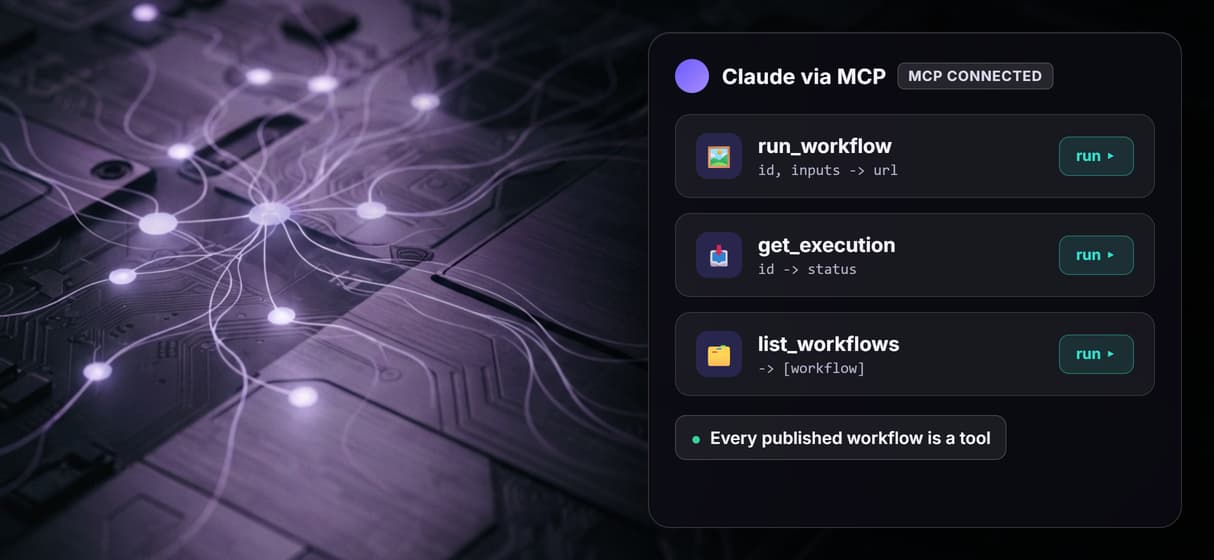
Every workflow is an MCP tool
Each published workflow also lists as a hosted MCP tool, so an agent can run it with typed inputs. Wire it into any MCP client and call it by name.
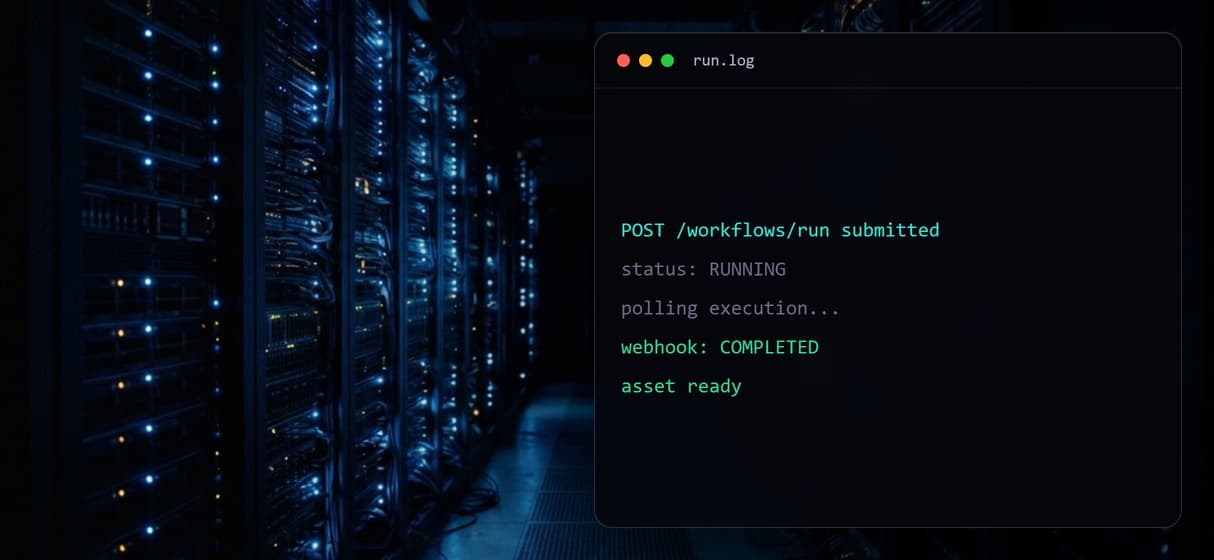
Async runs and webhooks
Submit a long job, then poll for completion or catch a webhook when it finishes. The AI orchestration API sequences execution across nodes.
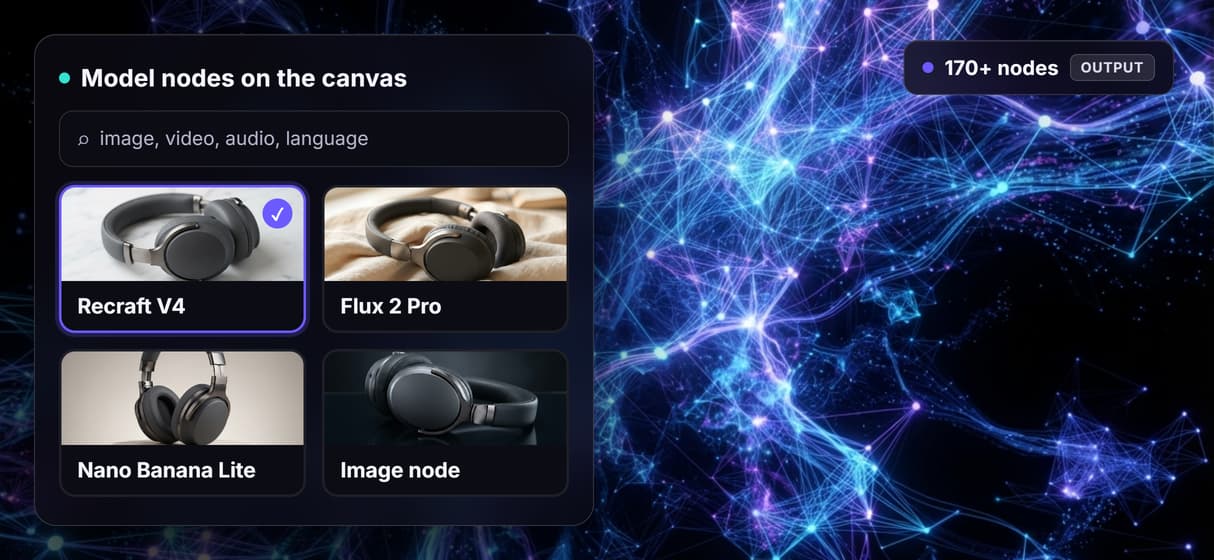
100+ model nodes, one graph
Chain image, video, audio, and language model nodes on one canvas, from Recraft V4 to Flux 2 Pro. The visual node editor wires them in the browser.
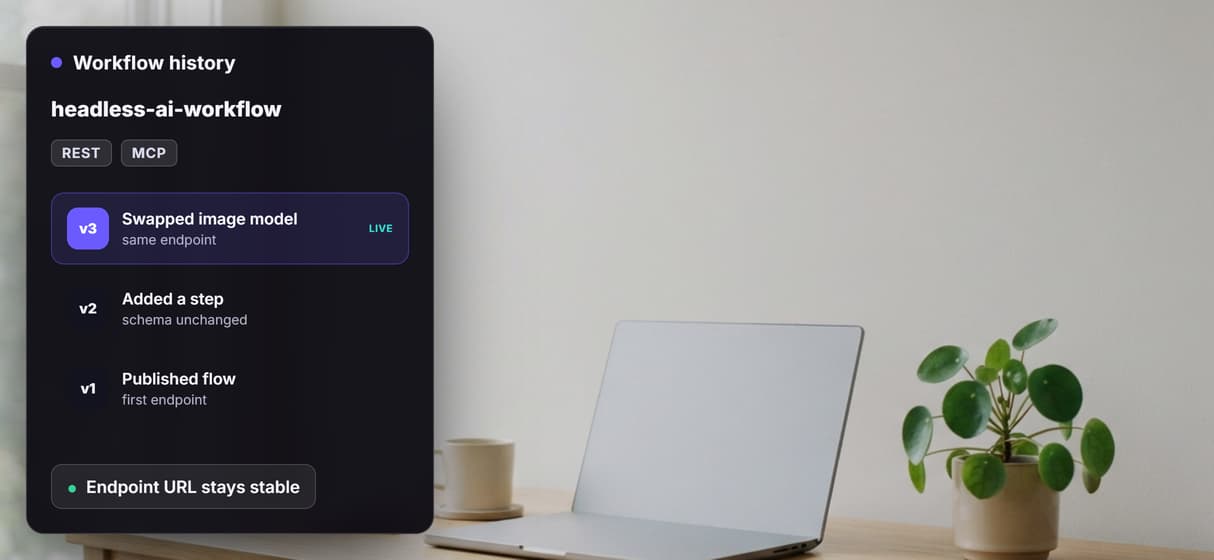
Edit logic, keep the endpoint
Swap a model or add a step in the canvas and the endpoint URL and input schema stay the same. Your AI pipeline API integration keeps working untouched.
Build Any AI Workflow
AI Models Integrated
Full Commercial License
FAQs
It is a platform where you design AI pipelines visually and run them through an API instead of a built-in interface. Your application sends requests, Wireflow runs the workflow on hosted compute, and returns the results.
More From Wireflow
Written by
Andrew Adams · Co-Founder & Operations at Wireflow
Runs client operations and content strategy at Wireflow. Works directly with creative teams and agencies to build production AI workflows.
Explore the headless workflow API
Design multi-model AI pipelines on the canvas and run them as production endpoints. Read the API docs to see authentication, execution, and polling, then open the live flow.