 Andrew Adams · Co-Founder & Operations at Wireflow ·
 AI Workflow Builder
Build AI pipelines on a visual canvas.
Wire a text prompt into a GPT Image 2.5 Flare node and it renders your image, then swap the model or add a step and run again. No code, free to build, pay per generation.
Free to build · no credit card
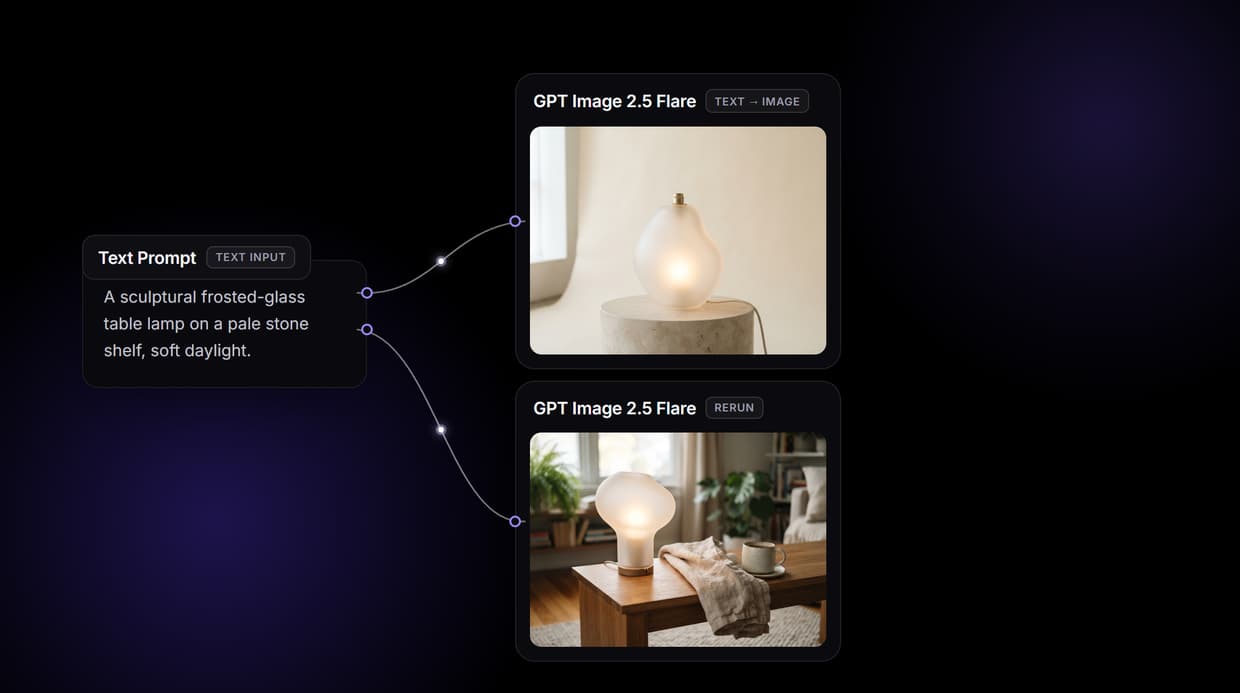
Build AI pipelines without code
Traditional AI automation means scripting API calls, managing dependencies, and handling errors between services. Wireflow replaces that with a visual canvas where each AI model is a node you drag, connect, and configure. The output of one node flows straight into the input of the next, and every step stays visible and adjustable.
The flow on this page is real, not a mockup. A Text Input node holds a written prompt and passes it into a GPT Image 2.5 Flare node, which renders the image. That whole graph runs as one workflow you can save, reuse, and share by link. You design it in the visual node editor, preview each output before the next node runs, and never touch a line of code.
What you can build
Multi-model chaining
Wire a prompt into a render, then chain more nodes so each output feeds the next step in order.
Swap models in place
Trade the GPT Image 2.5 Flare node for Nano Banana Lite, Seedream V4, or another image model without rewiring.
One-click iteration
Rerun any single node with new settings instead of restarting the whole pipeline from scratch.
Reusable templates
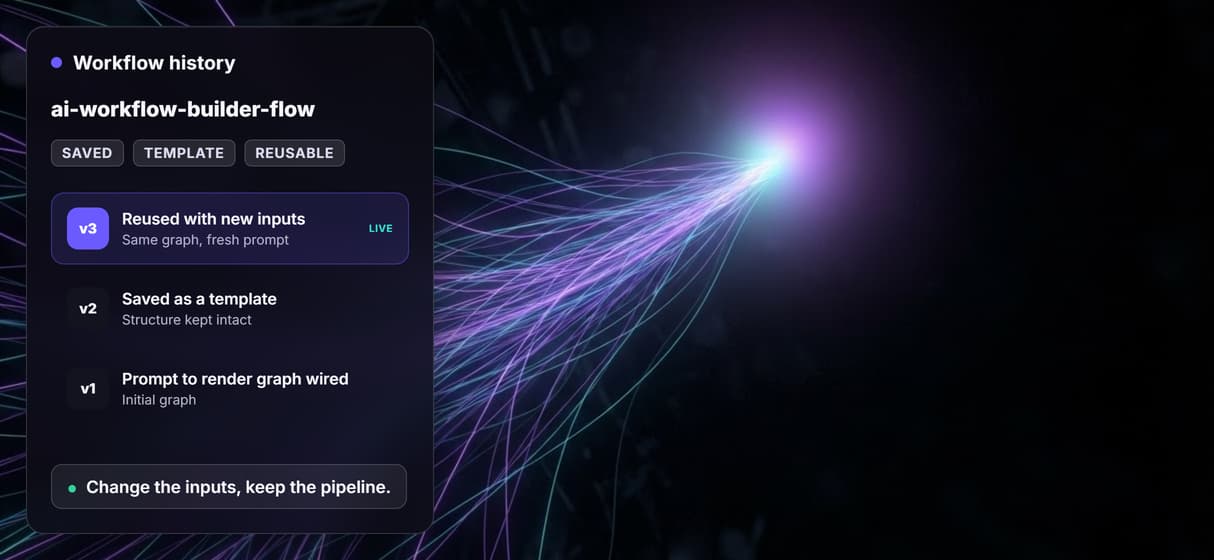
Save any graph as a template and rerun it later with different inputs while the structure stays intact.
Parallel branches
Run independent branches at the same time so a multi-step graph finishes without waiting node by node.
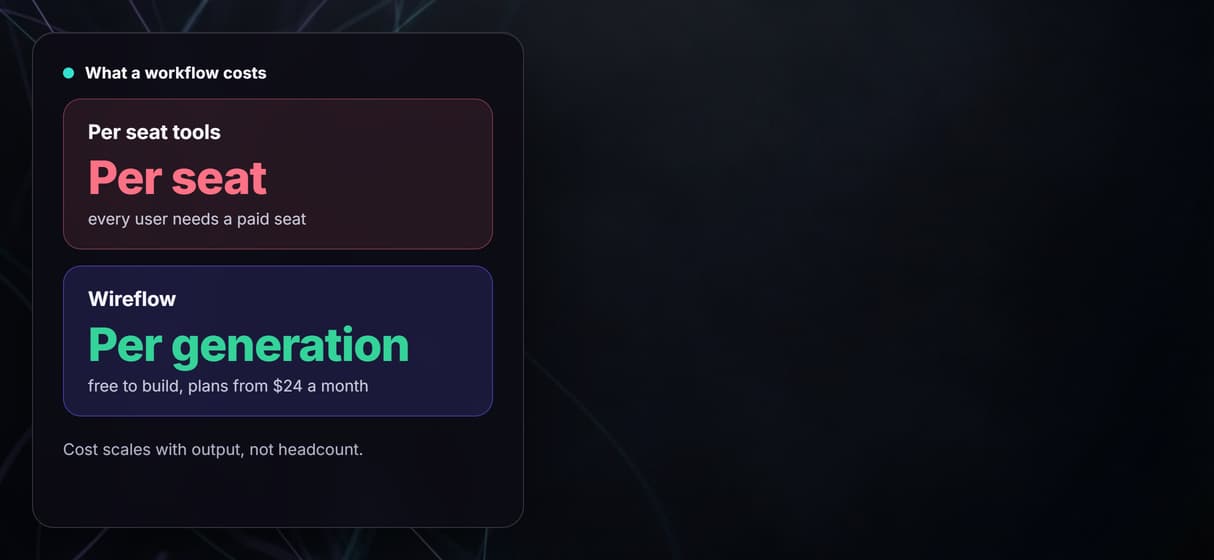
Cost shown up front
Each node shows its credit cost before you run it, so a workflow never bills you by surprise.
When Wireflow is not the tool
Wireflow is the generation layer, not a strategy brain. The canvas runs the graph you design and renders the assets, but the brief, the model choices, and the final judgment stay with you. If you want a tool that writes your prompt or decides your creative direction, this is not it.
It is also a hosted platform, so there is no offline mode and nothing to self-host, and it is code-free by design, so there are no custom Python nodes or local checkpoints. If you specifically need nodes running on your own machine, that is a different tradeoff, and the ComfyUI alternative comparison walks through it.
Ready-to-run workflow templates
You do not have to build an AI workflow from scratch. Wireflow is an AI workflow builder that ships starter templates, already wired, so you can open one, run it, and watch a multi-step pipeline work before you change a thing. Three good first flows:
- Your First AI Workflow: 5 Models on One Canvas chains text, image, and video steps into one prewired graph, so each result hands off to the next stage as it completes.
- AI Image Generation Basics: 3 Models Compared sends one prompt to three image models in parallel and lines the results up side by side.
- AI Video Generation Basics: Your First Video Workflow takes a text prompt to a finished clip with one video model, the core loop the other templates build on.
Prefer to start from the live demo? The flow on this page wires a text prompt into a GPT Image 2.5 Flare node and renders the image, so open it, run it, then swap the model or add a step. Each node shows its cost before you run it.
More Than Just AI Workflow Builder
Chain models in one graph
Wire each node's output into the next input so a prompt flows into a render and onward. This is real AI model chaining on one canvas.
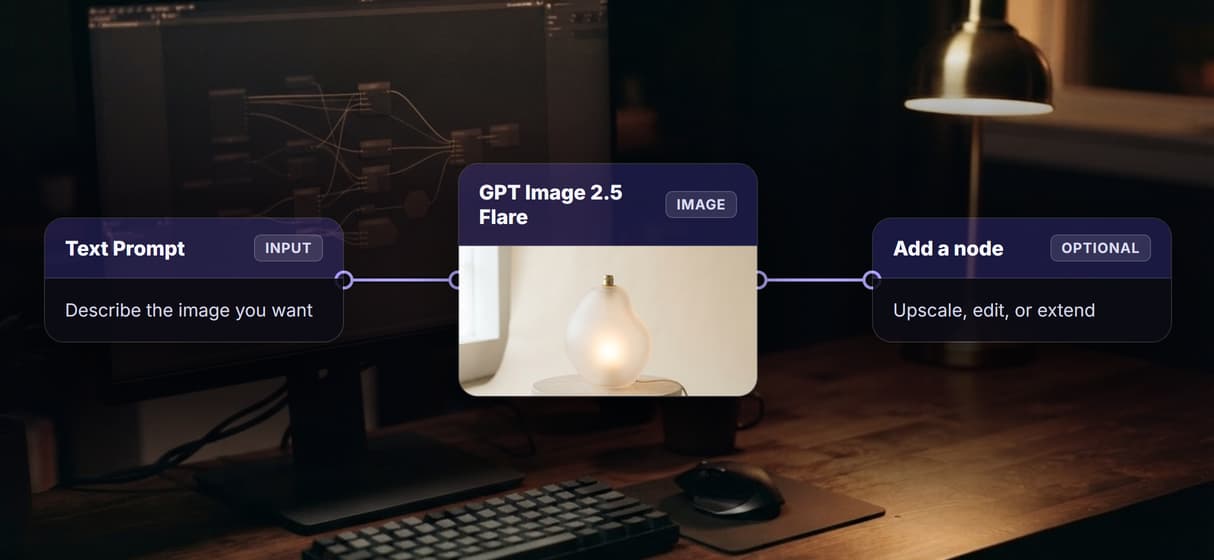
Swap any model node
Trade the GPT Image 2.5 Flare node for another image model in a couple of clicks, with no rewiring. It works as a true visual node editor.
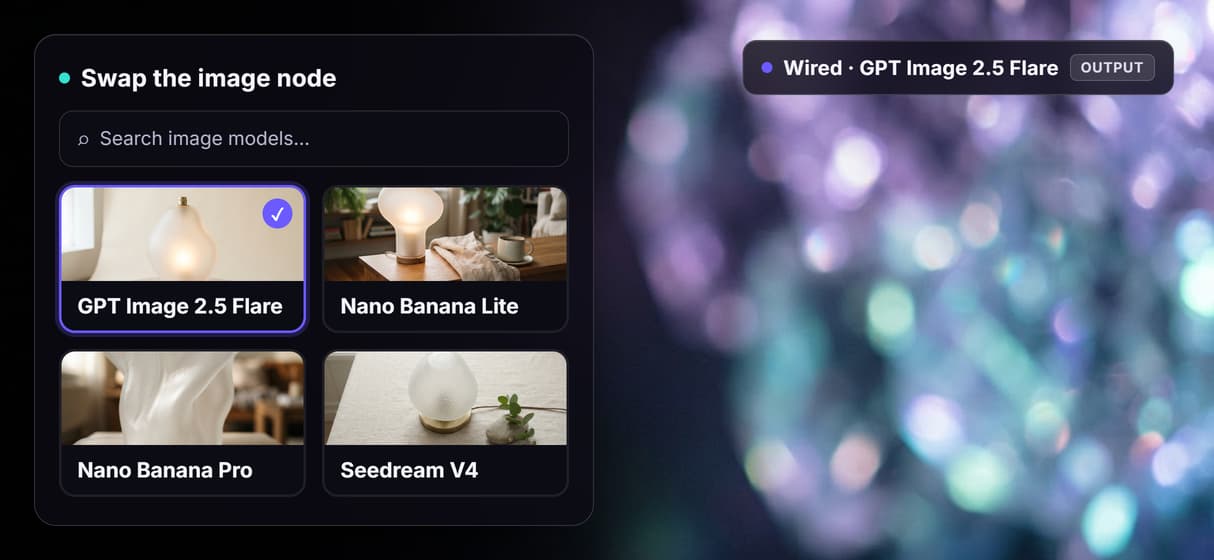
Iterate without restarting
Rerun any single node with new settings instead of the whole graph, so you refine one step on the no-code AI canvas fast.
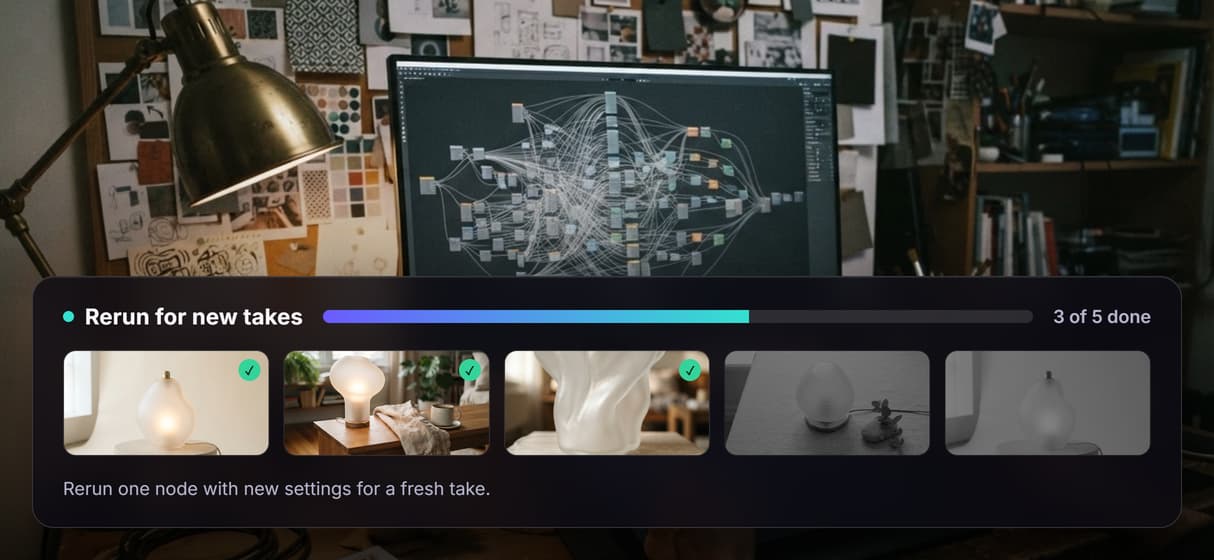
Save graphs as templates
Keep the pipeline intact and change only the inputs each run, reusing it as AI workflow templates across your projects. If you used templates in Weavy, the Weavy templates guide shows how they compare.
See cost before you run
Every node shows its credit cost up front before you run it, so your AI pipeline automation carries no surprise charges.
Build Any AI Workflow
AI Models Integrated
Full Commercial License
FAQs
It is a visual tool that connects AI models into a pipeline you run with one click. You drag nodes onto a canvas and wire the output of one node into the input of the next, then run the whole chain.
More From Wireflow
Written by
Andrew Adams · Co-Founder & Operations at Wireflow
Runs client operations and content strategy at Wireflow. Works directly with creative teams and agencies to build production AI workflows.
Build your first AI workflow
Start connecting AI models on a visual canvas. Drag a prompt into a model node, run it, preview the output, then swap the model or add a step. Multi-step pipelines in minutes, with no code required.