 Andrew Adams · Co-Founder & Operations at Wireflow ·
 AI Orchestration API
Design a multi-model pipeline on a visual canvas, then run the whole thing from one authenticated REST call.
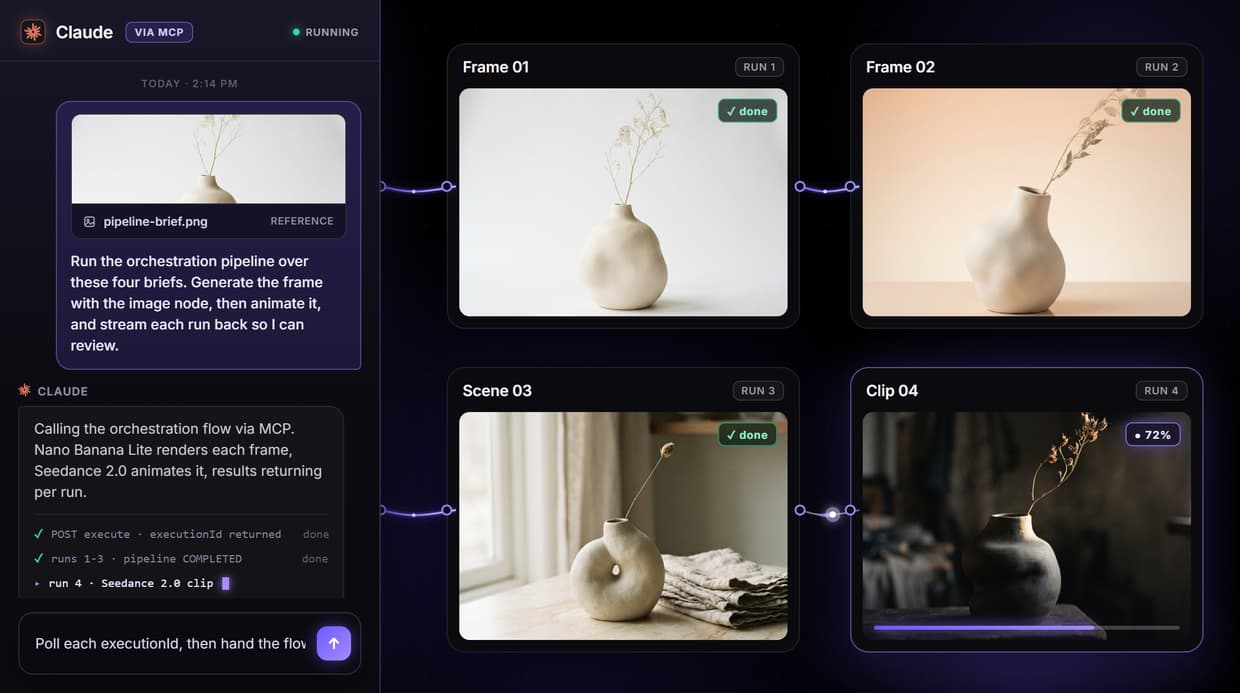
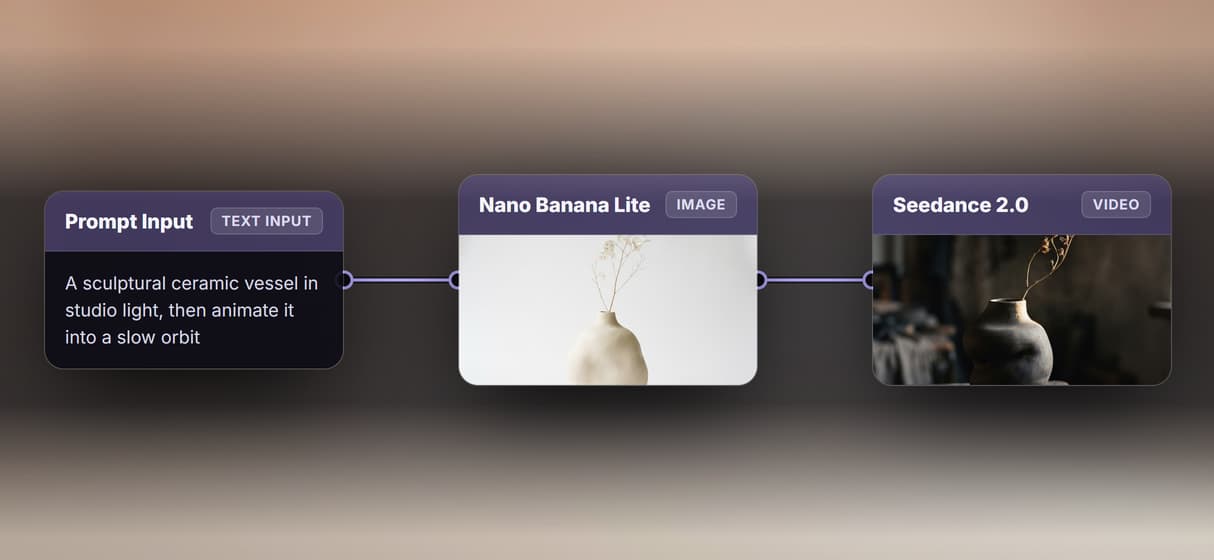
This page's live flow chains a Nano Banana Lite image node into a Seedance 2.0 video node and a Compose Video step, and any app or agent can execute it as a REST endpoint or MCP tool.
Free to build · no credit card
Coordinate multiple AI models from one endpoint
Running AI work across several models usually means writing integration code for each one and hand-rolling the data hand-off between steps. An orchestration API removes that middle layer: you describe the whole pipeline once, and one call runs it end to end. On Wireflow the pipeline is a graph you can see, not a hidden prompt chain.
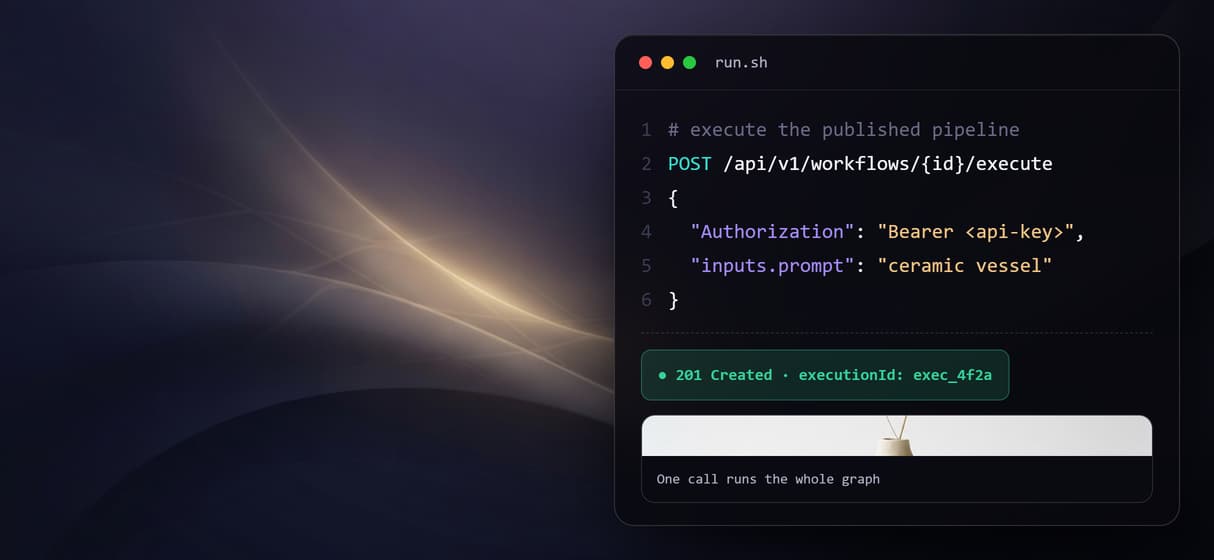
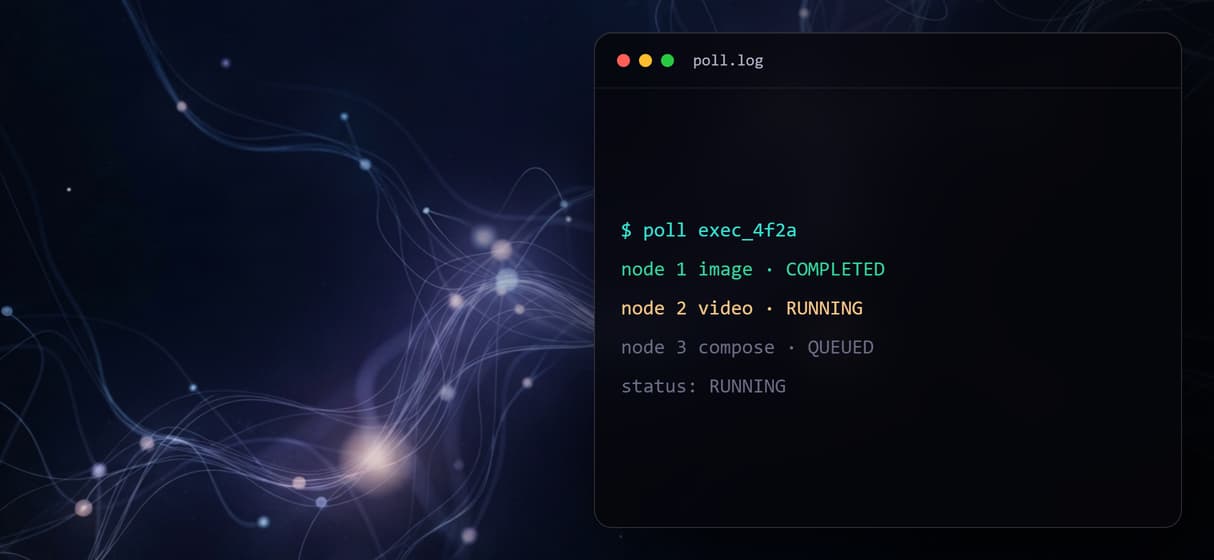
The flow behind this page is a short chain: a Nano Banana Lite image node feeds a Seedance 2.0 video node, so a still becomes motion, and a Compose Video step assembles the result. You build it on a drag-and-drop canvas, publish it, and send one authenticated POST to its execute endpoint. The response is a 201 with an executionId, and you poll a separate endpoint until the run reaches COMPLETED or FAILED. The same pattern powers an image to video pipeline or a content generation API.
What you can orchestrate in one pipeline
Image generation
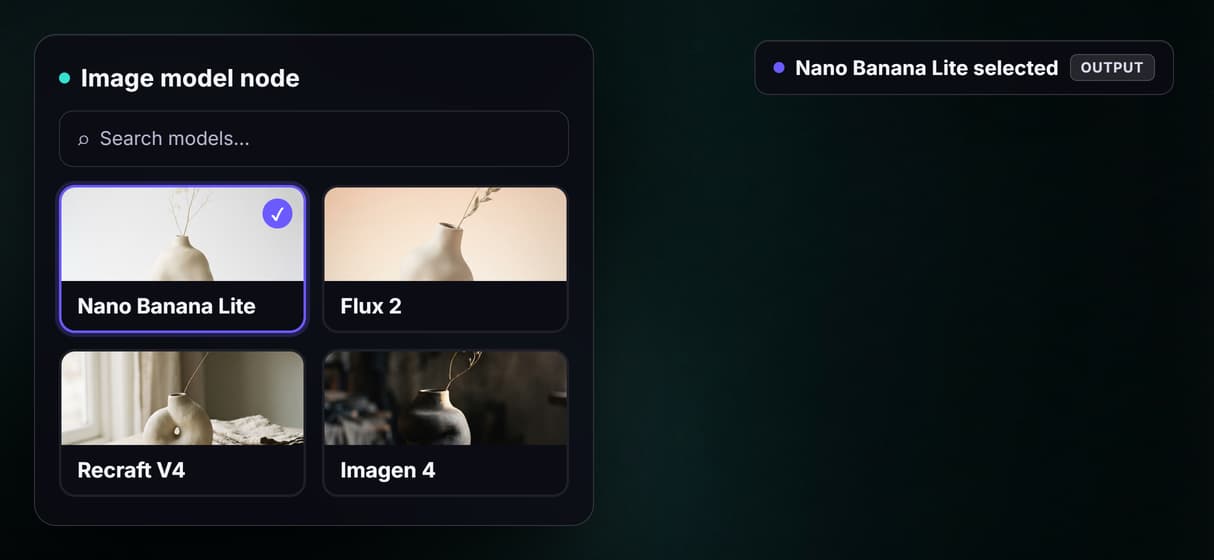
Route a prompt through an image node like Nano Banana Lite, Flux 2, or Recraft as the first step of a pipeline.
Video generation
Hand a generated frame to a video node like Seedance 2.0 or Kling Video so a still turns into motion in the same run.
Audio and voice
Add a text-to-speech node like ElevenLabs so narration is produced inside the pipeline, not bolted on later.
Upscaling and cleanup
Chain a Topaz upscale or background-removal node after generation to finish assets without a second tool.
Compose and assemble
Send clips into a Compose Video step to stitch, caption, or lay audio over the result in one graph.
Utility routing
Use splitter and analyzer nodes to branch data between models, so one call can drive several downstream steps.
The API is the workflow, published
There is no separate SDK to wire up. When you publish a graph, that graph is the API. One authenticated POST to its execute endpoint starts the run and returns an executionId, and you poll the execution endpoint until the run reads COMPLETED or FAILED. The response carries each node's status, output URLs, timing, and credit cost, so you can see exactly which step produced what. Send an Idempotency-Key header on retries and an identical key replays the original result instead of running the pipeline twice.
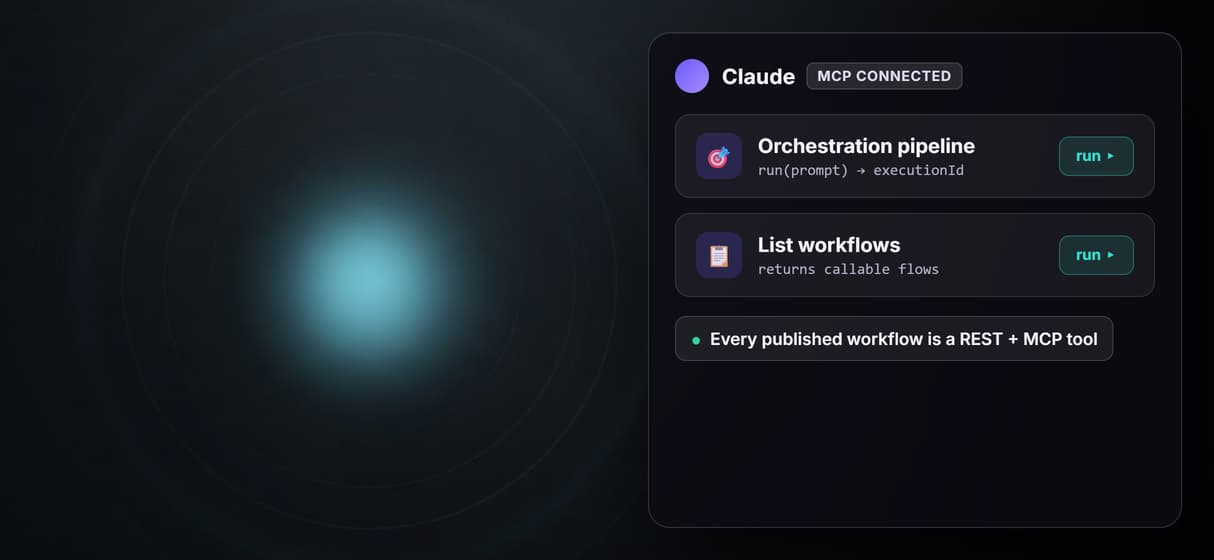
The same published flow is also a hosted MCP tool, so an agent can list it and run it with typed inputs, and a webhook trigger lets a form or CI job start a run without holding a connection open. The models themselves are nodes: unplug Nano Banana Lite and drop in another image model, or swap the video node, and the endpoint stays the same. See the Wireflow MCP connector or build the graph in the workflow builder.
When Wireflow is not the right tool
Wireflow is the generation and routing layer, not the reasoning brain. It runs the pipeline you designed and returns the results; it does not decide which models your app needs, write the prompts, or refine on its own between runs. The graph does exactly what its wires say, which is the point of an orchestration API but also its limit. There are no offline or local runs, no custom Python nodes, and no local model checkpoints; every execution happens on hosted compute.
It earns its place when a multi-model pipeline is worth publishing once and calling many times: chain an image model into a video model, add an upscaler, and hand the whole thing to an app or an agent as one endpoint. Building and wiring the graph is free, and each execution spends credits, so a high-volume batch is a real budgeting decision. If you only ever need a single model call, a direct provider API is simpler than orchestration.
More Than Just AI Orchestration API
One graph runs end to end
This flow wires a Nano Banana Lite image node into a Seedance 2.0 video node and a Compose Video step, so one execute call walks the whole chain.
Trigger it with one REST call
POST to the workflow's execute endpoint and a 201 response returns an executionId, so any language or HTTP client can run the pipeline.
Poll async for per-node results
Poll the execution endpoint until it reads COMPLETED or FAILED. The response returns each node's status, outputs, and credit usage.
Any agent can orchestrate it
Every published workflow is also a hosted MCP tool, so an agent like Claude can list it, run it with typed inputs, and get result URLs back.
171 model nodes to swap in
Swap Nano Banana Lite for Flux 2 or Recraft, or Seedance for Kling Video, on the same wires. The registry carries 171 node types today.
Build Any AI Workflow
AI Models Integrated
Full Commercial License
FAQs
It is an API that runs several AI models as one pipeline. On Wireflow you build the graph on a visual canvas and publish it; one POST executes the whole chain and returns an executionId you poll for the combined per-node result.
More From Wireflow
Written by
Andrew Adams · Co-Founder & Operations at Wireflow
Runs client operations and content strategy at Wireflow. Works directly with creative teams and agencies to build production AI workflows.
Run the orchestration pipeline behind this page
It is live on the canvas: a Nano Banana Lite image node wired into a Seedance 2.0 video node and a Compose Video step. Open it, run it, then save your own copy so an app or agent can execute it by REST. Building is free; runs spend credits.