 Andrew Adams · Co-Founder & Operations at Wireflow ·
 AI Video Pipeline: Build One on a Node Canvas
Build an AI video pipeline that turns a script or brief into a finished video.
Chain the script, voiceover, key frame and clip on one canvas, then rerun it for every new video.
Free to build · no credit card · See how it works ↓
How to Use AI Video Pipeline: Build One on a Node Canvas
Steps to get you started in Wireflow.
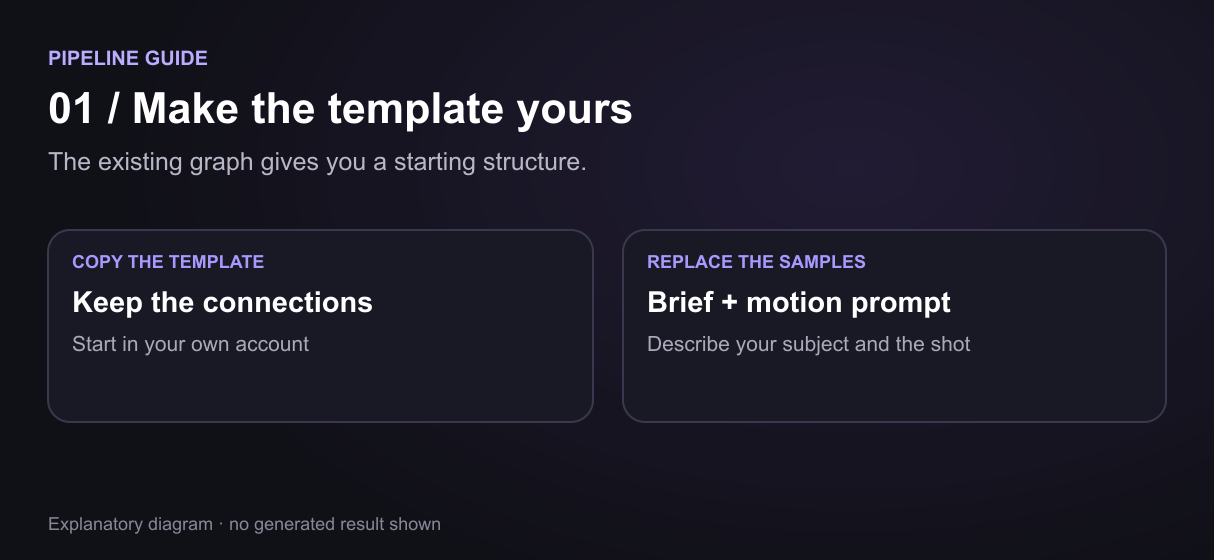
Wire the brief into the script node
Copy the template and replace the sample Client Brief and Video Motion Prompt. Keep the connected stages as your starting structure, then shape the script around your project.
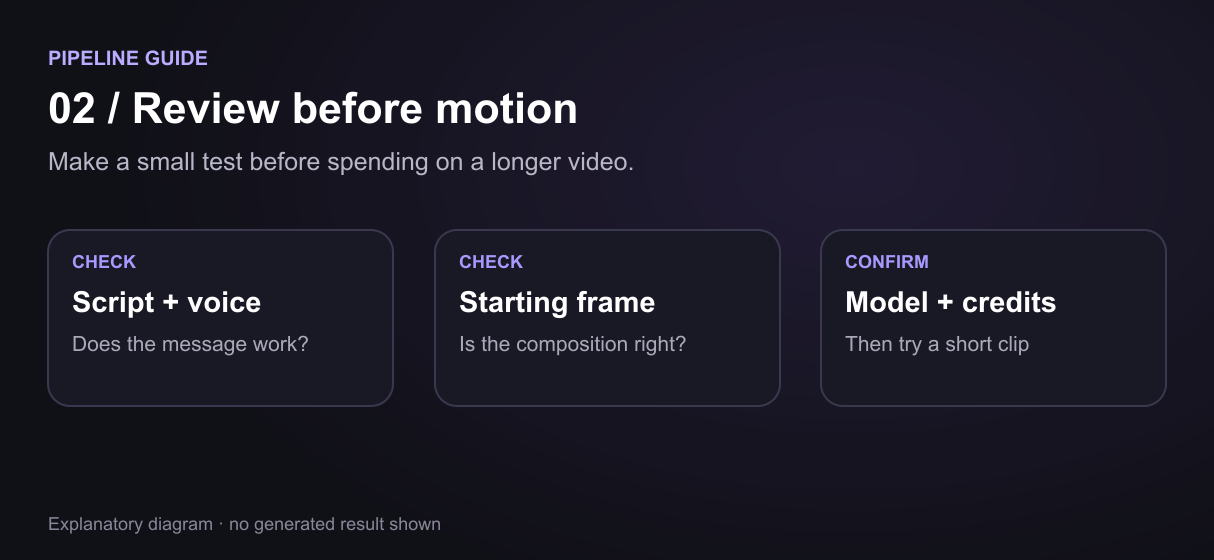
Generate key frame, voice, and B-roll
Generate the script, starting frame and voiceover, then use the motion prompt to animate the frame. You can refine the scene or narration within the same workflow.
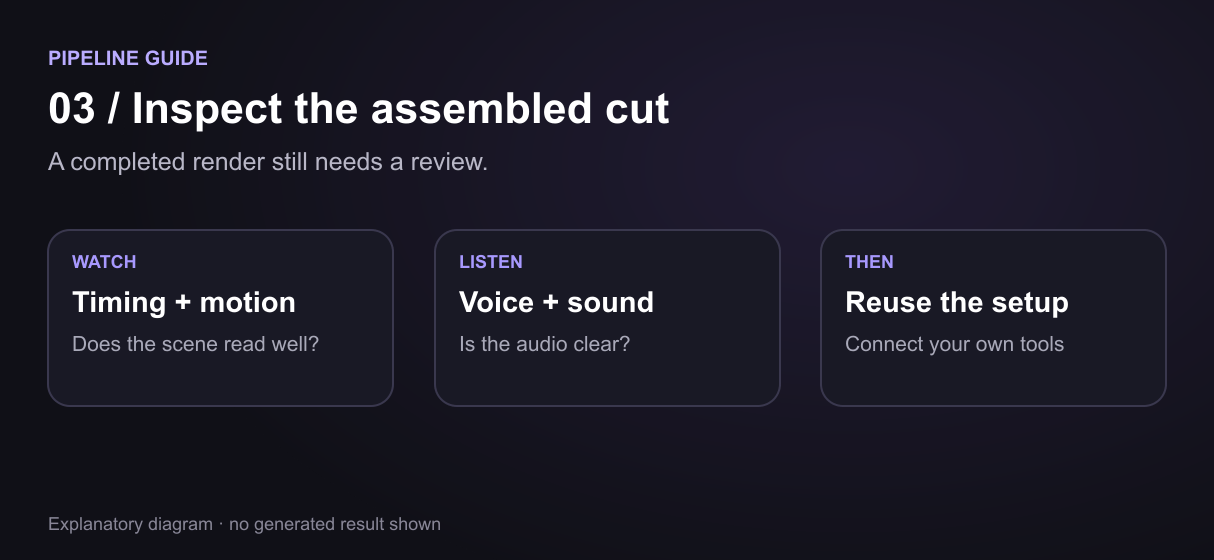
Assemble the cut, publish the endpoint
Bring the clip and voiceover together in Compose Video. Preview the finished cut, then reuse your workflow for a new brief or connect it to your own tools.
Inside the 13-node pipeline on this page
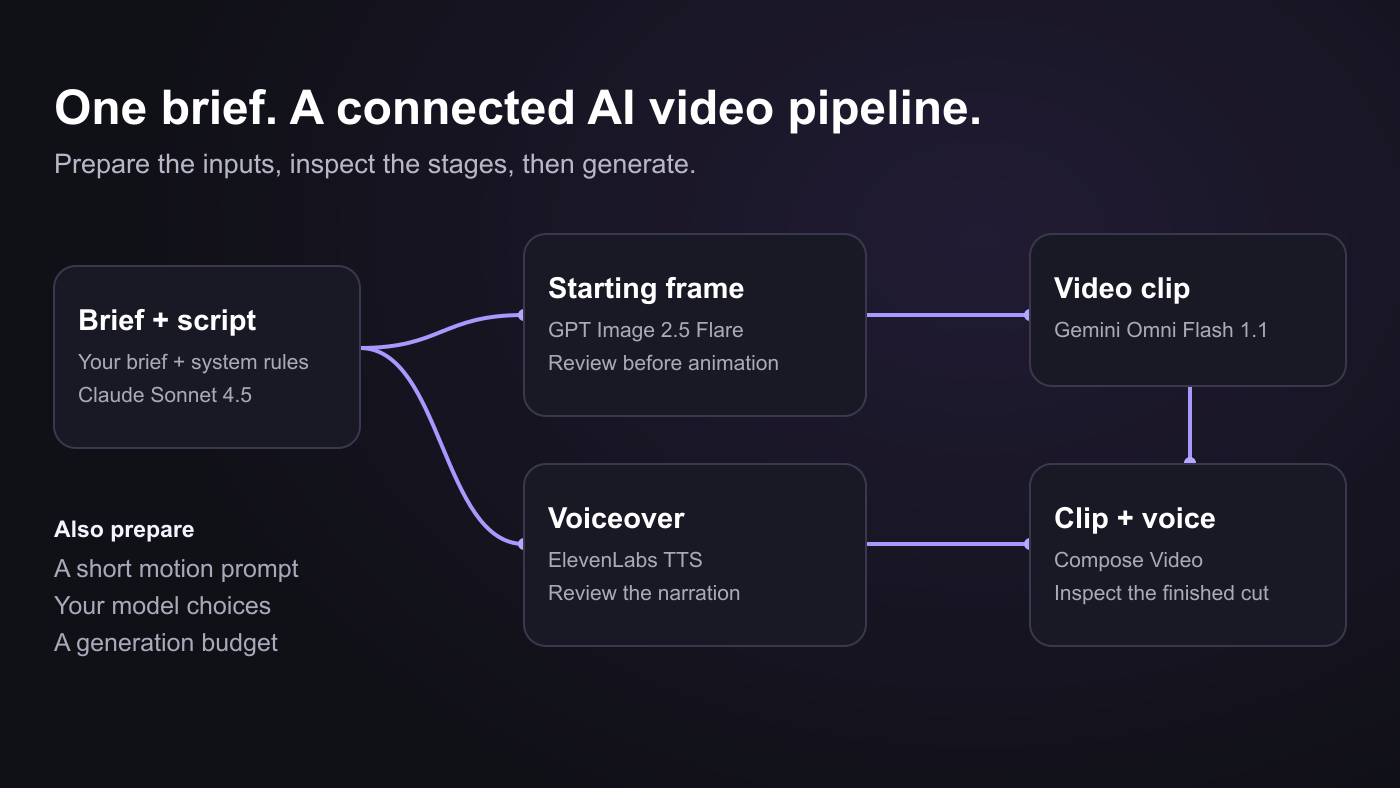
Start from the template instead of building your AI video pipeline on an empty canvas. The brief and system prompt connect to Claude Sonnet 4.5, which prepares an image prompt and narration for the next stages. GPT Image 2.5 Flare creates the starting frame while ElevenLabs handles the voiceover.
Your motion prompt travels with the starting frame into Gemini Omni Flash 1.1. The clip and voice feed Compose Video, giving your script, image, voice and cut a connected route without manually moving files between every tool. For a sequence of shots, extend the assembly step with the multi-shot video stitching API.
Each stage is visible on the canvas, so you can change the voice, revise a prompt or try a different motion while reusing the rest of the setup. The template keeps nine working nodes organized with a note and three stage groups, 13 board items in total.
What the canvas gives you
Models chained in sequence
Pass the script, voice, image and clip between connected stages instead of managing each handoff yourself.
A visual canvas
Drag nodes, connect them, rearrange the graph. The pipeline is the diagram.
Every workflow is an API
Start your video workflow from a backend or script, then retrieve its outputs when the run completes.
Claude triggers it via MCP
Use an agent to find a template, copy it to your account and start a run through the MCP connector.
Bulk variant runs
Keep a repeatable setup and change the brief for the next product, scene or content variation.
Start from a template
Copy the connected example into your account and make it your own with a new brief and motion prompt.
The production half of a faceless channel, automated
Build a production setup around the format your channel repeats. Keep the voice, visual direction and assembly stages together, then change the brief for the next episode. A connected workflow gives you one place to develop the script, narration, visuals and cut as the format evolves.
Your production workflow can sit alongside the tools you already use for uploading and scheduling. If you are looking for an n8n alternative for the media-generation part of that process, use the canvas for the creative stages and keep distribution in your publishing setup.
Drive the pipeline from Claude or any agent
Bring video production into the tools you already use. With the MCP connector, an agent can find a template, copy it to your account and start your workflow with your chosen inputs. Your backend can start the same workflow through REST.
An agentic video editing platform can use this as a repeatable production step: send a new brief, start the run and collect the outputs when they are ready. Runs are asynchronous, so the starting request returns an execution ID and the finished assets become available when the run completes.
Which model runs which stage
The template pairs Claude Sonnet 4.5 for the script with GPT Image 2.5 Flare for the starting frame, ElevenLabs for voiceover and Gemini Omni Flash 1.1 for motion. Compose Video, a Remotion node, brings the clip and voice together for assembly. You begin with those stages already selected and connected.
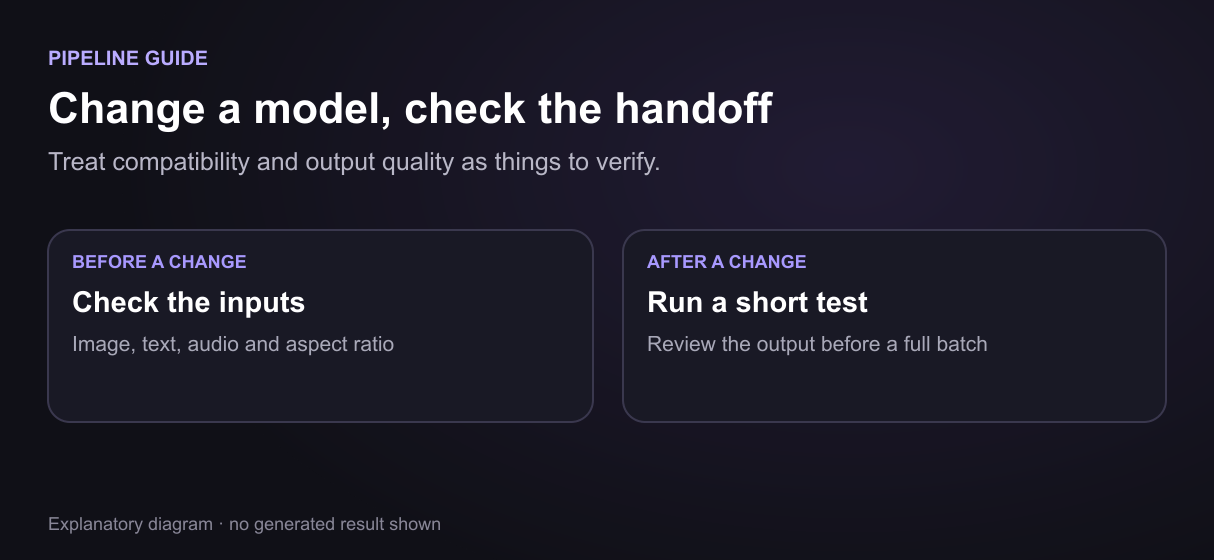
Use the image to video AI stage to build motion around your starting frame. Change the brief for a different scene, adjust the voice for a new tone or try another motion prompt. When switching models, keep the input and output formats compatible with the surrounding stages.
More Than Just AI Video Pipeline: Build One on a Node Canvas
One graph, brief to cut
Move from script to voice, image and video in one connected setup. Your AI video generator stages pass outputs forward without repeated downloads. The graph runs on Wireflow, a node-based AI platform, so every stage stays editable.
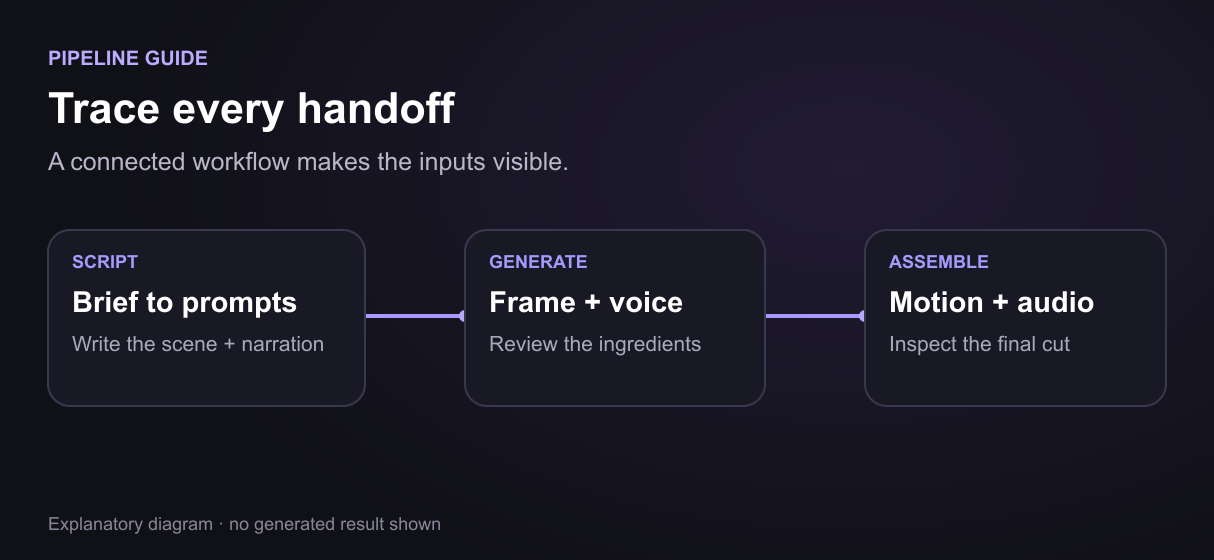
A canvas, not a code graph
See the whole workflow and change the stage you need. This ComfyUI alternative gives you a visual way to build, follow and adjust the pipeline.
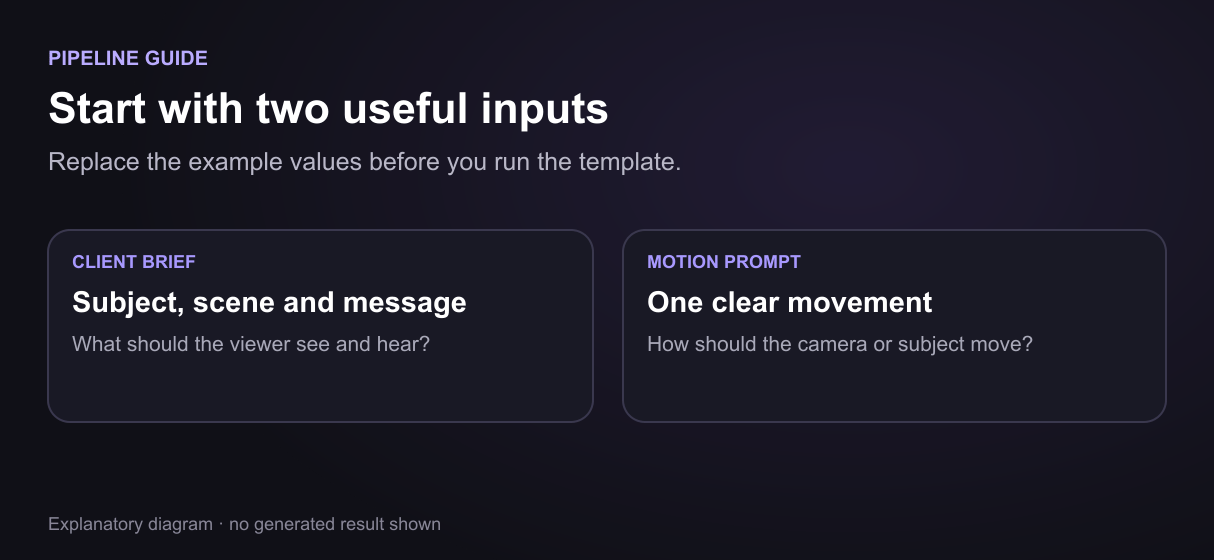
Bulk variants, one pipeline
Reuse script, voice and visual settings across briefs. Build on that setup with the bulk video ad API when you need more variations.
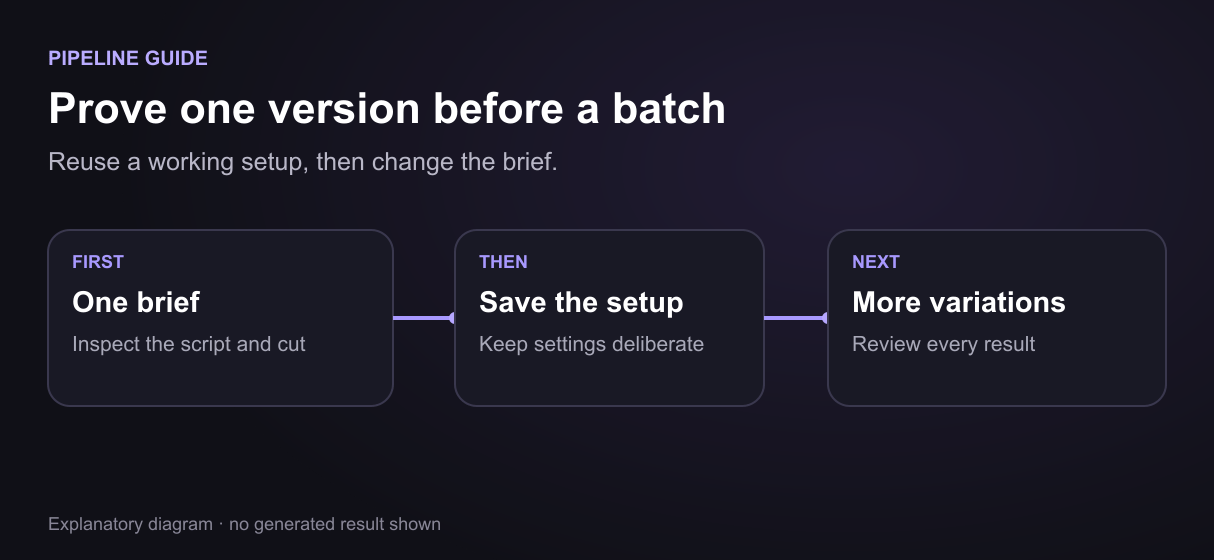
Trigger from API or agent
Bring the same workflow into your backend or agent. The video API for coding agents connects video production to the tools you already use.
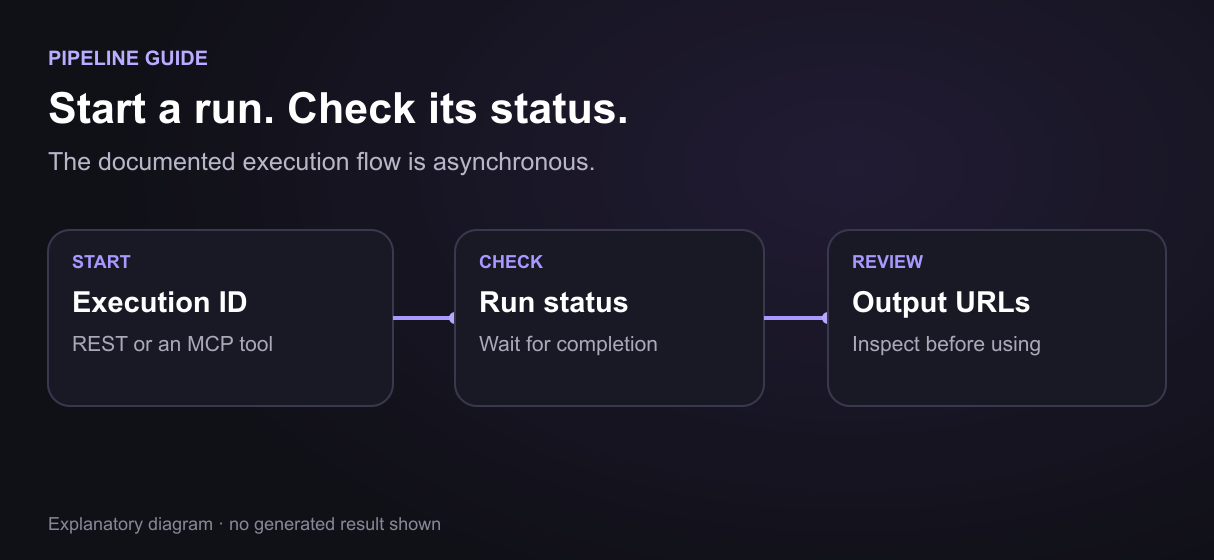
Swap models per job
Try a different model without starting from an empty canvas. Explore Seedance 2.0 and Google Flow alternatives for your next version.
Build Any AI Workflow
AI Models Integrated
Full Commercial License
FAQs
An AI video pipeline is a chain of AI models where each output feeds the next stage: script generation, voiceover, key frames, video clips, and assembly run as one connected workflow instead of separate tools.
Discover related AI tools
More From Wireflow
Written by
Andrew Adams · Co-Founder & Operations at Wireflow
Runs client operations and content strategy at Wireflow. Works directly with creative teams and agencies to build production AI workflows.
Build your pipeline once. Run it for every video.
Start with one script or brief. Connect the voiceover, key frame and clip stages, check each result, and keep the pipeline for your next video. Building is free; generation uses credits, and video requires a paid plan.