 Andrew Adams · Co-Founder & Operations at Wireflow ·
 Multi Shot Video Stitching API
A multi shot video stitching API usually assumes you already have the clips.
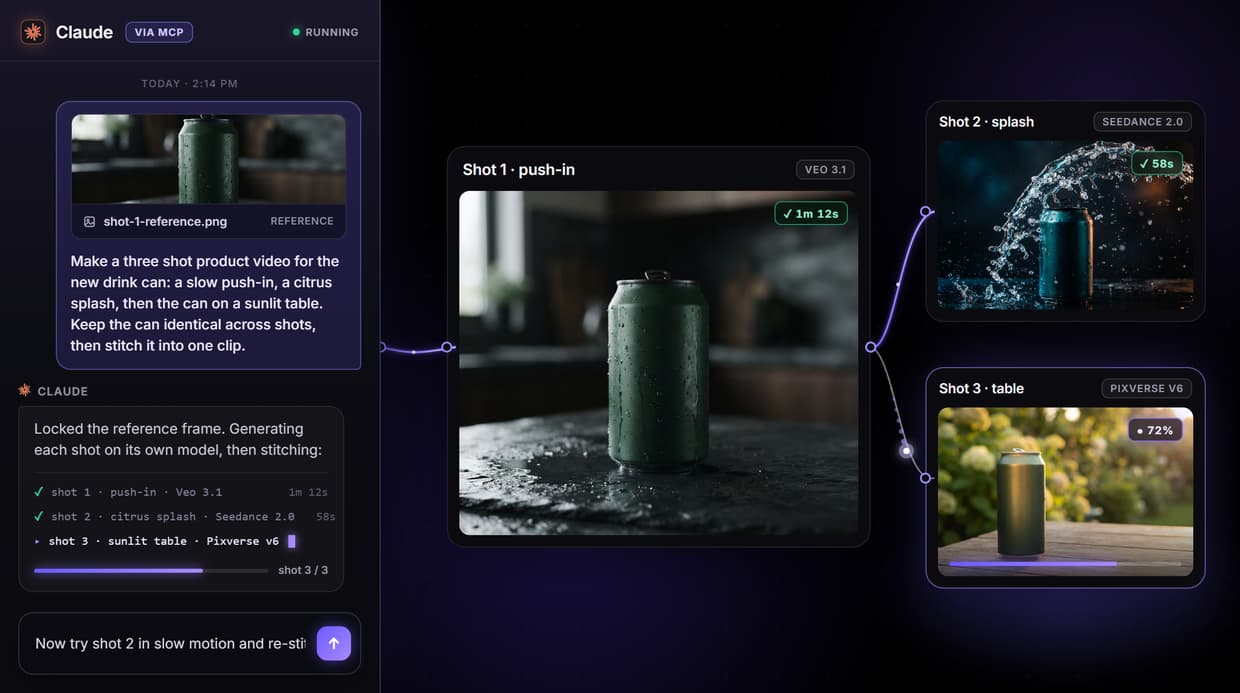
This page's workflow does the harder half too: it generates each shot on a different model, then a Compose Video node stitches them into one clip, and the whole graph is one REST endpoint your code calls.
Free to build · no credit card · See how it works ↓
How to Use Multi Shot Video Stitching API
Steps to get you started in Wireflow.
Write the shot brief
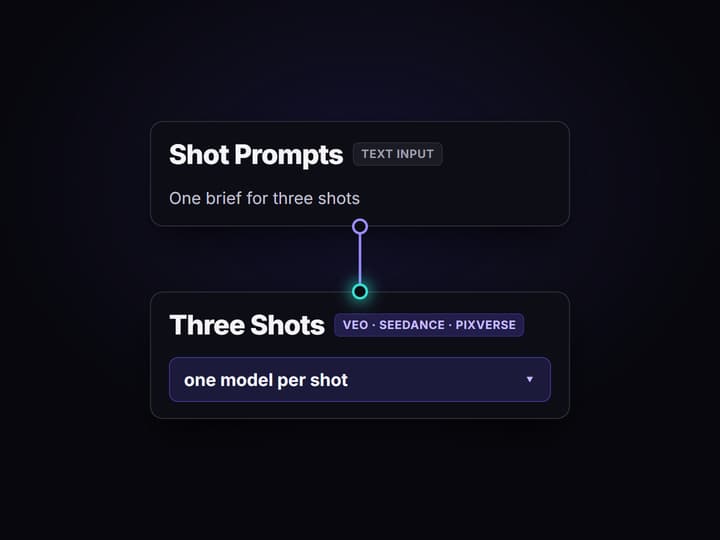
Open the flow and click the Shot Prompts node. One description covering all three shots is enough; the default sketches a product across three scenes.
Run the generate-and-stitch pass
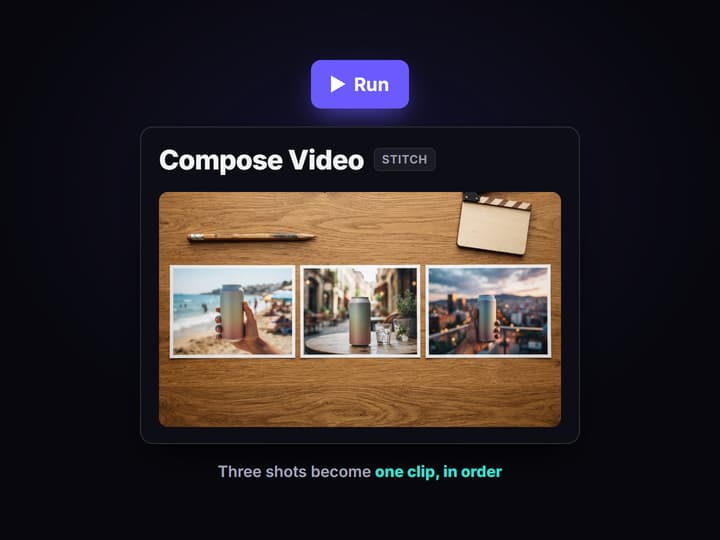
Press Run. Nano Banana Lite renders the shared frame, Veo 3.1, Seedance 2.0, and Pixverse v6 each generate a shot, and Compose Video stitches them into one clip.
Publish it and call it from code
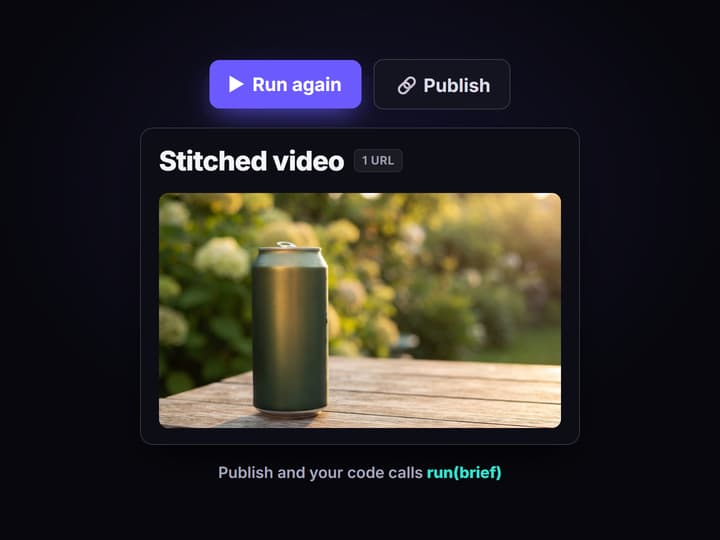
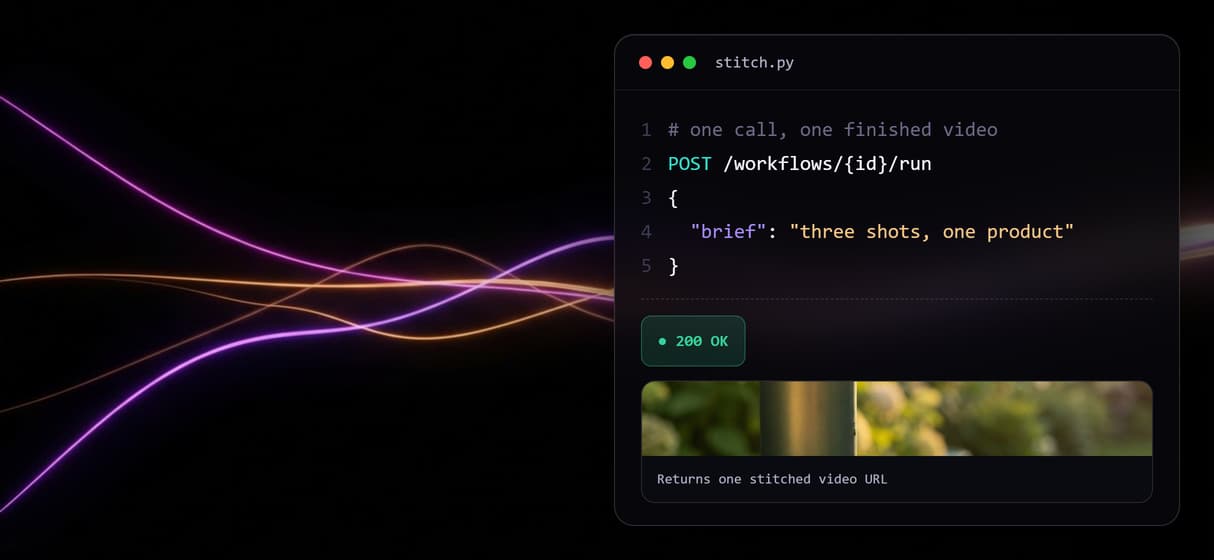
Publish the flow and it becomes a REST endpoint and an MCP tool with a typed brief input. Your app posts the brief and gets one finished video URL back.
What a multi shot video stitching API actually needs to do
Search for a multi shot video stitching API and most results answer half the problem. They merge clips you already have: you hand over finished files, describe the order in JSON, and get one video back. That is genuine work, but it assumes the shots exist. The moment those shots are AI generated, you are back to running one model per shot by hand, downloading files, and only then calling a separate merge endpoint.
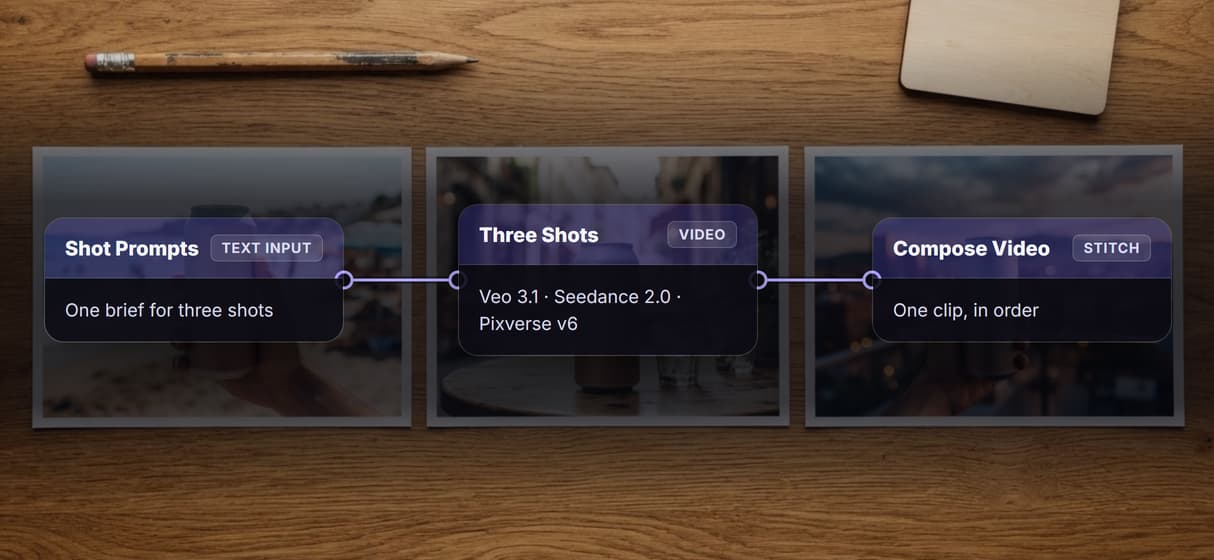
The workflow above closes that gap. A single Text Input holds the brief for three shots. Its output fans out to three video nodes, one per shot, and a shared AI video generator reference frame keeps the product consistent. Every shot lands in a Compose Video node that stitches them into one clip in order. Generation and assembly are one graph, and publishing it turns the whole pipeline into the endpoint your code calls.
What the generate-and-stitch workflow can do
One prompt, three shots
A Text Input fans out to three video nodes, so one brief produces a whole sequence instead of a single clip.
A different model per shot
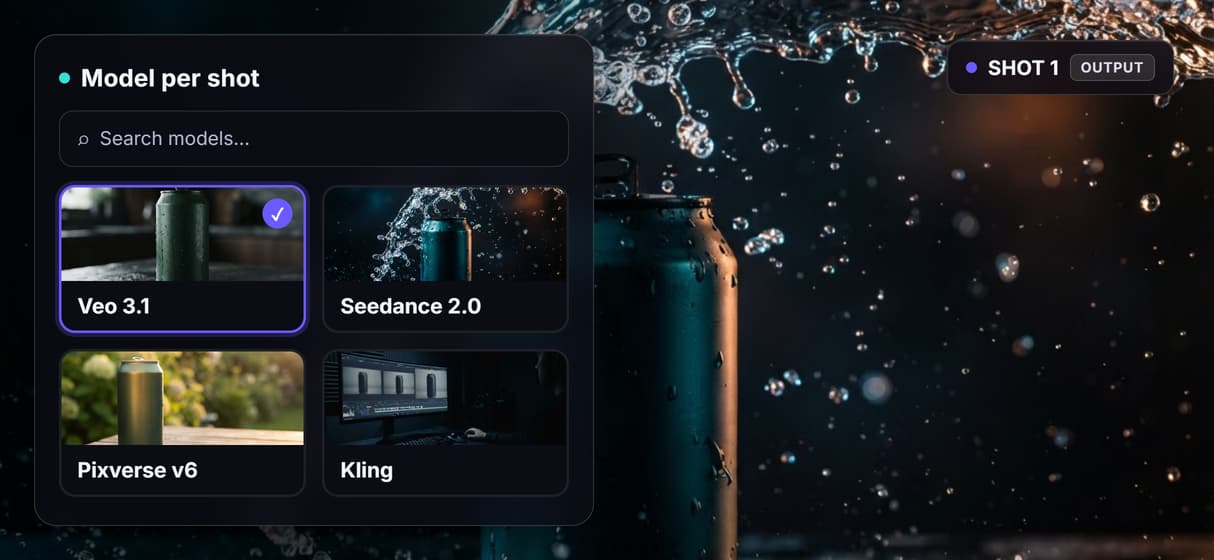
Shot 1 runs Veo 3.1, Shot 2 runs Seedance 2.0, Shot 3 runs Pixverse v6. Pick the model that suits each shot.
Compose Video stitches in order
All three shots wire into a Compose Video node that assembles them into one deliverable clip.
A shared reference frame
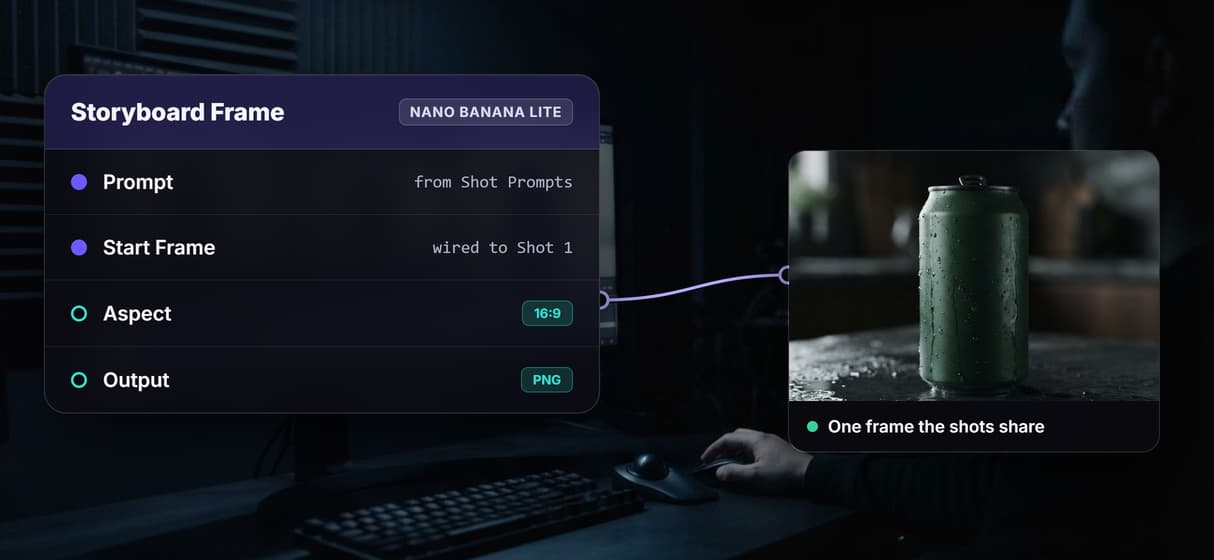
Nano Banana Lite renders one frame wired into Shot 1, so the product stays consistent across shots.
Callable over REST and MCP
Publish the graph and it becomes a REST endpoint and an MCP tool with typed inputs and one video URL back.
Swap a shot's model
Every video node is model-agnostic: trade Veo 3.1 for Kling on one shot without touching the rest of the graph.
The stitching pipeline, node by node
Open the flow and the whole pipeline is visible as one graph.
- Shot Prompts holds the brief. A Text Input node with one description covering all three shots. This is the only part a person has to write.
- Storyboard Frame renders the anchor. Nano Banana Lite generates one reference frame and its output wires into Shot 1 as the start frame, so the same product carries across the sequence.
- Three shot nodes generate in parallel. Veo 3.1, Seedance 2.0, and Pixverse v6 each take the prompt and produce one shot. Different models let each shot play to a model's strength.
- Compose Video stitches. The three shot outputs wire into a Compose Video node that assembles them into one clip, in order, as the final step.
Because the assembly is a node and not a separate service, the order, the models, and the reference frame are all versioned with the workflow. Improve the brief once and every future run inherits it, the same reproducibility that separates a no-code workflow with API access from stringing calls together by hand. The honest tradeoff: video generation is the slow, paid step, so a three-shot run takes minutes and spends credits per shot.
When an assembly-only stitching API is the better pick
If you already own the final clips and only need them merged, a dedicated assembly tool is the simpler tool, and Wireflow will not pretend otherwise. It is also not a frame-accurate timeline editor: Compose Video stitches shots in order, but there is no scrubbable multitrack surface, no keyframe trimming, and no hand-drawn transition curves. If your job is precise cut-by-cut editing of footage you shot yourself, a real editor beats this pipeline.
Wireflow earns its place when the shots have to be generated too. When one prompt should become a sequence, when each shot wants a different model, or when the whole generate-and-stitch loop needs to run from code as one call, a canvas that does both halves is the shorter path. Compare it against the field first: the best video generation API tools roundup shows where a generate-plus-stitch graph wins and where it does not. Runs are metered too, so an unattended agent generating shot sequences is a spend decision to cap deliberately.
More Than Just Multi Shot Video Stitching API
Generate the shots and stitch them in one graph
This workflow does both halves an assembly-only endpoint skips: one prompt generates three shots, then a Compose Video node stitches them, all on the video generation API canvas you can see.
A different model behind every shot
Shot 1 runs Veo 3.1, Shot 2 Seedance 2.0, Shot 3 Pixverse v6, and swapping any one for Kling is a node change on the multi-model AI workflow canvas, not a rewrite.
One reference frame keeps the shots consistent
Nano Banana Lite renders a shared start frame wired into the first shot, the same trick a programmatic video generation platform uses so a product does not drift between shots.
Your code calls the whole pipeline once
Publish the graph and it becomes a REST endpoint and an MCP tool with typed inputs, so the AI canvas with a REST API returns one finished video for one request.
Reproducible runs, not one-off luck
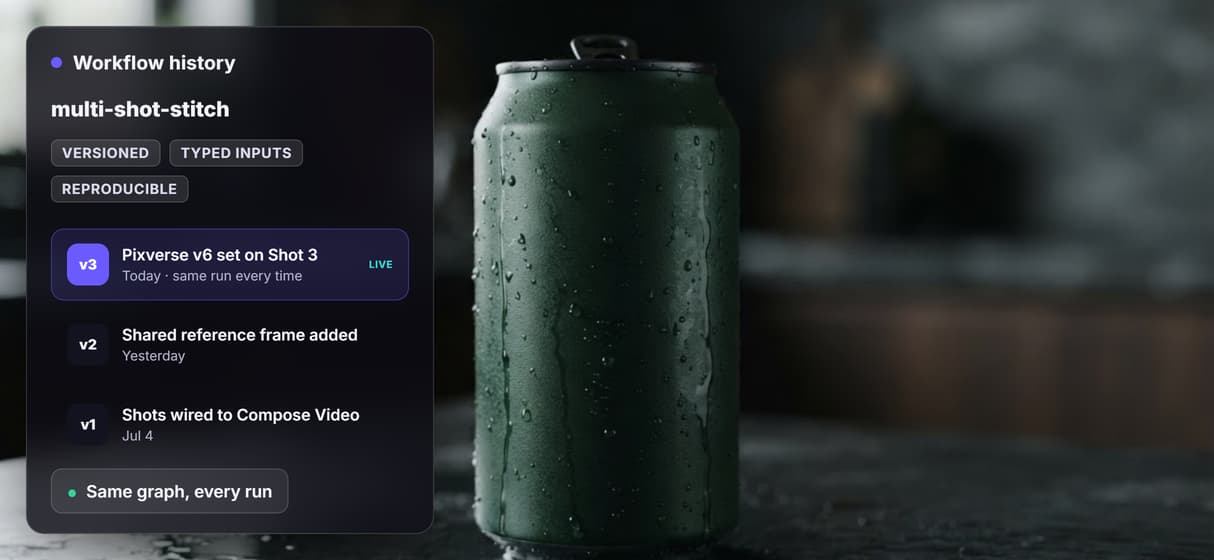
The order, models, and frame are versioned server-side on the AI workflow API, so the five-hundredth run walks the same graph as the first and a model change is a deliberate new version.
AI Models Available
Automate Any Workflow
Included in Every Plan
FAQs
It is a programmatic way to assemble several video shots into one clip. Most stitching APIs only merge files you supply. Wireflow adds the generation: the workflow on this page produces three shots on three models and stitches them in a Compose Video node, all callable over REST.
Discover related AI tools
More From Wireflow
Written by
Andrew Adams · Co-Founder & Operations at Wireflow
Runs client operations and content strategy at Wireflow. Works directly with creative teams and agencies to build production AI workflows.
Open the generate-and-stitch flow behind this page
It is live on the canvas: one brief, three shots on Veo 3.1, Seedance 2.0, and Pixverse v6, and a Compose Video node that stitches them into one clip. Run it, then publish your own copy as the endpoint your code calls. Building is free; generations are pay per run.