 Andrew Adams · Co-Founder & Operations at Wireflow ·
 Video Maker: One Prompt to a Finished Clip on a Canvas
A node-canvas video maker in your browser.
Write one prompt, let Flux 2 Pro render a 16:9 keyframe, and Seedance 2.0 turns that frame into an 8-second 1080p clip with sound. Swap either model per node, no timeline, no install, no GPU.
Free to build · no credit card
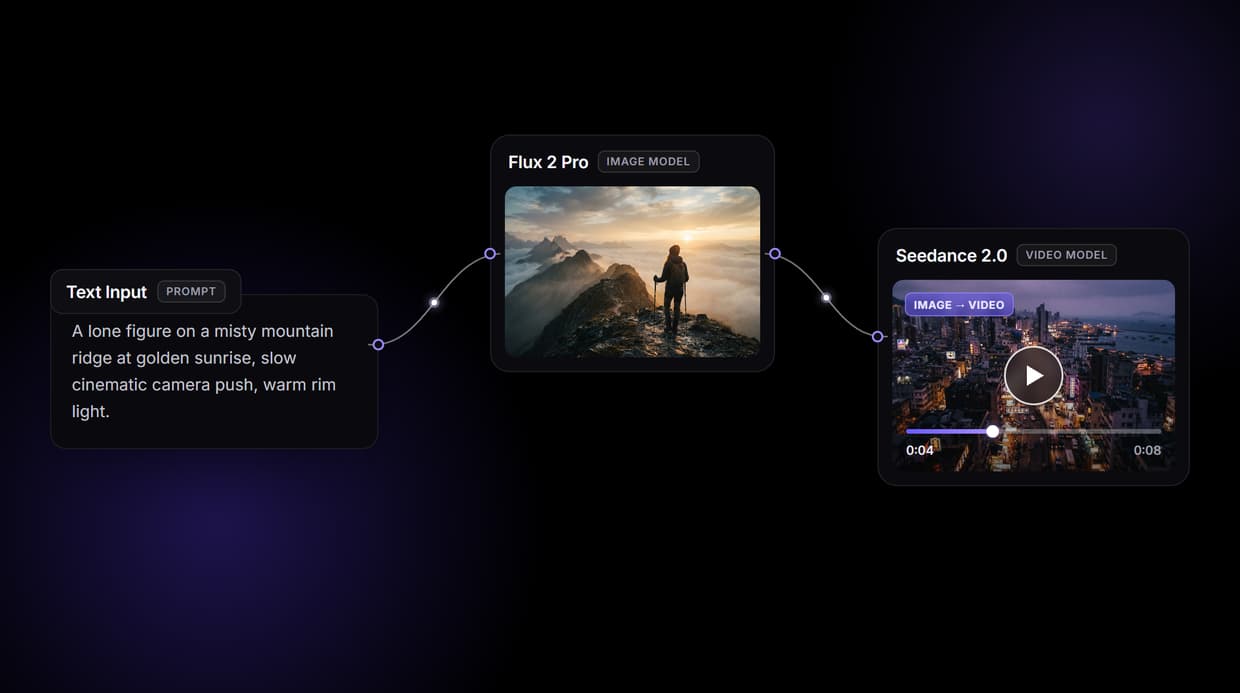
How this video workflow actually runs
The page's workflow is three nodes, wired left to right. A Text Input node holds one prompt. It feeds a Flux 2 Pro image node set to a 16:9 frame, which renders a still keyframe. That keyframe, plus the same prompt, feeds a Seedance 2.0 video node configured for an 8-second 1080p 16:9 clip with audio turned on.
Because the image is passed in as a reference, this is image-to-video, not a blind text-to-video guess: the still fixes composition and color, and the video model animates from it. You can also start from your own image instead of Flux by wiring a still straight into the video node. Prep frames with the AI image editor before they enter the flow.
Swap models without rebuilding the flow
The model on each node is a choice, not a lock-in. Replace Flux 2 Pro with another image model, or Seedance 2.0 with a different video model, and the wiring stays the same. Wireflow hosts dozens of video models, so you can run the same prompt through two and compare the results side by side.
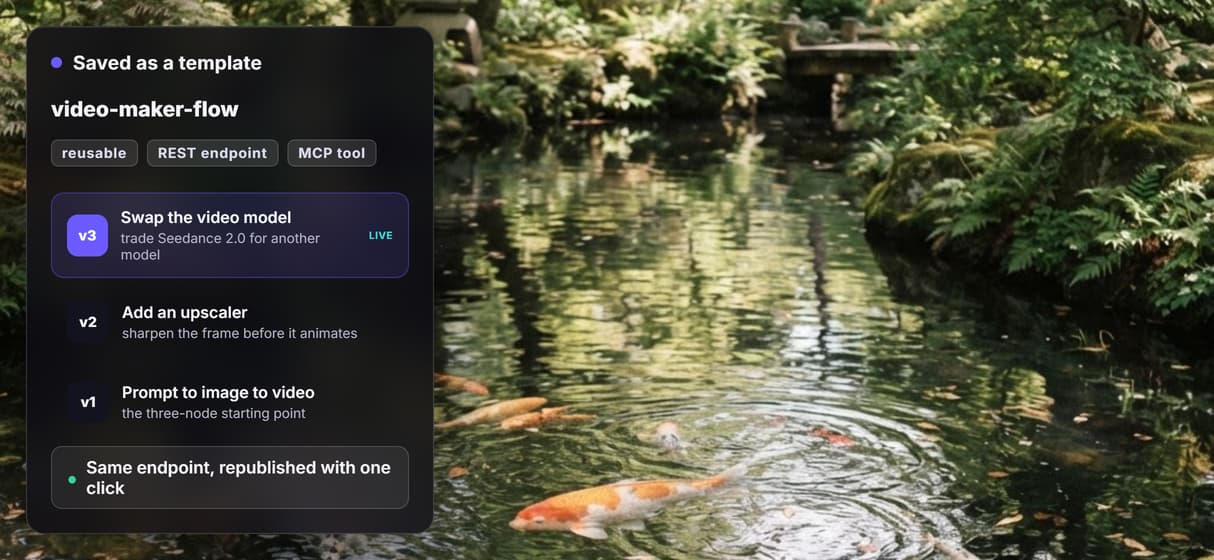
Every workflow you save is also callable. The moment the three-node flow works, it is a hosted REST endpoint and an MCP tool at once, with no extra deployment. Rerun it from a shareable link, or let an agent call it as a tool, and every change is versioned.
Honest limits: where a timeline editor still wins
Wireflow is a generation canvas, not a frame-accurate timeline editor. If you need to trim to the exact frame, ripple-edit a sequence, or layer manual keyframe animation, a traditional editor is the better tool for that step.
This flow's Seedance node returns a single clip of about 8 seconds per run. Longer or multi-scene videos are assembled by chaining more generation nodes, not produced in one shot, and every clip costs credits to render. What you get in return is a reproducible pipeline: describe it once, swap models freely, and rerun the whole thing on demand.
More Than Just Video Maker: One Prompt to a Finished Clip on a Canvas
Text to image to video in one flow
One prompt renders a Flux 2 Pro keyframe, then a Seedance 2.0 node animates that still into a clip. The whole image to video AI pipeline lives on one board.
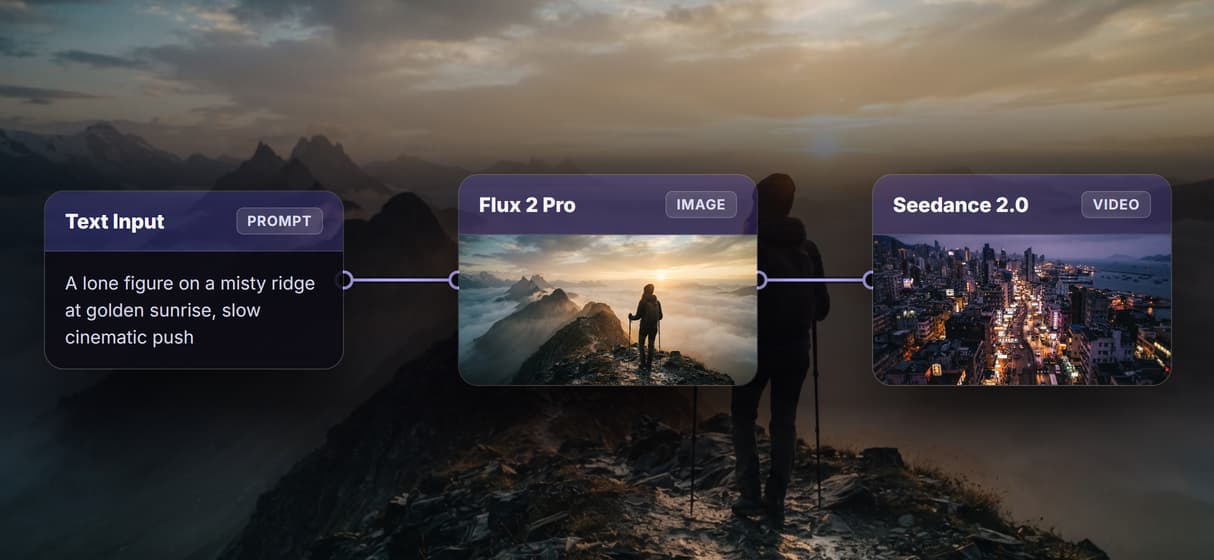
Swap either model per node
Trade Flux 2 Pro or Seedance 2.0 for another model on the canvas, from dozens of hosted video models. See the full AI video generator lineup.
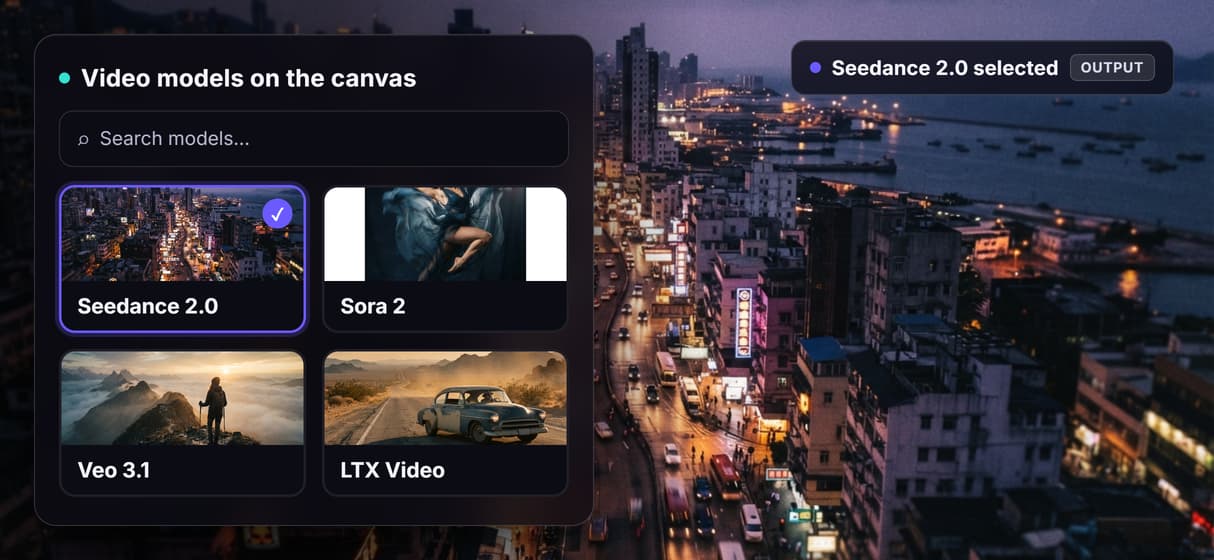
Sound ships with the clip
Seedance 2.0 generates native audio with the video, so clips are not silent. For scripted narration, add a text to speech node and wire it in.
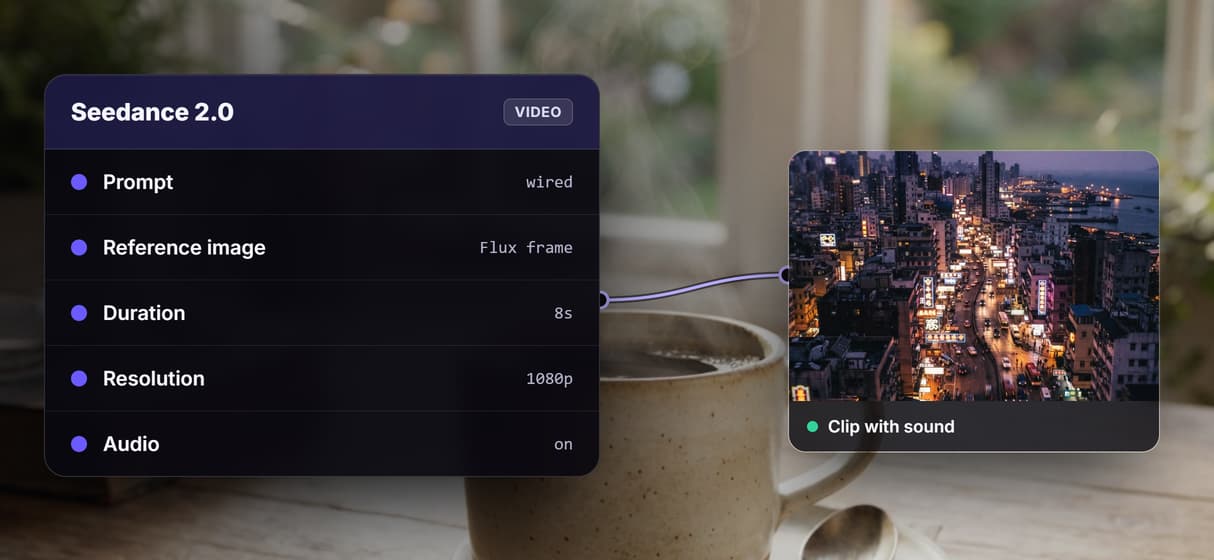
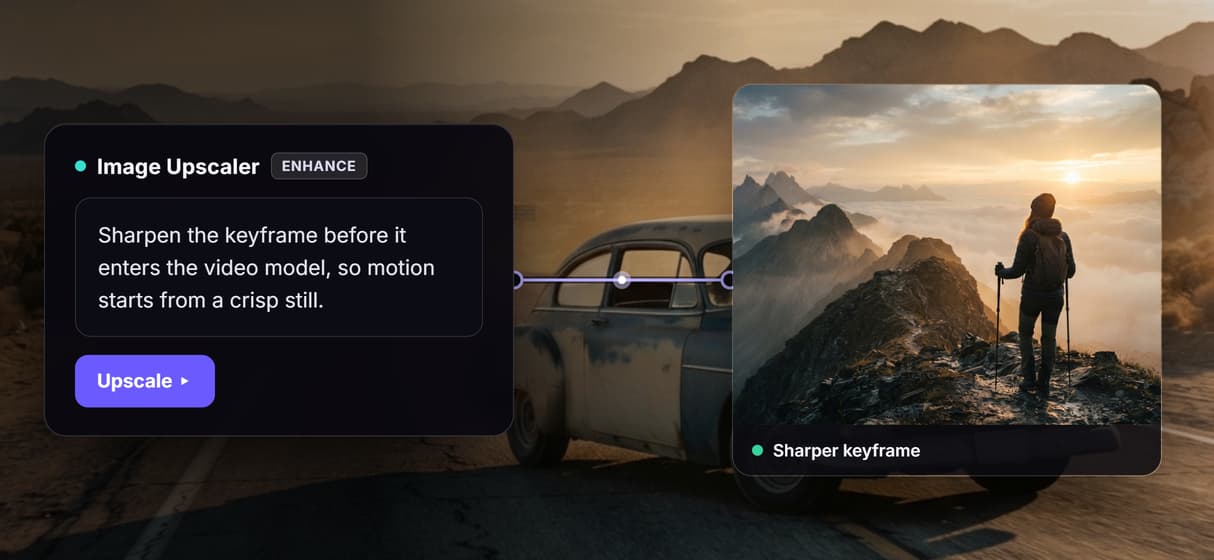
Sharpen frames before you animate
Wire an upscale node in front of the video model to clean up the keyframe first. Pair it with the AI image upscaler so motion starts from a crisp still.
Ship clips for social, on repeat
Seedance outputs a 16:9 1080p clip you can rerun for a batch. Turn the saved flow into repeatable AI social media video runs, by hand or from an agent.
Build Any AI Workflow
AI Models Integrated
Full Commercial License
FAQs
An AI video maker generates video from a text prompt or an image instead of a manual timeline. In Wireflow you wire nodes on a canvas: a prompt renders an image, and a video model animates it into a clip.
More From Wireflow
Written by
Andrew Adams · Co-Founder & Operations at Wireflow
Runs client operations and content strategy at Wireflow. Works directly with creative teams and agencies to build production AI workflows.
Build your video flow free
Write one prompt, render a keyframe with Flux 2 Pro, and animate it into a clip with Seedance 2.0 on a single canvas. Save the flow as a REST endpoint and MCP tool, then rerun it whenever you need. Building is free, you pay per generation.