If you want video generated by an API call instead of by hand, the hard part is not the models. It is finding a platform that gives you a real endpoint, predictable pricing, and a way to run a hundred clips without babysitting them. Wireflow chains text, image, and video models into one REST-callable pipeline, and it is one of several options worth comparing here.
Quick Summary
- Wireflow - Best overall for API-first video pipelines with visual canvas
- Shotstack - Best for JSON-defined video compositions at scale
- Creatomate - Best for template-based media automation
- JSON2Video - Best for end-to-end automated content pipelines
- Bannerbear - Best for image-and-video template generation
- Plainly Videos - Best for After Effects template rendering
- Synthesia - Best for AI avatar and talking-head videos
- Nexrender - Best open-source After Effects automation
For a hands-on look at how Wireflow handles programmatic video generation, check out the programmatic image generation platform feature page, which covers the same API-first approach applied to images.
How We Evaluated These Tools
We focused on five criteria that matter most to engineering teams integrating video generation into products or internal workflows:
- API quality: REST endpoints, SDKs, documentation depth, webhook support
- Template system: how you define and reuse video compositions
- Pricing: cost per render, free tiers, credit models
- Scalability: concurrent renders, rate limits, queue management
- Integrations: CI/CD hooks, no-code connectors, and third-party model support
1. Wireflow

Wireflow is a visual node-based platform where you build video generation workflows by connecting AI model nodes on a canvas, then call the entire pipeline through a single API endpoint. A typical setup chains a text input into an image generator (Flux 2, Nano Banana 2), then feeds the result into a video model like Kling 2.5 or Veo 3.1. If you would rather describe a shot than write render code, compare a Remotion alternative built on a node canvas.
Every published workflow becomes a callable endpoint. You trigger it with POST /api/v1/workflows/{id}/execute, pass input parameters, and poll for results. Webhook triggers are also available for no-auth integrations with Zapier or CI pipelines. Rate limits start at 10 requests per minute on the free tier and scale to 200 on Enterprise, with full documentation on limits and error handling.
Pricing: Free tier with 50 daily executions. Starter at $29/month, Pro at $99/month, Enterprise custom.
Best for: Teams that want to combine multiple AI models (image, video, audio) in a single executable pipeline, controlled through a visual node editor and triggered via API.
2. Shotstack
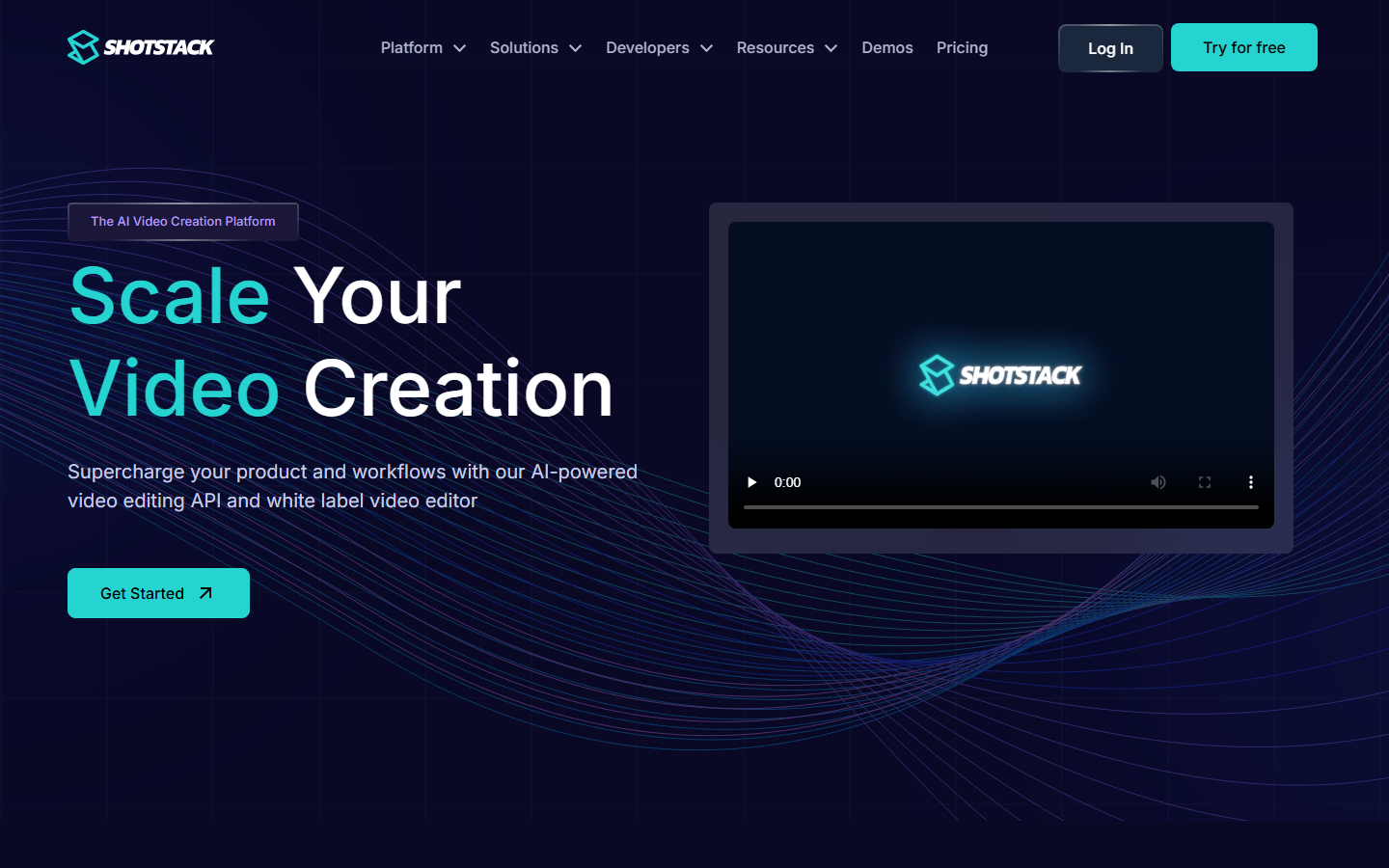
Shotstack is a cloud video editing API built for developers. You define video compositions in JSON, specifying clips, overlays, transitions, text layers, and audio tracks, then submit the JSON to their render endpoint. The platform handles encoding and returns a hosted MP4. SDKs exist for Node.js, Python, PHP, and Ruby, and a white-label editor SDK lets you embed the editing UI directly into your own app.
Shotstack works well for template-driven use cases: real estate listing videos, sports highlight reels, personalized marketing clips. The render queue supports concurrent processing, and you can merge, trim, and overlay media assets without local ffmpeg.
Pricing: Free sandbox with watermarked output. Production plans start around $49/month for 50 renders.
Best for: Teams that need deterministic, template-based video assembly from structured data, not AI-generated content.
3. Creatomate
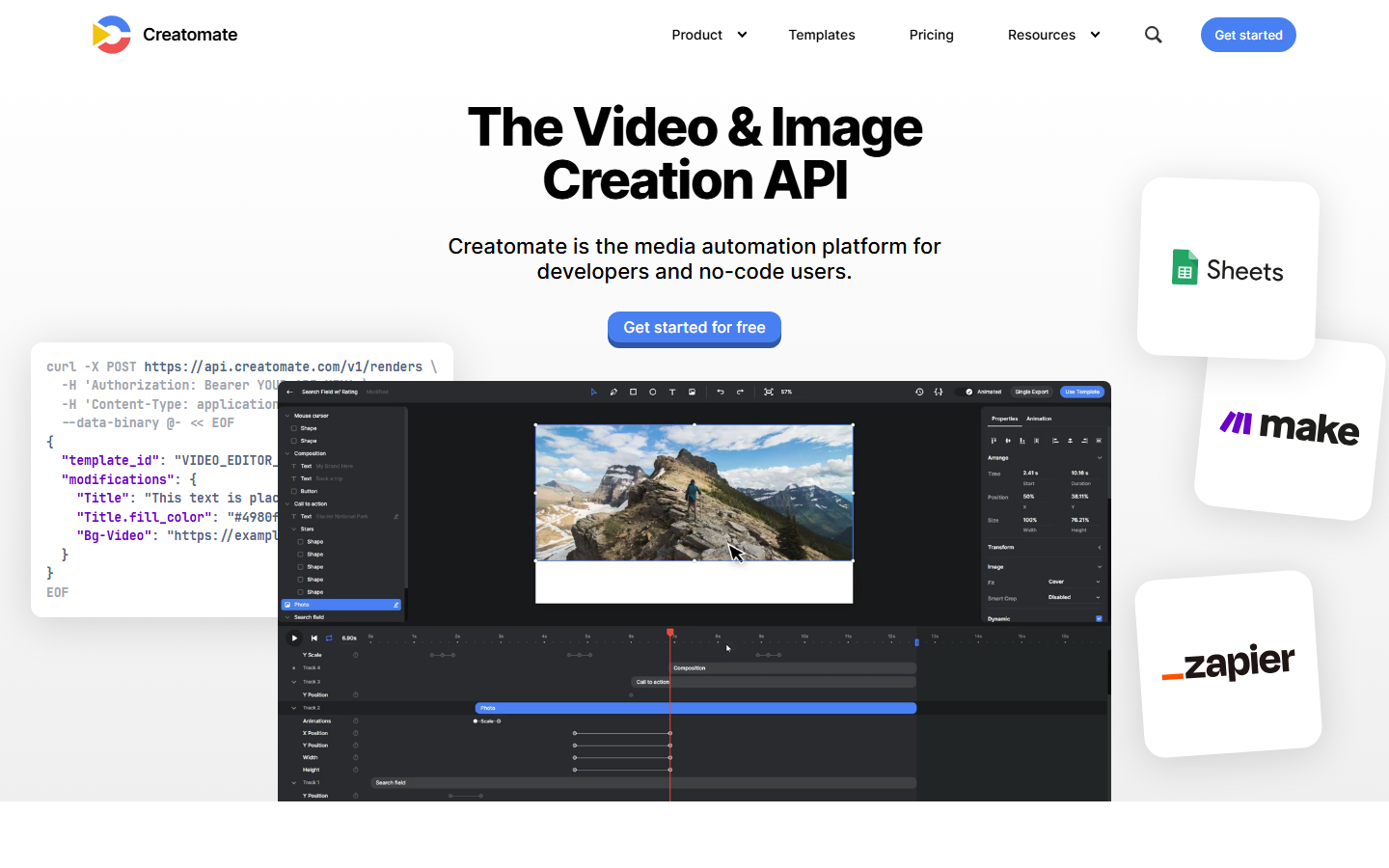
Creatomate is a media automation platform that bridges no-code and API workflows. You design video templates in their visual editor, then render variations at scale using their REST API or through Zapier and Make integrations. CSV bulk generation is supported for producing hundreds of variants from a spreadsheet. Their API documentation covers Node.js, Python, and PHP with clear request/response examples, making initial integration into existing pipelines straightforward.
The template system supports dynamic text, images, video clips, and audio. You swap placeholders via API parameters, and Creatomate renders the final output in the cloud. This makes it effective for social media ad batches, product videos, and event-specific content.
Pricing: From $54/month for 2,000 credits to $329/month for 50,000 credits.
Best for: Marketing teams and developers who want visual template design with API-driven bulk rendering.
4. JSON2Video
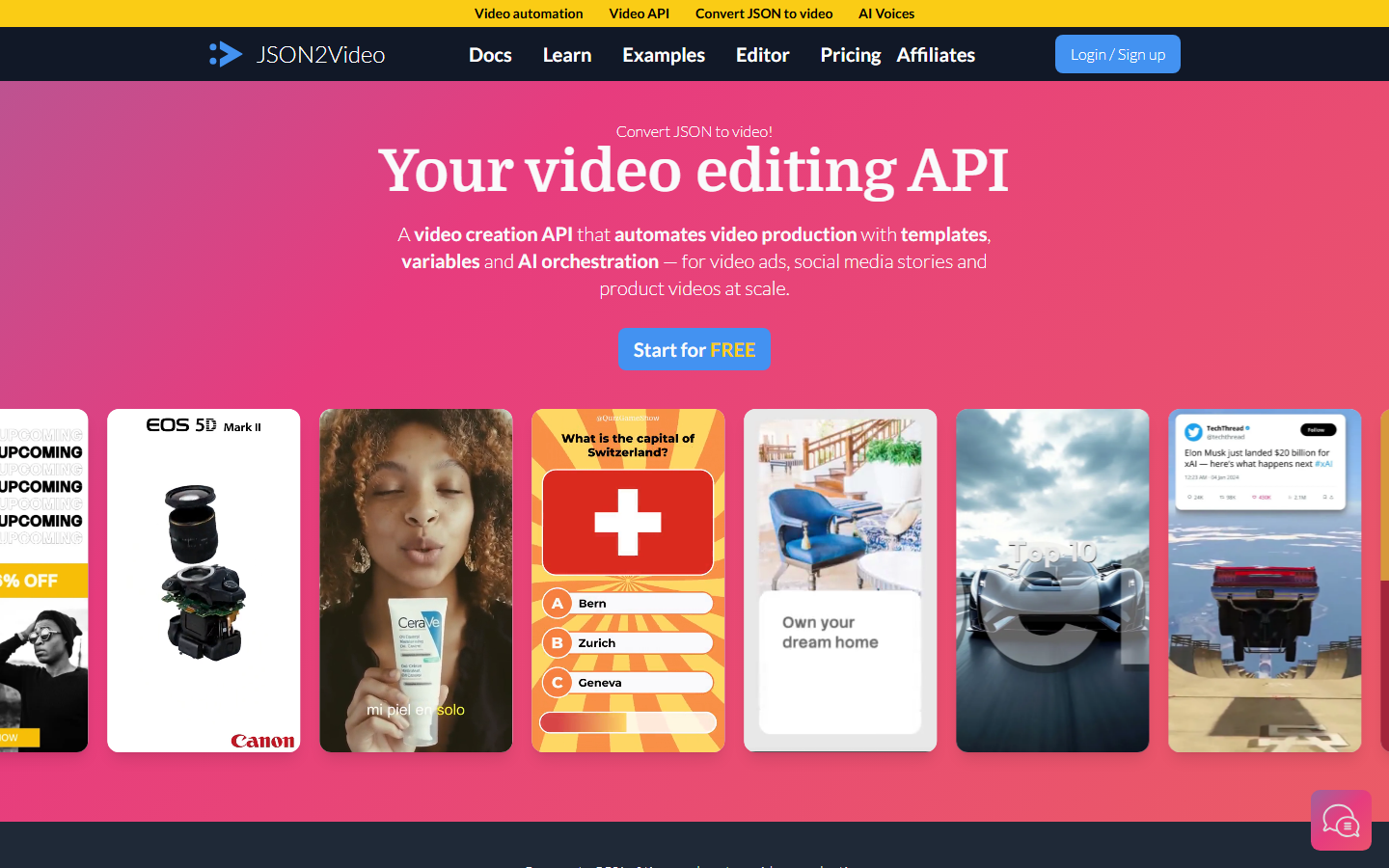
JSON2Video takes a different approach by handling the entire content pipeline in a single API call. You submit a JSON payload that describes the video structure, and the platform can generate scripts, create images, add voiceovers, insert captions, and render the final video, all server-side. This makes it particularly useful for fully automated content systems where you want minimal client-side logic. Ready-made templates target TikTok, Instagram Reels, and YouTube Shorts formats, which saves time if you are building social content pipelines.
The API accepts scene-by-scene definitions with support for transitions, text overlays, background music, and AI voiceover. Output formats include MP4, GIF, and PNG sequences.
Pricing: Free tier with limited renders. Paid plans from $25/month.
Best for: Developers building automated content factories that need script-to-video in one API call.
5. Bannerbear
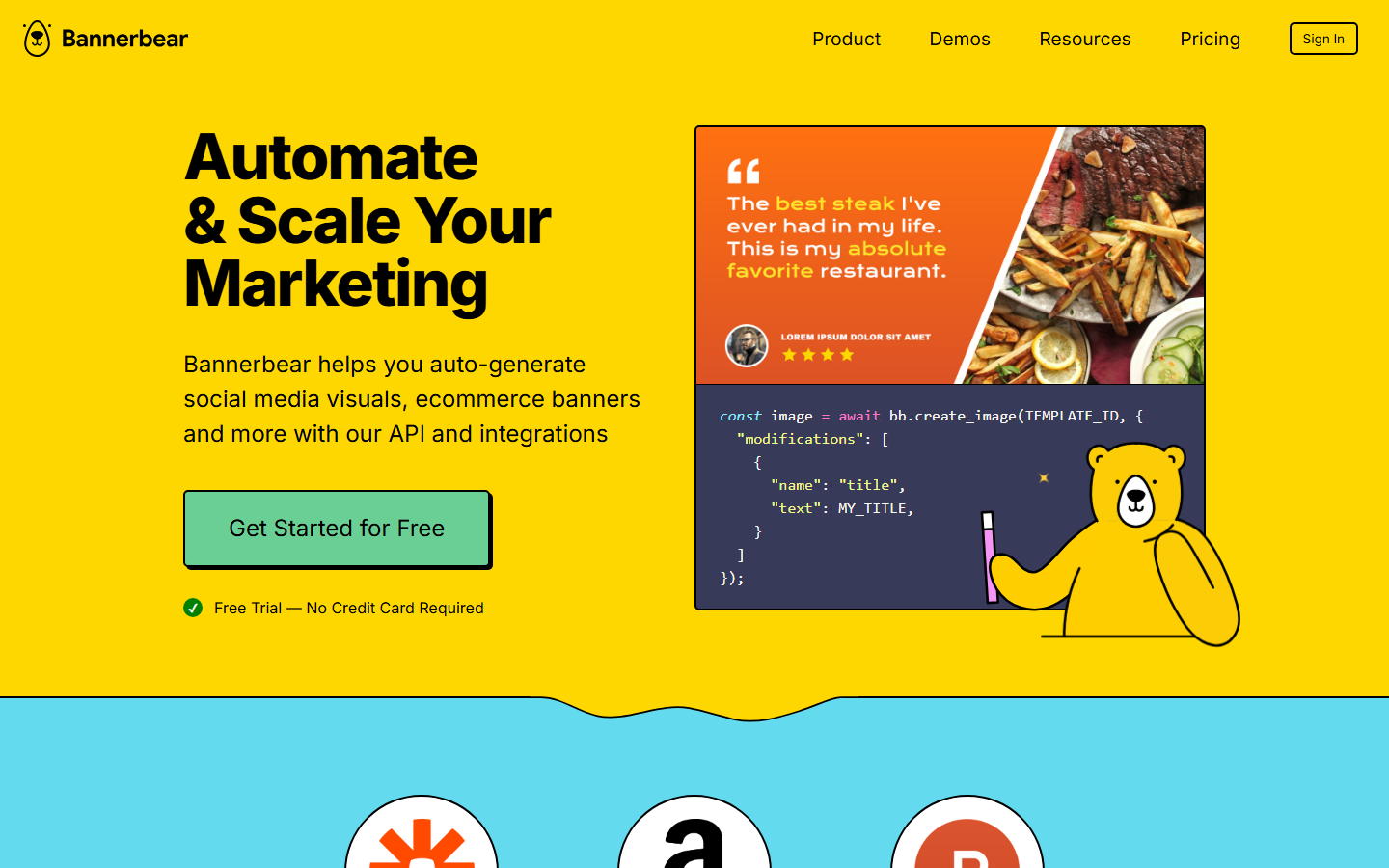
Bannerbear started as an image generation API and has expanded into video. You design templates in a drag-and-drop editor, then populate them with dynamic data via REST API calls. Features include face detection for smart photo positioning, multilingual text support (including RTL languages), and auto-resizing text layers. Integrations with Zapier, Airtable, and WordPress let non-developers trigger video generation from existing workflow tools.
Video support is more limited than dedicated video APIs. Bannerbear excels at short-form content like animated social posts, stories, and simple product showcases rather than complex multi-scene videos.
Pricing: Free trial with 30 API credits. Paid plans from $49/month.
Best for: Teams that need combined image and short video generation from a single template system.
6. Plainly Videos
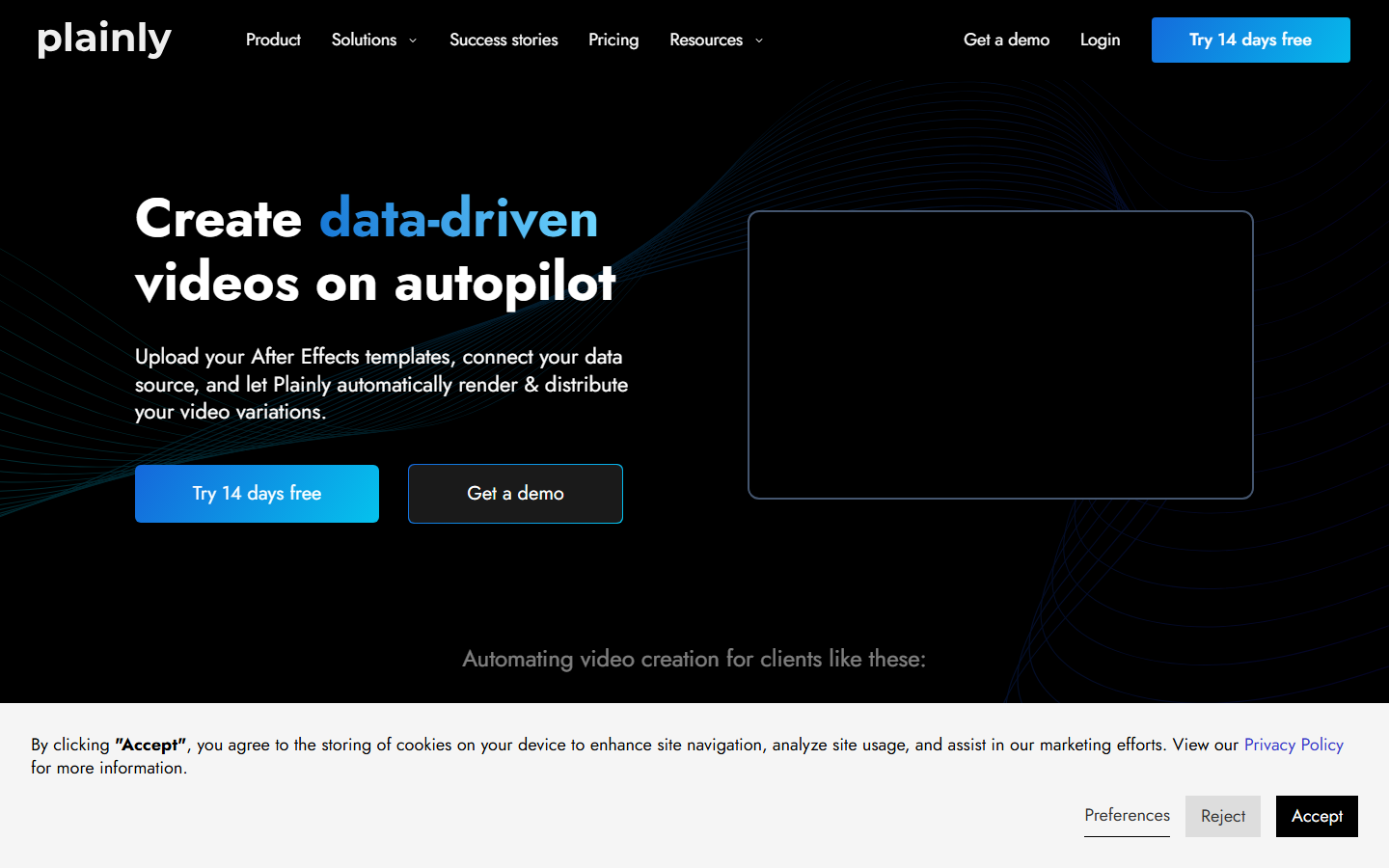
Plainly Videos is built around Adobe After Effects templates. You upload your AE project files, map dynamic parameters (text, images, colors), then call their API to render personalized video variations at scale. This is the strongest option for teams already invested in After Effects who want to automate production without changing their design workflow. The platform handles the rendering infrastructure, including font management, plugin support, and batch processing. If your team creates high-quality motion graphics in AE and needs to produce hundreds of localized variants, Plainly removes the manual render bottleneck. Some SEO-driven startup teams use this approach to scale branded video across multiple markets.
Pricing: From $59/month for 50 renders. Enterprise plans with dedicated rendering capacity available.
Best for: Motion graphics teams using After Effects who need automated, data-driven video personalization.
7. Synthesia
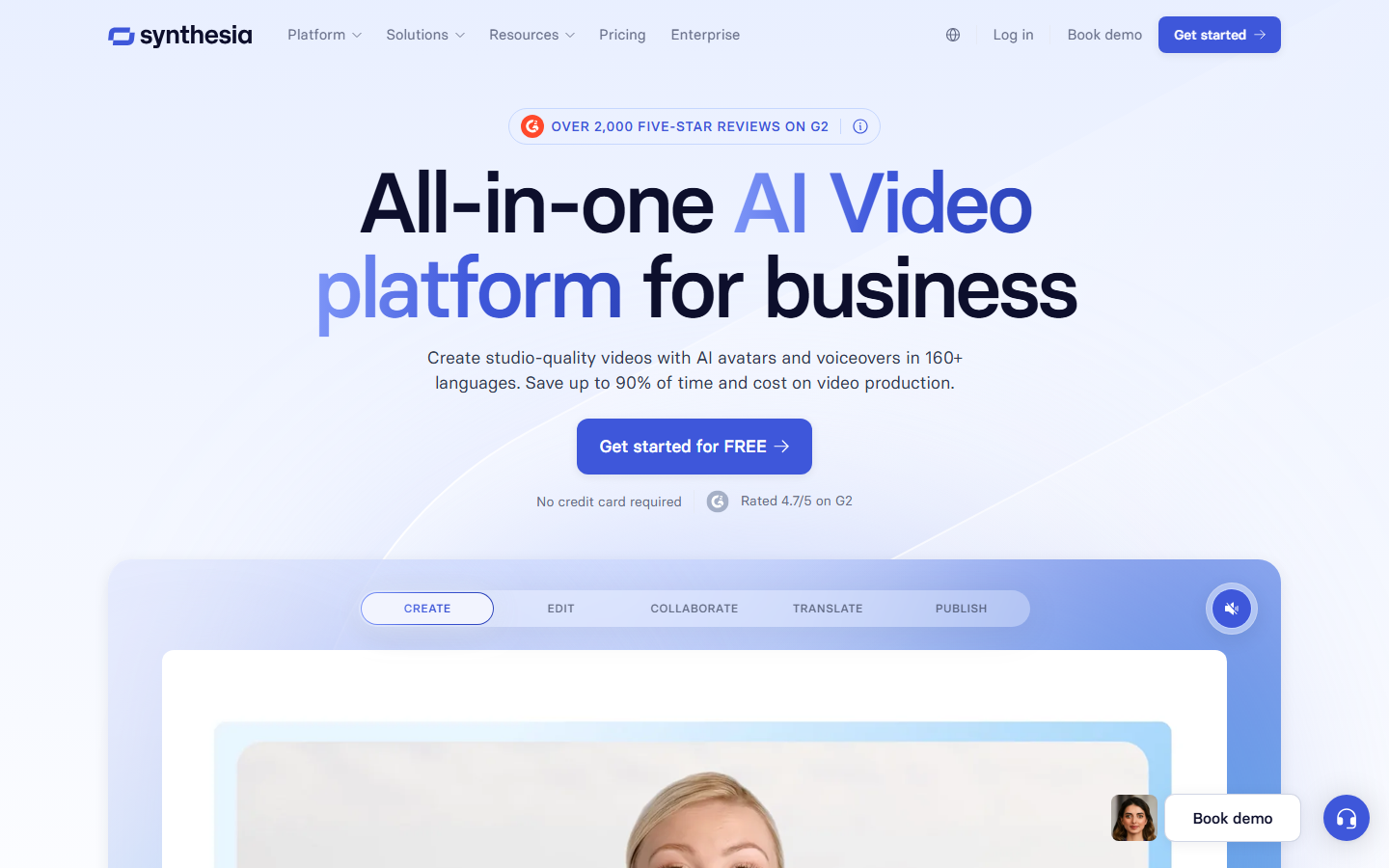
Synthesia focuses on AI avatar videos rather than template-based composition. You write a script, pick from 230+ AI avatars, select a language (140+ supported), and the platform generates a presenter-style video. The API allows programmatic video creation, which makes it useful for automated training content or customer onboarding flows.
The output quality is best suited for corporate use cases: internal training, product walkthroughs, knowledge base videos, and HR onboarding. It is not designed for creative or effects-heavy video production.
Pricing: Starts at $22/month for personal use. Business plans from $67/month. Enterprise with API access is custom-priced.
Best for: Enterprise teams producing training, onboarding, and knowledge-sharing videos from text scripts.
8. Nexrender
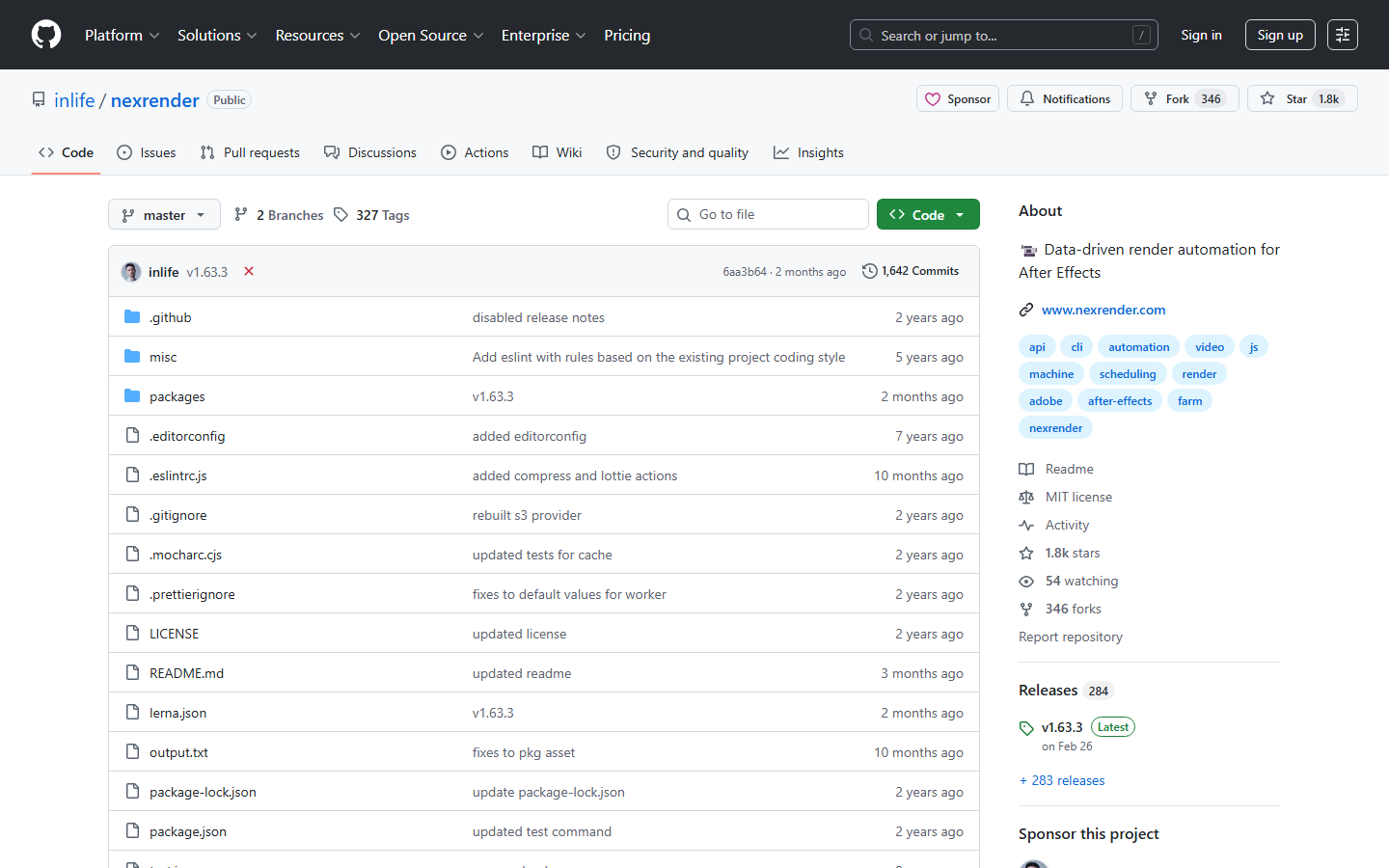
Nexrender is an open-source Node.js tool for automating After Effects renders. Unlike Plainly, you host everything yourself: the render workers, the job queue, and the storage. This gives you full control over infrastructure, data residency, and cost at scale, but requires DevOps expertise. You define jobs as JSON, pointing to an AE template and specifying asset replacements. Nexrender handles launching AE in headless mode, replacing assets, rendering, and uploading the result. For teams operating large-scale batch generation pipelines who want zero vendor lock-in, it is the only fully self-hosted option on this list.
Pricing: Free and open source. You pay for your own servers and After Effects licenses.
Best for: DevOps-capable teams who want full infrastructure control and zero vendor lock-in.
Comparison Table
| Platform | Type | API | Starting Price | Best For |
|---|---|---|---|---|
| Wireflow | AI model chaining | REST + webhooks | Free / $29/mo | Multi-model video pipelines |
| Shotstack | Template composition | REST + SDKs | $49/mo | Data-driven video assembly |
| Creatomate | Template automation | REST + no-code | $54/mo | Bulk social media content |
| JSON2Video | End-to-end pipeline | REST | $25/mo | Automated script-to-video |
| Bannerbear | Template generation | REST + integrations | $49/mo | Image + short video templates |
| Plainly Videos | AE template rendering | REST | $59/mo | After Effects automation |
| Synthesia | AI avatar videos | REST (Enterprise) | $22/mo | Training and onboarding |
| Nexrender | AE headless rendering | CLI / Node.js | Free (OSS) | Self-hosted AE pipelines |
How to Choose the Right Platform
The decision depends on what kind of video you are producing and how your engineering team operates.
If you need AI-generated creative video (text-to-image-to-video, style transfer, multi-model pipelines), Wireflow gives you the most flexibility through its node-based canvas and API execution model.
If you need deterministic template rendering from structured data (e.g., real estate listings, sports stats, e-commerce product videos), Shotstack or Creatomate are the strongest choices.
If you need avatar/presenter videos from scripts, Synthesia is purpose-built for that use case.
If you need full infrastructure control and are willing to manage your own servers, Nexrender gives you zero vendor dependency at the cost of operational overhead.
Try it yourself: Build this workflow in Wireflow - the nodes are pre-configured with the exact text-to-image-to-video setup discussed above. Or jump straight to the Wireflow API docs to start building your own pipeline.
FAQ
What is programmatic video generation?
Programmatic video generation is the process of creating videos through code or APIs rather than manual editing. You define the video structure, content, and parameters in a machine-readable format (JSON, API calls, or node graphs), and the platform renders the final output automatically.
Can I use these tools for free?
Most platforms offer a free tier or trial. Wireflow includes 50 free daily executions. Shotstack provides a free sandbox with watermarked output. JSON2Video and Bannerbear also offer limited free tiers. Nexrender is fully free and open source.
What is the difference between template-based and AI video generation?
Template-based tools (Shotstack, Creatomate, Plainly) use pre-designed compositions where you swap dynamic content. AI video generation tools use machine learning models to create new visual content from text or image prompts. Wireflow bridges both approaches by letting you chain AI models into reusable pipelines.
Which tool is best for developers?
Wireflow and Shotstack both offer strong developer experiences. Wireflow provides a visual canvas for designing workflows that become API endpoints. Shotstack provides detailed SDKs in multiple languages. Your choice depends on whether you need AI model orchestration or deterministic template rendering.
How do webhooks work with video generation APIs?
Webhooks let you receive notifications when a video render completes, instead of polling the API. Wireflow supports webhook triggers that start workflow executions without requiring an API key, making them ideal for connecting to external services like Zapier or CI/CD pipelines.
What video formats do these platforms support?
MP4 is universally supported. Most platforms also offer WebM, GIF, and MOV. Aspect ratios typically include 16:9 (landscape), 9:16 (portrait/stories), and 1:1 (square). Check each platform's docs for codec-specific options like H.264 vs H.265.
Can I chain multiple AI models in one video pipeline?
Wireflow is specifically designed for this. You connect nodes on a canvas (e.g., text input, image generator, video model, audio model) and the platform executes them in sequence, passing outputs between nodes. Other tools on this list focus on single-step rendering rather than multi-model orchestration.
How do rate limits work for video generation APIs?
Each platform enforces rate limits differently. Wireflow caps at 10 executions per minute across all tiers (to prevent automation overload) but scales daily limits from 50 (Free) to unlimited (Enterprise). Shotstack and Creatomate use credit-based systems where each render consumes credits based on video length and resolution.
Would you rather we just built it?
We get on a call, learn your style, build the workflow, and ship the deliverables on a schedule. You keep the workflow either way.