Sora 2 turned OpenAI's text-to-video model into something developers can actually ship with, but getting reliable API access to it is still messier than it should be. Official access runs through OpenAI's videos endpoint at $0.10 to $0.50 per second of output, while a growing layer of gateways and orchestration platforms wrap the same model with better pricing, queuing, or multi-model pipelines. Wireflow sits in that last category: a node-based canvas where Sora-style video generation is one step in a larger API-driven workflow rather than a single endpoint you call in isolation. This guide ranks the seven Sora API tools worth evaluating in 2026.
Quick Summary
- Wireflow: node-based canvas plus REST API for chained video pipelines. Best Overall
- OpenAI Sora API: the official source, first-party reliability. Best Direct Access
- Replicate: pay-per-run model hosting with simple SDKs. Best for Prototyping
- fal.ai: low-latency inference infrastructure for generative media. Best Performance
- OpenRouter: unified gateway with retries and provider fallback. Best Multi-Provider Routing
- CometAPI: 500+ models behind one OpenAI-compatible key. Best Model Coverage
- AI/ML API: single API for chat, image, and video models. Best Budget Gateway
How We Ranked These Tools
The ranking below weighs four things: how the tool exposes video generation programmatically, what a 10-second clip actually costs once you account for retries and failed generations, how well it handles the async polling pattern that video APIs force on you, and whether it can do anything beyond a single model call. Most teams shipping AI video generation in production end up needing more than one model, so multi-step support counts.
For a deeper breakdown of how these platforms compare on workflow features specifically, see the Sora API feature page, which covers the canvas-side setup in more detail.
1. Wireflow: Best Overall

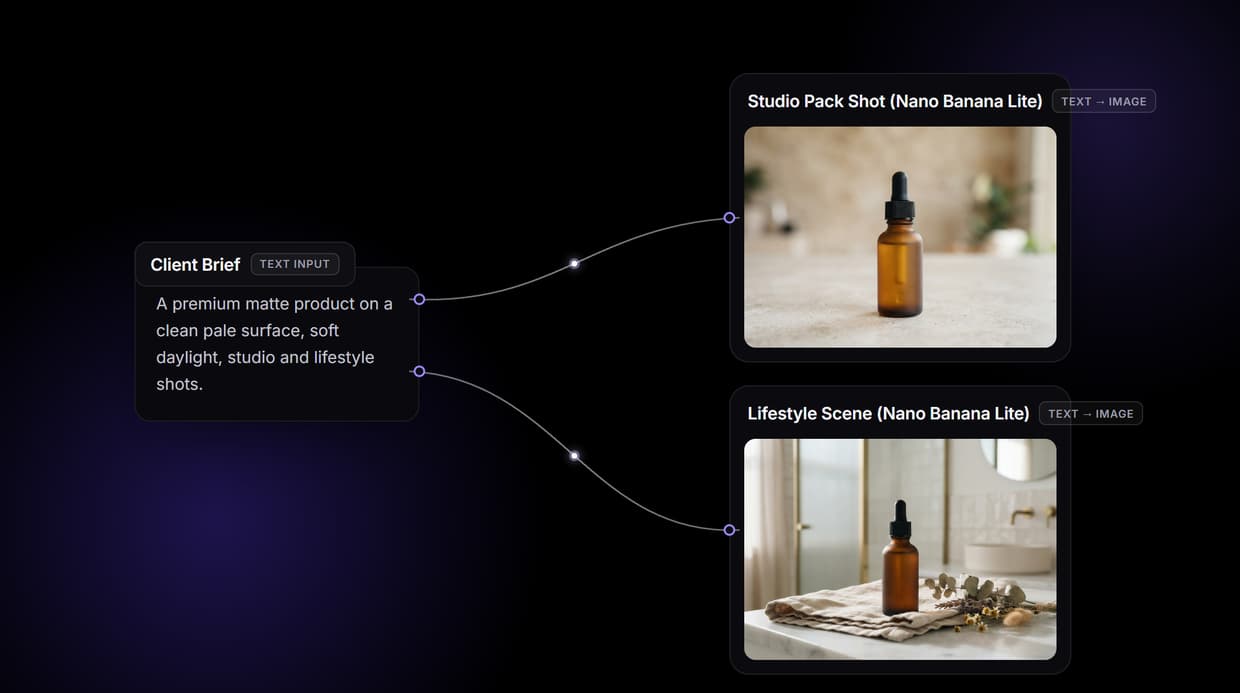
Wireflow approaches the Sora API problem from the pipeline side. Instead of calling one video endpoint and handling everything else yourself, you build a node-based video generation graph on a visual canvas: a prompt node feeds an image model for the first frame, that frame feeds a video model, and an upscaler or background step runs after. The whole graph is then callable as a single REST endpoint.
That structure matters for Sora-style work because raw text-to-video output is rarely the final asset. Production teams typically generate a styled keyframe first, then animate it, which is exactly the kind of AI video pipeline that is painful to hand-roll with three separate vendor SDKs and three different polling loops.
Pricing is usage-based with no per-seat licensing, and you can cap spend per workflow, which is useful when a misconfigured loop could otherwise burn through video credits at several dollars per clip. Full details are on the pricing page.
Pros: multi-model chaining, one API for the whole pipeline, visual debugging of each node's output, spend caps. Cons: not a raw Sora reseller; if you only ever need one bare model call, a direct endpoint is simpler.
2. OpenAI Sora API: Best Direct Access
OpenAI's Sora API is the canonical option: first-party access to sora-2 and sora-2-pro through the videos endpoint, with the same async create-then-poll pattern OpenAI uses elsewhere. Official pricing lands around $0.10 per second for the standard model and up to $0.50 per second for pro-tier output, so a 10-second clip runs $1 to $5. That is the same cost structure we covered when looking at Veo 3.1 API pricing, and it makes batch experimentation expensive fast.
The trade-offs are predictable: strictest content moderation of any option on this list, regional availability gaps, and no built-in fallback if a generation fails or queues. You get the best model fidelity and the most stable contract, and you pay list price for it.
Pros: first-party reliability, best documentation, pro tier for higher fidelity. Cons: list pricing, strict moderation, single-vendor lock-in.
3. Replicate: Best for Prototyping
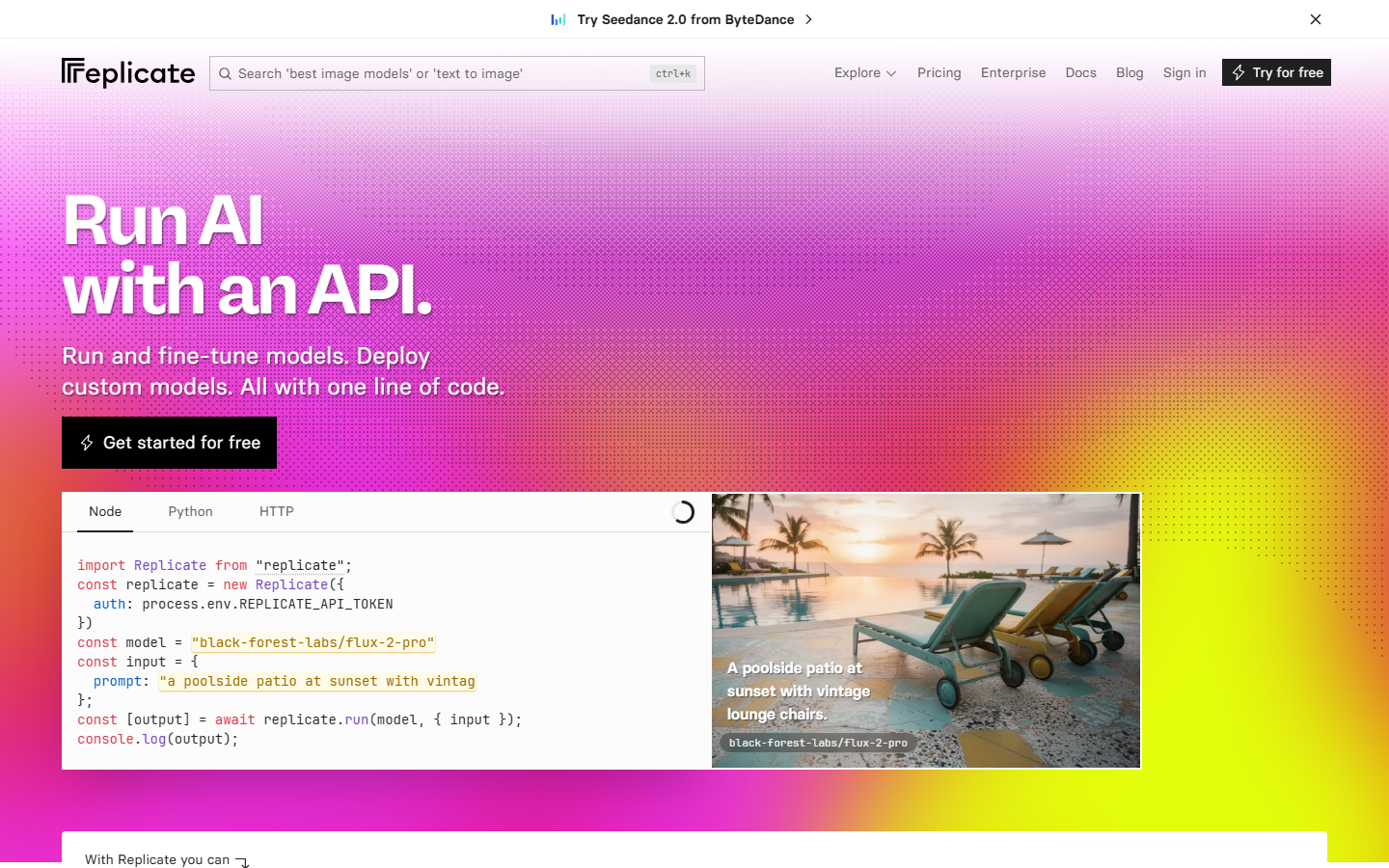
Replicate hosts thousands of models behind a uniform run-and-poll API, including Sora alongside competing video models like Kling and Wan. The appeal is speed of iteration: one SDK, one auth pattern, and you can swap the model string to benchmark Sora against alternatives in an afternoon, much like the swap-and-compare approach in our Kling AI API guide.
Pay-per-run pricing with no subscription makes it the lowest-friction way to test whether Sora output fits your use case before committing. Cold starts and queue times can bite during peak hours, which is the main reason teams graduate off it for latency-sensitive production loads.
Pros: huge model catalog, simple pricing, fastest path to a working prototype. Cons: cold-start latency, less control over infrastructure.
4. fal.ai: Best Performance
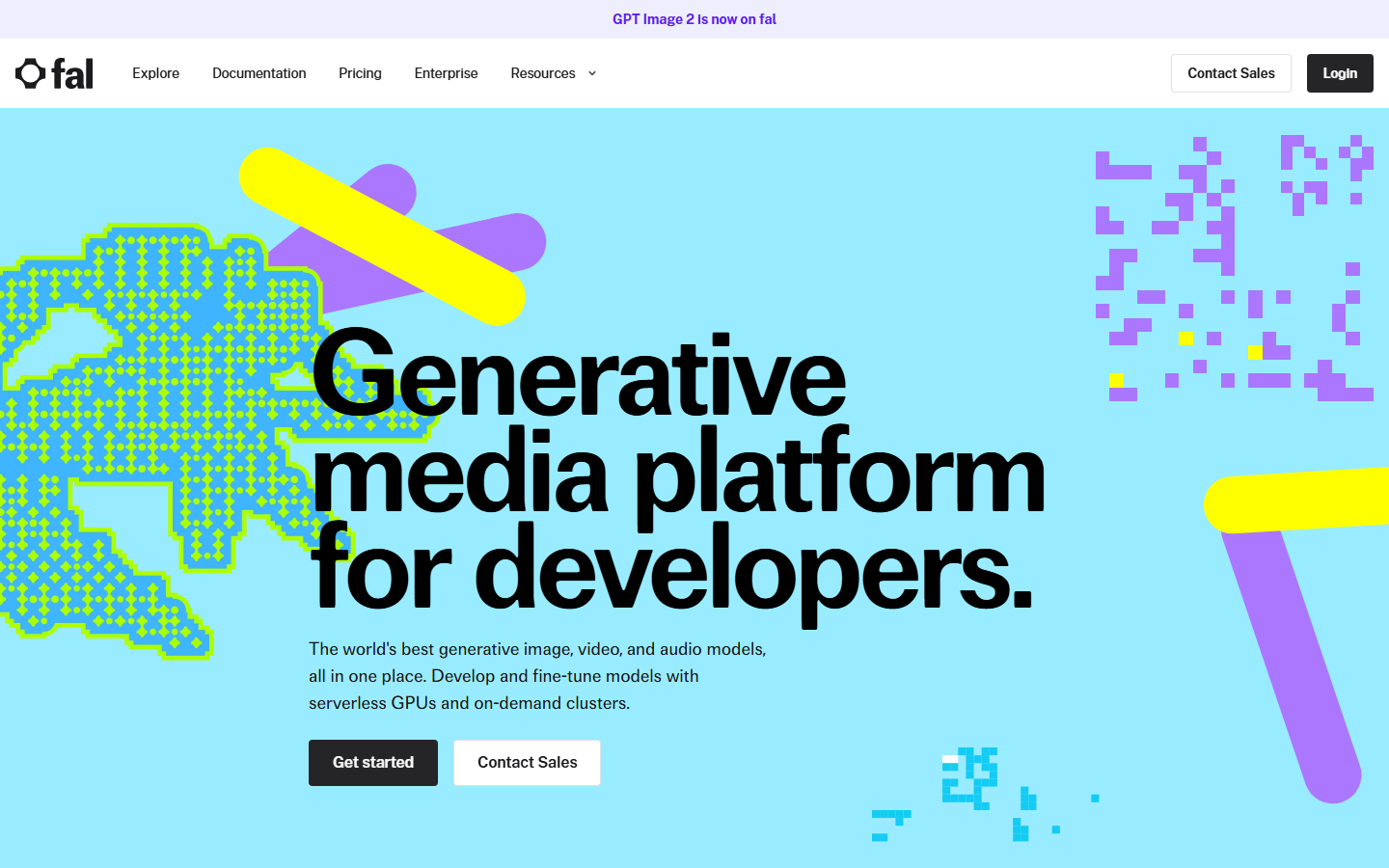
fal.ai focuses narrowly on generative media inference and it shows: queue-based execution with websocket status updates, consistently low time-to-first-result, and clean per-model pricing. Its catalog covers the major video models plus the image models you need for first-frame workflows, similar to the endpoints we used in the Flux Pro API examples.
For developers who want raw infrastructure rather than a platform, fal is arguably the best engineered option on this list. You still own the orchestration problem: chaining an image step into a video step means writing and maintaining that glue code yourself.
Pros: excellent latency, reliable queue system, strong media-model catalog. Cons: no orchestration layer, you build the pipeline logic.
5. OpenRouter: Best Multi-Provider Routing
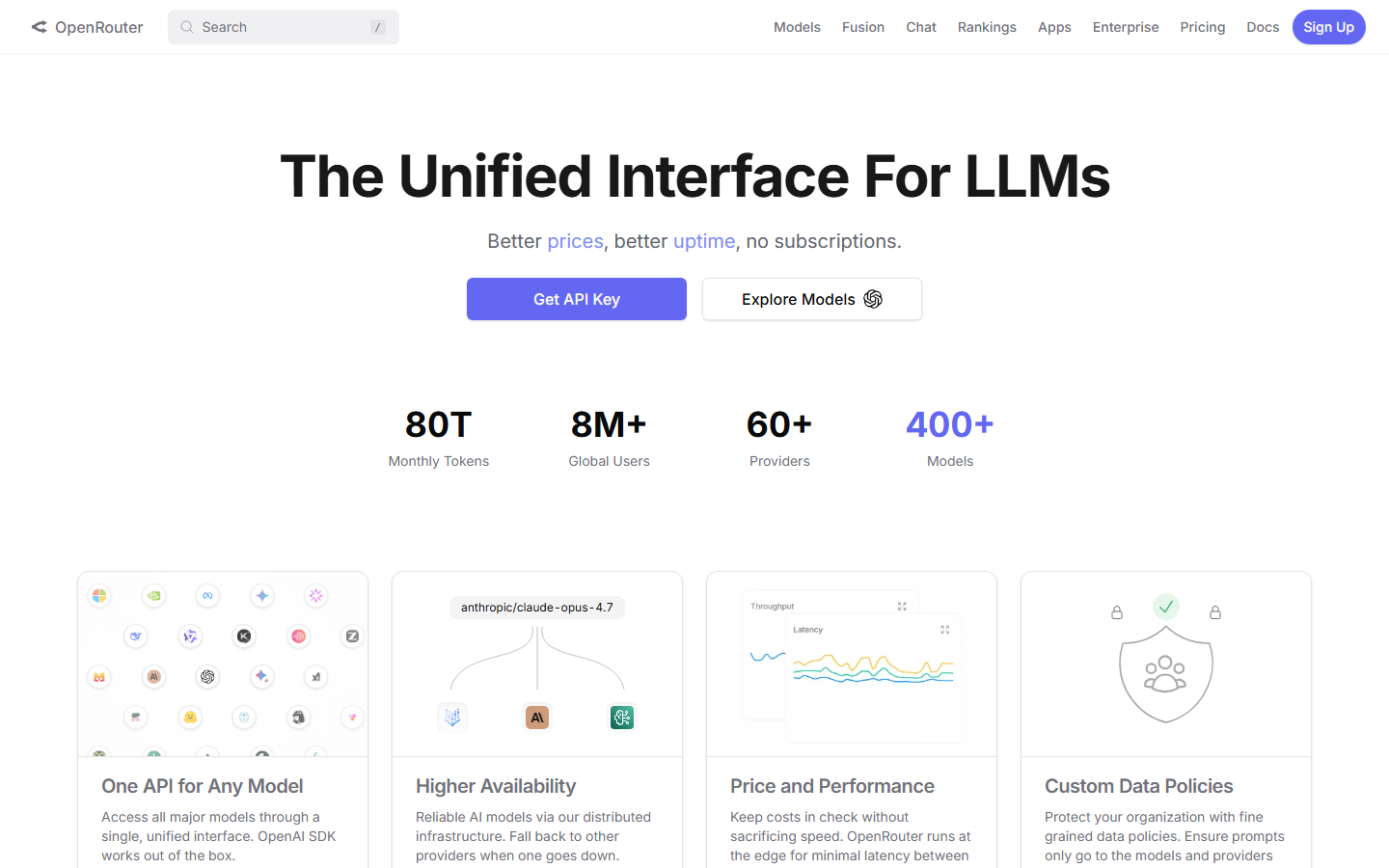
OpenRouter made its name as an LLM gateway and now lists Sora 2 Pro with the same machinery: automatic retries, provider fallback, and unified billing across vendors. If your stack already routes chat completions through OpenRouter, adding video means one more model string rather than a new vendor integration, a pattern that fits the gateway tier in our comparison of AI orchestration APIs for production apps.
Video is newer territory for OpenRouter than text, so expect a thinner feature surface around video-specific concerns like frame interpolation parameters or reference-image inputs compared to media-native platforms.
Pros: retries and fallback built in, single bill across providers, familiar API shape. Cons: video support is younger than its LLM core, fewer media-specific knobs.
6. CometAPI: Best Model Coverage
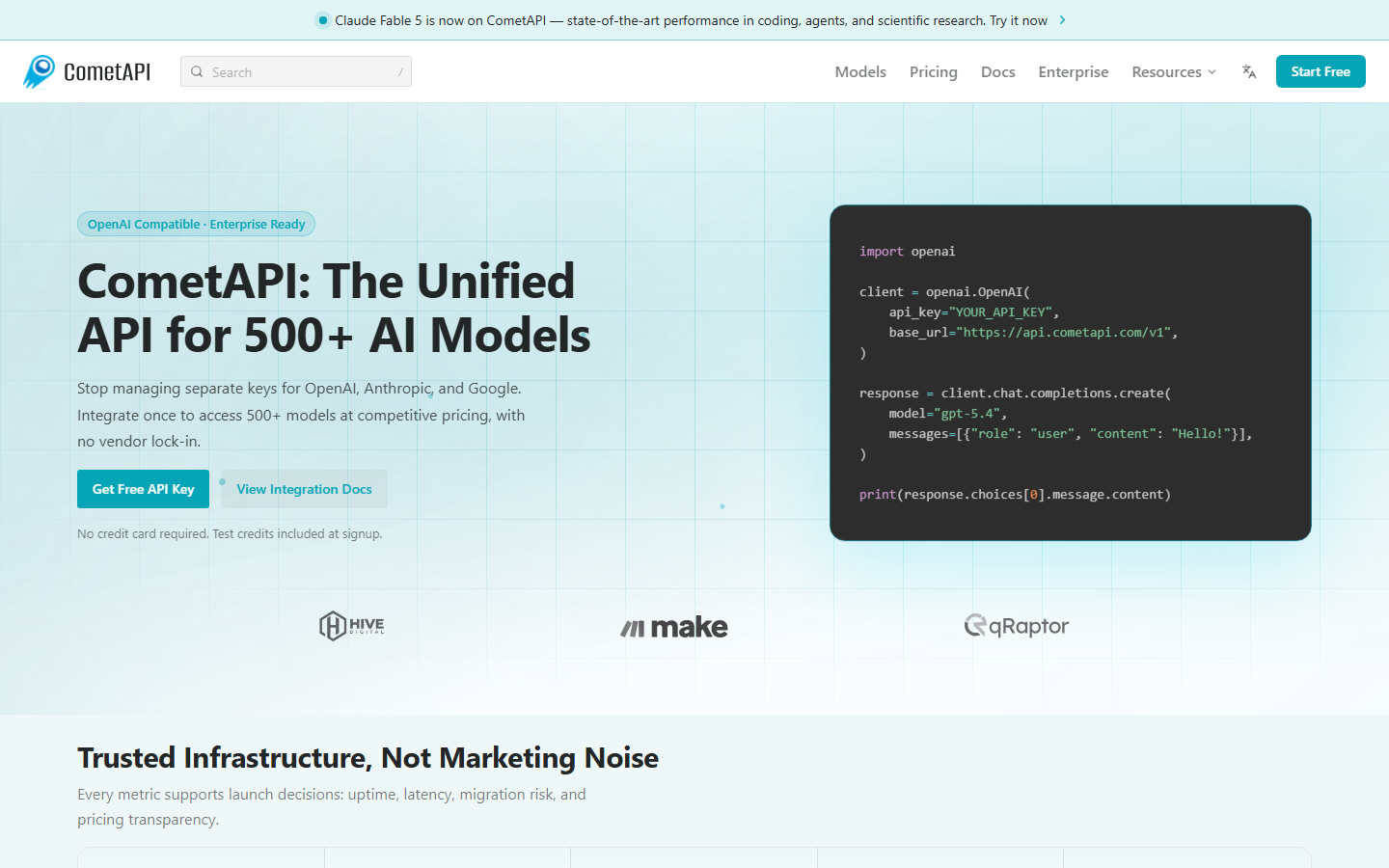
CometAPI aggregates 500+ models behind one OpenAI-compatible key, including Sora access at below-list pricing. For teams that want one vendor relationship covering chat, image, and video, the consolidation argument is real, and it is the same buying logic we examined in our roundup of the best AI APIs for developers.
The caveat with any relay-style provider is that you inherit their uptime and their relationship with the upstream model. Pricing advantages can shift when OpenAI changes its own rates, so treat quoted per-video discounts as current-quarter facts rather than durable guarantees.
Pros: broad catalog, OpenAI-compatible SDK shape, competitive pricing. Cons: relay dependency, pricing stability tied to upstream changes.
7. AI/ML API: Best Budget Gateway
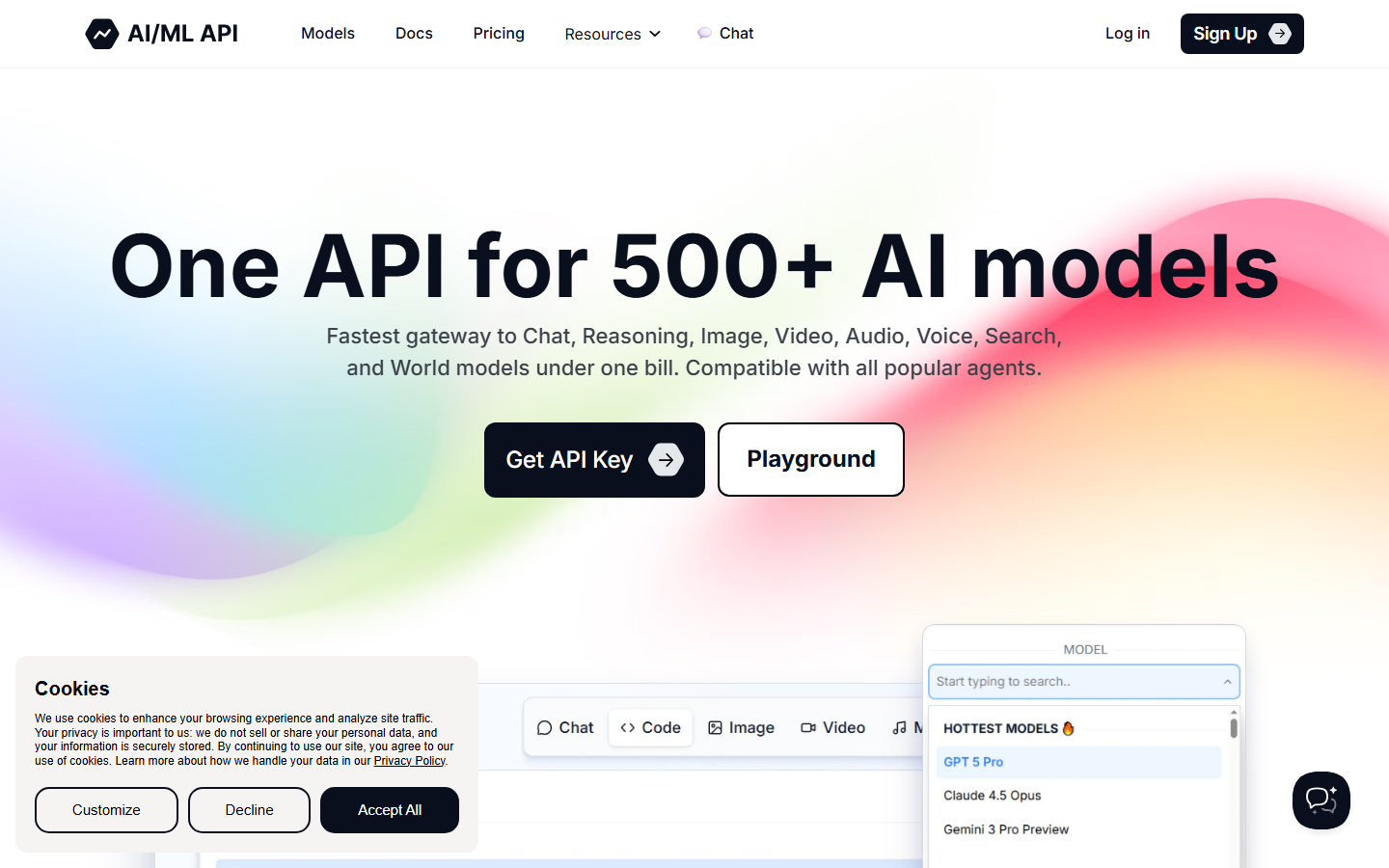
AI/ML API sells a single API for several hundred models across chat, image, video, and audio, with aggressive entry pricing and a free tier for evaluation. It is a sensible default for indie developers and early-stage products where the monthly AI bill matters more than p95 latency, the same audience served by usage-based AI API pricing models generally.
As with CometAPI, you are buying convenience and price rather than infrastructure depth. Documentation quality varies by model, and video endpoints get less polish than the chat ones.
Pros: low cost, free evaluation tier, wide model selection. Cons: thinner docs on video endpoints, less production tooling.
Comparison Table
| Tool | Type | Sora Pricing Model | Multi-Model Pipelines | Best For |
|---|---|---|---|---|
| Wireflow | Workflow platform + API | Usage-based, spend caps | Yes, native | Production video pipelines |
| OpenAI Sora API | First-party API | $0.10–$0.50/sec | No | Direct, official access |
| Replicate | Model hosting | Pay per run | No | Prototyping and benchmarks |
| fal.ai | Inference infra | Per-model pricing | No | Latency-sensitive apps |
| OpenRouter | API gateway | Provider passthrough | No | Multi-provider stacks |
| CometAPI | API relay | Discounted per video | No | One-vendor consolidation |
| AI/ML API | API gateway | Low-cost tiers | No | Budget-constrained teams |
How to Choose

Start from the shape of your output, not the vendor. If you need single clips from text prompts and nothing else, official access or a cheap gateway covers it. If your clips need consistent styling, first-frame control, upscaling, or branching logic, you need orchestration, and bolting that onto a bare endpoint costs more engineering time than it looks like up front. Spend controls matter too: video is the most expensive generation type per call, so platforms with per-workflow spend limits reduce the blast radius of a buggy retry loop.
Try it yourself: Build this workflow in Wireflow: a text prompt generates a cinematic first frame with Flux 2 Pro, then Kling 2.5 animates it into video. The nodes are pre-configured with the exact setup discussed above.
FAQ
Is there an official Sora API?
Yes. OpenAI exposes Sora 2 and Sora 2 Pro through its videos endpoint, with async job creation and polling. Enterprise customers can also access it via the Azure OpenAI preview.
How much does the Sora API cost in 2026?
Official pricing runs roughly $0.10 per second of output for the standard model and $0.30 to $0.50 per second for the pro tier, so a typical 10-second clip costs between $1 and $5. Third-party relays advertise flat per-video rates below that.
Are third-party Sora API resellers safe to use?
Reputable gateways route through official infrastructure and are fine for most workloads, but you inherit their uptime and their upstream relationship. For anything contractual or compliance-sensitive, use official access.
Can I chain Sora output with other AI models?
Not through the official API alone; it returns a finished video and nothing else. Chaining a generated first frame into a video model, then into an upscaler, requires an orchestration layer or a workflow platform that handles inter-step data passing.
What is the best free way to test Sora-style video generation?
OpenAI discontinued free Sora access in January 2026, so the cheapest evaluation paths are pay-per-run platforms like Replicate or gateways with free tiers like AI/ML API, where a handful of test clips costs a few dollars.
Does Sora support image-to-video?
Sora 2 accepts reference inputs, but many production teams get more control by generating the first frame with a dedicated image model and animating it with an image-to-video model like Kling or Veo, which accept an explicit start frame.
How do I handle Sora API rate limits in production?
Use a queue with exponential backoff, cap concurrent generations, and set hard spend limits. Gateways like OpenRouter add automatic retries; workflow platforms enforce per-pipeline budgets so a stuck loop cannot run unbounded.
Sora vs Kling vs Veo: which video API should I build on?
Sora leads on prompt adherence for complex scenes, Veo on photorealism and audio, Kling on cost-efficient image-to-video. Most teams benchmark all three on their own prompts; the differences are workload-specific.
Conclusion
The official Sora API is the right call when you need one model, first-party terms, and predictable behavior. Gateways like OpenRouter, CometAPI, and AI/ML API make sense when price or multi-vendor consolidation drives the decision, and Replicate or fal.ai win for fast iteration on raw endpoints. When video generation is one step in a larger product rather than the whole product, Wireflow's pipeline approach saves the most engineering time; the Seedance API roundup covers the same trade-off from another model's perspective if you want a second data point before deciding.
Would you rather we just built it?
We get on a call, learn your style, build the workflow, and ship the deliverables on a schedule. You keep the workflow either way.