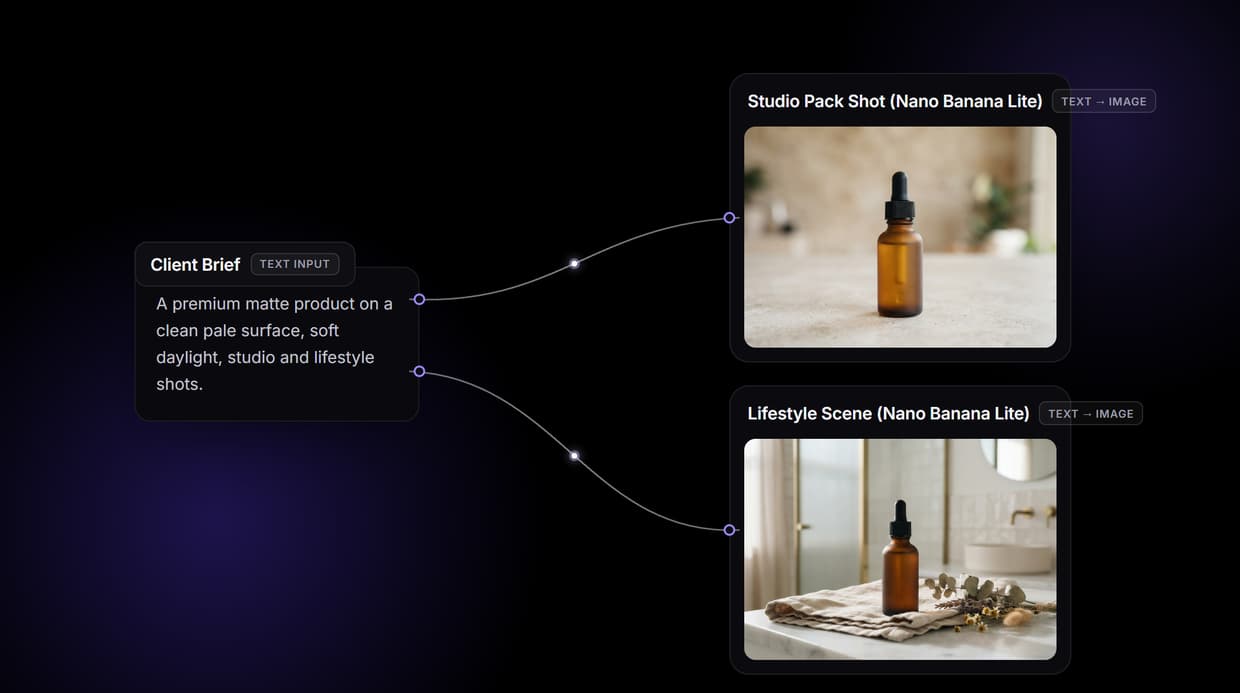
Google's Veo 3.1 is the latest text-to-video and image-to-video model available through both the Gemini API and Vertex AI, and it represents a significant step forward in API-accessible video generation. Wireflow already supports Veo 3.1 as a native node, so you can chain it with other AI models in a single workflow and call the entire pipeline from one REST endpoint. This guide covers everything you need to integrate Veo 3.1 into your stack: endpoint structure, request and response shapes, pricing per second, and working code examples you can copy and run today. You can also line up video models side by side and pick the best clip for each shot.
For a hands-on look at Veo 3.1 running inside a visual workflow, check out the Google Veo API feature page where you can test it directly in the browser.
What Veo 3.1 Offers Over Previous Versions
Veo 3.1, released on March 23, 2026, ships two model variants: a Standard tier for maximum visual fidelity and a Fast tier optimized for lower latency and cost. Both variants generate video with synchronized audio by default, which was an optional add-on in Veo 3. Resolution reaches up to 1080p, and supported durations range from 5 to 8 seconds per generation call. The model accepts text prompts, optional start-frame images, and negative prompts to steer output away from unwanted elements. Compared to Veo 3, the 3.1 release improves temporal consistency across frames, reduces flickering artifacts, and produces more natural camera movements when prompted for pans, dollies, or tracking shots. These improvements matter most for AI video pipeline use cases where clips need to match a consistent visual style.
Veo is one option when you swap the video model behind one API, moving between Veo, Kling, and Seedance without changing the call.
API Access: Gemini API vs Vertex AI
Google exposes Veo 3.1 through two surfaces, each suited to different deployment contexts. Choosing the right one depends on your authentication model, billing setup, and whether you need AI pipeline automation at enterprise scale.
Gemini API (ai.google.dev)
The Gemini API is the simpler path. Authentication uses a single API key passed as a query parameter or header. The base URL is https://generativelanguage.googleapis.com/v1beta. This is the best choice for prototyping, solo developers, and applications that don't require Google Cloud project-level IAM controls.
Available model IDs:
veo-3.1-generate-preview(Standard quality)veo-3.1-fast-generate-preview(Fast, lower cost)
Vertex AI (cloud.google.com)
Vertex AI requires a Google Cloud project with billing enabled and uses OAuth 2.0 or service account credentials. The base URL follows the pattern https://LOCATION-aiplatform.googleapis.com/v1/projects/PROJECT_ID/locations/LOCATION/publishers/google/models/MODEL_ID. This surface is better for production workloads that need audit logging, VPC Service Controls, and integration with other Google Cloud services. If you are building an AI video workflow that processes hundreds of clips per day, Vertex AI gives you the governance controls to manage it.
Available model IDs:
veo-3.1-generate-001(Standard)veo-3.1-fast-generate-001(Fast)

Pricing Breakdown
Veo 3.1 bills per second of generated video. Audio generation is included in all tiers at no extra charge.
| Model Variant | Per-Second Cost | 5s Video | 8s Video |
|---|---|---|---|
| Veo 3.1 Standard | $0.40 | $2.00 | $3.20 |
| Veo 3.1 Fast | $0.15 | $0.75 | $1.20 |
| Veo 3 (previous gen) | $0.50 | $2.50 | $4.00 |
For teams that prefer subscription billing, Google offers tiered plans. The AI Plus plan at $7.99/month provides basic access. The Pro plan at $19.99/month includes 1,000 credits, where a 10-second Standard video consumes roughly 125 credits, working out to about $0.16 per second equivalent. For high-volume production, pay-per-use through the API is usually more predictable. Compare these costs against other video generation options on the Wireflow pricing page to see how Veo 3.1 fits into a multi-model budget.

Code Examples
Text-to-Video with curl (Gemini API)
curl -s "https://generativelanguage.googleapis.com/v1beta/models/veo-3.1-generate-preview:predictLongRunning" \
  -H "x-goog-api-key: $GEMINI_API_KEY" \
  -H "Content-Type: application/json" \
  -X POST \
  -d '{
    "instances": [{
      "prompt": "A drone shot tracking along a coastal cliff at golden hour. Waves crash against dark rocks below. Camera moves steadily forward, revealing a lighthouse in the distance."
    }]
  }'
This returns an operation name you can poll for completion. The async pattern mirrors what most long-running Google APIs use.
Polling for Results
curl -s "https://generativelanguage.googleapis.com/v1beta/${OPERATION_NAME}" \
  -H "x-goog-api-key: $GEMINI_API_KEY"
When the operation completes, the response includes a base64-encoded video or a Google Cloud Storage URI, depending on your configuration. Poll with exponential backoff starting at 1 second and capping at 10 seconds between attempts.
Text-to-Video with Python (Vertex AI)
import requests
import time

PROJECT_ID = "your-project-id"
LOCATION = "us-central1"
MODEL_ID = "veo-3.1-generate-001"

url = (
    f"https://{LOCATION}-aiplatform.googleapis.com/v1/"
    f"projects/{PROJECT_ID}/locations/{LOCATION}/"
    f"publishers/google/models/{MODEL_ID}:predictLongRunning"
)

headers = {
    "Authorization": f"Bearer {ACCESS_TOKEN}",
    "Content-Type": "application/json"
}

payload = {
    "instances": [{
        "prompt": "Close-up of rain droplets hitting a glass window. "
                  "City lights blur in the background. Slow motion."
    }],
    "parameters": {
        "aspectRatio": "16:9",
        "sampleCount": 1
    }
}

response = requests.post(url, json=payload, headers=headers)
operation = response.json()

# Poll until complete
while not operation.get("done"):
    time.sleep(3)
    poll_url = f"https://{LOCATION}-aiplatform.googleapis.com/v1/{operation['name']}"
    operation = requests.get(poll_url, headers=headers).json()

video_uri = operation["response"]["videos"][0]["uri"]
print(f"Video ready: {video_uri}")
This approach works well when you are building a no-code AI canvas backend that generates videos on demand for end users.
Image-to-Video (Start Frame)
You can pass an image as the first frame to guide video generation. This is useful for product demos, animated thumbnails, or extending a still into motion. The model accepts a base64-encoded image or a Cloud Storage URI in the image field alongside the text prompt.
curl -s "https://generativelanguage.googleapis.com/v1beta/models/veo-3.1-generate-preview:predictLongRunning" \
  -H "x-goog-api-key: $GEMINI_API_KEY" \
  -H "Content-Type: application/json" \
  -X POST \
  -d '{
    "instances": [{
      "prompt": "The camera slowly zooms out, revealing more of the scene",
      "image": {
        "bytesBase64Encoded": "'$(base64 -w0 start-frame.png)'"
      }
    }]
  }'
This pattern pairs well with AI model chaining, where you generate a still image with Flux or Imagen first, then pass it to Veo 3.1 for animation.

Practical Tips for Better Results
- Be specific about camera movement. Prompts like "slow dolly forward" or "steady tracking shot left to right" produce more controlled output than vague instructions.
- Use negative prompts. Add
"negativePrompt": "blurry, distorted faces, flickering"to steer the model away from common artifacts. - Start with Fast, upgrade to Standard. Use
veo-3.1-fast-generate-previewfor iteration and switch to the Standard model for final renders. This cuts experimentation costs by 60%. - Batch through a pipeline. If you are generating multiple clips for a project, run them through an AI video generator pipeline rather than calling the API sequentially. Parallel execution with proper rate limiting is more efficient.
Error Handling and Rate Limits
The Veo 3.1 API returns standard HTTP status codes. A 200 on the initial request means the operation was accepted, not that the video is ready. Common error codes include 400 for malformed prompts (prompts exceeding 1,000 characters or containing unsupported characters), 429 for rate limiting, and 500 for transient server errors. When you receive a 429, the response includes a Retry-After header indicating how many seconds to wait before retrying.
Google enforces per-project quotas that vary by billing tier. Free-tier accounts are limited to roughly 5 video generations per minute, while paid accounts on Vertex AI can request higher limits through the Cloud Console quota page. For applications that process user-submitted prompts, validate input length and content before sending the request to avoid wasting quota on requests that will fail. Wrapping the generate-and-poll loop in a retry function with a maximum attempt count (typically 3 retries) prevents infinite loops when the API experiences intermittent issues. Logging the operation ID from every request makes debugging failed generations significantly easier, especially when working with batch AI generation pipelines that run dozens of concurrent jobs.
Integrating Veo 3.1 with Wireflow's API
Instead of managing raw API calls, polling loops, and file storage yourself, you can run Veo 3.1 as a node inside a Wireflow workflow. The Wireflow REST API lets you execute any published workflow with a single POST request:
curl -X POST https://www.wireflow.ai/api/v1/workflows/YOUR_WORKFLOW_ID/execute \
  -H "Authorization: Bearer sk-your-api-key" \
  -H "Content-Type: application/json" \
  -d '{ "nodes": [...], "edges": [] }'
Poll for results at /api/v1/workflows/executions/{executionId}/poll. The execution response includes the generated video URL directly in the node outputs, with no separate file retrieval step. Rate limits follow Wireflow's standard tiers, with the Pro plan supporting 60 requests per minute and 1,000 daily executions.
Try it yourself: Visit the
Wireflow workflow API documentationto set up your own Veo 3.1 text-to-video workflow and execute it from a single REST endpoint.
Frequently Asked Questions
How much does Veo 3.1 cost per video?
The Standard model costs $0.40 per second and the Fast model costs $0.15 per second. A typical 8-second video costs between $1.20 (Fast) and $3.20 (Standard), with audio generation included at no extra charge.
What is the difference between Veo 3.1 Standard and Fast?
Standard produces higher visual fidelity with better temporal consistency and more detailed textures. Fast trades some quality for lower latency and a 60% cost reduction, making it better for prototyping and iterative prompt testing.
Can I generate videos longer than 8 seconds?
A single API call supports up to 8 seconds. For longer videos, you can chain multiple generations by using the last frame of one clip as the start frame of the next, though visual consistency across clips may vary.
Which API surface should I use for production?
Vertex AI is recommended for production workloads because it supports IAM roles, audit logging, VPC Service Controls, and service account authentication. The Gemini API is simpler but better suited to prototyping and smaller-scale projects.
Does Veo 3.1 support image-to-video generation?
Yes. You can pass a start-frame image alongside your text prompt. The model will animate from that frame, which is useful for product demos, animated thumbnails, and extending stills into motion clips.
How do I handle rate limits when generating many videos?
Use exponential backoff starting at 1 second between poll requests, capping at 10 seconds. For batch workloads, spread requests across time windows and monitor the Retry-After header on 429 responses. Running through a workflow orchestrator like Wireflow handles retry logic and parallelization automatically.
Can I use Veo 3.1 through third-party providers?
Yes. Providers like OpenRouter, fal.ai, and Replicate offer Veo 3.1 access at varying price points, typically ranging from $0.10/second (Fast without audio) to $0.50/second. Pricing and availability differ by provider.
What output formats does Veo 3.1 return?
The API returns video as either a base64-encoded MP4 or a Google Cloud Storage URI, depending on your configuration. Resolution reaches up to 1080p with a 16:9 aspect ratio by default, though 9:16 (portrait) and 1:1 (square) are also supported.
Would you rather we just built it?
We get on a call, learn your style, build the workflow, and ship the deliverables on a schedule. You keep the workflow either way.