Best AI Canvas with REST API Tools in 2026

In this article▾
If you're building AI-powered applications that need both a visual design surface and programmatic control, Wireflow combines a drag-and-drop node canvas with a full REST API, letting you design workflows visually and execute them from any codebase. But it's not the only option. This guide compares the top platforms that pair an interactive canvas with REST API access so you can pick the right one for your stack.
Quick Summary
- Wireflow - Best overall: visual node canvas + full REST API with webhook triggers
- Figma - Best for design systems: canvas editing via MCP server and plugin API
- Fal.ai - Best for AI model access: 100+ models with REST endpoints and a lightweight canvas
- Canva - Best for non-technical teams: template canvas with Connect API
- WaveSpeedAI - Best for model variety: 600+ AI models accessible through REST
- Orshot - Best for batch rendering: template-based canvas with rendering API
1. Wireflow

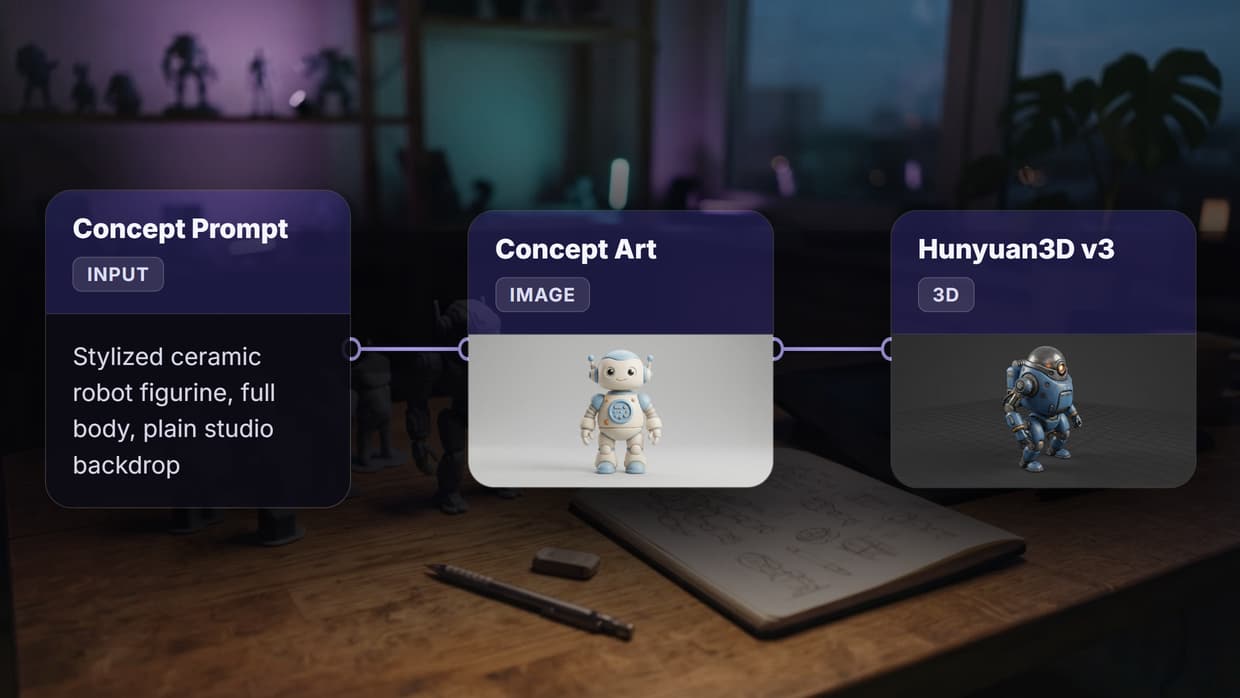
Wireflow is a visual node editor that lets you chain AI models on a drag-and-drop canvas and then call the entire pipeline through a REST API. You build workflows by connecting input nodes to model nodes (Flux 2, Imagen 4, Kling 2.5, and 150+ others), test them in the browser, and ship them as API endpoints.
For a hands-on look at this in action, check out the AI Canvas API feature page.
API highlights:
POST /api/v1/workflows/{id}/executestarts a run and returns anexecutionIdGET /api/v1/workflows/executions/{id}/pollreturns status and node outputs- Webhook triggers (
POST /workflow/{webhookId}/trigger) require no API key, so you can fire workflows from forms, Zapier, or CI pipelines - Idempotency keys prevent duplicate executions on retry
- Rate limits scale from 10 req/min (free) to 200 req/min (enterprise)
curl -X POST https://www.wireflow.ai/api/v1/workflows/YOUR_ID/execute \
  -H "Authorization: Bearer sk-your-api-key" \
  -H "Content-Type: application/json" \
  -d '{"nodes": [...], "edges": []}'
Best for: Developers who want a no-code AI canvas for prototyping and a production-grade API for deployment.
Build this in Wireflow
Make the same kind of asset on a canvas you control, with a free account and no credit card.
2. Figma
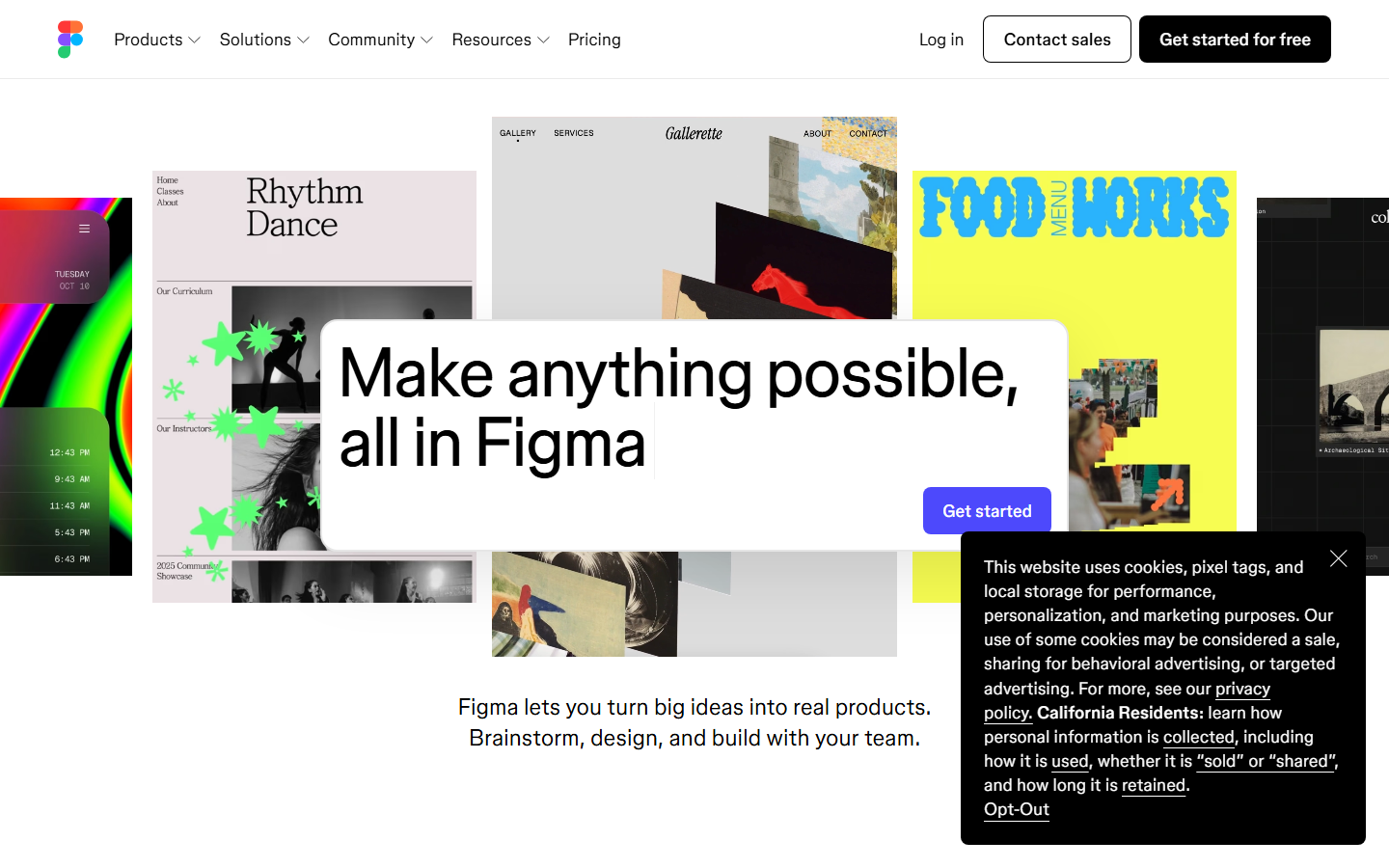
Figma's canvas is the industry standard for UI design, and in 2026 it opened that canvas to AI agents via an official MCP server. Agents can now read design tokens, create frames, apply auto layouts, and extract component metadata without manual plugin development. The REST API covers file reads, image exports, comments, and component introspection.
API highlights:
- File API returns full node trees in JSON
- Image export endpoints render frames as PNG, SVG, or PDF
- The MCP server adds write access: create frames, update text, manage variables
- OAuth 2.0 authentication with granular scopes
- Webhook support for file-change events
Limitations: Figma's REST API is read-heavy. Write operations still depend on plugins or the newer MCP integration, which is in beta. There's no built-in AI model execution; you pair it with a separate AI pipeline for generation tasks.
Best for: Design teams that need programmatic access to their canvas for design-ops automation.
3. Fal.ai
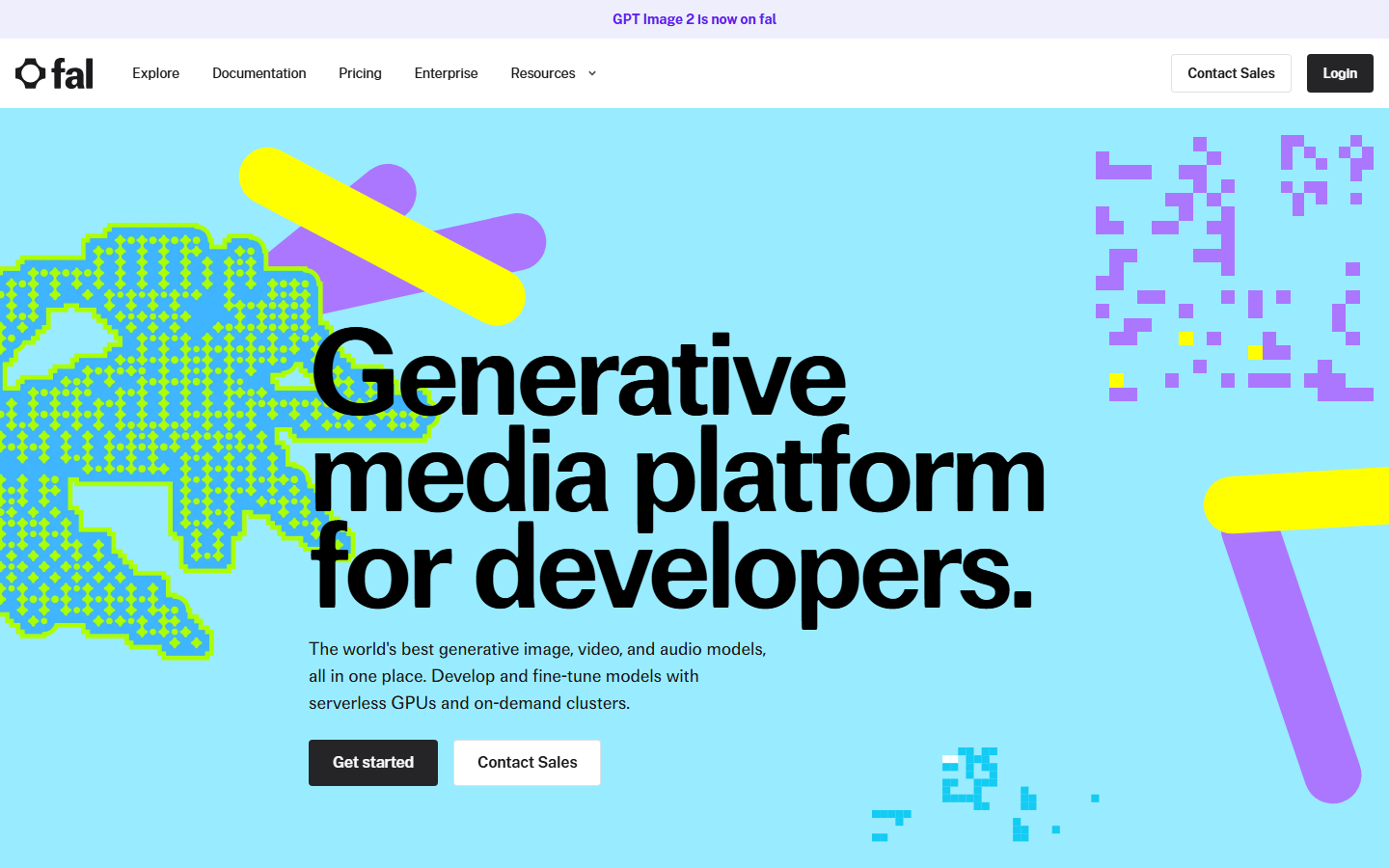
Fal.ai pairs a lightweight canvas UI with fast REST endpoints for over 100 AI models. The canvas lets you experiment with image generation, inpainting, and video models interactively, then grab the equivalent API call to integrate into your app. Their model gallery covers Flux, Stable Diffusion, ControlNet, and more.
API highlights:
- Queue-based execution: submit a job, poll for results, or use webhooks for completion callbacks
- Sub-second cold starts on popular models
- Pay-per-second billing with no idle charges
- Client libraries for Python, JavaScript, and Swift
- Structured JSON responses with direct CDN links for generated media
Limitations: The canvas is a testing surface, not a full workflow builder. You can't chain models visually or create multi-step pipelines without writing code. For multi-model orchestration, you'd layer Fal's API behind your own logic or pair it with a workflow tool.
Best for: Developers who want fast, direct API access to a wide catalog of AI models with a try-before-you-code canvas.
4. Canva
Canva's canvas is the most widely used visual design tool for non-technical users, and its 2026 Connect API plus MCP-compatible AI Connector give developers programmatic access. You can create designs from templates, swap out brand assets, export in multiple formats, and trigger AI-assisted edits. The API approach works well for marketing automation where you need branded visuals at scale.
API highlights:
- Connect API for creating, reading, and exporting designs
- MCP Connector lets AI agents call Canva tools directly from LLM workflows
- Template-based design creation with dynamic field replacement
- Brand kit enforcement across API-generated content
- Export to PNG, PDF, MP4, and GIF
Limitations: Canva's API is focused on design assets, not AI model execution. You can't run image generation or video synthesis models through their API. The canvas is template-driven rather than node-based, so complex AI workflows need external tooling.
Best for: Marketing teams automating branded content creation through a familiar canvas interface.
5. WaveSpeedAI
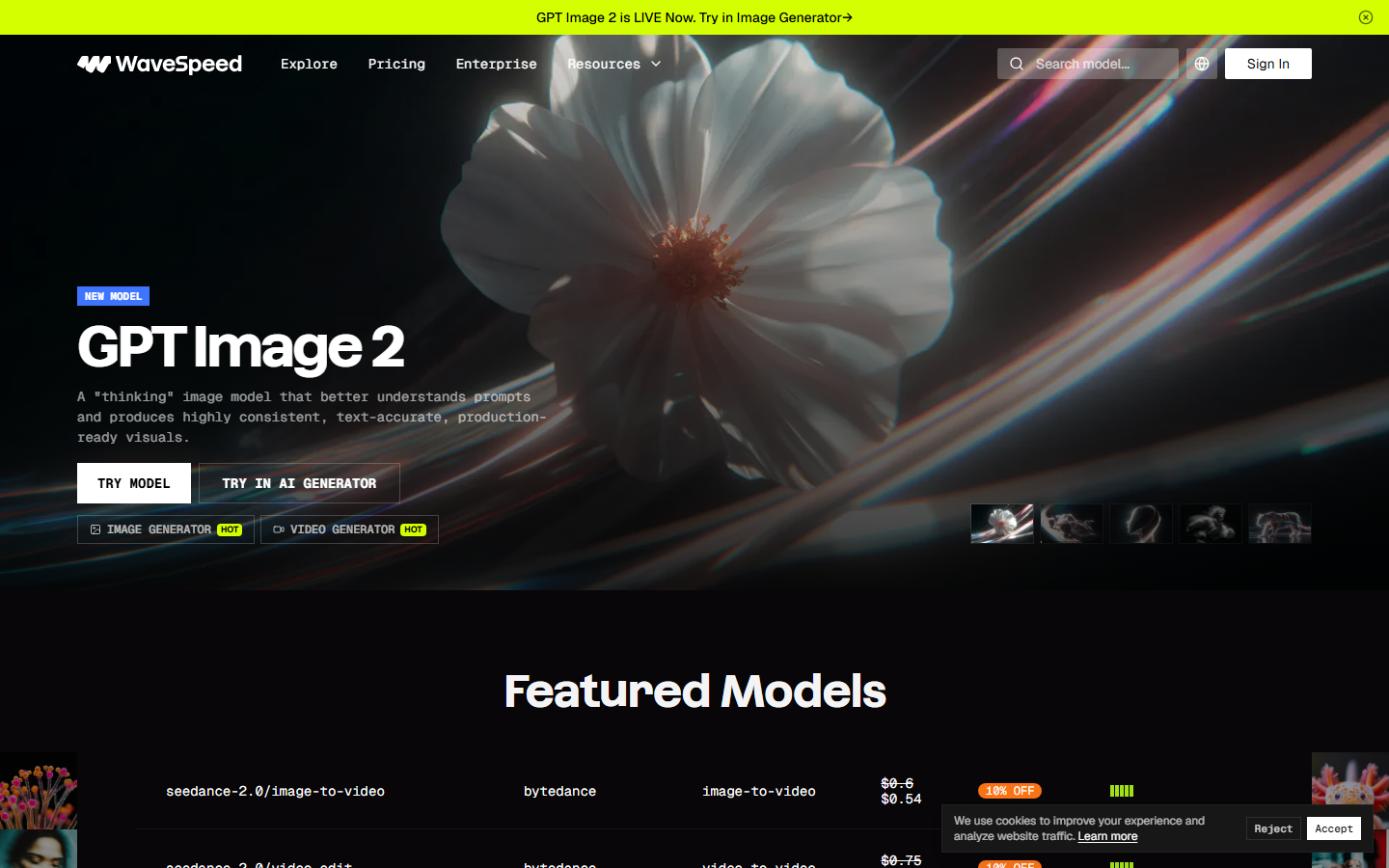
WaveSpeedAI offers 600+ AI models through a unified REST API with a playground canvas for testing prompts and parameters. The platform emphasizes speed, with claims of sub-second inference on many image generation models. Their headless approach focuses on API-first access rather than visual workflow building.
API highlights:
- Unified endpoint structure across all 600+ models
- Queue and webhook patterns for async execution
- Playground UI for testing prompts before writing integration code
- Python and JavaScript SDKs
- Pay-per-use pricing with volume discounts
Limitations: The canvas is a playground, not a workflow builder. There's no visual node editor for chaining models or defining multi-step automation pipelines. You write the orchestration logic in your own code.
Best for: Developers who need a large model catalog with consistent API patterns and a quick test canvas.
6. Orshot
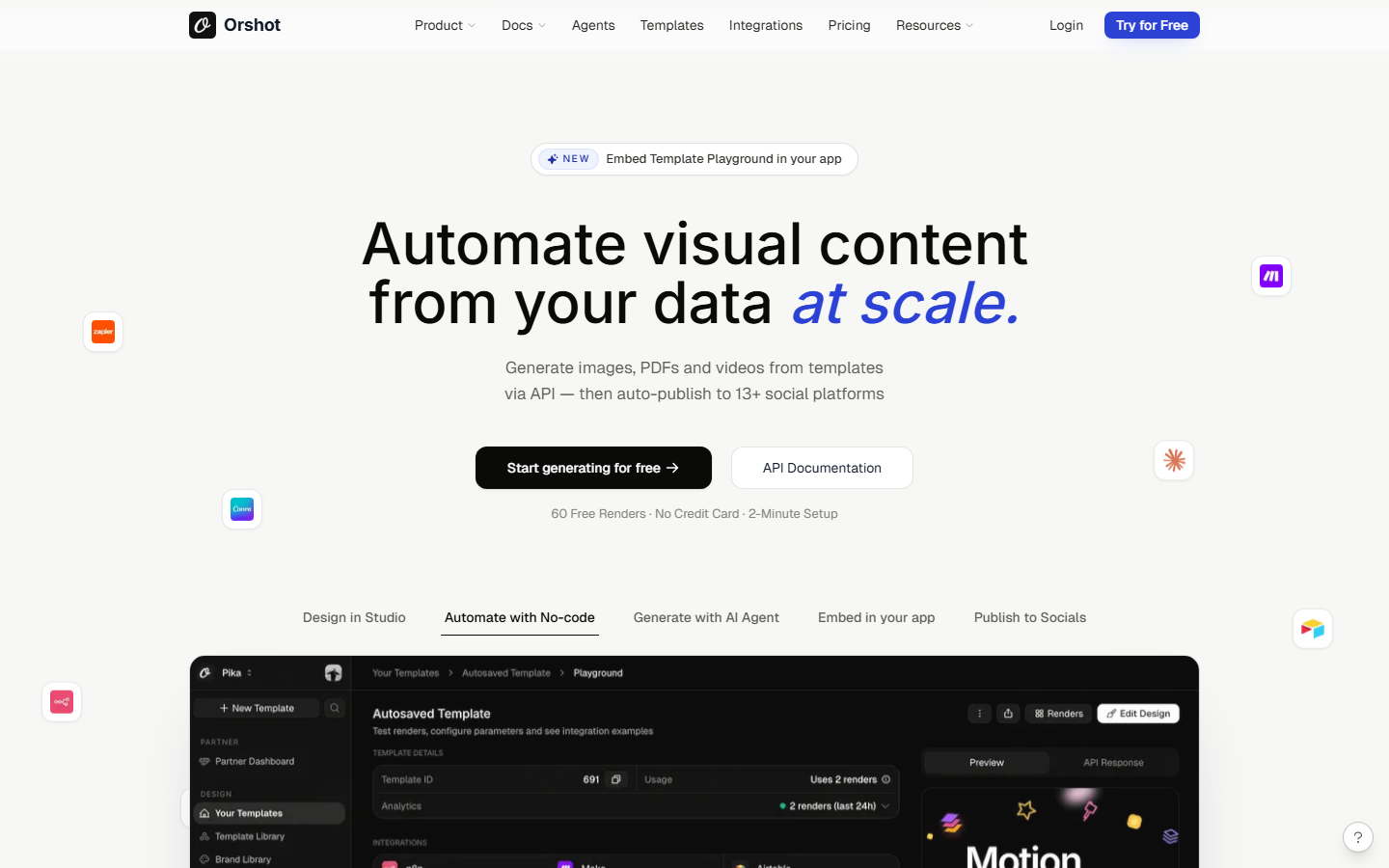
Orshot combines a template-based canvas editor with a rendering API built for batch generation. You design a template on the canvas with dynamic fields (text, images, colors), then hit the API to render hundreds or thousands of variations. It's purpose-built for social media graphics, product images, and ad creatives at scale.
API highlights:
- Template rendering via REST: pass field values, get back a rendered image
- Batch endpoint for generating many variations in a single call
- MCP integration for AI agent access to template rendering
- Social media publishing built into the pipeline
- Webhook callbacks on render completion
Limitations: Orshot is a template renderer, not a general-purpose AI canvas. It doesn't support arbitrary model chaining or workflow logic. The AI features assist with design suggestions, not with running external AI models via model chaining.
Best for: Teams that need to render thousands of branded graphics from templates via API.
Comparison Table
| Platform | Canvas Type | REST API | AI Model Execution | Multi-Step Workflows | Webhooks | Pricing Model |
|---|---|---|---|---|---|---|
| Wireflow | Node-based editor | Full CRUD + execute | 150+ models | Yes (visual) | Yes | Free tier + usage |
| Figma | Design canvas | Read + export | No | No | Yes | Per-seat |
| Fal.ai | Model playground | Queue-based | 100+ models | No (code only) | Yes | Pay-per-second |
| Canva | Template editor | Connect API | Limited | No | No | Subscription |
| WaveSpeedAI | Playground | Unified REST | 600+ models | No (code only) | Yes | Pay-per-use |
| Orshot | Template editor | Render API | Design AI only | No | Yes | Per-render |
How to Choose the Right Tool
The right platform depends on what "canvas" and "API" mean for your use case. If you need to visually build multi-model AI pipelines and expose them as endpoints, a workflow canvas like Wireflow fits. If you're automating design asset production, Canva or Orshot's template canvases work better. If you just need fast model access with a test surface, Fal.ai or WaveSpeedAI deliver that without the workflow layer.
Consider these factors:
- Model execution needs: Do you need to run AI models through the API, or just manage design assets?
- Pipeline complexity: Do you chain multiple models, or run single-model calls?
- Team composition: Are your users developers, designers, or marketing ops?
- Scale requirements: How many API calls per minute do you need at production scale?
Try it yourself: Open this sample workflow on Wireflow to see a pre-configured text-to-image pipeline in action, or read the Wireflow API documentation to start integrating directly.
FAQ
What is an AI canvas with REST API?
An AI canvas with REST API is a platform that combines a visual design or workflow interface (the canvas) with programmatic HTTP endpoints (the REST API). You build or design visually, then trigger the same operations from code using standard HTTP requests. That is the model Wireflow uses as a MimicPC alternative for teams: the canvas hosts the models as nodes, and every workflow you build is callable as a REST endpoint and an MCP tool.
Can I use these tools without coding?
Most of these platforms offer a visual canvas that requires no coding for basic tasks. The REST API layer is optional and designed for developers who want to automate or integrate canvas operations into their applications.
Which tool has the most AI models available?
WaveSpeedAI advertises 600+ models, making it the largest catalog. Wireflow offers 150+ models with the added benefit of visual model chaining. Fal.ai provides 100+ models with fast inference times.
Are webhooks supported across all platforms?
Wireflow, Figma, Fal.ai, WaveSpeedAI, and Orshot all support webhooks in some form. Canva's API currently relies on polling rather than webhook callbacks for most operations.
What authentication methods do these APIs use?
Most platforms use Bearer token authentication. Wireflow uses API keys prefixed with sk-. Figma uses OAuth 2.0. Canva uses OAuth for its Connect API. Fal.ai and WaveSpeedAI use API key headers.
Can I chain multiple AI models in a single API call?
Wireflow is the only platform on this list that supports visual multi-model chaining with single-call execution. Other platforms require you to orchestrate multi-model workflows in your own code, calling each model's endpoint sequentially.
What are the rate limits for these APIs?
Rate limits vary by plan. Wireflow ranges from 10 req/min (free) to 200 req/min (enterprise). Most platforms offer higher limits on paid tiers. All of them return standard rate limit headers so you can implement backoff logic.
Is there a free tier available?
Wireflow, Fal.ai, and WaveSpeedAI offer free tiers with limited usage. Figma has a free plan for individual use. Canva offers a free plan with limited API access. Orshot provides a trial period for API testing.

Co-Founder & Operations at Wireflow
Runs client operations and content strategy at Wireflow. Works directly with creative teams and agencies to build production AI workflows.
- Content Strategy
- Client Operations
Get unlimited ad creatives today.
One call to see if we are a fit and scope the first ad. If it fits, your first batch lands inside week one.