Best Fal AI Alternatives in 2026 for Developers

In this article▾
The best fal ai alternatives for developers in 2026, compared on one API for many models, batch runs, and callable workflows. Wireflow leads for pipelines.
Fal.ai built a solid generative AI platform with fast inference and a broad model library, but its canvas interface isn't for everyone. Whether you need deeper workflow automation, real-time generation, or a fully visual node editor, several platforms now offer stronger canvas experiences for AI content creation. Wireflow stands out with its drag-and-drop node canvas that lets you chain multiple AI models into automated pipelines, all without managing GPUs or writing boilerplate code.
Quick Summary
- Wireflow - Best overall visual AI canvas with API access
- ComfyUI - Best open-source node-based workflow editor
- Krea AI - Best for real-time interactive generation
- Leonardo AI - Best for creative professionals and artists
- Replicate - Best for developers who want model variety
- RunComfy - Best hosted ComfyUI without GPU setup
- Stability AI - Best for Stable Diffusion power users
For a hands-on look at how these platforms compare in practice, check out the best fal ai canvas alternatives in 2026 feature page.
1. Wireflow

Wireflow provides a visual node editor where you drag AI models onto a canvas, connect inputs and outputs, and run entire generation pipelines with one click. Unlike fal.ai's linear playground, Wireflow's canvas supports branching workflows: feed one image into multiple models simultaneously, add conditional logic, or loop outputs back through refinement steps.
The platform supports 100+ models including Flux, Recraft, Kling, and Stable Diffusion. Every workflow you build on the canvas is also accessible through a REST API, which means you can prototype visually and deploy programmatically. Pricing is pay-per-run with no idle GPU charges.
Best for: Teams and developers who need both a visual canvas and full API access for production workflows.
Build this in Wireflow
Make the same kind of asset on a canvas you control, with a free account and no credit card.
2. ComfyUI
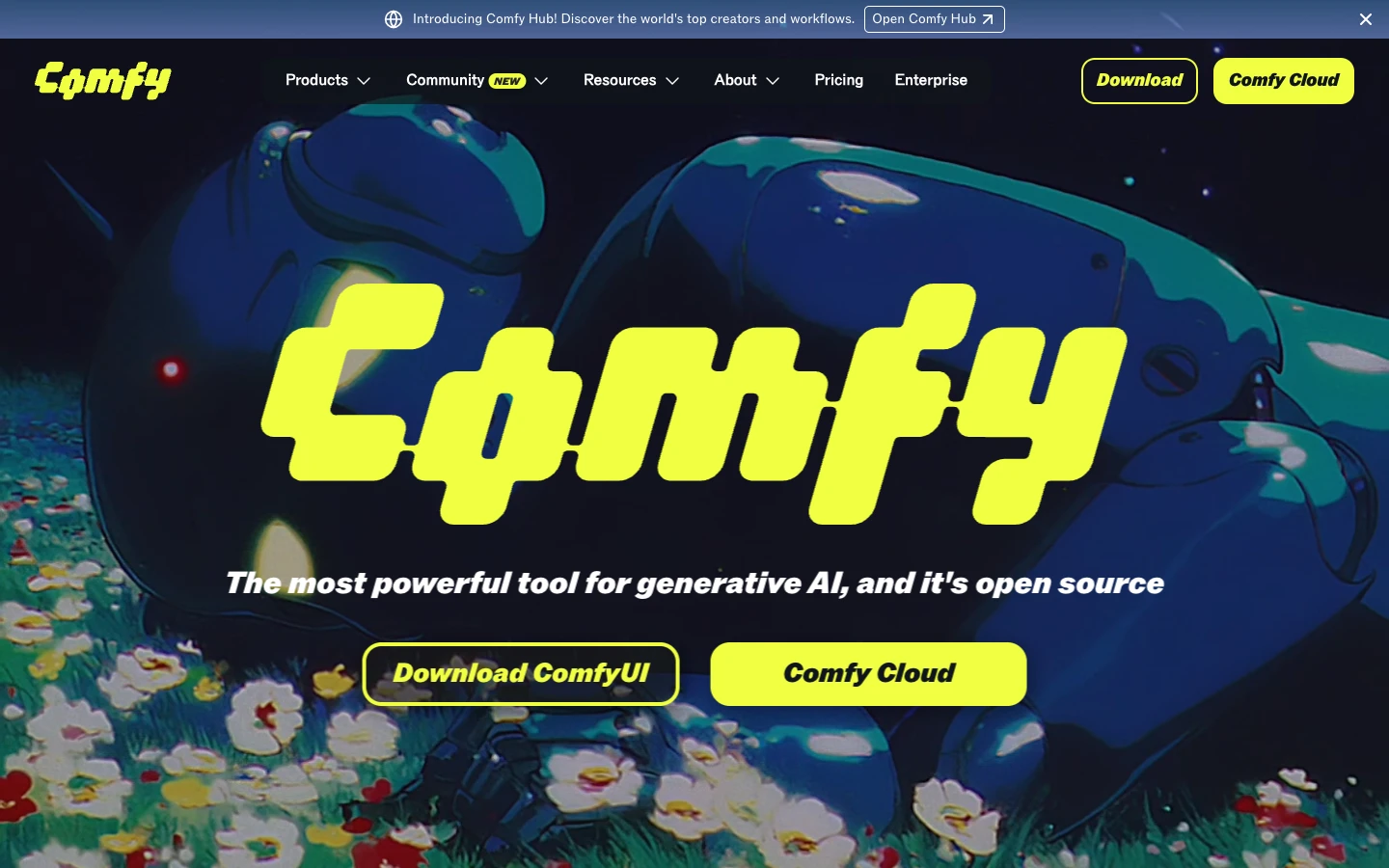
ComfyUI is the open-source standard for node-based AI image generation. Its graph-based interface gives you granular control over every step of the diffusion pipeline, from loading checkpoints to scheduling samplers to post-processing. If you've ever wanted to understand exactly what happens between your prompt and the final image, ComfyUI exposes every parameter as a draggable node.
The tradeoff is complexity. ComfyUI requires local GPU hardware or a cloud GPU provider, and the learning curve is steep for anyone who hasn't worked with AI pipeline automation before. Community-built workflows shared as JSON files help flatten that curve, but setup remains a multi-step process.
Best for: Technical users who want maximum control over their diffusion pipelines and don't mind managing their own hardware.
3. Krea AI
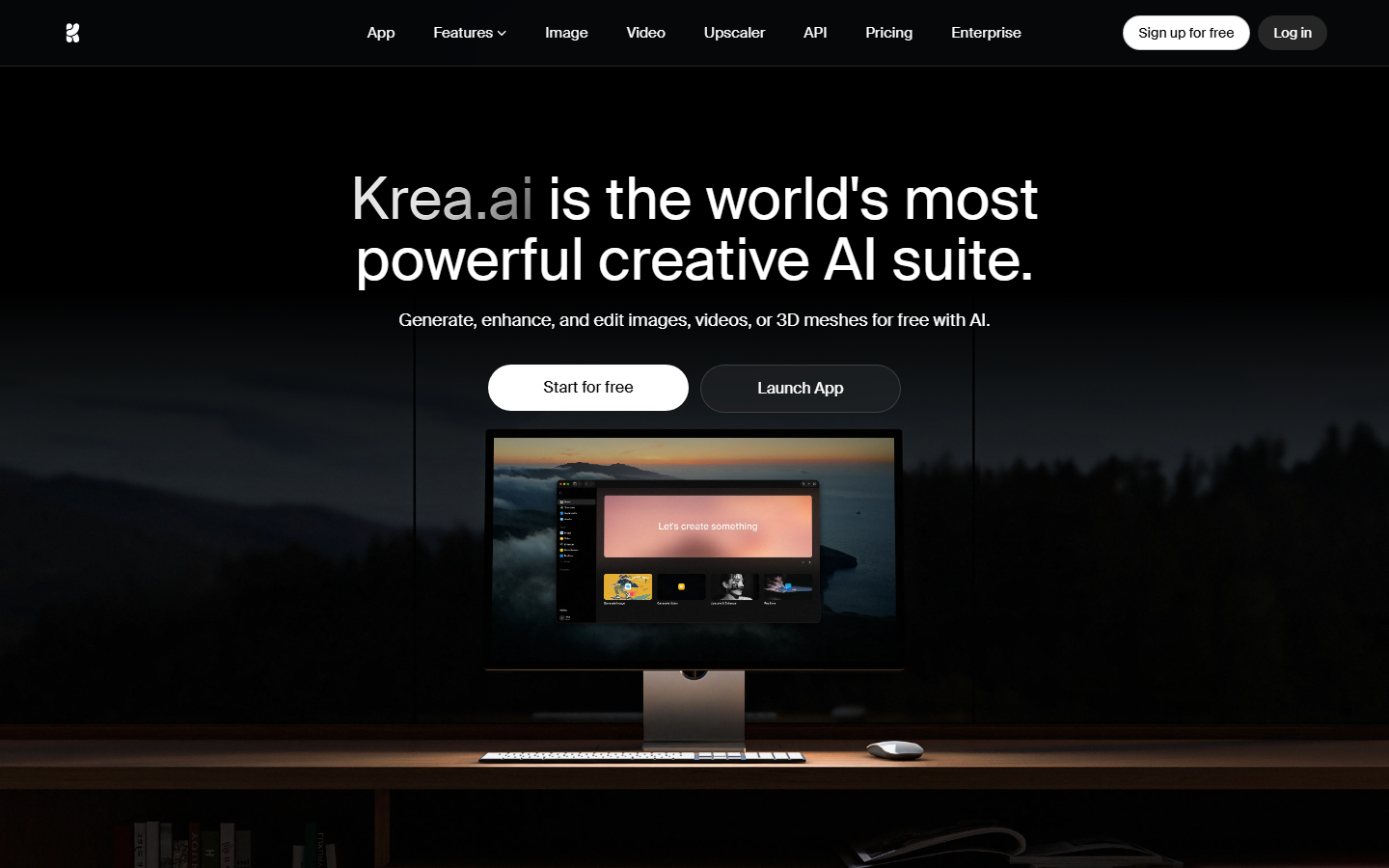
Krea AI takes a different approach to the canvas concept. Instead of nodes and connections, Krea offers a real-time generation canvas where your edits appear instantly as you draw, erase, or type. Think of it as a digital whiteboard that fills in AI-generated imagery as you sketch rough shapes and prompts. This makes it one of the more approachable AI creative workflow tools for designers who think visually.
The real-time feedback loop is Krea's strongest feature. You can paint rough color blocks, add text prompts to specific regions, and watch the AI interpret your intent in under a second. It supports upscaling and style transfer as well. The limitation is that Krea focuses on image generation only, so if you need video, audio, or multi-step processing, you'll need to pair it with another tool.
Best for: Designers and artists who want immediate visual feedback without dealing with technical interfaces.
4. Leonardo AI

Leonardo AI offers a full creative suite with its own canvas workspace, fine-tuned models, and a community model library. The canvas editor supports inpainting, outpainting, and image-to-image transformations with a Photoshop-like layer system. You can train custom models on your own datasets and share them in the community marketplace.
Where Leonardo differentiates from fal.ai is in its focus on batch AI generation for creative teams. The platform includes project folders, team collaboration features, and a token-based pricing model that works well for studios producing large volumes of visual content. If you're building a website or portfolio, Leonardo pairs well with AI website builders to turn generated assets into finished pages.
Best for: Creative professionals and studios that need custom model training alongside a polished generation canvas.
5. Replicate
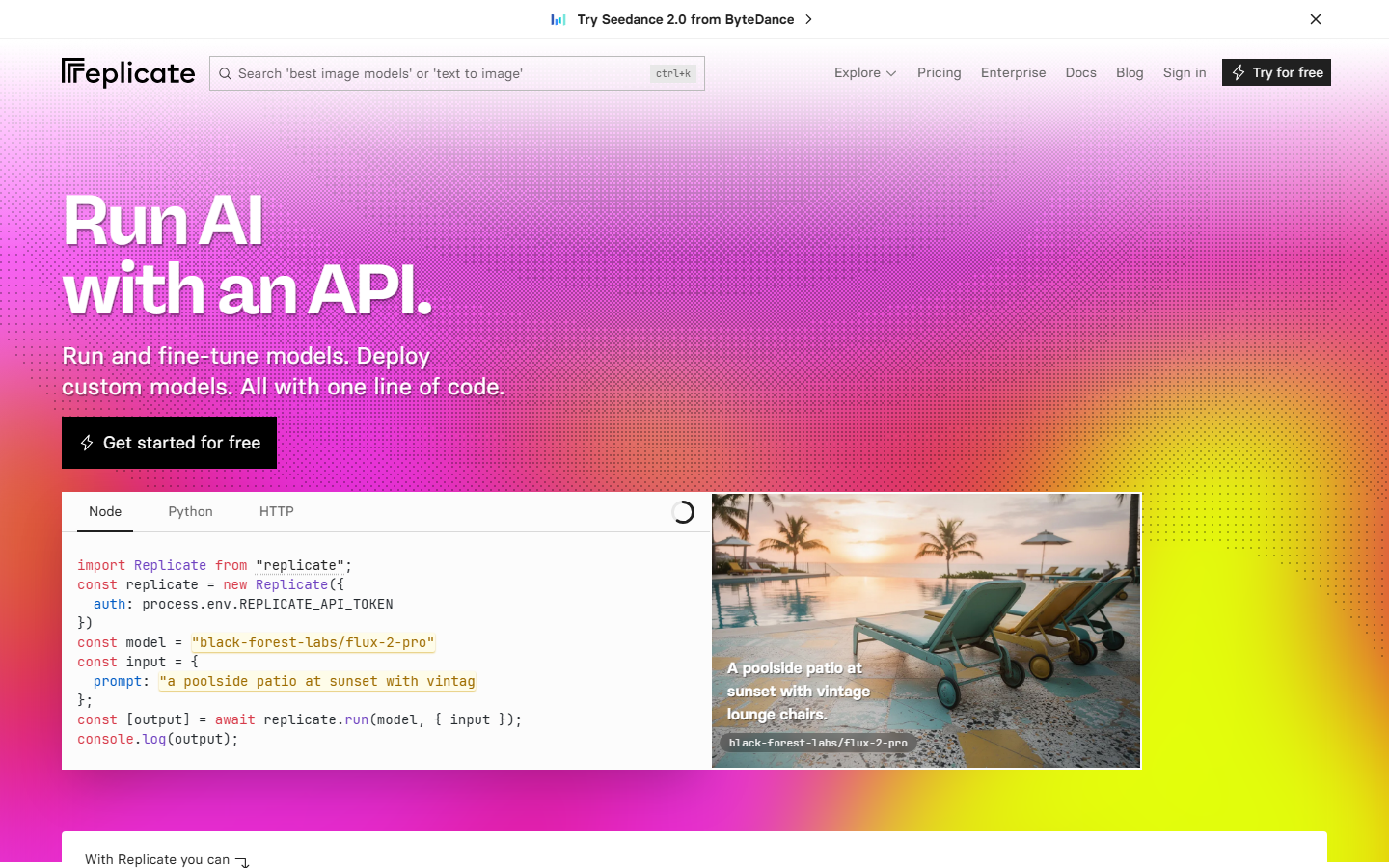
Replicate is the closest direct competitor to fal.ai in terms of architecture: both are cloud API platforms that host open-source AI models behind a unified interface. Where Replicate pulls ahead is in its community ecosystem. Anyone can package and deploy a model to Replicate, which means the catalog grows faster and covers niche use cases that fal.ai's curated list might miss.
The visual playground lets you test any model with a web form before writing a single line of code. Each model page includes example outputs, pricing per run, and cold-start benchmarks. For developers building AI model chains, Replicate's webhook system makes it straightforward to connect model outputs to downstream processes.
Best for: Developers who want the broadest model catalog and don't need a visual canvas workflow.
6. RunComfy
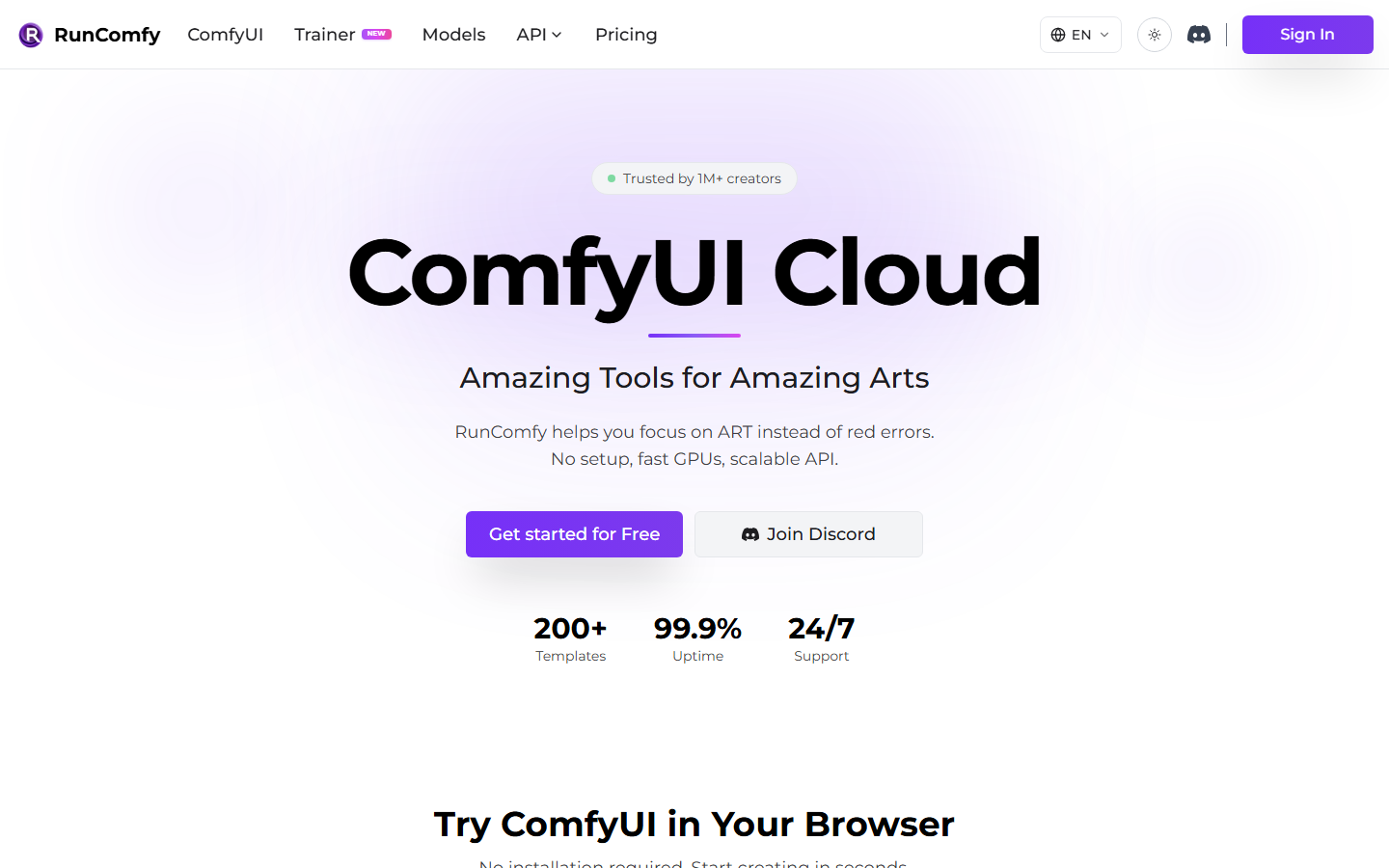
RunComfy takes everything that makes ComfyUI powerful and removes the hardware barrier. It runs ComfyUI in the cloud with pre-installed models, custom node packs, and GPU instances that spin up on demand. If you already know ComfyUI's node system but don't want to maintain a local setup, RunComfy is the most direct path to a hosted ComfyUI environment.
The platform offers workflow templates that you can load with one click, covering common use cases like upscaling, style transfer, and ControlNet-guided generation. Pricing is hourly for GPU time, which can get expensive for long sessions compared to per-run pricing models.
Best for: ComfyUI users who want cloud hosting without the setup and maintenance overhead.
7. Stability AI
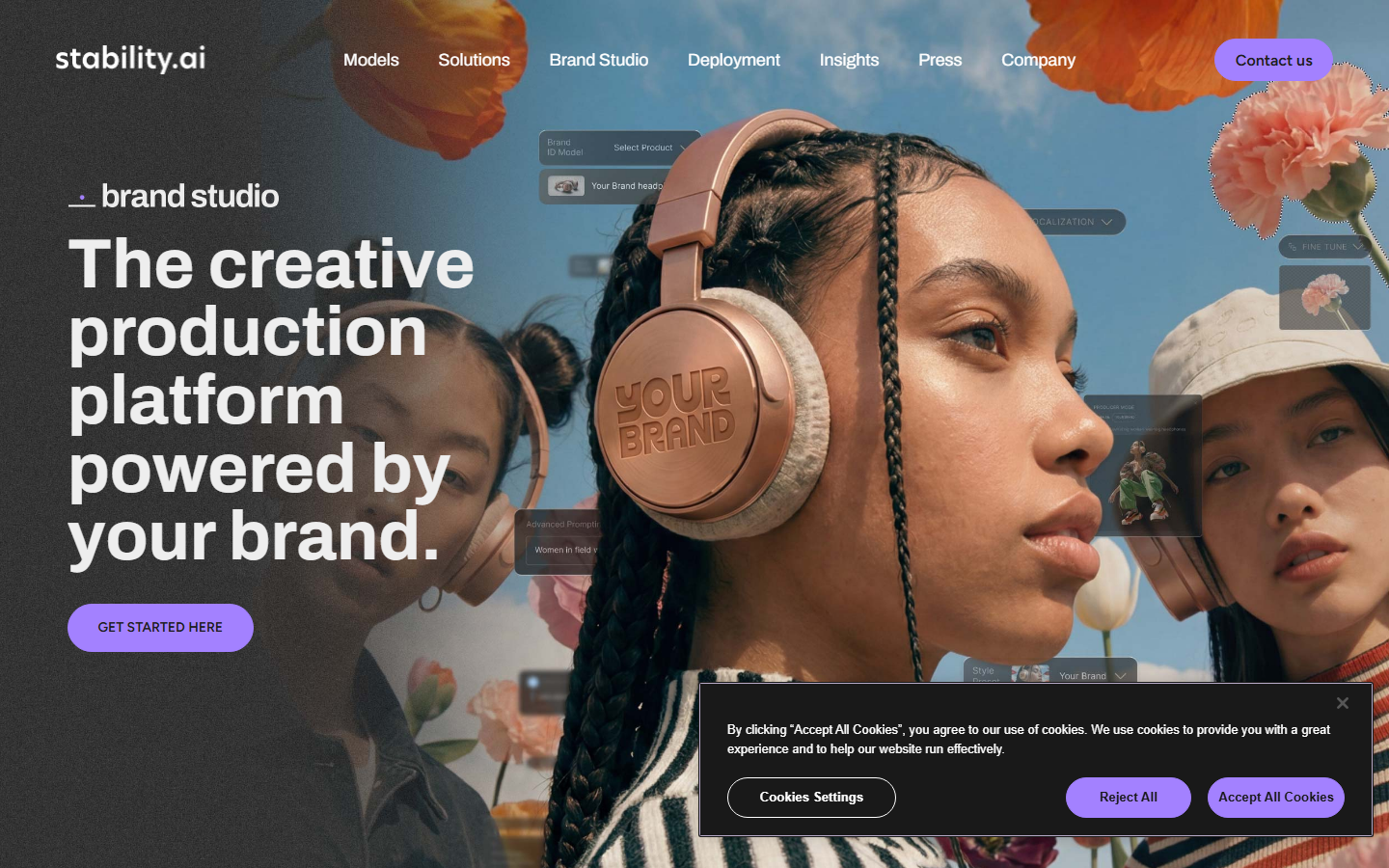
Stability AI, the company behind the Stable Diffusion family of models, offers its own generation platform through DreamStudio and the Stability API. The DreamStudio canvas includes inpainting, outpainting, and image-to-image controls with their latest SD3.5 and SDXL models. For teams already invested in the Stable Diffusion ecosystem, this gives you first-party access to new model releases before they hit third-party platforms.
The Stability API is developer-friendly with clear documentation and competitive per-image pricing. It also supports AI workflow templates through their enterprise tier, which bundles model access with usage analytics and priority support.
Best for: Teams committed to the Stable Diffusion ecosystem who want first-party model access and support.
Comparison Table
| Platform | Canvas Type | Model Count | API Access | Pricing Model | Self-Host Option |
|---|---|---|---|---|---|
| Wireflow | Visual node editor | 100+ | Full REST API | Pay-per-run | No |
| ComfyUI | Node graph | Unlimited (local) | Community | Free (+ GPU cost) | Yes |
| Krea AI | Real-time drawing | Limited (proprietary) | Limited | Freemium | No |
| Leonardo AI | Layer-based editor | 50+ (custom trainable) | Yes | Token-based | No |
| Replicate | Web playground | 1000+ | Full REST API | Pay-per-run | No |
| RunComfy | Cloud ComfyUI nodes | Same as ComfyUI | Via ComfyUI | Hourly GPU | No |
| Stability AI | DreamStudio canvas | 10+ (SD family) | Full REST API | Per-image credits | Yes (models) |
Each platform takes a distinct approach to the AI canvas concept. The right choice depends on whether you prioritize visual workflow design, raw model variety, or pricing efficiency for your specific workload.
Try it yourself: Build this workflow in Wireflow, where the nodes are pre-configured with a text prompt feeding into GPT Image 2.5 Flare for image generation. This is exactly the kind of multi-step pipeline that sets a true canvas tool apart from a single-model playground.
Fal AI Alternatives for Developers: One API for Many Models
If you are weighing fal ai alternatives because you want to reach many models from your own code, the deciding factor is the API, not the canvas. Wireflow exposes a single REST API with Bearer-token authentication, so one API key reaches every model in the library instead of a separate integration per provider. The public models endpoint currently lists over 100 image and video models, from Flux and Imagen to Seedream, all callable through the same request shape and JSON responses.
Two things matter most for developers moving off fal. First, batch runs: you can generate many outputs in one job rather than looping single calls, which keeps throughput predictable. Second, whole workflows as endpoints: once you build a pipeline on the canvas, you call it with a single POST to the workflow execute endpoint and get JSON back, so the visual editor and the API are the same product rather than two disconnected surfaces.
That means you can prototype a chain visually, then run it from a backend, a scheduled job, or another agent without rewriting it. For the full endpoint reference, request and response shapes, and auth scopes, see the Wireflow workflow API.
Frequently Asked Questions
What is fal.ai canvas and why look for alternatives?
Fal.ai's canvas is a visual interface for running generative AI models through their cloud API. Users look for alternatives when they need deeper workflow automation, different model selections, or canvas features like real-time generation that fal.ai doesn't currently offer.
Is ComfyUI better than fal.ai for AI image generation?
ComfyUI offers more granular control through its node-based system, but requires local GPU hardware or a cloud provider. Fal.ai is simpler to start with since it handles all infrastructure. The choice depends on whether you value control or convenience.
Can I use Wireflow as a drop-in replacement for fal.ai?
Wireflow covers similar use cases through its visual canvas and REST API, but takes a different approach. Instead of single-model API calls, Wireflow lets you build multi-step AI pipelines that chain models together. The API is compatible with standard HTTP clients.
Which fal.ai alternative is best for beginners?
Krea AI has the lowest learning curve thanks to its real-time drawing canvas. You sketch rough shapes and the AI fills in details instantly, with no nodes, prompts, or technical configuration required.
Are there free alternatives to fal.ai?
ComfyUI is completely free and open-source, though you need your own GPU hardware. Leonardo AI and Krea AI both offer free tiers with limited daily credits. Stability AI provides a generous free tier through DreamStudio.
Which platform has the most AI models available?
Replicate leads with 1000+ community-contributed models. Wireflow offers 100+ curated models optimized for workflow chaining, while fal.ai sits in between with several hundred production-ready models.
Can I build automated workflows with these tools?
Wireflow and ComfyUI both support full workflow automation through their node-based canvases. Replicate supports automation through webhooks and API chaining. The other platforms focus more on single-generation use cases.
Do any of these alternatives support video generation?
Wireflow supports video through models like Kling and Veo 3 in its visual workflow canvas. Leonardo AI recently added video generation. Stability AI offers Stable Video Diffusion through their API. ComfyUI supports video through community extensions.

Co-Founder & Operations at Wireflow
Runs client operations and content strategy at Wireflow. Works directly with creative teams and agencies to build production AI workflows.
- Content Strategy
- Client Operations
Get unlimited ad creatives today.
One call to see if we are a fit and scope the first ad. If it fits, your first batch lands inside week one.