How to Use the Seedance 2.5 API

In this article▾
- What is confirmed about Seedance 2.5
- Prerequisites
- Step 1: Generate an API Key
- Step 2: Design or Choose the Workflow
- Step 3: Call the Execute Endpoint With Your Prompt
- Step 4: Handle the Async executionId
- Step 5: Poll Until the Status Is COMPLETED
- Step 6: Collect the MP4 and Per-Node Cost
- Single Endpoint vs Orchestrated Pipeline
- FAQ
- Conclusion
The Seedance 2.5 API is not public yet. Here is what ByteDance has confirmed so far about access, and how to call Seedance video from your own code today.
ByteDance unveiled Seedance 2.5 in Beijing on June 23, 2026, and opened a public launch window on July 3, 2026 as an enterprise beta rolling out through Dreamina and Jimeng. No versions shipped between 2.0 and 2.5, so 2.5 is the direct successor to Seedance 2.0. What has not been published is the part an integration needs: no endpoint specification, no general availability date, and no public API pricing. This guide covers what is confirmed about the model, and then the practical steps for calling Seedance video in production today through Wireflow, which wraps video models behind a stable REST contract so swapping in 2.5 later is a node change rather than a rewrite.
What is confirmed about Seedance 2.5
The model generates 30 seconds of video in a single pass, so there is no stitching step and no seam where two clips would be joined. Output is native 4K at 10-bit color depth. It accepts up to 50 multimodal reference inputs, covering images, audio clips, 3D white-box models, and style references, which is roughly four times the reference cap on Seedance 2.0. Audio is generated in the same latent space as the video rather than added in a later pass, so sync comes out of the generation itself. Prompt adherence is about 20 percent better than 2.0, and subjects hold consistent across cuts inside the 30-second window.
What is not confirmed: pricing, rate limits, parameter names, and a general availability date. For a sense of scale on the previous generation, Seedance 2.0 on fal.ai runs roughly $0.30 per second at 720p with audio and roughly $0.68 per second at 1080p. Those are Seedance 2.0 figures and are not a forecast for 2.5.
Build this in Wireflow
Make the same kind of asset on a canvas you control, with a free account and no credit card.
Prerequisites
Before you write any code, have the following in place. The Seedance 2.5 API page tracks access as it opens up, but the general setup is short:
- An account with API access enabled and a funded balance, since each generation has a per-node cost.
- An API key (a Bearer token) from your dashboard.
- A workflow containing a video node, either built on the canvas or cloned from a template. Seedance 2.0 is the Seedance version available today.
- An HTTP client:
curl, Postman, or any library in your language of choice. - A prompt, and optionally a reference image to anchor the look.
To understand the model before wiring it up, the Seedance 2.5 overview explains its reference-input handling and how it holds subject and character consistent across cuts.

Step 1: Generate an API Key
Open your account settings and create a new API key. This Bearer token authenticates every request and ties usage to your spend limits. Store it as an environment variable rather than hard-coding it, and rotate it if it is ever exposed. The same token works across every model in the catalog, so the key you create here also authenticates calls to a general video generation API endpoint or any other node you add later.
export WIREFLOW_API_KEY="wf_live_xxxxxxxxxxxxxxxxxxxx"
Keep this value server-side. Anything that reads the token can spend against your balance, so it should never ship in client-side code or a mobile bundle.
Step 2: Design or Choose the Workflow
A workflow is the visual graph that the API executes. On the canvas you drop a video node, connect a prompt input, and connect its output to wherever the video should land. For a first run, a single video node with one text input is enough. The programmatic video generation platform view shows how each node exposes its own inputs, which become the JSON fields you pass at execution time.
Designing this on a canvas is what makes the model swappable. Seedance 2.0 sits next to Kling 3 and Veo 3.1 in the same graph, so you can change the active node without rewriting client code. If a shot later suits Veo 3.1 better, you change the node, not the integration, and the same is true when Seedance 2.5 reaches general access.

Each workflow has an ID. Once your graph is saved, copy that ID; it is the path parameter you call in the next step. You can keep several saved workflows and point your code at whichever ID you need.
Step 3: Call the Execute Endpoint With Your Prompt
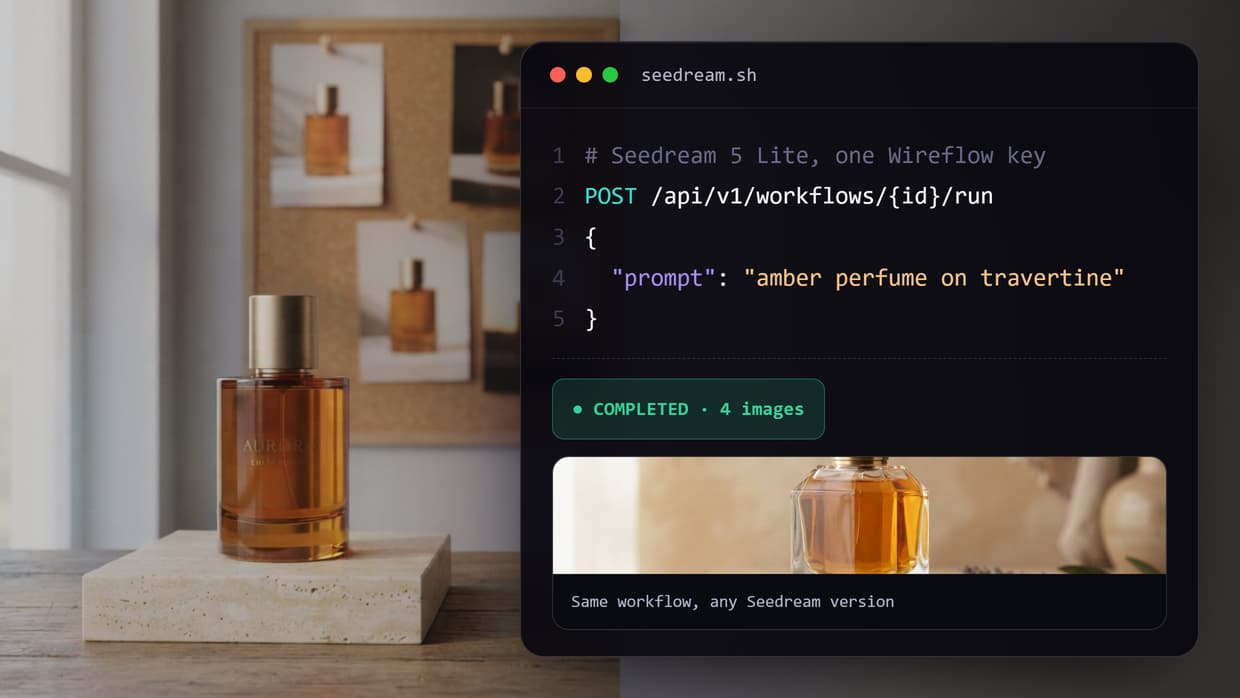
To run the workflow, send a POST request to the execute endpoint with your Bearer token and a JSON body. The body carries the inputs your nodes expect: at minimum the text prompt, plus an optional reference image URL. A Seedance API request looks like this:
curl -X POST https://www.wireflow.ai/api/v1/workflows/{workflowId}/execute \
  -H "Authorization: Bearer $WIREFLOW_API_KEY" \
  -H "Content-Type: application/json" \
  -d '{
    "inputs": {
      "prompt": "A lighthouse keeper climbs the spiral stairs at dawn, then the camera settles on the lantern room as gulls call outside. Cinematic, soft morning light.",
      "reference_image": null,
      "resolution": "1080p"
    }
  }'
API paths like https://www.wireflow.ai/api/v1/workflows/{workflowId}/execute are called from code, not a browser, which is why they appear here as inline code.
Step 4: Handle the Async executionId
Video generation does not return instantly, so the execute call is asynchronous. Instead of waiting for the MP4, the API immediately returns an executionId and a status of QUEUED or RUNNING. This submit-then-poll pattern keeps request timeouts short and lets you fire several jobs in parallel. The response looks like this:
{
  "executionId": "exec_9f3a1c2b7d",
  "status": "QUEUED",
  "workflowId": "wf_seedance_shortform",
  "createdAt": "2026-07-16T09:12:44Z"
}
Persist that executionId. It is the handle you use to check progress, retrieve the result, and identify the job in your cost reporting. The usage-based pricing model bills per node per execution, so this ID reconciles spend against a specific job.
Step 5: Poll Until the Status Is COMPLETED
With the executionId in hand, poll the status endpoint on an interval (every few seconds is reasonable for short clips). The status moves from QUEUED to RUNNING to COMPLETED, or to FAILED if something goes wrong. Treat the job as asynchronous and never block a user-facing request on it. A poll uses the same Bearer token against https://www.wireflow.ai/api/v1/executions/{executionId} and returns a body like this:
{
  "executionId": "exec_9f3a1c2b7d",
  "status": "COMPLETED",
  "nodes": [
    {
      "nodeId": "seedance-video",
      "status": "COMPLETED",
      "output": {
        "video_url": "https://assets.wireflow.ai/out/exec_9f3a1c2b7d.mp4",
        "resolution": "1080p",
        "has_audio": true
      },
      "cost": 0.42
    }
  ],
  "totalCost": 0.42
}
Build your loop to stop on COMPLETED or FAILED, and cap the number of attempts so a stuck job does not poll forever. The AI video generator surface uses the same status shape across every video model, so one poller works whether the active node is Seedance, Kling 3, or Veo 3.1.
Step 6: Collect the MP4 and Per-Node Cost
When the status reads COMPLETED, read the video_url from the node output and download or stream the MP4. Models that generate sound alongside the video return a file with the audio already in it, so there is no separate track to merge. The cost field on each node and the totalCost at the top let you log what the run charged, which is the basis for any billing you pass to your own users. To benchmark spend across providers first, the roundup of Seedance API tools compares how they structure pricing.

Single Endpoint vs Orchestrated Pipeline
There are two ways to use a video model through an API, and the right choice depends on how much processing happens around the video.
The single-endpoint approach is what the steps above describe: one workflow with one video node, called as one execute request. It is the simplest integration and fits cases where the prompt and reference image are all you need.
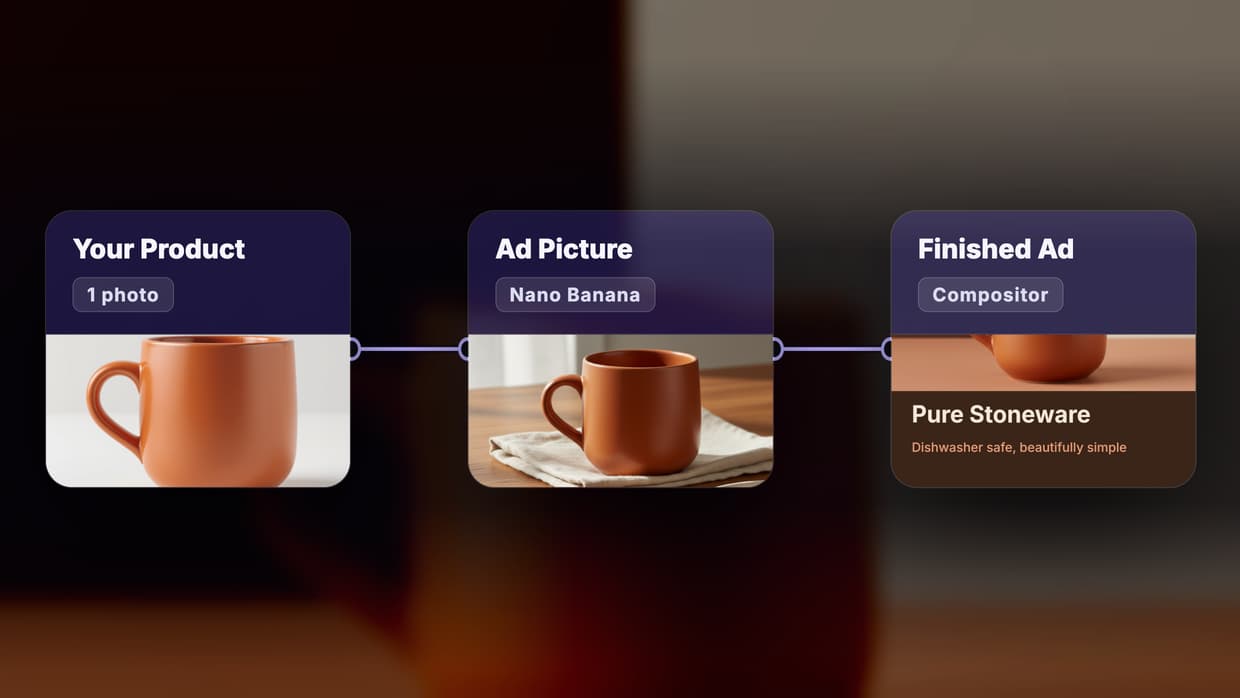
The orchestrated approach chains the video node with other nodes on the same canvas and still calls the whole thing as one endpoint. You might generate a reference frame with an image model such as Flux 2 Pro or Nano Banana 2, refine the prompt with an LLM step, feed the result into the video node, then run the output through an upscaler. The graph runs under one executionId, and the cost report breaks down spend per node. A deeper comparison appears in the guide to video generation API tools.
The table below summarizes the trade-off.
| Aspect | Single Endpoint | Orchestrated Pipeline |
|---|---|---|
| Nodes per call | One video node | Multiple chained nodes |
| Setup effort | Minimal | Moderate, built on the canvas |
| Pre-processing | Prompt and reference only | Image gen, LLM prompt steps, upscaling |
| Cost reporting | Single node cost | Per-node breakdown under one execution |
| Best for | Quick clips, prototypes | Production pipelines, consistent house style |
| Model swapping | Change the one node | Change any node without touching client code |
FAQ
Is there a public Seedance 2.5 API? Not a confirmed one. ByteDance opened a public launch window on July 3, 2026 as an enterprise beta rolling out through Dreamina and Jimeng, but no endpoint specification, general availability date, or public API pricing has been announced.
Why did ByteDance jump from 2.0 to 2.5? Nothing shipped between the two. Seedance 2.5 is the direct successor to Seedance 2.0, so there is no in-between version with an API to integrate against.
What can Seedance 2.5 do? It generates 30-second clips in a single pass at native 4K with 10-bit color, accepts up to 50 multimodal reference inputs, and generates audio in the same latent space as the video. Prompt adherence is about 20 percent better than 2.0.
What can I call through an API right now? Seedance 2.0, Kling 3, and Veo 3.1 all run as workflow nodes behind one Bearer token, with text-to-video, image-to-video, and reference image input. Seedance 2.5 becomes another node when general access opens.
How much does Seedance 2.5 cost? Pricing has not been announced. On the previous generation, Seedance 2.0 on fal.ai runs about $0.30 per second at 720p with audio and about $0.68 per second at 1080p, which is a reference point rather than a 2.5 forecast.
Why is the API call asynchronous?
Video generation takes longer than a normal HTTP request should wait, so the execute call returns an executionId immediately and you poll for the result. This keeps request timeouts short and lets you run several jobs at once.
How is usage priced on Wireflow?
Per node per execution. Each response includes a cost value on every node and a totalCost for the run, so you can reconcile what a job charged and set account spend limits to cap usage.
Can I compare video models side by side? Yes. On a visual canvas they sit beside each other, so you can swap the active node and run the same prompt through different models without changing your client code.
Conclusion
Calling Seedance video through an API comes down to six repeatable steps: create a key, choose a workflow, submit a prompt to the execute endpoint, capture the executionId, poll until the status is COMPLETED, and collect the MP4 with its per-node cost. Seedance 2.5 itself is not callable yet, and no amount of guessing at parameter names changes that. What you can do is build the integration now against a model that runs today, on a node-based platform where the model is the swappable part. When 2.5 reaches general access, you change a node. The Seedance 2.5 API page is where access details land as they are confirmed.

Co-Founder & Operations at Wireflow
Runs client operations and content strategy at Wireflow. Works directly with creative teams and agencies to build production AI workflows.
- Content Strategy
- Client Operations
Get unlimited ad creatives today.
One call to see if we are a fit and scope the first ad. If it fits, your first batch lands inside week one.