Best Runway MCP Tools in 2026

In this article▾
- Quick Summary
- How We Ranked These Tools
- 1. Wireflow: Best Overall
- 2. Runway MCP: Best First-Party Option
- 3. fal.ai MCP: Best for Model Breadth
- 4. Replicate MCP: Best for Open Models
- 5. Higgsfield MCP: Best for Motion Control
- 6. ComfyUI MCP: Most Customizable
- 7. Shotstack MCP: Best for Final Assembly
- Comparison Table
- Choosing Between Them
- FAQ
- Final Thoughts
Runway MCP lets an AI agent generate video and images inside Claude, ChatGPT or Cursor without opening a separate app, and in 2026 there are several servers worth connecting alongside it. This guide ranks seven of them on model access, output quality, cost control and how much of a real production pipeline they can carry. Wireflow takes the top spot because it exposes an entire multi-model workflow over MCP rather than a single generation call, which is the difference between an agent that makes a clip and an agent that finishes a deliverable.
Quick Summary
- Wireflow: chains generation, editing and audio in one MCP call. Best Overall
- Runway MCP: official server, frontier models, tight Claude integration. Best First-Party Option
- fal.ai MCP: widest model menu with fast, cheap inference. Best for Model Breadth
- Replicate MCP: versioned open models with reproducible runs. Best for Open Models
- Higgsfield MCP: camera-control presets for cinematic shots. Best for Motion Control
- ComfyUI MCP: self-hosted graphs, full node-level control. Most Customizable
- Shotstack MCP: programmatic timeline assembly and rendering. Best for Final Assembly
How We Ranked These Tools
Every server here speaks the same protocol, so the ranking is not about whether an agent can call it. It is about what comes back. A server that returns a single 5 second clip forces the agent to orchestrate the next six steps itself, which burns tokens and produces inconsistent results across runs. A server that returns a finished, assembled asset does that orchestration once, correctly. That distinction drove most of the ordering, along with pricing transparency. If you want the underlying mechanics before the tool list, the Runway MCP feature page walks through the connection flow and the model catalog in detail.
Cost visibility carried weight too. MCP hides billing behind a conversational interface, and a single agent loop can fire fifty generations before anyone checks the dashboard. Our Seedance pricing breakdown covers how per-second video pricing compounds at volume.
Build this in Wireflow
Make the same kind of asset on a canvas you control, with a free account and no credit card.
1. Wireflow: Best Overall
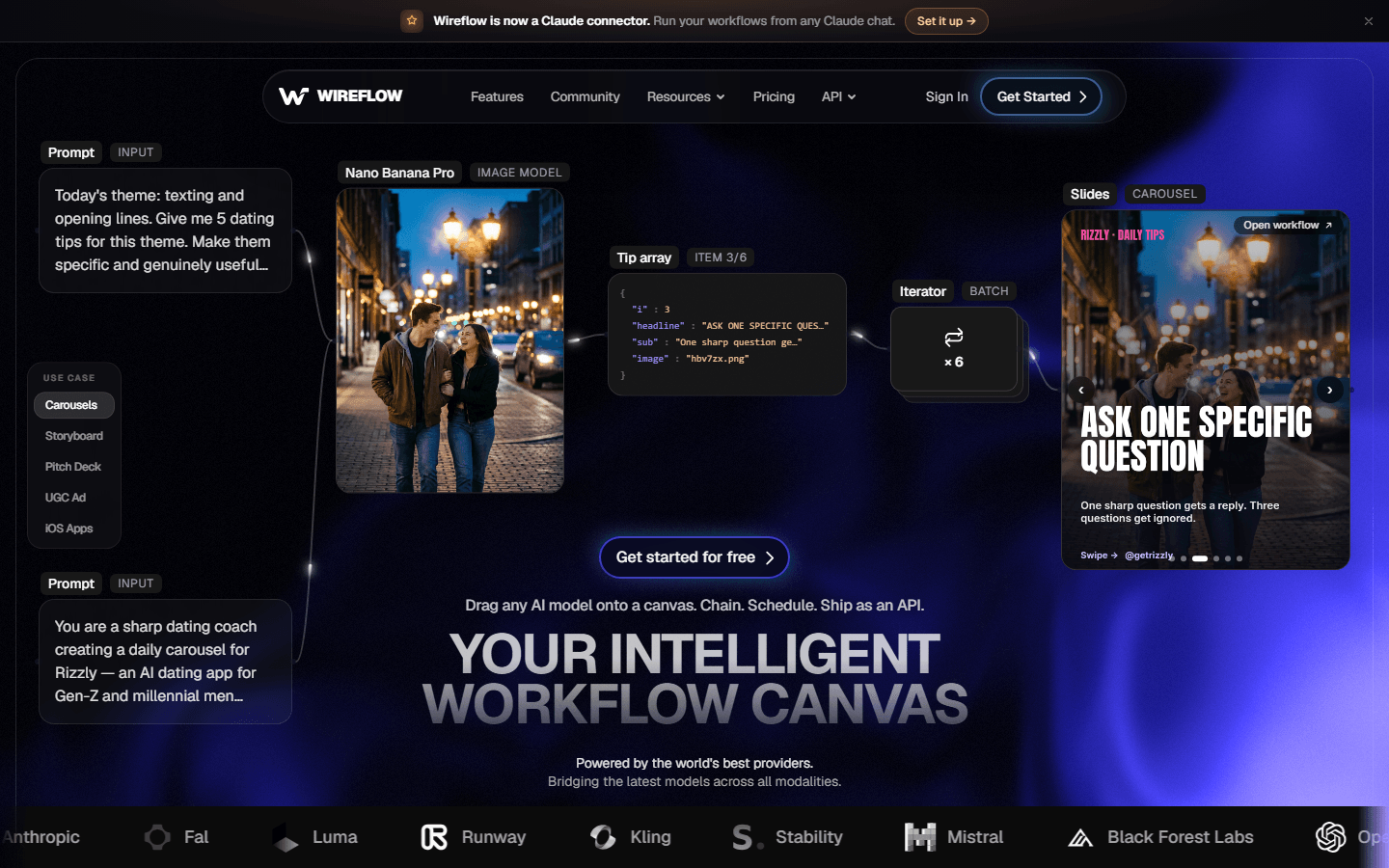
Wireflow is a node canvas where you build a multi-model pipeline visually, then expose that entire pipeline as a single MCP tool. The agent sends one structured input and the workflow handles the rest: a language model plans shots, an image model renders frames, a video model animates them, and a compositor assembles the output. Because the graph is fixed, the same brief produces the same structure every time, which is what makes agent-driven media usable in production rather than a demo. The approach is covered in the guide to chaining multiple AI models in one API call.
It works next to Runway rather than inside it. Runway models are not available on Wireflow, so the graph uses video models from its own catalog, such as Gemini Omni Flash 1.1, Veo 3.1 or Kling, and adds planning, editing and audio around them. Every node's cost is visible on the canvas before you execute, which removes the blind-spend problem most MCP servers have. See the pricing page for current rates.
Best for: teams that need an agent to return a finished asset, not a raw clip.
2. Runway MCP: Best First-Party Option
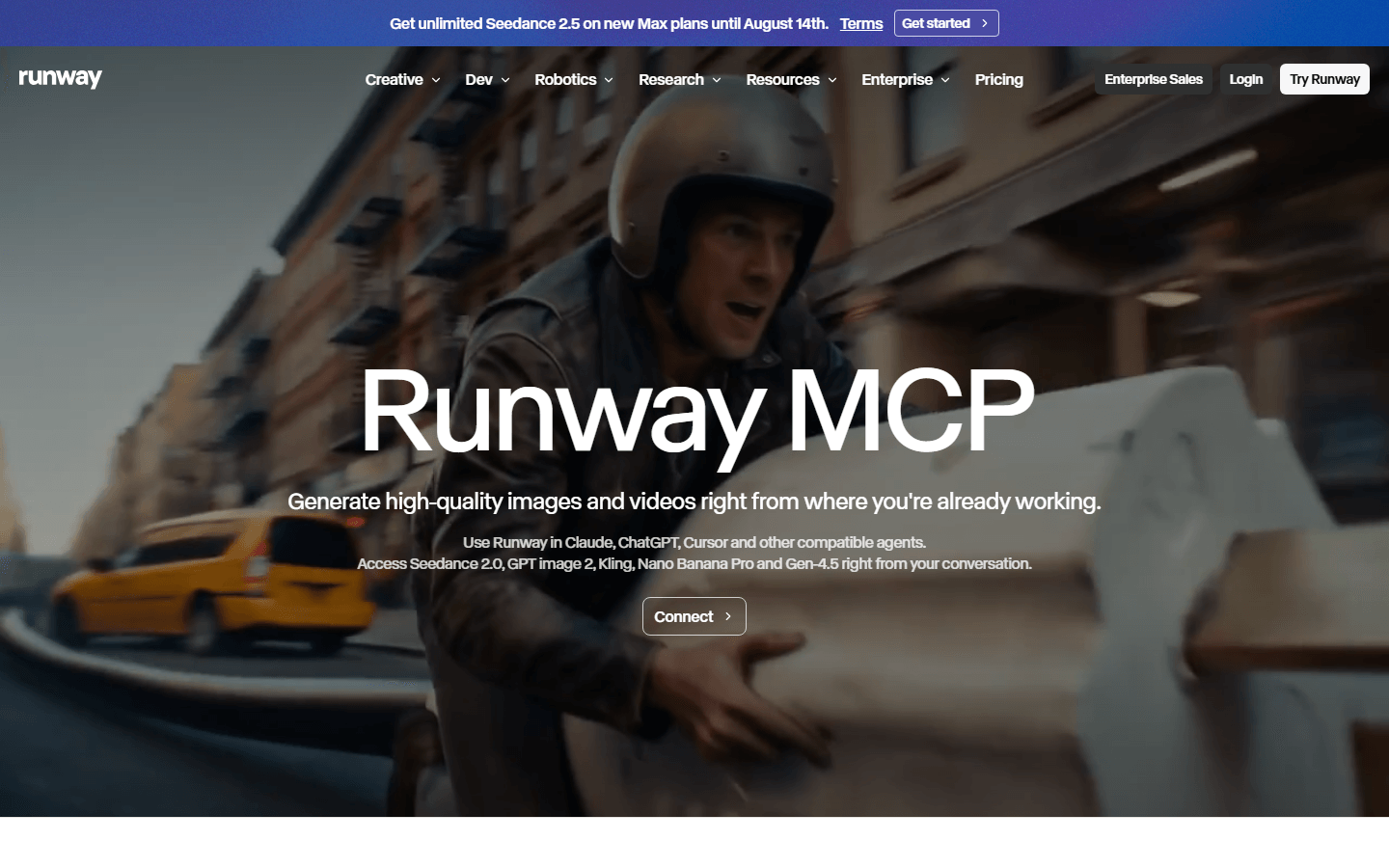
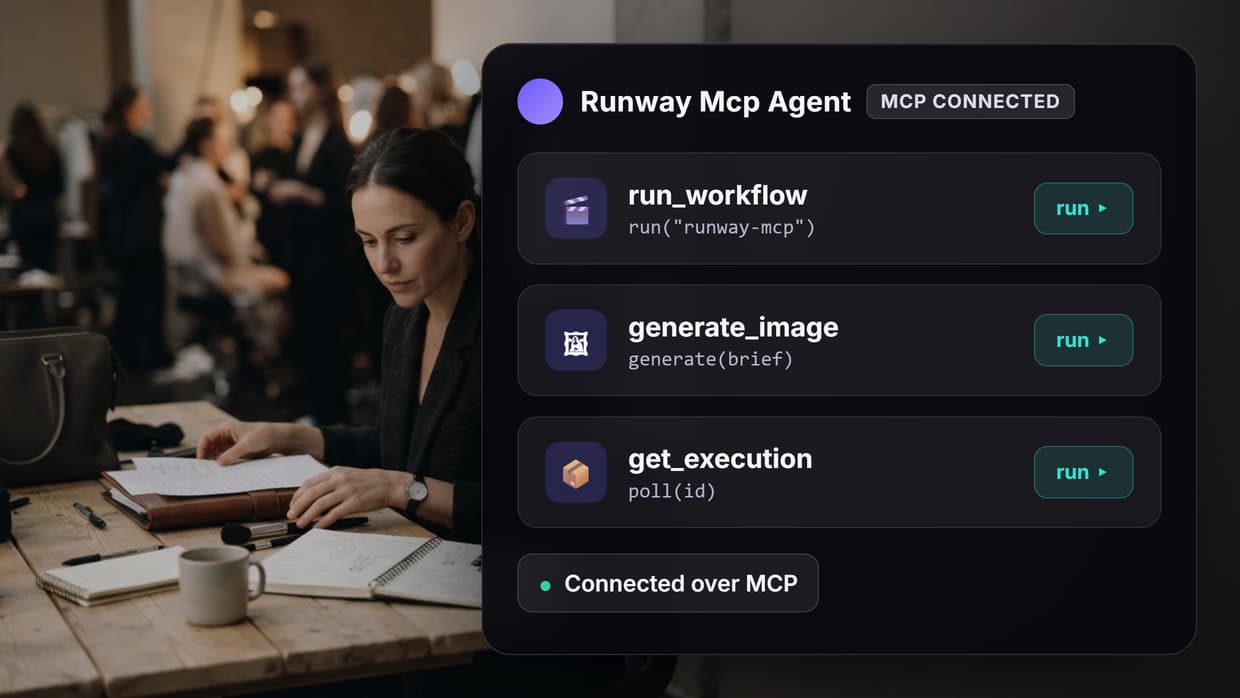
Runway MCP is the official server, and it is the fastest way to get frontier video into an agent conversation. Connect it in Claude under Customize then Connectors, sign in with your Runway account, and the agent can immediately reach Gen-4.5, Seedance 2.0, Kling 3.0, Nano Banana Pro and GPT Image 2 depending on your plan. It also exposes 4K upscaling and Aleph editing operations, so simple edits do not require leaving the chat.
The tradeoff is scope. Each call is a generation call, so multi-shot work becomes the agent's problem: holding continuity, deciding what to regenerate, stitching results somewhere else. Billing runs on Runway credits at model-dependent rates, which is fine interactively and harder to forecast in a loop. The Runway Aleph competitor roundup compares its editing model against the alternatives.
Best for: creators who already pay for Runway and want those exact models in Claude.
3. fal.ai MCP: Best for Model Breadth
fal.ai hosts a very large catalog of image, video and audio models behind one inference API, and its MCP server surfaces that catalog to an agent. If your prompt calls for a specific open model that Runway does not ship, fal usually has it, often at a lower price per generation and with noticeably fast cold starts. Billing is metered per second of compute, so short image jobs cost very little.
The breadth is also the weak point. Model behavior varies widely across the catalog, and an agent choosing models on its own will produce uneven results unless you constrain it to a shortlist. Documentation quality per model is inconsistent, which matters when the agent has to guess parameter names. The fal MCP walkthrough covers the setup and the parameter traps in more detail.
Best for: developers who want maximum model choice and per-second billing.
4. Replicate MCP: Best for Open Models
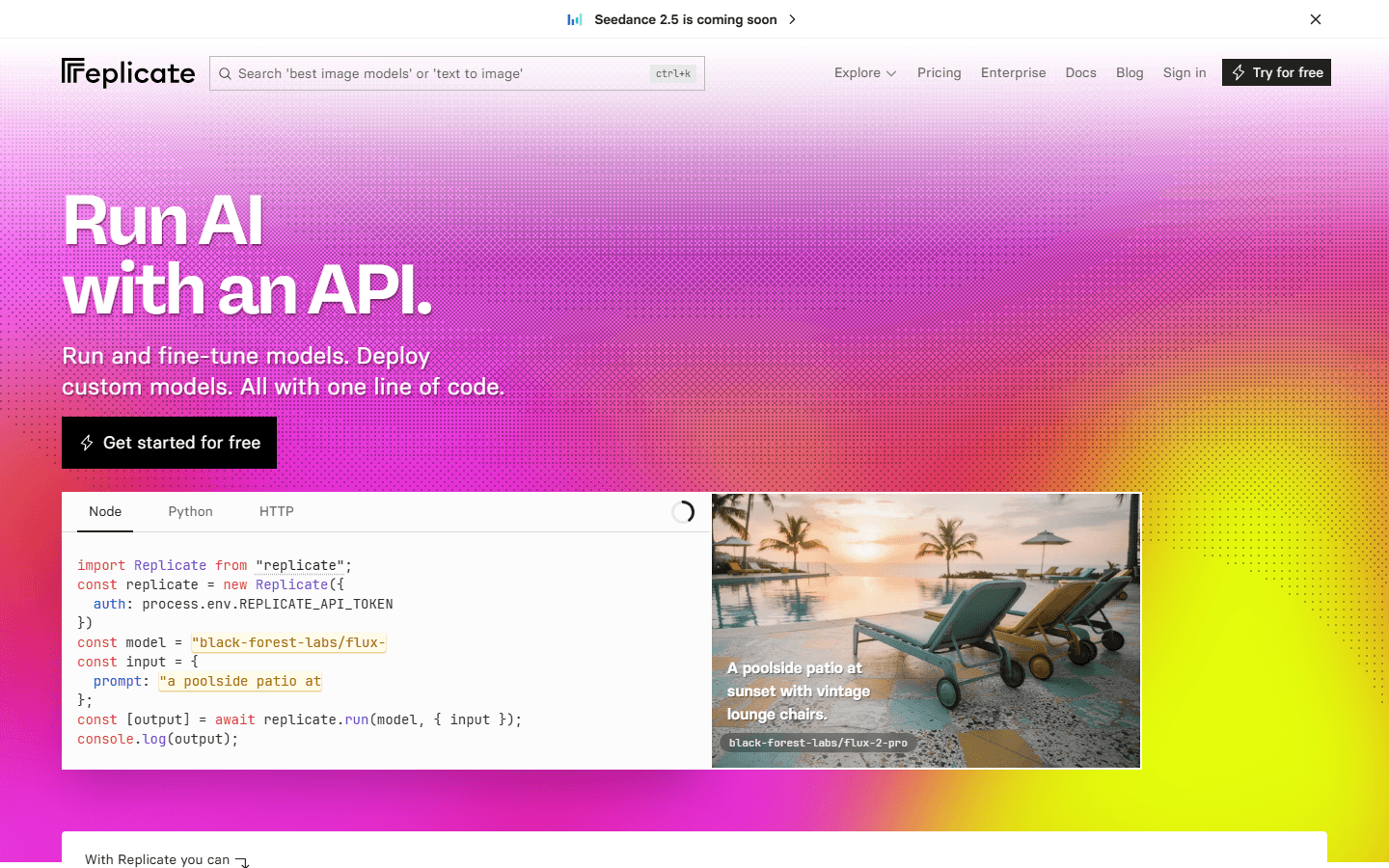
Replicate pins every model to an immutable version hash, so a workflow that worked last month produces the same behavior today. That reproducibility is rare in this category and genuinely valuable when a client asset needs to be regenerated months later. The MCP server lets an agent list models, inspect their input schemas, and run predictions, which means it can adapt to a model it has never seen.
Cold starts on less popular models can take a minute or more, and video models are generally slower here than on dedicated video platforms. Pricing is per second of GPU time, which is transparent but harder to estimate before a run. The Replicate MCP guide goes deeper on which model families are worth pinning.
Best for: reproducible pipelines built on open weights.
5. Higgsfield MCP: Best for Motion Control
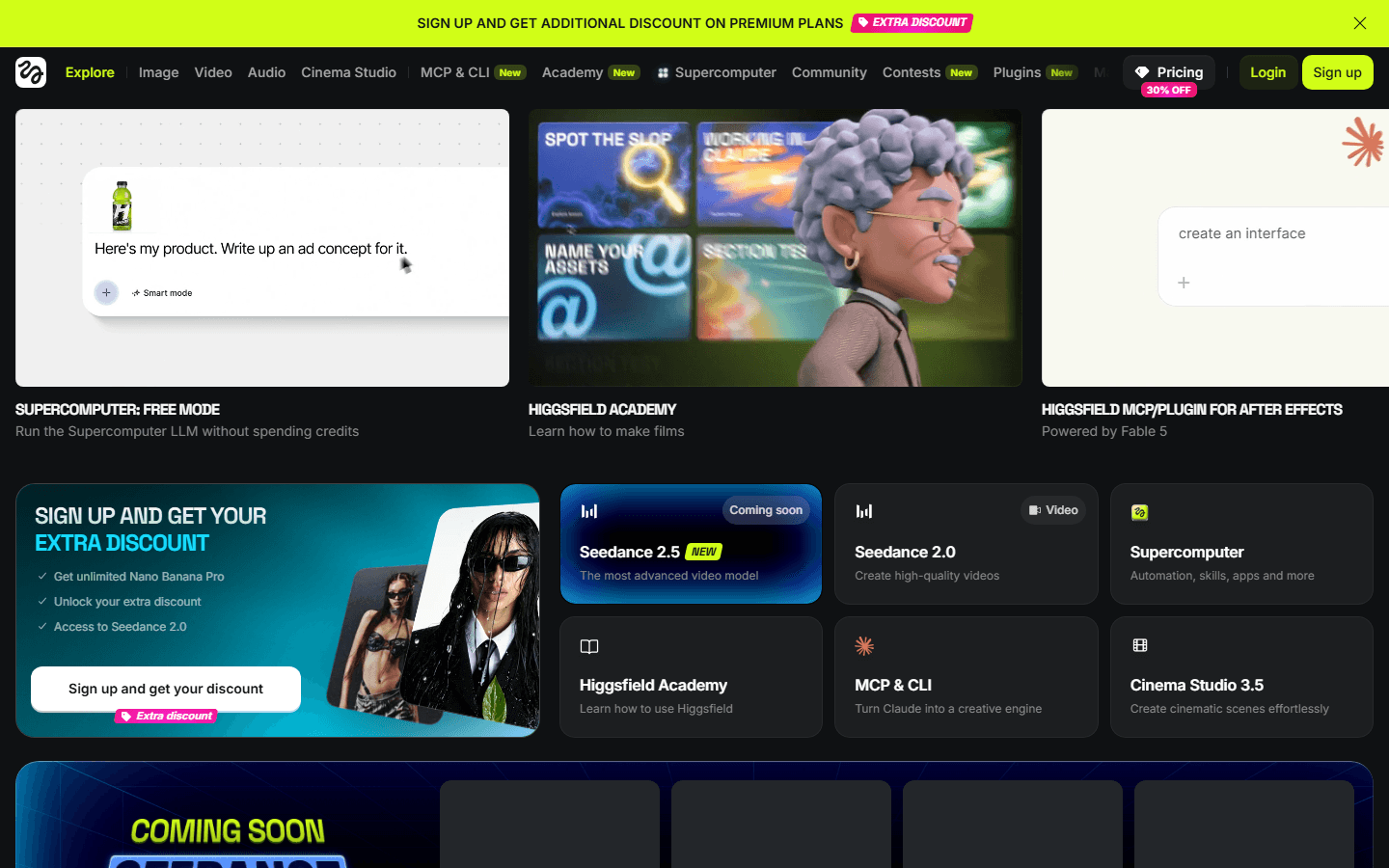
Higgsfield built its reputation on camera motion presets: dolly zooms, crash zooms, orbits and bullet-time moves that are difficult to get reliably from a text prompt alone. Its MCP server exposes those presets as named parameters, which suits agents well because a preset name is far easier for a model to select correctly than a paragraph of cinematography description.
Coverage is narrower than the general-purpose platforms, and it is oriented toward short cinematic shots rather than long-form or dialogue work. Credits are consumed per generation on a subscription plan, so casual use is inefficient. If you are weighing it against other options, the Higgsfield alternatives roundup lays out the substitutes.
Best for: agents generating short cinematic shots with specific camera moves.
6. ComfyUI MCP: Most Customizable
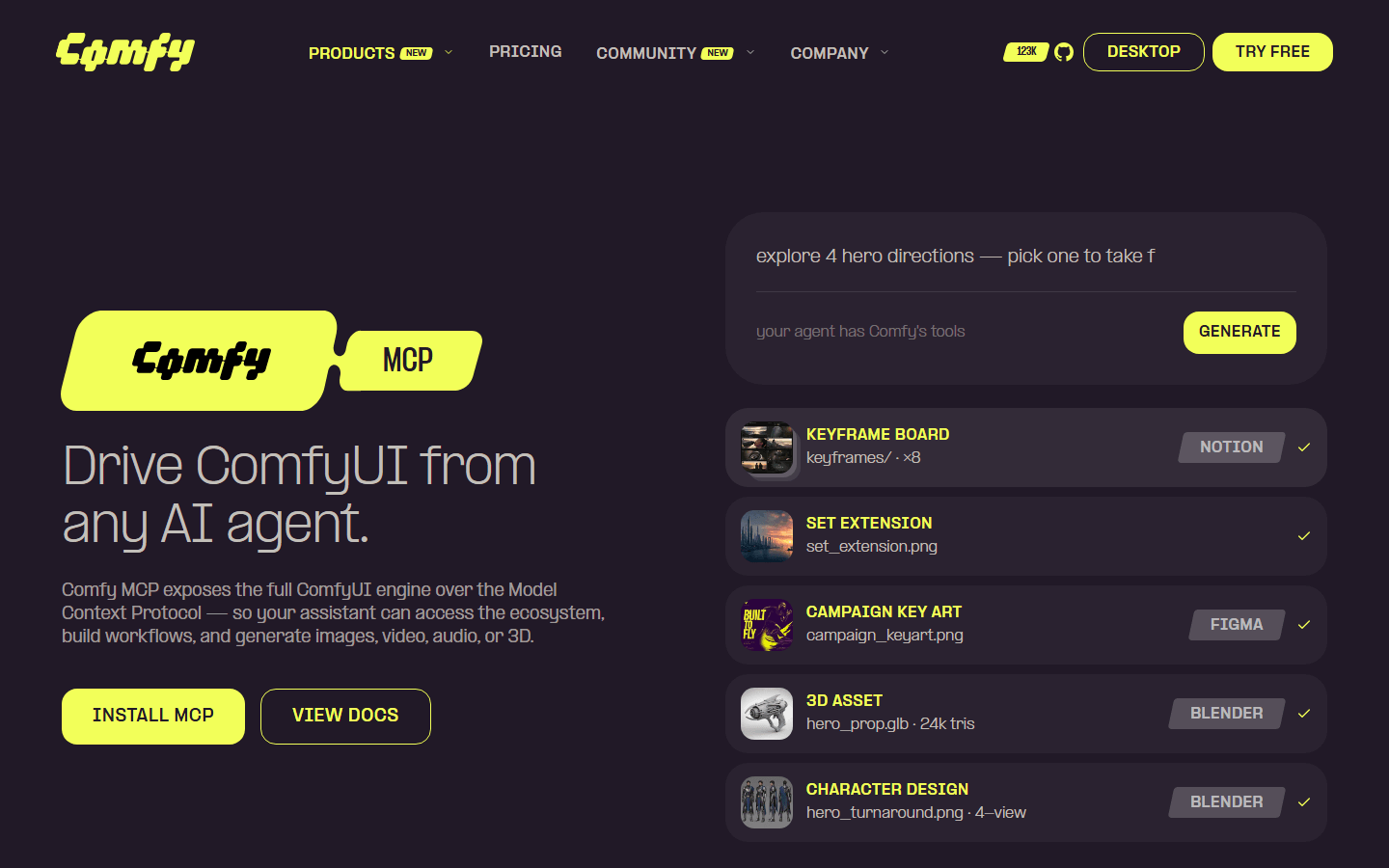
ComfyUI is the self-hosted option. Its MCP server lets an agent trigger existing graphs and pass inputs into them, so any pipeline you can express as nodes becomes an agent-callable tool. Once the hardware is paid for, marginal generation cost is effectively zero, and there is no rate limit beyond your own GPU.
It also carries the highest operational cost of anything here. You maintain the GPU, the custom nodes, the model weights and the queue, and a broken custom node silently breaks the agent's tool. Remote access needs its own tunnel and auth story. Teams that want the node-level control without the maintenance usually end up comparing hosted canvases, which the node-based AI workflow platform guide covers.
Best for: teams with existing GPU infrastructure and custom graphs.
7. Shotstack MCP: Best for Final Assembly
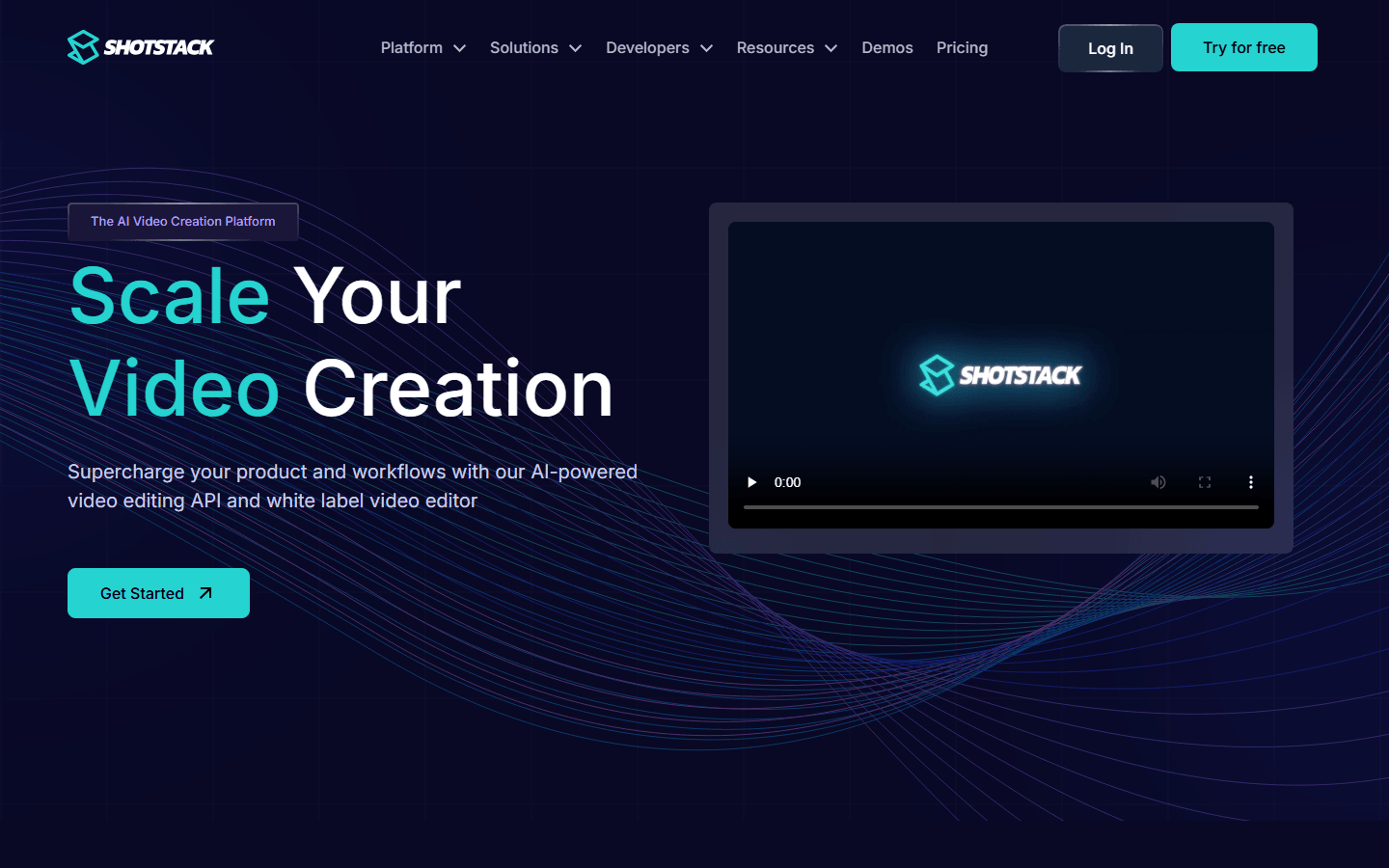
Shotstack does not generate anything. It renders a JSON timeline into a finished video, handling captions, overlays, transitions, audio ducking and aspect-ratio variants. Paired with a generation server it closes the last mile: Runway or fal produces the clips, Shotstack assembles them into a deliverable with brand elements applied.
As a standalone MCP tool it is only useful if the agent already has assets to work with, and building a valid timeline JSON is a real cognitive load for a model without a template to follow. Pricing is per rendered minute. For a broader look at where assembly fits in an agent stack, see the MCP server for video editing roundup.
Best for: adding captions, branding and format variants after generation.
Comparison Table
| Tool | Primary strength | Scope per call | Billing model | Self-hosted |
|---|---|---|---|---|
| Wireflow | Multi-model workflows over MCP | Full pipeline | Per run, cost shown pre-execution | No |
| Runway MCP | Frontier video and image models | Single generation | Runway credits, model-dependent | No |
| fal.ai MCP | Largest model catalog | Single generation | Per second of compute | No |
| Replicate MCP | Version-pinned reproducibility | Single prediction | Per second of GPU time | No |
| Higgsfield MCP | Camera motion presets | Single shot | Subscription credits | No |
| ComfyUI MCP | Node-level control | Whole local graph | Your GPU cost | Yes |
| Shotstack MCP | Timeline rendering | Single render | Per rendered minute | No |
Choosing Between Them
Most teams do not pick one. The common pattern in 2026 is a first-party server for frontier quality plus an orchestration layer that turns individual calls into a repeatable pipeline. If your work is single-shot and exploratory, the official Runway server alone is enough. If you are producing the same class of asset repeatedly, define the pipeline once and let the agent call it, as described in the guide to building a video generation agent.
One practical warning: give the agent a constrained tool list. Connect five media servers at once and the model picks between overlapping tools on every request, inconsistently. Two servers with clearly different jobs, one for generation and one for assembly, behave far more reliably than five that all claim to make video. The tradeoffs between protocol-driven and node-driven automation are compared in n8n vs MCP for video automation.
Try it yourself: Runway is not available on Wireflow, so the closest option is this agent-callable video workflow: GPT Image 2.5 Flare makes a still, Gemini Omni Flash 1.1 animates it, and the Video Editor renders the clip.
FAQ
What is Runway MCP? Runway MCP is an official Model Context Protocol server that lets AI agents in Claude, ChatGPT, Cursor and Replit generate images and video with Runway's models directly from a conversation, without opening the Runway app.
Which models can I reach through Runway MCP? Availability depends on your Runway plan, but the server currently exposes Gen-4.5, Seedance 2.0, Kling 3.0, Nano Banana Pro and GPT Image 2, along with 4K upscaling and Aleph editing operations.
How is Runway MCP billed? It draws on your existing Runway credits at the same rates as the app. Cost varies by model, resolution and duration, and it is charged per generation, so an agent loop can consume credits quickly if you do not cap it.
Do I need to write code to use these MCP tools? No. Most of them connect through a hosted connector in Claude or a JSON entry in an MCP client config. Writing code only becomes necessary when you want to define custom workflows rather than call individual models.
Can I use more than one MCP media server at once? Yes, but limit it to servers with clearly different jobs. When several connected servers offer overlapping generation tools, the agent's model choice becomes inconsistent between runs.
What is the difference between an MCP server and a video API? An MCP server is a protocol wrapper that describes its tools to an agent so it can call them without custom integration code. A video API is the underlying HTTP endpoint, and it remains the right choice for backend jobs with no agent in the loop.
How do I keep characters consistent across shots? Pass a reference image into each generation instead of relying on prompt text, and keep the shot sequence inside one workflow so the reference is applied identically every time.
Is self-hosting worth it? Only at sustained volume, or when you need custom nodes and weights the hosted platforms do not offer. Below roughly daily production use, hosted platforms cost less once GPU time and maintenance hours are counted.
Final Thoughts
The interesting question in 2026 is no longer whether an agent can generate video. It can. The question is how much of the surrounding work the tool absorbs: planning shots, keeping references consistent, assembling the timeline, applying brand elements. Tools that return a single clip push all of that back onto the agent, where it is expensive and unpredictable. Start with the official server if you are exploring, and move to a defined pipeline the moment you find yourself producing the same thing twice. The multi-model workflow guide is a good next read on that transition.

Co-Founder & Operations at Wireflow
Runs client operations and content strategy at Wireflow. Works directly with creative teams and agencies to build production AI workflows.
- Content Strategy
- Client Operations
Make AI videos and ads.
Start free, no card needed.