Best MCP Server for Video Editing Tools in 2026

In this article▾
- Quick Summary
- What an MCP Server for Video Editing Actually Does
- 1. Wireflow (Best Overall)
- 2. Kinocut (Best Local/Open Source)
- 3. Shotstack (Best Cloud Editing API)
- 4. Reap (Best for Repurposing)
- 5. fal.ai (Best for Model Access)
- 6. Cloudinary (Best for Asset Management)
- 7. Creatomate (Best for Templated Video)
- Comparison Table
- How to Choose
- FAQ
- Conclusion
The best MCP server for video editing tools in 2026 depends on whether you need full pipeline orchestration, local FFmpeg control, or cloud rendering at scale. This guide ranks the seven strongest options. MCP (Model Context Protocol) servers let AI agents like Claude connect directly to video tools, so an agent can cut, caption, dub, or assemble video through natural language instead of hand-written API calls. Wireflow sits at the top of this list because its hosted MCP server exposes entire multi-model video pipelines as a single tool call, not just isolated editing commands.
Quick Summary
- Wireflow - Hosted MCP server that runs full AI video pipelines (Best Overall)
- Kinocut - Guardrailed local FFmpeg MCP server, free and open source (Best Local/Open Source)
- Shotstack - Cloud video editing API with a native MCP server (Best Cloud Editing API)
- Reap - Clipping, captioning, and dubbing through MCP (Best for Repurposing)
- fal.ai - Hosted MCP for 1000+ generative models (Best for Model Access)
- Cloudinary - Official MCP servers for media transformation and delivery (Best for Asset Management)
- Creatomate - Template-based video rendering via MCP connectors (Best for Templated Video)
What an MCP Server for Video Editing Actually Does
An MCP server is a standardized bridge between an AI agent and a piece of software. Instead of writing custom integration code for every video tool, you point Claude, Cursor, or any MCP-compatible client at the server, and the agent discovers the available tools on its own: trim this clip, add these captions, render this timeline. The practical result is that video work becomes something you delegate in plain language. If you want the background on wiring agents into editing pipelines, this walkthrough on connecting Claude to video editing covers the setup end to end.
The category splits into four groups in 2026. Local servers wrap FFmpeg for free, private processing. Cloud editing APIs expose timeline rendering through MCP tools. Model platforms route generation requests to hosted AI models. And workflow platforms expose entire multi-step pipelines as single callable tools. The comparison below covers the strongest option in each group, ranked by how much real video work an agent can complete per tool call. To see a workflow platform from the inside, try Wireflow's node editor you can call by API.

Build this in Wireflow
Make the same kind of asset on a canvas you control, with a free account and no credit card.
1. Wireflow (Best Overall)
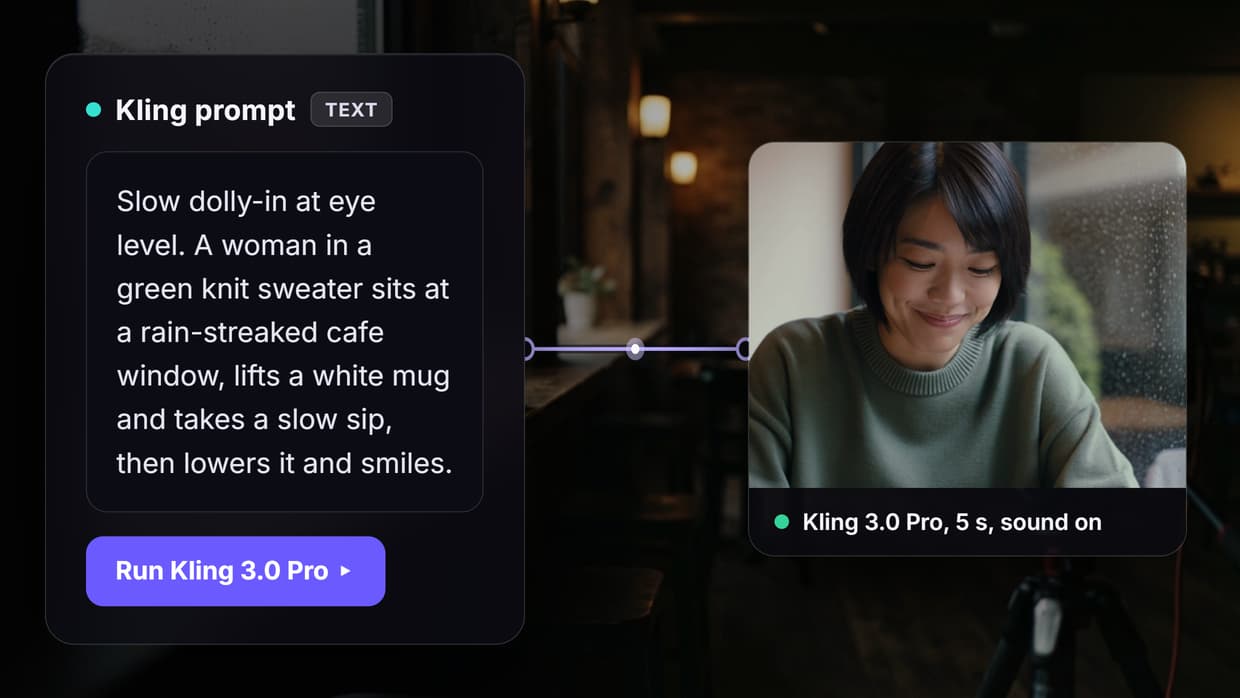
Wireflow is an AI workflow canvas where you chain generation, editing, and composition models into visual node pipelines, then expose those pipelines to agents through a hosted MCP server. Where most MCP servers give an agent individual commands, this approach gives it a finished pipeline: one run_workflow call can generate scenes, stitch shots, add voiceover, and compose the final video. For a hands-on look at this in action, check out the MCP server for video editing feature page. For agents that also generate music, the Suno MCP server exposes track creation as one more callable tool.
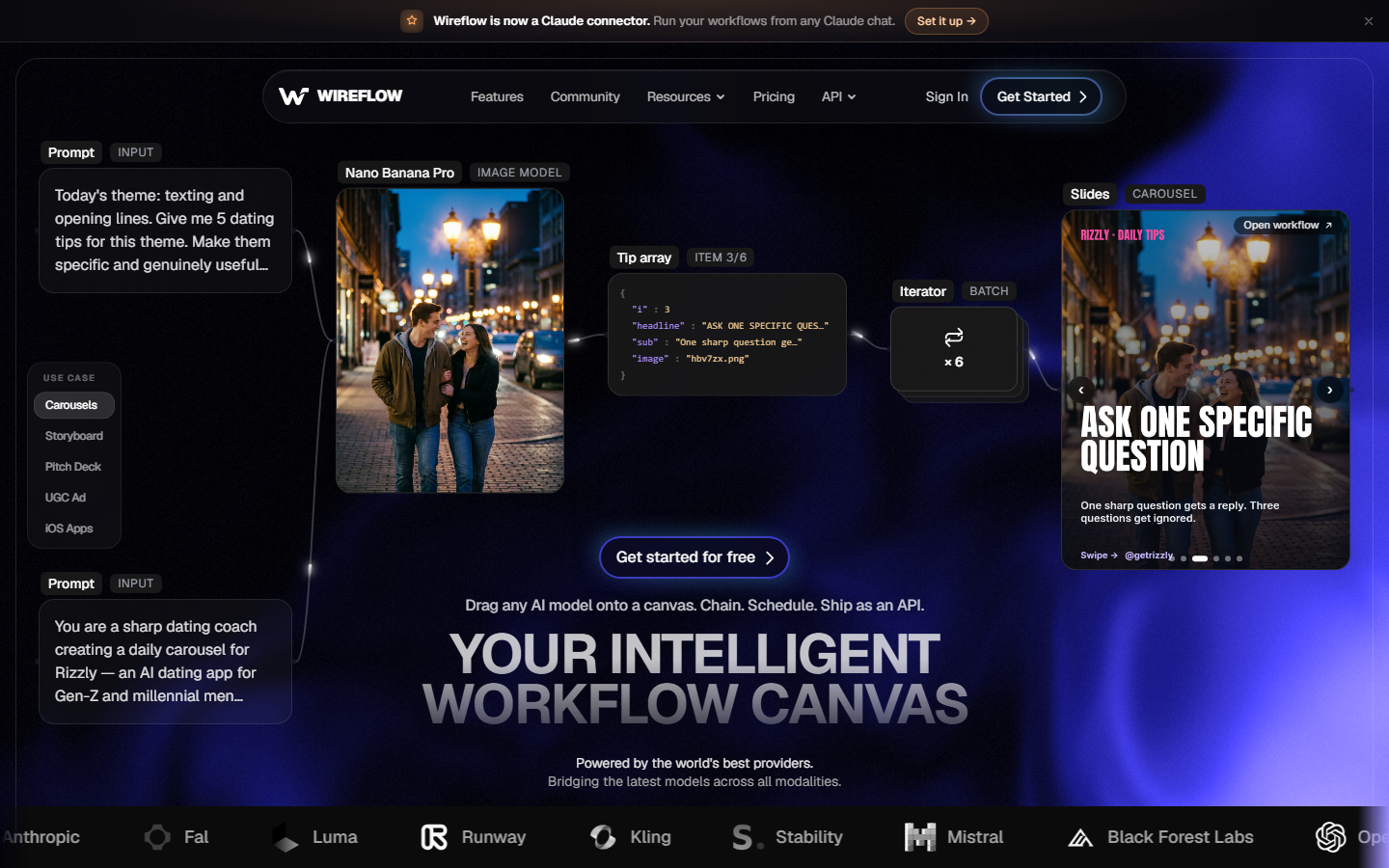
The hosted setup matters more than it sounds. There is nothing to install and no server process to keep alive; you authenticate with OAuth and the agent immediately sees your workflows as tools. Because workflows are built once on the canvas and reused, results are reproducible: the same pipeline produces the same structure every run, which is the property that makes agent-driven video editing dependable enough for client work. Pricing is usage-based, so you pay for model runs rather than a seat license. The same connection handles stills, as shown in our guide to generating images in Claude Code.
Strengths: full pipeline execution in one call, hosted (no local setup), reproducible outputs, access to current video models like Kling and Seedance. Limits: it is a workflow platform first, so single-command trims on a local file are better served by a local FFmpeg server.
2. Kinocut (Best Local/Open Source)
Kinocut (formerly mcp-video) is a guardrailed FFmpeg-based MCP server built specifically for AI agents. It ships 87 tools covering trims, concatenation, audio work, subtitles, and repurposing, with preflight validation and quality checkpoints so the agent cannot silently produce broken output. Everything runs locally, which makes it the private, zero-cost counterpart to the cloud platforms in lists like this video editing agent roundup.
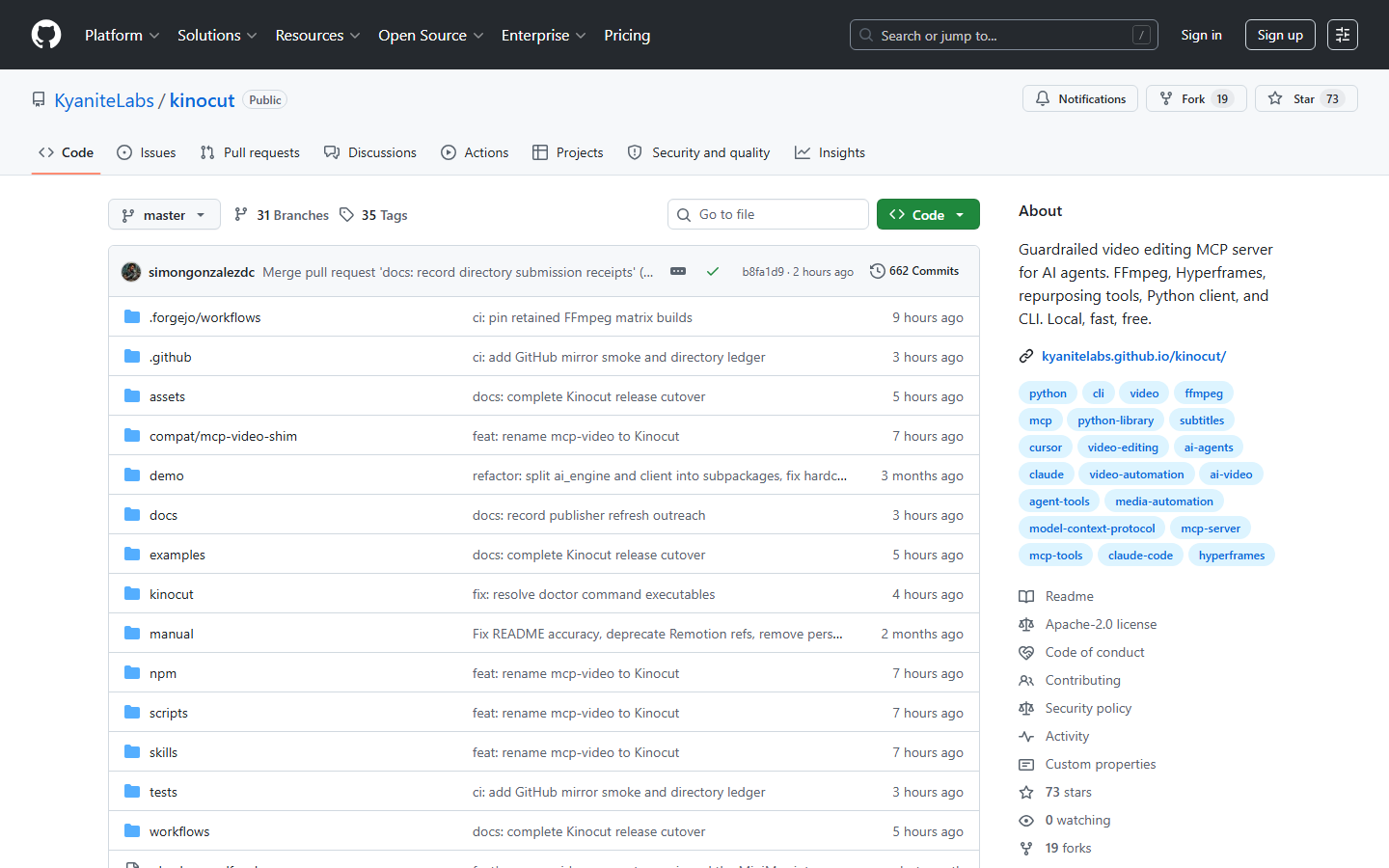
Kinocut is Apache-2.0 licensed and includes a Python client and CLI alongside the MCP interface. The tradeoffs are the flip side of local: your machine does the rendering, there are no generative models included, and the agent needs filesystem access to the footage. For developers editing existing footage with full privacy, it is the strongest free option available in 2026.
3. Shotstack (Best Cloud Editing API)
Shotstack is a cloud video editing API with a native MCP server that exposes 12 tools for building and rendering layered timelines: clips, transitions, chroma key, captions, and output up to 4K. It is the most mature cloud option for agents that need real timeline editing rather than model generation, and it is popular enough that a whole ecosystem of Shotstack alternatives has grown around its JSON edit format.
The MCP server works with production API keys and slots into Claude Desktop or Cursor with a short config block. SDKs exist for Node, Python, PHP, and Ruby if you outgrow the agent interface. Pricing starts with a free watermarked tier, with paid plans from around $39 per month. The main limitation is scope: Shotstack renders timelines you describe, but it does not generate footage or chain multiple AI models together.
4. Reap (Best for Repurposing)
Reap is an AI video editor focused on turning long videos into clips, captions, and dubbed versions, and it ships a dedicated MCP server with 10 tools. An agent can ask it to find the strongest moments in a webinar, caption them in one of 50+ styles, and dub the result into 80+ languages. That prompt-first clipping model pairs naturally with a programmatic AI video editing API for teams that automate distribution.
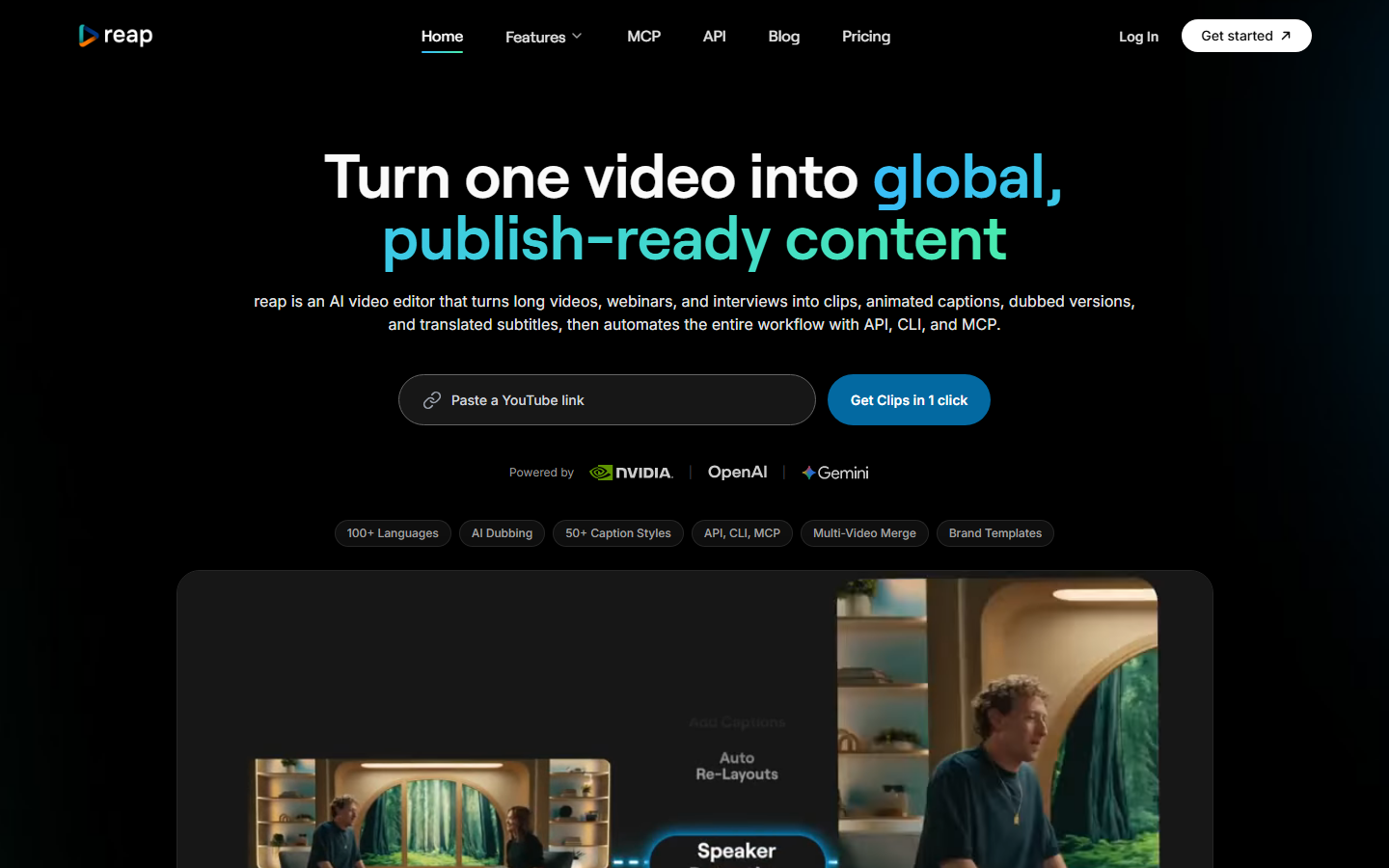
Reap's free tier covers one hour of video per month, with paid plans from $9.99 per month; MCP access requires a paid plan. It is deliberately narrow: excellent at clipping, captioning, and dubbing existing footage, but not a general editor and not a generation platform. If your agent's job is repurposing a content library for social, Reap is the specialist pick.
5. fal.ai (Best for Model Access)
fal.ai runs a hosted MCP server at mcp.fal.ai that gives agents access to more than 1000 generative models, including video models like Kling and Luma Ray2. The server itself is free; you pay per model run. For raw model breadth it is unmatched, though the per-call economics are worth checking against fal.ai pricing before committing to high-volume work.
The important caveat is that fal.ai is a generation platform, not an editor. There are no timeline tools, no captioning, and no composition step; the agent gets one model call per tool invocation and has to orchestrate any multi-step logic itself. It is the right pick when you need a specific model on demand and are happy to handle sequencing in your own code.
6. Cloudinary (Best for Asset Management)
Cloudinary publishes official MCP servers covering upload, transformation, analysis, and organization of image and video assets, available both as remote endpoints and local processes. For agents managing a large media library, it handles the unglamorous middle of the pipeline: transcoding, resizing, tagging, and delivery, the same territory covered by a dedicated video assembly API.
Cloudinary's free tier is generous (25 monthly credits), and its AI tagging and moderation tools are genuinely useful for content operations. It is not an editor in the creative sense; you would pair it with one of the tools above rather than replace them. Think of it as the MCP server for everything that happens after the edit.
7. Creatomate (Best for Templated Video)
Creatomate is a video rendering API built around reusable templates: design a layout once, then render hundreds of personalized variants by swapping text, images, and clips. It has no first-party MCP server yet; agents reach it through Zapier and viaSocket MCP connectors, which is workable but adds a hop. Teams comparing template-first rendering platforms can start with this list of Creatomate alternatives.
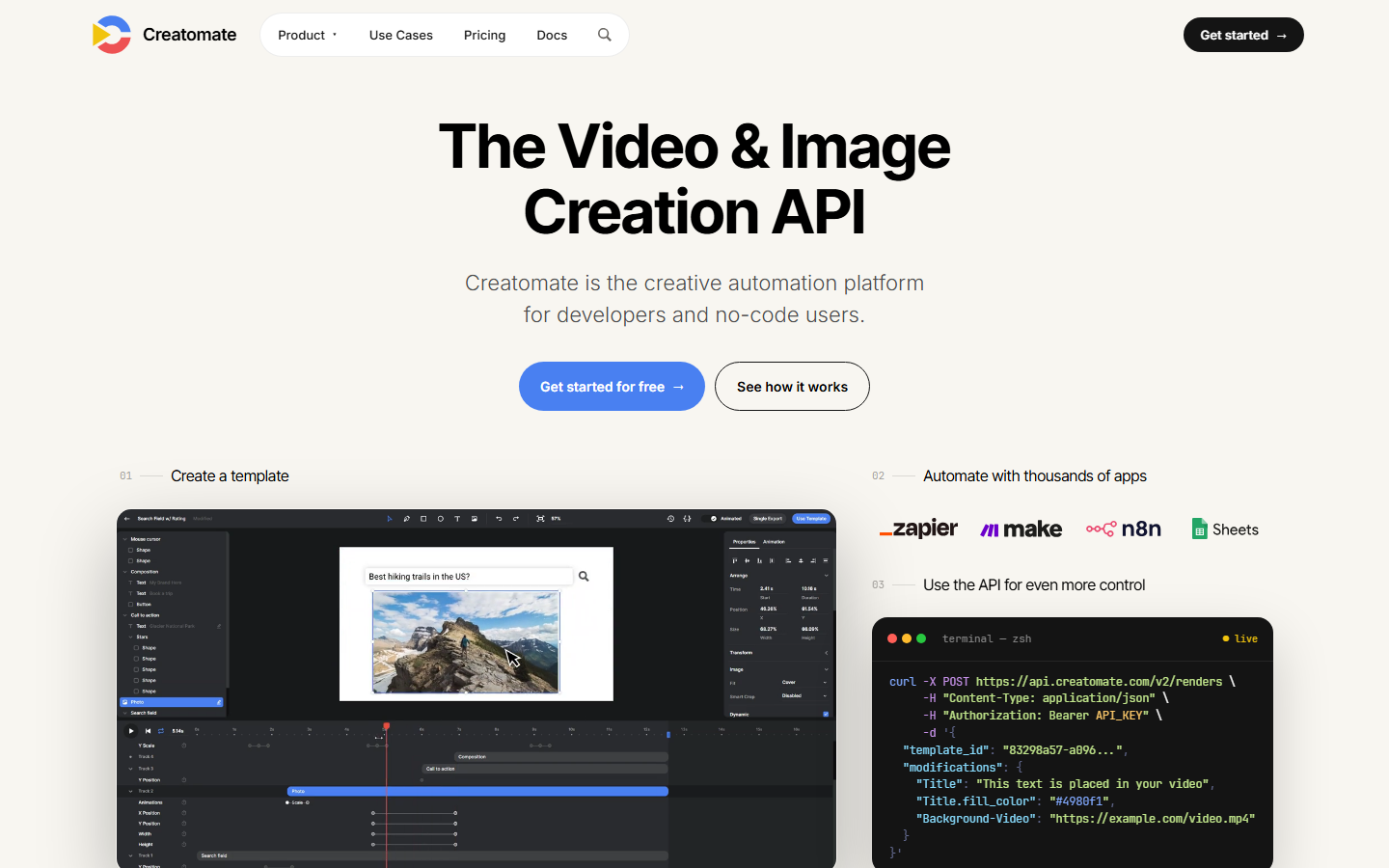
Pricing starts at $19 per month, and the template editor plus bulk rendering combination is strong for dynamic ads and personalized outreach video. The connector-based MCP access is the weak point: if native MCP support matters to your stack, one of the six tools above is a safer bet in 2026.
Comparison Table
| Tool | MCP Type | Best For | Editing Tools | Generation | Pricing |
|---|---|---|---|---|---|
| Wireflow | Hosted, native | Full AI video pipelines | Pipeline-level | Yes, multi-model | Usage-based |
| Kinocut | Local, native | Private FFmpeg editing | 87 tools | No | Free (Apache-2.0) |
| Shotstack | Cloud, native | Timeline rendering | 12 tools | No | Free tier, ~$39/mo |
| Reap | Cloud, native | Clipping and dubbing | 10 tools | No | From $9.99/mo |
| fal.ai | Hosted, native | Model access | None | Yes, 1000+ models | Pay per run |
| Cloudinary | Remote + local | Asset management | Transform only | No | Free tier, custom |
| Creatomate | Via connectors | Templated video | Template-based | No | From $19/mo |
How to Choose
Match the server to the unit of work your agent performs. If the agent's job is a complete deliverable (a finished ad, a composed multi-scene video), a pipeline-level server saves you from writing orchestration glue, which is the core argument for an agentic video editing platform over single-purpose tools. If the job is one operation on existing footage, a focused server like Kinocut or Reap is simpler and often cheaper.
Also weigh where the compute runs. Local servers are free and private but tie throughput to your hardware; hosted servers scale instantly but meter usage. For most teams the deciding factor is maintenance: hosted MCP endpoints with OAuth need zero upkeep, while local servers need Python environments, FFmpeg builds, and version updates. A quick look at each platform's pricing against your expected monthly volume settles most close calls.
Try it yourself: Run this video workflow in Wireflow - the nodes are pre-configured with the exact setup discussed above, so you can see what a pipeline-level MCP tool call actually executes.
FAQ
What is an MCP server for video editing?
It is a server implementing the Model Context Protocol that exposes video operations (trimming, captioning, rendering, generation) as tools an AI agent can discover and call. Instead of custom API integration code, the agent connects once and uses the tools in natural language-driven workflows.
Which MCP server is best for video editing in 2026?
Wireflow is the strongest overall pick because its hosted MCP server executes entire multi-model pipelines in a single call. Kinocut is the best free local option, and Shotstack is the best dedicated cloud editing API with native MCP support.
Are there free MCP servers for video editing?
Yes. Kinocut is fully free and open source under Apache-2.0, running FFmpeg locally. Shotstack and Cloudinary offer free tiers, and fal.ai's MCP server is free to connect with pay-per-run model pricing.
Do MCP servers work with Claude Desktop and Cursor?
All seven tools in this list work with Claude Desktop, Cursor, and other MCP-compatible clients. Hosted servers like Wireflow and fal.ai connect via a URL and OAuth, while local servers like Kinocut are added to the client's MCP config with a command entry.
Can an AI agent edit video without a local install?
Yes. Hosted MCP servers (Wireflow, Shotstack, Reap, fal.ai, Cloudinary) run all processing in the cloud, so the agent only sends instructions and receives URLs to finished output. Local installs are only required for FFmpeg-based servers like Kinocut.
What is the difference between an MCP server and a video editing API?
A REST API requires you to write and maintain integration code for each endpoint. An MCP server describes its own tools to the agent at connection time, so the agent can call them directly without custom code. Most platforms in this list offer both, with MCP as the agent-native layer.
Can MCP servers generate video, or only edit it?
It depends on the server. Kinocut, Shotstack, Reap, and Cloudinary only process existing footage. fal.ai generates video from prompts but does not edit. Wireflow does both, chaining generation models and editing steps inside one workflow.
How do I connect Claude to a hosted MCP server?
Add the server URL to Claude's connector settings and complete the OAuth flow. For Wireflow, that is the hosted endpoint at wireflow.ai/api/mcp; once authorized, your saved workflows appear as callable tools inside the conversation.
Conclusion
The MCP layer turned video editing from an integration project into a conversation, and the seven servers above cover every serious use case in 2026: Kinocut for local FFmpeg work, Shotstack for timeline rendering, Reap for repurposing, fal.ai for model access, Cloudinary for asset operations, and Creatomate for templates. Wireflow earns the top spot by operating one level higher, letting agents execute complete generation-to-composition pipelines through a single hosted MCP tool call. Start with the tool that matches your agent's actual unit of work, and upgrade to pipeline-level orchestration when single commands stop being enough.

Co-Founder & Operations at Wireflow
Runs client operations and content strategy at Wireflow. Works directly with creative teams and agencies to build production AI workflows.
- Content Strategy
- Client Operations
Make AI videos and ads.
Start free, no card needed.