Best Descript Alternatives in 2026: 8 Text-Based Editors Compared


In this article▾
- Quick Summary: The 8 Best Descript Alternatives
- Why Creators Are Leaving Descript
- 1. Wireflow (Best Overall)
- 2. Riverside (Best for Podcasters)
- 3. VEED (Best for Social Teams)
- 4. CapCut (Best Free Option)
- 5. Podcastle (Best for Audio)
- 6. Kapwing (Best for Collaboration)
- 7. DaVinci Resolve (Best for Pros)
- 8. OpusClip (Best for Repurposing)
- Comparison Table
- How to Choose
- FAQ
- Conclusion
Looking for the best Descript alternatives in 2026? This guide compares eight video and podcast editors on pricing, editing speed, and automation so you can pick the right replacement. Descript made text-based editing mainstream, but performance issues, feature bloat, and per-seat pricing have many creators shopping around. Tools like Wireflow go a step further by letting you chain transcription, editing, voice, and video models into one automated pipeline instead of clicking through a single app.
Quick Summary: The 8 Best Descript Alternatives
- Wireflow - Node-based AI workflow canvas for video and audio (Best Overall)
- Riverside - Studio-quality remote recording with text-based editing (Best for Podcasters)
- VEED - Browser editor with strong subtitles and translations (Best for Social Teams)
- CapCut - Free desktop and mobile editing with AI features (Best Free Option)
- Podcastle - Recording, editing, and AI voices for audio-first creators (Best for Audio)
- Kapwing - Collaborative browser editor for content teams (Best for Collaboration)
- DaVinci Resolve - Professional color, audio, and editing suite (Best for Pros)
- OpusClip - Automated long-form to short-form clipping (Best for Repurposing)
Why Creators Are Leaving Descript
Descript remains a capable editor, but three complaints come up repeatedly in 2026: the app has grown heavy and slow on longer projects, the pricing ladder pushes serious users toward expensive tiers, and the all-in-one approach means no single feature is best in class. Creators who publish daily increasingly want to outsource repetitive editing steps to AI rather than do every cut by hand, and that is a workflow problem, not a feature problem.
The tools below solve it in different ways: some replicate Descript's text-based editing with better performance, some specialize in one job and do it better, and some replace the manual editing model entirely with automated pipelines. For a hands-on look at the workflow approach applied to the core Descript use cases, see the Descript alternative feature page, which walks through the exact setup.
Build this in Wireflow
Make the same kind of asset on a canvas you control, with a free account and no credit card.
1. Wireflow (Best Overall)
Wireflow takes a different approach from every other tool on this list. Instead of a timeline app, it gives you a node-based canvas where you connect AI models into repeatable workflows: transcribe a recording, clean the audio, generate a voiceover, cut a video, and compose the final output in one chained run. If you are replacing Descript because you want less manual editing rather than a different editor, this is the strongest option for building a video editing agent that does the repetitive work for you.
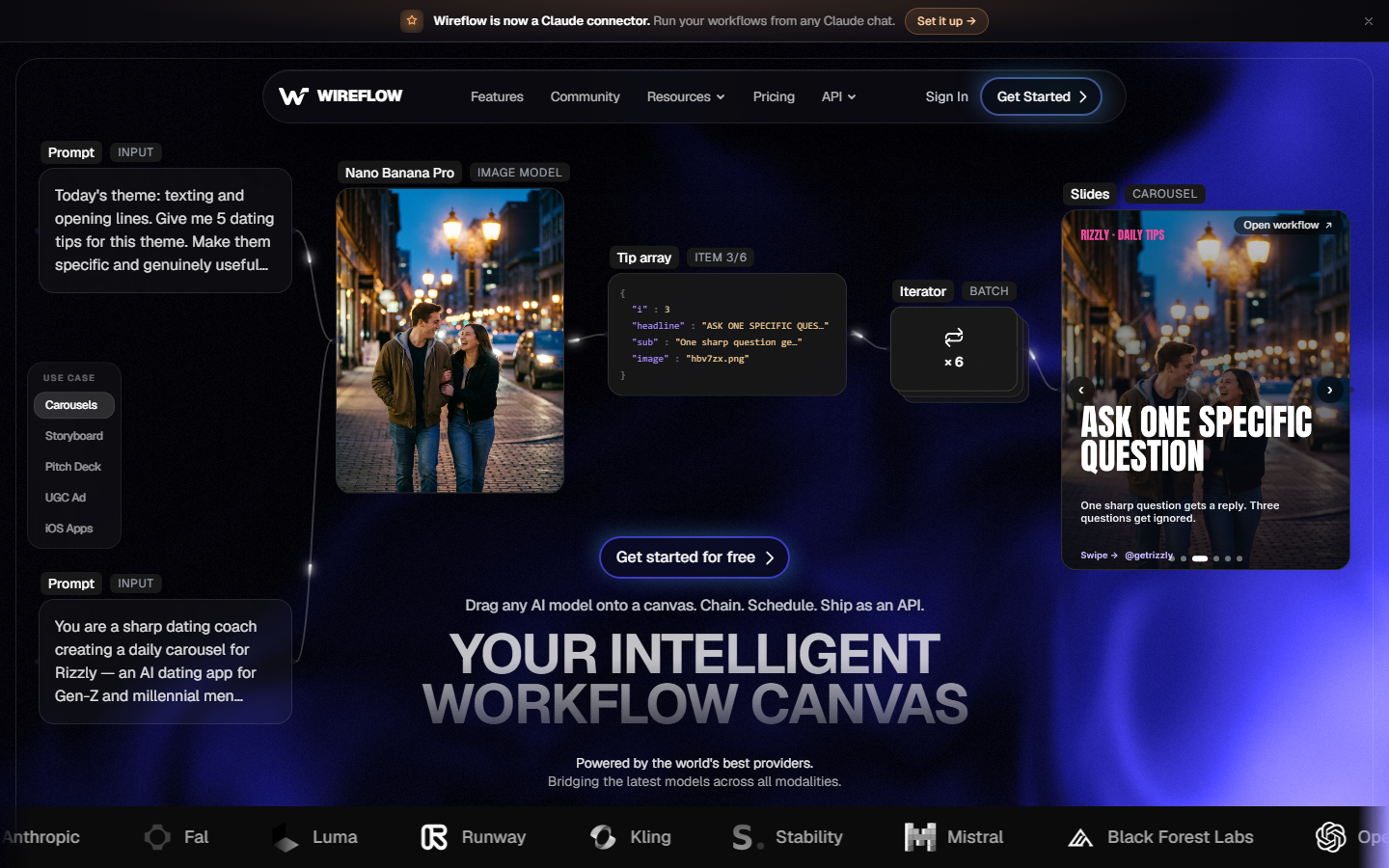
Because workflows are reusable, the second video costs a fraction of the effort of the first. Teams use it as an agentic video editing platform: describe the edit once, run it against every new recording, and only review the output. Pricing is usage-based, so you pay for what you generate instead of a flat monthly seat.
Best for: creators and teams who want to automate recurring video and audio production instead of editing each piece manually.
2. Riverside (Best for Podcasters)
Riverside is the closest like-for-like Descript replacement for podcasters. It records locally on each participant's device, so remote interviews come out at studio quality regardless of connection, and its text-based editor lets you cut by deleting words from the transcript. It also generates clips, captions, and show notes automatically, which pairs well with a realistic AI voice generator for intros and ad reads.
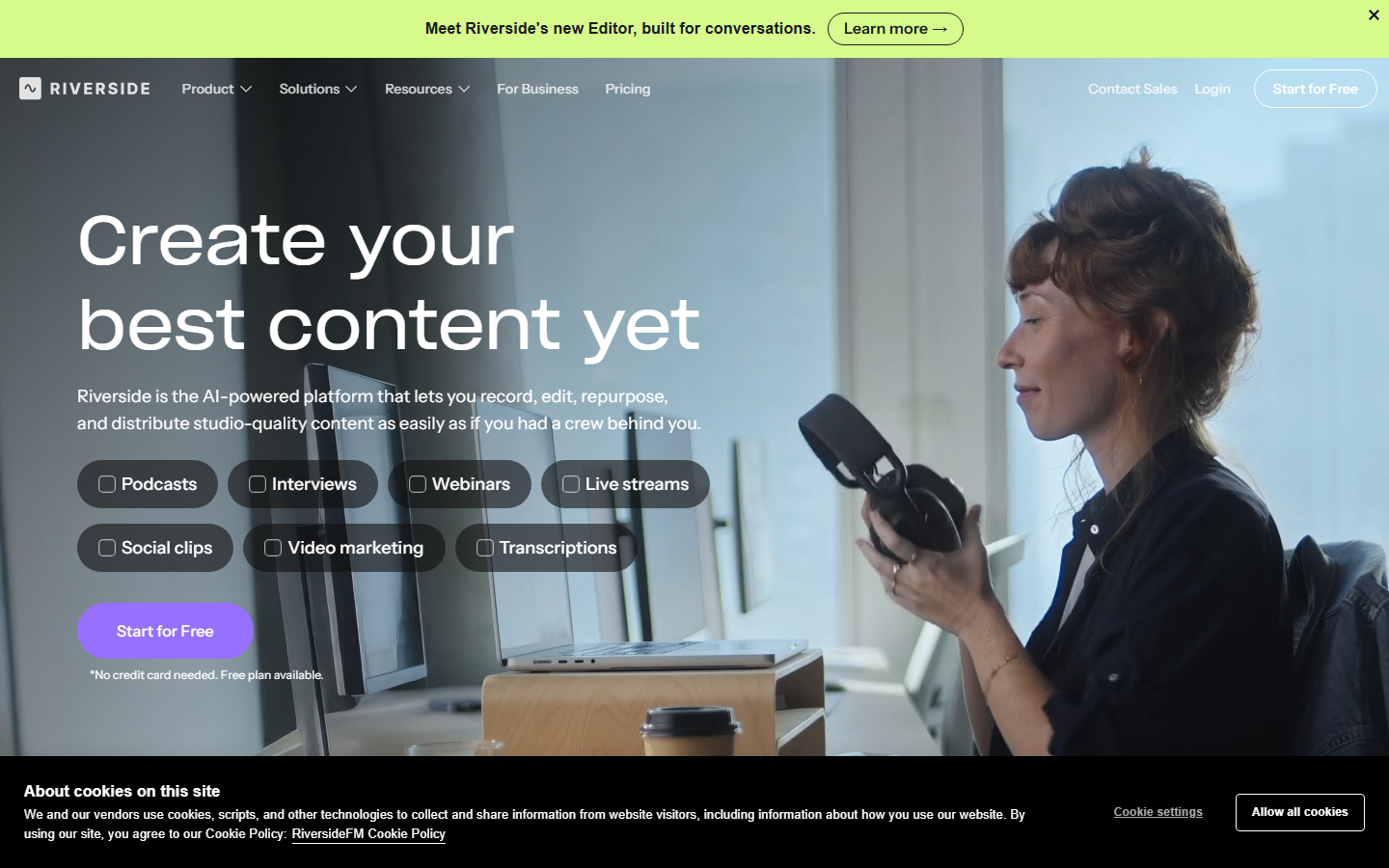
Paid plans start at around $19 per month, and the free tier includes the text editor and limited recording hours. The main gap is general-purpose video editing; Riverside is built for recorded conversations, not motion graphics or complex timelines.
Best for: podcast and interview creators who record remotely.
3. VEED (Best for Social Teams)
VEED is a browser-based editor known for fast subtitling, translations, and social-format exports. Its auto-subtitle accuracy is among the best in this group, and the interface is far lighter than Descript's desktop app. Teams producing social media video at volume use it to caption and resize one master edit for every platform.

Plans start at roughly $12 per month billed annually, with watermark removal and longer exports on paid tiers. It is weaker on multitrack audio work, so audio-first creators usually pair it with a dedicated audio tool.
Best for: short-form and social content teams working in the browser.
4. CapCut (Best Free Option)
CapCut offers the most editing capability per dollar on this list because the core product is free without a watermark on most exports. It covers desktop and mobile, includes auto-captions, background removal, and templates, and its short-form tooling is excellent for anyone building a YouTube Shorts pipeline.

The Pro tier, around $10 per month, unlocks premium effects and cloud storage. Trade-offs: it lacks true text-based editing, some previously free features have moved behind Pro, and teams with strict data policies should review its terms before adopting it.
Best for: budget-conscious creators, especially on mobile and short-form.
5. Podcastle (Best for Audio)
Podcastle focuses on the audio half of what Descript does: remote recording, transcript-based audio editing, noise removal, and AI voices. Its enhancement tools clean up rough recordings well, and the built-in text-to-speech and voice cloning tools let you patch a flubbed line without re-recording.
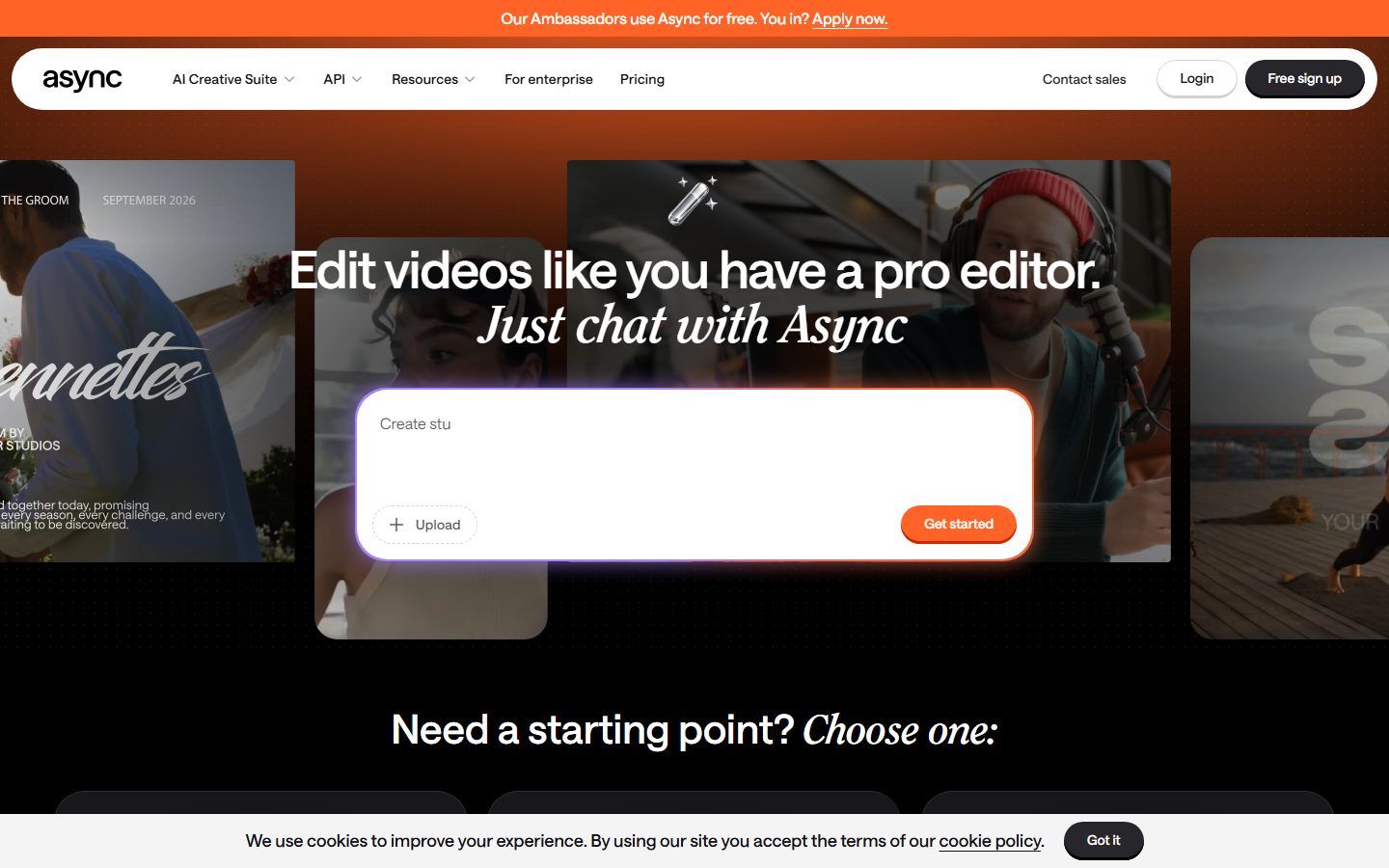
There is a usable free tier, with paid plans starting around $15 per month. Video features exist but are secondary; if video is your primary output, one of the other tools here will serve you better.
Best for: audio-first podcasters who want Descript's audio workflow without the video overhead.
6. Kapwing (Best for Collaboration)
Kapwing is a browser editor built around team workspaces: shared projects, comments, brand kits, and simultaneous editing. It includes subtitle generation, translation, and a clean timeline, making it practical for marketing teams that produce social video campaigns together rather than solo.
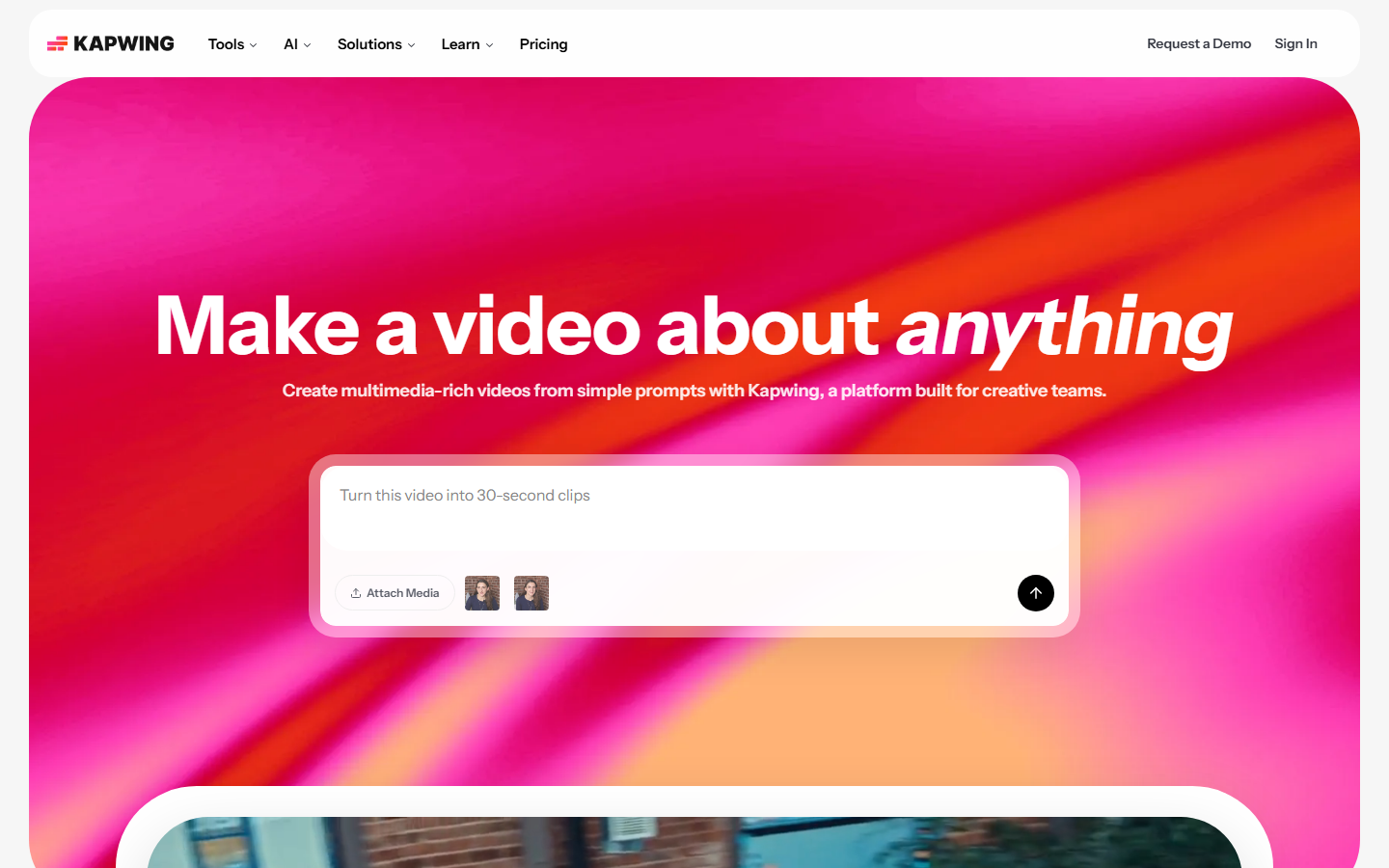
Paid plans start at about $16 per user per month. Rendering long videos in the browser can be slow, and advanced audio editing is limited, but for collaborative everyday editing it beats Descript's single-user feel.
Best for: content and marketing teams editing together in the browser.
7. DaVinci Resolve (Best for Pros)
DaVinci Resolve is the professional option: industry-grade color correction, the Fairlight audio suite, and a full editing and VFX toolset. The free version is genuinely complete, and the one-time Studio license (around $295) undercuts years of subscription fees. It has also added AI transcription and text-based editing, closing the gap that once made Descript easier. For solo creators, it can even replace a freelance editor for polished long-form work.
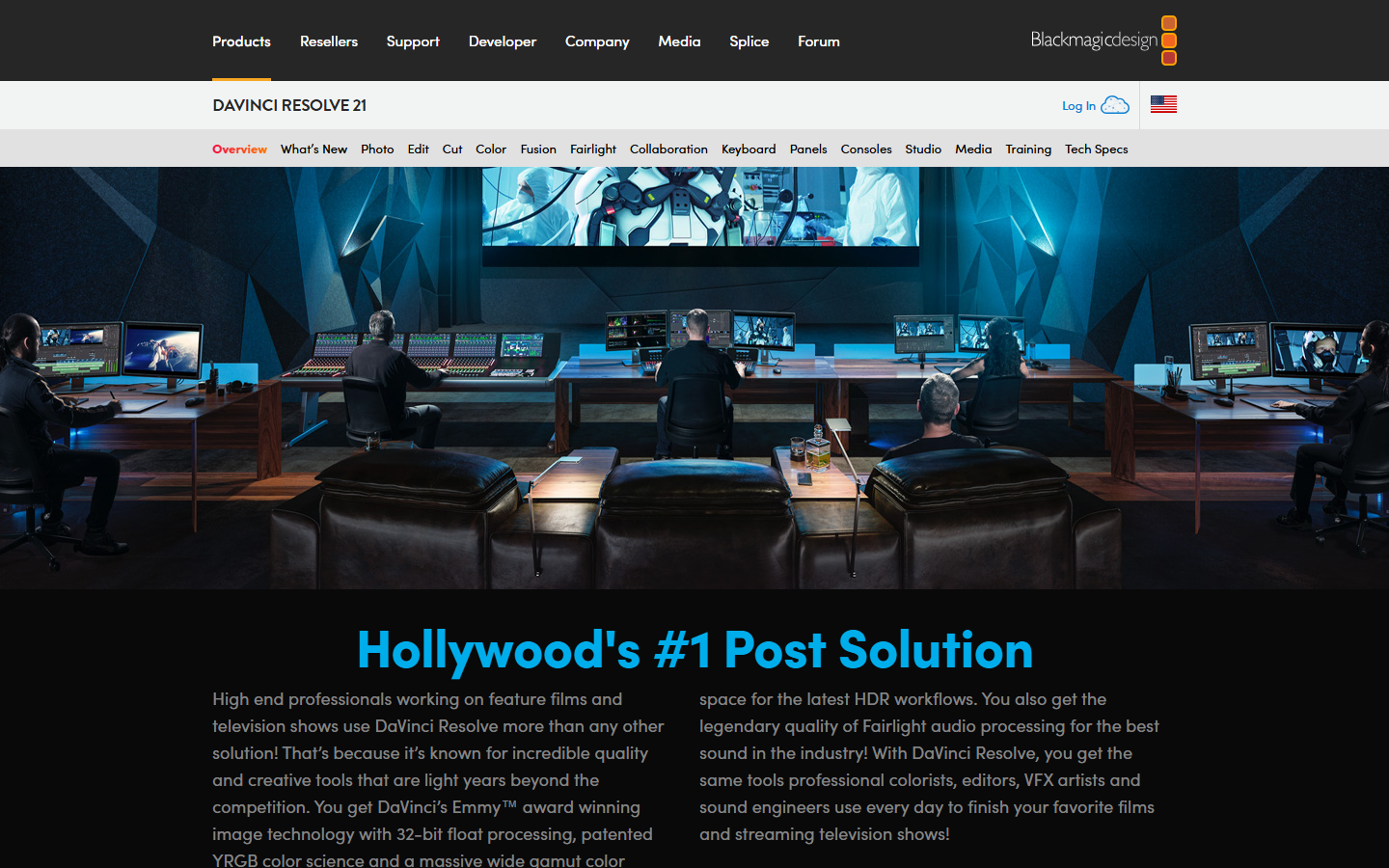
The cost is the learning curve. Resolve demands a capable computer and real time investment; it is the opposite of a quick browser editor.
Best for: professionals and serious creators who want maximum control at minimum long-term cost.
8. OpusClip (Best for Repurposing)
OpusClip does one job: turn long-form video into ranked short clips with captions, reframing, and hooks, automatically. It scores each clip for predicted engagement, which takes the guesswork out of making Shorts from existing footage. If your Descript usage was mostly cutting highlights from podcasts or webinars, OpusClip automates that entire task.
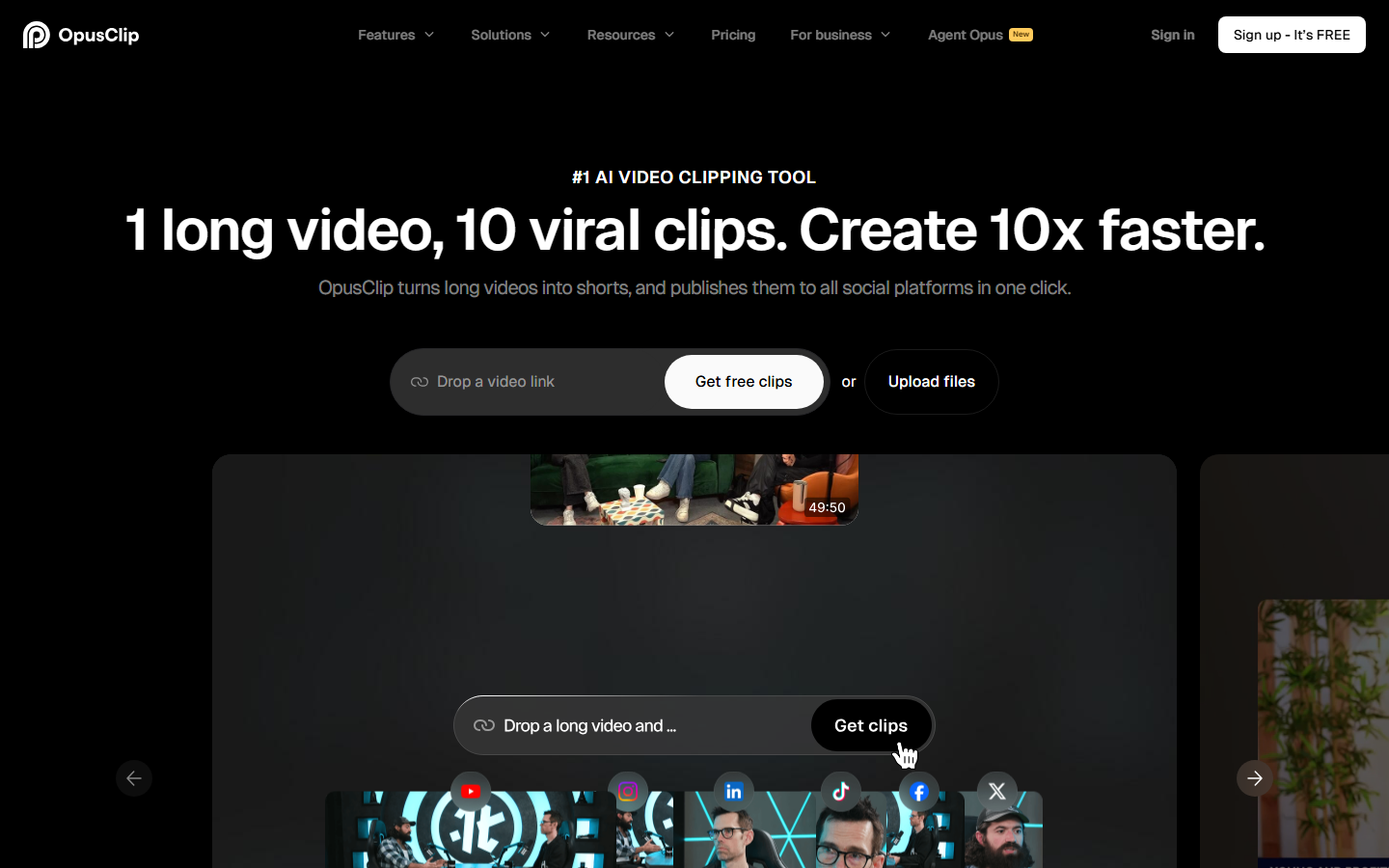
Plans start around $15 per month for a monthly upload allowance. It is not a general editor; you cannot build a video from scratch here, only derive clips from what you already have.
Best for: creators repurposing long-form content into shorts at scale.
Comparison Table
| Tool | Text-Based Editing | Free Tier | Starting Price | Best For |
|---|---|---|---|---|
| Wireflow | Via automated workflows | Yes | Usage-based | Automated video/audio pipelines |
| Riverside | Yes | Yes | ~$19/mo | Remote podcast recording |
| VEED | Partial (subtitles) | Yes | ~$12/mo | Social subtitling and exports |
| CapCut | No | Yes | Free / ~$10/mo Pro | Free all-round editing |
| Podcastle | Yes (audio) | Yes | ~$15/mo | Audio-first podcasting |
| Kapwing | Partial | Yes | ~$16/mo | Team collaboration |
| DaVinci Resolve | Yes | Yes | Free / $295 once | Professional editing |
| OpusClip | No | Limited | ~$15/mo | Long-to-short repurposing |
How to Choose
Match the tool to the job you actually fired Descript from. If it was remote recording, take Riverside. If it was captions and social exports, VEED or Kapwing. If it was budget, CapCut. If the real problem was the hours you spend editing at all, an automated workflow beats any manual editor; compare the usage-based pricing of a pipeline approach against another monthly editing seat before you commit.
Try it yourself: open the pre-built editing workflow in Wireflow. The nodes are pre-configured with the exact setup discussed above, so you can run it against your own footage in minutes.
FAQ
What is the best overall Descript alternative in 2026?
It depends on your workflow. For automated, repeatable video and audio production, a node-based workflow tool is the strongest replacement. For a like-for-like text-based editor, Riverside is the closest match for podcasters and DaVinci Resolve for professional video work.
Is there a free Descript alternative?
Yes. CapCut is free without a watermark on most exports, DaVinci Resolve's free version is a complete professional editor, and VEED, Kapwing, Riverside, and Podcastle all offer usable free tiers with limits on export length or quality.
Which Descript alternative is best for podcasters?
Riverside for remote interviews with studio-quality local recording, or Podcastle if you want a lighter audio-first tool with built-in AI voices and noise removal.
Do any Descript alternatives offer text-based editing?
Riverside, Podcastle, and DaVinci Resolve all let you edit by deleting words from a transcript. VEED and Kapwing offer transcript-driven subtitling but weaker transcript-based cutting.
What is the cheapest way to replace Descript?
CapCut free plus DaVinci Resolve free covers casual and professional editing at zero cost. If you need cloud collaboration or automatic captions at scale, expect $10 to $20 per month for VEED, Podcastle, or OpusClip.
Can AI fully automate video editing instead of using an editor?
For structured, recurring formats such as podcasts, talking-head videos, and clip repurposing, yes. Workflow platforms chain transcription, cutting, captioning, and rendering into one run. Creative one-off edits still benefit from a manual editor like Resolve.
Which alternative is best for turning long videos into shorts?
OpusClip specializes in it, with automatic clip scoring, reframing, and captions. CapCut and VEED can do it manually, and workflow tools can automate the whole long-to-short pipeline.
Is DaVinci Resolve hard to learn compared to Descript?
Yes, meaningfully. Descript is built for non-editors; Resolve is built for editors. Budget a few weeks of practice, but the free price and professional ceiling make the investment worthwhile for serious creators.
Conclusion
Descript earned its place by making editing feel like editing a document, but in 2026 you can get better recording quality, better free tiers, or far more automation elsewhere. Pick Riverside or Podcastle for podcasts, CapCut or Resolve for budget and pro editing, VEED or Kapwing for social teams, and OpusClip for repurposing. If your goal is to stop editing manually altogether, Wireflow's workflow approach, linked above, replaces the editing session with a pipeline you run instead of a project you open.

Co-Founder & Operations at Wireflow
Runs client operations and content strategy at Wireflow. Works directly with creative teams and agencies to build production AI workflows.
- Content Strategy
- Client Operations
Make AI videos and ads.
Start free, no card needed.