How to Add Image Generation to Claude Code

In this article▾
If you want to add image generation to Claude Code, you have three working options: an MCP server, a custom skill, or a hosted workflow API. Wireflow covers the third path with a single REST endpoint that Claude Code can call to run any image model, and this guide walks through all three so you can pick the right one for your setup.
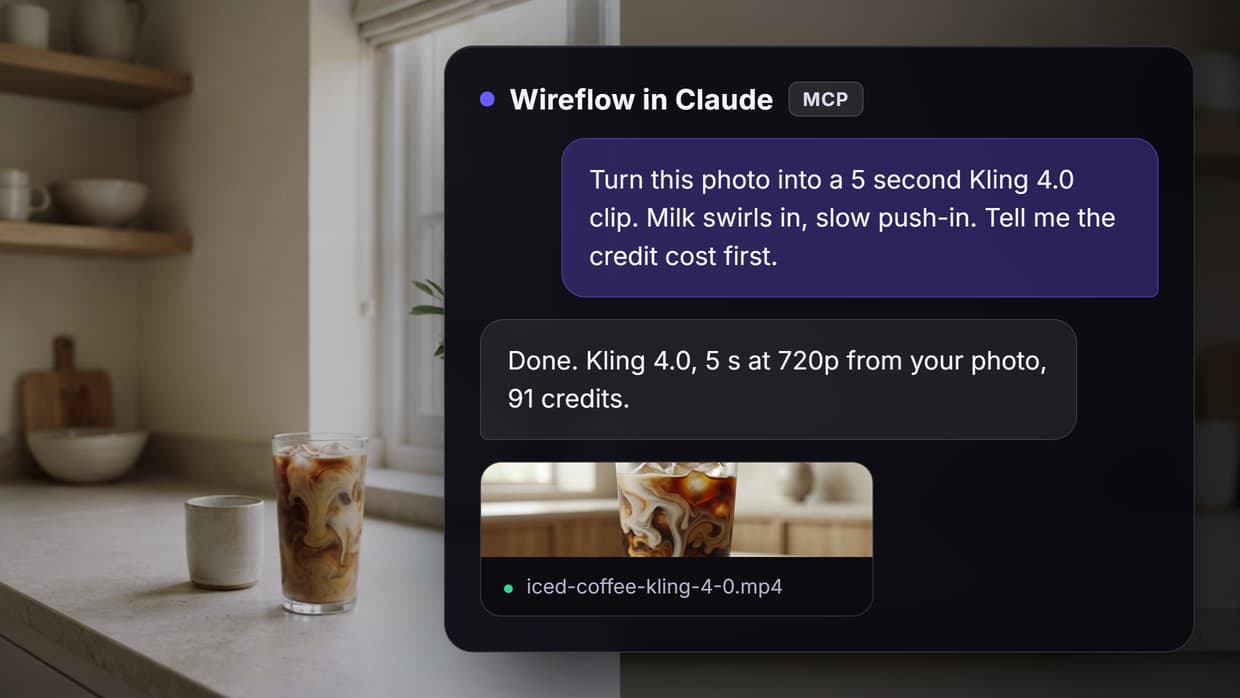
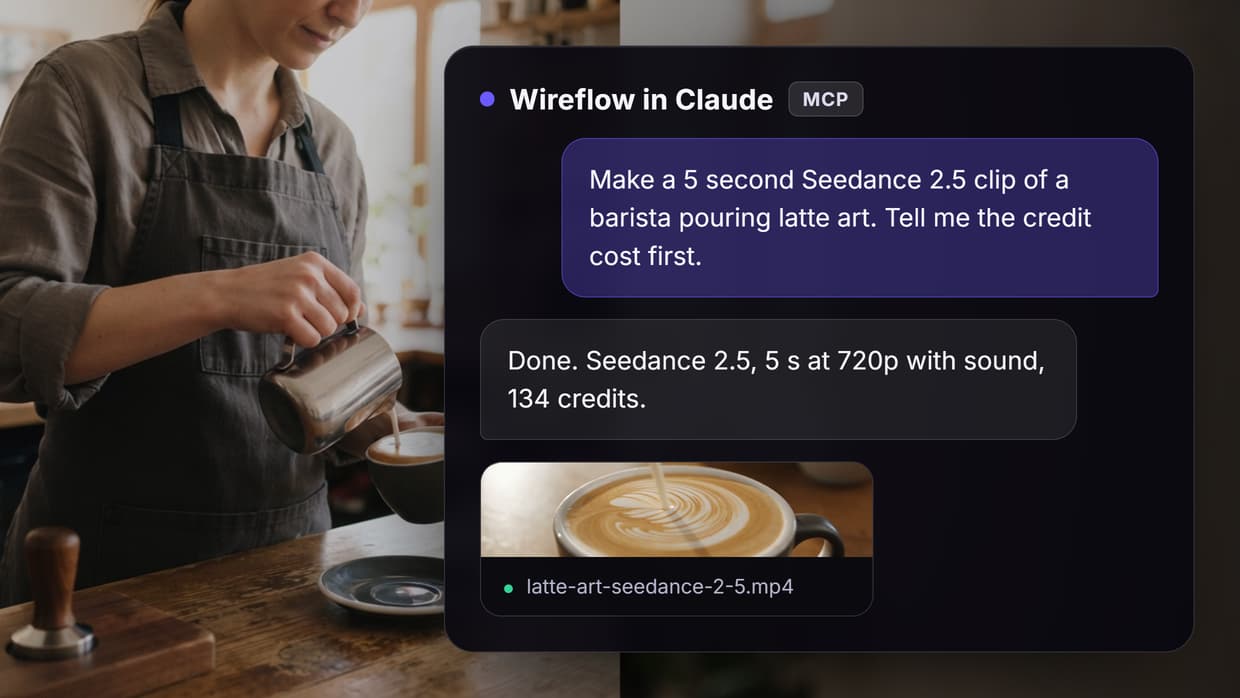
Claude Code is a terminal agent built for reading files, writing code, and running shell commands. It has no diffusion model inside it, so asking it to "draw a hero image" does nothing by default. The fix is to give it a tool that reaches an external image model. Once that tool exists, Claude Code treats image generation like any other command: it builds the prompt, fires the request, saves the file, and keeps coding. The chain multiple AI models in one API call guide shows how far that pattern scales once the first connection works. The same MCP pattern works for video, and you can compare the options in Wireflow's MCP server comparison for video editing.
The same tool route handles changes to existing pictures too, as shown in our guide to editing images in Claude.
Why Claude Code needs an external image backend
Claude models can see images, but they cannot produce them. Every "Claude generated this image" demo you have seen routes the actual pixel work to a separate model such as GPT Image, FLUX, or Nano Banana. Claude Code writes the prompt and orchestrates the call; the image model does the rendering. That split is a feature, not a limitation, because it means you can swap image models without changing your agent. The AI API with Claude Code integration feature page shows this exact architecture in action, with Claude Code driving a hosted canvas that executes the models. To lay the pipeline out visually first, try Wireflow, a node editor you can call by API.
Three integration patterns cover almost every real setup. Which one fits depends on how much infrastructure you want to own and whether you need one model or several. Teams that only need occasional single images lean toward MCP; teams shipping batch image generation into production pipelines lean toward a workflow API.
Build this in Wireflow
Make the same kind of asset on a canvas you control, with a free account and no credit card.
Option 1: Add an MCP server
The Model Context Protocol is the standard way to bolt tools onto Claude Code. For a shorter walkthrough of the end result, see how to generate images in Claude Code. Several public MCP servers expose image models, and registering one takes a single command:
claude mcp add my-image-server --transport http https://example-image-mcp.com
After the server is registered, Claude Code lists its tools automatically. You ask for an image in plain language, Claude Code picks the generation tool, and the file lands in your project. Community servers exist for Gemini image models, GPT Image, and FLUX, and some bundle extras like background removal and upscaling. If you want to understand what a specific model is good at before wiring it up, the Nano Banana image generation via API walkthrough is a useful reference for one of the most popular options.

Pros: fastest setup, native tool discovery, no code to maintain. Cons: you are limited to whatever models and parameters the server exposes, each provider needs its own server and API key, and multi-step jobs (generate, then upscale, then compose) require Claude to chain calls manually.
Option 2: Write a custom skill or script
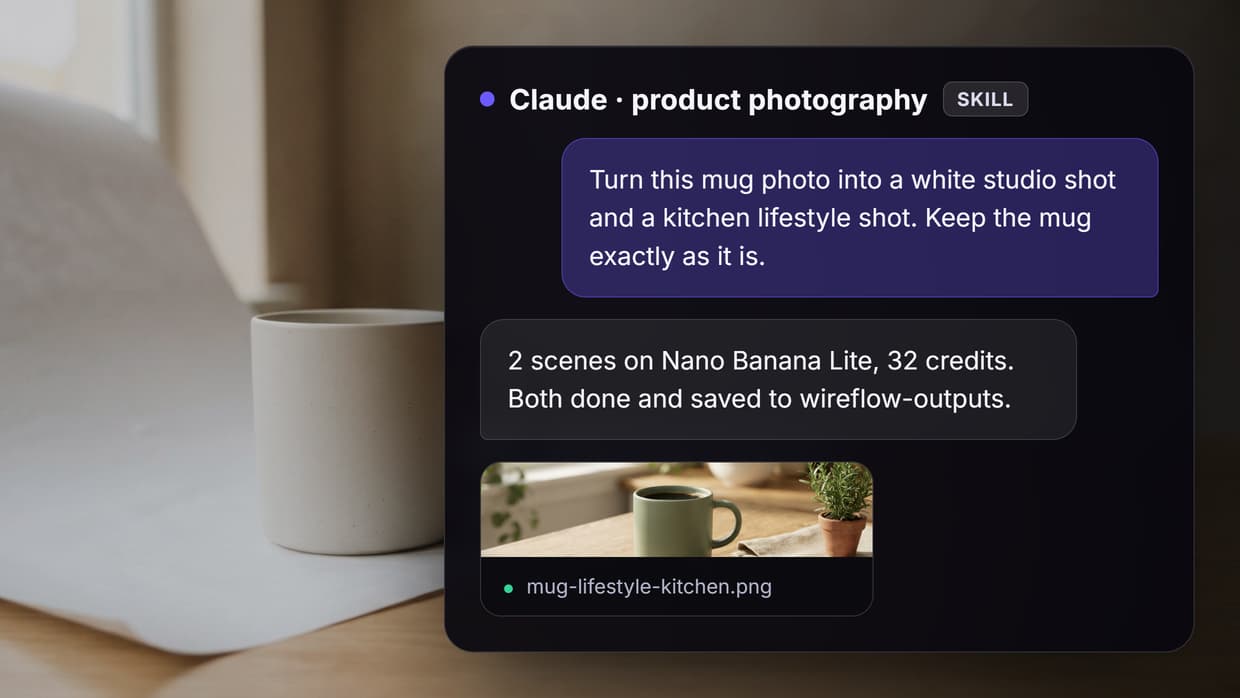
Claude Code executes shell commands, so the simplest DIY route is a script it can run. Drop a generate-image.js in your repo that calls your preferred provider, and tell Claude Code about it in your project instructions file. This is the same pattern teams use to connect Claude to video editing, just pointed at an image endpoint instead.
// generate-image.js
const res = await fetch("https://api.provider.com/v1/images", {
  method: "POST",
  headers: { Authorization: `Key ${process.env.IMAGE_API_KEY}` },
  body: JSON.stringify({ prompt: process.argv[2], size: "1536x1024" }),
});
The upside is total control: exact models, exact parameters, retries, and file naming that matches your project conventions. The downside is that you now own that code. Provider APIs change, rate limits differ, and if you later want a second model you write a second script. Teams that started with a self-hosted image generation API often report that maintenance, not the initial build, is the real cost.

Option 3: Point Claude Code at a hosted workflow API
The third pattern gives Claude Code one endpoint that fronts many models. Instead of an MCP server per provider or a script per model, Claude Code calls a workflow API where the image pipeline is already defined: which model runs, what parameters it uses, and what happens after generation. You build the pipeline once on a visual canvas, then trigger it by ID from the terminal. The hosted AI image generator node library covers text-to-image, image-to-image, and editing models behind that single interface.
This is the option to pick when image generation is part of a larger system: product pages that need six variants, docs that need consistent illustrations, or an app where end users trigger generation. It also solves the multi-step problem cleanly, because a workflow can generate, upscale, and composite in one call instead of three round trips. Developers moving off per-model endpoints describe the same motivation in the migrate from Replicate to a canvas API writeup.
Step-by-step: connect Claude Code to a workflow API
Here is the full setup using a hosted workflow as the backend. Total time is about ten minutes, and the same steps apply to any chained AI models API endpoint.
-
Build the image workflow. On the canvas, add a text input node, connect it to an image model node (FLUX, GPT Image, or Nano Banana all work), and run it once to confirm output. Browse the models catalog to compare options before committing to one.
-
Get your API key. Generate a key from your account settings and export it in the shell Claude Code runs in:
export WIREFLOW_API_KEY="wf_live_..."
- Tell Claude Code about the endpoint. Add a short section to your
CLAUDE.mdproject file so the agent knows the tool exists:
## Image generation
To generate an image, POST to the workflow API:
curl -X POST https://api.wireflow.ai/v1/run/WORKFLOW_ID \
  -H "Authorization: Bearer $WIREFLOW_API_KEY" \
  -d '{"inputs": {"prompt": "YOUR PROMPT"}}'
Save the returned image URL to the assets folder.
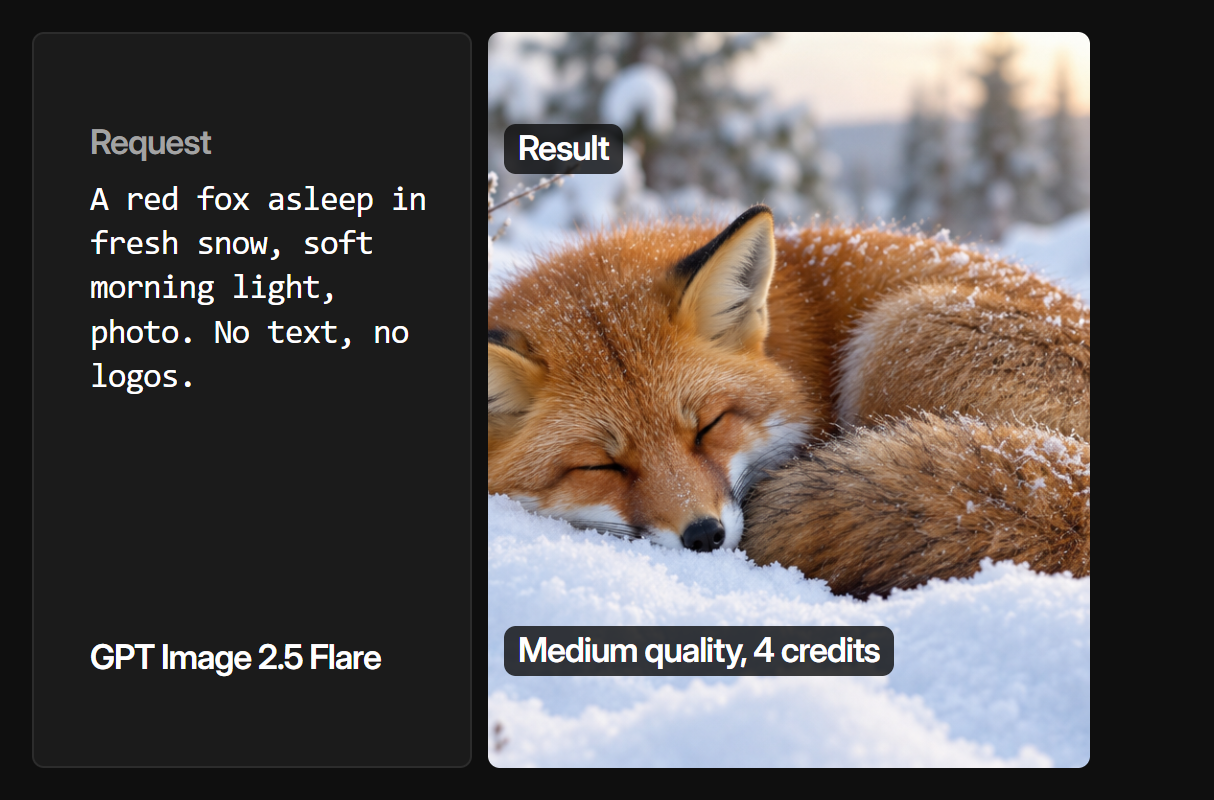
- Ask for an image. In a Claude Code session, request something concrete: "Generate a 16:9 hero image of a node-based editor on a dark canvas and save it to public/hero.png." Claude Code writes the prompt, runs the curl, downloads the result, and confirms the path.
- Iterate in the same session. Because the agent sees the saved file, you can ask for revisions ("brighter background, same composition") and it will re-run the workflow with an adjusted prompt. Inference-style request patterns and error handling are covered in the AI inference API guide if you want to harden the loop.

Comparing the three methods
| MCP server | Custom skill | Workflow API | |
|---|---|---|---|
| Setup time | ~2 minutes | ~30 minutes | ~10 minutes |
| Models available | Server-dependent | One per script | Full catalog, swappable |
| Multi-step pipelines | Manual chaining | You code it | Built into the workflow |
| Maintenance | Low | High | None |
| Best for | Quick single images | Full control | Production pipelines |
A reasonable path is to start with MCP for experimentation, then move to a workflow API once images become part of your build process. GPU-heavy node setups that outgrow local hardware follow the same trajectory toward a ComfyUI cloud API style backend.
Practical tips that save time
Keep prompts in files, not chat. Have Claude Code write each image prompt to a prompts/ directory before generating. You get reproducibility and can re-run any image later without archaeology through session logs.
Set a spend guard. Image models bill per generation, and an agent in a loop can burn credits fast. Cap the number of generations per session in your instructions file, and check pricing tiers so batch jobs land on the right plan before you automate them.
Verify before embedding. Add one instruction: after generating, Claude Code must confirm the file exists and is above a minimum byte size before referencing it in code. This catches failed generations that would otherwise ship as broken image tags.

Try it yourself: open this pre-built image workflow in Wireflow. The nodes are pre-configured with the exact Claude Code integration setup discussed above, so you can grab the workflow ID and start generating from your terminal.
FAQ
Can Claude Code generate images by itself?
No. Claude models understand images but cannot create them. Claude Code needs an external image model connected through an MCP server, a custom script, or a workflow API. Once connected, it handles prompting and file management automatically.
What is the fastest way to add image generation to Claude Code?
Registering an MCP server is fastest, usually one terminal command. A hosted workflow API takes about ten minutes and is the better choice when you need multiple models or multi-step pipelines.
Which image models work with Claude Code?
Any model behind an API: GPT Image, FLUX, Nano Banana, Stable Diffusion, and Gemini image models are the common choices. The model matters less than the integration, since Claude Code only needs an endpoint to call.
Do I need an MCP server to connect an image API?
No. Claude Code can run shell commands, so a curl call to any image API works without MCP. MCP adds native tool discovery, which is convenient but not required.
How much does it cost to add image generation to Claude Code?
The integration itself is free. You pay per generation to the image provider, typically a few cents per image depending on model and resolution. Batch pipelines should sit on a plan with predictable credit pricing.
Can Claude Code edit existing images, not just generate new ones?
Yes, if the backend supports image-to-image models. Pass the source image URL as a workflow input and use an editing model node. Claude Code handles the upload and download steps the same way it does for text-to-image.
How do I stop Claude Code from generating too many images?
Put a hard cap in your project instructions file, for example "never generate more than 5 images per session without asking." Claude Code follows project-level rules, and a spend guard in the instructions is more reliable than watching the meter.
Is a workflow API better than writing my own integration script?
For one model and occasional use, a script is fine. For production use, a workflow API wins because model swaps, retries, and multi-step chains live in the workflow instead of in code you have to maintain.
Wrapping up
Adding image generation to Claude Code comes down to giving the agent one reliable tool to call, and the three routes here scale from a two-minute MCP experiment to a production pipeline. Start with the method that matches your current need, keep prompts versioned, and cap your spend. When images become a standing part of your build process, Wireflow gives Claude Code a single endpoint for every image model, so the integration you set up today does not need to be rebuilt when the models change tomorrow.

Co-Founder & Operations at Wireflow
Runs client operations and content strategy at Wireflow. Works directly with creative teams and agencies to build production AI workflows.
- Content Strategy
- Client Operations
Make AI videos and ads.
Start free, no card needed.