Best Video Editing Agent Tools in 2026


In this article▾
Video editing agents go beyond one-click AI filters. They take a high-level instruction, plan a sequence of edits, and execute across multiple steps without manual intervention between each one. Wireflow takes the composable approach, letting you wire AI models together on a visual canvas and trigger the full pipeline through an API or a single button press. This guide ranks the seven best video editing agent tools available right now, covering what each one automates, how much it costs, and where it falls short.
Quick Summary
- Wireflow - Best overall for composable, multi-model video editing agent workflows
- Descript - Best for transcript-driven editing with Underlord AI
- OpusClip - Best for autonomous long-to-short video repurposing
- Runway - Best for generative video effects and AI footage creation
- Captions - Best for mobile-first, chat-based video editing
- Kapwing - Best for browser-based editing with AI repurposing tools
- Veed - Best for online editing with AI avatars and text-to-video
1. Wireflow
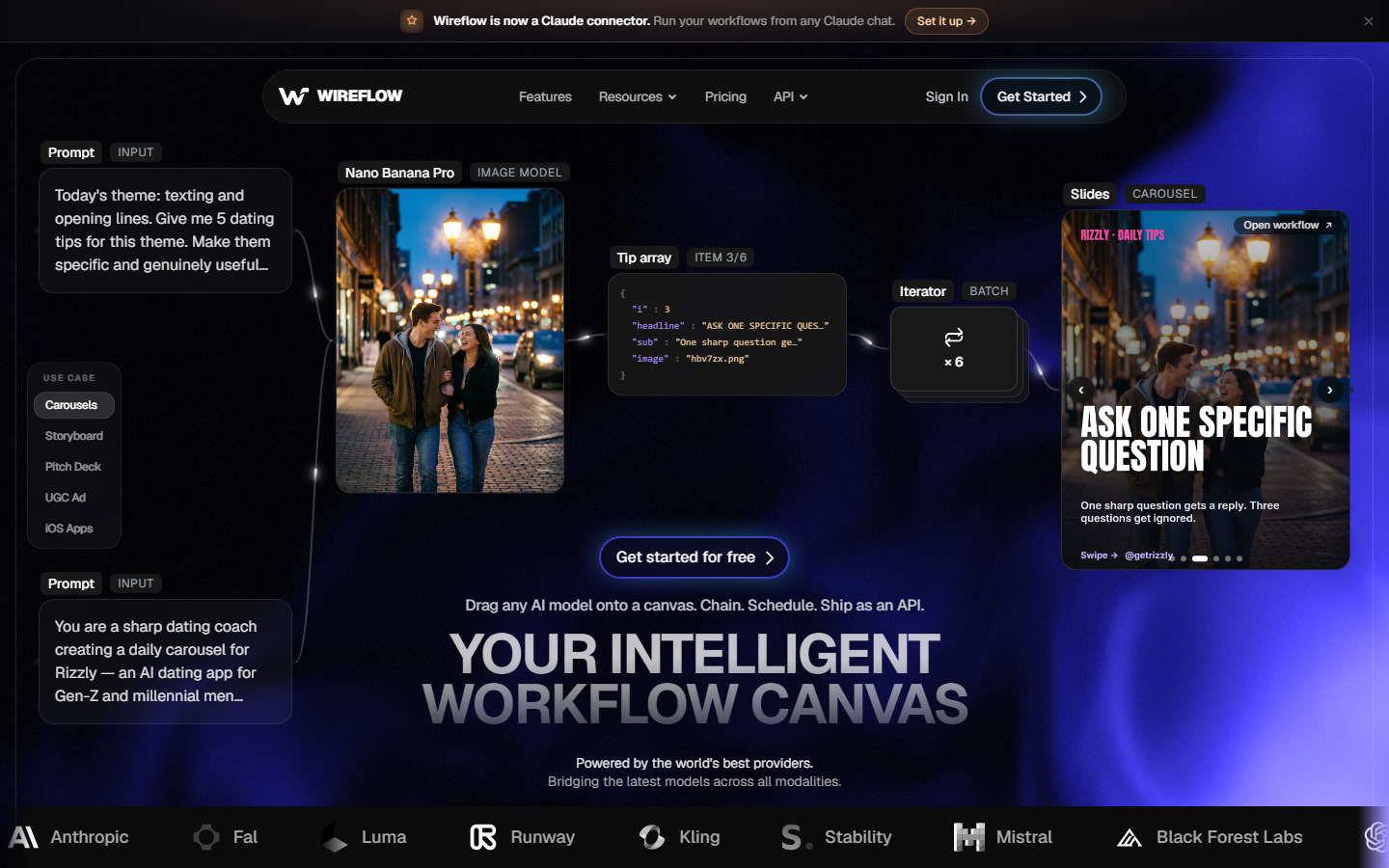
Wireflow is a visual node editor where each AI model is a draggable block on a canvas. Connect image generators, video models, audio tools, and LLMs into a chain, then run the sequence as one workflow. The result is a video editing agent you design yourself: pick the model for each step, set parameters, and save the pipeline as a reusable template. For a hands-on look, see the video editing agent feature page.
The same composable approach applies to automating a faceless YouTube channel, where one saved graph handles the script, the voiceover and the scenes for each video.
Every workflow is callable through a REST API, so you can trigger editing pipelines from a script, a cron job, or another application. The trade-off is that you are building the pipeline, not clicking a preset, though the template library covers common patterns like color grading and clip assembly.
Key strengths:
- Multi-model chaining across 30+ AI models in one workflow
- Full REST API for programmatic execution
- Usage-based pricing with no idle GPU costs
- Reproducible pipelines via saved templates
Pricing: Usage-based, starting free. You pay only for model inference time.
Limitation: You are designing the pipeline from scratch. Creators who want a one-click solution will face a learning curve before the canvas pays off.
Build this in Wireflow
Make the same kind of asset on a canvas you control, with a free account and no credit card.
2. Descript
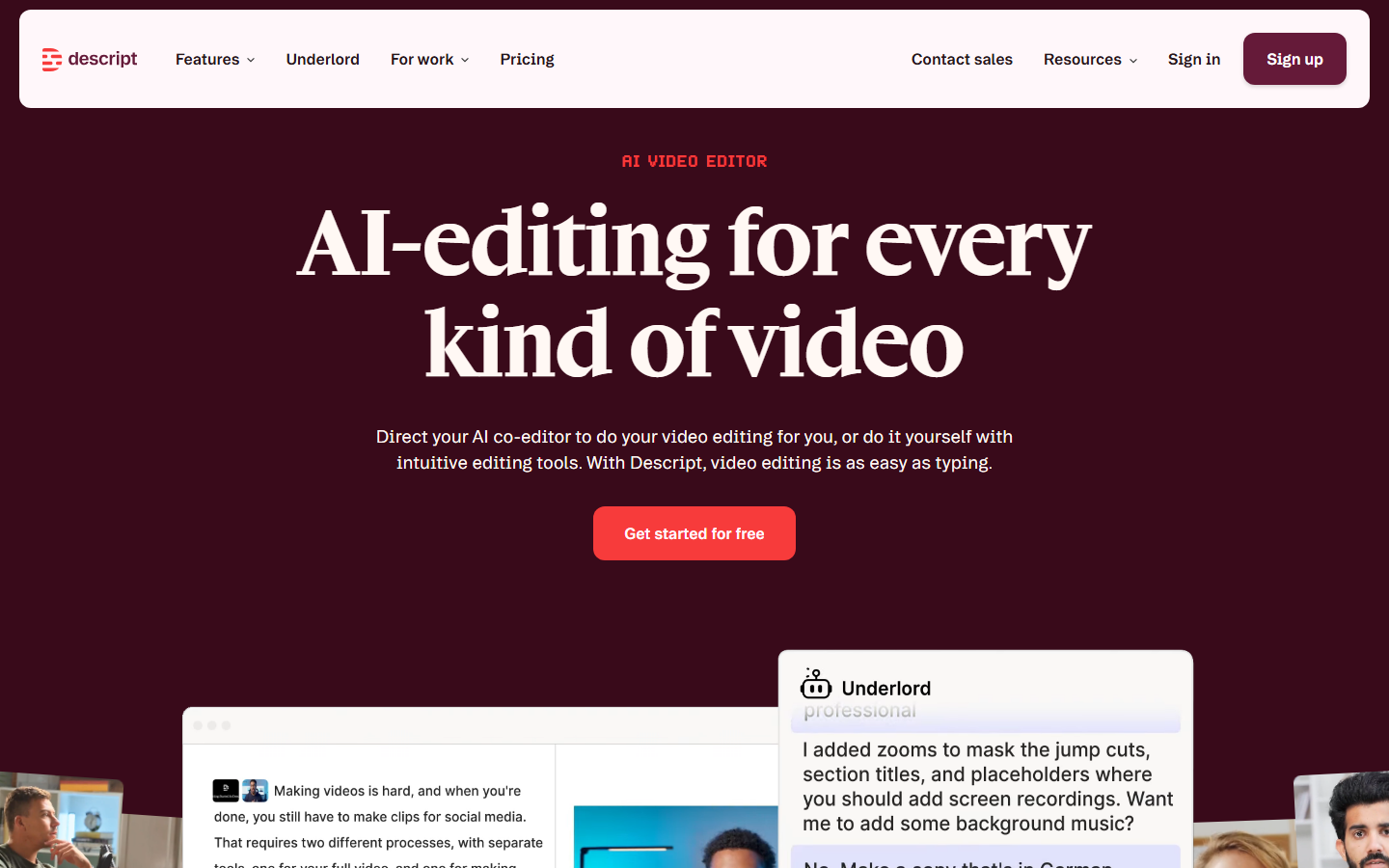
Descript reframes video editing as document editing. Import footage, get a transcript, and delete sentences to remove the corresponding video. Its Underlord AI assistant handles filler-word removal, silence trimming, and eye-contact correction in one pass. Overdub lets you clone a voice and fix spoken mistakes without re-recording.
Underlord can also draft show notes, suggest social clips, and auto-apply Studio Sound processing. It runs on an AI credit system separate from your subscription, so heavy use adds cost. The agent does not generate new footage or chain external models, keeping it focused on spoken-word workflows.
Pricing: Free tier with 60 minutes/month. Creator plan at $24/month (annual) with full Underlord access. Business at $50/user/month.
Limitation: Underlord's autonomy is shallow. It handles transcript-level edits well but cannot orchestrate multi-step pipelines or generate visual content.
3. OpusClip
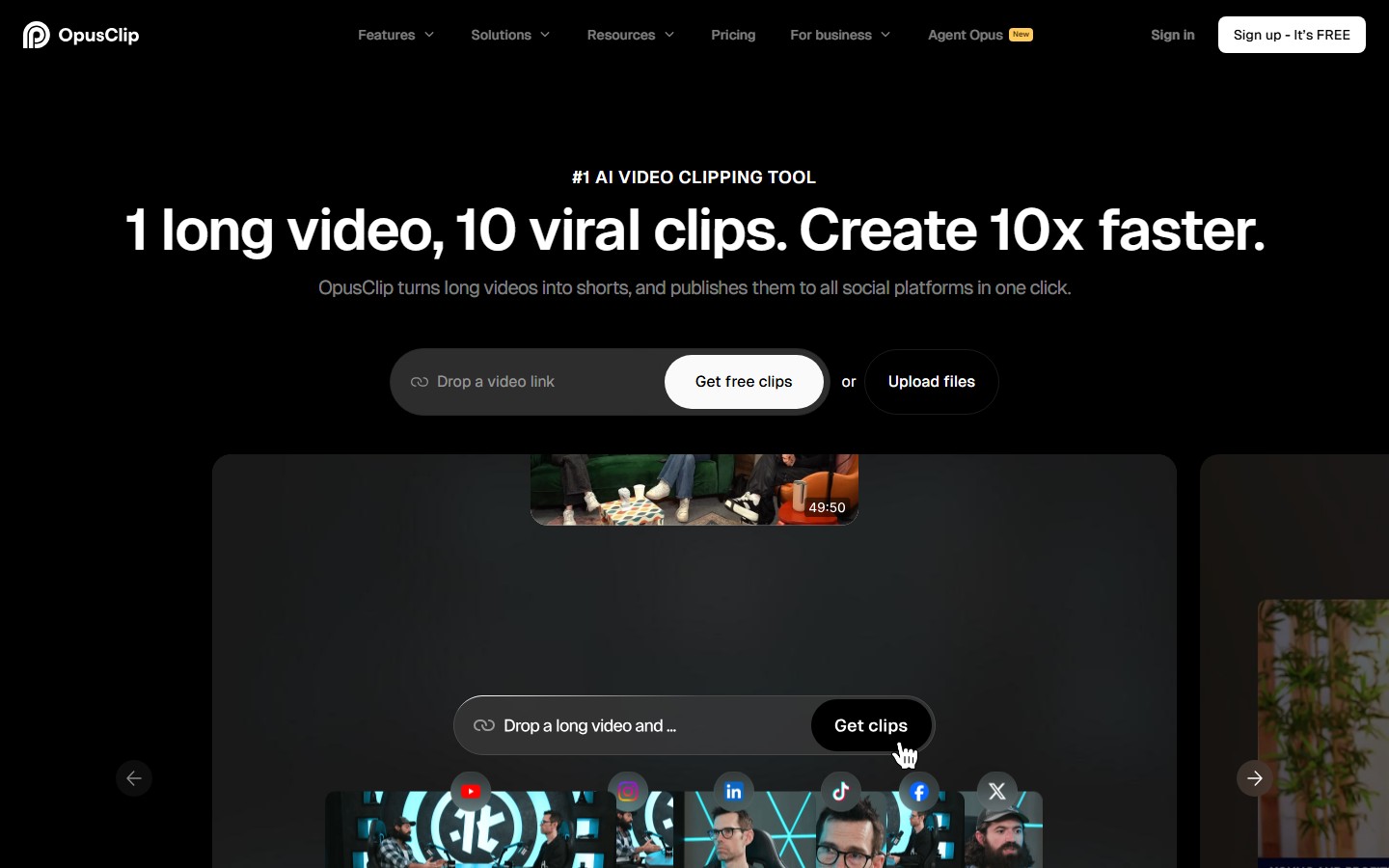
OpusClip automates the long-to-short pipeline. Upload a YouTube video or podcast, and it identifies engaging segments, clips them into vertical shorts, adds animated captions, and scores each clip for predicted virality. For creators publishing YouTube Shorts, TikToks, and Reels from one long-form source, the workflow is genuinely autonomous.
ClipAnything lets you describe what you want in natural language, and the agent finds matching segments. The platform also handles auto-captioning and resizing for each social format.
Pricing: Free with 60 processing minutes (watermarked). Starter $15/month, Pro $29/month with 300 minutes and a social scheduler.
Limitation: Post-generation editing depth is shallow. You can adjust trim points and caption styles, but there is no b-roll insertion, effects layering, or model chaining.
4. Runway

Runway is the strongest tool on this list for generative video creation. Gen-4.5 text-to-video, image-to-video, inpainting, object removal, and style transfer are all available from one interface. For VFX-heavy projects where you need footage that does not exist, Runway has no close peer among consumer tools. Developers can also explore Runway API alternatives for programmatic access.
The agentic gap is orchestration. Runway runs one model per task; you cannot chain generation, upscaling, and voiceover into a single pipeline inside its interface. If you need that chained automation, an orchestration layer can call Runway's models inside a broader workflow.
Pricing: Free with 125 one-time credits. Standard $12/month, Pro $28/month, Max $76/month (annual pricing). Credit costs vary by model and resolution.
Limitation: No built-in pipeline automation. Each generation task is isolated, making multi-step editing workflows manual and credit-intensive.
5. Captions
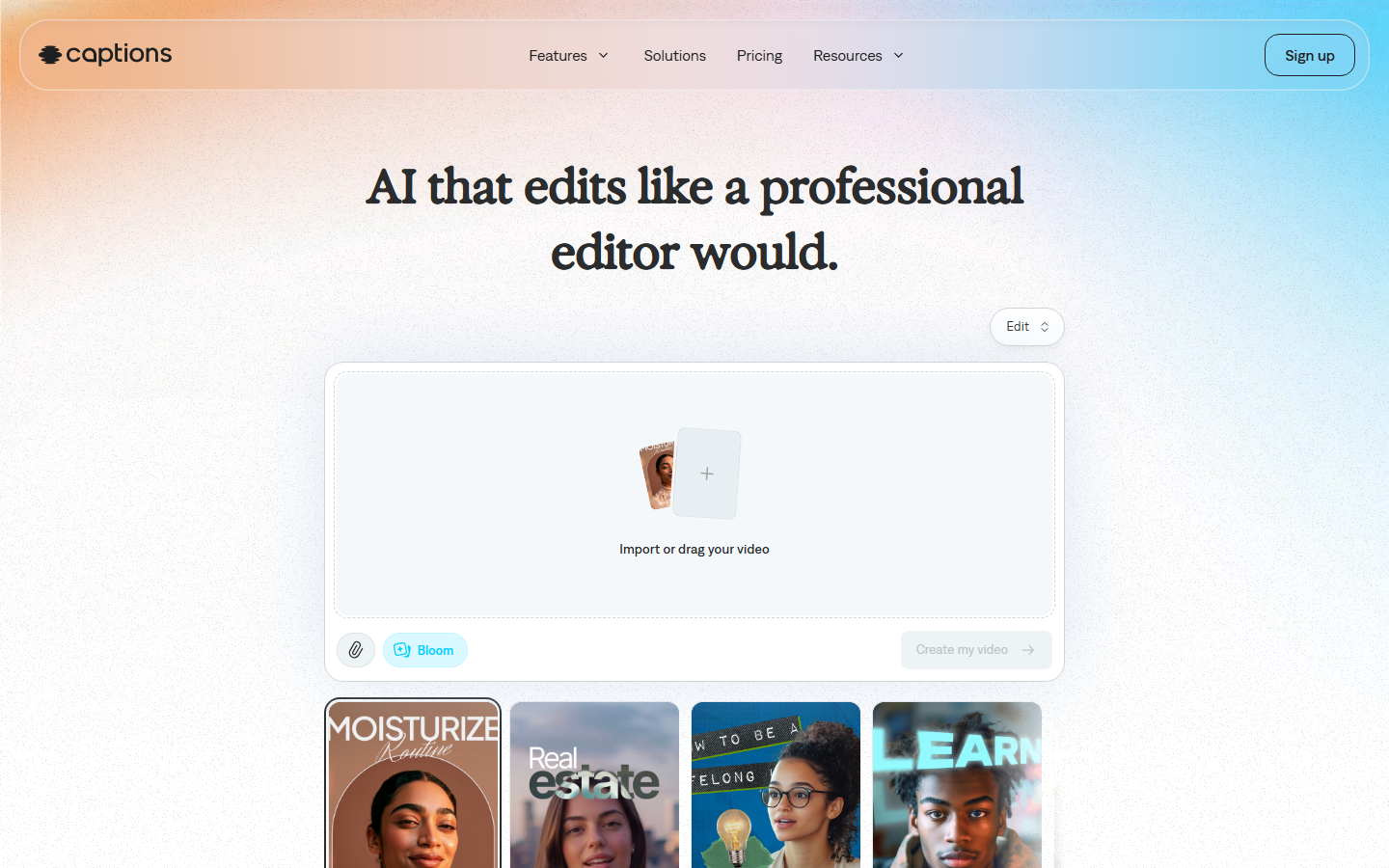
Captions offers the most overtly conversational editing experience. Its chat-based editor lets you type instructions like "make this punchier" or "add a zoom on the hook," and the AI interprets and applies the edits. AI Edit presets, digital twin actors, and auto-captions that adapt to brand styles round out a social media video production toolkit that works primarily on mobile.
The credit system is the friction point. Every AI action costs credits, and the free tier is restrictive. The Max plan at $24.99/month includes 500 credits, but heavy users generating digital twins or AI voiceovers burn through them quickly. Unused credits roll over, capped at 3x your monthly allocation.
Pricing: Free tier. Pro $9.99/month (200 credits), Max $24.99/month (500 credits). Scale plans available up to $279.99/month.
Limitation: Mobile-first design means desktop support is secondary. The best features are locked behind credit walls that scale quickly with production volume.
6. Kapwing
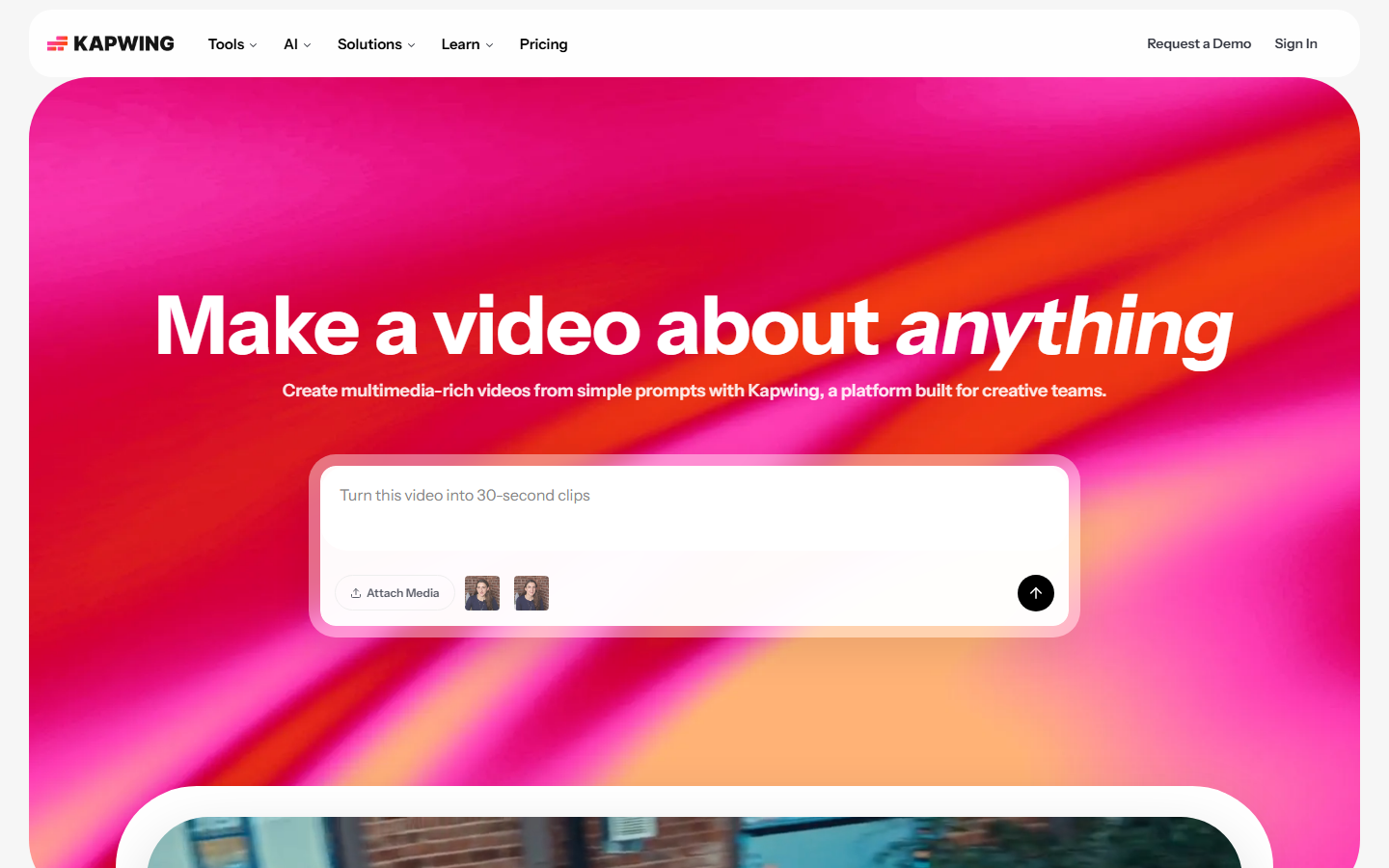
Kapwing is a browser-based video editor that layers AI repurposing tools on top of a traditional timeline. Smart Cut removes silences and filler words automatically. The AI Clip Maker extracts the most engaging 30- to 90-second segments from long-form uploads. Repurpose Studio converts horizontal video into vertical shorts with AI-generated captions, branded templates, and auto-framing that keeps the subject centered.
Where Kapwing differs from OpusClip is the full editor underneath. After the AI generates clips, you can refine them on a real timeline with layers, effects, and audio mixing. That makes it a stronger fit for teams that need both automated content repurposing and manual creative control in one tool.
Pricing: Free tier (1-minute exports, 720p, watermarked). Pro $16/month (annual) or $24/month. Business $50/month per member.
Limitation: The AI features are repurposing-focused. There is no generative video creation, no model chaining, and no API access. Teams needing custom AI pipelines will outgrow it.
7. Veed
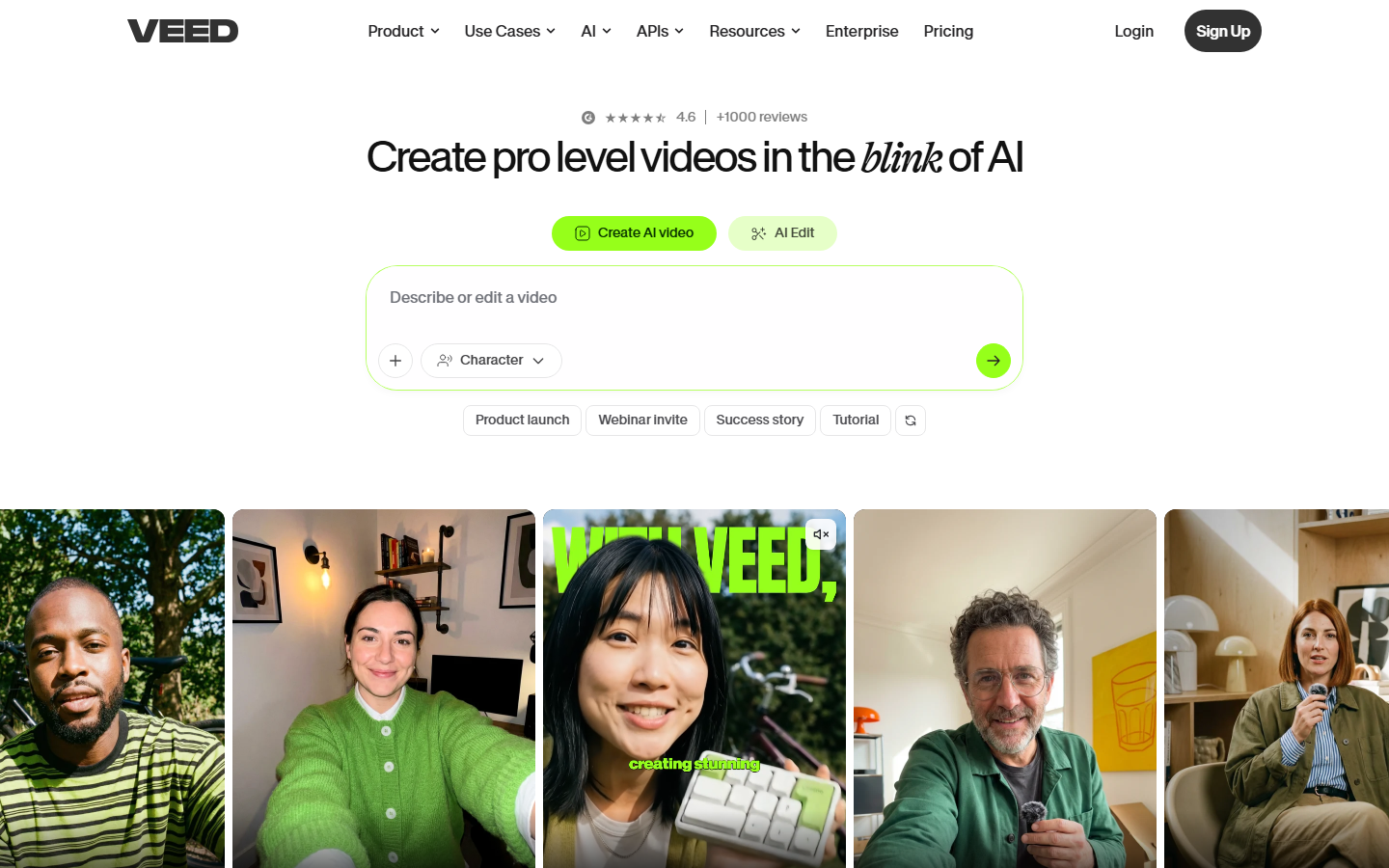
Veed is an online video editor that bundles AI avatars, text-to-video generation, auto-subtitles, and dubbing into a single browser-based workspace. The AI avatar feature lets you generate talking-head videos from a script without filming, and the translation pipeline can dub content into 28+ languages with lip-sync adjustments.
For developers, Veed Fabric 1.0 provides an avatar API starting at $0.08/second for 480p output, though the API covers avatars only, not full editing workflows. The marketing video use case is where Veed fits best: high-volume localized content from a single source video.
Pricing: Free tier (watermarked). Lite $24/month, Pro $55/month with unlimited AI studio videos. Enterprise custom pricing.
Limitation: Avatar and dubbing hours are capped annually by plan tier, so scaling production requires upgrading or purchasing additional capacity.
How to Choose the Right Video Editing Agent
Map your most common workflow to the table below:
| Workflow | Best Fit |
|---|---|
| Custom multi-model pipelines with API | Wireflow |
| Transcript-based editing for spoken content | Descript |
| Long-form to short-form repurposing at volume | OpusClip |
| Generative VFX and AI footage creation | Runway |
| Mobile-first conversational editing | Captions |
| Browser editing with AI repurposing | Kapwing |
| AI avatars and multilingual dubbing | Veed |
If your needs cross multiple rows, consider a platform that lets you build workflows without code and call them programmatically.

Try it yourself: Build this workflow in Wireflow. The nodes are pre-configured to turn a scene prompt into a GPT Image 2.5 Flare still and then a short Gemini Omni Flash 1.1 video clip, in one click.
Frequently Asked Questions
What is a video editing agent?
An AI tool that autonomously executes multi-step editing tasks. Instead of applying one filter per click, an agent plans a sequence of operations (trimming, grading, captioning, exporting) and runs them without manual intervention between steps.
Can AI video editing agents fully replace human editors?
Not yet. Agents handle repetitive tasks well (captioning, silence removal, color correction), but narrative pacing and emotional timing still require human judgment. Use agents for the mechanical work and spend your time on the creative decisions.
Which tool is best for repurposing long videos into shorts?
OpusClip is the strongest single-purpose option. For more control over the output, such as branded intros or custom effects, a multi-model workflow platform lets you design a reusable repurposing pipeline.
Do any of these tools offer API access for developers?
Wireflow exposes every saved workflow as a REST endpoint. Runway offers API access to its generative models. Veed provides a limited avatar API through Veed Fabric. The remaining four tools are UI-only as of mid-2026.
What is the difference between AI video generation and AI video editing?
Generation creates new footage from text prompts or reference images. Editing modifies existing footage: trimming, grading, captioning, resizing. Some tools do both. Agents are most useful when they combine generation and editing in a single automated pipeline.
Are free tiers sufficient for production work?
For testing, yes. Wireflow, Descript, Captions, and Kapwing all have functional free tiers. For production volume, expect to upgrade quickly. Calculate your per-video cost before committing to any plan.
How do credit-based pricing models work?
Most tools here use credits or processing minutes rather than flat allowances. One credit typically equals one minute of input video (OpusClip) or one AI action (Captions). Pay-per-run models charge based on inference time, which can be more predictable for variable workloads.
Can I combine multiple AI models in one editing pipeline?
Only some tools support this natively. Wireflow lets you chain 30+ models on a no-code canvas. With other tools, you would need to export between platforms and manage handoffs manually or through custom scripts.
Conclusion
Each tool here solves a different slice of the editing problem. Descript owns transcript workflows. OpusClip dominates long-to-short repurposing. Runway leads in generative VFX. Captions delivers the most intuitive mobile experience. Kapwing balances AI automation with a full browser editor. Veed covers avatars and dubbing. And for teams that need composable multi-model pipelines with API access, Wireflow gives full control over every step.

Co-Founder & Operations at Wireflow
Runs client operations and content strategy at Wireflow. Works directly with creative teams and agencies to build production AI workflows.
- Content Strategy
- Client Operations
Get unlimited ad creatives today.
One call to see if we are a fit and scope the first ad. If it fits, your first batch lands inside week one.