Best Free Online Video Editors in 2026: 8 Browser Tools


In this article▾
Eight video editors that run entirely in the browser with no download and no watermark on export. Compared on timeline features, export limits and free-plan caps for 2026.
For a hands-on look at how AI video creation works in practice, check out the best free online video makers 2026 feature page.
Quick Summary
- Wireflow - Best for AI-powered video workflows (chain multiple models, no code required)
- CapCut - Best free all-in-one editor (timeline editing, effects, and templates)
- InVideo - Best for template-driven marketing videos
- Canva - Best for beginners and quick social clips
- VEED - Best browser-based editor with subtitles and transcription
- Pika - Best for AI-generated video from text prompts
- Runway - Best for professional AI video and VFX workflows
- Synthesia - Best for AI avatar and talking-head videos
1. Wireflow

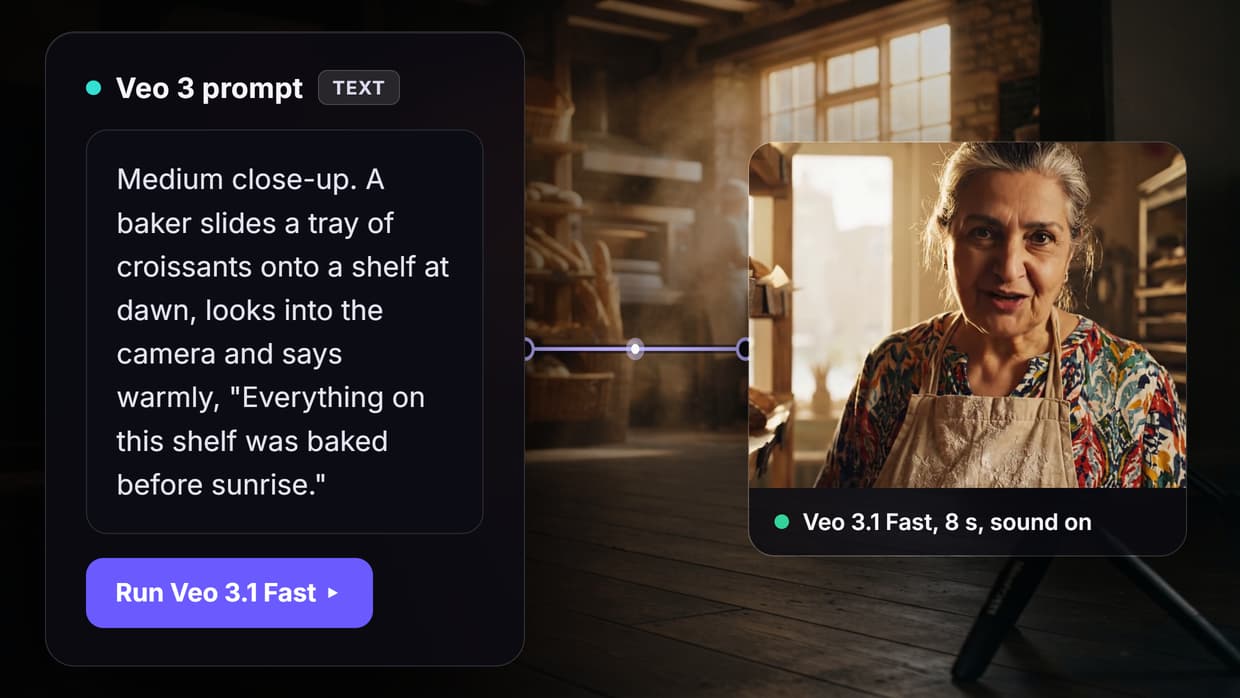
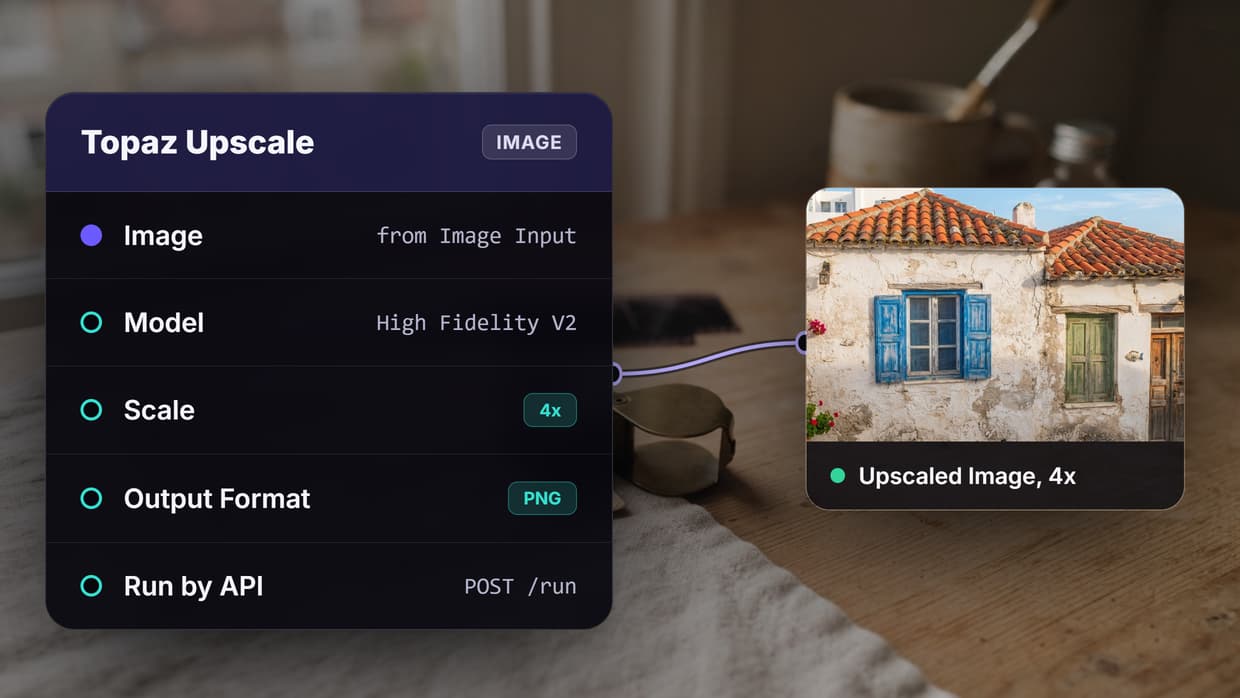
Wireflow takes a different approach to video creation. Instead of a single editor, it provides a visual node editor where you connect AI models into workflows. You can chain a text-to-video model like Kling or Seedance with an upscaler, add voiceover through a TTS node, and export the final result, all from one canvas. When you need something punchier than a plain clip, our AI trailer maker stitches shots into a teaser.
The free tier includes limited monthly credits for AI generation. The platform supports over 30 AI models, and workflows are reusable, so you build a pipeline once and run it on different inputs. This makes it particularly useful for creators who need to produce video content at scale. If you want AI generation rather than editing, our free AI video generator roundup compares the top options.
Free tier: Limited monthly credits, watermark on exports | Max resolution: Up to 4K (model-dependent) | Best for: AI video pipelines and model chaining
Build this in Wireflow
Make the same kind of asset on a canvas you control, with a free account and no credit card.
2. CapCut
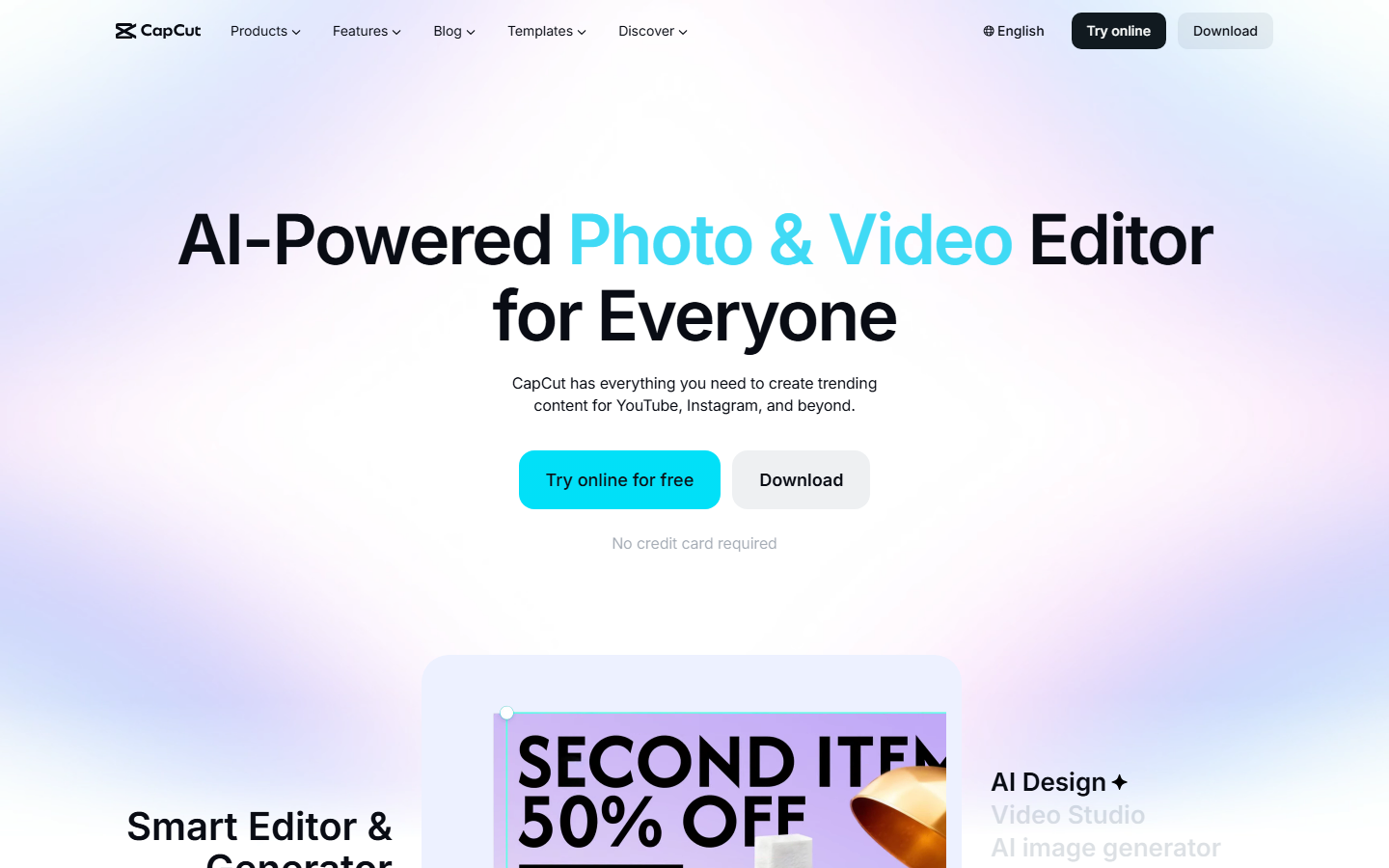
CapCut remains one of the most fully featured free video editors in 2026. Owned by ByteDance, it offers a browser-based editor alongside desktop and mobile apps. The timeline editor supports multi-track editing, keyframe animation, speed ramping, and a large library of transitions and effects. CapCut also includes AI features like auto-captions, background removal, and a text-to-video tool.
The free tier is generous, with no watermark on standard exports and access to most editing tools. Templates designed for TikTok, Instagram Reels, and YouTube Shorts make it easy to start quickly. The main limitation is that some premium stock footage and advanced AI features require a Pro subscription.
Free tier: No watermark, full editing suite | Max resolution: 4K export | Best for: Social media editors and content creators
3. InVideo
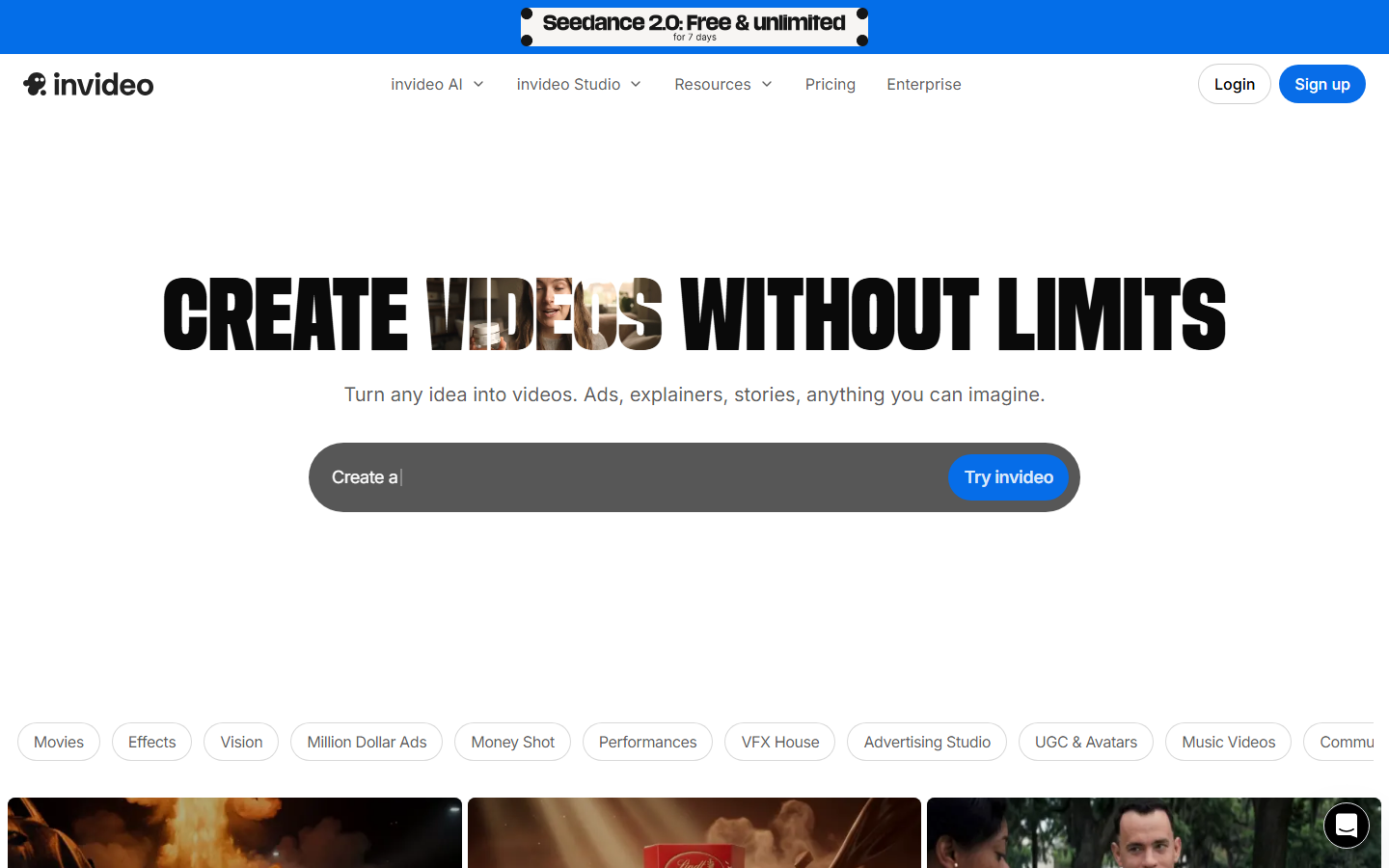
InVideo specializes in template-based video creation for marketing teams and small businesses. The platform offers over 5,000 customizable templates organized by use case: ads, promos, explainers, social media posts, and more. Its AI assistant can generate a full video draft from a text prompt, which you then refine in the editor.
The free tier adds an InVideo watermark and limits video length, but gives access to the full template library and basic stock media. For teams producing AI-powered video content on a schedule, InVideo's batch workflow and brand kit features save considerable time. The paid tier starts at $25/month and removes all restrictions.
Free tier: Watermark, up to 15-minute videos | Max resolution: 1080p | Best for: Marketing videos and template-driven production
4. Canva

Canva's video editor has matured significantly since its launch. The drag-and-drop interface requires zero editing experience, and the free tier includes access to thousands of video templates, stock clips, music tracks, and animated elements. Canva supports basic timeline editing with transitions, text overlays, and audio syncing.
What makes Canva stand out for beginners is the design-first approach. You start with a template, swap in your content, and export. It integrates natively with Canva's broader design ecosystem, so you can repurpose a presentation or social graphic into a video with a few clicks. The free AI video generator space is crowded, but Canva wins on accessibility.
Free tier: Watermark on some templates, 5GB storage | Max resolution: 1080p | Best for: Non-designers and quick social media clips
5. VEED
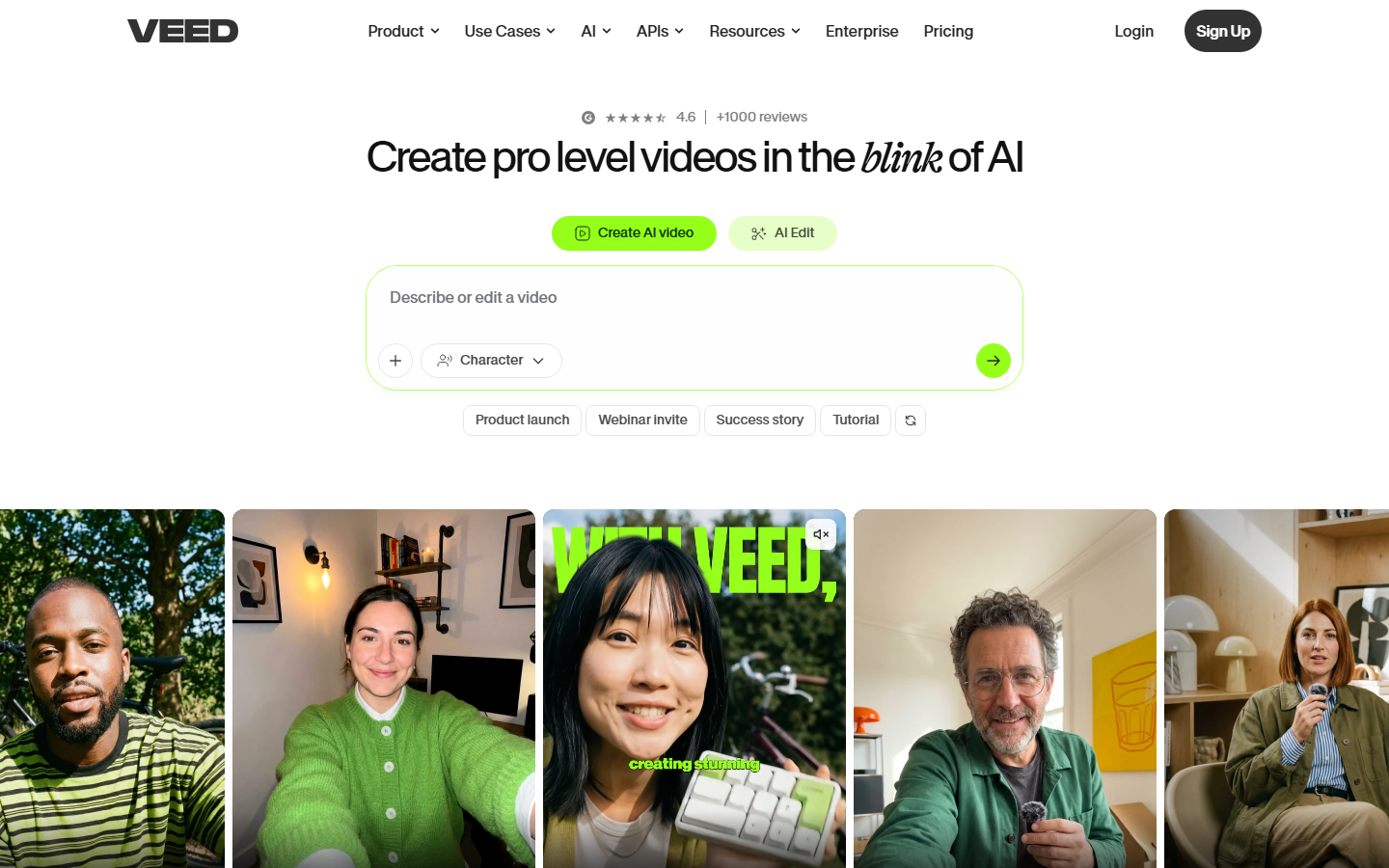
VEED is a browser-based video editor that has built its reputation on subtitles and transcription. The auto-subtitle feature supports over 100 languages with high accuracy, and the editor includes tools for trimming, cropping, adding text, background removal, and screen recording. VEED also provides an AI video pipeline for generating short clips from scripts.
The free tier limits exports to 720p with a watermark and caps video length at 10 minutes. Despite these limits, VEED's subtitle workflow alone makes it worth using, especially for podcasters, educators, and social media managers who need accurate captions quickly. The paid plans start at $18/month.
Free tier: 720p with watermark, 10-min limit | Max resolution: 720p (free), 4K (paid) | Best for: Subtitles, transcription, and accessibility
6. Pika
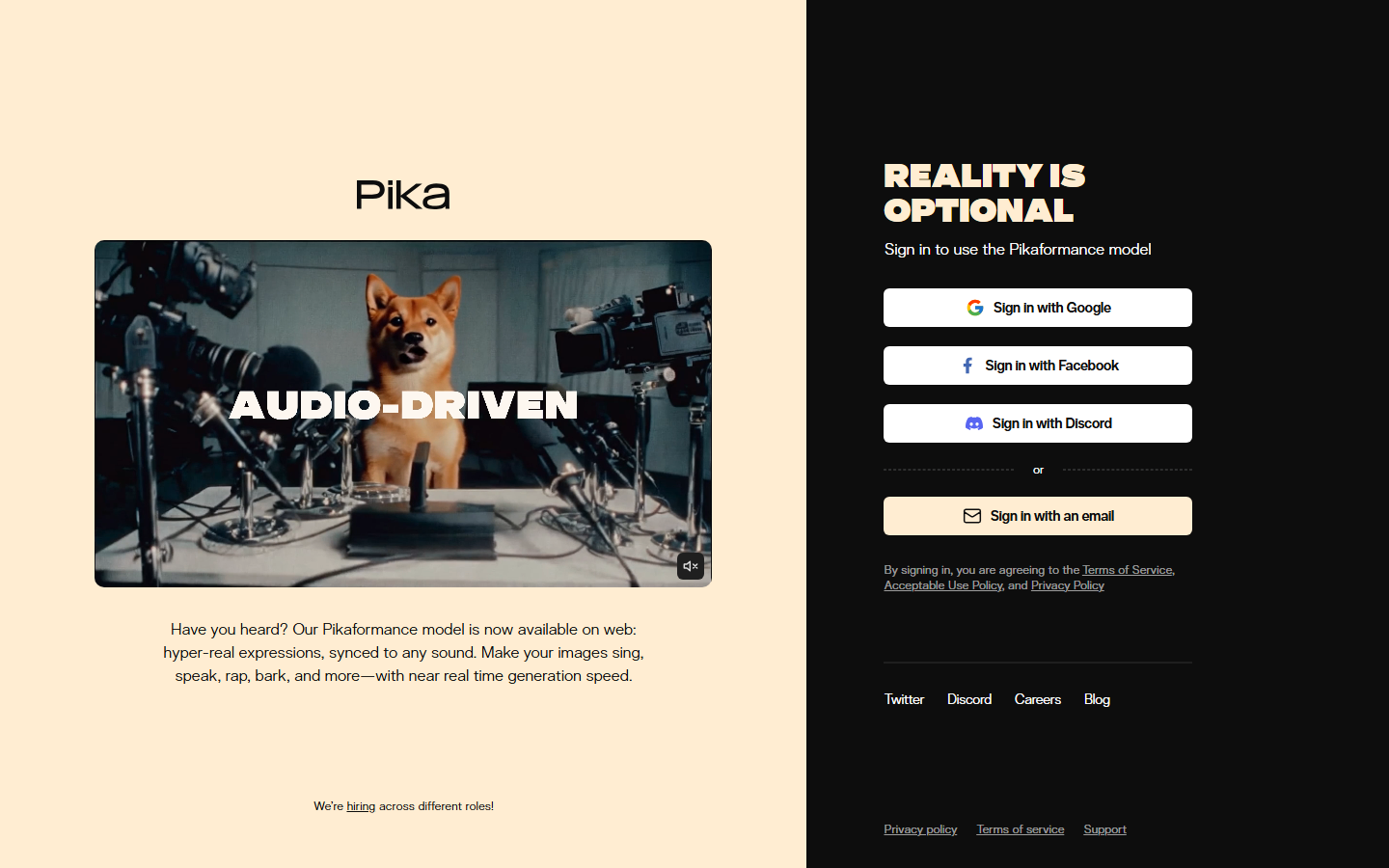
Pika focuses entirely on AI video generation. You type a text prompt or upload an image, and Pika's model generates a short video clip. The results are best suited for creative projects, social content, and concept visualization rather than polished commercial production. Pika 2.5 added improved motion quality, longer clip duration (up to 10 seconds), and lip-sync capabilities.
The free tier provides a limited number of daily generations with watermarks. Pika's strength is speed and simplicity; you can go from idea to video in under a minute. For more complex text-to-video AI workflows that require chaining multiple models or post-processing steps, pairing Pika with a workflow tool gives better results.
Free tier: Limited daily generations, watermark | Max resolution: 1080p | Best for: Quick AI video generation from text or images
7. Runway
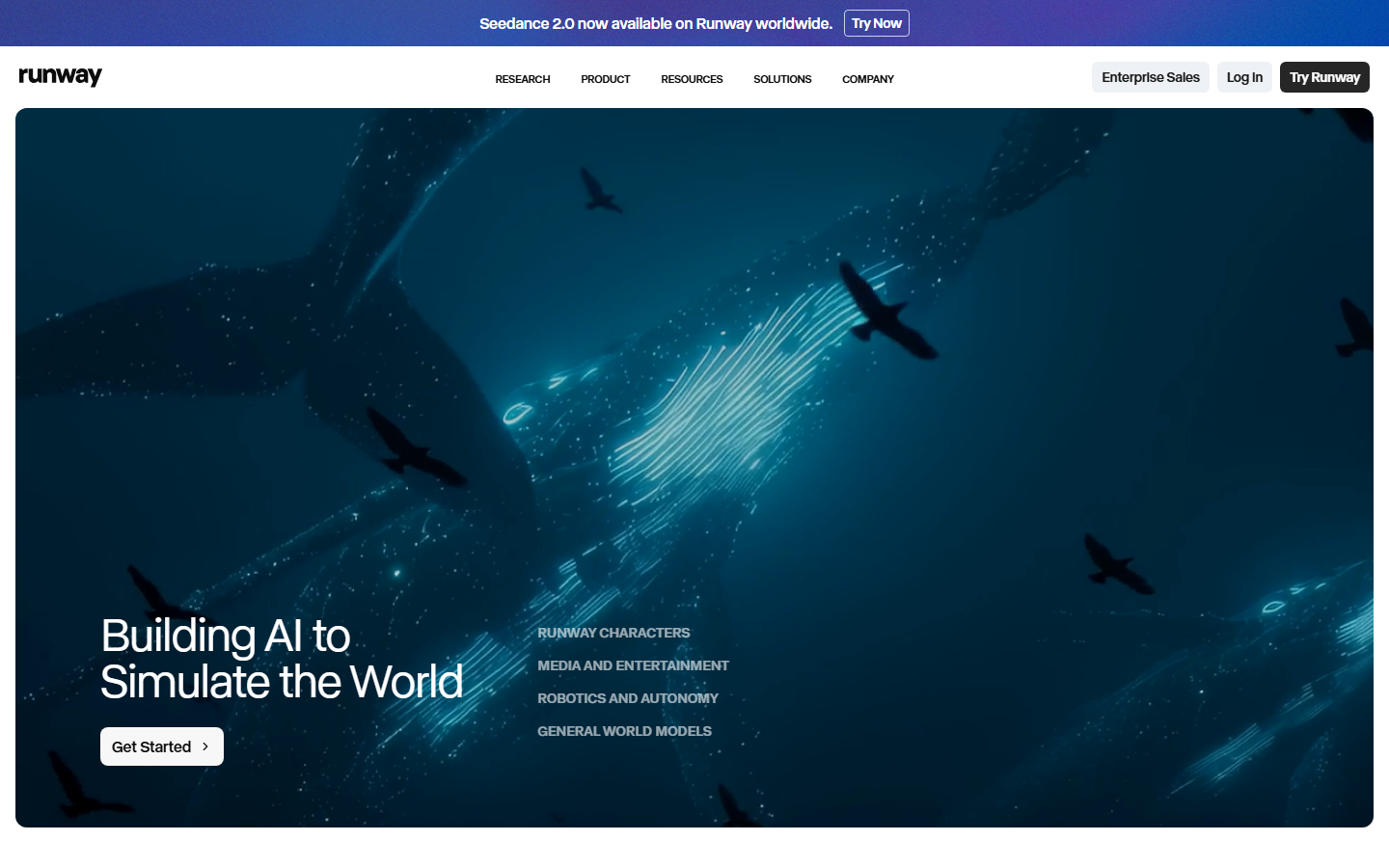
Runway is aimed at professionals and advanced creators. Gen-4, its latest video model, produces some of the highest-quality AI-generated video available. Beyond generation, Runway offers a full suite of AI tools: inpainting, motion tracking, background removal, color grading, and green screen replacement. The platform is widely used in film and advertising production.
The free tier is limited to 125 credits (roughly 25 seconds of Gen-4 video) with watermarks. This is enough to test the platform but not for regular production. Runway's pricing scales with usage, starting at $15/month for 625 credits. If you need professional-grade AI video and VFX, Runway leads the field. For broader AI workflow templates, connecting Runway outputs to downstream nodes can automate complex pipelines.
Free tier: 125 credits, watermark | Max resolution: 4K (Gen-4) | Best for: Professional VFX and high-fidelity AI video
8. Synthesia
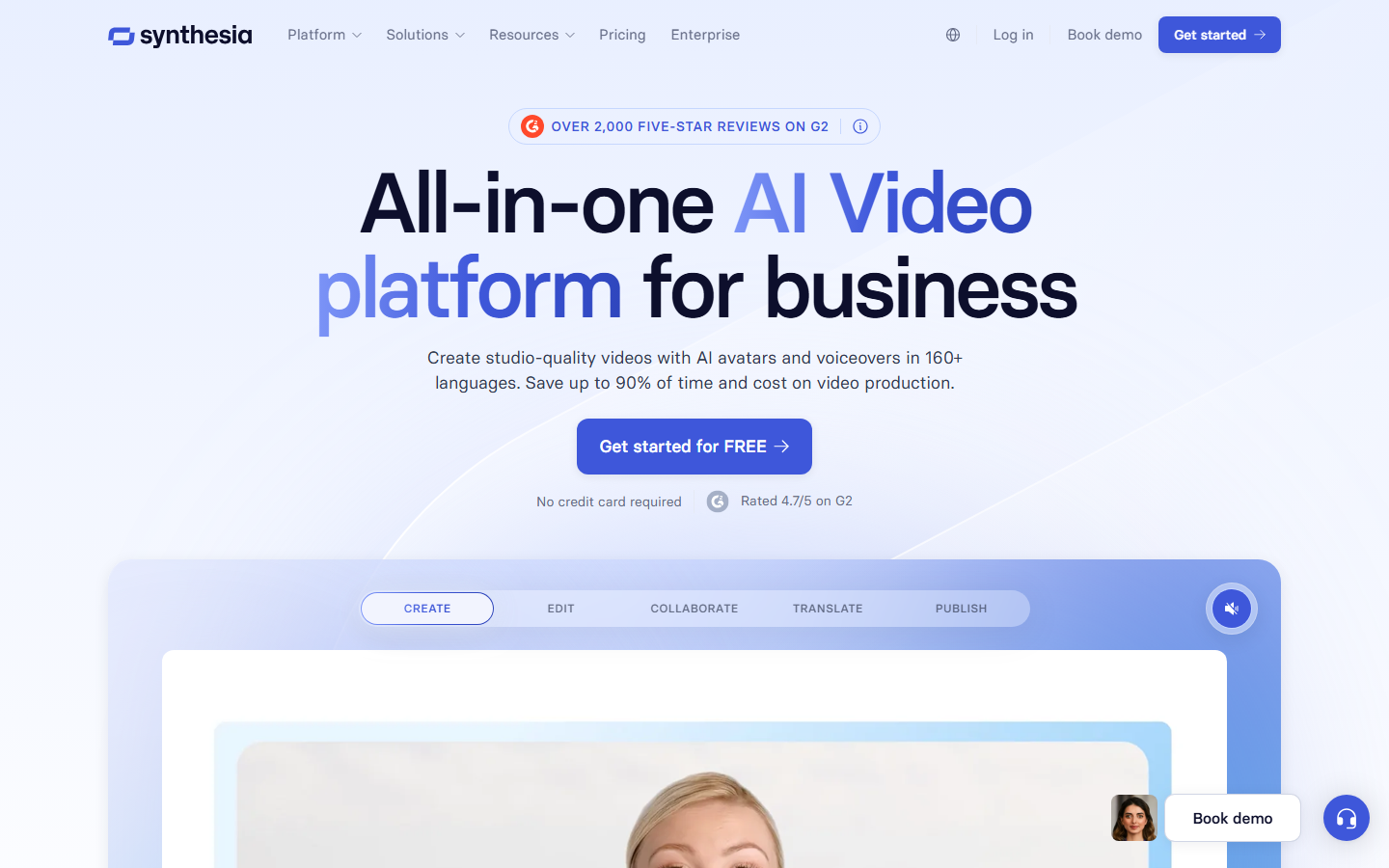
Synthesia specializes in AI avatar videos. You write a script, choose from over 200 digital avatars (or create your own), and the platform generates a video of the avatar speaking your text with lip-synced audio. This makes it popular for training videos, onboarding content, internal communications, and multilingual product walkthroughs.
Synthesia's free tier allows one demo video with limited customization. The full platform starts at $29/month and includes custom avatars, screen recording integration, and 120+ language support. For organizations producing faceless AI video content at scale, Synthesia removes the need for cameras, studios, and on-screen talent entirely.
Free tier: One demo video | Max resolution: 1080p | Best for: AI avatar training videos and multilingual content
Comparison Table
| Platform | Free Tier | Max Resolution | Watermark | AI Generation | Best Use Case |
|---|---|---|---|---|---|
| Wireflow | Monthly credits | 4K | Yes | Yes (30+ models) | AI video workflows |
| CapCut | Full editor | 4K | No | Limited | Social media editing |
| InVideo | Templates + watermark | 1080p | Yes | Yes | Marketing videos |
| Canva | Templates + 5GB | 1080p | Some | Limited | Quick social clips |
| VEED | 720p, 10-min cap | 720p | Yes | Limited | Subtitles and captions |
| Pika | Daily generations | 1080p | Yes | Yes (core feature) | AI text-to-video |
| Runway | 125 credits | 4K | Yes | Yes (Gen-4) | Professional VFX |
| Synthesia | One demo video | 1080p | N/A | Yes (avatars) | Training and onboarding |
If you are comparing the broader landscape of AI video generators, the right choice depends on whether you need traditional editing, AI generation, or a combination of both.
How to Choose the Right Video Maker
Picking the right tool depends on your use case. For quick social media edits, CapCut or Canva will get you from idea to post in minutes. For AI-generated video from a text prompt, Pika and Runway offer the best standalone generation quality. For batch AI generation across multiple clips or a repeatable content pipeline, a workflow-based approach saves time over manual editing.
Consider these factors: free-tier limits (especially watermarks and resolution caps), whether you need AI generation or just editing tools, export format support, and how often you plan to publish. Most platforms offer enough on their free tier to test before committing to a paid plan.
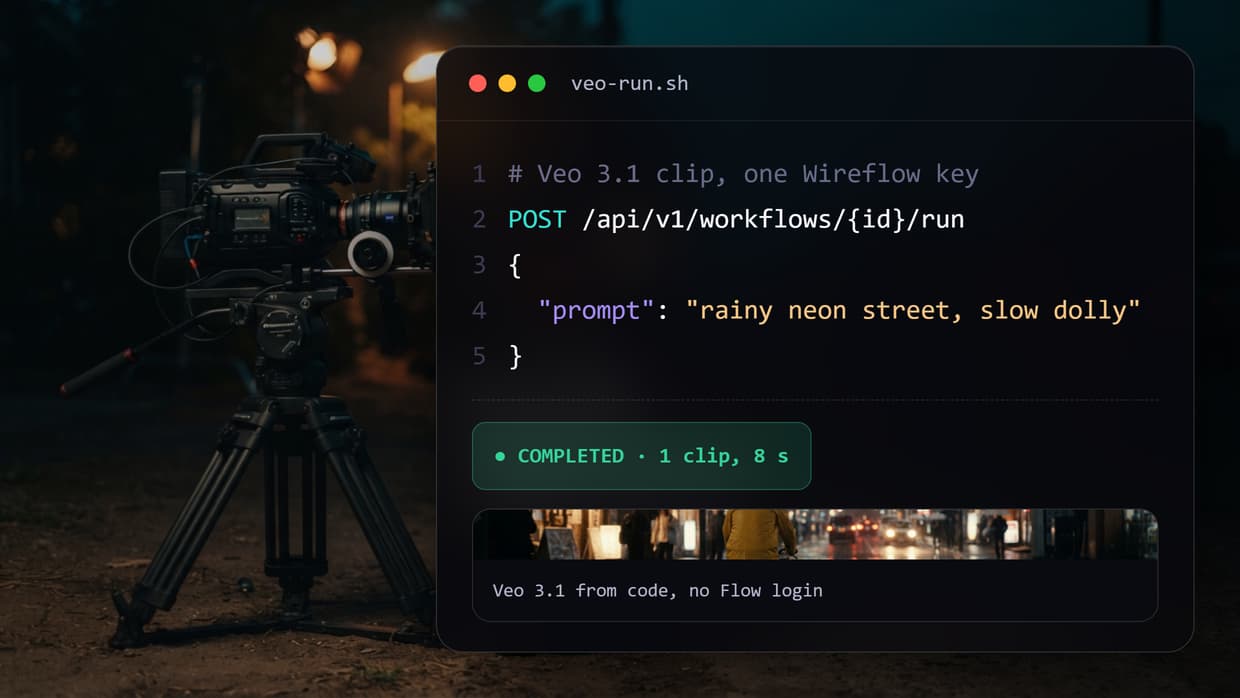
Try it yourself: Build this text-to-video workflow in Wireflow - the nodes are pre-configured with the exact AI video pipeline setup discussed above.
Frequently Asked Questions
What is the best free online video maker in 2026?
It depends on your needs. For AI-powered video workflows, Wireflow lets you chain multiple models without code. For traditional editing, CapCut offers the most complete free editor. For AI generation from text prompts, Pika provides the fastest path from idea to video.
Can I make videos online without downloading software?
Yes. All eight tools listed above run entirely in the browser. CapCut, Canva, VEED, InVideo, and Pika all offer web-based editors that require no downloads. Runway and Synthesia are also fully cloud-based.
Are free video makers good enough for professional use?
CapCut's free tier exports at 4K without a watermark, which meets professional standards. For AI-generated video, Runway's Gen-4 produces film-quality output, though the free tier is limited to 125 credits. Most free tiers are suitable for social media content and prototyping.
Do free video makers add watermarks?
Most do. CapCut is the notable exception with watermark-free exports on its free tier. InVideo, VEED, Pika, and Runway all add watermarks to free-tier exports. Removing watermarks typically requires a paid subscription starting at $15-29/month.
What is the best free AI video generator?
For pure AI video generation quality, Runway Gen-4 leads in visual fidelity. Pika offers the best balance of speed and quality for free users. For chaining AI models together (e.g., generating video, then upscaling, then adding audio), a workflow platform provides more flexibility than single-model tools.
Can I use free online video makers for commercial projects?
Check each platform's terms of service. CapCut and Canva allow commercial use on their free tiers. Pika and Runway allow commercial use but add watermarks on free plans. Synthesia restricts commercial use to paid plans. Always verify licensing before publishing commercial content.
How long can free videos be?
Limits vary. CapCut has no strict length cap on free exports. VEED limits free videos to 10 minutes. InVideo caps at 15 minutes. AI generation tools like Pika and Runway measure in seconds per clip (5-10 seconds per generation), though you can stitch clips together.
What video formats do free video makers support?
Most platforms export in MP4, which is compatible with all major social media platforms and video players. Some tools also support WebM, MOV, and GIF exports. CapCut and Canva additionally support direct publishing to TikTok, YouTube, and Instagram from within their editors.

Co-Founder & Operations at Wireflow
Runs client operations and content strategy at Wireflow. Works directly with creative teams and agencies to build production AI workflows.
- Content Strategy
- Client Operations
Make AI videos and ads.
Start free, no card needed.