Google Flow API: There Is No Official One, So Call Veo 3.1 Instead

In this article▾
Google Flow has no public API: Flow is a subscription app, and developers reach its Veo 3.1 video model through the Gemini API or Vertex AI instead. This guide compares the routes that exist in October 2026, with prices and request shapes, including how Wireflow runs Veo 3.1 next to other models behind one API key.
Quick answer
| Question | Answer (checked 20 October 2026) |
|---|---|
| Does Google Flow have an API? | No. Google publishes no Flow endpoint, key or SDK. Flow is an app that comes with Google AI plans |
| How do developers get Flow's video model? | Veo 3.1 through the Gemini API (veo-3.1-generate-preview) or through Vertex AI on Google Cloud |
| What does Veo 3.1 cost by API? | $0.40 a second at 720p or 1080p and $0.60 at 4K. Veo 3.1 Fast starts at $0.10 and Veo 3.1 Lite at $0.05. No free tier |
| What are the "Google Flow API" services online? | Third-party wrappers that drive your own Flow account. They are not Google products |
| Can one call chain Veo with other models? | Not on Google's Veo endpoint. You need a workflow API that runs several models as one job |
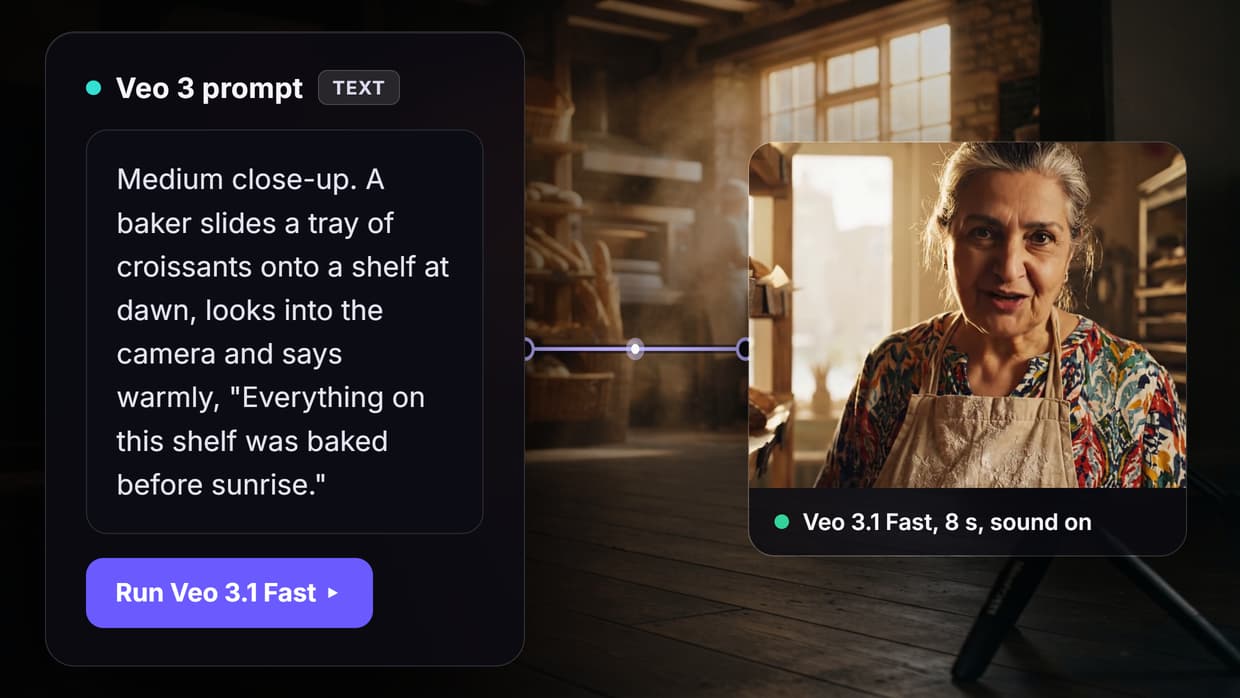
Most people searching for a Flow API want what Flow does in its interface: make a still, turn it into a clip, and repeat. Google's Veo endpoint gives you one model per call, so if you need the whole chain from code, a workflow API for Veo and other video models is the closer match.
Build this in Wireflow
Make the same kind of asset on a canvas you control, with a free account and no credit card.
What Google Flow is, and why it has no API
Flow is the AI filmmaking app Google Labs launched at Google I/O in May 2025, the same event that introduced Veo 3, as covered in our Veo 3 review and access guide. Its help center now lists video creation, scene building and editing, image creation, avatars, custom Tools and a Flow Agent, all inside one browser app.

Access runs through Google AI subscriptions, which include a monthly allowance of AI credits that Flow spends per generation. Three things follow from that design:
- Flow credits live on your Google account, not in a Cloud project, so an API key has nothing to bill.
- API billing is separate. Gemini API calls bill a project per second, and Flow credits cannot pay for them.
- Google's developer product is the model. Veo 3.1 clips can be requested directly; Flow's editor, agent and asset library cannot.
Route 1: Veo 3.1 through the Gemini API
This is the official, cheapest and simplest route. You create a key in Google AI Studio, enable billing, and send a long-running request to Veo, as in our walkthrough of how to access Google Veo via API.
| Model ID | Status | Resolutions | Price per second |
|---|---|---|---|
veo-3.1-generate-preview | Preview | 720p, 1080p, 4K | $0.40 (720p, 1080p), $0.60 (4K) |
veo-3.1-fast-generate-preview | Preview | 720p, 1080p, 4K | $0.10, $0.12, $0.30 |
veo-3.1-lite-generate-preview | Preview | 720p, 1080p | $0.05, $0.08 |
The request returns an operation name at once. You poll that operation until it reports done, then download the video:
BASE_URL="https://generativelanguage.googleapis.com/v1beta"

# 1. Start the job. The response is an operation, not a video.
operation=$(curl -s "$BASE_URL/models/veo-3.1-generate-preview:predictLongRunning" \
  -H "x-goog-api-key: $GEMINI_API_KEY" \
  -H "Content-Type: application/json" \
  -X POST \
  -d '{
    "instances": [{ "prompt": "Aerial drone shot of a rocky coast at sunset, slow push forward" }],
    "parameters": { "aspectRatio": "16:9", "resolution": "1080p", "durationSeconds": "8" }
  }' | jq -r .name)

# 2. Poll until "done": true, then read the video URI and download it.
curl -s "$BASE_URL/$operation" -H "x-goog-api-key: $GEMINI_API_KEY" \
  | jq -r '.response.generateVideoResponse.generatedSamples[0].video.uri'
Limits from Google's Veo documentation:
- Length: 4, 6 or 8 seconds; 1080p, 4K, reference images and extension need 8.
- Shape: 16:9 or 9:16, 24 fps, one video per request, audio always on.
- Speed: 11 seconds to about 6 minutes at peak, so poll instead of holding the call open.
- Storage: Google deletes videos after 2 days, so download them right away.
- Extras: up to 3 reference images and 7-second extensions on Veo 3.1 and Fast, not Lite. Outputs carry a SynthID watermark.
An 8-second 1080p clip costs $3.20 on Veo 3.1, $0.96 on Fast and $0.64 on Lite. More request examples are in our Veo 3.1 API examples and pricing guide.
Route 2: Veo on Google Cloud (Vertex AI)
Vertex AI serves the same Veo family to teams on Google Cloud. You authenticate with Cloud credentials instead of an AI Studio key, bill a Cloud project, and get options such as Provisioned Throughput. Google's Cloud docs now file these models under the Gemini Enterprise Agent Platform name. Choose it when you need IAM roles and regional controls, the usual reasons to pick a managed AI inference API over a consumer key.
Route 3: Unofficial "Google Flow API" wrappers
The pages that rank for this keyword are mostly third-party wrappers. The best-known, useapi.net's Google Flow API, connects your Google account through a guided sign-in and sends Flow requests for you, spending the Flow credits from your Google AI plan. If you want Flow's interface elsewhere, our list of Google Flow alternatives compares browser apps that do the same job.
What its own documentation says (checked 20 October 2026):
- It is not Google. It costs $15 a month on top of a paid Google AI plan.
- It depends on Flow's private backend. Its docs say Google is switching that backend off, and four endpoints already return 404.
- It solves reCAPTCHA for you, with 300 free solves, then your own solver keys.
- Allowances move. Google sets Flow allowances, and they vary with demand.
Route 4: Run Veo 3.1 as one step in a workflow API
Flow's real value is chaining: a still becomes the first frame of a clip, and the same setup reruns with a new prompt. A workflow API rebuilds that chain as a graph of model nodes you call by ID, as in our guide on how to chain multiple AI models in one API call.

The workflow linked below has three nodes: a text prompt, a GPT Image 2.5 Flare still, and Veo 3.1 animating it into an 8-second clip. Calling it from code takes four steps:
- Build or copy the workflow and note its ID.
- Read its inputs with
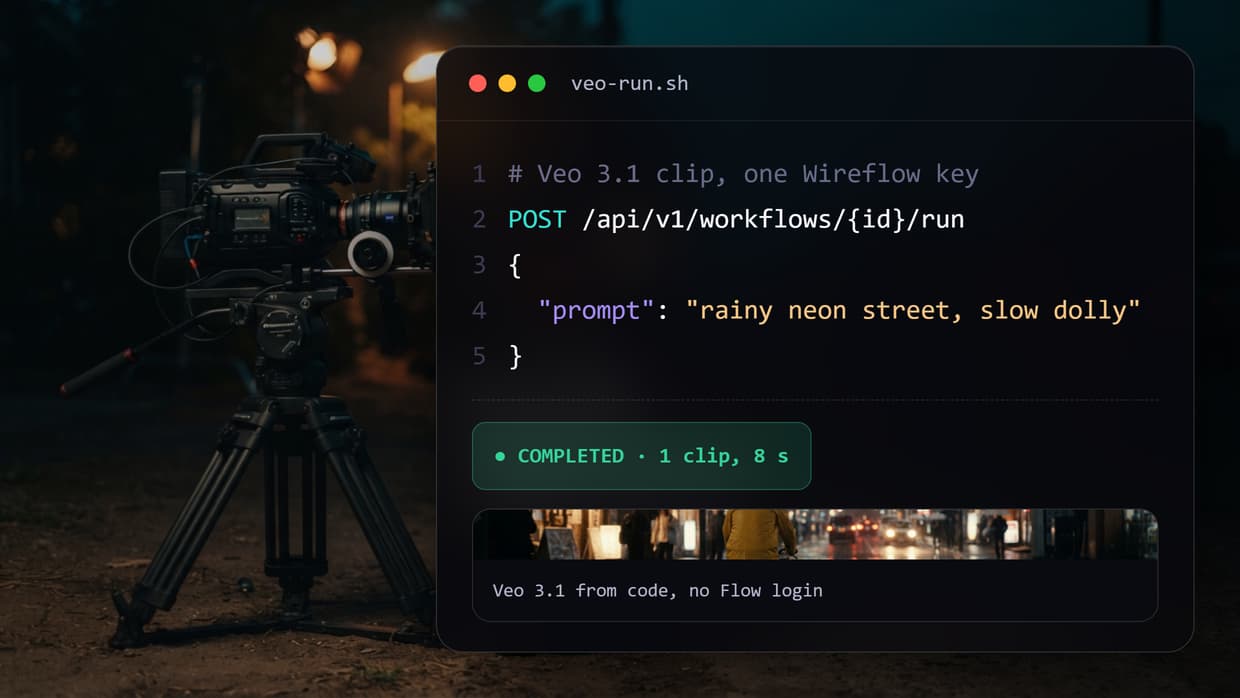
GET /api/v1/workflows/{id}/run(node IDs, types, defaults). - Start a run with
POST /api/v1/workflows/{id}/run. It returns 202 and anexecutionId. - Collect the result by polling until
COMPLETED, or through a completion webhook.
# Start a run. Inputs are keyed by node ID; omit a node to use its saved default.
curl -X POST https://www.wireflow.ai/api/v1/workflows/WORKFLOW_ID/run \
  -H "Authorization: Bearer $WIREFLOW_API_KEY" \
  -H "Content-Type: application/json" \
  -H "Idempotency-Key: coast-clip-001" \
  -d '{
    "inputs": { "SCENE_PROMPT_NODE_ID": "Aerial drone shot of a rocky coast at sunset" },
    "webhook": { "url": "https://your-app.example.com/hooks/video", "secret": "your-signing-secret" },
    "metadata": { "jobId": "coast-clip-001" }
  }'

# Poll until COMPLETED, or FAILED / CANCELLED / TIMEOUT.
curl https://www.wireflow.ai/api/v1/workflows/executions/EXECUTION_ID/poll \
  -H "Authorization: Bearer $WIREFLOW_API_KEY"

Three details matter in production. Resending the same Idempotency-Key after a timeout replays the original run instead of billing a second one, as the executions reference explains. The webhook is signed with HMAC-SHA256 and echoes your metadata, so you can match the clip to your job. A short balance returns 402 with a per-node credit breakdown before anything runs.
Our public model catalog lists Veo 3.1 at 64 credits a second and Veo 3.1 Lite at 16 (5-second reference clip), and the pricing page values one credit at $0.01. If Veo is the only model you call, Google's endpoint is cheaper per second. The workflow route pays off when one job spans several models, needs a webhook, or must stay editable by people who do not code.
The same workflows can be run by an AI agent. With our Claude skill, Claude Code builds and runs workflows through the REST API with your key, which suits teams that brief video in plain language.
Which route fits your project
| Route | Official? | What you get | How you pay | Best for |
|---|---|---|---|---|
| Gemini API | Yes, Google | Veo 3.1, Fast and Lite | Per second, billing-enabled project | One model inside your own app |
| Vertex AI | Yes, Google Cloud | Veo with IAM, quotas, Provisioned Throughput | Per second, Cloud project | Enterprise teams already on Google Cloud |
| Flow wrapper | No | Flow features on your Flow account | Google AI plan plus wrapper fee | Experiments on existing Flow credits |
| Workflow API | Not Google; documented API | Veo 3.1 plus other video, image and audio models in one graph | Credits per second or image | Multi-model pipelines, webhooks, agents |
If you have not settled on Veo yet, run the same prompt through a second model first, as we did in Kling AI vs Veo 3.
Try it yourself: Build this workflow in Wireflow. Type a scene, run GPT Image 2.5 Flare and Veo 3.1 in sequence, then call the same workflow from code with
POST /run.
FAQ
Is there an official Google Flow API?
No. Flow is an app sold with Google AI plans, with no endpoint or key. Developers use the Veo model through the Gemini API or Vertex AI, and for Flow-style chaining the API overview shows how a saved workflow becomes an endpoint.
Can I use my Google Flow credits through an API?
No. Flow credits are spent inside the app, while Gemini API calls bill a Cloud project per second, so the balances never mix. To trigger clips from a no-code tool with an official key, see our guide to Make.com video automation.
How much does a Veo 3.1 clip cost through the API?
On the Gemini API an 8-second clip costs $3.20 on Veo 3.1 (720p or 1080p), $0.96 on Fast and $0.64 on Lite at 1080p. Workflow runs bill credits per node instead, as explained in credits and billing.
Is there a free Veo or Google Flow API?
No. Google's pricing page marks every Veo 3.1 model as not available on the free tier. If you only need a few clips and no API, our roundup of free AI video generators lists browser tools with free allowances.
Are unofficial Google Flow APIs safe to build on?
They work today, but they rely on a private backend Google can change, and one already reports endpoints returning 404. For anything customers depend on, build on a documented API, as in our guide to building multi-model AI workflows.
Can Claude or another AI agent generate Veo videos?
Yes, if the agent can call an HTTP endpoint or an MCP tool. It can call Veo directly with a Gemini key, or start a workflow run and read back the video link, as shown in our guide to Claude video generation.
Can Veo 3.1 turn an image into a video through the API?
Yes. The Gemini API accepts a starting image, an optional last frame and up to 3 reference images on Veo 3.1 and Fast. For a model-by-model look at image-to-video, see how to turn any image into a video with AI.
Conclusion
There is no Google Flow API, and the services that use the name are wrappers around a consumer account. For a single Veo clip inside your own app, the Gemini API is the official and cheapest route; for enterprise controls, use Vertex AI. When the job is a chain of models, Wireflow runs Veo 3.1 as one node in a workflow you call by ID, and the Run endpoint docs show every field of the request.

Co-Founder & Operations at Wireflow
Runs client operations and content strategy at Wireflow. Works directly with creative teams and agencies to build production AI workflows.
- Content Strategy
- Client Operations
Make AI videos and ads.
Start free, no card needed.