Free AI Video Generators You Can Use Online Without Signing Up (2026)

In this article▾
Free AI video generators usually require sign-up. Compare 10 browser tools, see which features are free, and choose a practical way to make your first video.
Looking for no sign-up? None of these ten tools has a confirmed, unrestricted anonymous generation-and-download route. A free account, free editing and free video credits are different offers. Compare them before spending time on setup.
Create your first image free, and new accounts get a free video to animate it.
Use this route when you need a starting frame for a future clip. Your first image is on us when you finish setup, and new accounts get a free video. If you already have a photo and want to animate it, new accounts get a free video; compare the paid video plans for more.
Already have an image and want a video? See paid video plans from $36/month.
Want a reusable starting point? Open this video workflow in Wireflow and adapt the scene prompt. Building is free, and new accounts get a free video; more videos need a paid plan and credits. To see how the stages fit together, read how a reusable AI video workflow keeps the prompt, starting image and video steps connected.
Quick Summary
The list groups tools by use case and free-access conditions, reviewed on 13 September 2026.
- Wireflow - Reusable multi-model workflows; free building and a free video for new accounts
- Kling AI - Motion-focused generation; current allowance shown in account
- Pika - Creative effects; Free plan has 0 monthly credits (credit packs only)
- Luma Dream Machine - Draft concepts; limited personal-use access
- Runway - Exploring generative tools; 125 one-time credits
- HeyGen - Presenter videos; three free videos per month
- InVideo AI - Assisted video creation; limited weekly free credits
- Canva - Template editing; AI clip generation has separate eligibility
- Synthesia - Presenter drafts; free creation, paid video downloads
- CapCut - Short-form editing; free and paid features
Use the comparison below to shortlist a tool by starting asset, account requirement and export limits.
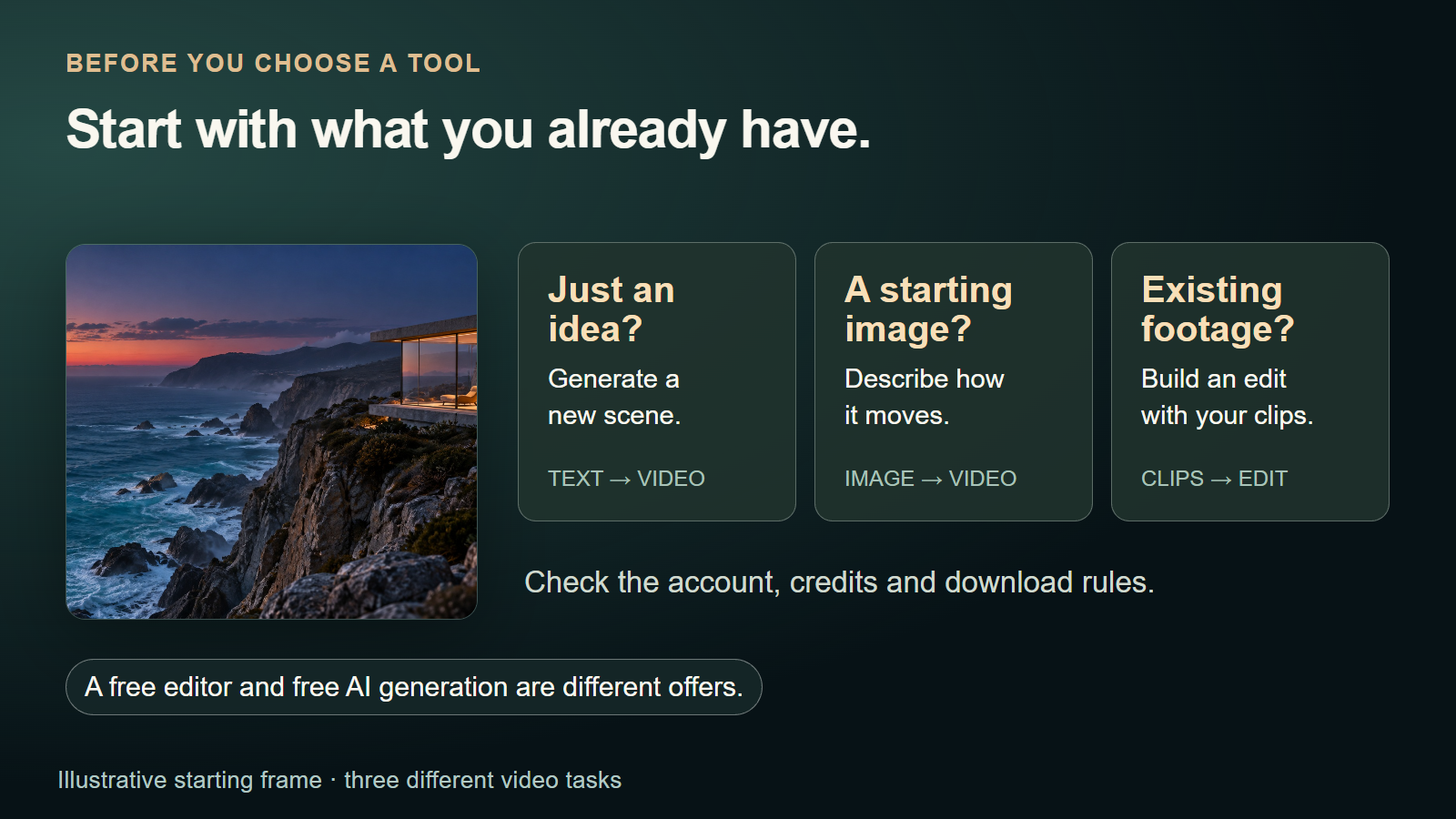
The 10 Best Free AI Video Generators
1. Wireflow

A visual node editor connects generation stages. Pass an image model's starting frame to a video model, then add compatible processing without repeatedly downloading and uploading assets.
The free account covers workflow building and templates. New accounts get a free video; more videos need a paid plan and credits. This suits a repeatable trailer generator workflow, with a setup you keep for future projects.
What you get:
- A browser canvas for connected image, video, audio and text nodes
- Reusable workflows and community templates
- Model choice at each compatible generation stage
- Credit-based generation on a paid plan
Best for: Reusable production processes. Compare the node-canvas alternative to Google Flow.
2. Kling AI
Kling AI is a choice for generating a new shot from a prompt or image. Start with one subject and a clear camera move, then judge subject stability and motion quality across frames.
Free tier highlights:
- Account-based access to the creative studio
- Available credits and models depend on the current account offer
- Resolution, duration and credit cost depend on the selected model
Best for: Motion-led scenes. Use your account's allowance, rather than assuming 66 daily credits. See more options in the guide to free AI video generators.
3. Pika
Pika combines short video generation with transformation effects. It is a useful starting point for a playful object animation or a visual transition in social content.
Free tier highlights:
- The Free plan includes 0 monthly credits; you buy credit packs (pricing page, 10 October 2026)
- Pika 2.5 generation on Basic is limited to 480p
- Selected effects have their own credit and resolution rules
- The pricing page lists watermark-free downloads and commercial use
Best for: Short effects experiments. Basic does not include general 1080p generation or daily credit replenishment.
4. Luma Dream Machine
Luma Dream Machine is useful for exploring a scene before committing to a finished clip. Its support guide describes limited Free access with draft video, watermarks and personal-use restrictions. Treat it as a concept option when comparing a no-cost video tool.
Free tier highlights:
- Limited exploration rather than a guaranteed monthly video count
- Draft video access described in Dream Machine's plan guide
- Watermarks and non-commercial restrictions on Free
Best for: Personal storyboard concepts. Dream Machine and Luma's newer agent workspace have separate offers.
5. Runway
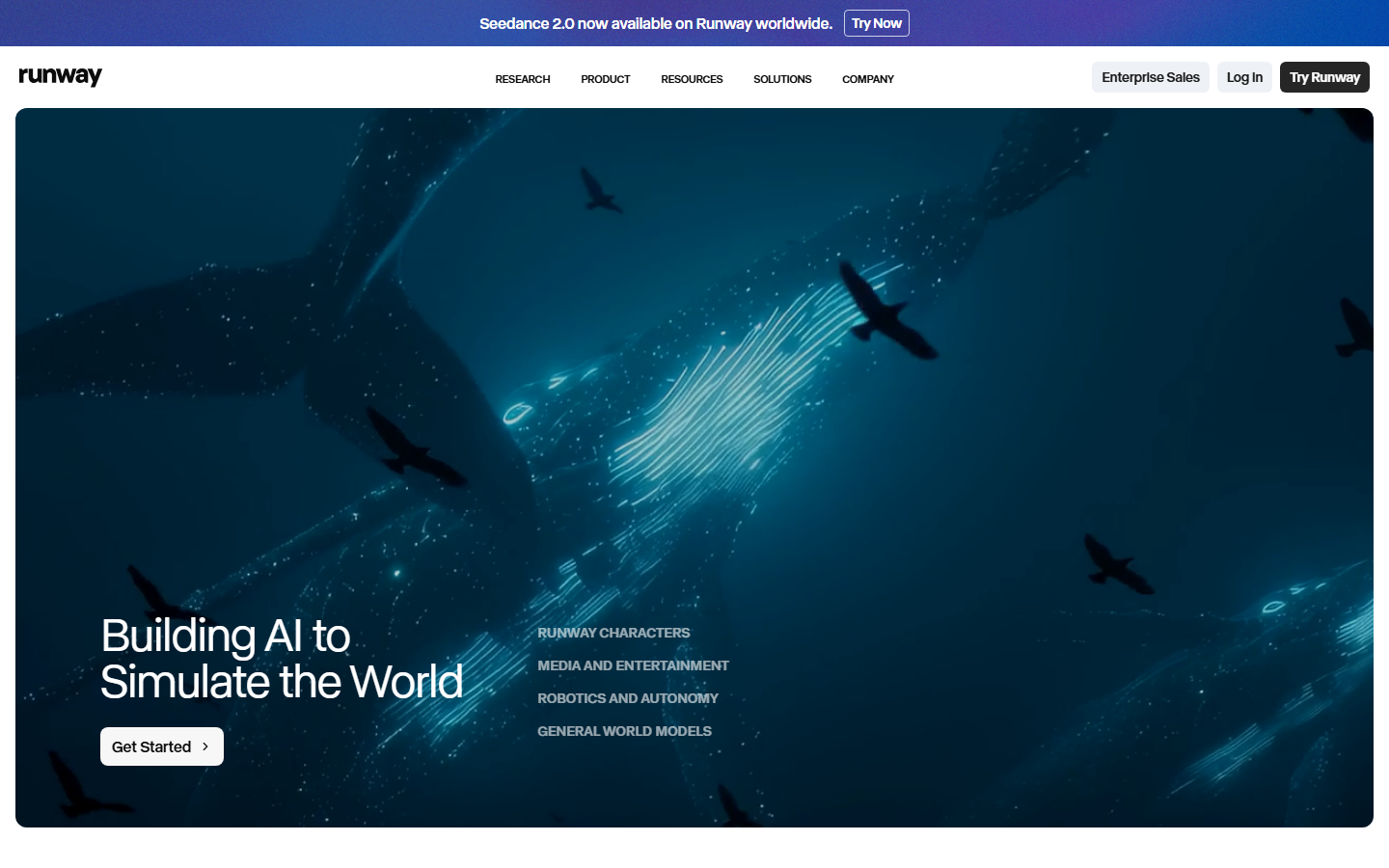
Runway provides 125 one-time credits to explore a selection of its generative tools. That makes it a limited trial of the workflow, rather than a recurring free production budget. Compare its generation capabilities against the particular shot you need.
Free tier highlights:
- 125 credits once, rather than a monthly refresh
- Selected generative models for concept testing
- 5 GB of asset storage
- Watermark removal is listed on paid Standard
Best for: Trying the workspace with a few deliberate prompts before choosing a subscription.
6. HeyGen
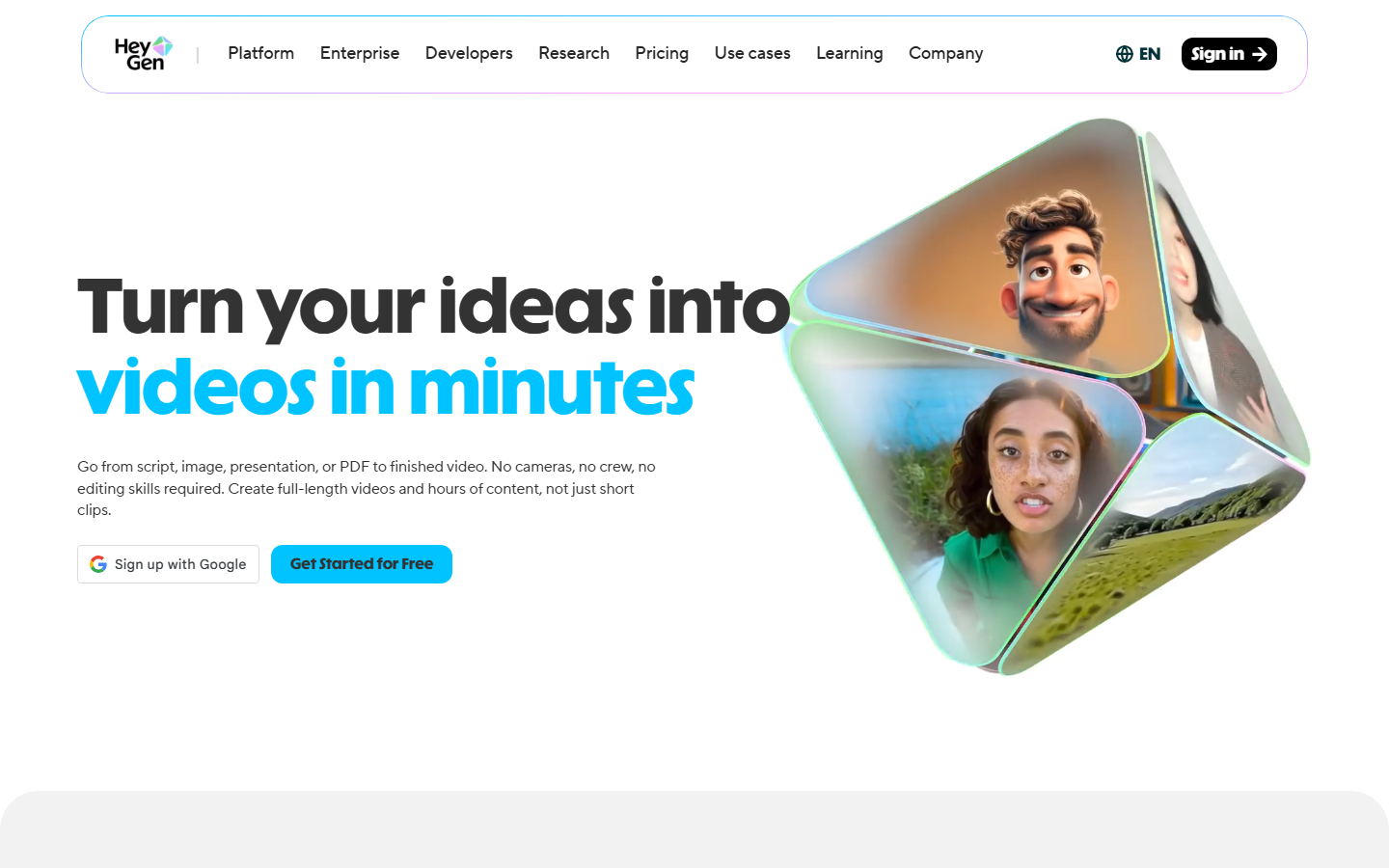
HeyGen turns a script into a presenter-led video. It is relevant when spoken explanation matters more than a cinematic camera move, especially for a short introduction or multilingual content.
Free tier highlights:
- Three videos per month, up to one minute each
- Access to stock avatars and limited premium trials
- The Free card lists 30+ languages
- Watermark removal belongs to paid plans
Best for: Brief product explanations. Draft a one-minute script before using your video allowance.
7. InVideo AI
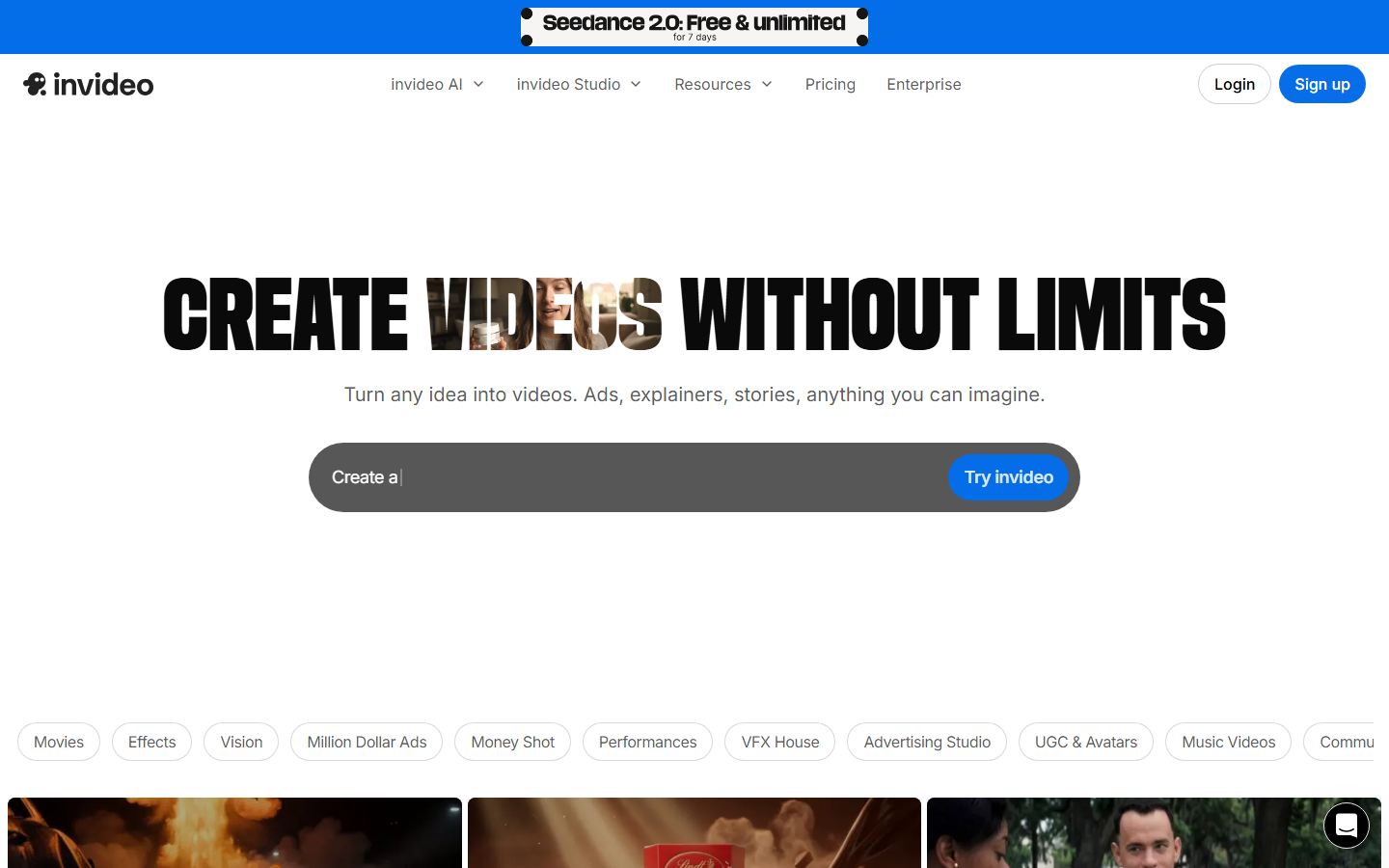
InVideo AI combines assisted video creation with models and editing tools. It is useful for shaping a script into a sequence, especially when planning content at scale.
Free tier highlights:
- Limited free credits without a payment card
- The help page says the quota resets weekly
- Available models and generation costs vary by feature
- The account's export screen determines the usable download options
Best for: Assisted video creation. A ten-minute timeline is not a promise of ten minutes of free generated footage.
8. Canva
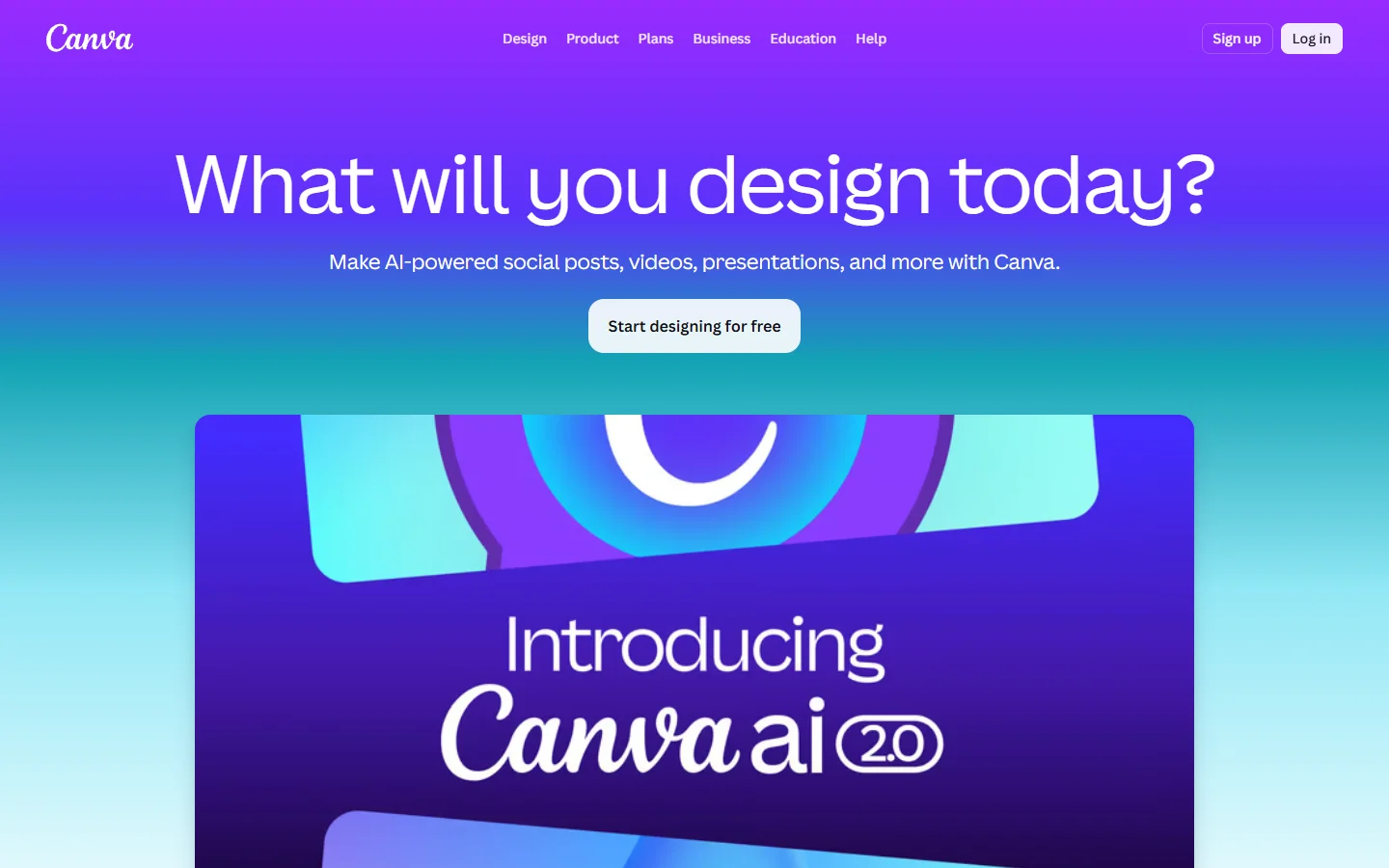
Canva is useful for turning existing media into a designed video with text, templates and animation. That route to creating polished video content differs from generating every frame with AI.
Free tier highlights:
- Free editing with your uploads and eligible free library assets
- Pro stock assets require a licence or subscription
- Canva AI's Create a Video Clip is listed for eligible paid and nonprofit plans
Best for: Social graphics and existing footage. Choose Free assets to avoid paid stock in a no-cost edit.
9. Synthesia
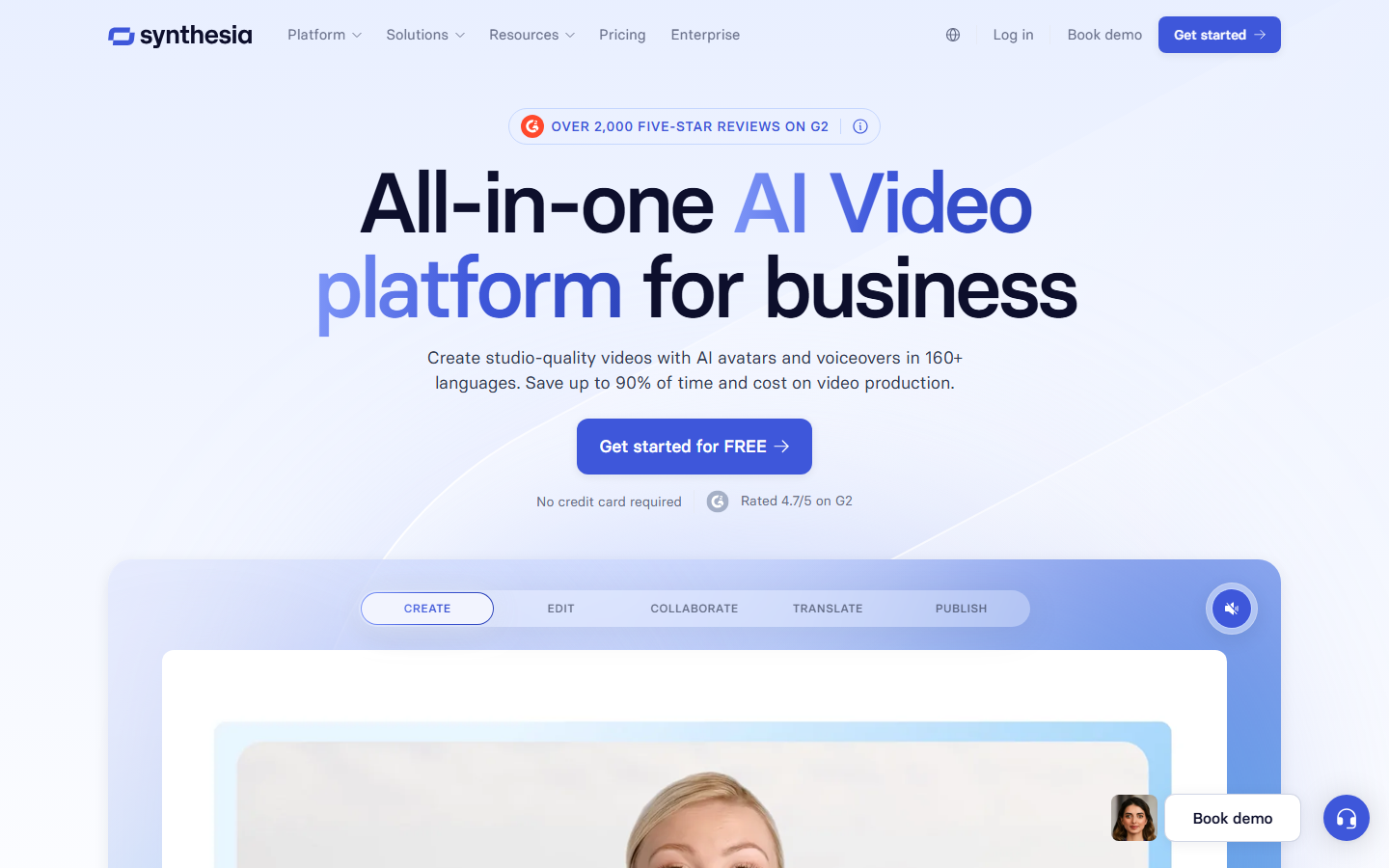
Synthesia helps develop scripts with AI-generated presenters. Creating a draft and downloading the video have different plan requirements.
Free tier highlights:
- Basic lists 1,200 shared credits per month
- Up to ten minutes of video when that allocation is used for video
- Downloads and logo removal are listed on paid Starter
Best for: Training-script drafts. Budget for a paid plan if you need an MP4 download.
10. CapCut
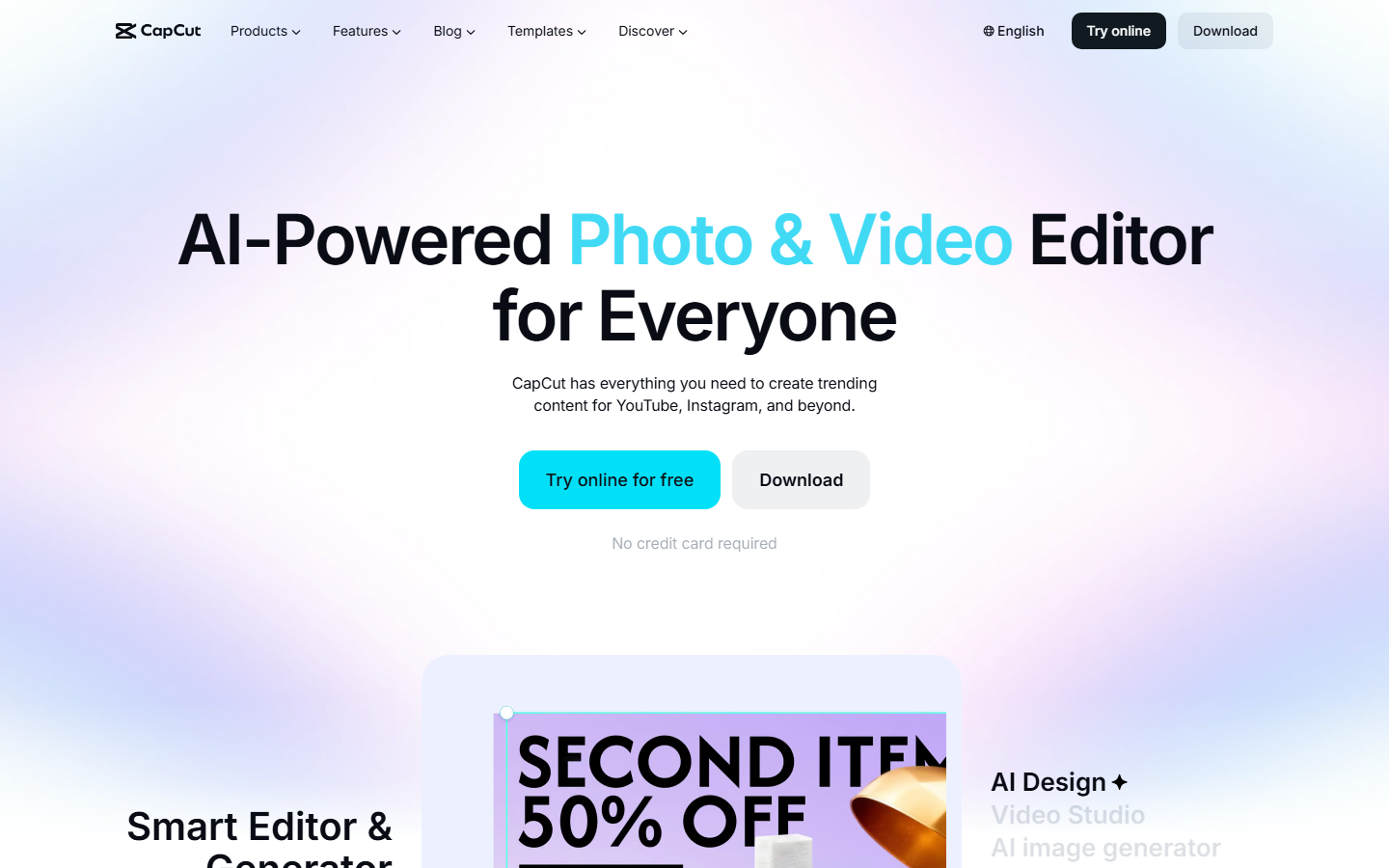
CapCut is practical for assembling existing footage into short-form videos. Its browser editor combines timeline tools, captions and effects; text-to-video templates are another way to begin.
Free tier highlights:
- Free online editing alongside paid features
- Captions, text, effects and audio tools
- Its official instructions begin with signing up or signing in
- Availability and export options depend on the selected features
Best for: TikTok, Reels and Shorts edits. Start with your own footage and free assets.
Comparison Table
| Tool | Free offer | Account or access | Main limit to know | Best starting point |
|---|---|---|---|---|
| Wireflow | Build workflows free; new accounts get a free video | Account | Paid plan and credits for more videos | A repeatable workflow |
| Kling AI | Current offer in account | Account | Allowance varies; no universal daily promise | A shot prompt or image |
| Pika | 0 monthly credits on Free; credit packs only | Account | Pika 2.5 at 480p on Basic | A short effect |
| Luma Dream Machine | Limited draft exploration | Account | Watermarked, personal use | A scene concept |
| Runway | 125 one-time credits | Account | Trial credits do not refresh | A model experiment |
| HeyGen | 3 videos/month | Account | Up to 1 minute; branded Free output | A presenter script |
| InVideo AI | Limited weekly credits | Account | Model and export conditions vary | A script or sequence |
| Canva | Free editing | Account-based workspace | AI clip generation has separate plan access | Existing media + template |
| Synthesia | 1,200 shared monthly credits | Account | Video download requires a paid plan | A presenter draft |
| CapCut | Free editing features | Sign-in in official instructions | Paid effects and export conditions vary | Existing footage |
How to Choose the Right Tool
Match the route to your input: a prompt, starting image or existing footage. For recurring AI-powered creative workflows, keeping the stages connected can reduce setup.
Begin with one short shot, format and intended use. Compare the full pricing, including rejected generations, when budgeting for paid production.
- Output volume: Separate one-time trial credits from recurring allowances.
- Content type: Presenter videos, cinematic scenes and product demos need different starting inputs.
- Resolution needs: Draft quality can be enough to test motion; confirm delivery resolution before building the final sequence.
- Watermarks and downloads: A preview is not always a downloadable, unbranded clip.
Your next step: Choose one short scene. For a reusable process, adapt the prompt in Wireflow's linked video workflow. Build the setup free; new accounts get a free video, then use a paid plan and credits for more generation.
FAQ
What is the best free AI video generator in 2026?
Pika suits short effects, Runway offers a one-time trial budget, and HeyGen suits presenters. Choose by your starting input and download requirements. None is a confirmed unrestricted no-sign-up option here.
Can I use AI-generated videos commercially?
Pika lists commercial use on Basic; Luma Free is for personal use. You also need suitable rights for uploaded faces, music, brands and stock assets. Generation access alone does not establish those rights.
Do free AI video generators add watermarks?
Pika lists watermark-free downloads. Luma Free includes watermarks, HeyGen charges for removal, and Canva's Pro stock can add a watermark for free users. Download access is a separate consideration.
How long can AI-generated videos be?
Duration depends on the model and allowance. A generated shot differs from a timeline assembled with multiple clips. HeyGen Free allows one-minute presenter videos; cinematic generators have their own duration limits.
What resolution can I get for free?
Pika 2.5 on Basic is 480p; Luma describes draft video access. Editors may export a larger canvas without improving the source. Compare the generation resolution and download resolution separately.
Is there an AI video generator with no sign-up?
No unrestricted anonymous generation-and-download route is confirmed for this list. Free plans generally use accounts, and CapCut's browser instructions begin with sign-in. No credit card does not mean no account.
Can I generate videos from images instead of text?
Yes. A starting image establishes composition, subject and style; a motion prompt describes what happens next. Access and cost depend on the model and plan. Begin with one short motion test.
How does AI video generation actually work?
A generative model creates frames from a prompt or supported reference. An AI-assisted editor may arrange existing footage instead. That is why generation credits, editing limits and finished video length measure different things.

Co-Founder & Operations at Wireflow
Runs client operations and content strategy at Wireflow. Works directly with creative teams and agencies to build production AI workflows.
- Content Strategy
- Client Operations
Make AI videos and ads.
Start free, no card needed.