 Andrew Adams · Co-Founder & Operations at Wireflow ·
 AI Trailer Maker
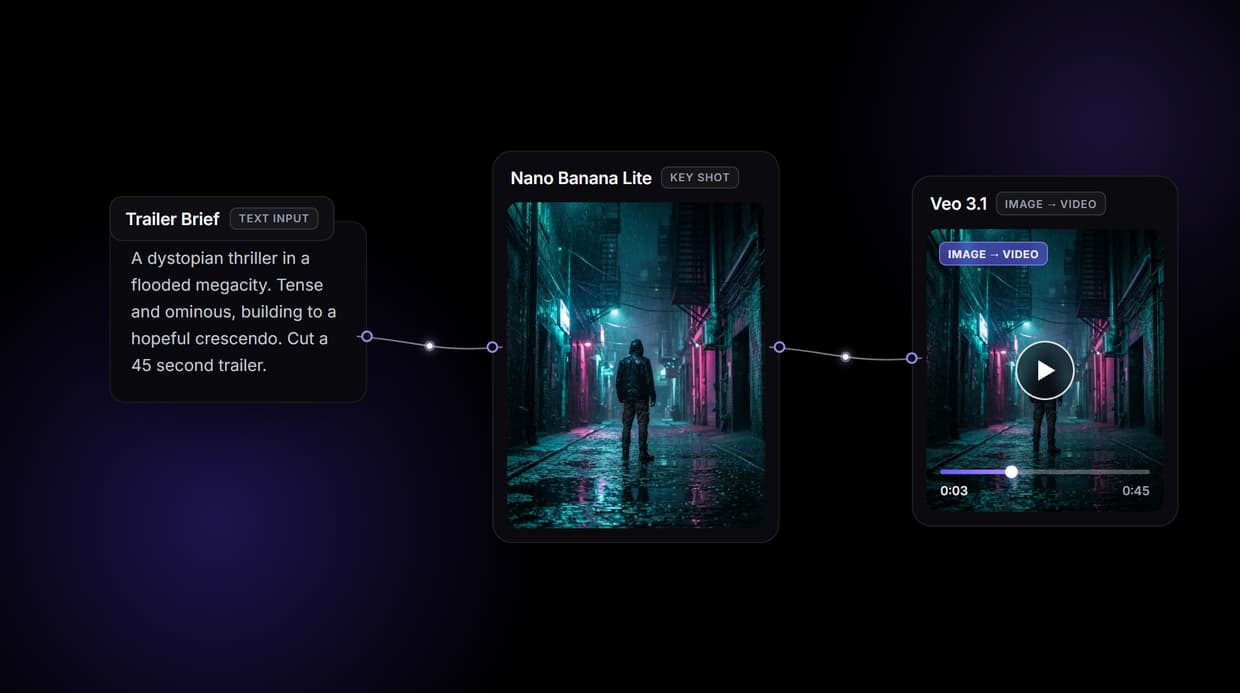
Wire one canvas that turns a trailer brief into a finished cut: a key shot, a hero shot animated by the video model you pick, a voiceover, and a score, all re-runnable and swappable.
Free to build · no credit card · See how it works ↓
How to Use AI Trailer Maker
Steps to get you started in Wireflow.
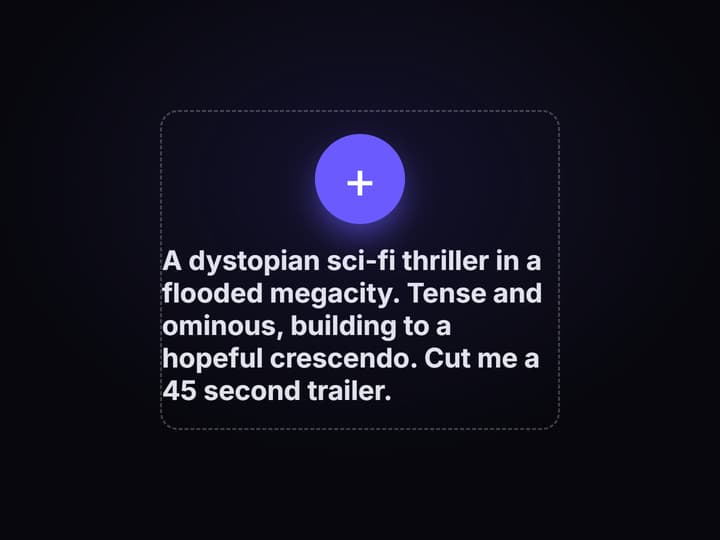
Write the trailer brief once
Drop a Text Input node and describe the project, the tone, and the beats you want. A Run any LLM node reads it and writes back a beat sheet and voiceover lines you can see on the canvas, so the direction lives in one place.
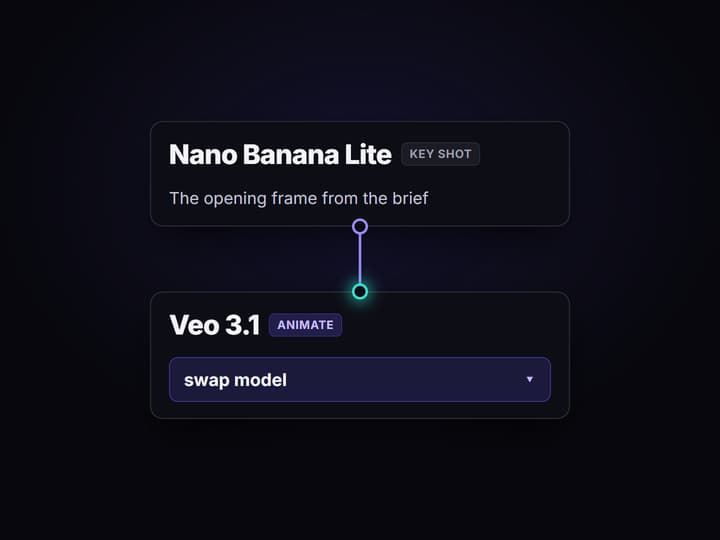
Wire the shot, the voice, and the score
Send a scene prompt into GPT Image 2.5 Flare for the key shot, feed that frame into Gemini Omni Flash 1.1 to animate the hero shot, run the narration into ElevenLabs TTS, and a music prompt into ElevenLabs Music. Swap Gemini Omni Flash 1.1 for Kling, Sora 2, or Seedance 2.0 without touching the rest.
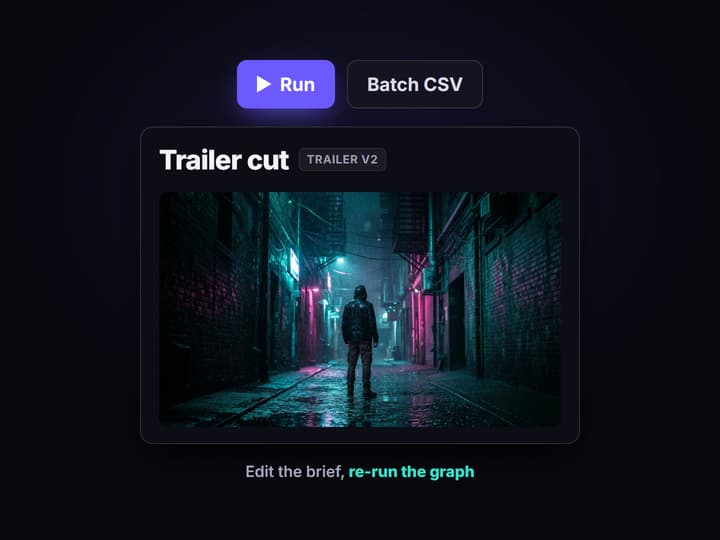
Assemble, re-run, or batch it
A Compose Video node cuts the shot, the voiceover, and the score into one trailer. Change the brief and run it again, or loop the graph over a CSV of titles to render a whole slate, then export the cut into your editor.
A trailer is a cut, not one clip
Most AI trailer tools hand you a single clip or an auto-cut of footage you already have, and hide the machine behind one brand name. You type a line, you get a video, and when you want the next beat to match, you are guessing at the same prompt again. The trailer was never built as a pipeline, so it never behaves like one.
An AI trailer maker has to solve the cut, not the shot. On Wireflow the cut is a node graph: one brief feeds the beat sheet, the key shot, the animated hero shot, the voiceover, and the score at the same time, on the same words. Nothing downstream has to remember what the trailer looked like, because the brief is still wired to it.
What the trailer graph produces
Beat sheet and narration
A Run any LLM node reads the brief and writes the trailer beats plus the voiceover lines, shown on canvas by a Text Display node.
Key shot
GPT Image 2.5 Flare renders the opening frame from the scene prompt, the anchor the hero shot animates from.
Animated hero shot
Gemini Omni Flash 1.1 turns the key shot into a moving clip, and Veo 3.1, Kling, Sora 2, or Seedance 2.0 drop in as swaps.
Voiceover
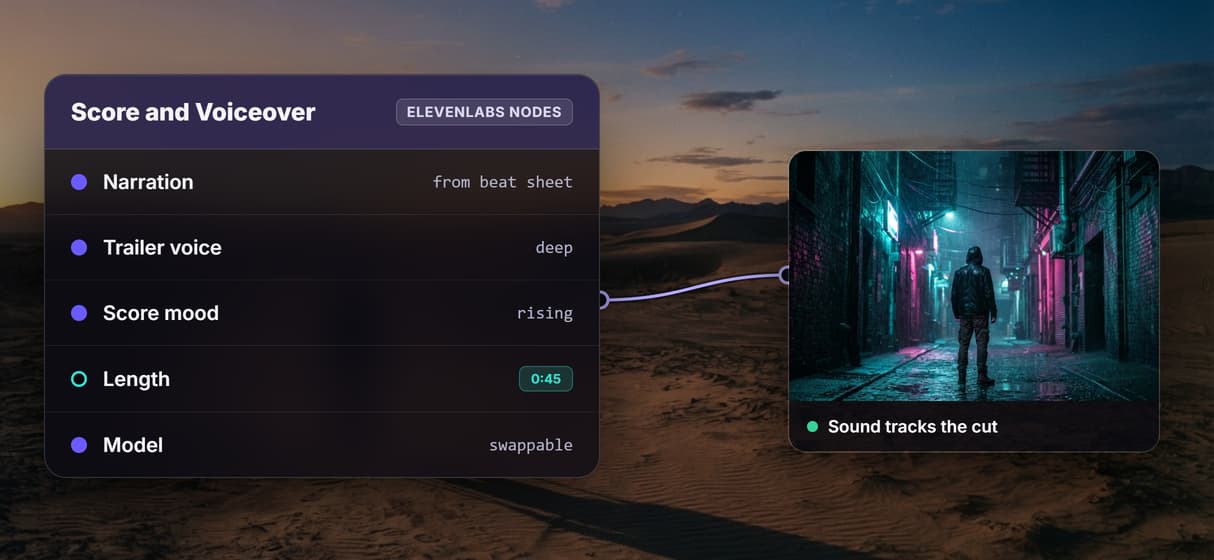
ElevenLabs TTS reads the narration in a trailer voice, wired straight to the script the LLM wrote.
Original score
ElevenLabs Music writes a rising cue for the cut, so the sound is made for the trailer, not pulled from a loop library.
Final cut
A Compose Video node assembles the hero shot, the voiceover, and the score into one trailer you export.
How the trailer graph is wired
The graph is small. Four ideas do all the work.
- One source of truth. A Text Input node holds the brief. Every other node reads from it, so the trailer exists in exactly one place on the canvas.
- A model per job. A Run any LLM node writes the beats, GPT Image 2.5 Flare renders the key shot, and a video node animates it. Picking the right model per step is the whole point of a multi-model AI workflow instead of one black box.
- Swap without rebuilding. The video node is just a node, so Gemini Omni Flash 1.1 comes out and a Sora video model alternative or Kling goes in, and the key shot, narration, and score stay wired.
- One cut at the end. A Compose Video node takes the animated shot, the voiceover, and the score and assembles the trailer, so the pieces arrive already timed together.
Finishing nodes hang off the end. Lipsync for a talking character and upscaling for delivery. None of it needs a GPU, because the whole canvas runs on hosted compute.
What it is, and what it is not
This generates and assembles the trailer, not the story. It will not write your screenplay, decide your plot, or judge which beat lands. Bring that, put it in the brief, and the canvas renders it. If you want an LLM node to draft a beat sheet from a logline, wire one in, but the creative call is yours.
Two more honest limits. This is not a frame-level timeline editor. It renders, voices, scores, and assembles a first cut, and you export it into your own editor for fine trimming, cross-fades, and title design. And it does not make a finished feature-length film in one click. It builds a trailer, reliably and re-runnably, which is what actually ships work.
If you want a one-button consumer app that promises a whole trailer from a sentence, that is a different product. If you want the pipeline behind the trailer, visible, swappable, and re-runnable, that is what this canvas is for.
More Than Just AI Trailer Maker
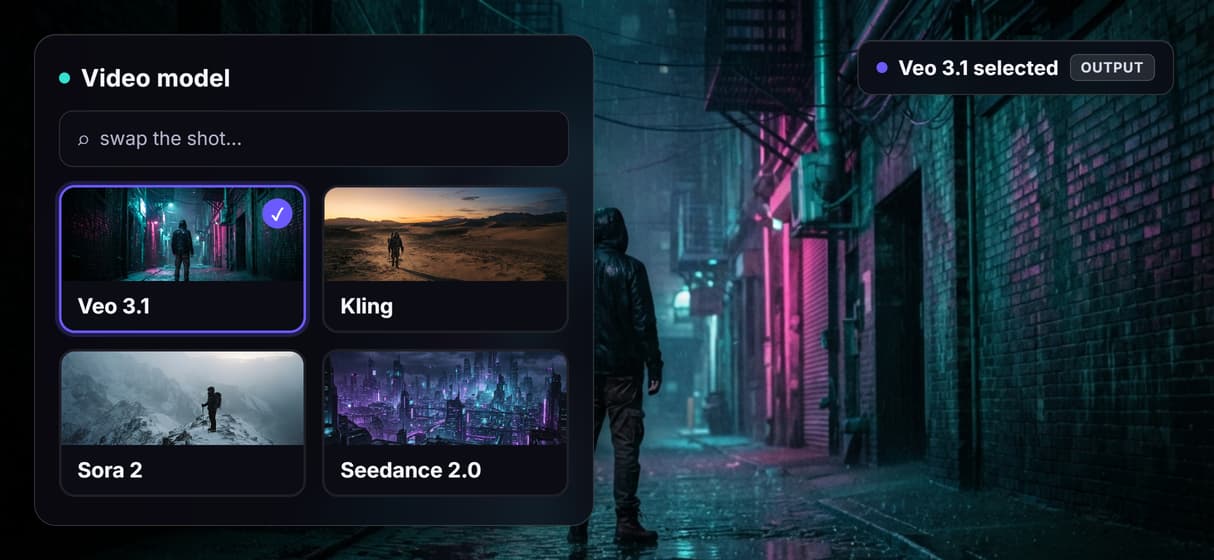
See and swap every video model
Pick each hero shot's video model as a node, Veo 3.1, Kling, Sora 2, or Seedance 2.0, and swap it without rebuilding the rest of the trailer graph.
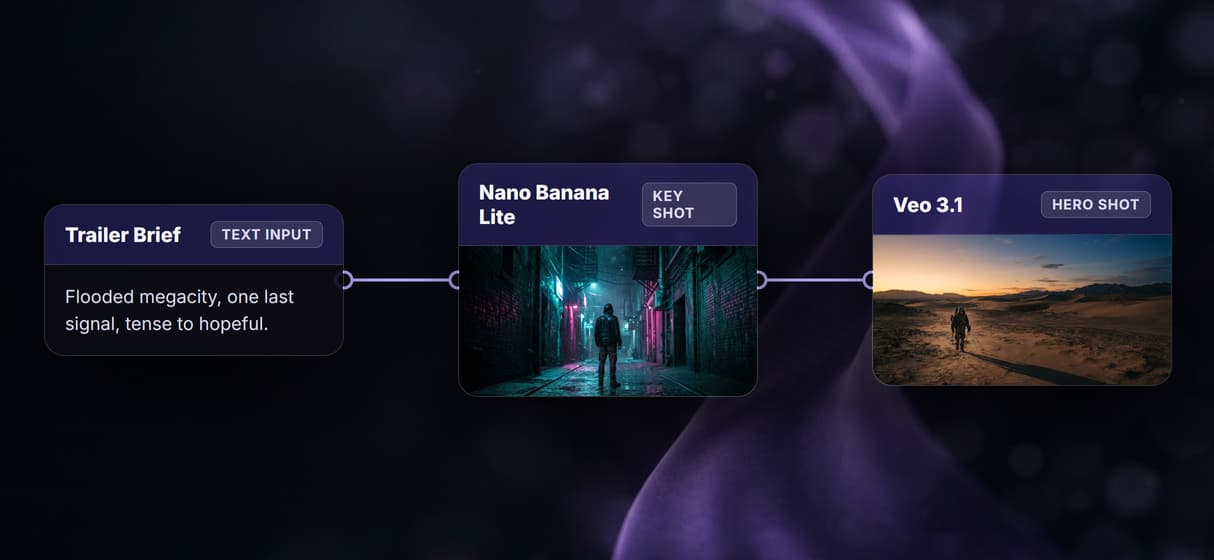
One brief, the whole trailer
One brief fans out to a key shot, the animated hero shot, a voiceover, and a score on one canvas, so the pieces are made together, not stitched on after.
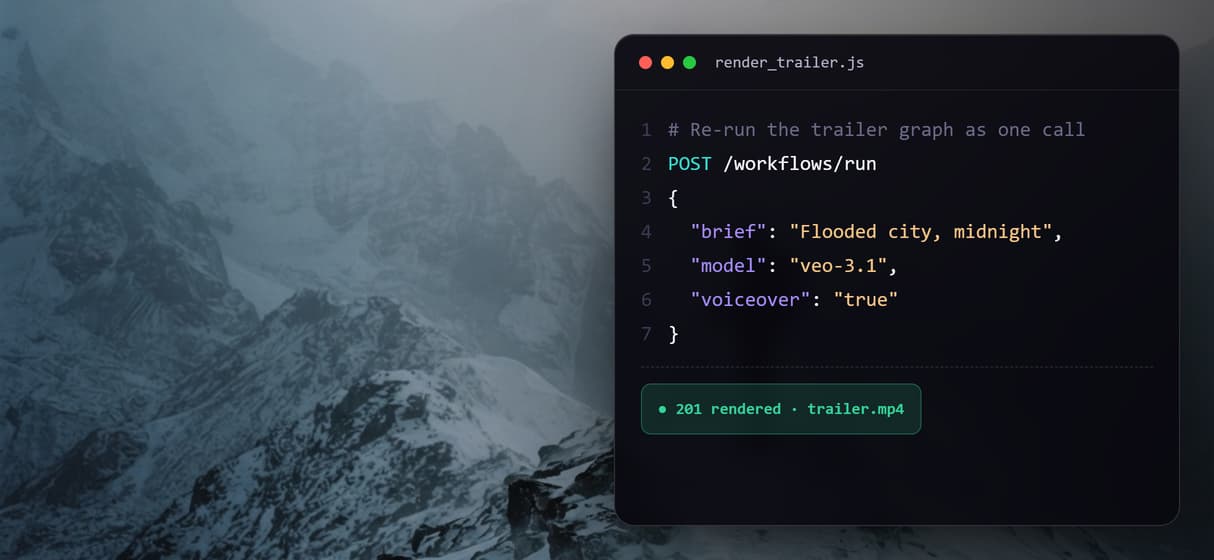
Re-run the trailer as one call
The graph is a saved REST endpoint and an MCP tool, so a fresh cut is a re-run with new inputs, not a project you rebuild by hand each time.
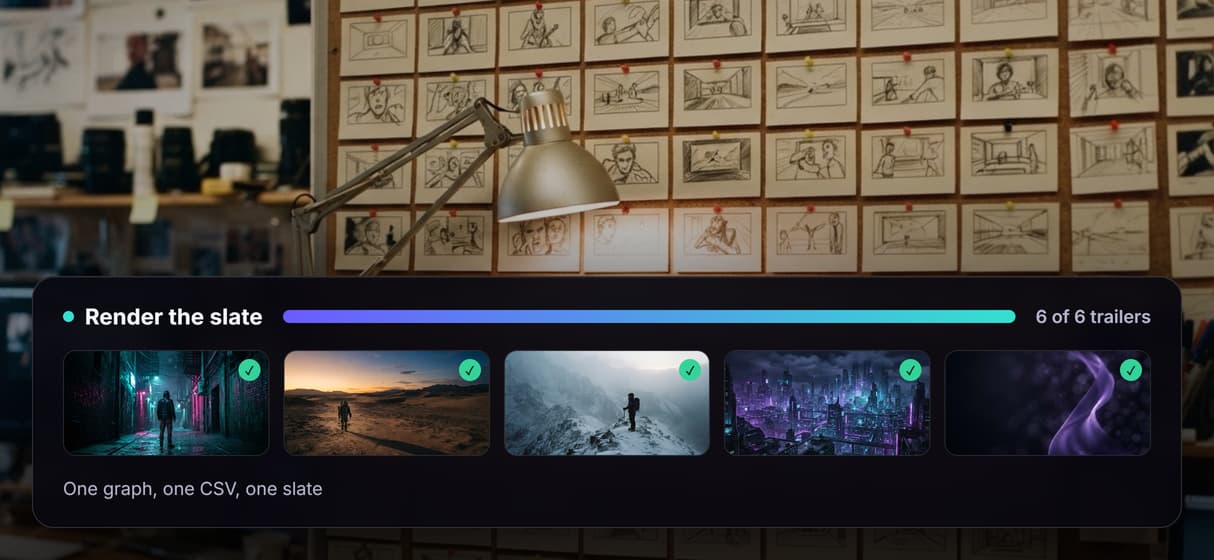
Batch a slate of trailers
Loop the one graph over a CSV of titles and loglines and it renders the whole slate, the batch trick agencies use to ship many cuts from one build.
Score and narrate to the beat
ElevenLabs Music writes a rising cue and ElevenLabs TTS reads the narration, both wired to the brief, so the sound tracks the cut instead of a stock loop.
Build Any AI Workflow
AI Models Integrated
Full Commercial License
FAQs
It is a tool that turns a written brief into a cut promo rather than a single clip. On Wireflow it is a node graph that produces a beat sheet, a key shot, an animated hero shot, a voiceover, and a score from the same brief, with the video model swappable per shot and a Compose Video node assembling the cut.
Discover related AI tools
More From Wireflow
Written by
Andrew Adams · Co-Founder & Operations at Wireflow
Runs client operations and content strategy at Wireflow. Works directly with creative teams and agencies to build production AI workflows.
Build your trailer pipeline on one canvas
Write the brief once, wire the key shot, the animated hero shot, the voiceover, and the score into a single graph, pick the video model per shot, then re-run or batch it whenever the cut changes. No GPU, no install, building the canvas is free.