 Andrew Adams · Co-Founder & Operations at Wireflow ·
 Kling AI Alternative for Reproducible Video Workflows
Keep Kling in the workflow, not at the center of your production stack.
Build the frame with GPT Image 2.5 Flare, animate it with Kling Video, assemble it with Compose Video, then swap the video node without rebuilding the graph.
Free to build · no credit card · See how it works ↓
How to Use Kling AI Alternative for Reproducible Video Workflows
Steps to get you started in Wireflow.
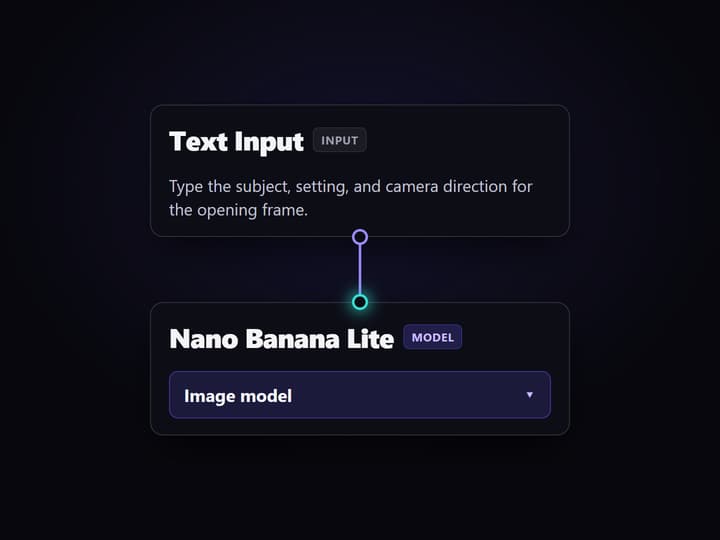
Describe the opening frame
Open the flow and edit Text Input with the subject, setting, and camera direction. GPT Image 2.5 Flare turns that brief into the product frame used by video.
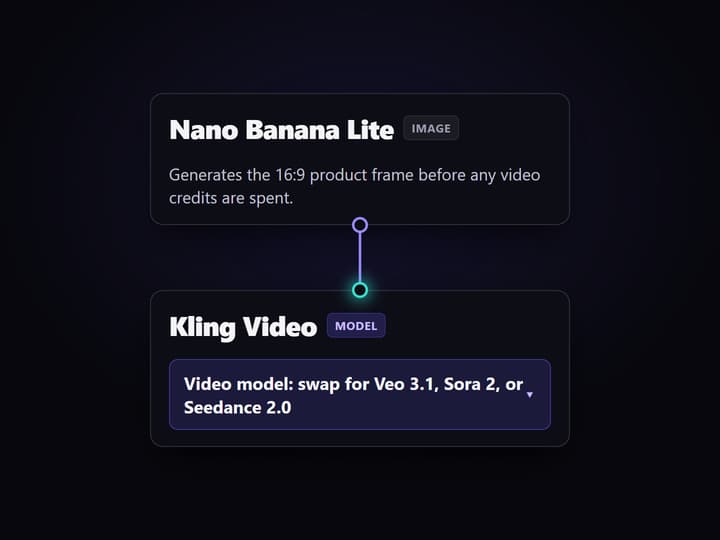
Choose the video node
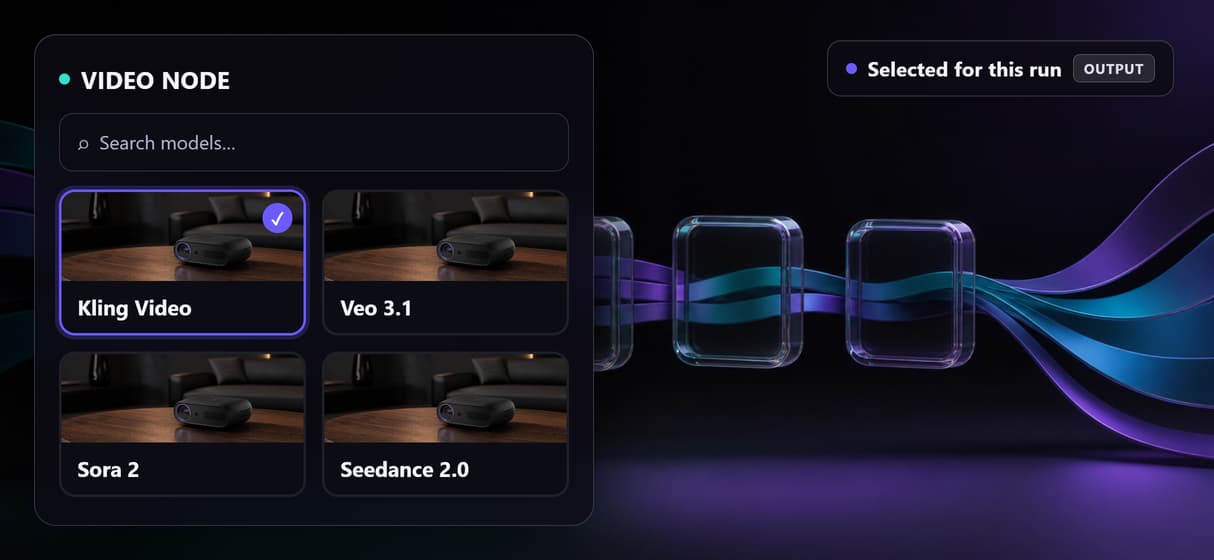
Keep Kling Video for this run, or replace that single node with Veo 3.1, Sora 2, or Seedance 2.0 while every other connection stays intact.
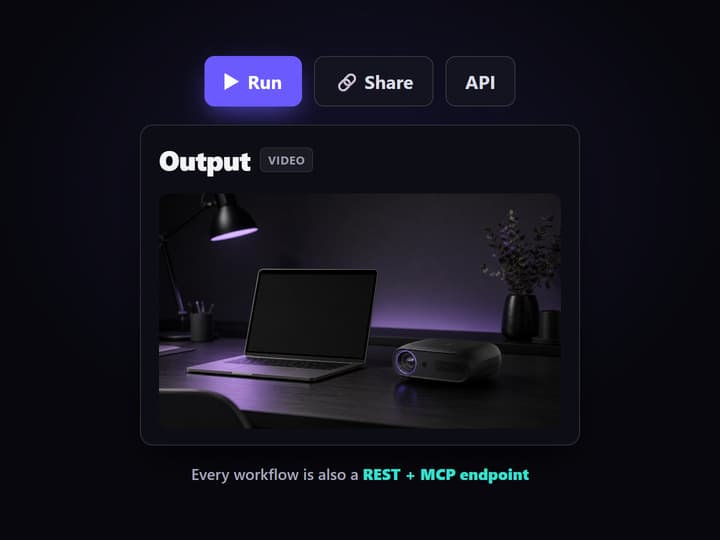
Run or call the graph
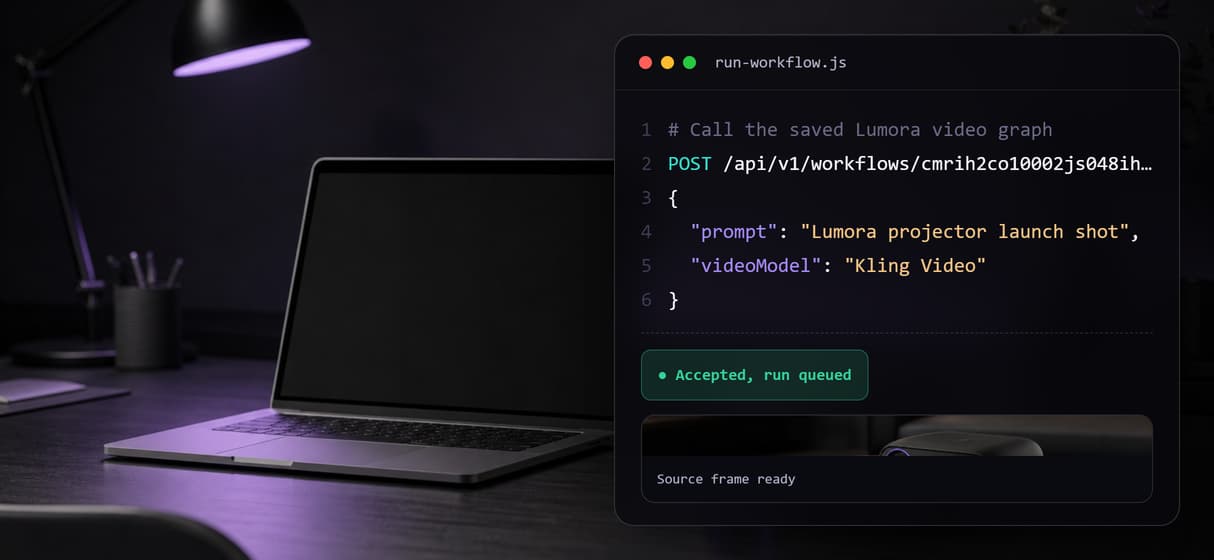
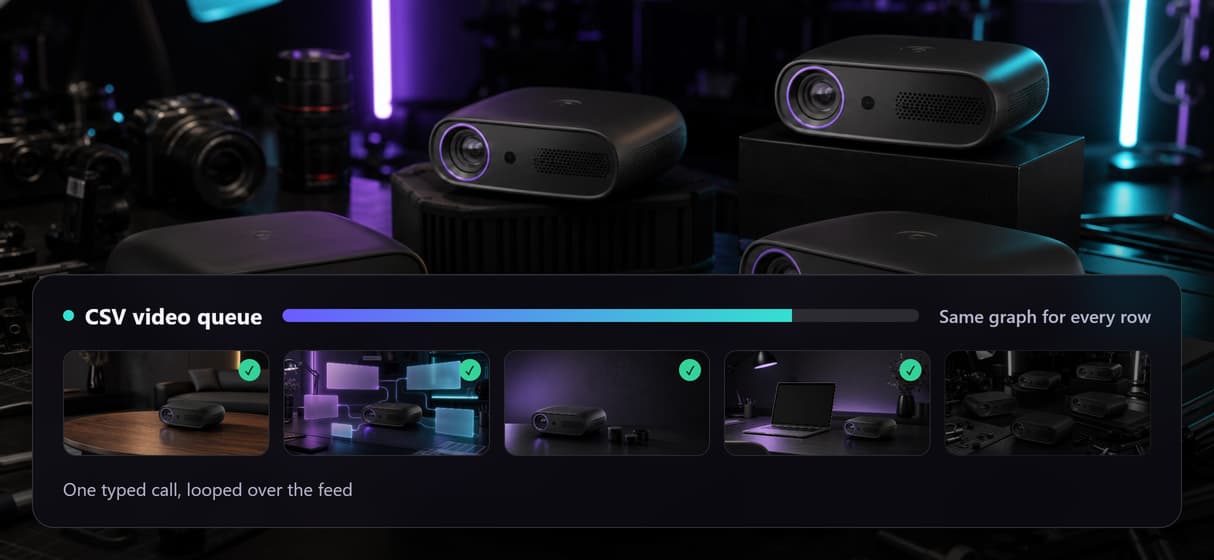
Run the saved canvas, publish it as a REST endpoint or MCP tool, or loop the same typed input over a CSV for repeatable production batches.
A Kling AI alternative that still runs Kling
Kling is a strong reason to build this workflow, not a reason to leave it behind. The friction starts when one model's standalone interface becomes the whole production system. Prompts, source frames, assembly, reruns, and downstream automation then live around one tool instead of inside one reusable graph.
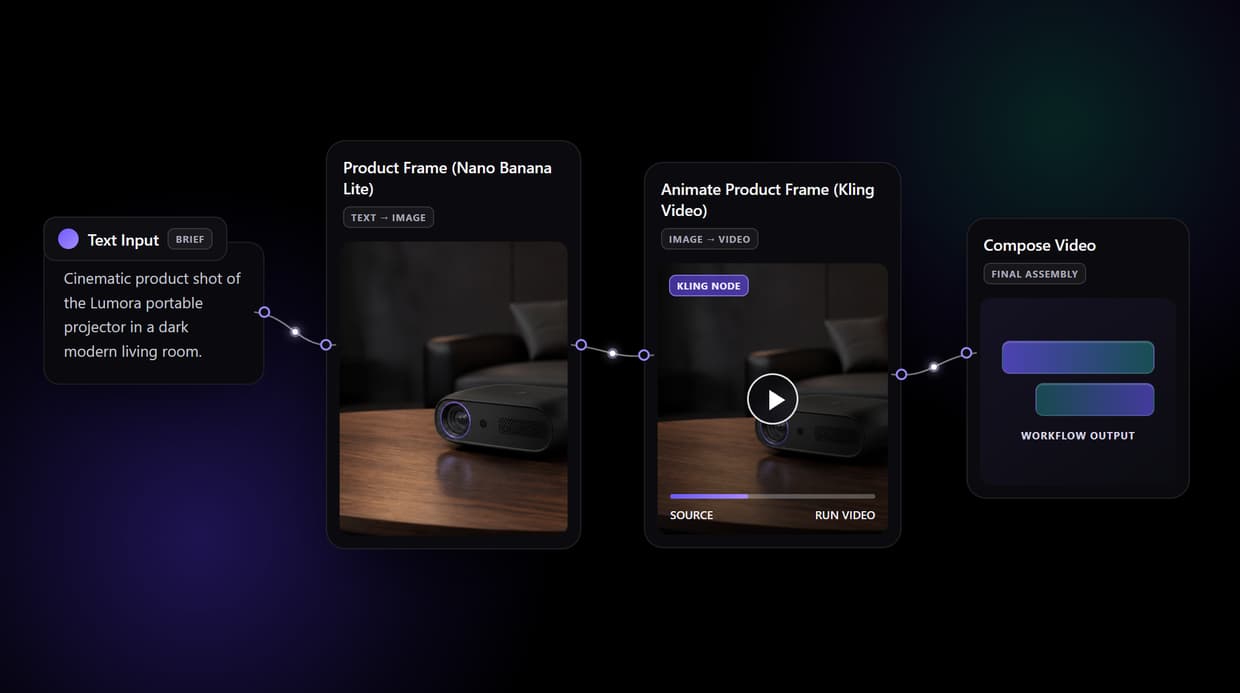
Wireflow changes the platform layer. The live Kling workflow on this page starts with Text Input, renders a product frame with GPT Image 2.5 Flare, sends that image into Kling Video, and routes the clip into Compose Video. Kling remains the video model; the saved canvas becomes the production asset.
What changes when the workflow is the product
One typed brief
Text Input stores the subject, setting, and camera direction that starts every run.
Frame before motion
GPT Image 2.5 Flare creates the 16:9 product frame before a video node spends credits.
Kling stays available
Kling Video animates the approved image inside the same visible graph.
Final assembly included
Compose Video receives the clip as the final assembly node in the shipped workflow.
Video node swaps
Replace Kling with Veo 3.1, Sora 2, or Seedance 2.0 without rebuilding upstream work.
REST and MCP
Publish once, then call the whole saved workflow from an app, agent, or CSV loop.
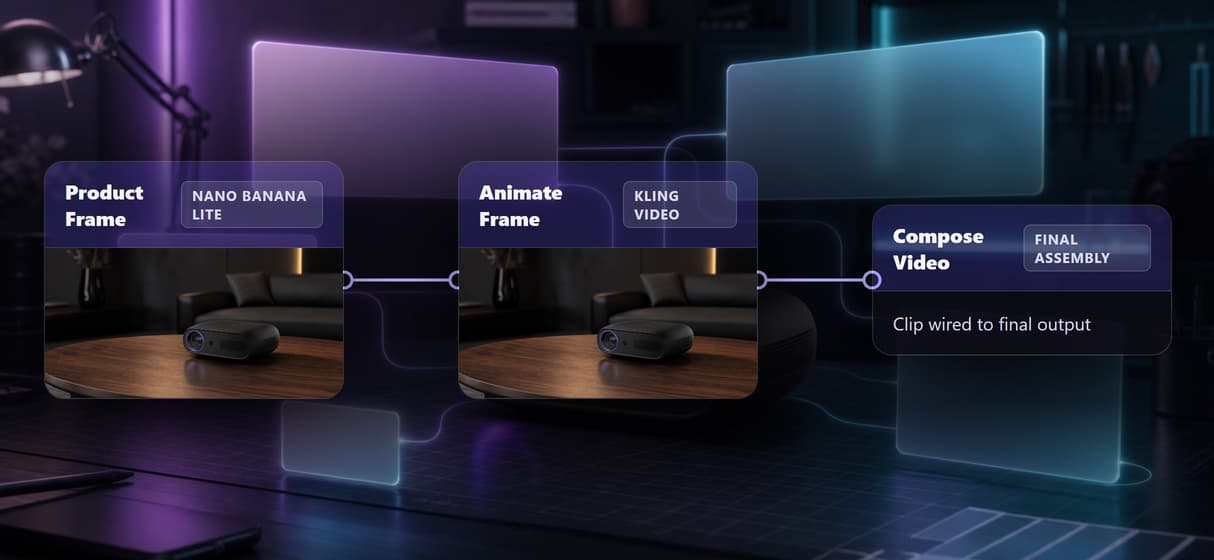
The four-node graph behind this page
The graph is deliberately small and honest. Text Input feeds Product Frame (GPT Image 2.5 Flare). That image feeds Animate Product Frame (Kling Video). Its future clip output is already wired into Compose Video, the final assembly node. A sticky note names every model and explains that the Kling node can be swapped for Veo 3.1, Sora 2, or Seedance 2.0.
The image node has been run so the live flow opens with a real frame. The two video nodes ship ungenerated because video runs spend more credits and should be an explicit choice. This is the same rule used across a reusable AI video pipeline: inspect the graph first, then run the expensive hop you actually want.
Swap the model, keep the operational surface
A model swap should not force a rebuild of prompt intake, source-image creation, assembly, or calling code. On this canvas, the video model is one node between the approved frame and Compose Video. Replace that node, reconnect the same ports, and save a new workflow version.
The surrounding operational surface stays consistent: share the graph by link, call the published workflow as a REST endpoint or MCP tool, and loop one typed call over a CSV. That is the practical difference between comparing generators and adopting a programmatic video generation platform.
When Kling's own app is the better choice
Use Kling's own app when you only need Kling, want its newest features on the day they appear, and have no need for a reusable multi-model workflow, REST endpoint, MCP tool, or CSV-driven batch. A canvas adds little when every job begins and ends inside one model's interface.
Wireflow is also the generation layer, not a reasoning brain or editing team. It does not write the creative strategy, run offline, load local checkpoints, or provide custom Python nodes. Every generation spends credits. Choose it when the graph, version history, model swaps, and programmatic access are worth managing alongside Kling Video workflows.
More Than Just Kling AI Alternative for Reproducible Video Workflows
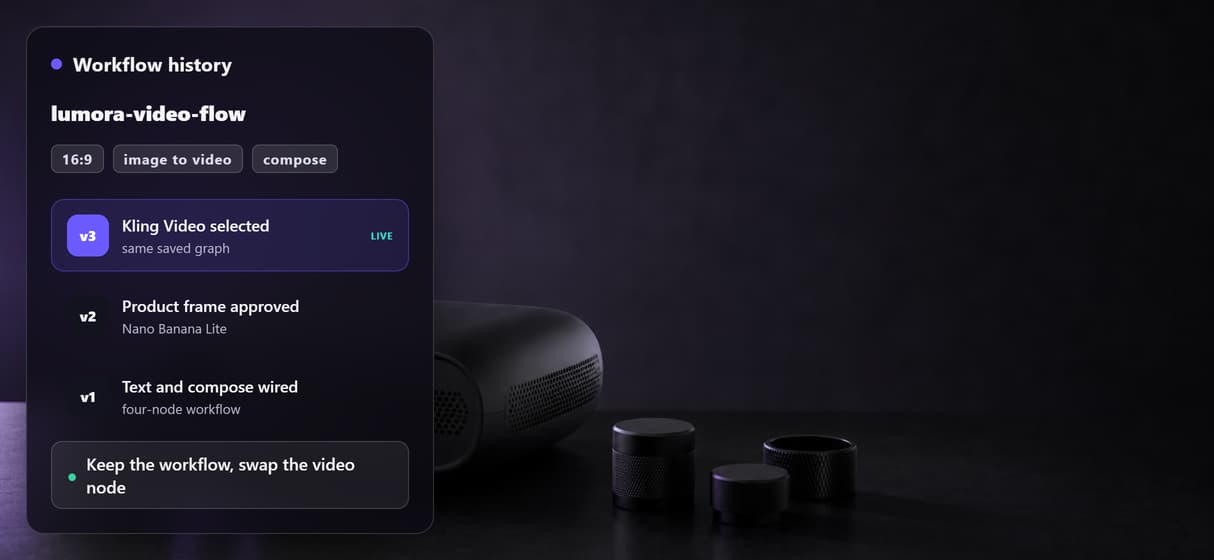
Keep Kling, lose lock-in
Run Kling inside a saved AI video workflow, then swap its node without rebuilding the graph.
Chain the whole production
Wire text into GPT Image 2.5 Flare, Kling Video, and Compose Video on one node video graph.
Swap models in place
Replace Kling with Veo 3.1, Sora 2, or Seedance 2.0 while the surrounding video pipeline stays put.
Call one saved workflow
Publish the graph as a REST endpoint or MCP tool, so apps call the same workflow API.
Loop it over a CSV
Loop a CSV row through one saved graph, keeping every batch on the same video platform.
Build Any AI Workflow
AI Models Integrated
Full Commercial License
FAQs
Yes. The live workflow uses Kling Video as its image-to-video node. The alternative is the surrounding platform: Kling runs inside a saved canvas alongside image generation, final assembly, versioning, REST access, and MCP access.
Discover related AI tools
More From Wireflow
Written by
Andrew Adams · Co-Founder & Operations at Wireflow
Runs client operations and content strategy at Wireflow. Works directly with creative teams and agencies to build production AI workflows.
Open the Kling workflow, then make it yours
Inspect the real frame, keep Kling Video or swap the model node, and run the graph when you are ready. The same saved workflow can then serve your app through REST, your agent through MCP, or a production batch through a CSV loop.